A:AnswerNo. According to Sony's website (just do an Internet search and you'll find it):
Questions & Answers:
Can I install the Disney+ app on my Blu-ray Disc player?
No, the Disney+ app isn't supported on Blu-ray Disc™ players.
Can I add or remove apps on Blu-ray Disc players?
Apps cannot be added or installed to the Blu-ray Disc™ player, and they cannnot be removed or uninstalled. Only apps that are preinstalled on your player can be used. The VEWD TV Store (formerly Opera TV Store)
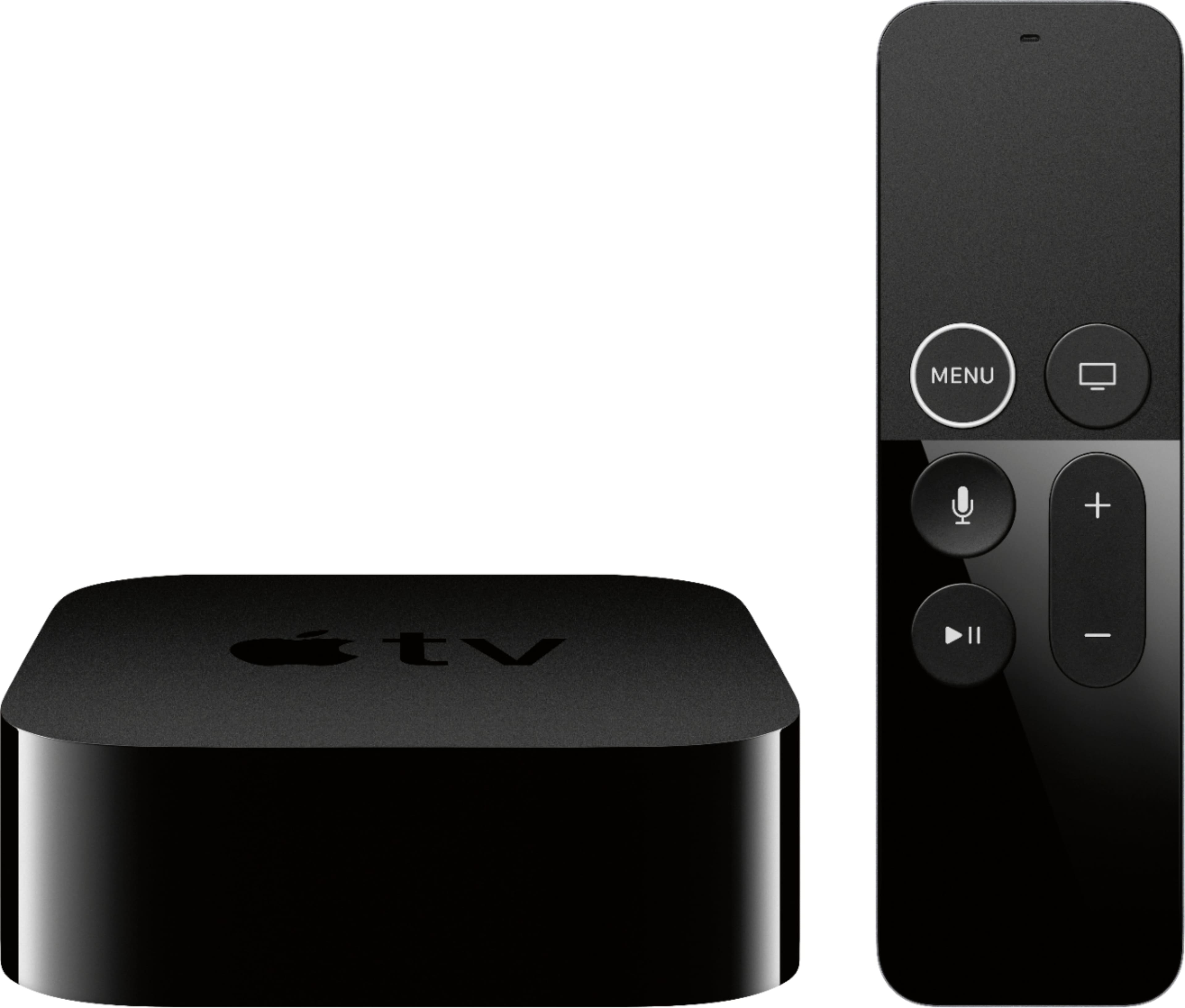
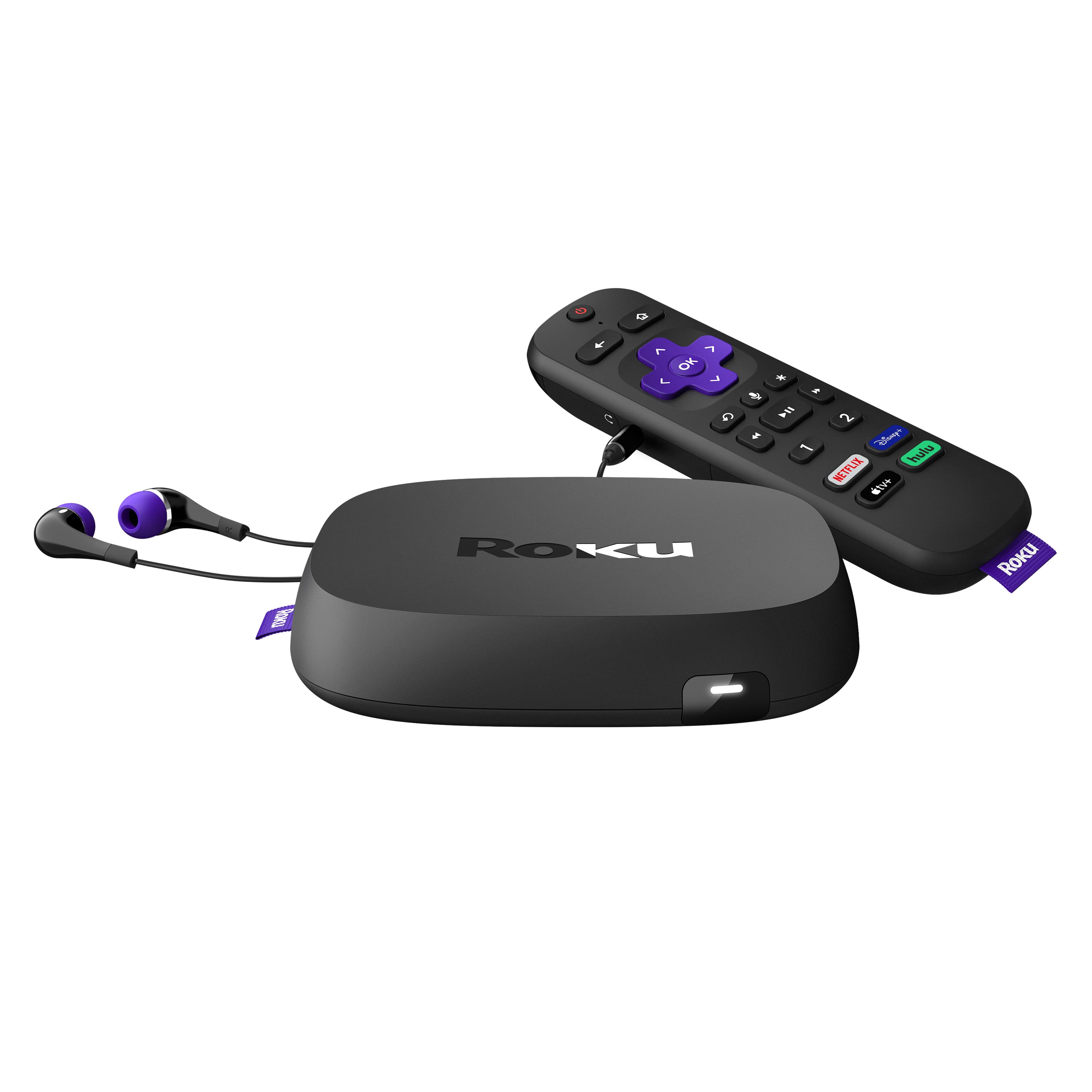
You could still buy this for playing DVD and Blu-ray discs, and get a cheap Amazon Firestick, or Roku, or a more expensive Apple TV device to watch Disney+ assuming you have more than one HDMI input on your TV or Audio/Video Receiver.
A:AnswerNo. According to Sony's website (just do an Internet search on the model number and you'll find it):
Questions & Answers:
Can I install the Disney+ app on my Blu-ray Disc player?
No, the Disney+ app isn't supported on Blu-ray Disc™ players.
Can I add or remove apps on Blu-ray Disc players?
Apps cannot be added or installed to the Blu-ray Disc™ player, and they cannnot be removed or uninstalled. Only apps that are preinstalled on your player can be used. The VEWD TV Store (formerly Opera TV Store)
You could still buy this for playing DVD and Blu-ray discs, and get a cheap Amazon Firestick, or Roku, or a more expensive Apple TV device to watch Disney+ assuming you have more than one HDMI input on your TV or Audio/Video Receiver.
A:AnswerThe best way I can answer your question is since purchasing this DVD player, I tried to do the exact same thing to add apps that I like and you cannot let someone knows another way. I tried to add other apps only. The ones that come with the DVD player are the ones that seems are the only ones you can use