A:AnswerHi there, Thanks for the question. For specific details on return policies, including timeframes, conditions and procedures, kindly reach out to your dealer. Return policies may vary depending on the product, manufacturer and individual dealership.
Thanks, and regards,
-Craig
A:AnswerHi Jeshua, Thanks for the inquiry.
The UBP-X700M is a Blu-ray Disc player and does not support streaming PlayStation games directly. To stream PlayStation games, you would need a device that supports the PlayStation Now app, such as certain models of Sony BRAVIA TVs or other compatible devices. The UBP-X700M does not have this capability. If you want to stream PlayStation games, you might consider using a PlayStation console or a compatible smart TV that supports the PlayStation Now service. Hope this helps. Regards, -Craig
A:AnswerHi Rooney, Thanks for the inquiry.
To connect your Sony UBP-X700/M Blu-ray player to a Sony TV, follow these steps:
1) Use a high-speed HDMI cable to connect the HDMI OUT port on the UBP-X700/M to an HDMI IN port on your Sony TV. Ensure the TV is set to the correct HDMI input to which the Blu-ray player is connected.
2) Turn on both the Blu-ray player and the TV. If this is the first time you are using the Blu-ray player, follow the on-screen instructions to complete the initial setup, which may include selecting the language, setting up the network, and updating the firmware if necessary.
3) If you are using an external sound system, connect the Blu-ray player to the sound system using an HDMI cable or an optical audio cable, depending on your setup.
For streaming services, ensure the Blu-ray player is connected to the internet via Wi-Fi or an Ethernet cable.
Hope this helps, Regards, -Craig
A:AnswerHi Cris, Thanks for the inquiry. As it turns out, the UBP-X700/M does not support HDMI 2.1 If you need a device with HDMI 2.1 features, you may visit our website to check other models. -Craig
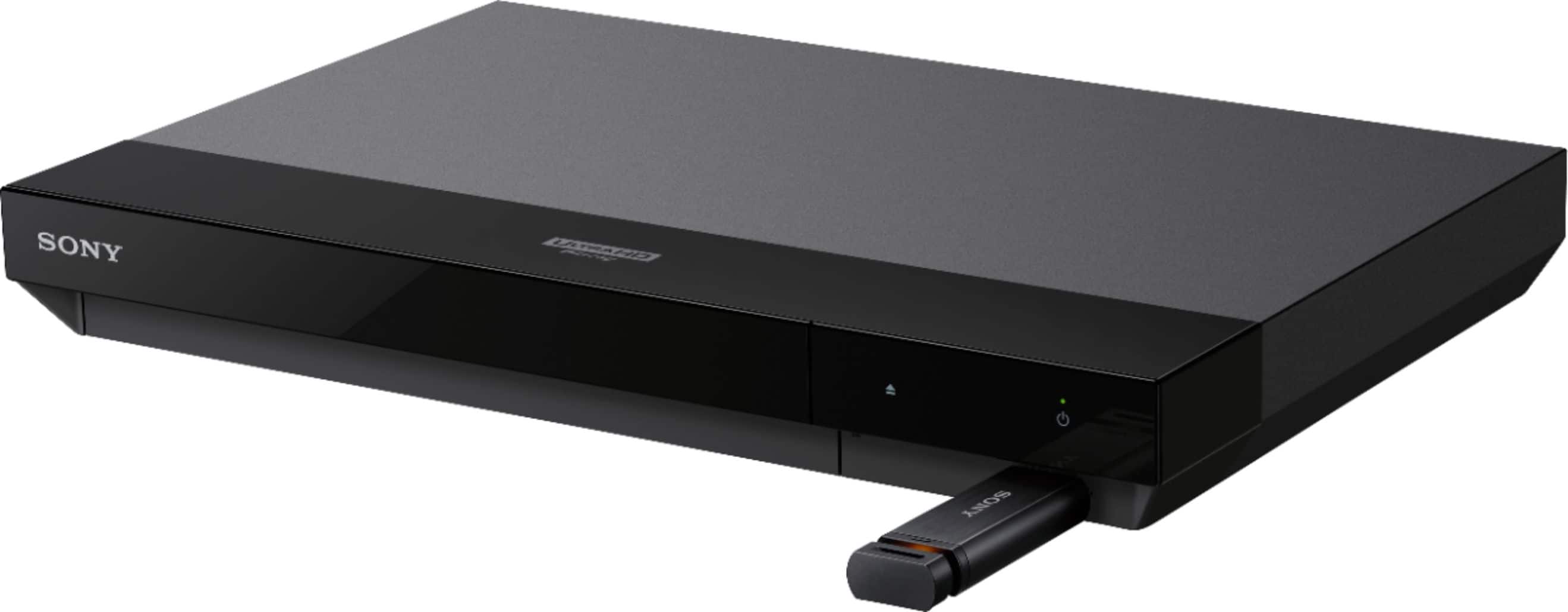
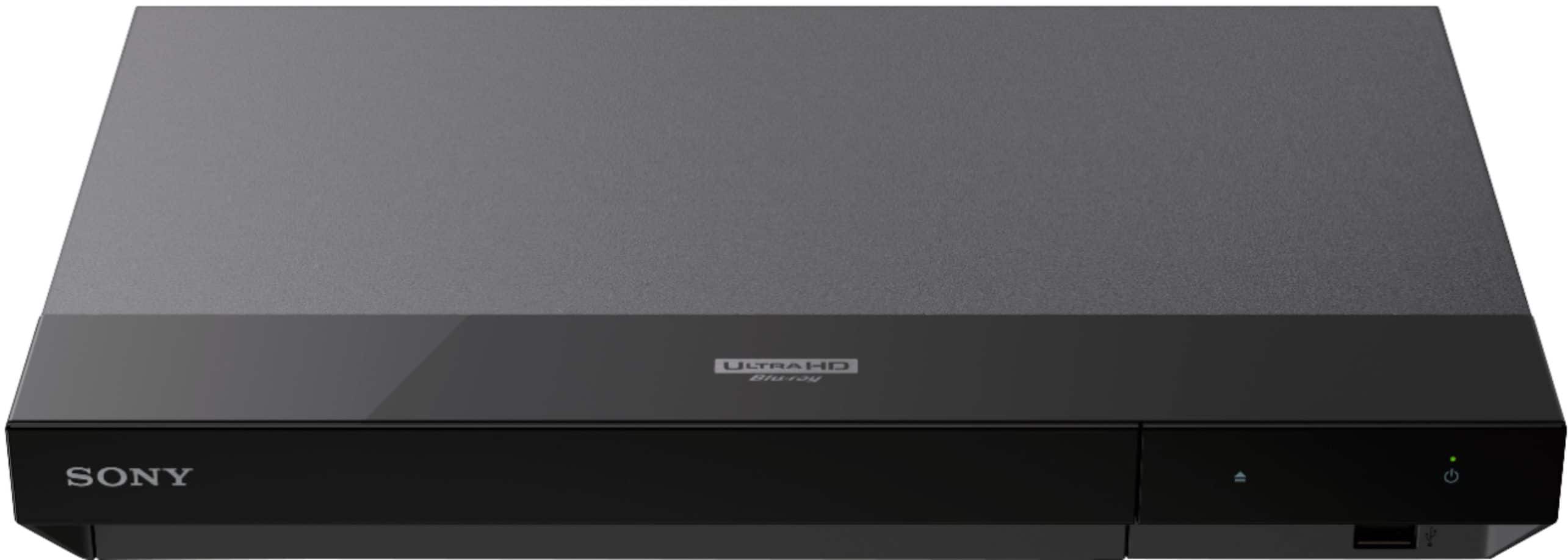
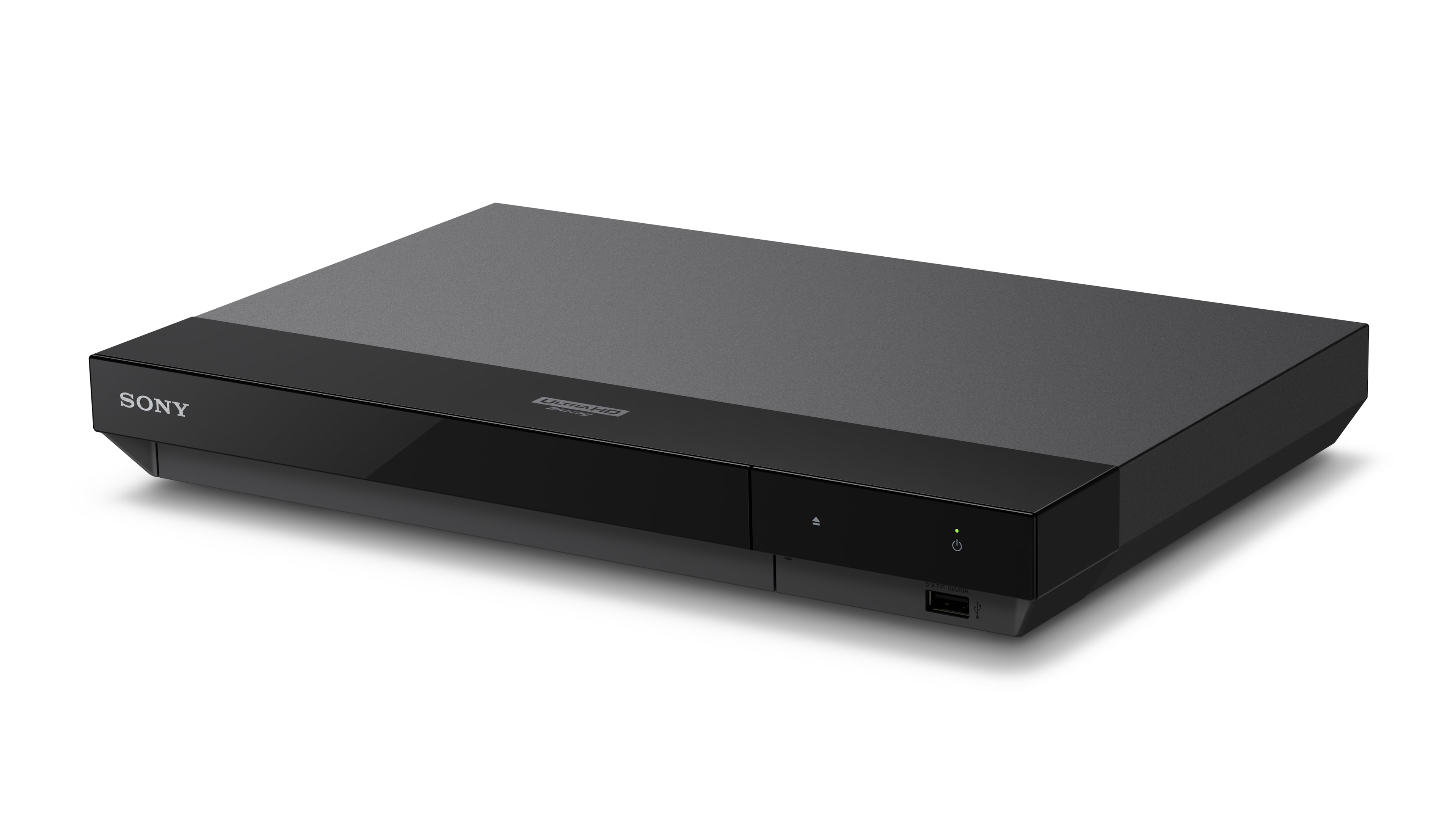
A:AnswerHi rick, Thanks for the question. The UBPX700/M 4K Blu-ray player is designed to be connected to a TV, monitor or to a projector using an HDMI cable. Unfortunately, you cannot connect the player to a computer to watch your movies. The UBP-X700 4K Ultra HD Blu-ray™ player delivers the impeccable clarity of 4K and stunning detail of High Dynamic Range. Get the best seat in the house and lose yourself in incredible picture quality and advanced surround sound. Play almost any media disc, or stream 4K content from your favorite streaming services. Regards, -Craig
A:AnswerI don’t know about the vibrations, but mine does make a noticeable whirring sound when a disk is in and playing. The unit is very very light so my guess is the vibrations are due to the power of the motor and the light mass of the entire DVD player. If this is a problem, I would return it however, if you’re having no problems, I would keep it, or I would inquire, if you should have it replaced. Sorry, I’m not more help.
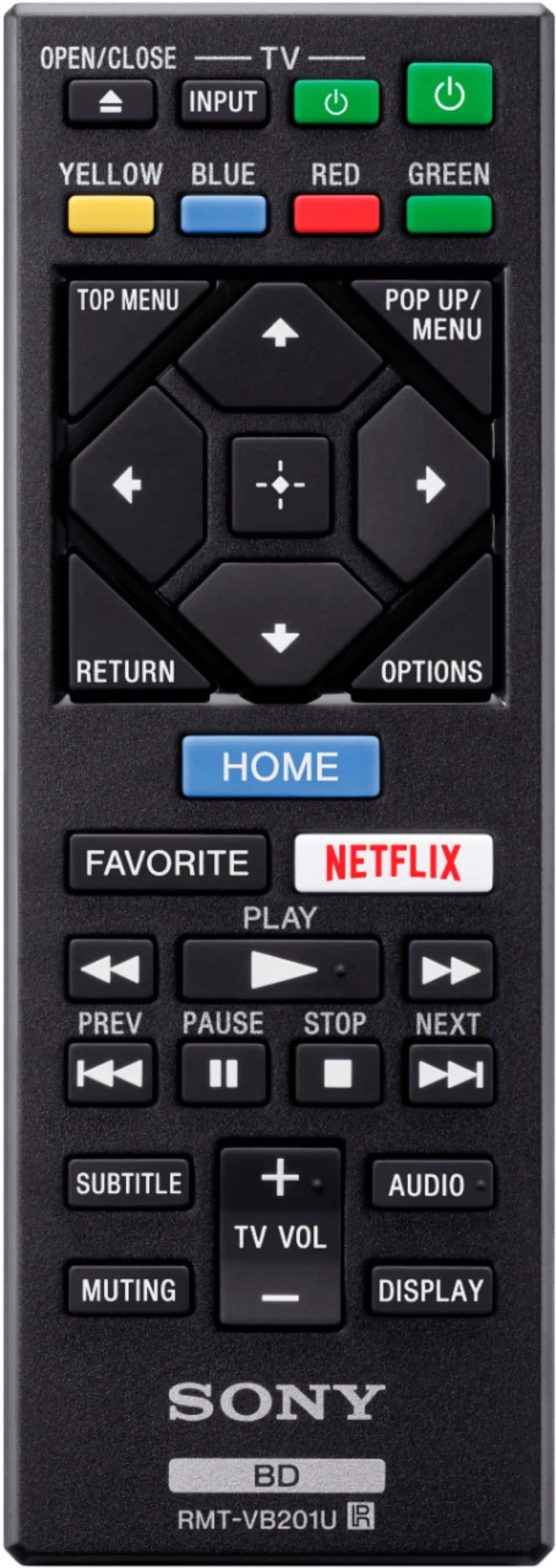
A:AnswerThat I can see in the manuals it doesn’t have zoom function that I can see. You would have to call Best Buy technician to tell you if there is for this kind of 4K Sony VCR I looked it in. I didn’t see anything like that. Please consult Best Buy technicians.
A:AnswerNo. This is region locked to region A only. 100%. I have this player and Region free player and have tested. The only way is if your dvd/ bluray itself is Region free meaning it says so on packaging. This player is not region free. "Region A" only. I assure you. So, no. Only plats Region A ,usa discs.
A:AnswerI am astounded that they didn't know - Best Buy sells them. Yes, you need an external converter to go from HDMI to RCA audio inputs. Search for "hdmi to rca audio video adapter" within Best Buy. $40 - $50 each. They can also be found at other online retailers for less money. ;) JRJ