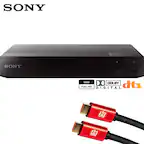
A:AnswerHi, Helicon, You cannot just disable the WiFi if you already set it up. To use the wired connection instead, you may reset the player to factory settings, and repeat the setup process, select wired instead of wireless on the network setup. -Vincent

A:AnswerIt does have wireless connectivity for streaming apps. You can run this as far from your TV as your longest HDMI cable allows. Though I wouldn’t run longer than 25 feet without special cables meant for the job.
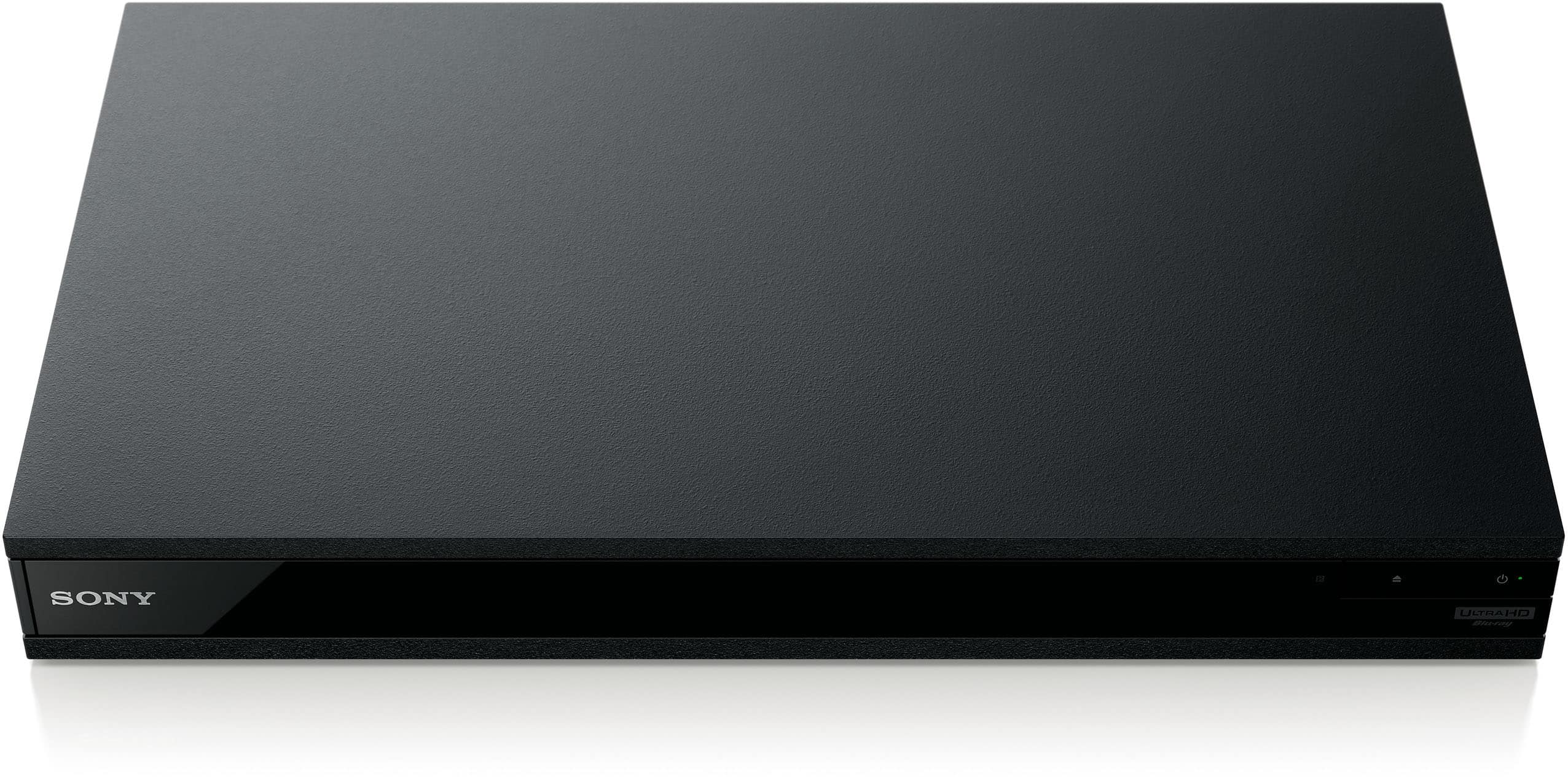
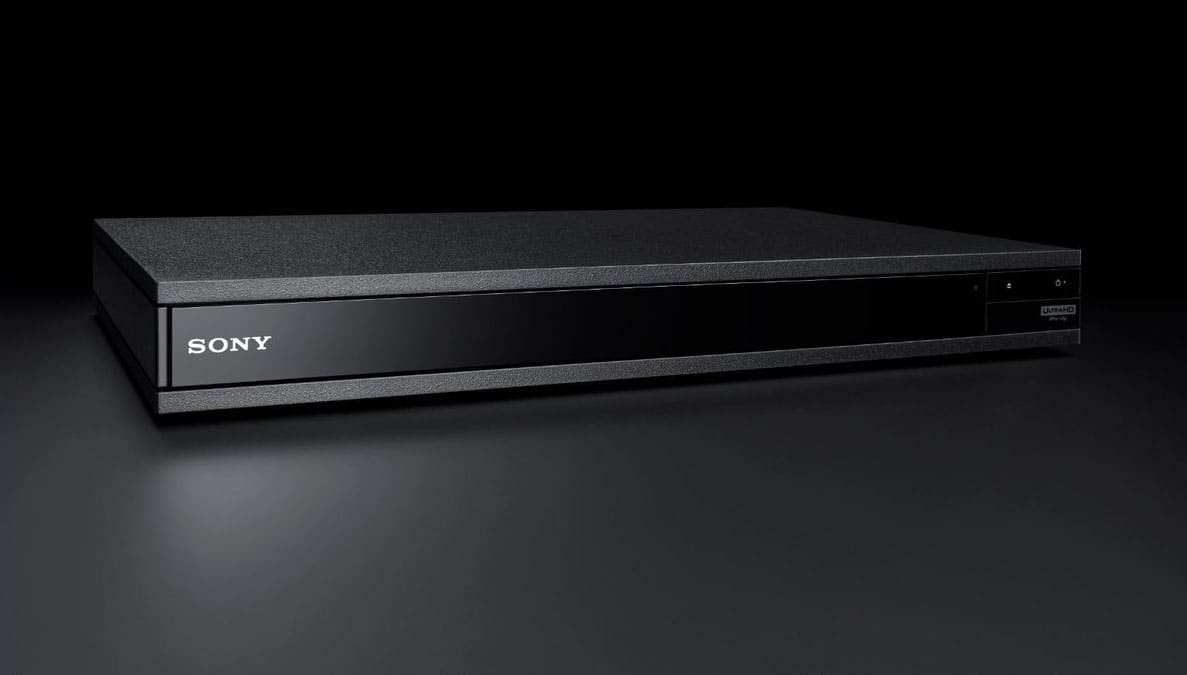
A:AnswerThis Blu-ray player has two HDMI outs, one for audio and video and one for just audio. If your current setup has an HDMI in you could pass through just the audio to your home theater and connect directly to your tv for video.
A:AnswerIf you can't input HDMI to your DAC, you need to get a DAC or AVR with HDMI input, or a different Bluray player. I have a Yamaha RX-V385 with DSD decoding.
A:AnswerHi, Fire!
Thank you for your interest in our SONY products! This unit does not have a browser. It has pre-installed apps like Netflix and Youtube.
~Earl