A:AnswerHi PairMe,
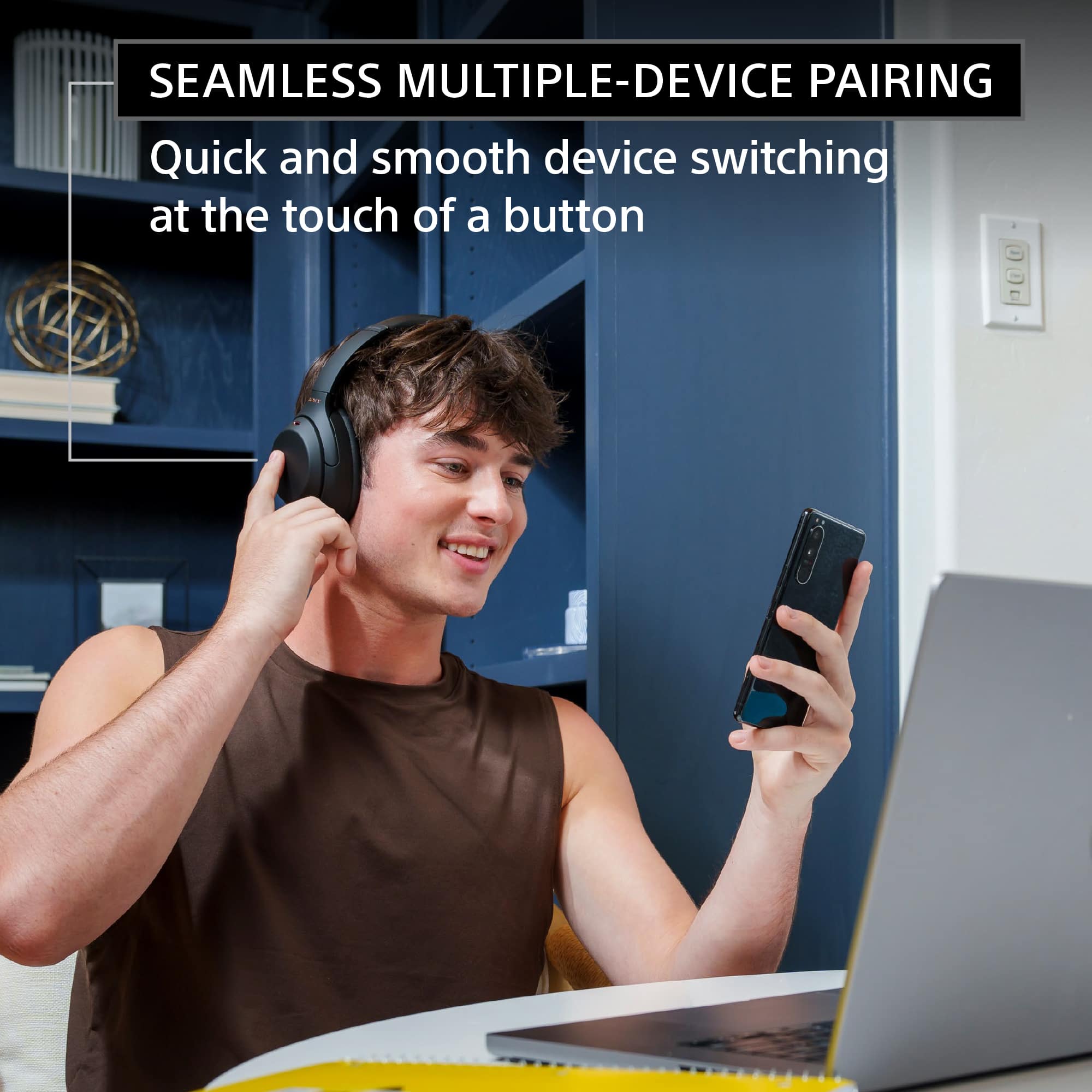
Thanks for your inquiry. You can pair these Bluetooth headphones with a TV that supports A2DP (Advanced Audio Distribution Profile) Bluetooth profile. You may want to check the specifications of the TV.
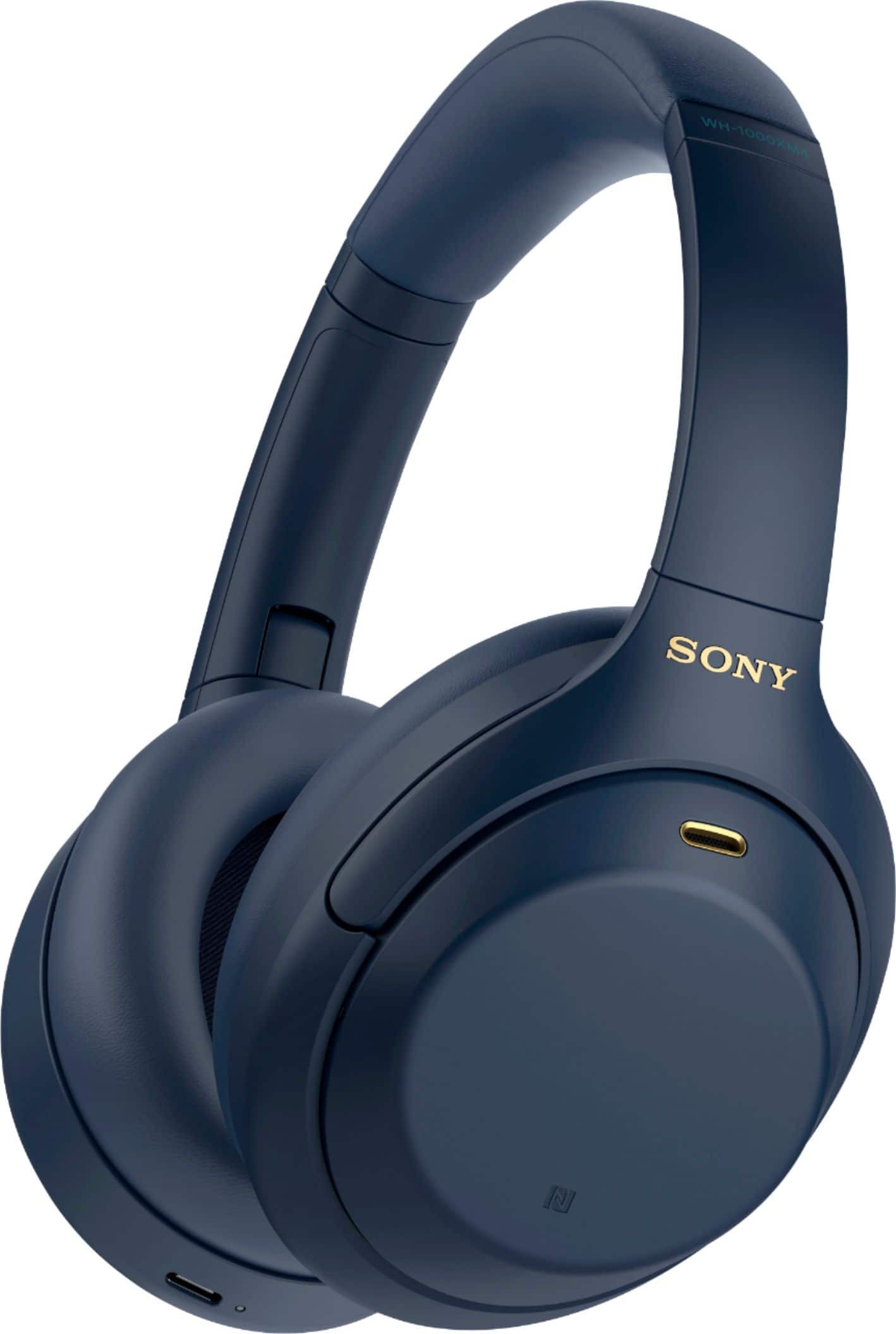
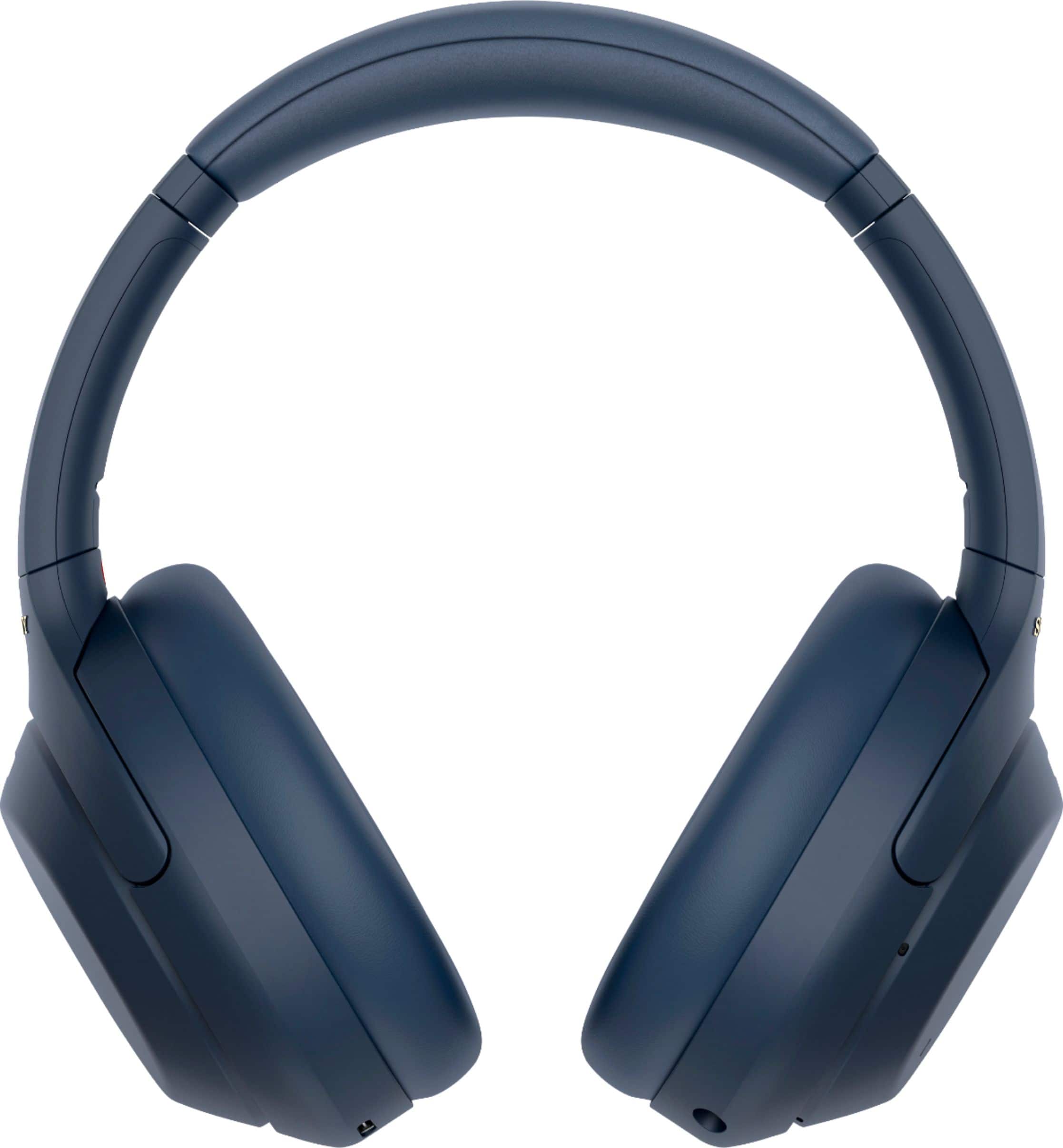
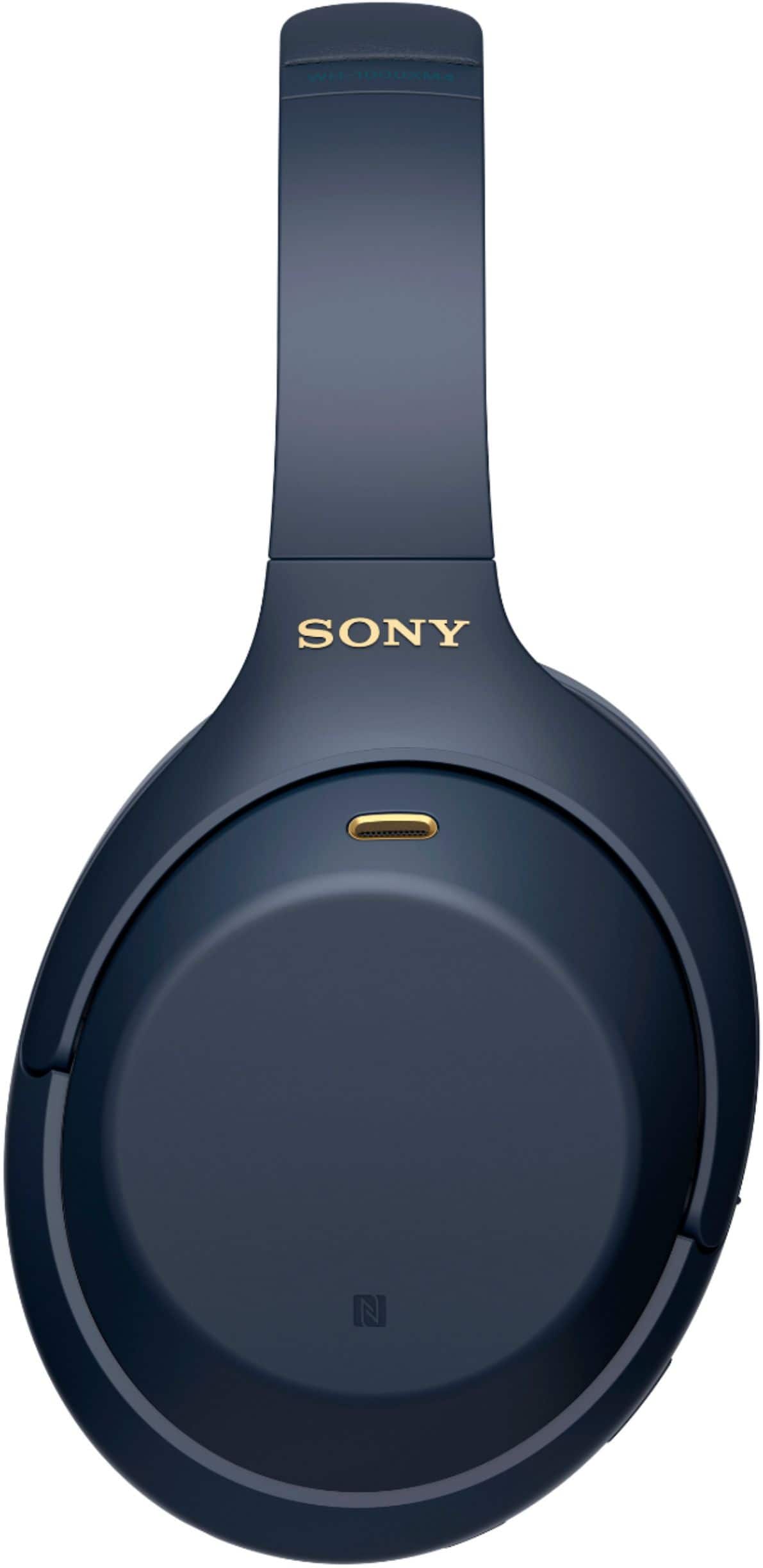
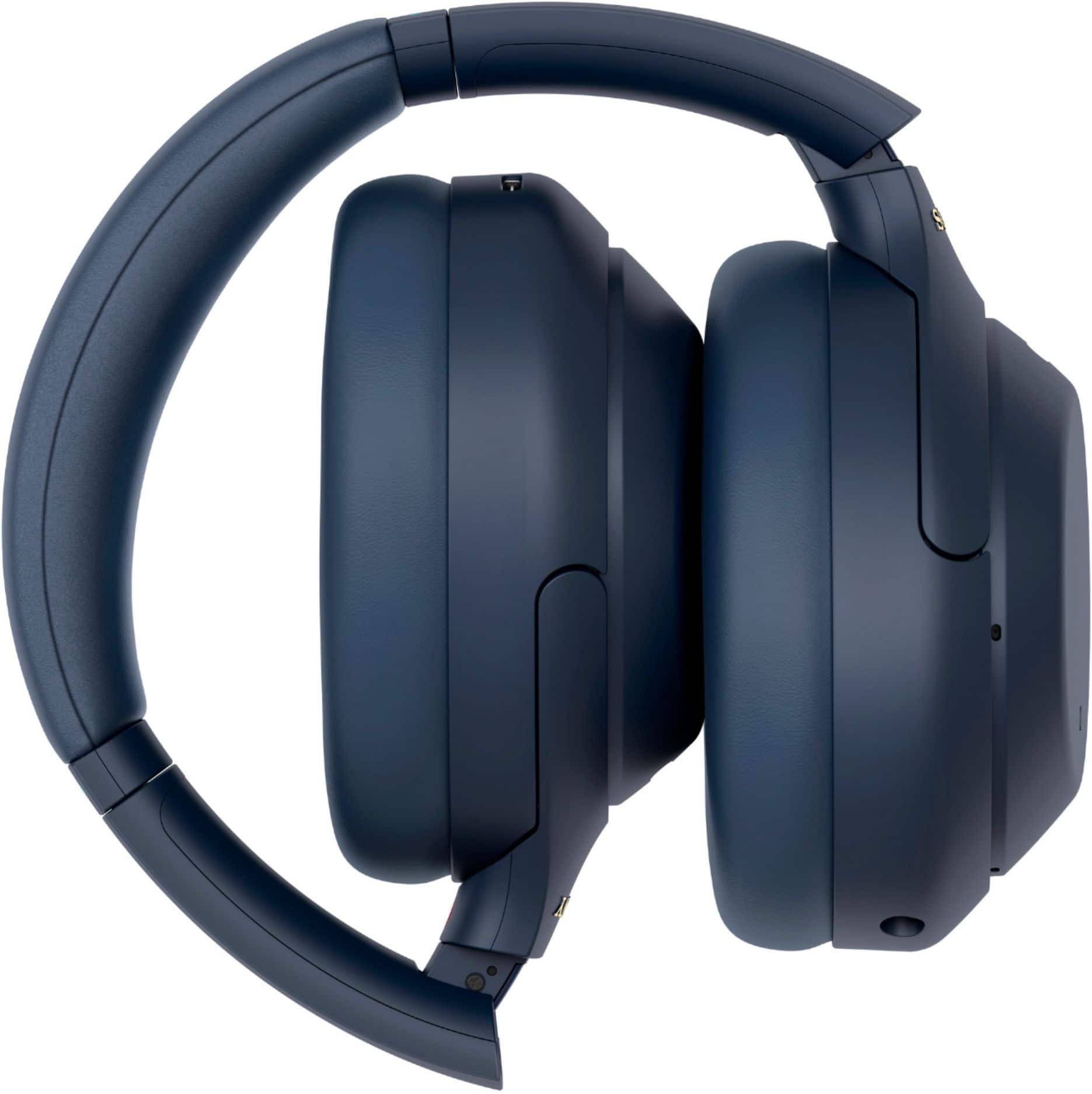
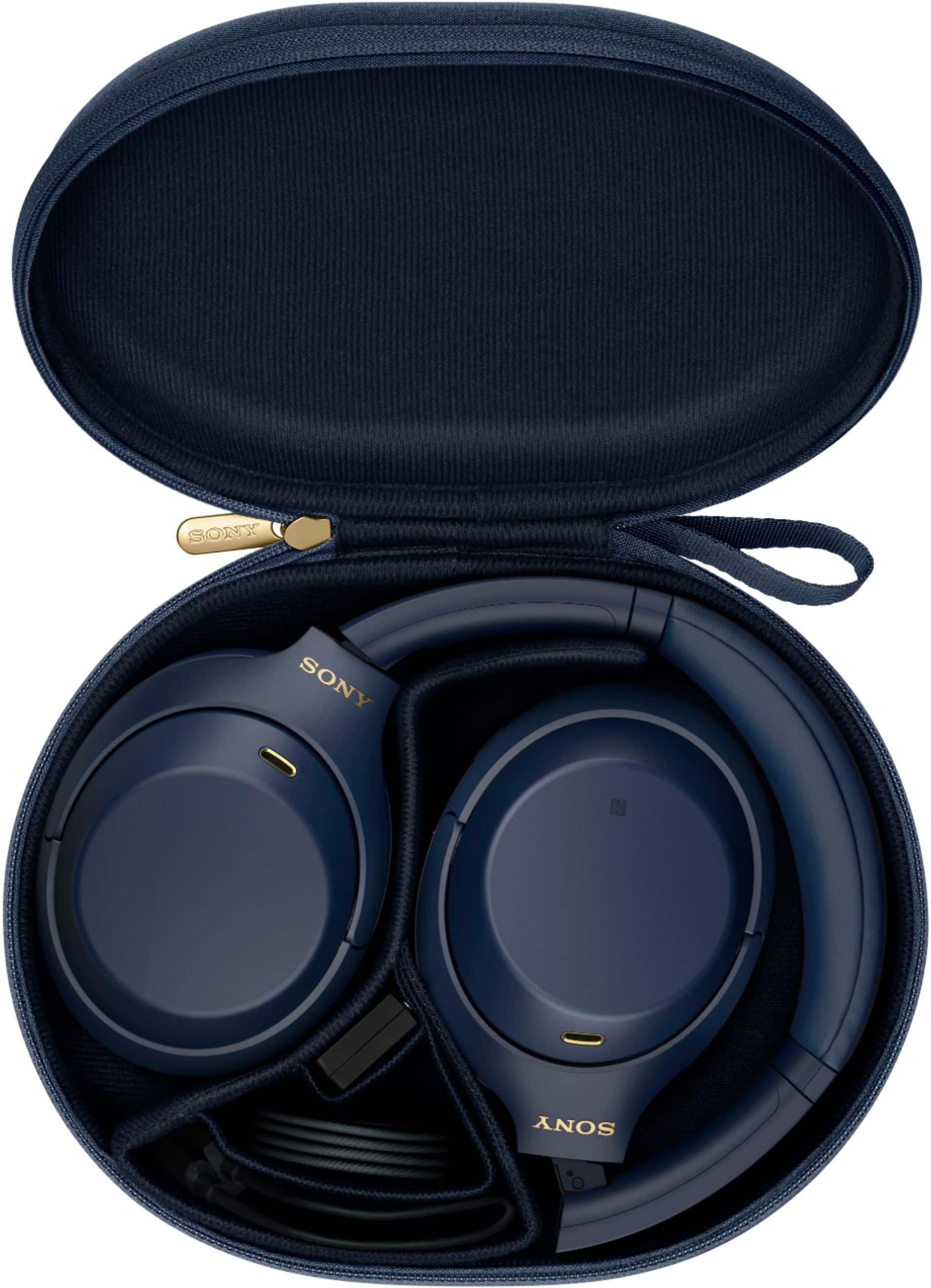
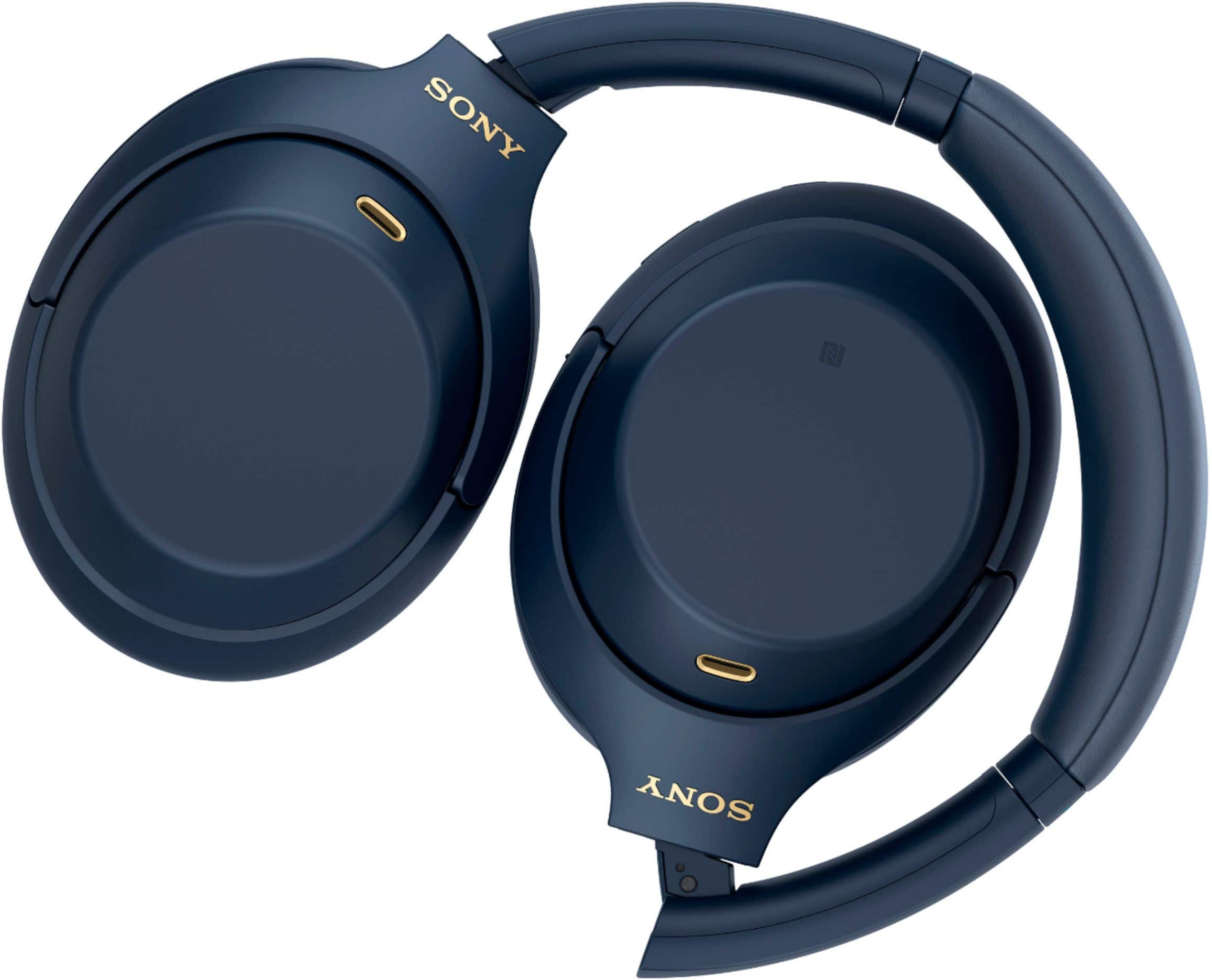
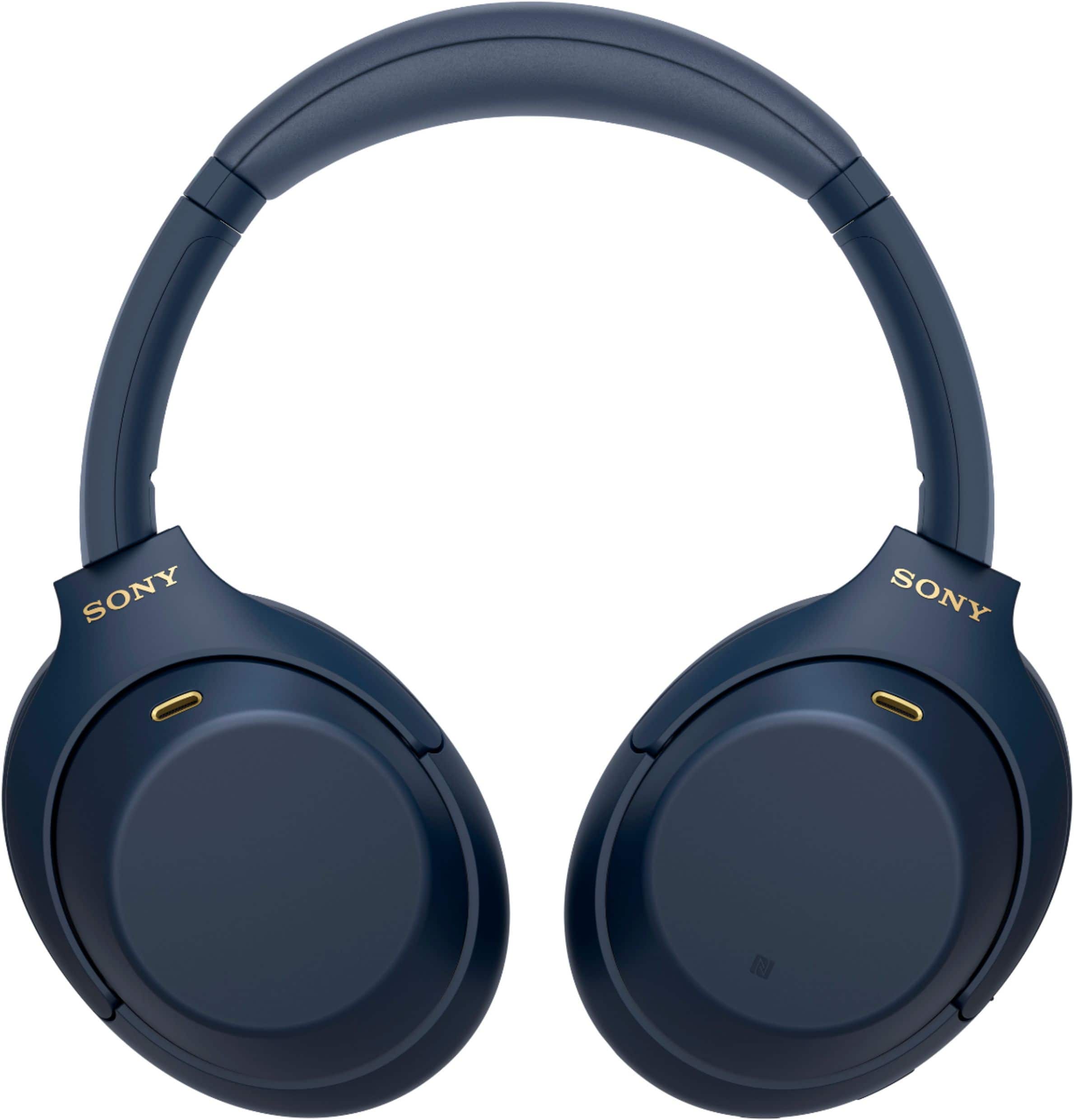
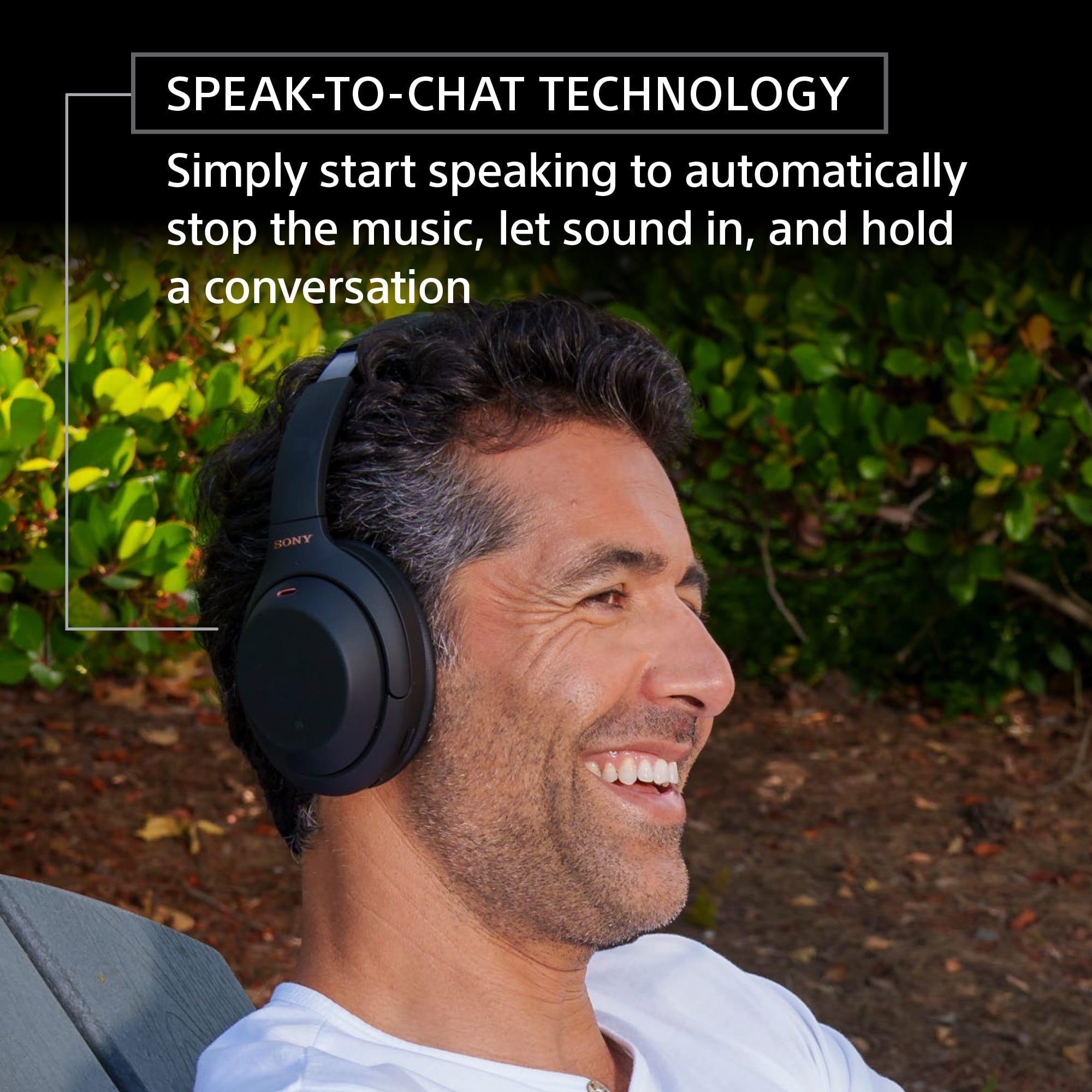
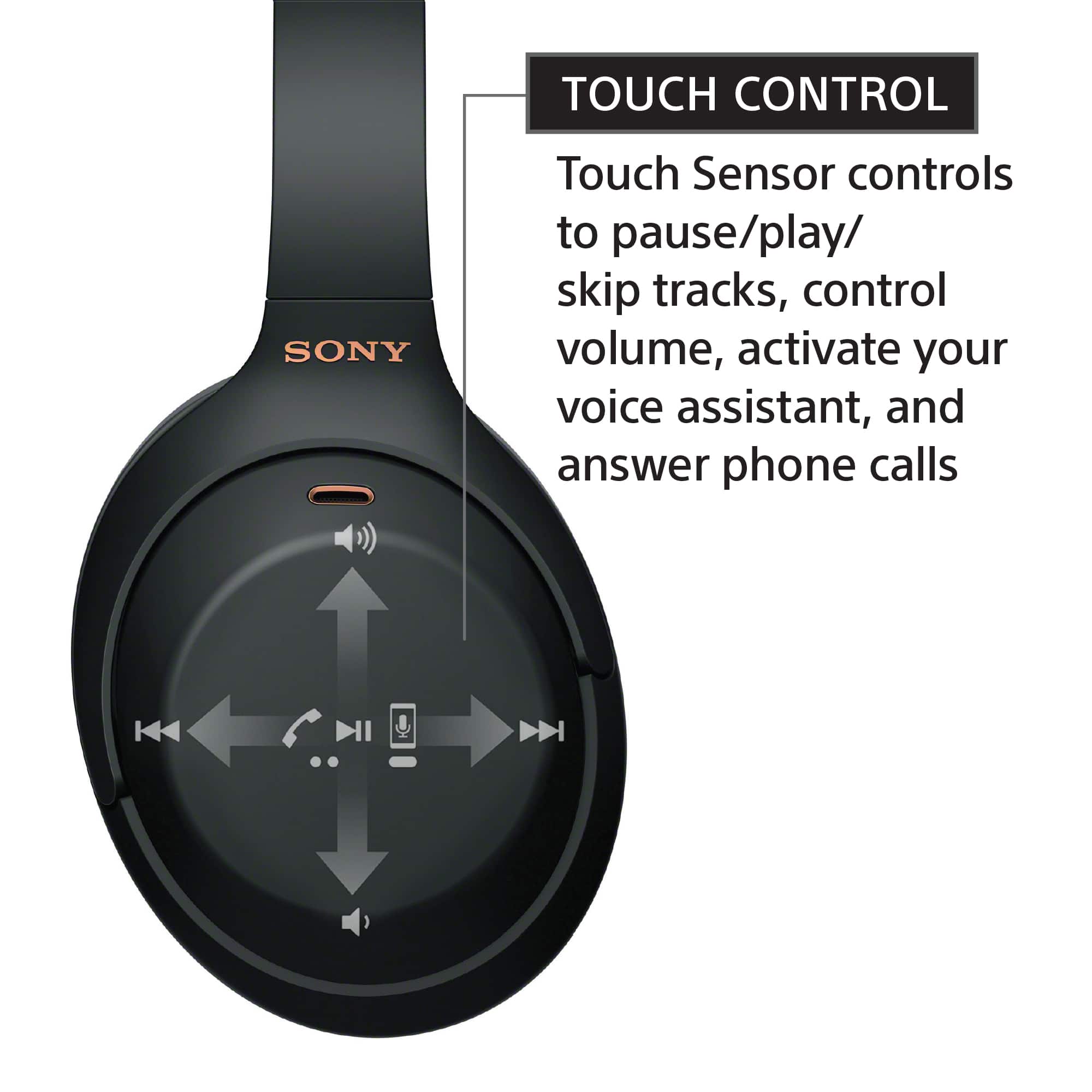
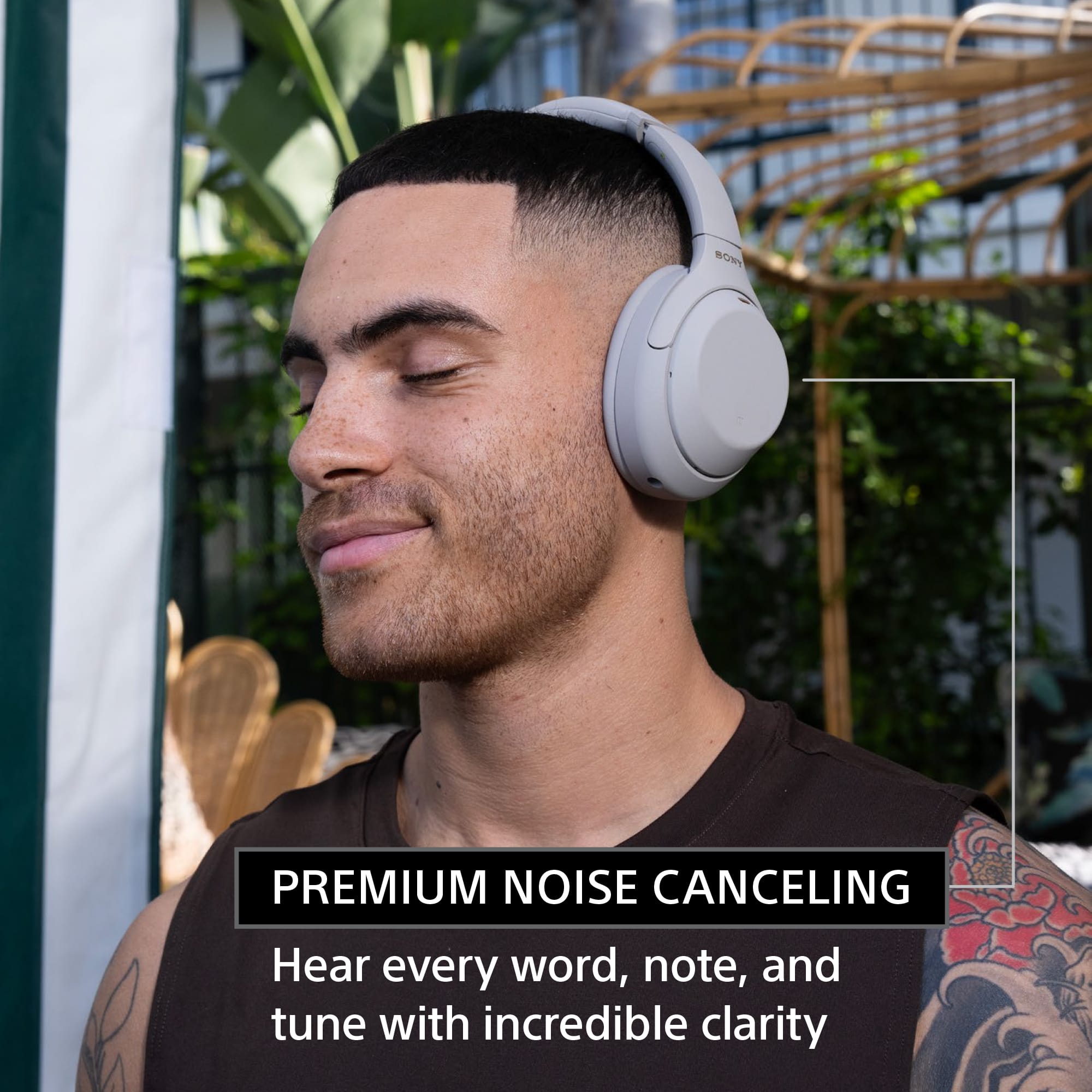
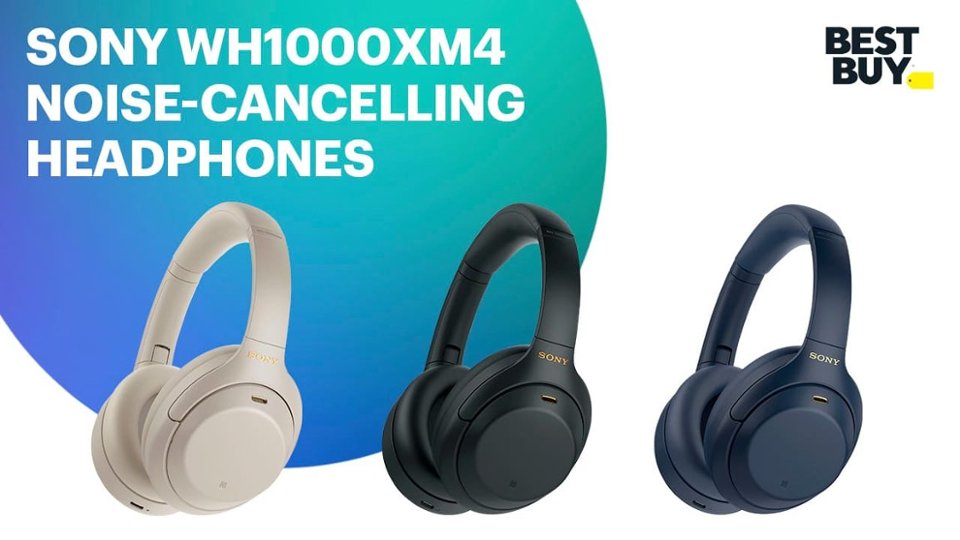
Intelligent and intuitive, the WH-1000XM4 headphones offer further improvements to our industry-leading noise cancelation, exceptional sound quality, and smart listening that adjusts to your behavior and your location. Using the Sony Headphones Connect app, Ambient Sound Control lets you adjust the volume of background sound and gives you the option to allow voices alone to be heard. Meanwhile, the Equalizer lets you customize sound levels to suit your music.
-Ralph
A:AnswerHi doggydan,
Thanks for your inquiry. Yes, these headphones can be paired (via Bluetooth) with supported Sony TVs. You may refer to this link for more information:
https://www.sony.com/electronics/support/wireless-headphones-bluetooth-headphones/wh-1000xm4/articles/00159290
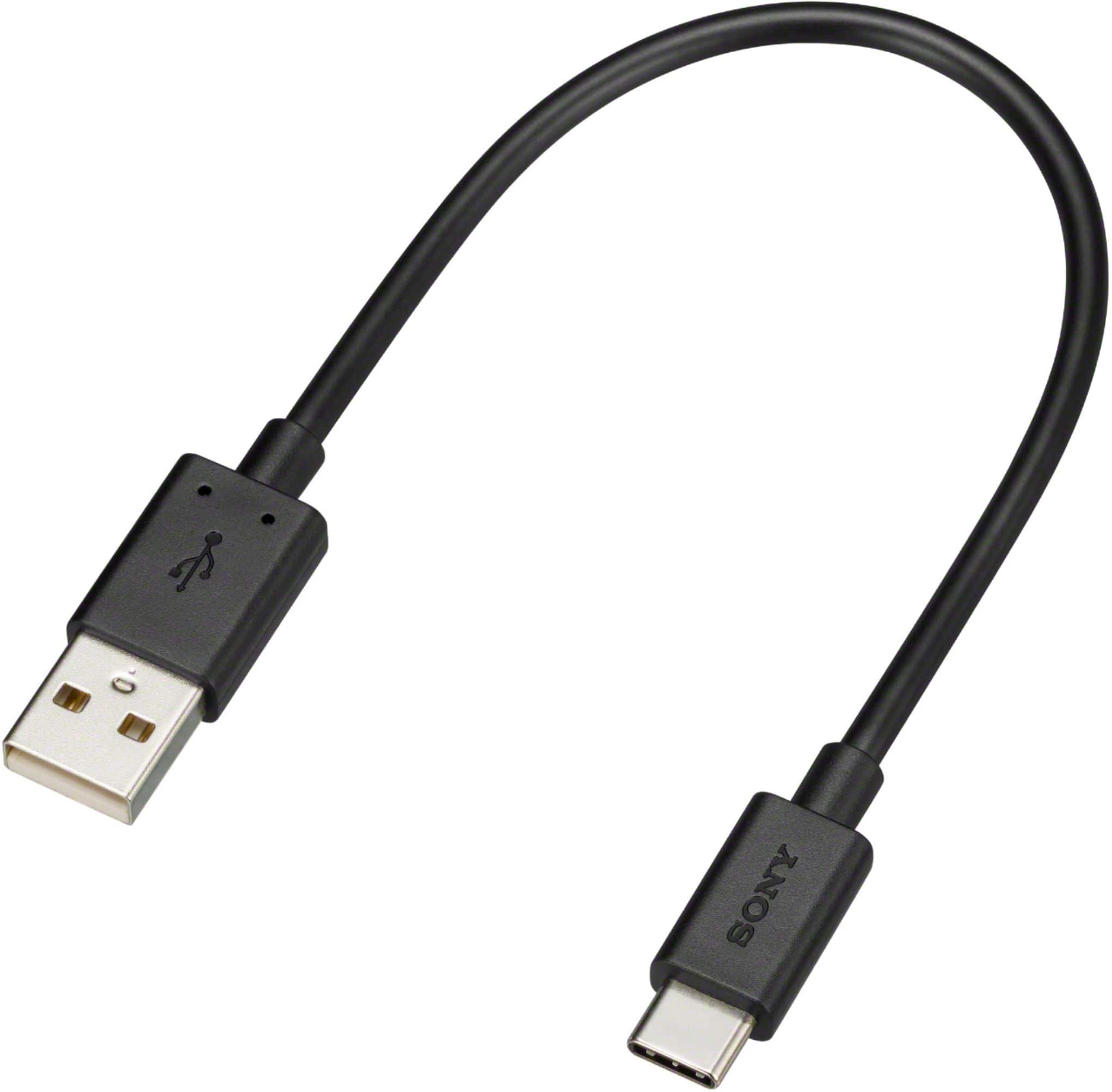
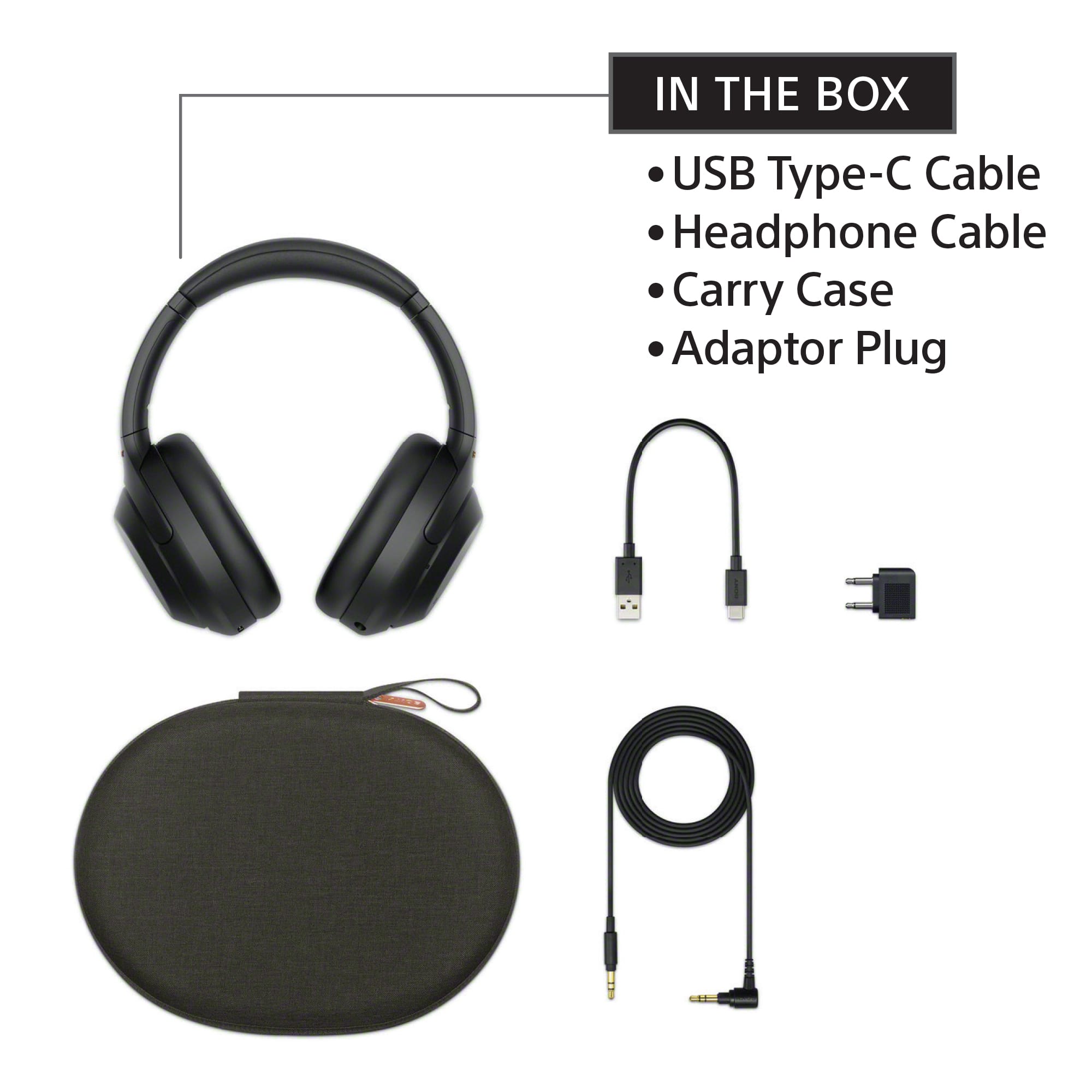
Additionally, you can use the supplied headphone cable and connect it to the 3.5 mm headphone jack of the TV is available.
Hope this helps,
-Ralph
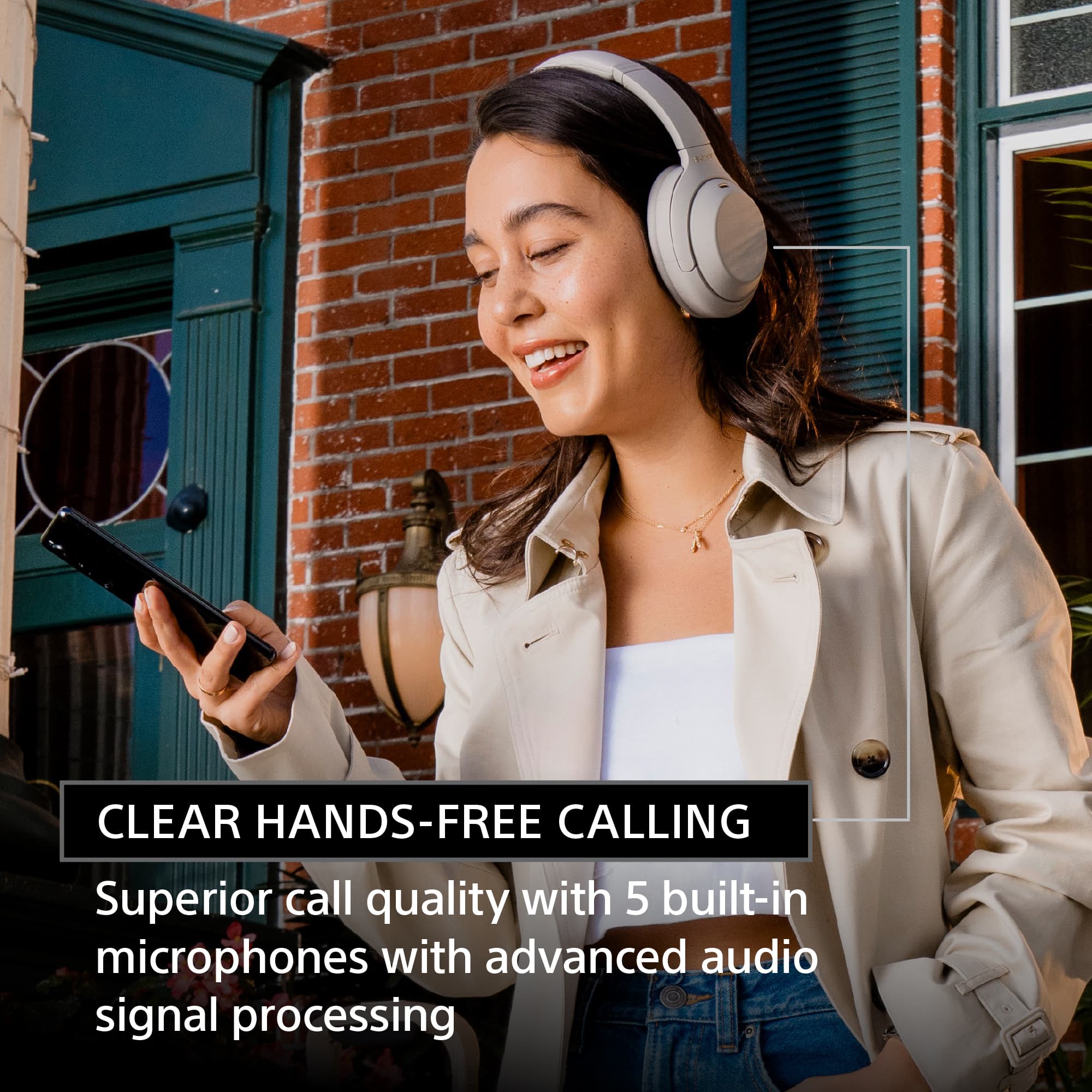
A:AnswerIt’s average. It doesn’t have a great or even good microphone but it gets the job done. I wouldn't recommend these if your sole purpose for them would be calls.
A:Answerhold the power button for like 10 sec until it turns off and then it'll say Bluetooth pairing. Find it on your phone's Bluetooth list in settings and click connect
A:AnswerHi there, thank you for your inquiry. Yes, these headphones can be connected to Smart TV that supports A2DP (Advanced Audio Distribution Profile) Bluetooth profile. However, full operation is not guaranteed. Please check with your TV manufacturer if your TV supports Bluetooth A2DP (Advanced Audio Distribution Profile). And for more information, please refer to the link below:
https://www.sony.com/electronics/support/wireless-headphones-bluetooth-headphones/wh-1000xm4/articles/00159290
Regards,
Sam
A:AnswerYes you can, but you will not be able to have full use of the headphones capabilities. Like noise canceling or taking any calls. You would also need to have some sort of eq to be able to get the sound you want.
A:AnswerUnfortunately no. Due to how MRIs work you can not have anything magnetic on your person during the procedure. Usually headphones and other speakers have magnets inside of them. Your best bet would be silicone or foam earplugs.
A:AnswerI have samsung, lg and vizio tvs and I was not able to connect. My tvs are Bluetooth compatible. Being I have had luck with connecting sound bars and an older pair of earphones I would guess that these earphones may not connect to tvs.
A:AnswerHi there,
Thanks for your inquiry. The WH1000XM4 uses Bluetooth version 5.0. Bluetooth versions are backward compatible, which means that a device that supports Bluetooth is compatible with a device that supports a previous Bluetooth version.
However, for detailed information on Bluetooth compatibility, it is more useful to compare the Bluetooth profiles of the two devices. By comparing which profiles are supported by each device, you can determine how the two devices are able to communicate via Bluetooth. The WH1000XM4 is designed to support the following Bluetooth profiles:
-HFP (Hands-free Profile)
-HSP (Headset Profile)
-A2DP (Advanced Audio Distribution Profile)
-AVRCP (Audio Video Remote Control Profile)
The headset only supports the following 3 codecs for music playback via an A2DP connection: SBC, AAC, and LDAC. Please refer to this link for more information:
https://helpguide.sony.net/mdr/wh1000xm4/v1/en/contents/TP0002752840.html
Hope this helps,
-Ralph