A:AnswerHi, Court! Yes. These headphones can be connected with Windows computers: https://helpguide.sony.net/mdr/whch510/v1/en/contents/TP0002402824.html. -Vincent
A:AnswerNo Nintendo switch doesn’t want you connect any headphones Bluetooth unless you have a weird technical adapter and some other complex things so it’s really hard to do it’s not possible for the average consumer
A:AnswerI havent been able to do this. I have two laptops and a cellphone that I have paired. The device that connects is random as well. I have to forget these headphones if the device I want at the time doesn't pair.
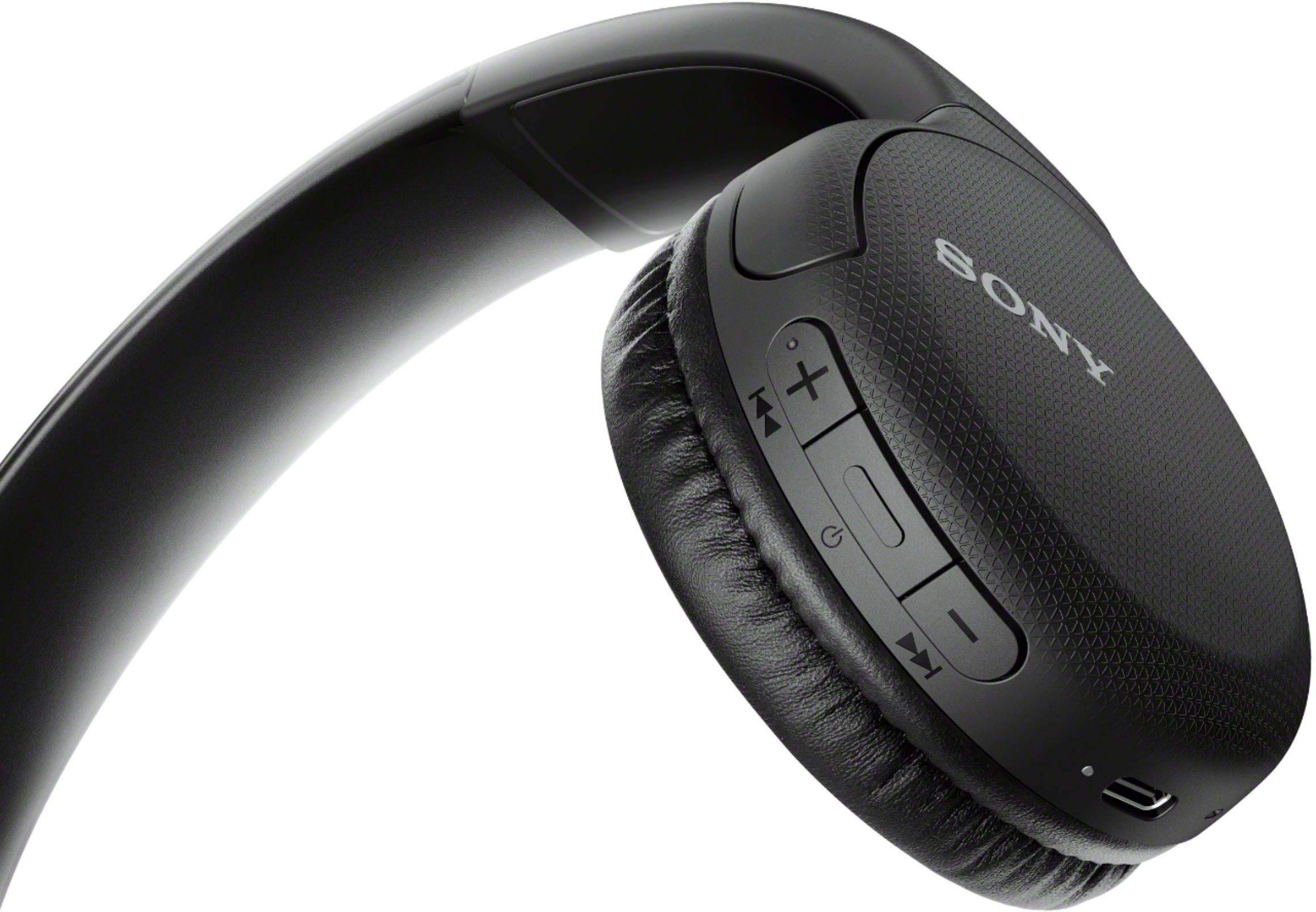
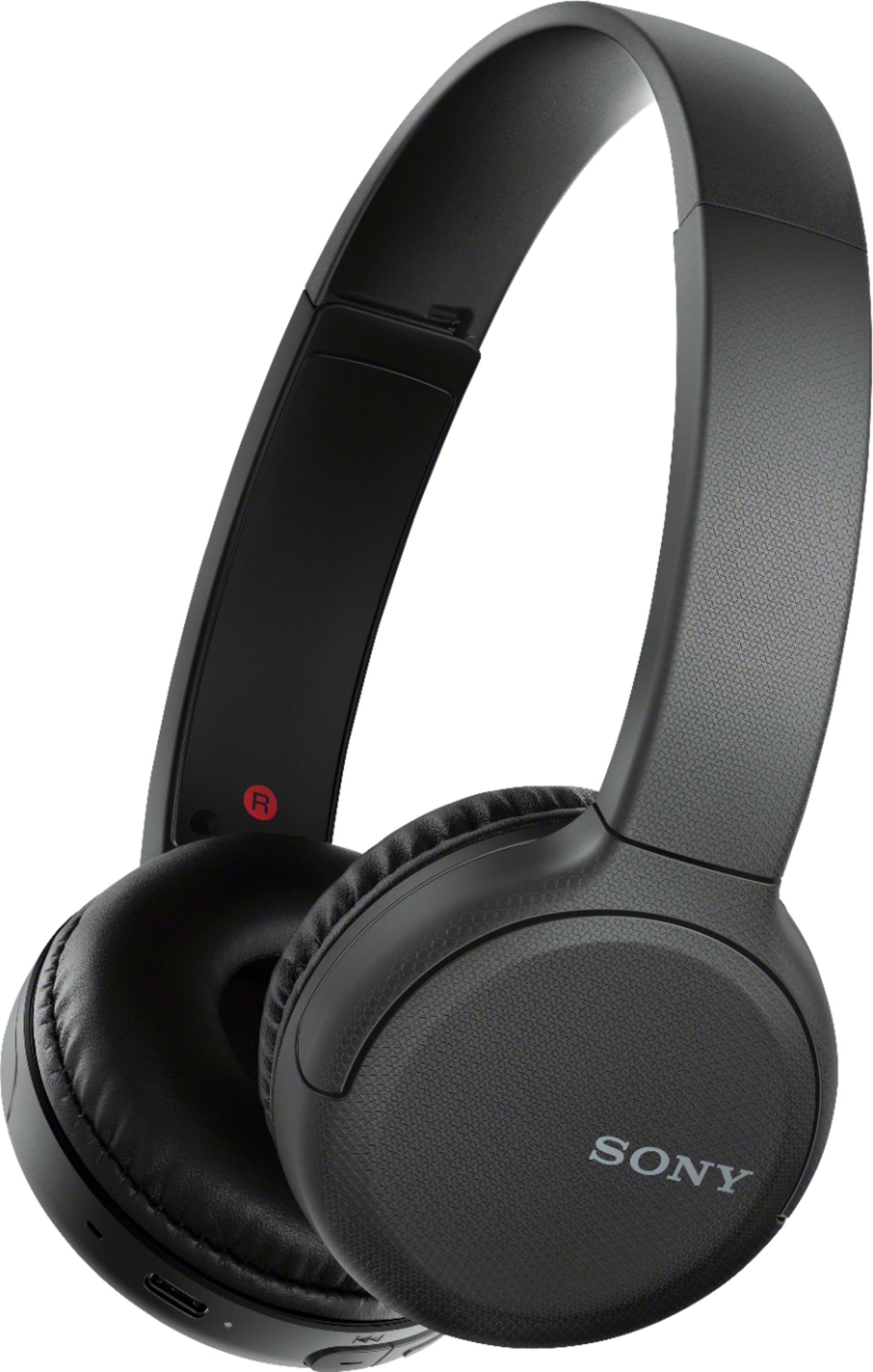
A:AnswerHi LL, To connect the headphones to your Bluetooth devices (smartphone, tablets, etc.), Turn on the headset, The headset should enter pairing mode automatically. Check that the light indicator (blue) repeatedly flashes twice in a row. You will hear the voice guidance say, “Bluetooth pairing”. Find the headset on your smartphone and select [WH-CH510]. The headset and smartphone are paired and connected with each other. You will hear the voice guidance say, “Bluetooth connected”. Please refer to this link for further details: https://helpguide.sony.net/mdr/whch510/v1/en/contents/TP0002402874.html -Sam
A:AnswerSandy,
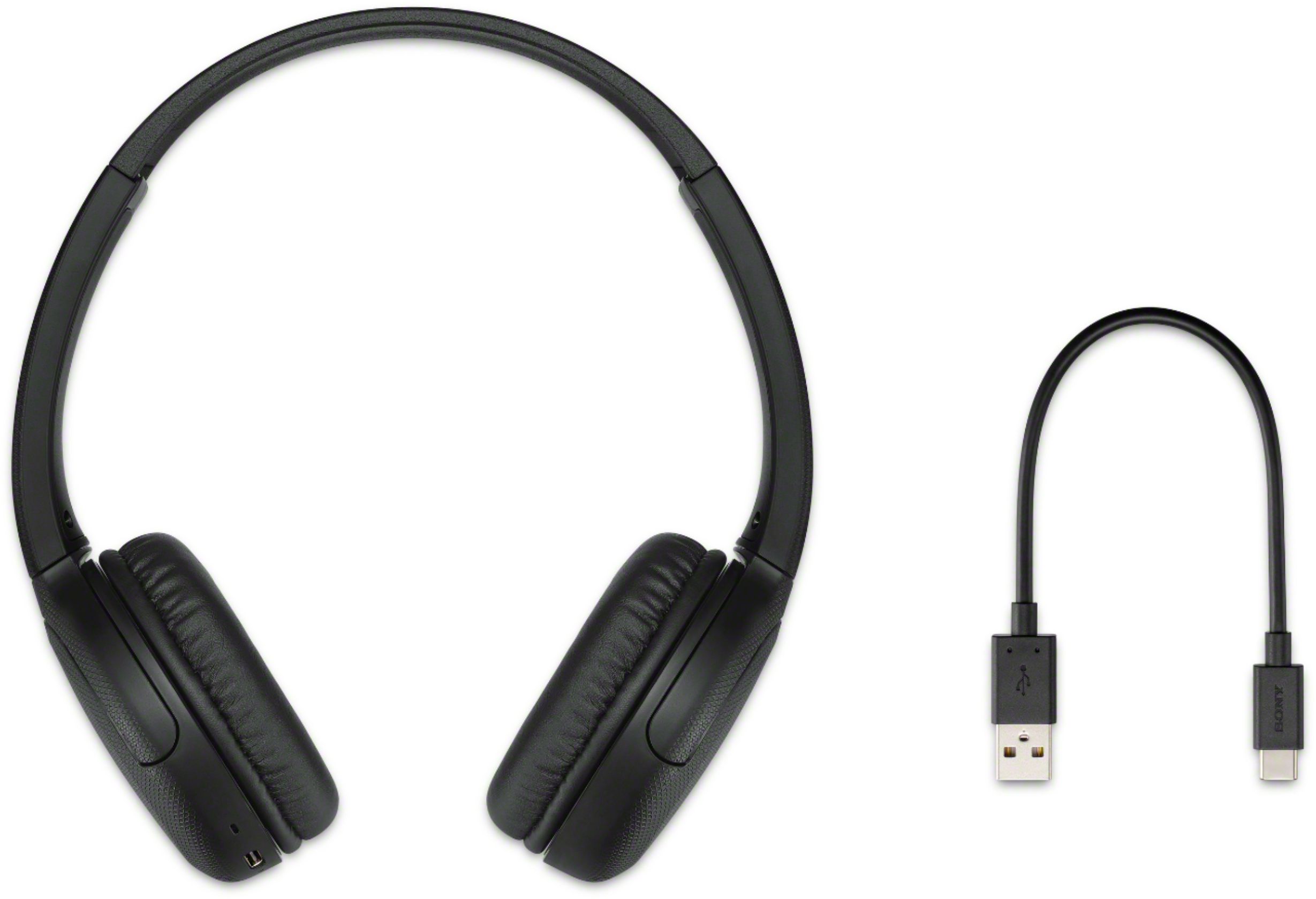
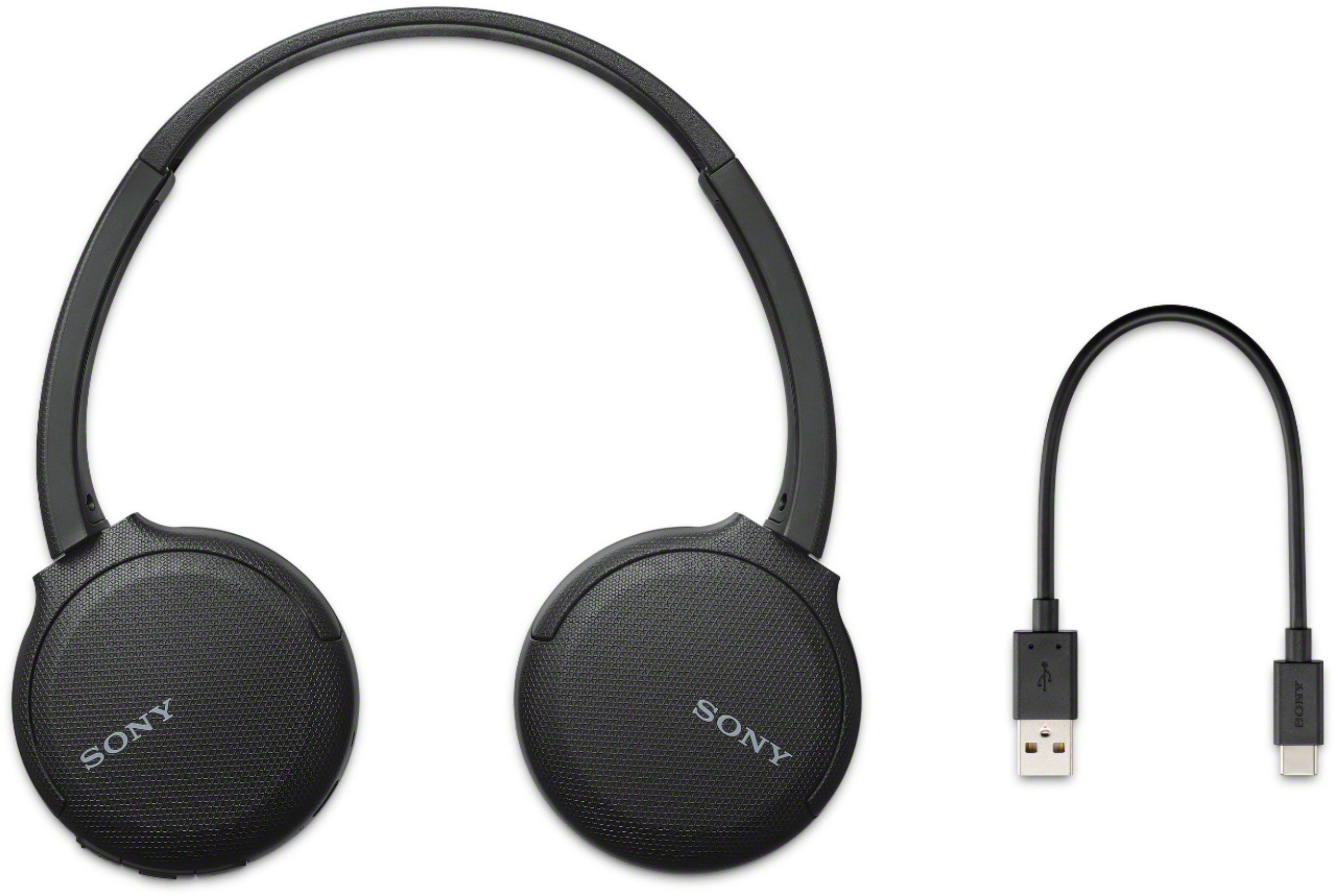
By a dongle, I presume you mean a cable from USB to the headphones to charge them. Yes, a short charging cord is in the box. Yes, it is the larger USB found on the original Mini Mac and older laptops, not the USB-C. The headphones are incredibly light, with a very long charge time. Some times it gets confused, or I do, when I switch from connecting to my phone to my laptop. It works well for both after I got used to what it wants. My difficulty would be called pilot error.
Always Mac since Lisa 1983.