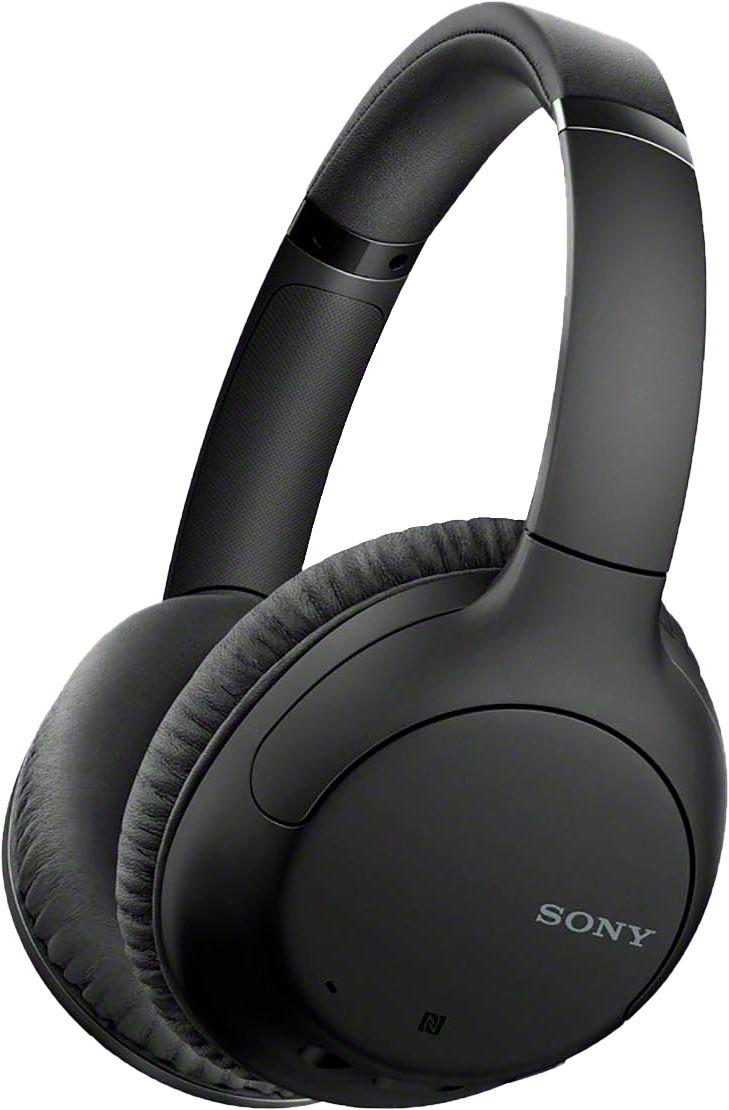
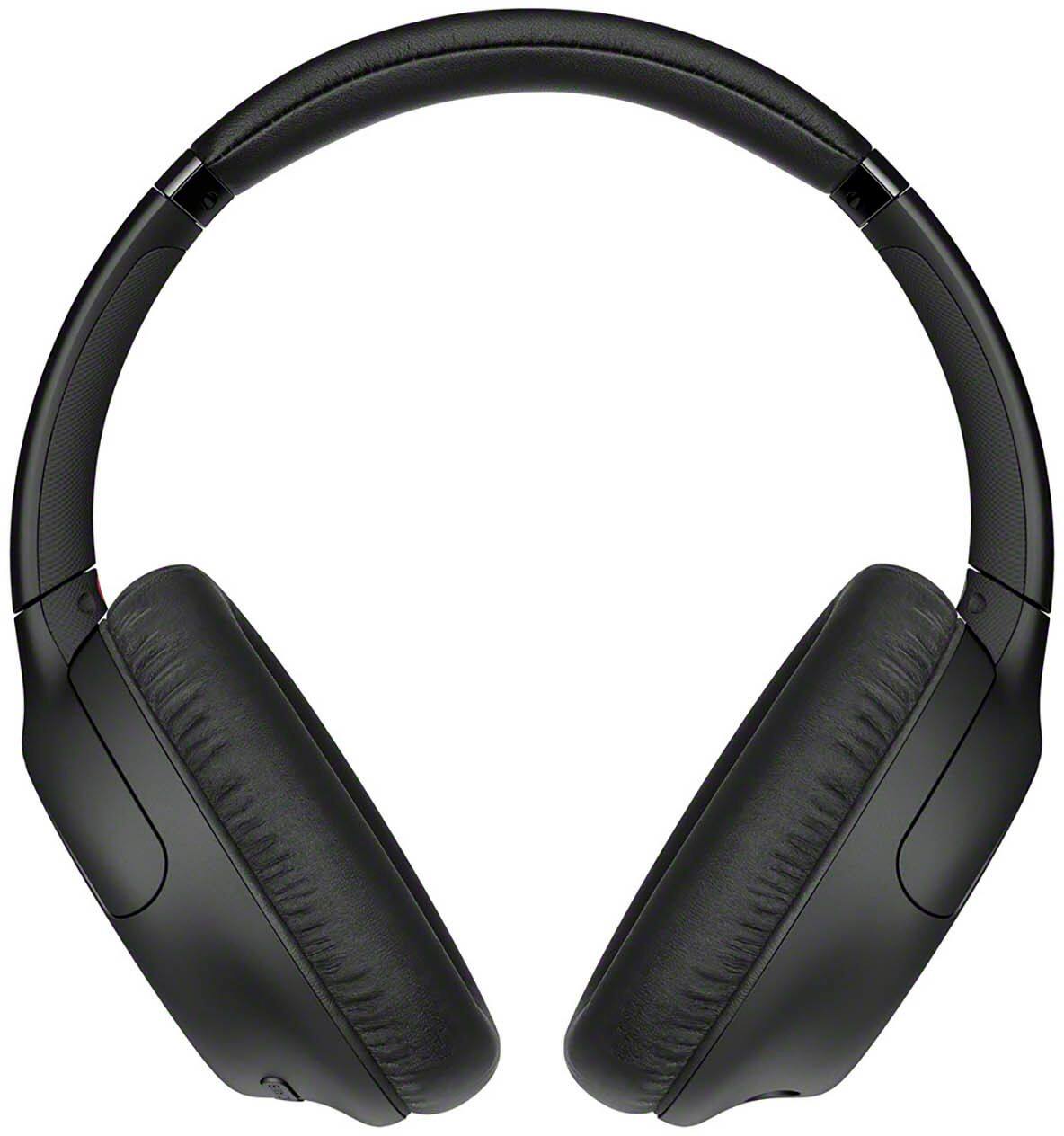
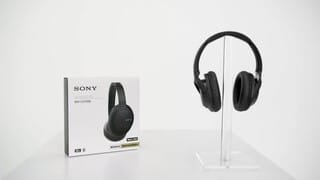
A:AnswerThey are not 100% noise cancelling, I would say about 90%. You can still hear some stuff through them but I read that it also has to do with your background noise and what kind of background it is.
A:AnswerI have the same issue so I bought a transmitter too. Not sure of the brand you have, but I had to plug it in to the headphone jack on the side of the tv in order for the sound to go through. For some reason it wasn't working when I plugged it into the red and yellow colored inputs.
A:AnswerIf you buy a Bluetooth transmitter that has the dual tech on it then it will work. I bought the Aluratek brand and it works for both at the same time
A:AnswerIf you use them plugged in (not Bluetooth) you don't have to turn them on. You won't have the noise cancellation working this way, but you won't be spending any battery.
A:AnswerHi,
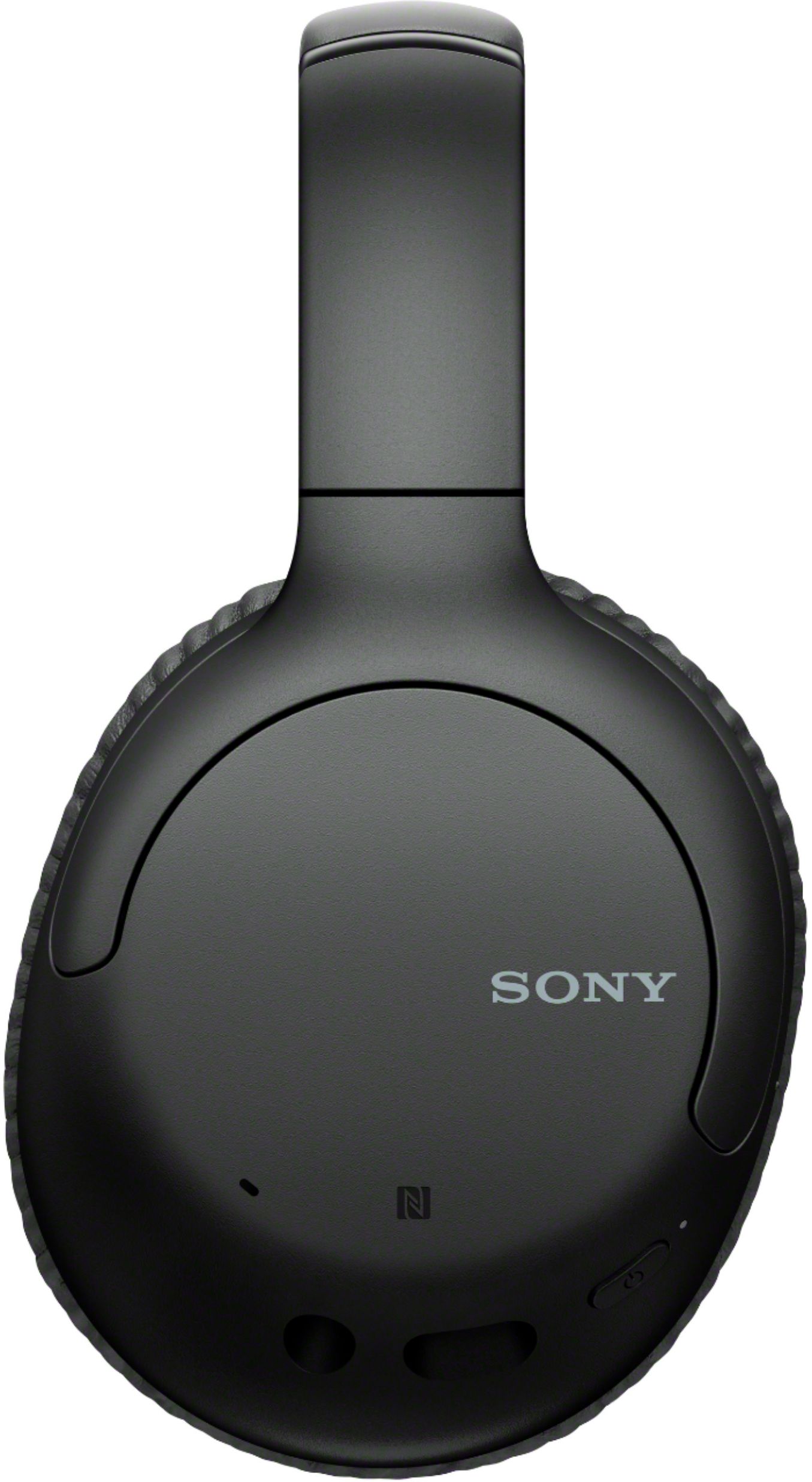
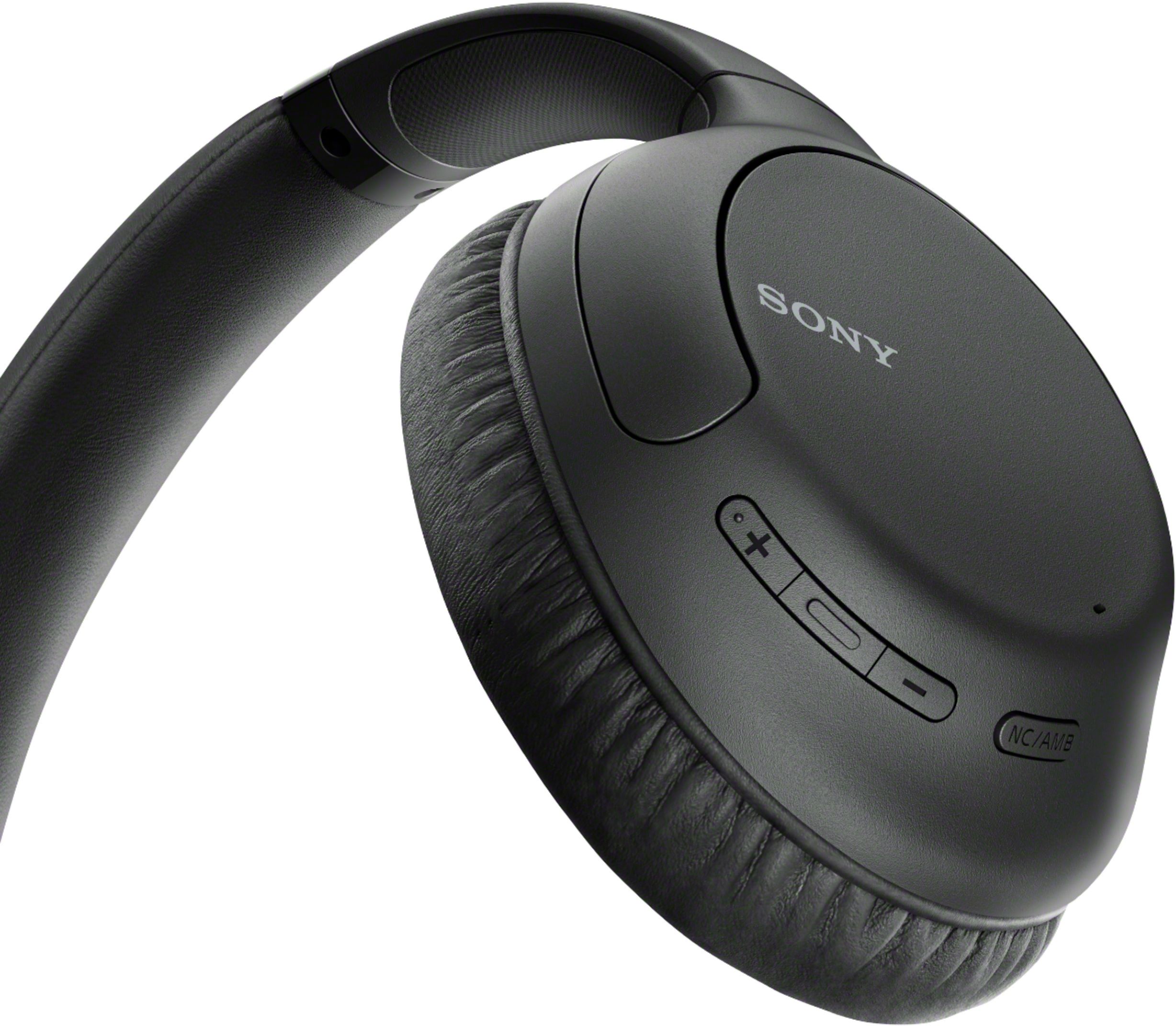
Thank you for your interest with the WHCH710N. Yes, this headphones can be used with NFC-compatible smartphones. Unfortunately, Sony Headphone | Connect app is not applicable for this model. What's amazing on the WH-CH710N is that this headphones offer noise canceling via Dual Noise Sensor Technology, as well as Ambient Sound Mode, so you have control of what you hear. The WH-CH710Ns have a feature called Artificial Intelligence Noise Cancellation (AINC) which constantly analyzes the sounds in your environment and automatically selects the most effective noise canceling filter for your surroundings. The WH-CH710Ns use a powerful Li-ion battery which provides up to 35 hours of playback on a single charge, or 60 minutes of playback from a 10 minute charge using the Quick Charge feature. They are designed to provide a powerful and distraction free listening experience for the entire day! - Kris
A:AnswerHi Windows8User,
Thank you for your inquiry. We're sorry to hear that you can't pair the headphones to your laptop. You may try some of these steps below that may help resolve the issue.
Make sure to turn up the volume level on the computer.
Place your device within one meter (three feet) of the computer.
Make sure your computer supports the Advanced Audio Distribution Profile (A2DP) Bluetooth® profile.
Please open this link with steps if you can't pair the Bluetooth headphones to a computer. https://www.sony.com/electronics/support/wireless-headphones-bluetooth-headphones/wh-ch710n/articles/00008539
May we contact you to help? If so, please email the below information to [email protected].
Full Name:
Best Buy Username:
Telephone Number:
Model Number:
Issue:
Regards,
Kris
A:AnswerHi Peter908,
Thank you for your inquiry. Yes, you can enjoy listening to music and control the device from your headset via Bluetooth connection with these profile:
A2DP (Advanced Audio Distribution Profile) to enjoy high-quality music wirelessly and AVRCP (Audio Video Remote Control Profile) to adjust the volume, etc.
You can also enjoy a hands-free call with a smartphone or mobile phone that supports the Bluetooth profile HFP (Hands-free Profile) or HSP (Headset Profile), via Bluetooth connection.
I hope this helps!
Regards,
Kris
A:AnswerHi Jfpf,
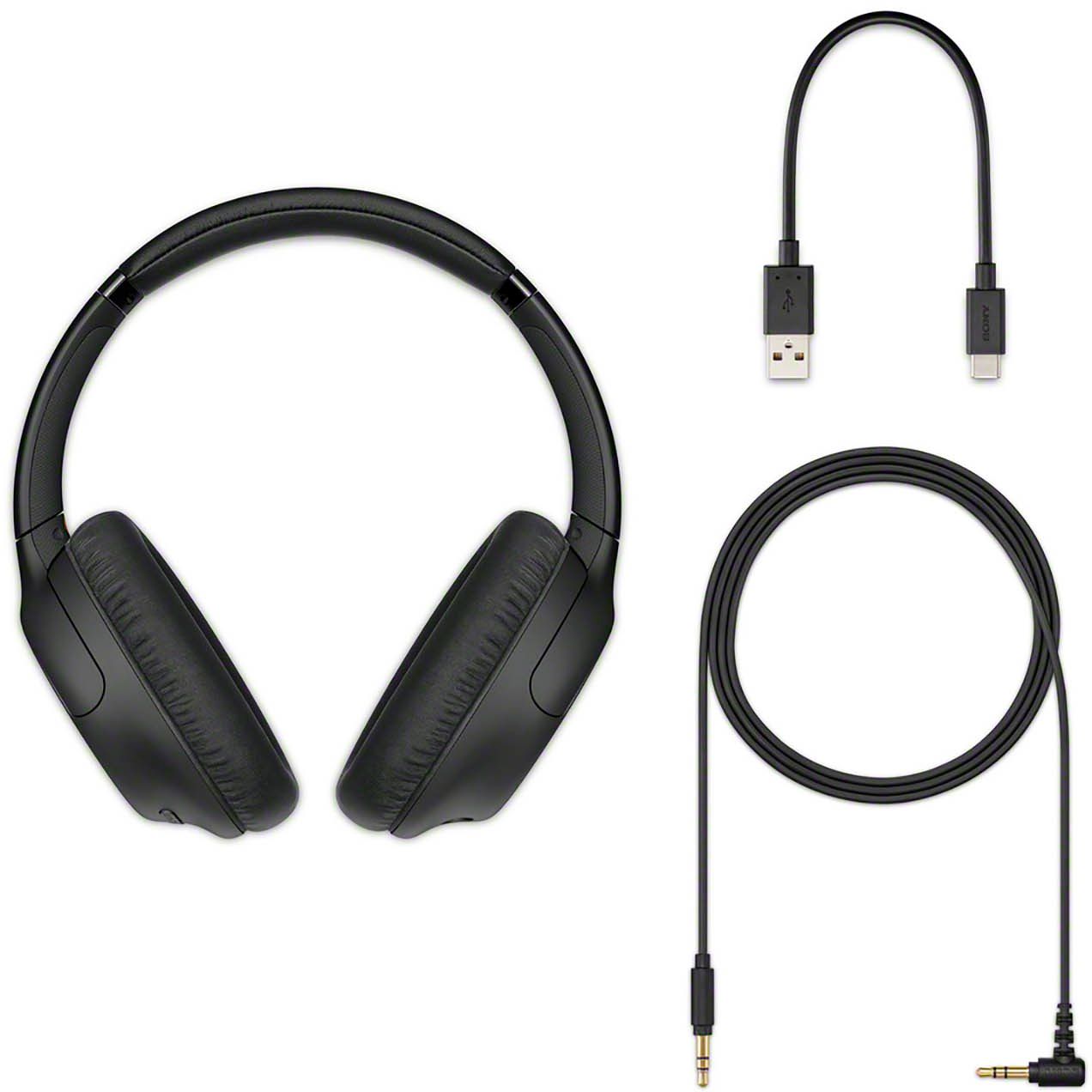
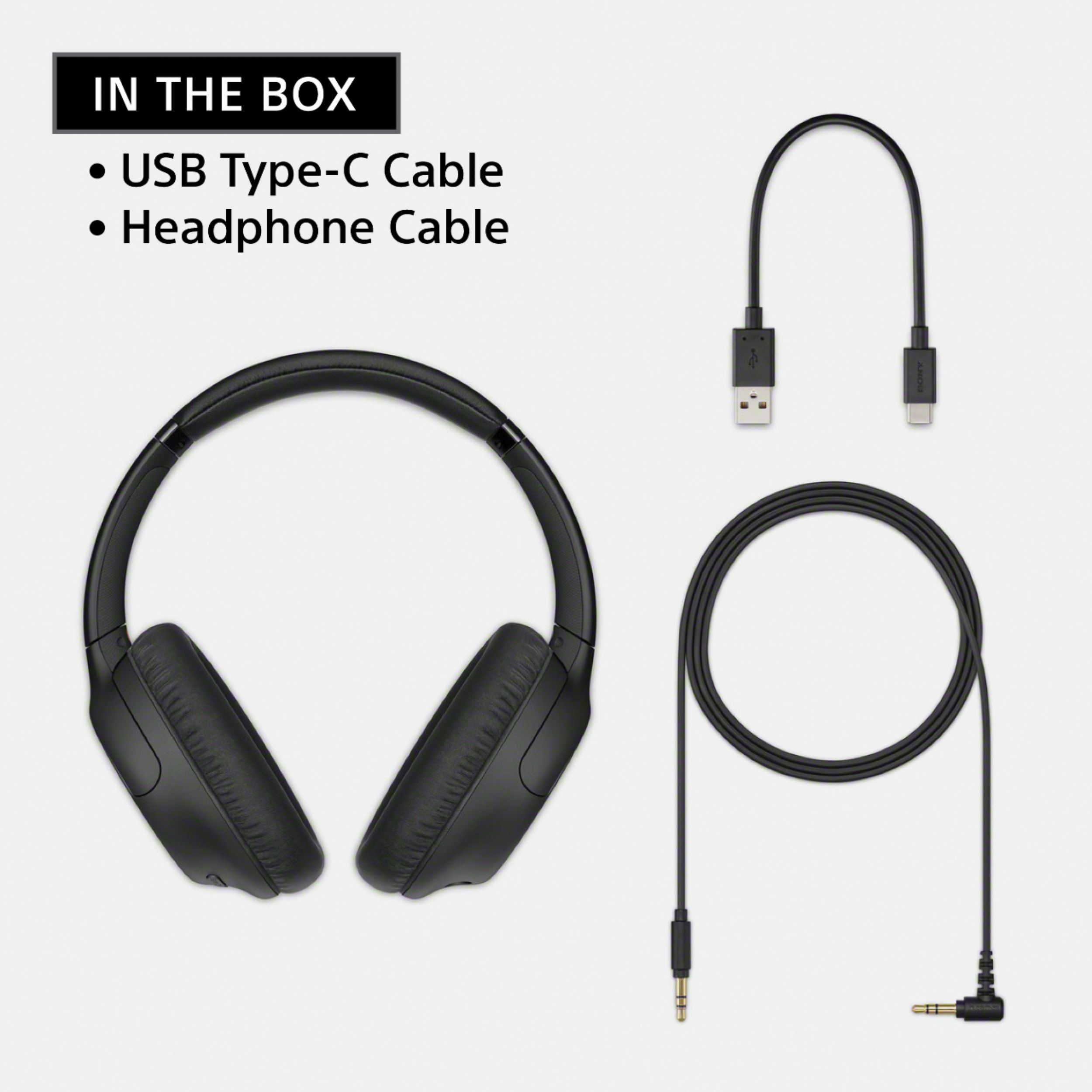
Thank you for your inquiry. The WH-CH710N does not come with a receiver. This headphones can be connected wired or wireless. If your devices supports A2DP Bluetooth profile then you may connect the headphones wirelessly and if not, you may connect the headphone wired to the device using the supplied usb cable.
Regards,
Kris
A:AnswerHi Lovethatbass,
Thank you for your inquiry. You may visit our Sony website on the link below to find list of headphones models which have deep and punchy bass that you can choose and purchase. https://www.sony.com/electronics/headphones/t/headband-headphones?features=extra-bass
We are looking forward to your purchase and thank you for reaching out Sony! - Kris
A:AnswerHi Harv,
Thank you for your interest with our WHCH710N. The WH-CH710N headphones can be used with devices such as TV and can be connected using wireless and wired connection. For wireless connection, the TV should support A2DP Bluetooth profile to make it work. If the TV does not support this Bluetooth profile and as work around, you may connect this headphones to TV directly by using the supplied cable that came with the headphones. I hope this helps!
Regards,
Kris
A:AnswerHi Allen,
Thank you for your interest on our WHCH710N headphones. Yes, this model supports Multipoint function which allows you to connect 2 Bluetooth devices to the headset and use one device for music playback (A2DP connection) and the other for calls (HFP/HSP connection). I hope this helps! - Kris
A:AnswerHi akdoug,
Thank you for your inquiry. These headphones have two ways of connecting, first is by using A2DP Bluetooth profile which will let you connect to your A2DP compatible device wirelessly or by wired using the Headphone Cable jack. The headphone will work, if the device that you wish to connect the headphones supports these connection. Please refer to your Roku manufacturer for supported profile and specifications of the unit.
A:AnswerHi JC,
Thank you for purchasing the WHCH710N headphones. We'd like to know what happened to the supplied USB Type-C cable for us to better assist. Please send email us at [email protected] with the following details:
Name:
Username:
Model Number:
Issue:
Telephone Number:
Regards,
Kris