A:AnswerHi BC11, Thank you for the question. Unfortunately, NRR is not listed as part of the product specifications. Please note that while they offer good noise-canceling features, they may not provide the level of hearing protection required in an extremely loud environment. It is recommended to use specialized hearing protection earmuffs that are specifically designed to protect against the high decibel levels that are produced by loud machines. These earmuffs often have a higher Noise Reduction Rating (NRR) and are built to handle your specific needs. Regards, -Craig
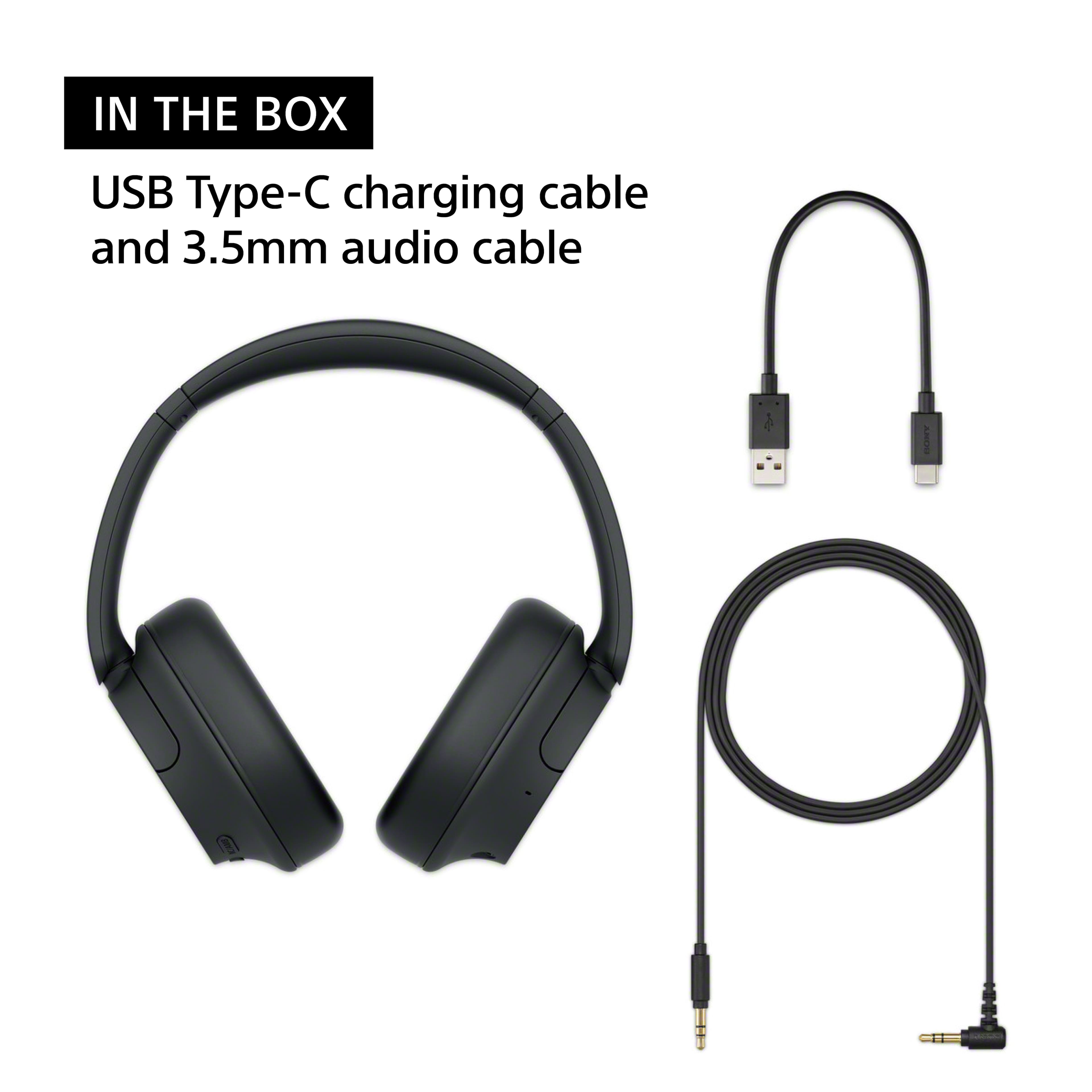
A:AnswerYes, the Sony WH-CH720N headphones can be used on an airplane to watch movies. You can connect them to the in-flight entertainment system using the 3.5mm audio cable (included with the headphones) if the system doesn't support Bluetooth. For Bluetooth-enabled systems, you can connect wirelessly.
Keep in mind that you may need to ensure the airplane's entertainment system supports Bluetooth connections, as some still only work with wired connections. If you use the wired option, you won't need to worry about battery life for the headphones during the flight.
A:AnswerHi stacy,
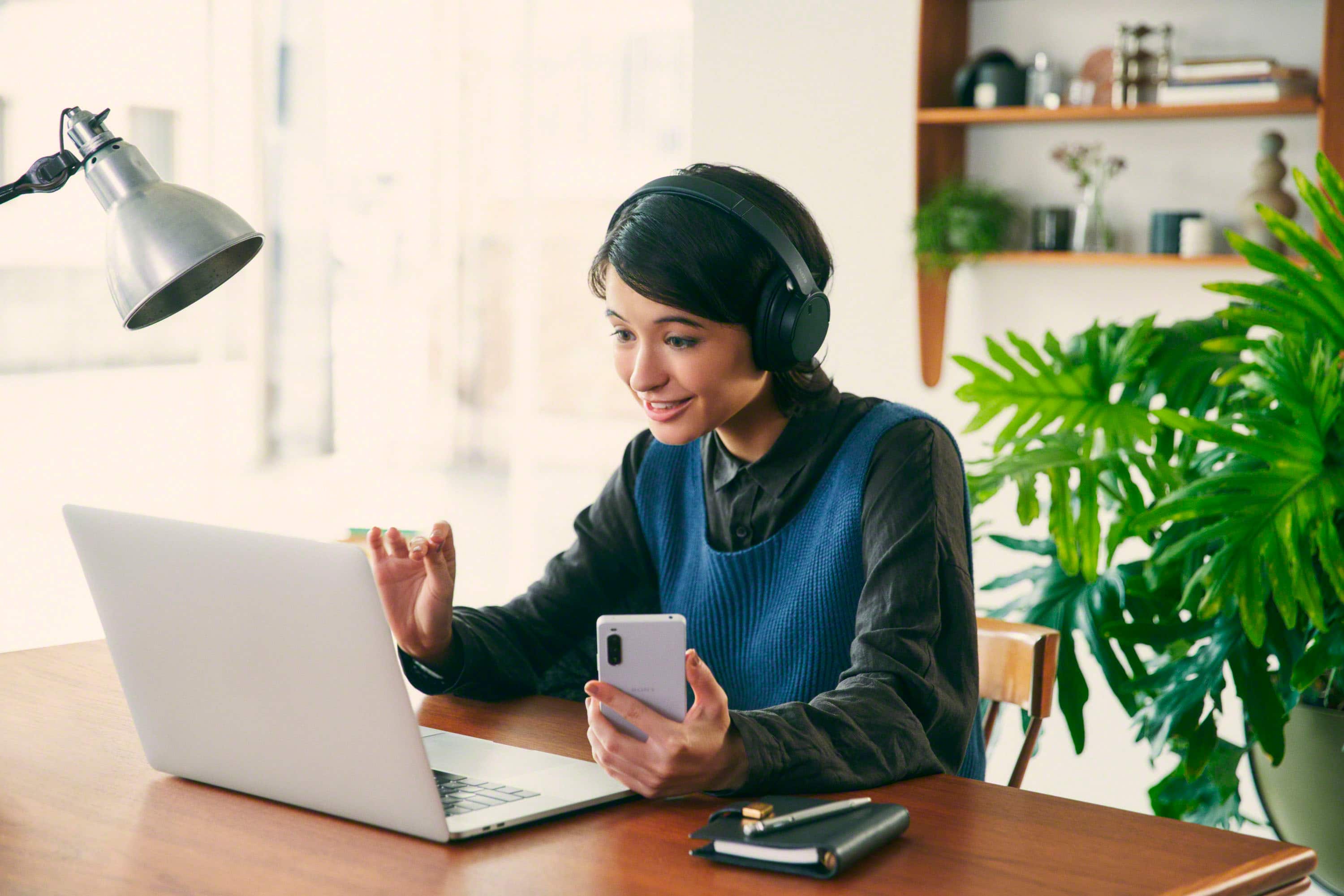
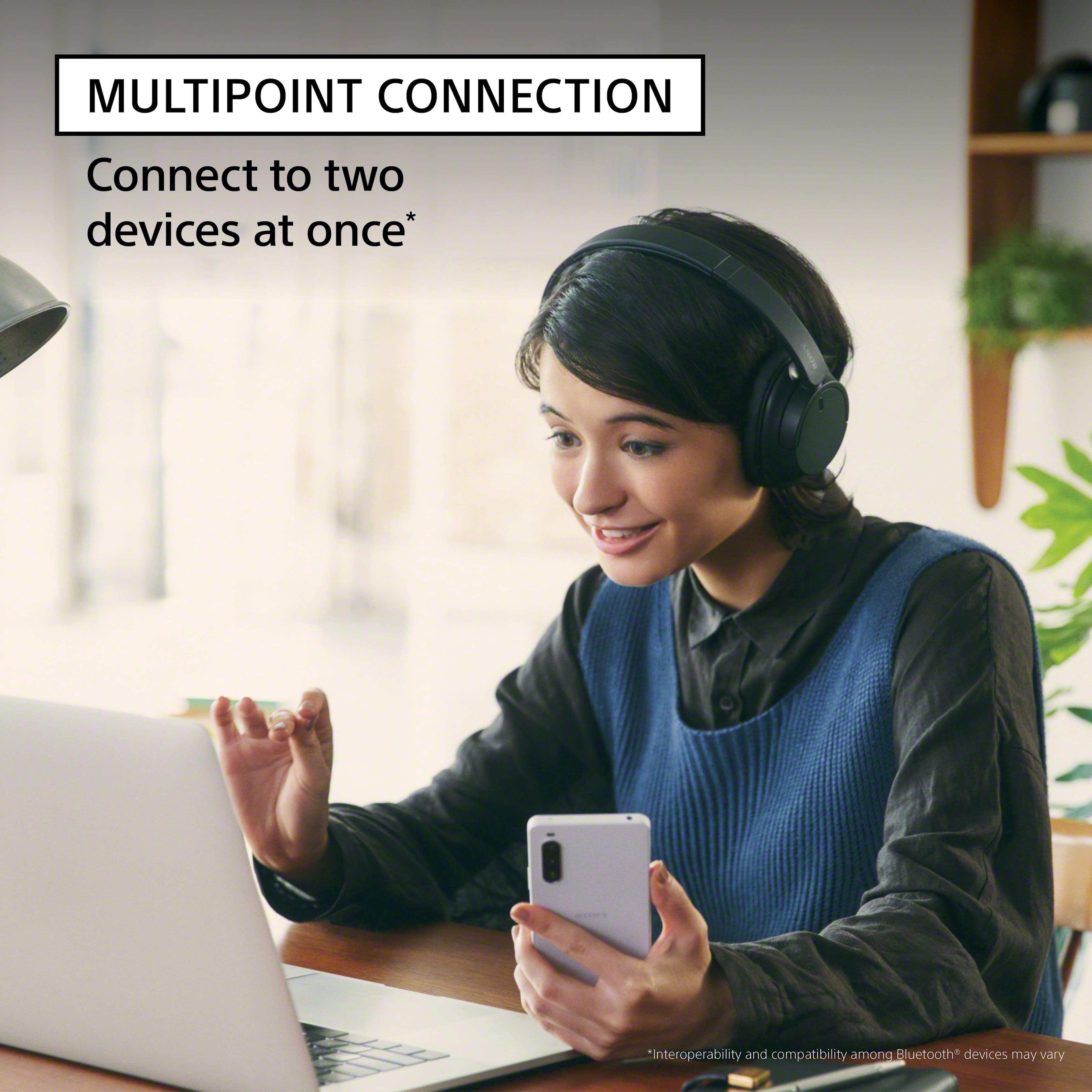
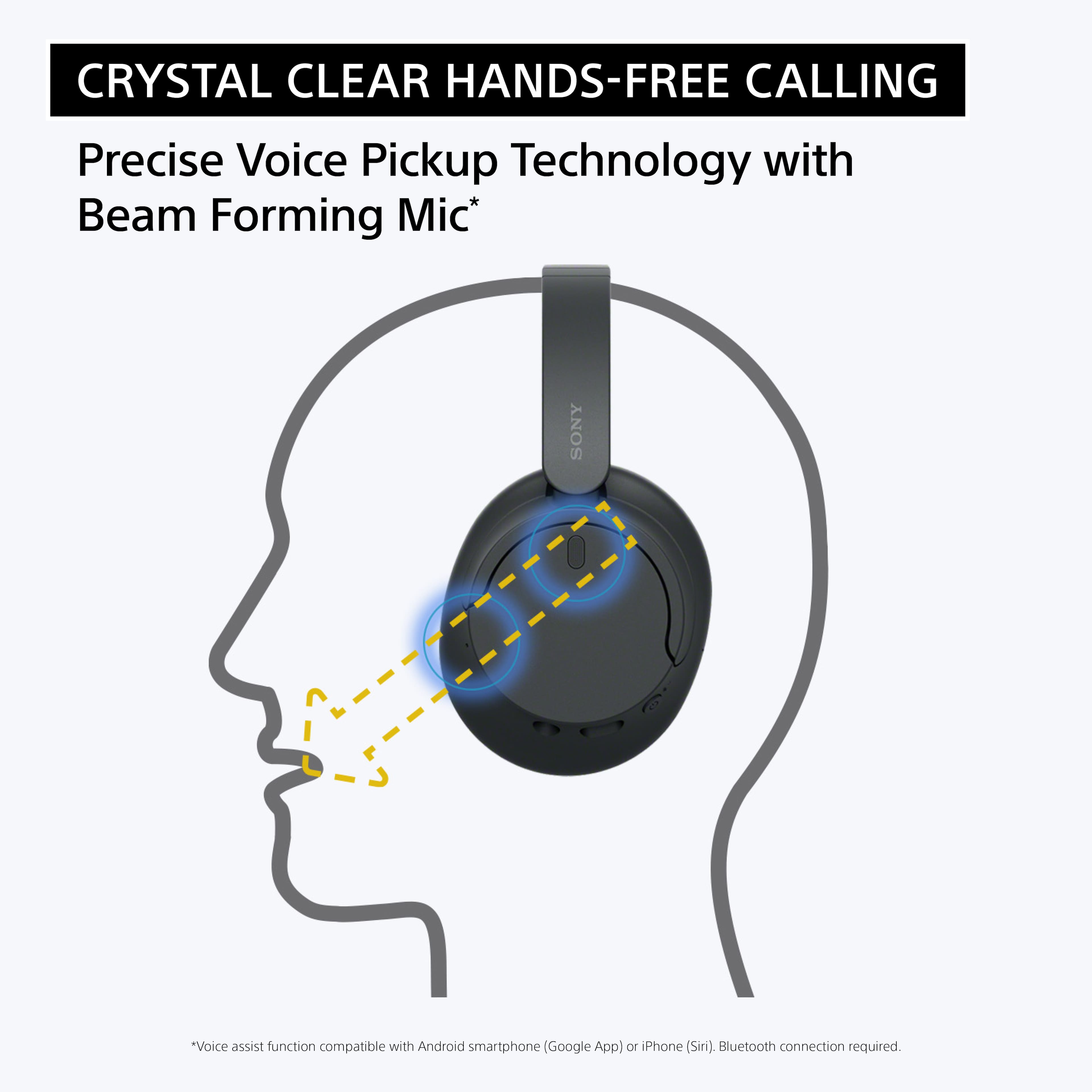
Thanks for the question! Yes, the WHCH720N headphones can be used in conference and video calls. These headphones are designed to work with Bluetooth devices such as computer, smartphones, etc. that supports the A2DP Bluetooth profiler and Hands-free Profile (HFP)/Headset Profile (HSP) Bluetooth® profiles.
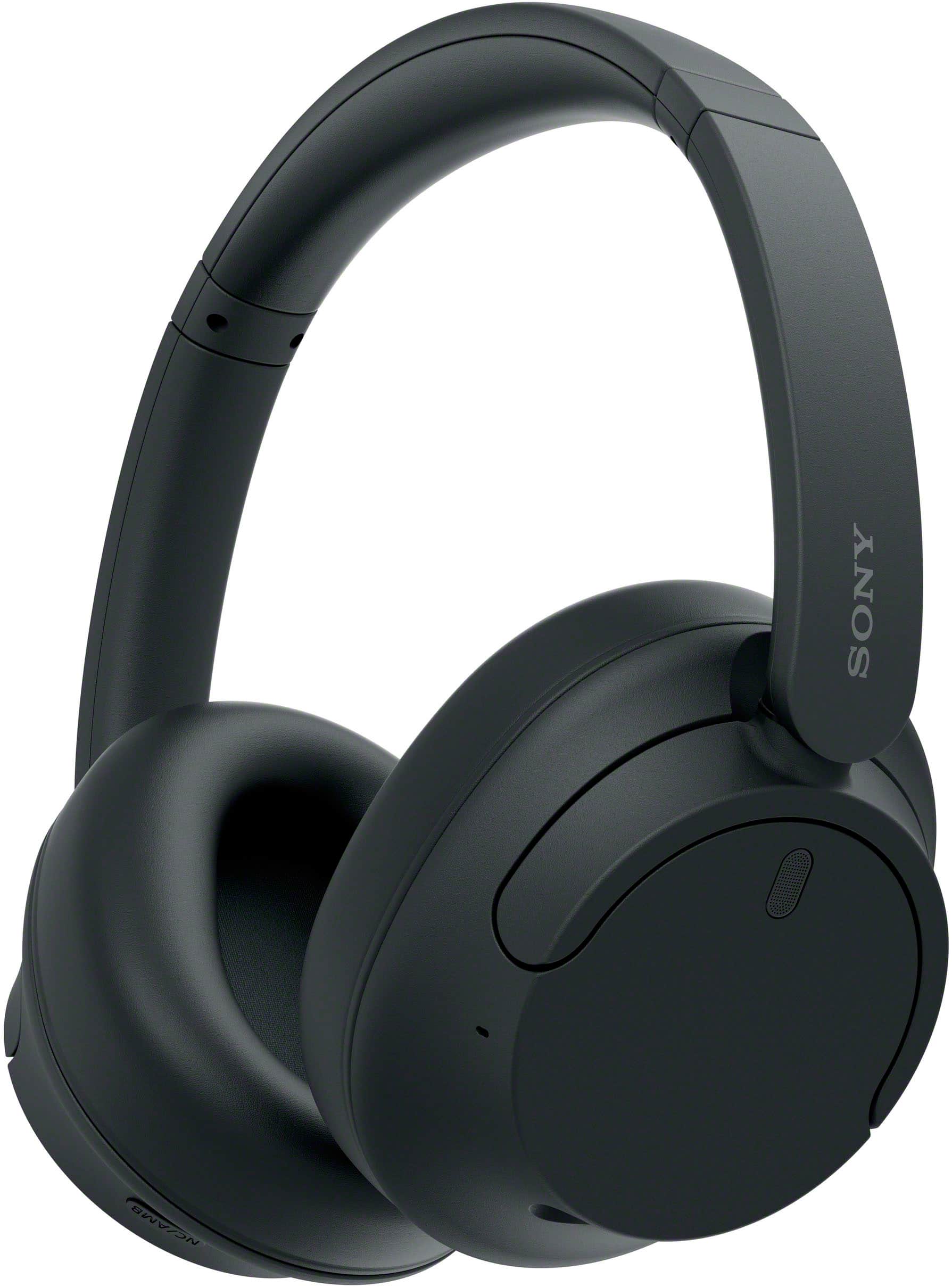
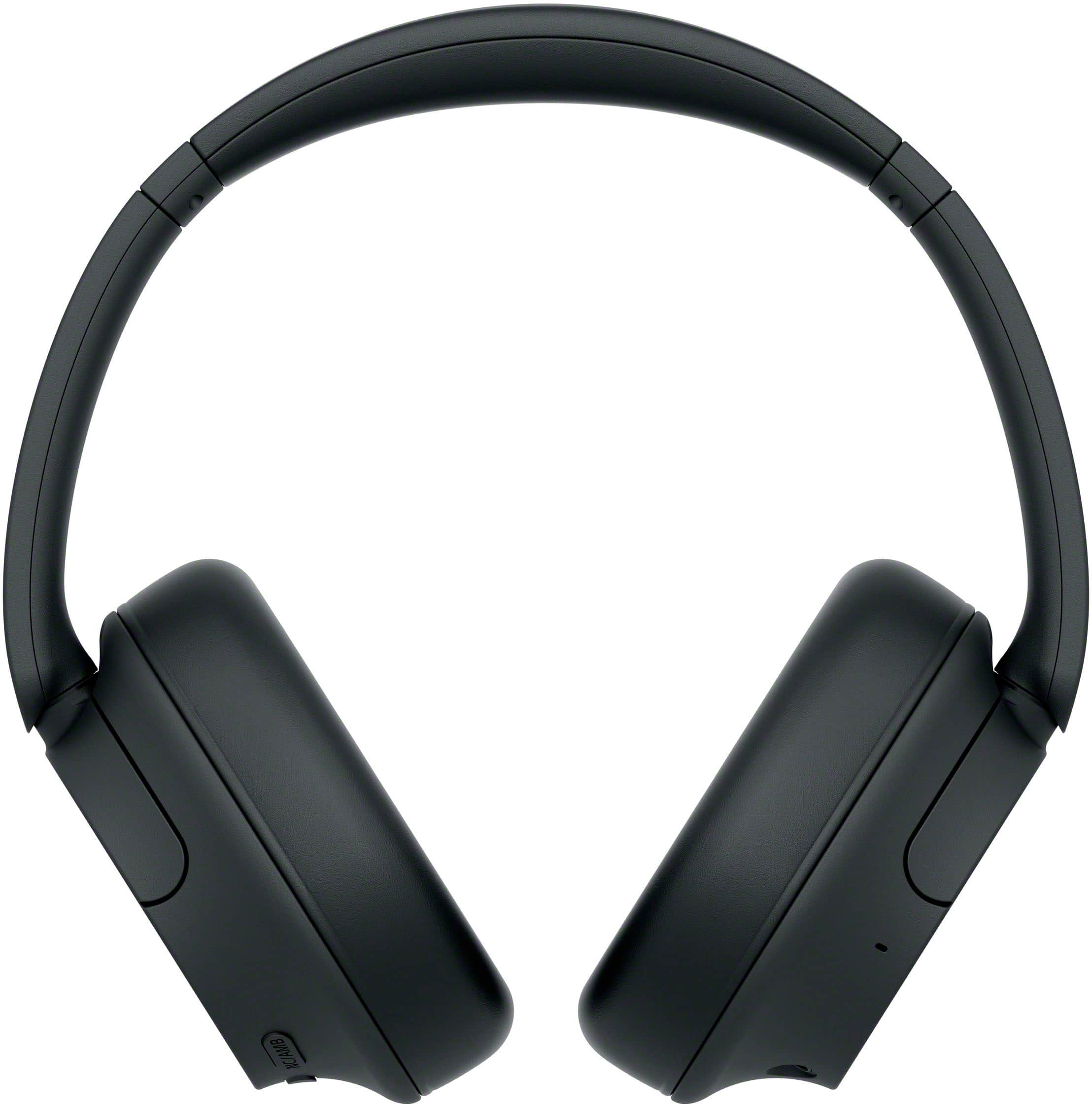
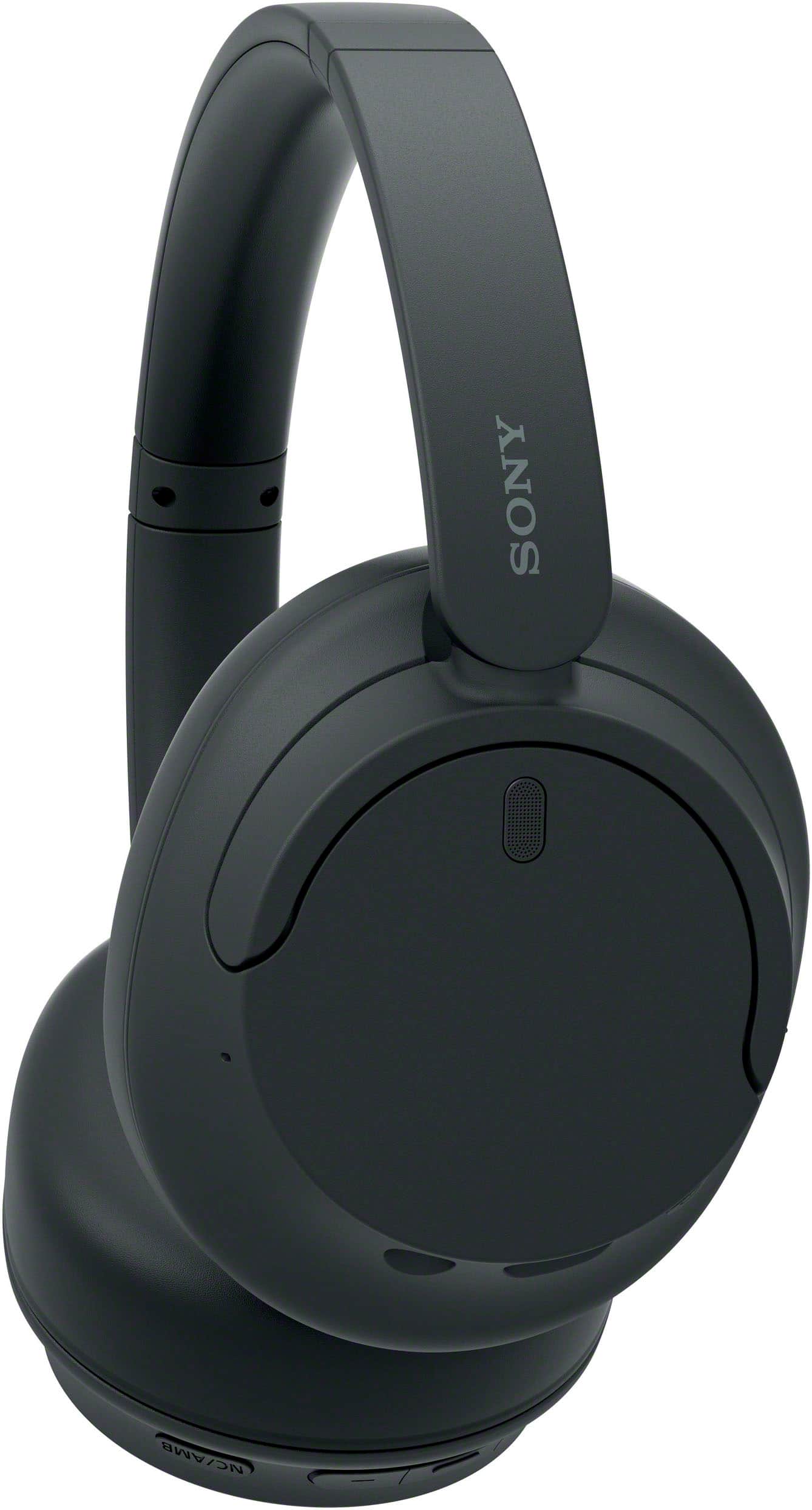
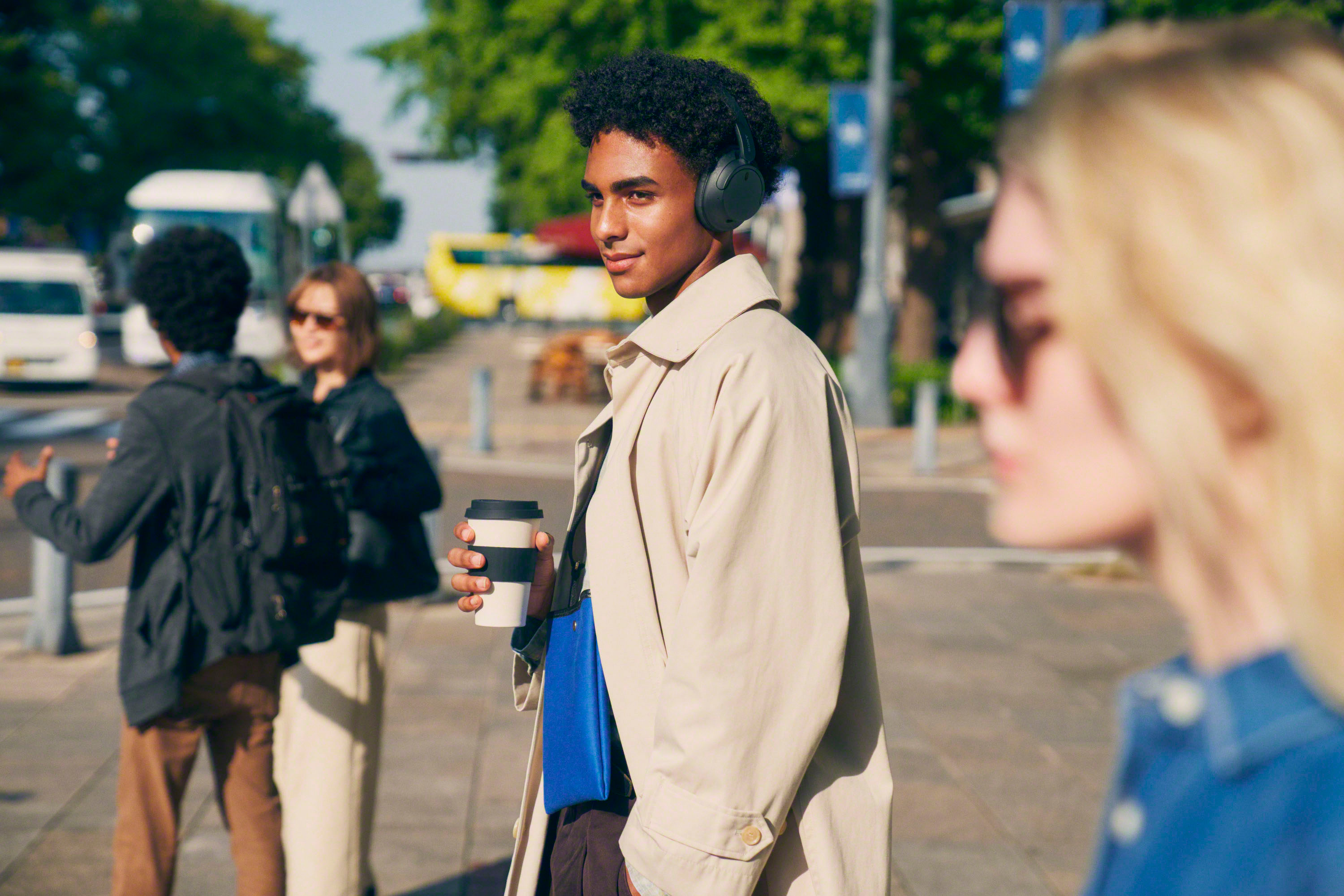
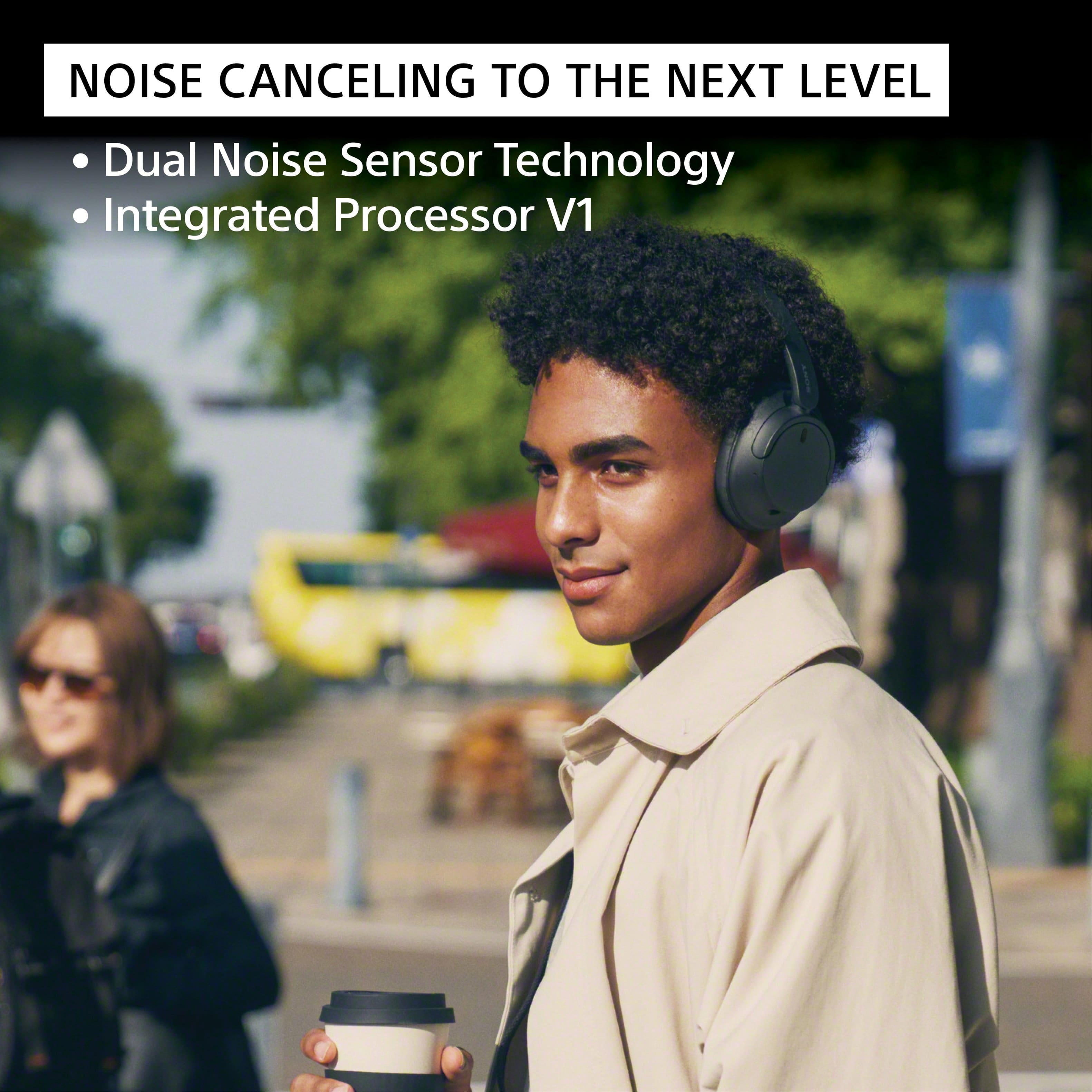
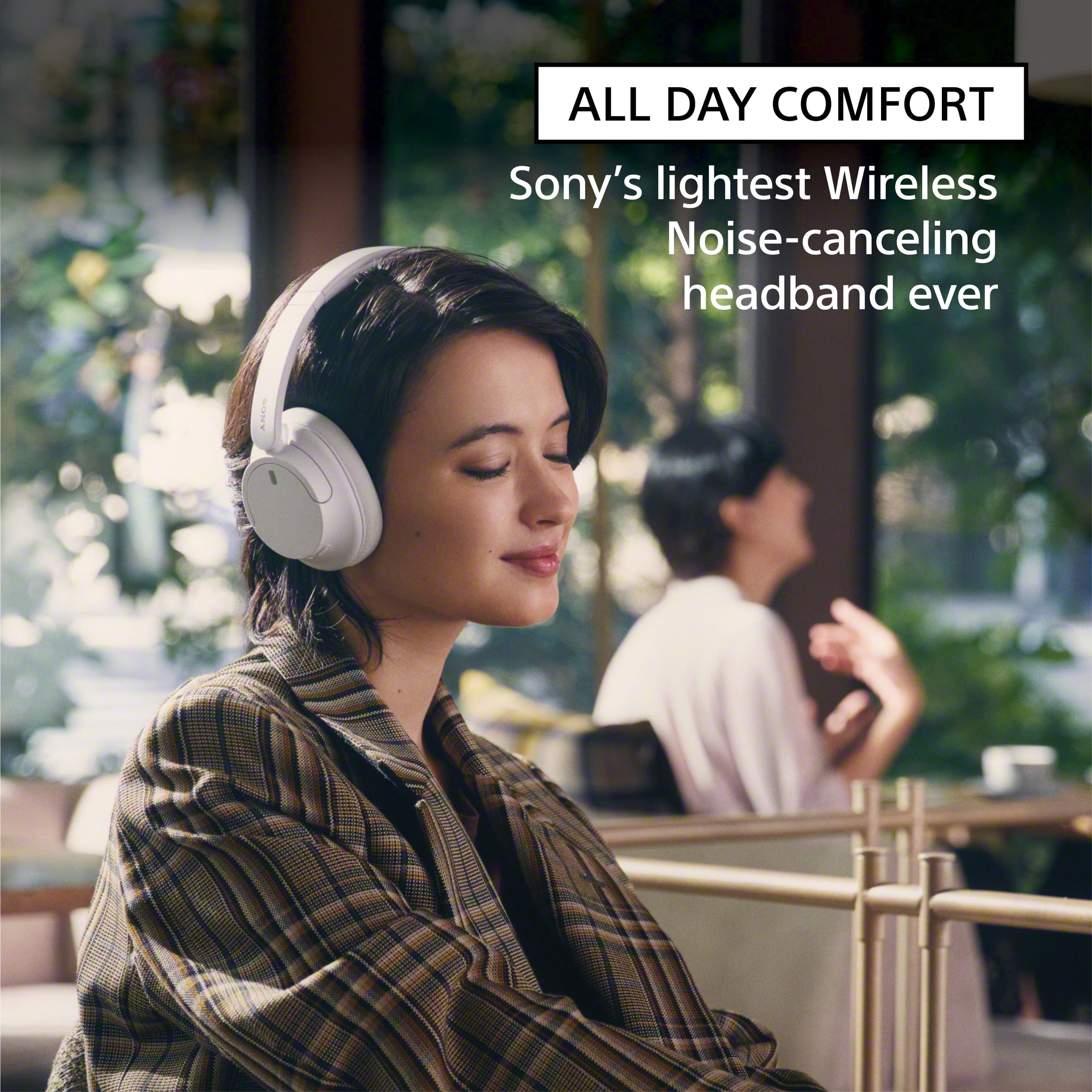
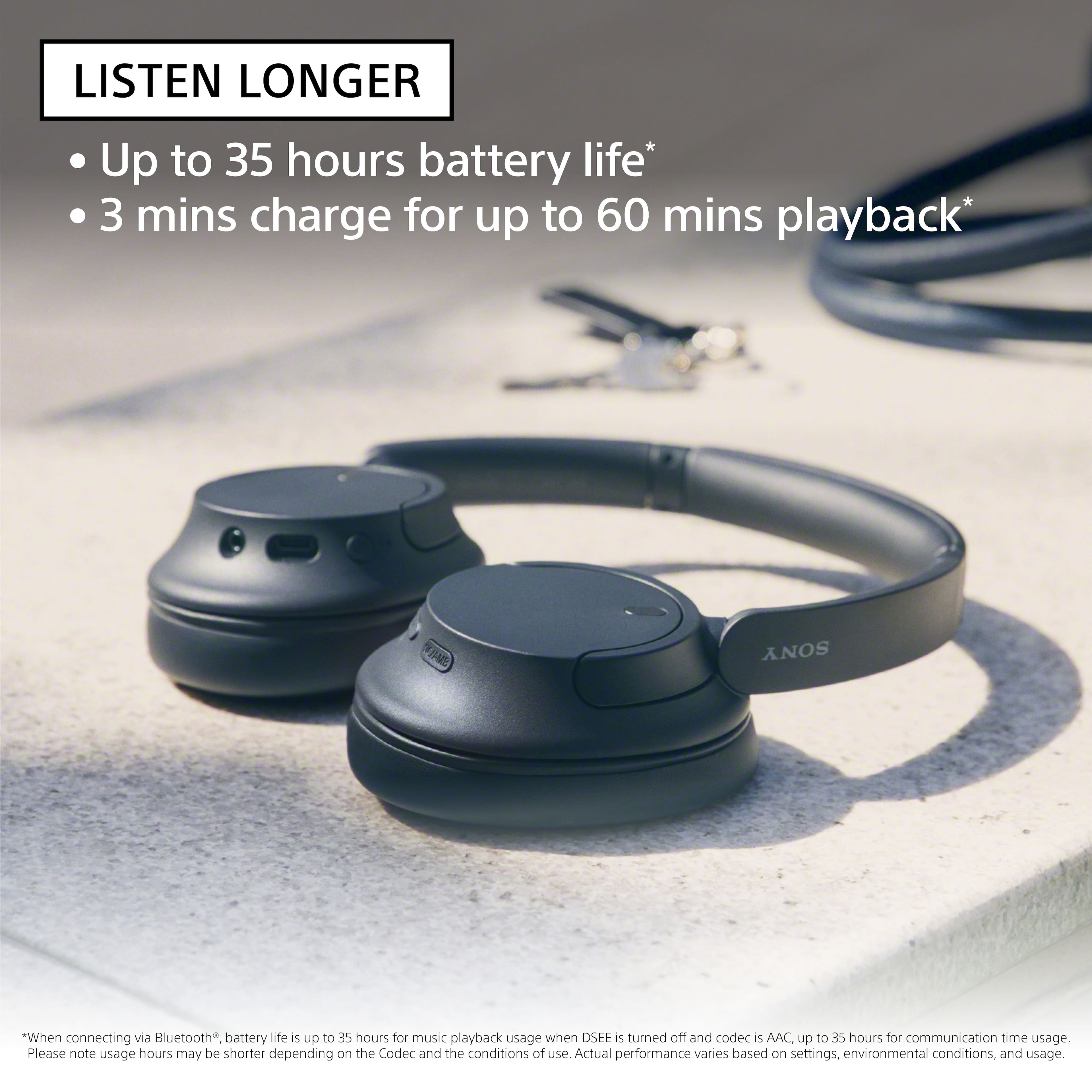
Turn down the world's noise with the long-lasting noise cancellation performance. Featuring Dual Noise Sensor technology and an Integrated Processor V1, the WH-CH720N allows you to fully immerse yourself in music without any distractions. Ergonomically designed to be lightweight, comfortable, and with up to 35 hours of battery life, you’ll almost forget you’re wearing it.
Hope this helps! - Kris
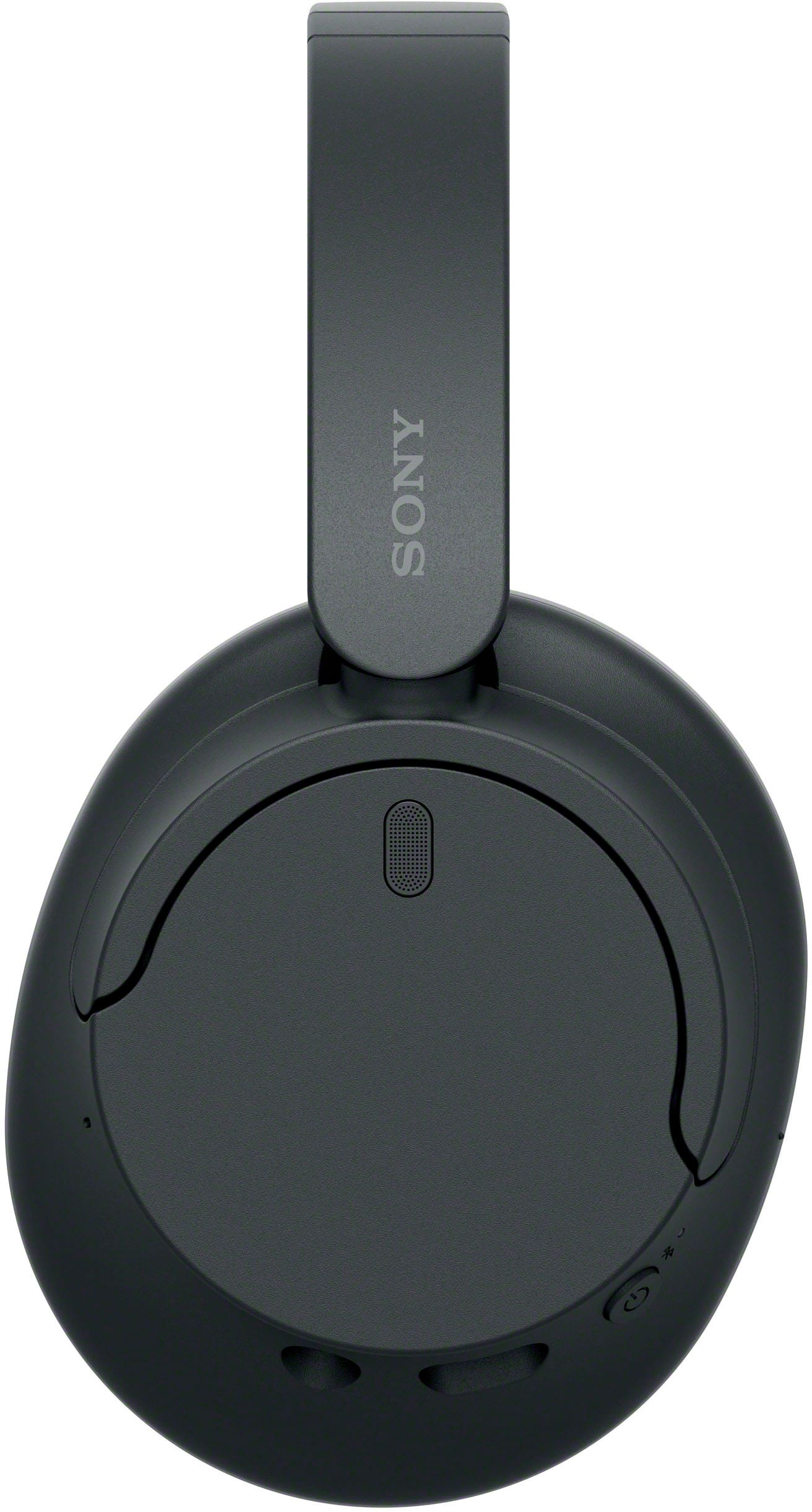
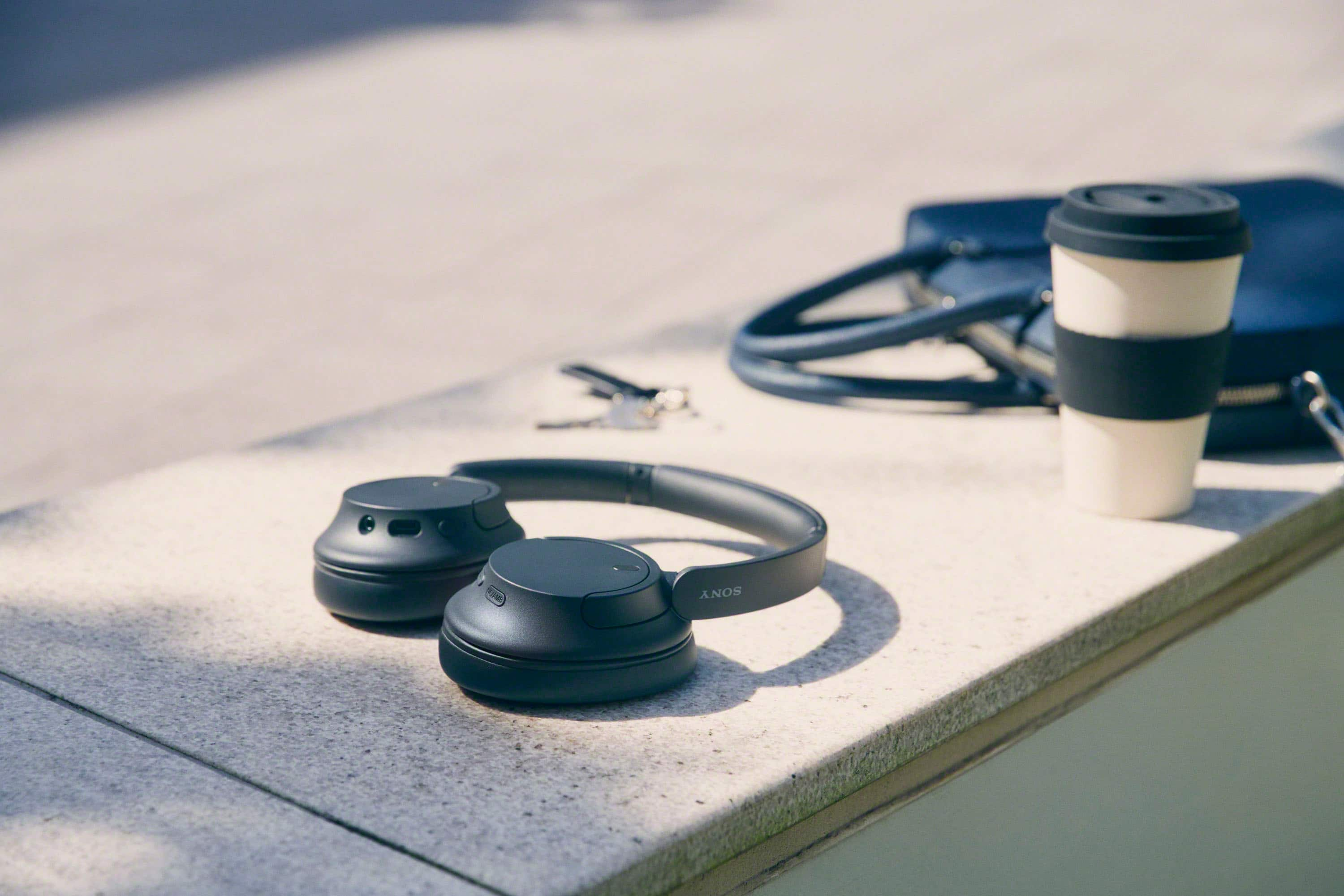
A:AnswerHi Craig, Thanks for the question. The ear cups of these headphones can swivel to lay flat but the headband is not foldable.
Our WH-CH720N headphones allow you to enjoy natural vocals, crystal-clear sound and balanced tuning audio, thanks to the Integrated Processor V1 and Digital Sound Enhancement Engine (DSEE), producing a high-quality sound exactly as the artists intended.
Hope this helps!
-Craig
A:AnswerIf you sleep on your back, they’re probably comfortable to sleep in (I think they’re comfortable enough to sleep with, on my back).
On your side… I didn’t find it comfortable but results may vary. I think the padding is comfortable, but maybe you won’t.
A:AnswerHi ThinOnTop, Thank you for your inquiry!
The supplied headphone cable is approx. 1.2 m (47.25 in.) and USB Type-C® cable (USB-A to USB-C®) (approx. 20 cm (7.88 in.))
I hope this helps!
Regards,
Carl
A:AnswerHi Sean, Thank you so much for your inquiry!
FREQUENCY RESPONSE (BLUETOOTH® COMMUNICATION)
20–20,000 Hz (Sampling frequency 44.1 kHz)
Also, yes you can turn off the noise canceling function/Ambient Sound Mode from the “Sony | Headphones Connect” app.
I hope this helps!
Regards,
Carl
A:AnswerHi BK, Thanks for the inquiry. Yes. The Sony WHCH720M can pair with your Iphone 15. Turn down the world's noise with the long-lasting noise cancellation performance. Featuring Dual Noise Sensor technology and an Integrated Processor V1, the WH-CH720N allows you to fully immerse yourself in music without any distractions. Ergonomically designed to be lightweight, comfortable, and with up to 35 hours of battery life, you’ll almost forget you’re wearing it. Regards, -Craig
A:AnswerHi AMV,
Thank you for your question! We're sorry to hear some issues that you are experiencing with your WHCH720N headphones. Let's work together and troubleshoot the problem.
If you hear noise or unusual sounds on the headphones, please check the following below:
Ensure that the headphones are worn properly.
Update the firmware of your headphones to the latest version as it includes key features, applications, bug fixes, and feature improvements.
Some devices that emit ultrasonic sound waves designed to repel rodents may occasionally be installed at the entrances of commercial facilities or subway stations. Near such devices, the ultrasonic sound waves may cause noise or unusual sound to be heard from the headset. Leave the place where the noise or unusual sound is heard. Or turn off the noise canceling function/Ambient Sound Mode from the “Sony | Headphones Connect” app.
When making or receiving a call using the headphones, your voice and other sounds are picked up from the headset’s microphone (Sidetone function). In this case, ambient sounds or the sounds of the headset operation may be heard through the headset, but this is not a malfunction. Please note that the volume level and sensitivity of the Sidetone function can't be adjusted, and the function can't be turned off.
May we contact you to help? Unfortunately, due to the current Best Buy phishing protocol for your protection, we cannot provide a direct email or phone number for customer support as of now. Please find Sony Electronics' Support information: Go to our support website > click on “Support” > scroll down click on “Contact Support” > click on "Headphones" and from there you'll see different ways to contact us.
We are sorry for the inconvenience and hope to speak to you to resolve this matter. - Kris