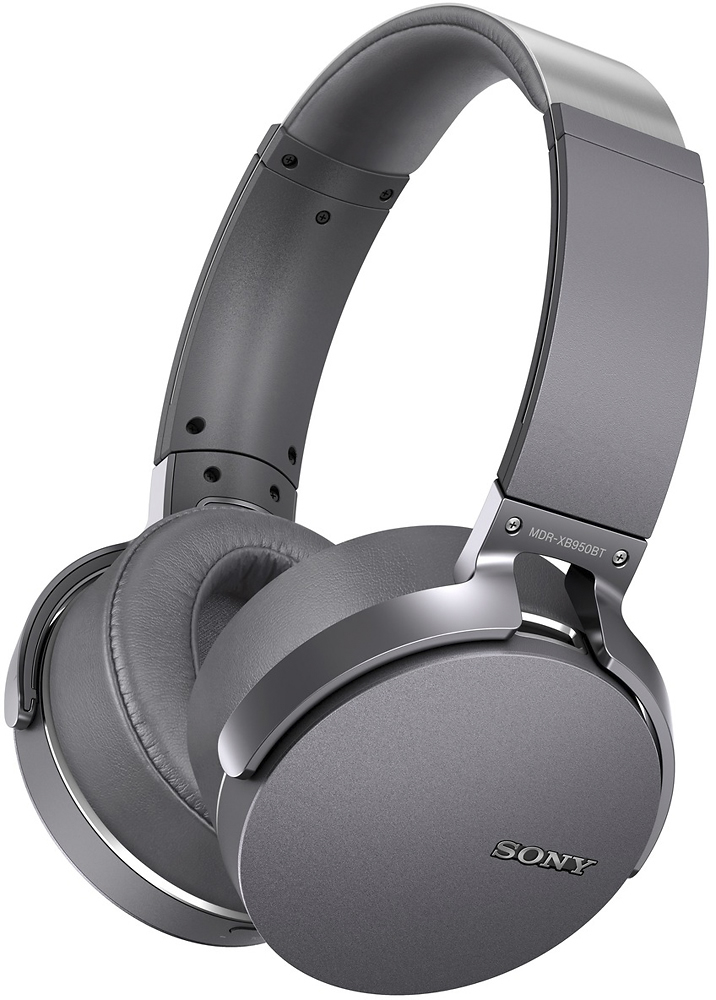
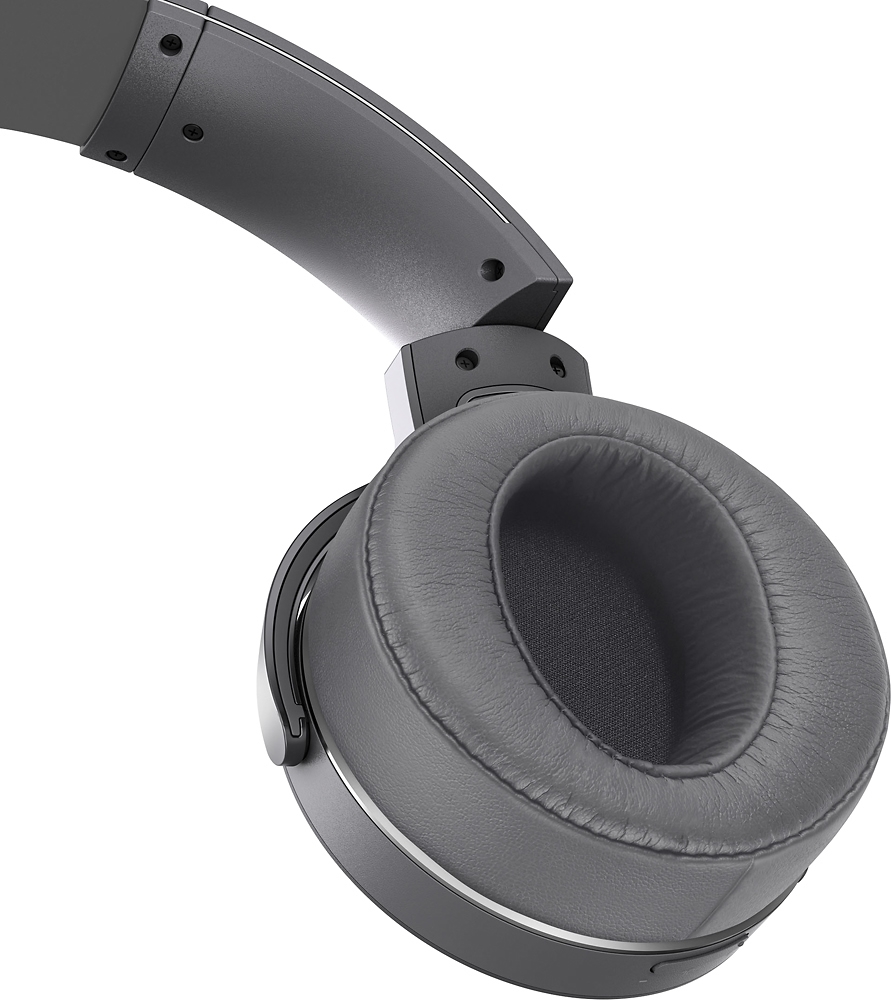
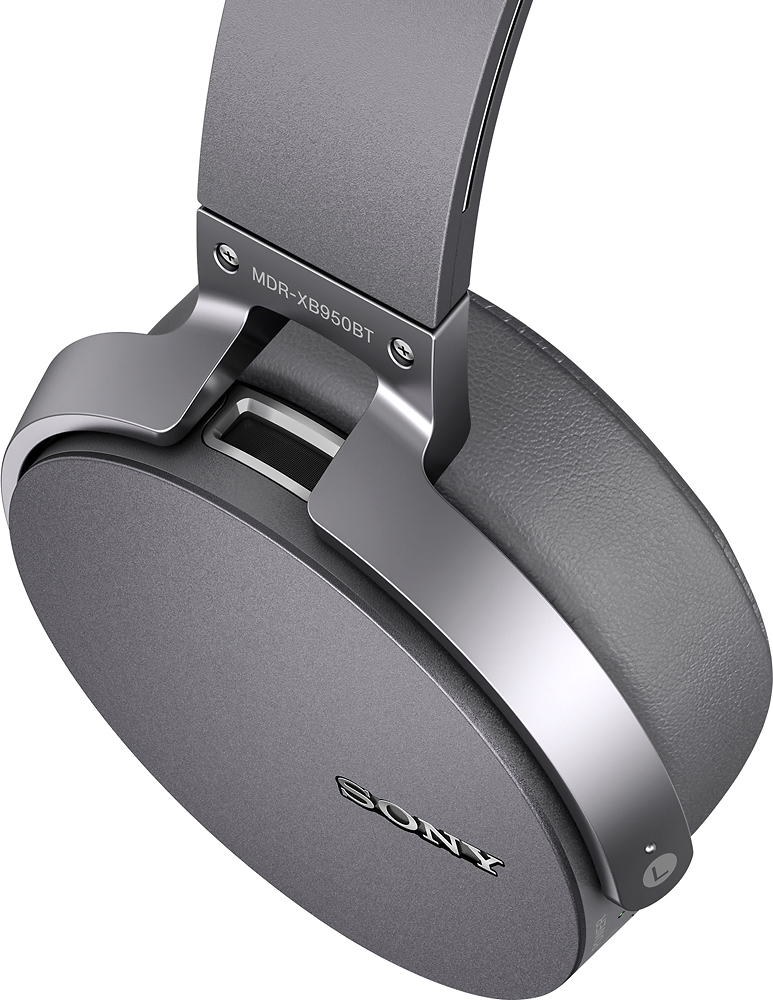
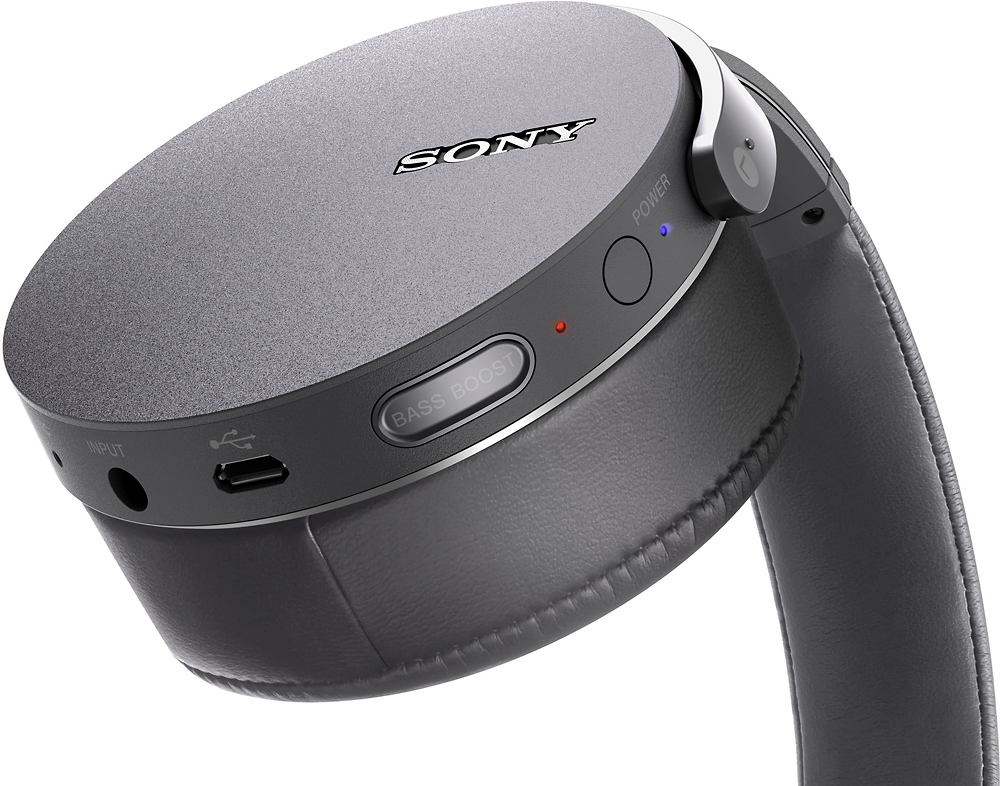
A:AnswerI had to Buy 2 things because my TV had no 3.5MM line out, nor did it have a Headphone Jack Out (some can consider this the same output channel) Anyway, here's what you need if you don't have either one.
#1)
Wireless Bluetooth A2DP 3.5mm Stereo Music HiFi Audio Dongle Adapter Transmitter
Go Here to get it:
http://www.ebay.com/itm/Wireless-Bluetooth-A2DP-3-5mm-Stereo-Music-HiFi-Audio-Dongle-Adapter-Transmitter-/371180272578?hash=item566c117bc2
#2)
HDMI 4 Port Switch 720/1080P Coaxial Audio 3.5mm AUX Stereo 3D HD + iR Remote
Go Here to get it:
http://www.ebay.com/itm/HDMI-4-Port-Switch-720-1080P-Coaxial-Audio-3-5mm-AUX-Stereo-3D-HD-iR-Remote-/371389657949?hash=item56788c735d:g:nREAAOSw9N1VrPpt
The only other thing I needed to get was a power adapter for the 1st item to connect to the wall. And a fiber cable to connect the sound from the 4 Port Hub (coming from my Direct TV Box via HDMI) to my Sound Bar.
Make sure to change all device audio settings to Stereo so you hear sound on the Headphones.
That's about it.
A:AnswerHello Revdd14! Most of the receivers done have the capabilities of sending the audio signal via Bluetooth since they come only with a BT receiver unit instead of a BT transmitter. In this case, it will be necessary to make a physical connection using either a headphone or audio out port with an adapter if available.~Jeannette
A:AnswerI gave these to my husband in March for his birthday. As per the instructions, he charged them for 24 hours when they were brand new. It is now 3 months later. He uses them daily and has never had to charge them since. I suggest you contact SONY.
A:AnswerHi Kate, We're sorry to hear that your having issues using the Bluetooth function. You may check the links below for troubleshooting steps to help isolate the issue:
https://us.en.kb.sony.com/app/answers/detail/a_id/49391
https://us.en.kb.sony.com/app/answers/detail/a_id/41452
~Ralph
A:AnswerHi J, yes. You can use the headphone without a charge, provided that you use the supplied cable. The supplied cable is for the headphone's passive operation. Thanks, -Mark
A:AnswerHi john, the most common way to pair the headphones with your phone is by pressing and holding down its power button for about 7 seconds. Once you release the power button, the light indicator above it will start flashing blue and red. From there, you can start the pairing process from the Bluetooth menu of your phone. Thanks, -Mark
A:AnswerSince these are made with plastic parts too I would think that prolonged exposure to UV light would eventually cause the plastic to degrade. They also are not water resistant. I would recommend these for use primarily indoors or out on the deck/patio in the shade.
A:AnswerYes, just open the case with the earphones still in it and touch your screen, and wallah they are paired. Please make sure your Bluetooth is on