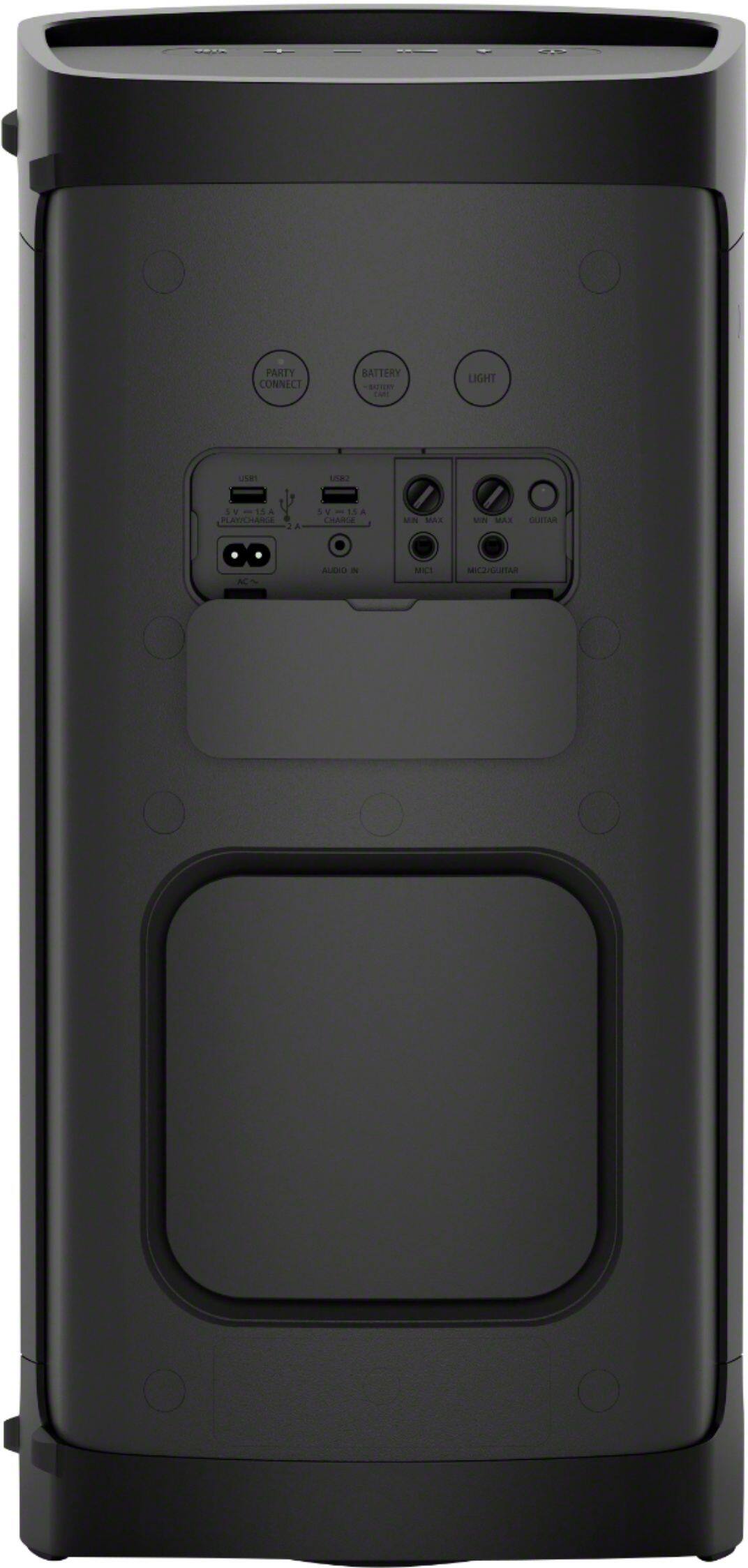
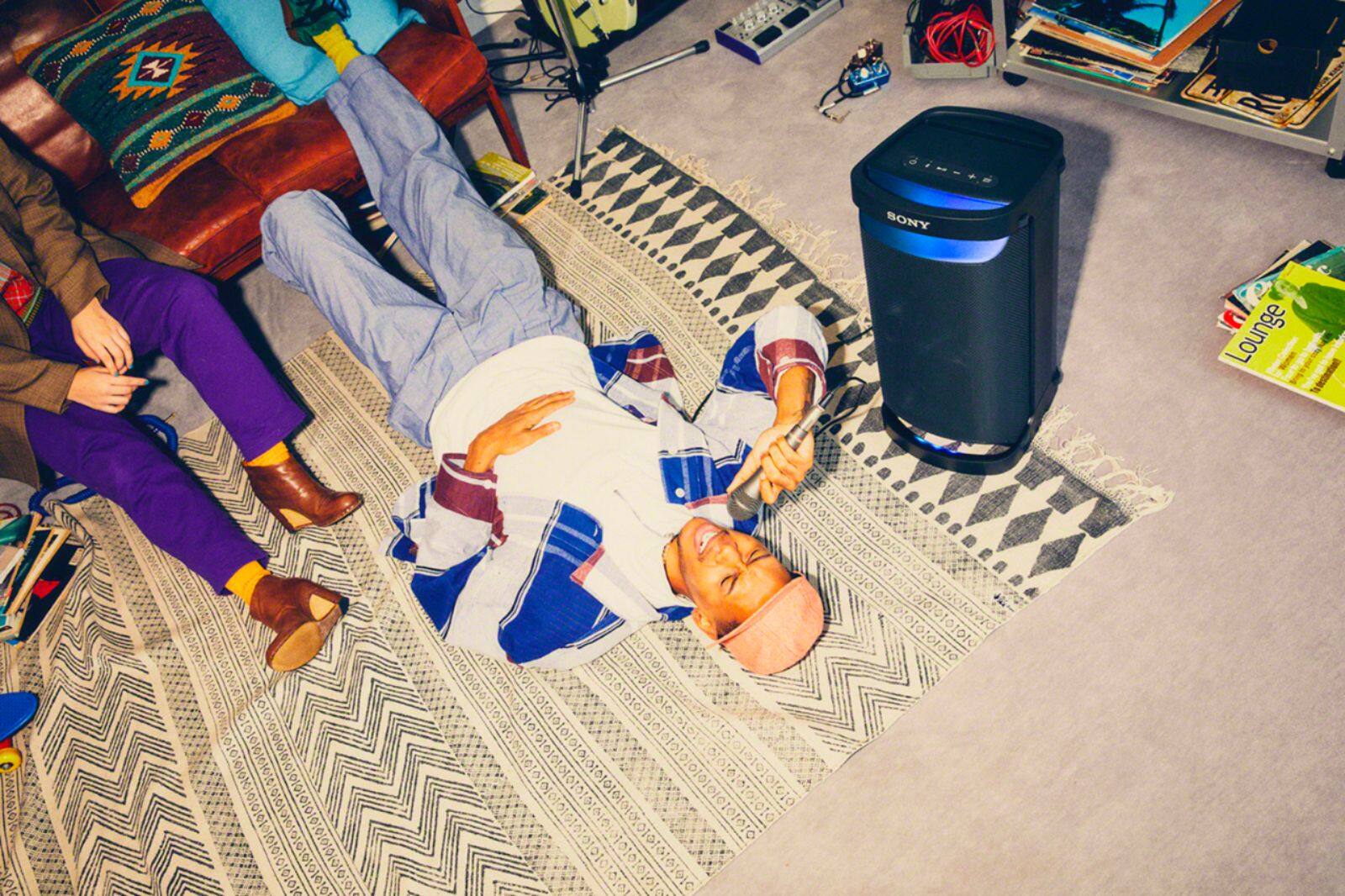
A:AnswerHi Mercer, Thanks for your inquiry! Yes, you can connect an external microphone to the MIC1 jack or MIC2/GUITAR jack on the speaker. You can output your voice from the speaker by connecting a dynamic microphone with a normal plug (commercially available). REF: https://helpguide.sony.net/speaker/srs-xp500/v1/en/contents/TP1000243091.html
Regards,
Sam
A:AnswerHi Peter, Thanks for your inquiry. Yes, you can connect this speaker to TV via Bluetooth that supports the following Bluetooth profiles: A2DP (Advanced Audio Distribution Profile) and AVRCP (Audio Video Remote Control Profile). If your TV doesn’t support Bluetooth but has a Headphone audio out (3.5mm/Aux) port then you can connect it to the AUDIO IN jack of the SRSXP700 using a 3.5mm audio cable. And you can also connect your microphone to the mic jack input of this speaker. And with regard to connecting a mixer, The XP700 does have a 3.5mm audio in port that might do the trick. This depends on if your mixer has a headphone 3.5mm port. Other than that, if your mixer supports Bluetooth out, it should be no problem.
Unfortunately there are many mixers and we cant guarantee they will be compatible. Hope this helps! -Sam
A:AnswerHi Knowledge, Thank you for your inquiry. Yes, you can! This speaker can be connected to TV via Bluetooth that supports the following Bluetooth profiles: A2DP (Advanced Audio Distribution Profile) Enables you to enjoy high-quality audio content wirelessly. AVRCP (Audio Video Remote Control Profile) Enables you to adjust the volume and operate to play, pause or skip to the beginning of the next/current track. If your TV doesn’t support Bluetooth but has a Headphone audio out (3.5mm/Aux) port then you can connect it to the AUDIO IN jack of the SRSXP700 using a 3.5mm audio cable. Hope this helps! -Sam
A:AnswerHi MARK, Thank you for your inquiry. Unfortunately, you cannot use this Portable Bluetooth Speaker as a subwoofer for your vehicle. I'd suggest checking out the Sony Electronics website and go to the Car & Marine Audio section on this link if you're looking for speakers for your vehicle. https://electronics.sony.com/audio/car-marine-audio/c/all-car-marine-audio
You can pair your phone to this unit via Bluetooth, but there it is not possible to pair your phone and your vehicle's Bluetooth at the same time. You may refer to this link for Bluetooth pairing procedure of this speaker: https://helpguide.sony.net/speaker/srs-xp500/v1/en/contents/TP1000243081.html
Hope this helps!
Regards,
Sam
A:AnswerHello Kacie,
Thank you so much for your inquiry.
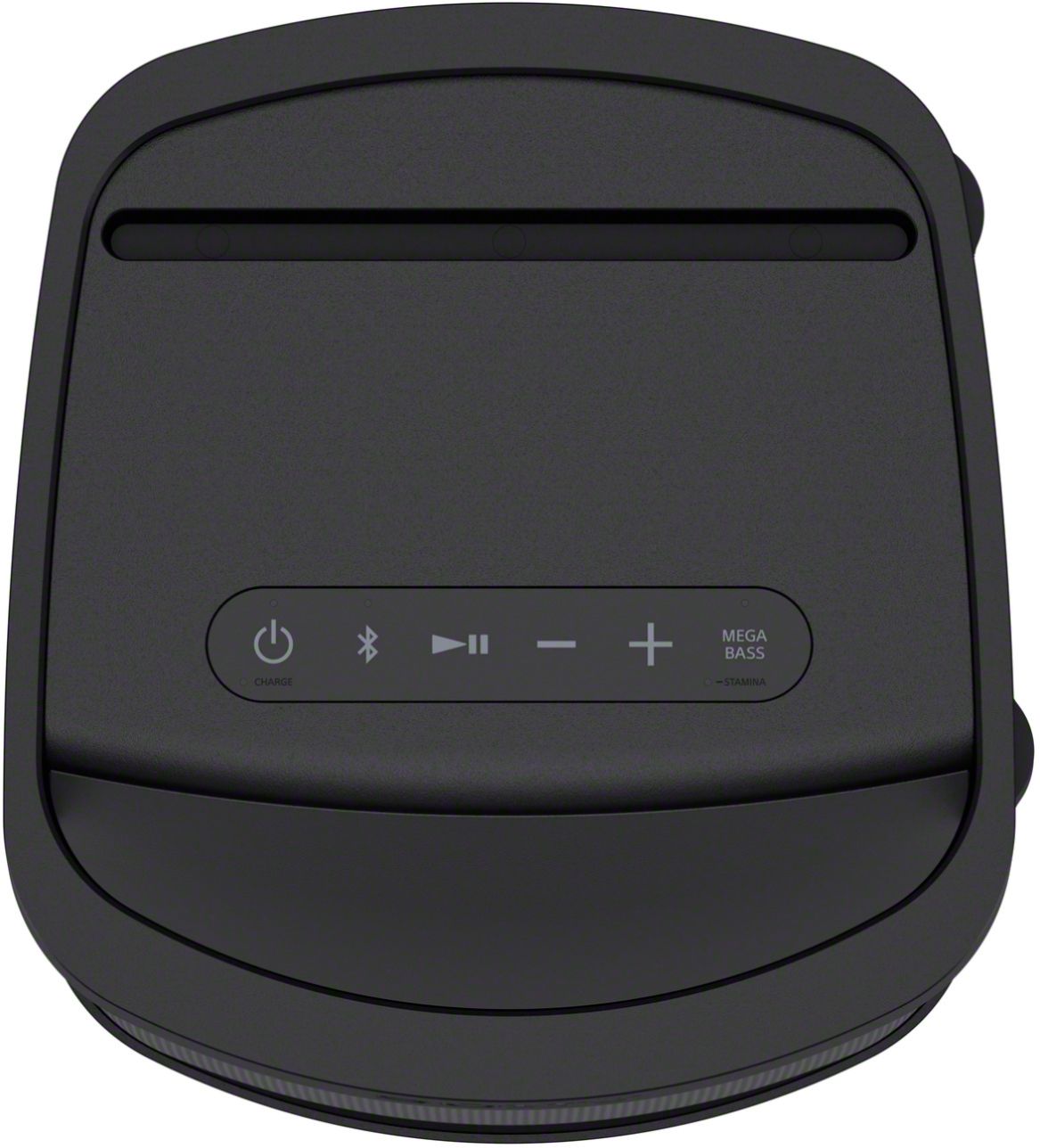
If you are referring to the Wireless Party Chain, unfortunately, no. The XP500 doesn't support Wireless Party Chain to pair it with the GTK-XB90. However, it does feature Party Connect function for multiple speaker's wireless playback, and is compatible with the following models:
SRS-XB43, SRS-XB33, SRS-XB23, SRS-XG500, SRS-XP500, SRS-XP700
For the XB90, this speaker uses the Wireless Party Chain function and is compatible only with the following models:
GTK-PG10, GTK-XB60, GTK-XB72, GTK-XB90, MHC-M20, MHC-V13, MHC-V21, MHC-V71, SRS-XB20, SRS-XB21, SRS-XB22, SRS-XB30, SRS-XB31, SRS-XB32, SRS-XB40, SRS-XB41.
Note:
Portable speakers and audio systems that support Wireless Party Chain can be used only with other models that support Wireless Party Chain. Models that support Party Connect can be used only with other models that support Party Connect.
For reference, check out the following links:
https://www.sony.com/electronics/support/articles/00191840
https://helpguide.sony.net/speaker/srs-xp500/v1/en/contents/TP1000243089.html?search=party%20connect
I hope you find this information to be helpful!
Best regards,
Romeo
A:AnswerHi Freeway, unfortunately, it is not water resistant.
It's a great speaker, just be mindful that it will not be exposed to any form of liquid and you should enjoy your Sony Speakers. It is also very versatile.
Also, explore the app that comes with it...very good deal!
Hope this helps.
A:AnswerHi there, thank you for your inquiry. This speaker can be connected to TV via Bluetooth that supports the following Bluetooth profiles: A2DP (Advanced Audio Distribution Profile) Enables you to enjoy high-quality audio content wirelessly. AVRCP (Audio Video Remote Control Profile) Enables you to adjust the volume and operate to play, pause or skip to the beginning of the next/current track. If your TV doesn’t support Bluetooth but has a Headphone audio out (3.5mm/Aux) port then you can connect it to the AUDIO IN jack of the SRSXP700 using a 3.5mm audio cable. Hope this helps! -Sam