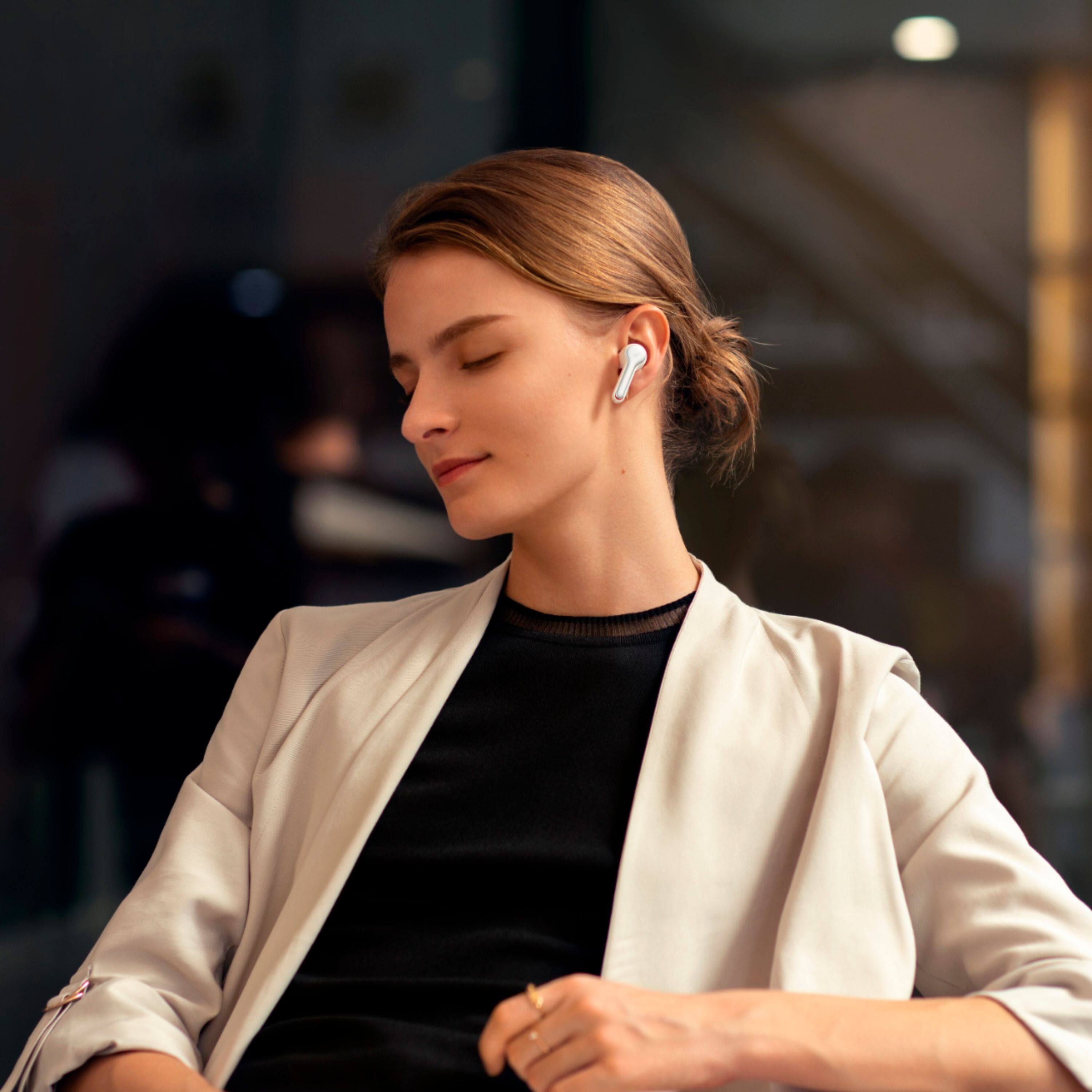
A:AnswerFor me they didn’t necessarily fall out, but I did find them scooting slowly out of my ears yet still staying put. My solution was buying TrueGrip Pro for Anker by Comply. They’re not hooks, but the medium size ear tips are more secure for me. YMMV
A:AnswerYes. First, pair your Liberty Air 2 earbuds to your device. Once connected, you may need to select your earbuds as the default playback and output device in the audio settings of your device’s operating system.
A:AnswerIt does, but after maybe 6-8seconds of not saying anything, they will begin picking up the next loudest sounds in your environment. If you are somewhere quiet, the person you are talking to will think you hung up from how quiet it will sound on their end.
A:AnswerYes. You can use one earbud via below two ways: 1. Simply remove one earbud from the charging case, keep the other one in the charging case and close the case to use one earbud separately. 2. If you are using both earbuds, put 1 earbud into charging case and close the case cover, and use the other one. When you switch from stereo to mono, there will be no sound for 2-4 seconds, but then the earbuds will connect again. The phone call will not hang up but please wait for 2-4 seconds to get the sound from the earbud in your ear.
A:AnswerUsually, Liberty Air 2 will automatically pair to the last device when you open or take them out of the charging case. So please help us do the following steps: 1. Forget the pairing record on your device and turn off your device's Bluetooth.
2. Place the earbuds into the charging case and make sure they are being charged. When you put the left earbuds into the charging case, the left LED light on charging case will flash 2 times which means the earbuds is charging, please also note the right side will also do the same time, when you put it into charging case, the right LED light on charging case will also flash.
3. Keep the charging case open, then press and hold the button on the bottom of the charging case for 10 seconds until the LED indicators on both earbuds flash red 3 times. All the memory data will be cleared.
4. After these, close the case and re-open the charging case or take both sides out of the charging case, the white light on one side will flash quickly, which means it enters pairing mode.
5. Enable the Bluetooth on your phone. You can find the device name "Soundbuds Liberty Air 2" or "Soundcore Liberty Air 2-L" on the Bluetooth list.
6. Please click "Soundbuds Liberty Air 2" or "Soundcore Liberty Air 2-L" for pairing, the white light will flash slowly, which means it paired successfully.
7. Then there will pop out a screen with "Bluetooth Pairing Request", just click "Pair" (This step is very important)
8. Put the earbuds back into the charging case for 10s and take them out again to see if they will reconnect to your device automatically.
Due to the design, if you put them into the charging case tne close the charging case , it will disconnecting automatically, otherwise, they will stay connected. If still the same, please reach to us at soundcore@service.com for the warranty claim.
A:AnswerThanks for sharing your experience. I would like to present our deepest apologies for all the inconvenience.
To fix the mic issue, we kindly ask you to try the following tips:
1) Use the default phone call on another phone to see if it makes any difference.
2) Download the Soundcore APP and upgrade the firmware to the latest version.
3) Forget the pairing record on your device and turn off your device's Bluetooth; reset the earbuds(placing the earbuds back into the charging case and keep the case open, and then tap and hold the button at the back of the case for 10 seconds until both earbuds' LED lights flash red 3 times) and then turn on the Bluetooth on your device to pair them again
Please feel free to contact us via service@soundcore.com with your order information and problems. We will always be more than happy to help you.
A:AnswerThank you for your inquiry.
Regarding your question:
You can charge the earbuds in Norway directly if the wall charger has a USB-A/USB-C output port.
We dearly hope we were able to help you with this information. If you need further information or this does not answer your question, please reach out to us via support@soundcore.com or call us at +1 (800) 988 7973. We are more than happy to assist you further.
A:AnswerThank you so much for asking. We are so sorry it cannot do that. If you have any other questions, please reach out to us via support service@soundcore.com or call us at +1 (800) 988 7973. We are more than happy to assist you further. We offer an 18-month warranty for this product, plus lifetime technical support. Our standard for responding to email quests is less than 24 hours, and we look forward to hearing from you!
A:AnswerIf you look in the box that they came in you have different sizes to add on so that they will fix better! I had the same problem until I try’s the different sizes and now I have no more problem!
A:AnswerThank you so much for asking. Normally it can work with a Toshiba fire stick edition 4K TV.
If you have any other questions, please reach out to us via support
service@soundcore.com or call us at +1 (800) 988 7973. We are more than happy to assist you further.
We offer an 18-month warranty for this product, plus lifetime technical support. Our standard for responding to email quests is less than 24 hours, and we look forward to hearing from you!
A:AnswerThanks for your asking. Please know this model does not support transparent mode. If you want to get the headphone with the transparency mode, you can check our Soundcore Liberty Air 2 Pro and so on. Please reach out to us via support service@soundcore.com or call us at +1 (800) 988 7973. We are more than happy to assist you further.