A:AnswerThey are as per the specs.
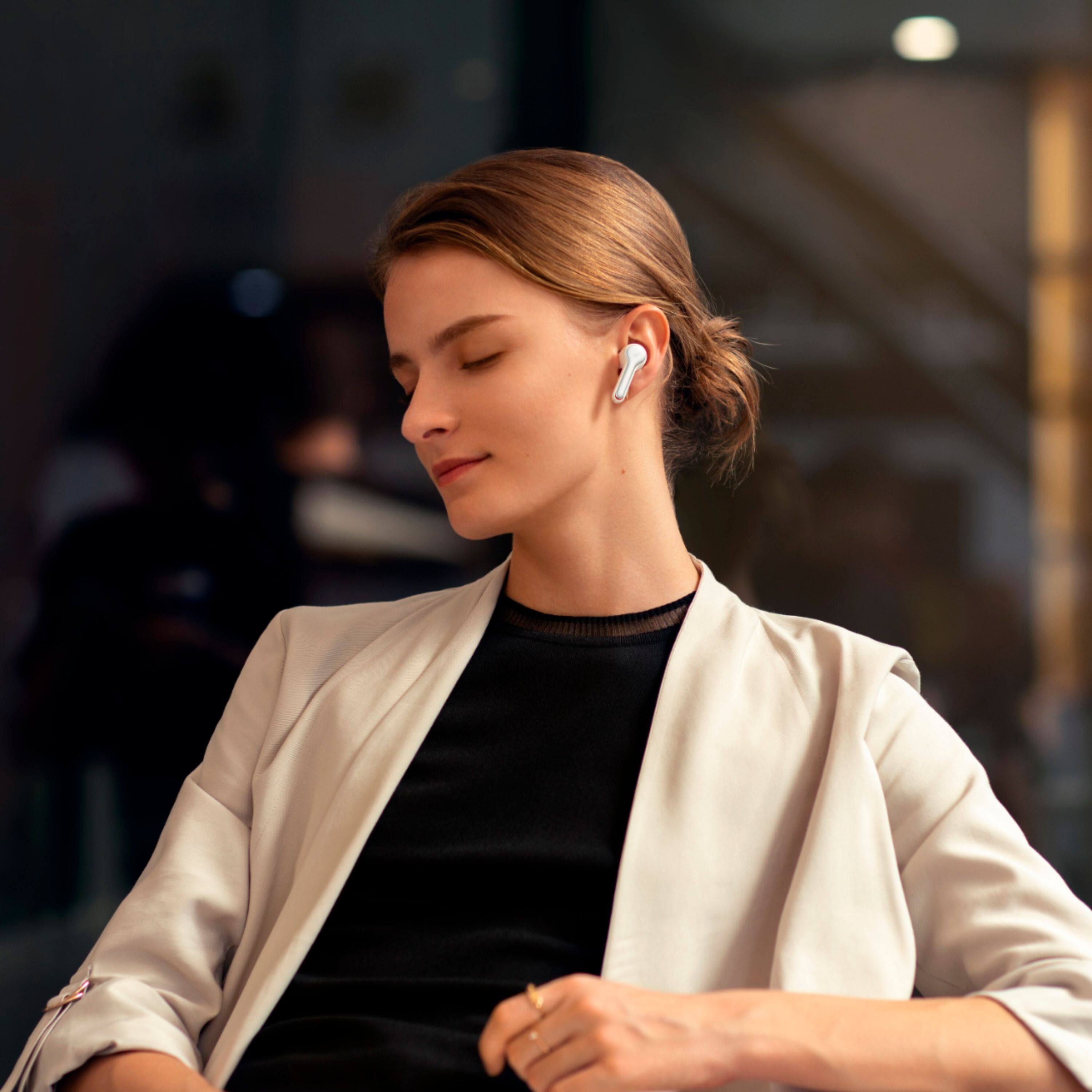
For a real world answer I just used them in the gym and got decently sweaty. Lifting and then a quick mile at 6.5mph and they still stayed in and didn't slip out.
I love these things.
A:AnswerYes! I am using them with mine right now, and while it doesn't have the same features as AirPods, these are better in some regards. You get a lot more sound quality for less money with these, though connecting requires that you go into your settings and pair it up manually. By comparison, the AirPods pair by opening the case and putting them beside the phone, no other input required.
I would say however, that I would rather pay a little less for better bass and detail, instead of paying more money so the set up takes 30 seconds less. If you have a lot of Apple devices, the AirPods will be easier to switch between devices. But if you plan on using them with JUST your iPhone or to switch between non-Apple devices, I would pick these up for sure!
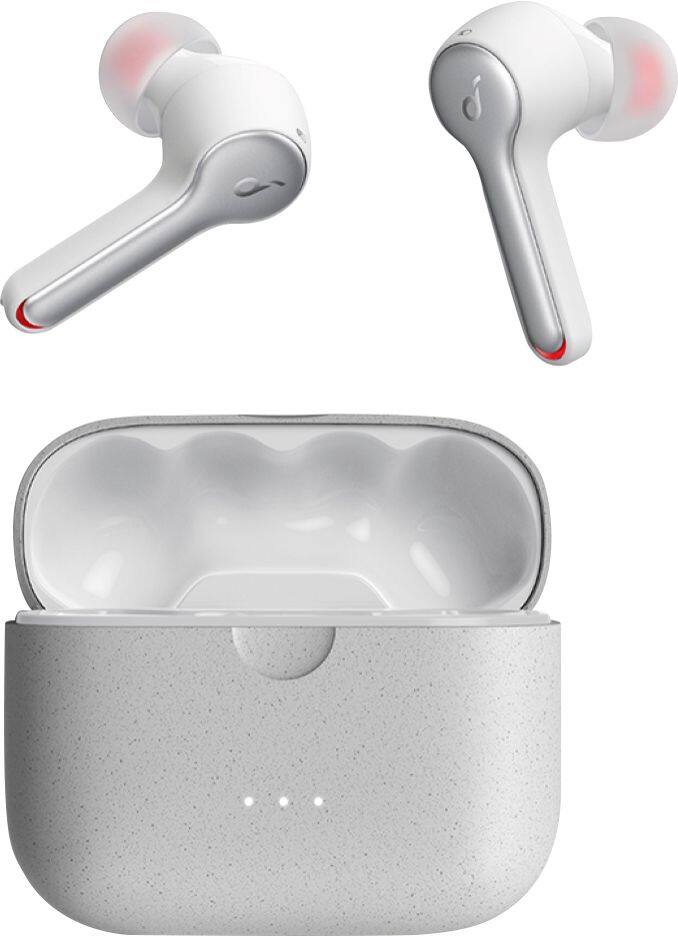
A:AnswerIf the case is fully charged, the 3 LED lights in the charging case will fully light. But it is hard to see if the earbuds are fully charged from the appearance.
A:AnswerYou can adjust the volume via the earbuds.
1. Go to the Apple App Store or Google Play to download the Soundcore App.
2. Pair your device with Liberty Air 2.
3. Open the Soundcore App and connect with Liberty Air 2.
4. Click on the Custom Command button in the lower right corner to enter the Custom Command page.
5. Customize the settings according to your preferences; choose to double-click or hold for 1s to control volume up/volume down, then use the settings to adjust the volume.
Note: Customized commands are not available in mono mode.
If you have any further questions, please contact us at service@soundcore.com.