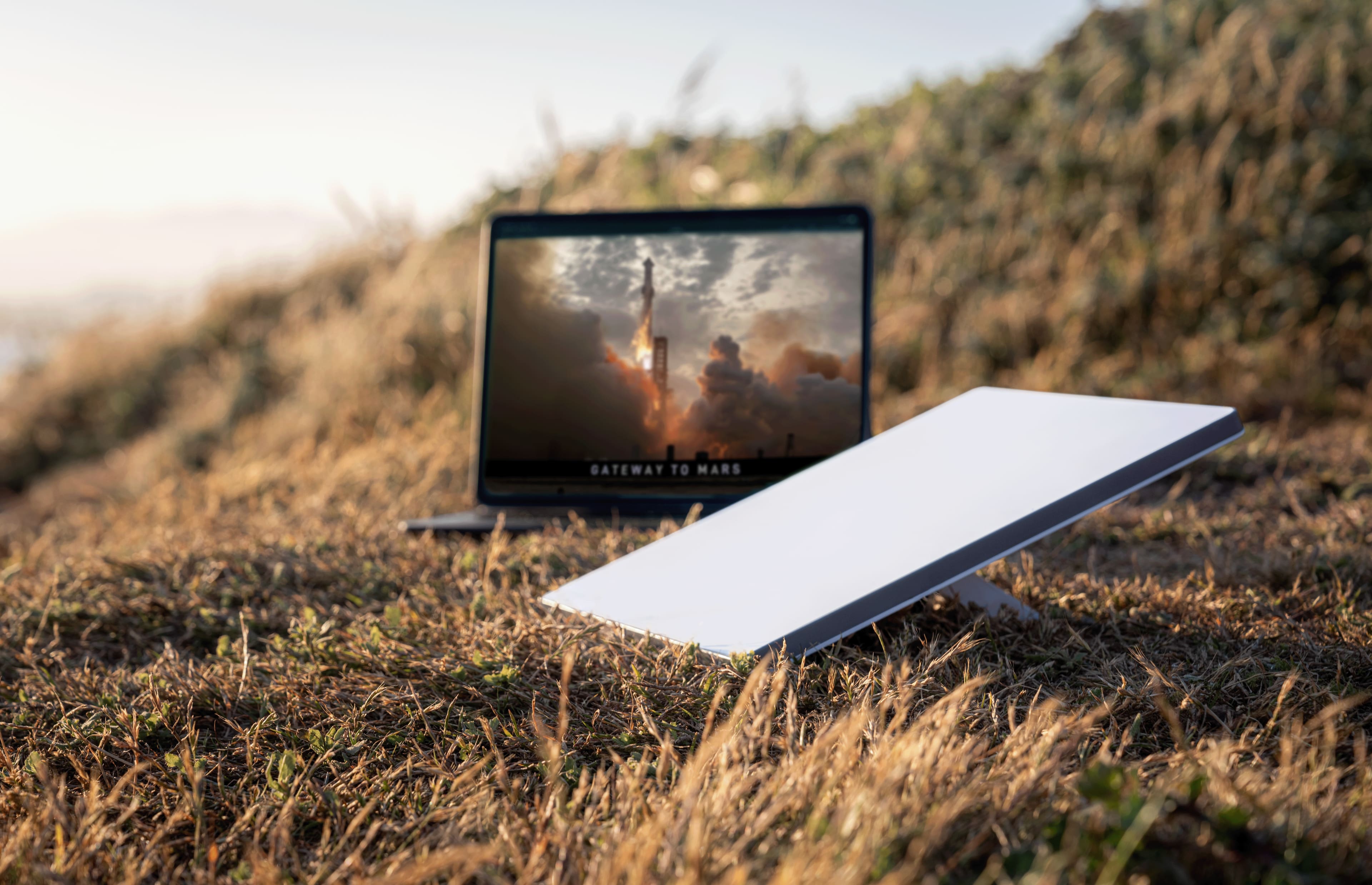
A:AnswerDownload the Starlink app before you do go out to the property perform the search for satellites pointing the phone at the sky and you’ll know I guarantee you it works out there. All North America is covered as long as you got a clear view of the sky within a 50 feet metal or a glimpse of the sky You got it I live in Washington with
A:AnswerThere is a DC adapter on starlink's website that can power by USB C to barrel connector. I'm not sure of any off brand types, mainly for 12 volt connectors as they need to be able to deliver over 20W just to power the starlink.
You'll need a USB C to DC power cord. Just search for starlink mini USB C to DC. Though you're better off getting it directly from starlink to avoid any issues/confusion.
A:AnswerYes, unless you cancel your service or put it on the $5 Standby plan. Go to Starlink.com for details on how you are charged when changing plans.
A:AnswerI suggest you go to Starlink.com and view these topics in the Help files, as it would be quite involved to go through the whole thing here.
You might also want to go to the Starlink subreddit and search the recent posts for answers to your questions. If you can’t find an answer, you can post and ask your question.
A:AnswerYes, you would have to use the Roam plan to use the same dish in both places. The cheaper residential plan is tied to a specific address. I use mine all over Texas and NM, even worked on the beach in Corpus Christi and South Padre Island.
So the upside is that the roam plan works anywhere in North America, only dead spots I’ve found have been because I couldn’t get a clear view of the sky. That’s nothing to do with Starlink, just the trees/buildings/bridges/etc.
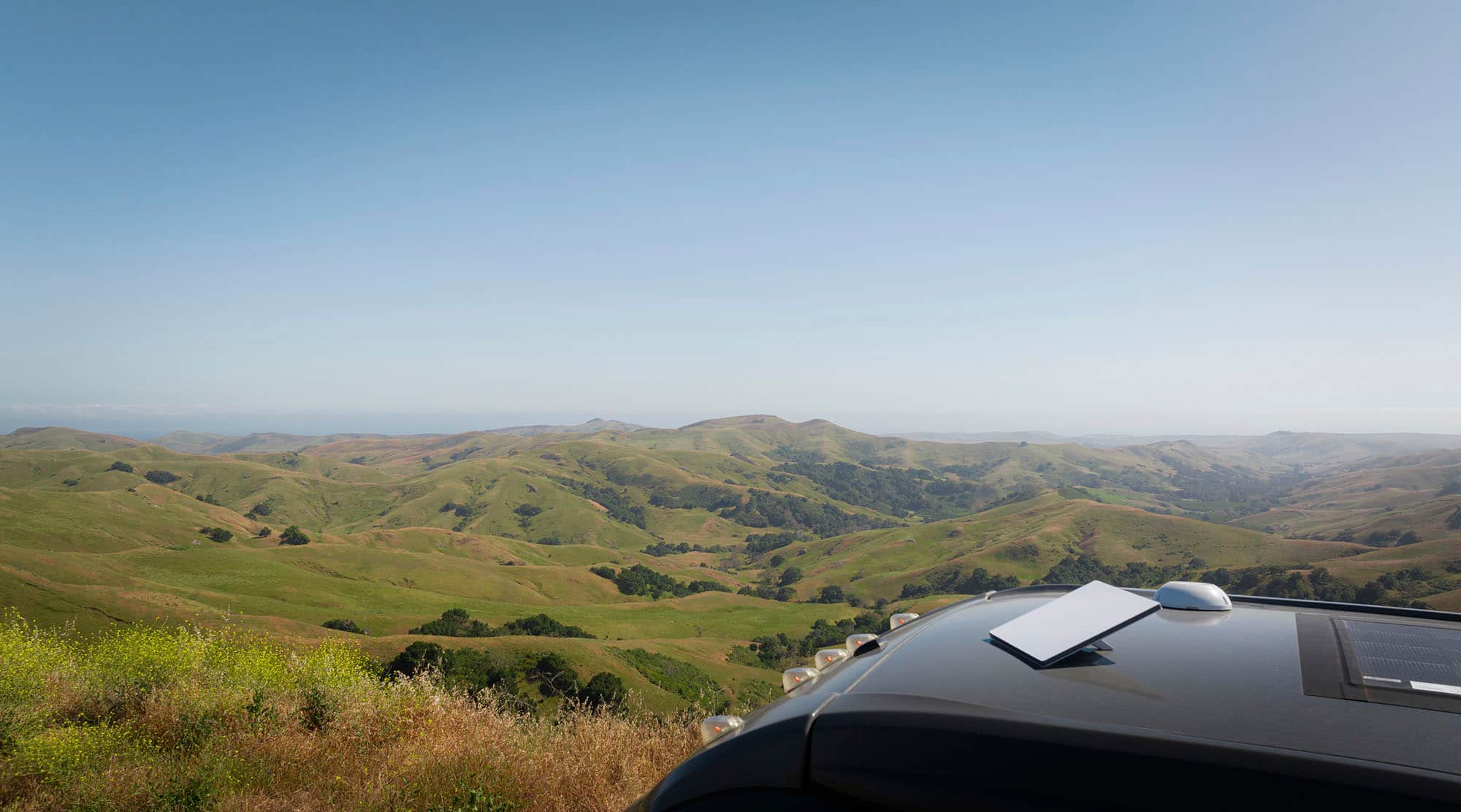
And yes, it will work while driving down the road at highway speeds - attached photo is a speed test on my Mini sitting inside my sunroof driving on a remote highway in the NM desert with minimal cell service traveling 70 mph. Though I have read that some sunroofs on newer electric vehicles have some sort of coating/treatment that affects the signal, mine does not.
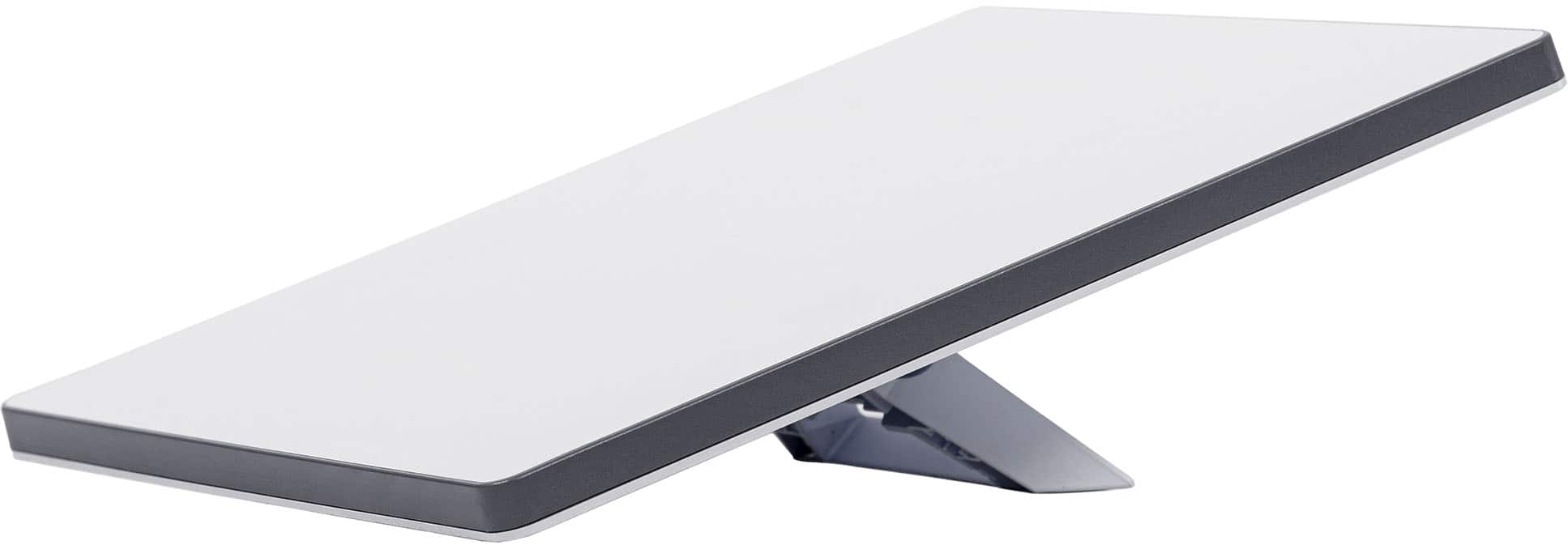
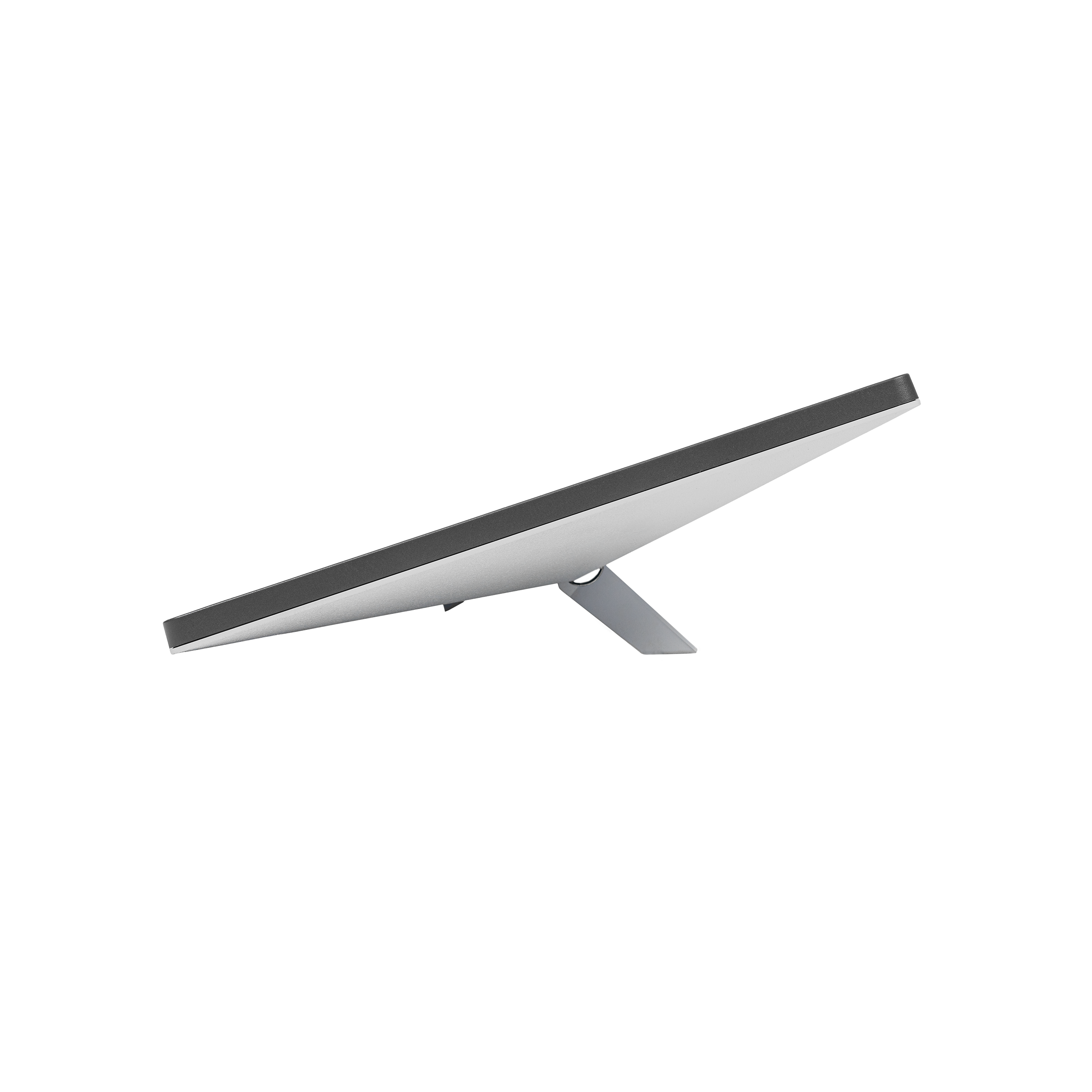
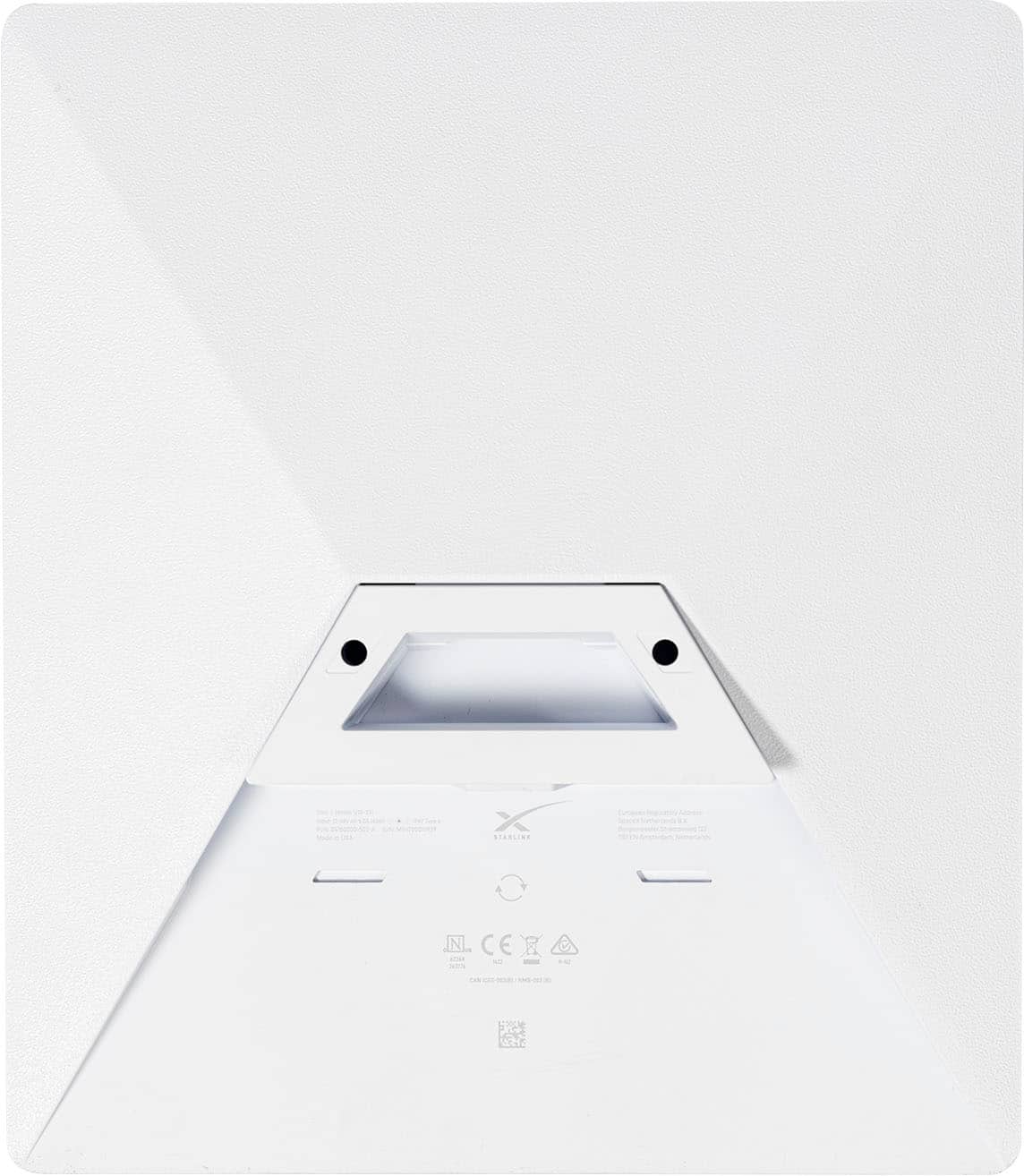
A:AnswerThis is a different device, The Mini, it is about 1/3 the size of the gen 3. It is also lighter, and has a built in router, so it’s an all in 1 piece. They may still come out with a Gen 4 to replace the Gen 3 at some point. This is much easier to carry around and setup. I primarily use it for camping trips.
A:AnswerIf your C port has enough power output and you have the correct cable, yes, it’s theoretically possible. I doubt your truck’s port is putting out enough watts tho. Mini would need 50+ watts at max draw, it idles around 15w - most ports are only doing 10-20 tops.
You can buy a 12v adapter (cig lighter) that will easily power it - that’s what I use in my truck.
A:AnswerUp to 128 devices simultaneously, but the more connections you have, the slower speeds will be due to sharing bandwidth (think of it like highway traffic at rush hour vs 3am). Especially if you have 10+ devices all trying to stream HD content simultaneously. We have 4 TVs, 2-3 phones/tablets and a work computer all running on a Gen 2 standard with no noticeable dip in performance. I’ve run an Xbox, laptop, phone and tablet simultaneously on a mini with the same level of performance as well
A:AnswerIf you’re getting good speeds it will. I consistently see speeds in the 150 MB/s range - latency might be a challenge for you depending on what you’re streaming/level of gaming is. Average gamer needs 15-25 MB/s for optimal gaming, streaming needs something like 10-15 most of the time. So unless you have 3 ultra serious pro gamers all playing CoD/Fortnite/etc simultaneously, the unit is capable. Latency under 50ms is considered good, less than 20ms spectacular. Screen shot is from my mini driving down the highway at 70+ mph
My suggestion would be to get the gen 2 standard - both units are capable of supporting over 100 devices connecting simultaneously, but you’re going to get better max speeds out of a standard gen 2
A:AnswerYes, this works well with an RV. It has different mounts if you want to permanent mount it to the top of the RV, unless you just want to set it up when you stop. You'd need to buy the Roaming package.
A:AnswerThere are batteries you can purchase to run it. It needs a power unit. There are cigarette lighter plugs and other power products to run this mini. But you do need power to it.