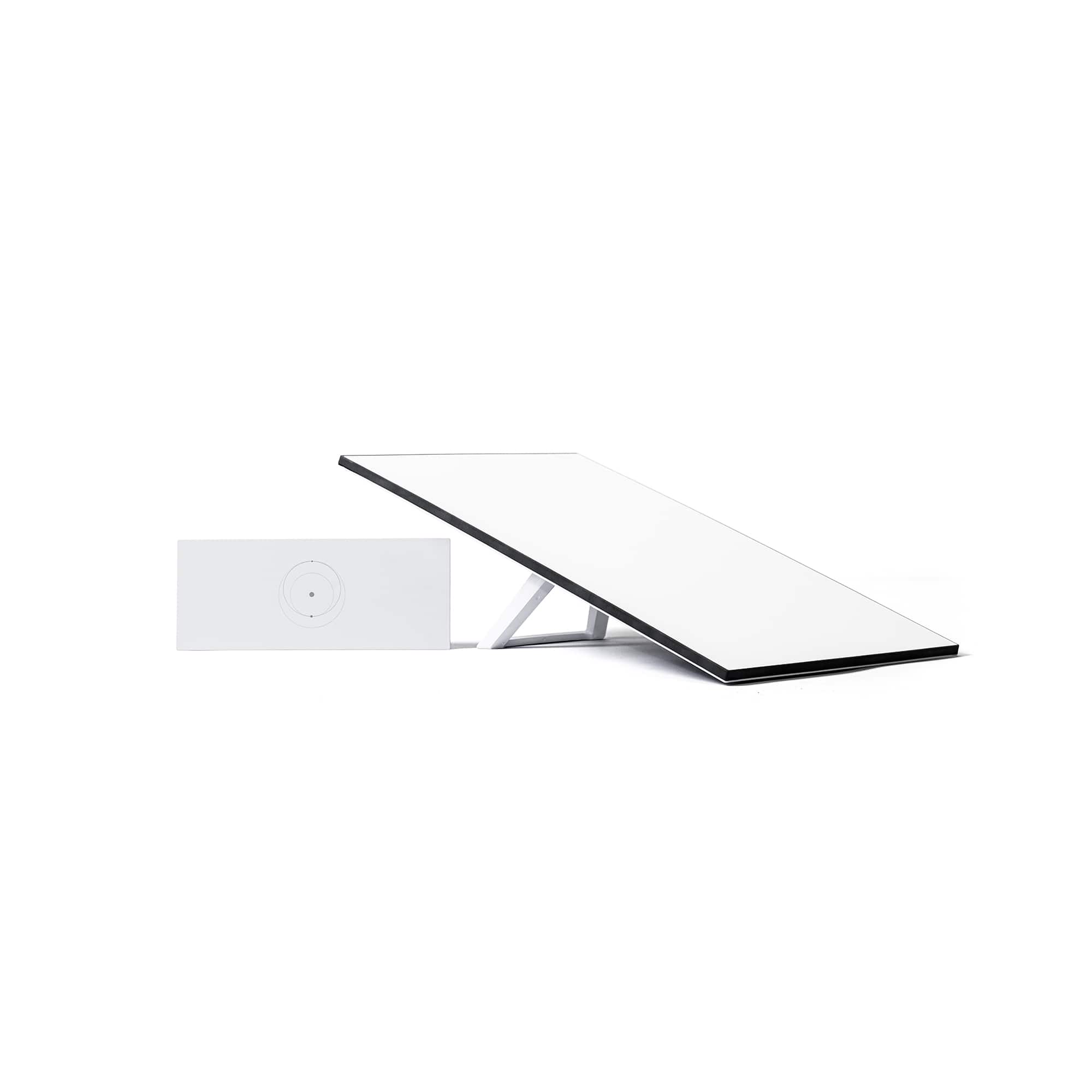
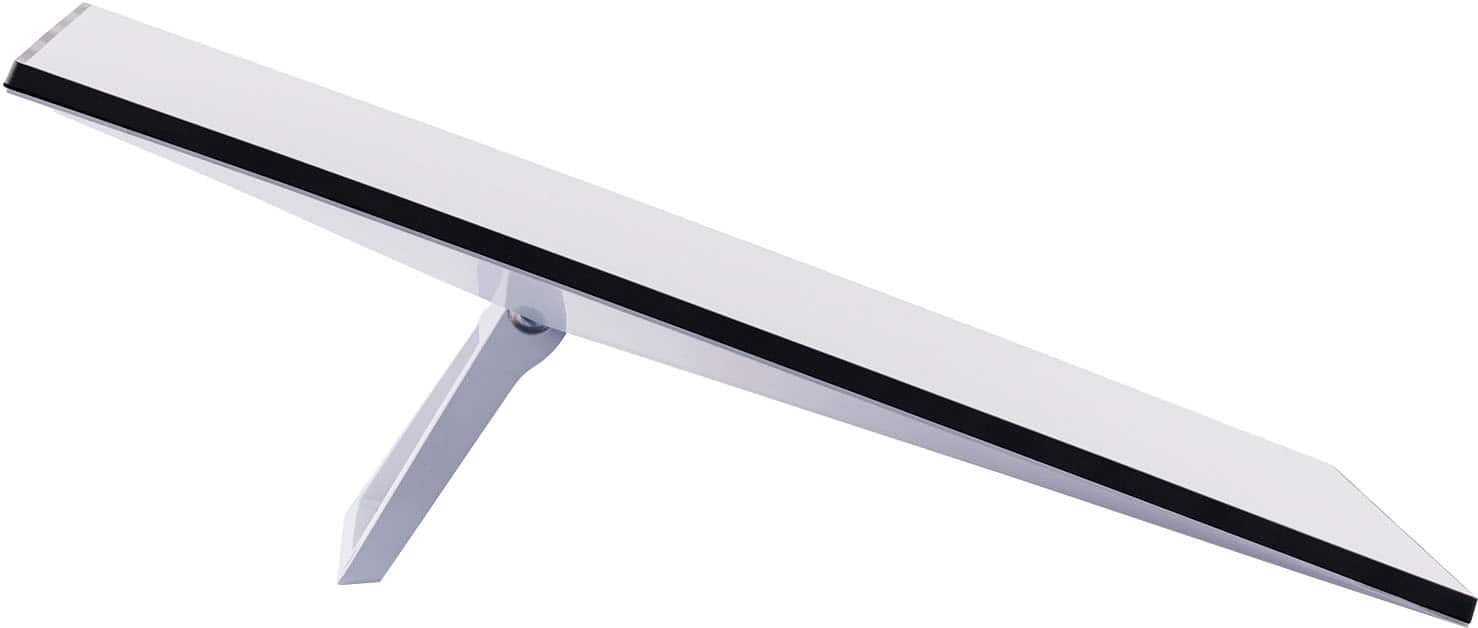
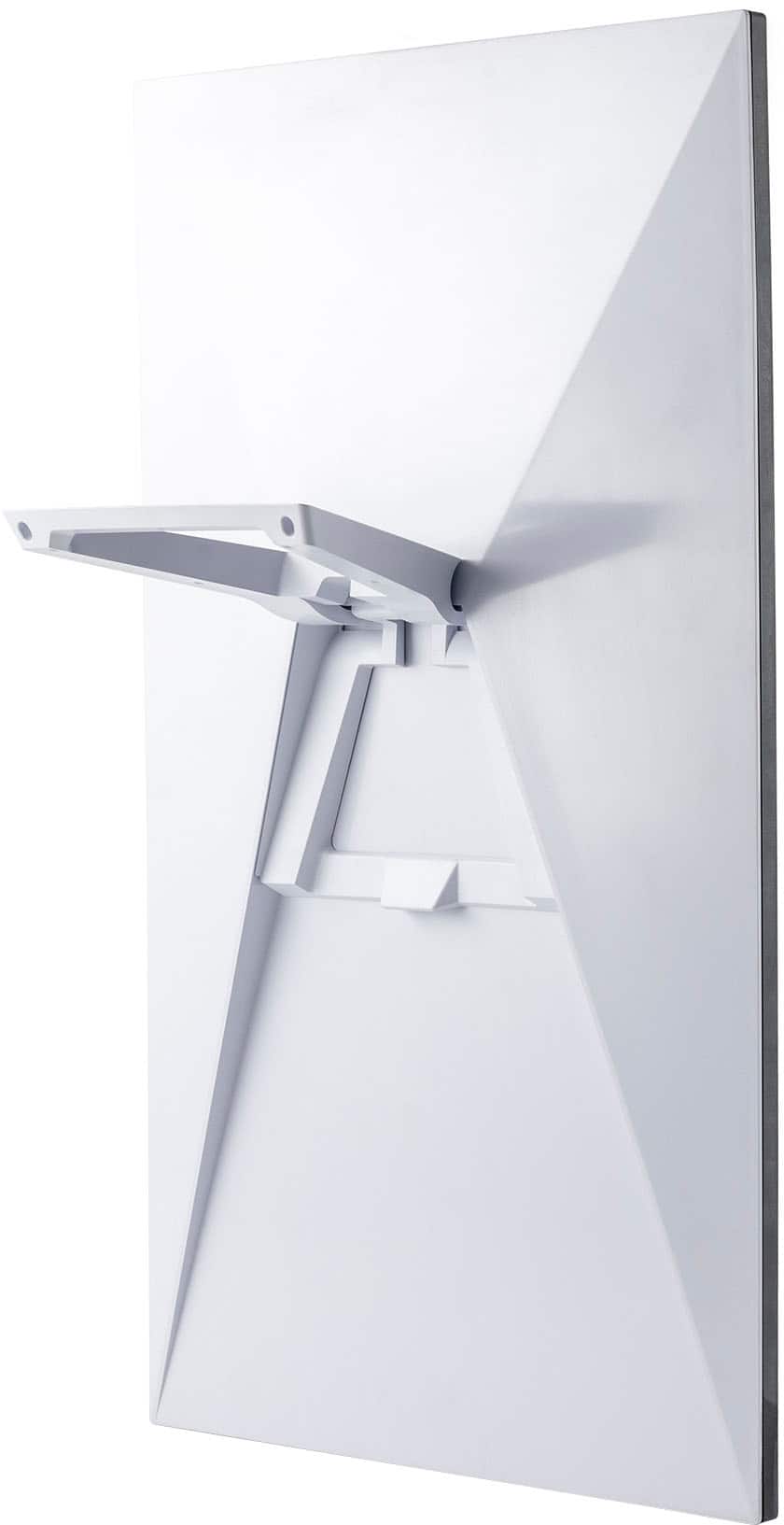
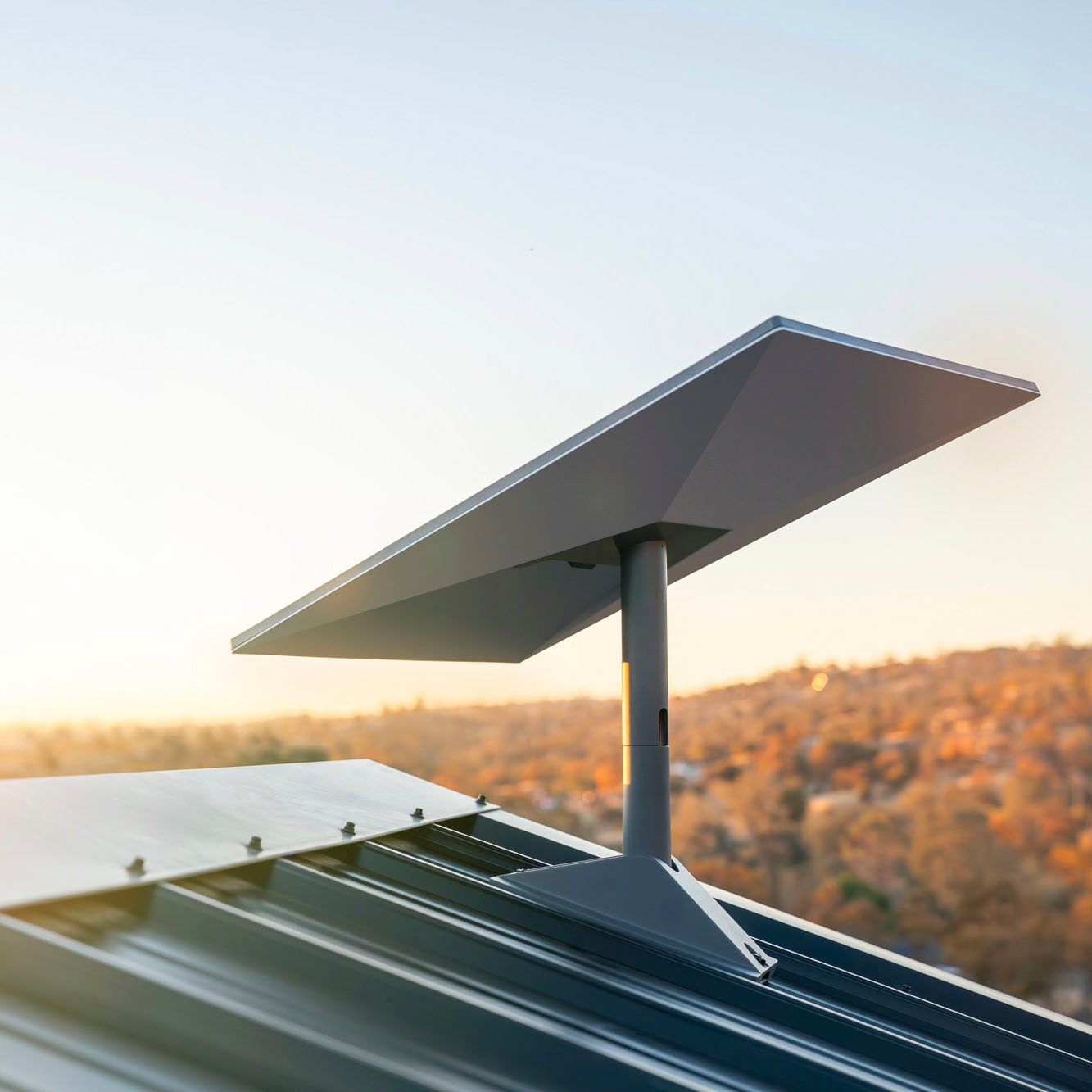
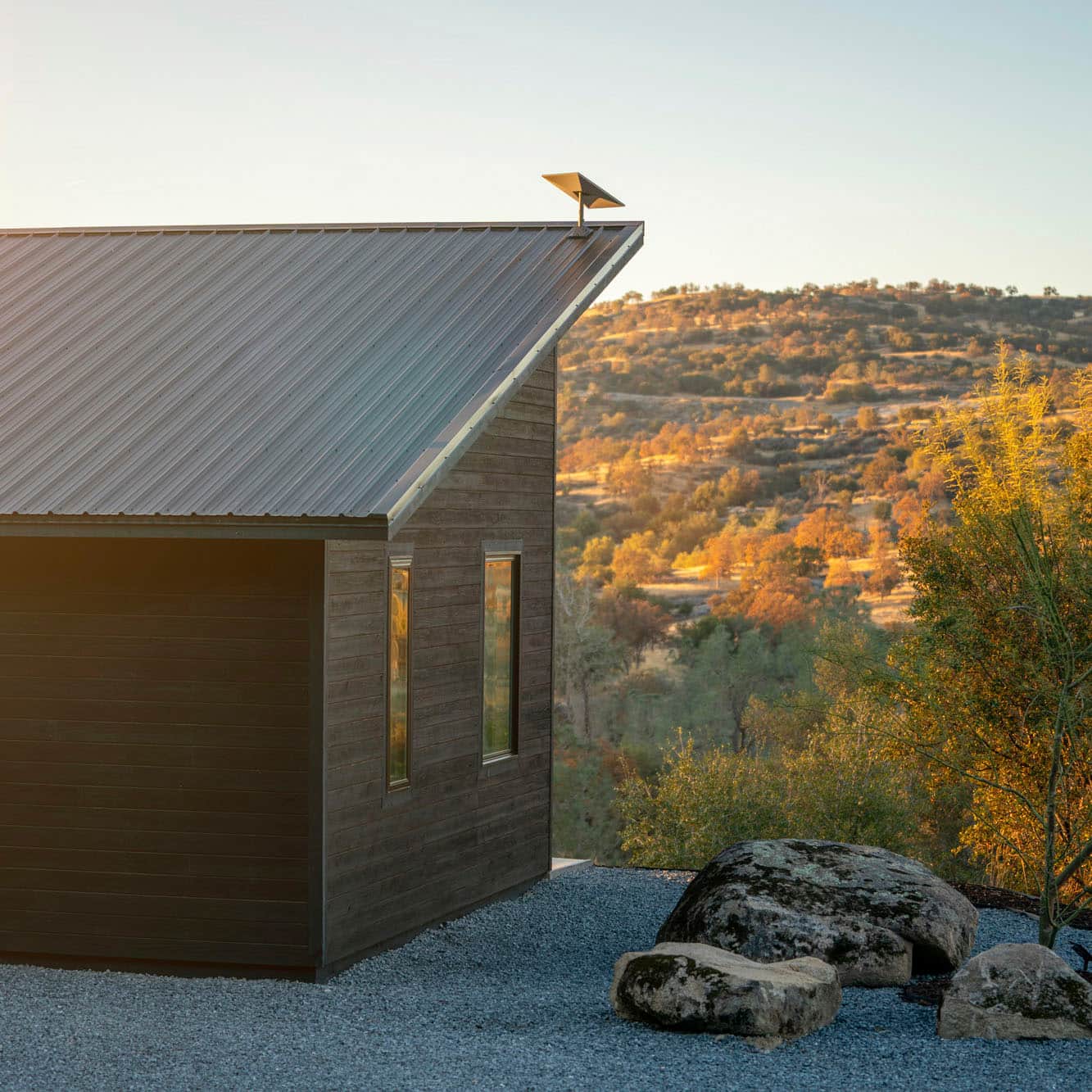
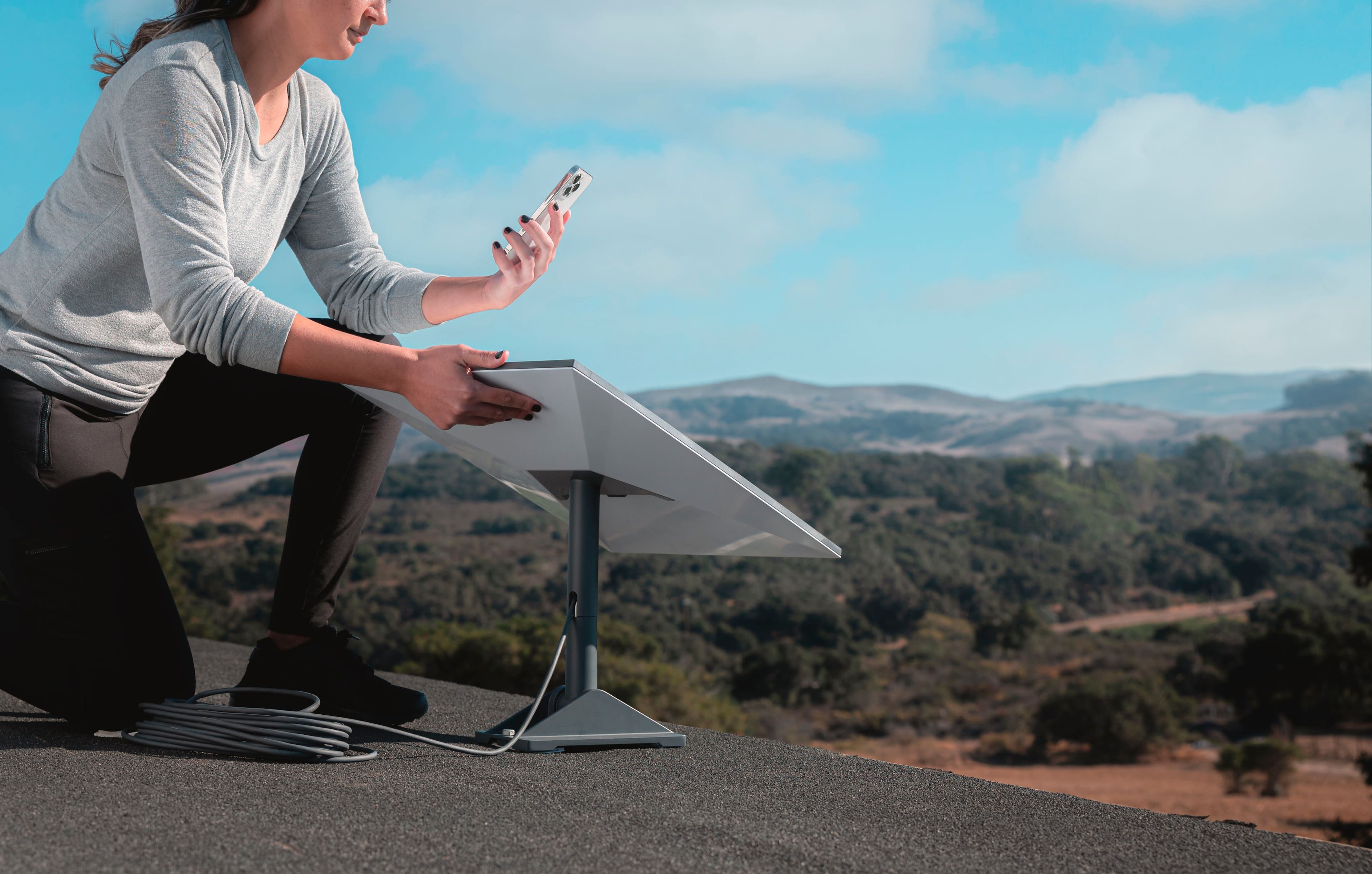
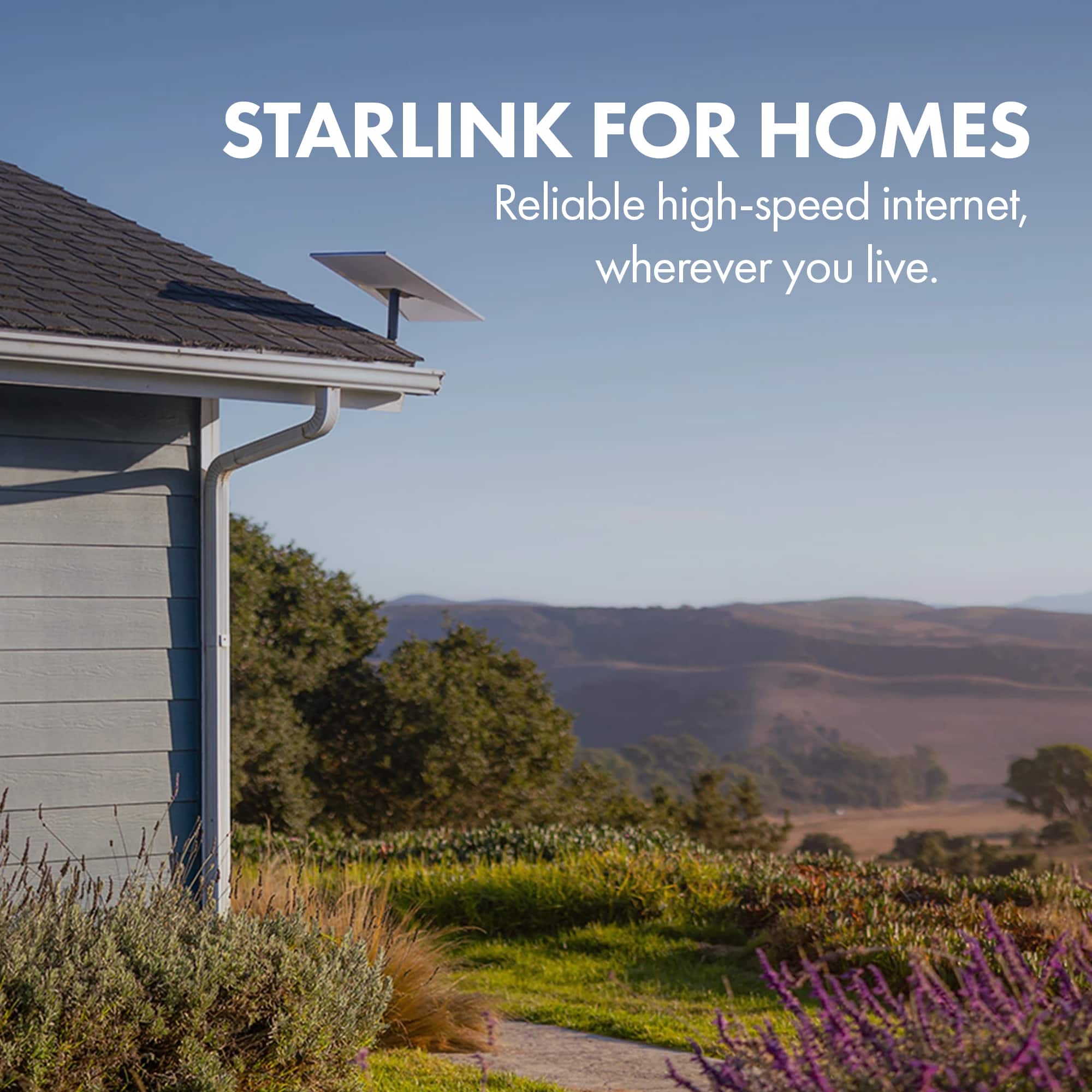
A:AnswerStarlink offers a variety of accesories to mount your antenna to the wall, roof or pipe, if you haven´t ordered yours, you´ll have to search at BestBuy for "Starlink mounts", if you have already the equipment and your account created you can check shop.starlink.com, it will be sorted by the equipment you already own.
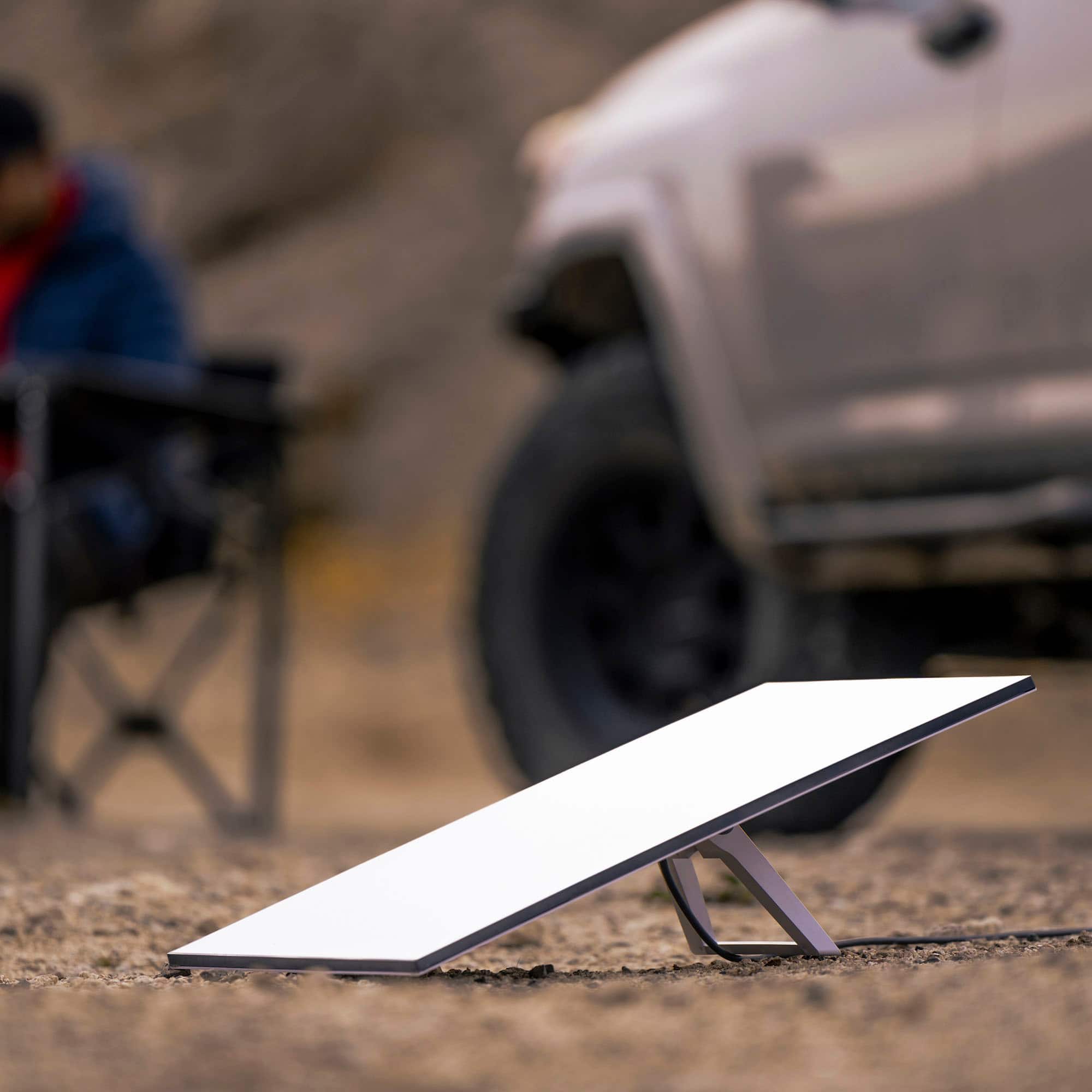
A:AnswerYes, you can. You will need to get the Roaming plan, which is designed for traveling around to different locations. Starlink offers different service plans for customers needs. You can check out our different plans and everything included here: https://www.starlink.com/service-plans
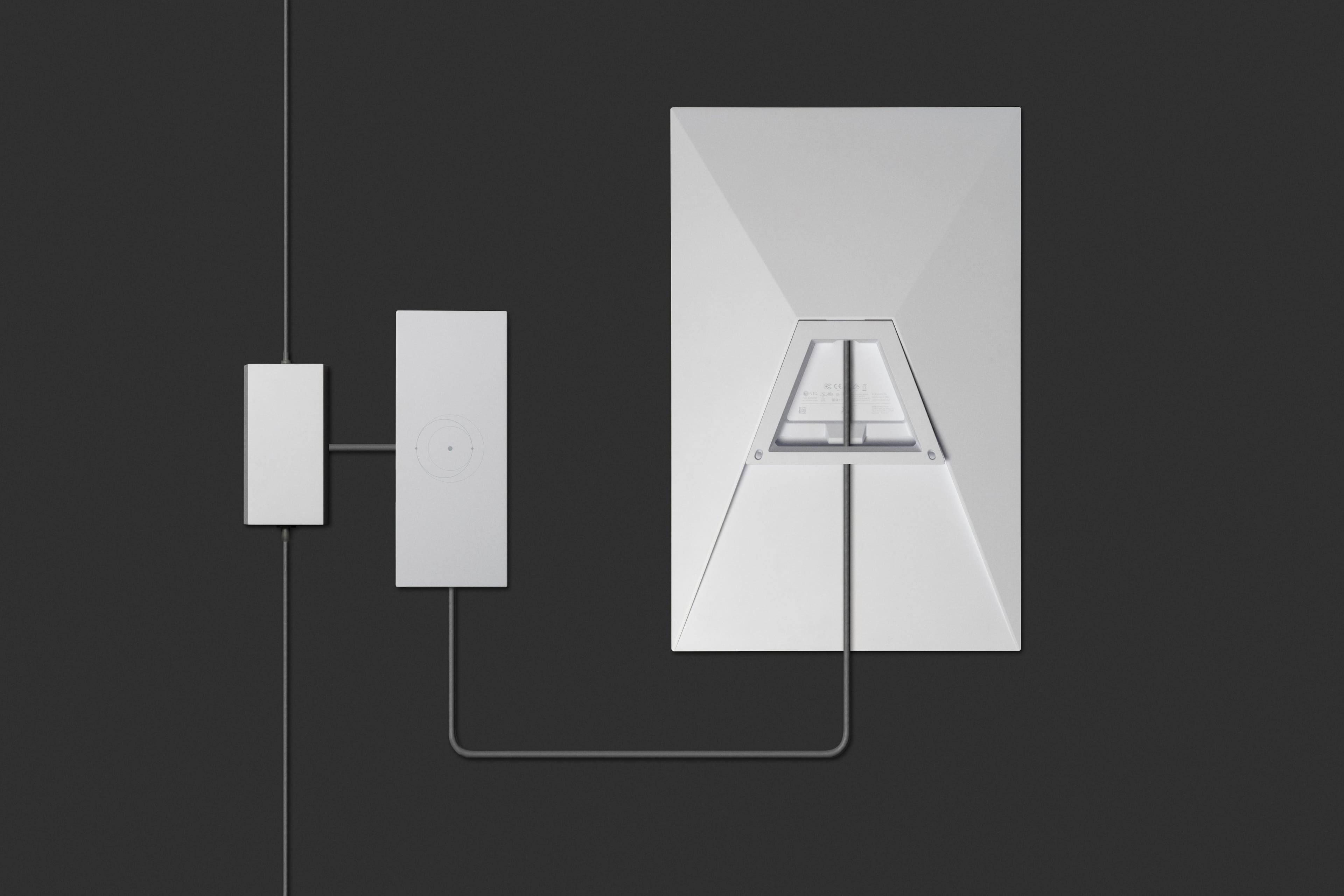
A:AnswerYes. I have mine hooked linked up through TP link ER605 router with a TP link SG3210XHP managed switch and TP link Omada OC300 controller. Works fantastic!
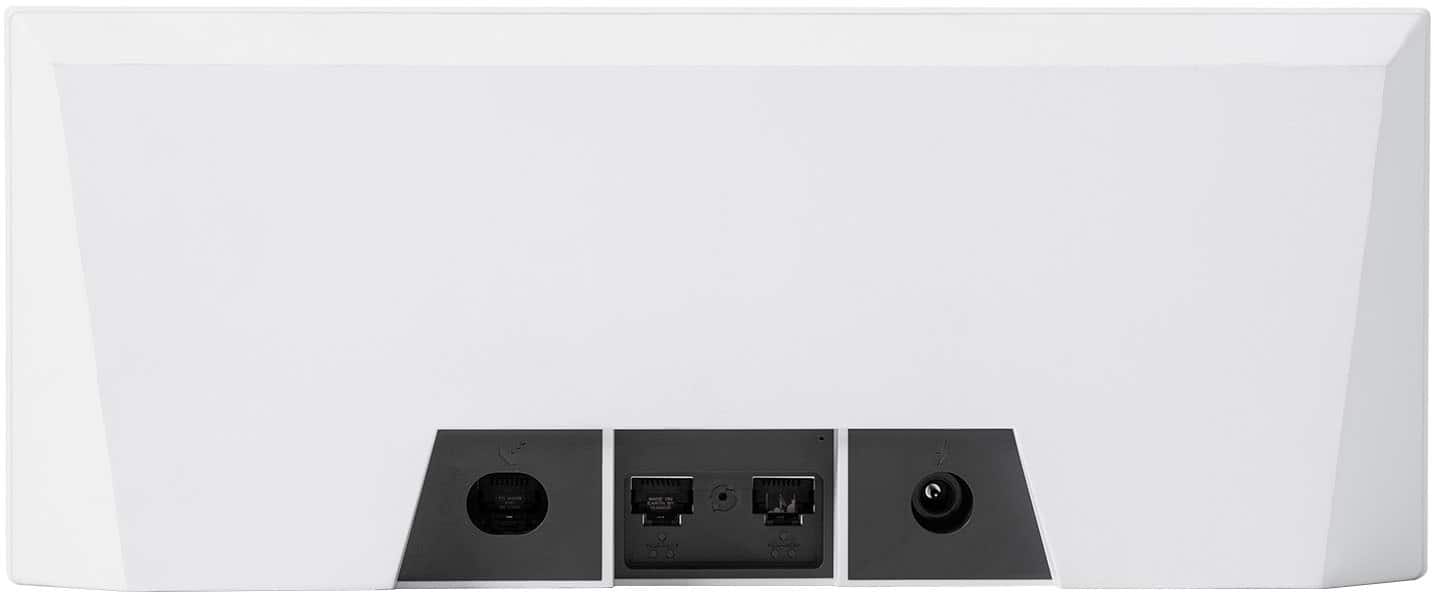
A:AnswerHere you can find the dimensions: https://www.starlink.com/specifications?spec=4 go the bottom and go to "Product Specifications" you will have a PDF with the dimensions.
A:AnswerCheck the Starlink online service area map for regions they cover and the relevant service plans and pricing.
Standard plans are for residential fixed-location use; if you plan to use the device in the Philippines, you'll need to specify a specific location--it will only work there.
A:AnswerIt will handle cold weather, regarding the humidity as it is part of a hot weather phenomenon it will handle it as well, for more information on temperature ranges and extreme weather conditions please look at this link: https://support.starlink.com/topic?category=10&category=48