A:AnswerIt should, as long as connectivity to the satellite is available, plus you can go on Starlink’s website and it will let you know if there’s coverage for your area in Haiti. I know tons of people who use in Jamaica after their last hurricane. Koman ou ye?
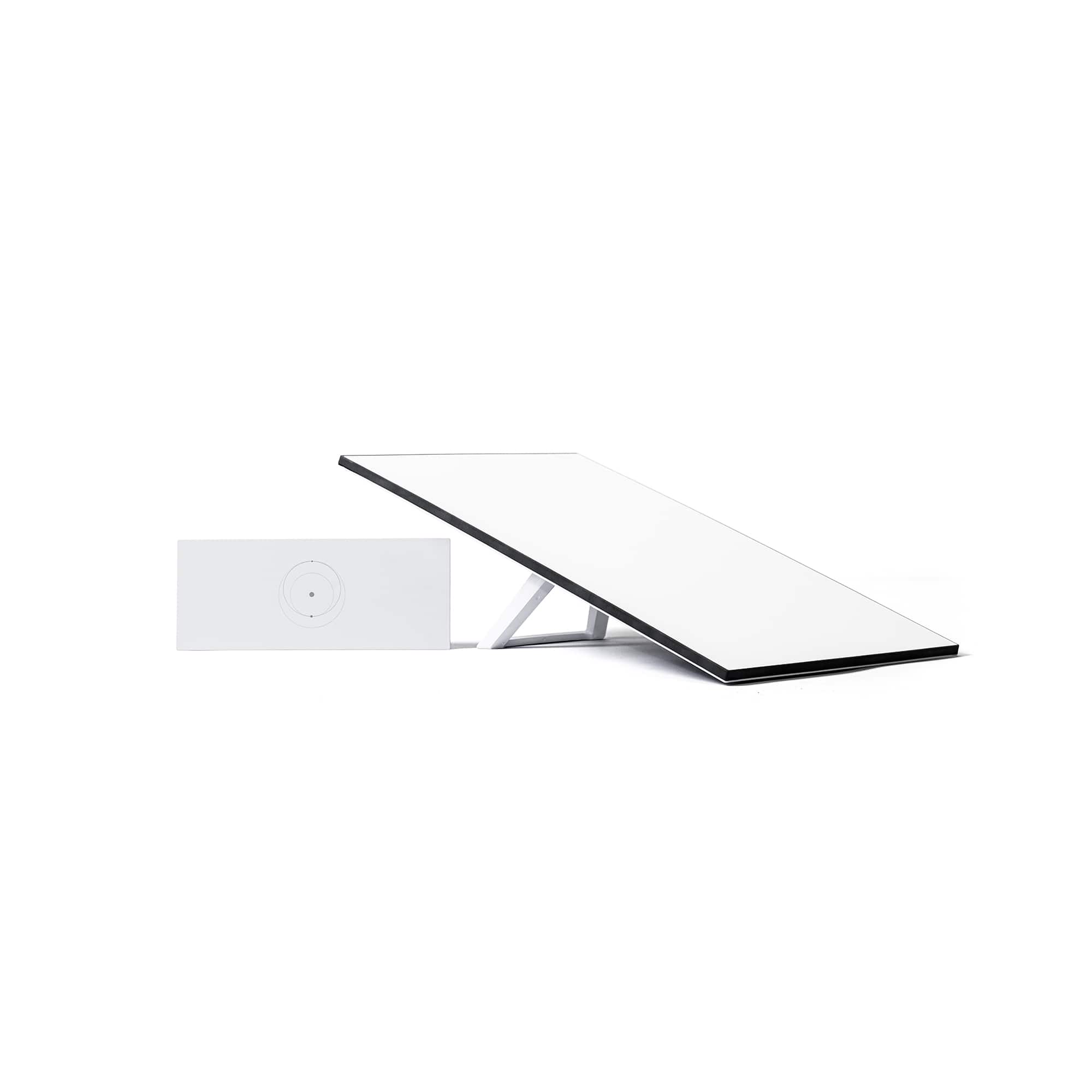
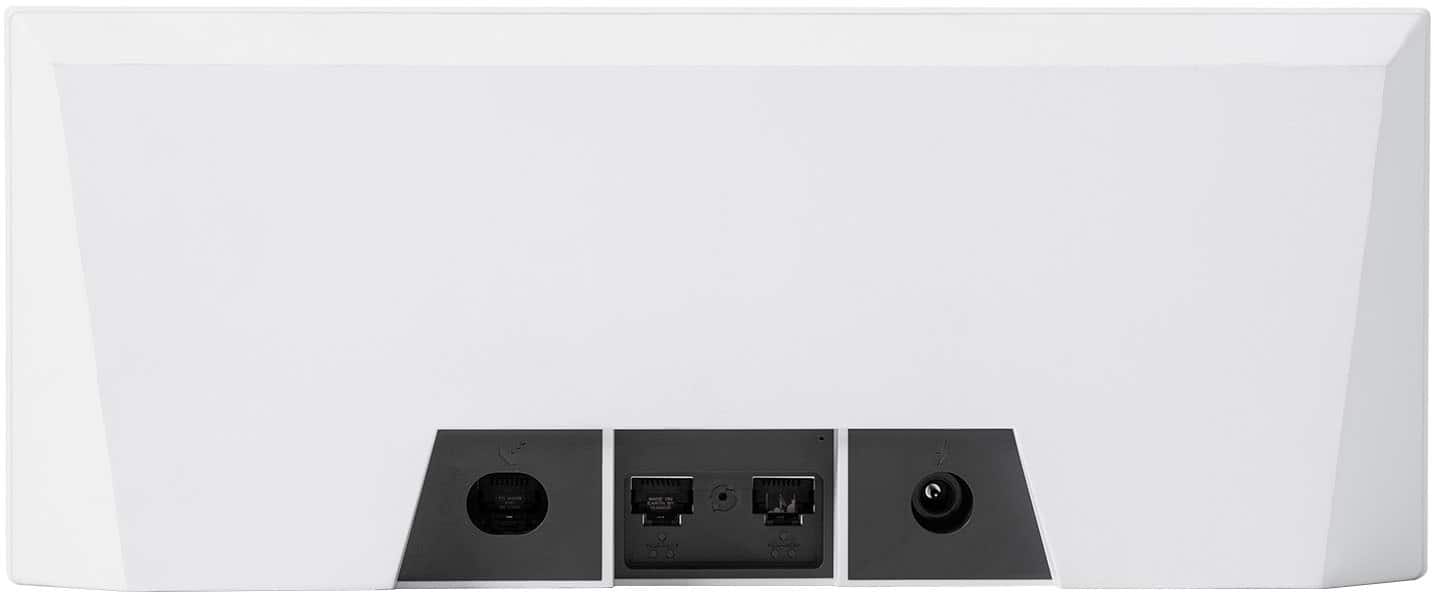
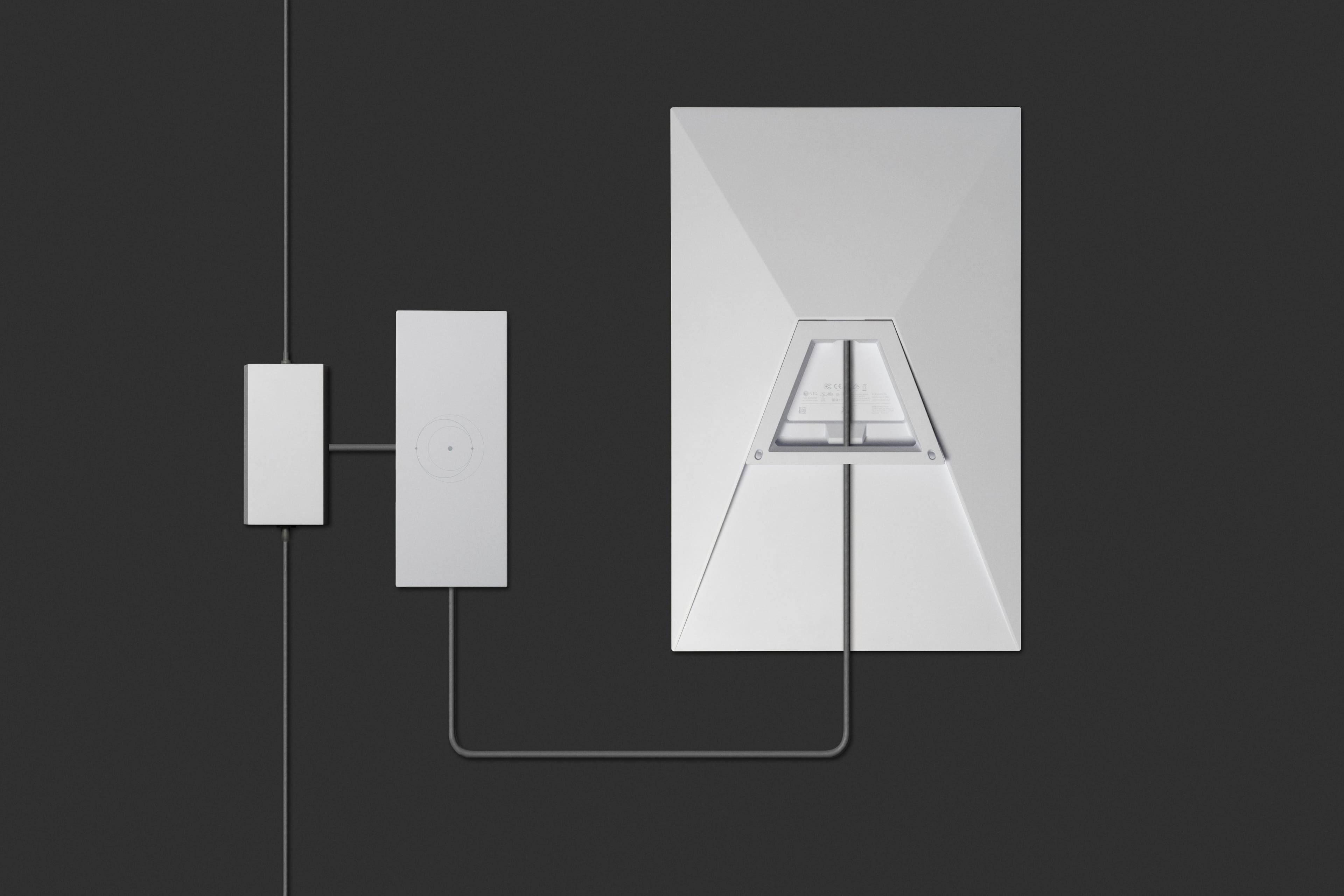
A:AnswerI am not sure of the compatibility with other router. Everything is in a box with dish, which is already set them up in. So I guess you might not be able to buy only the dish.
A:AnswerCheck in the website if they have coverage in your country, if they do and If you have good open skies with not a lot of hills/ mountains it will work. I use mine in Jamaica
A:AnswerI pay $120 per month. I had HughesNet before, and I was paying $158 per month not to mention additional fees due to the streaming and the buffering being terrible. We would eat up our internet within days. Also, if you have television service through Dish or Direct, those are expensive as well. So, there is a huge saving. $120 per month and it’s unlimited!