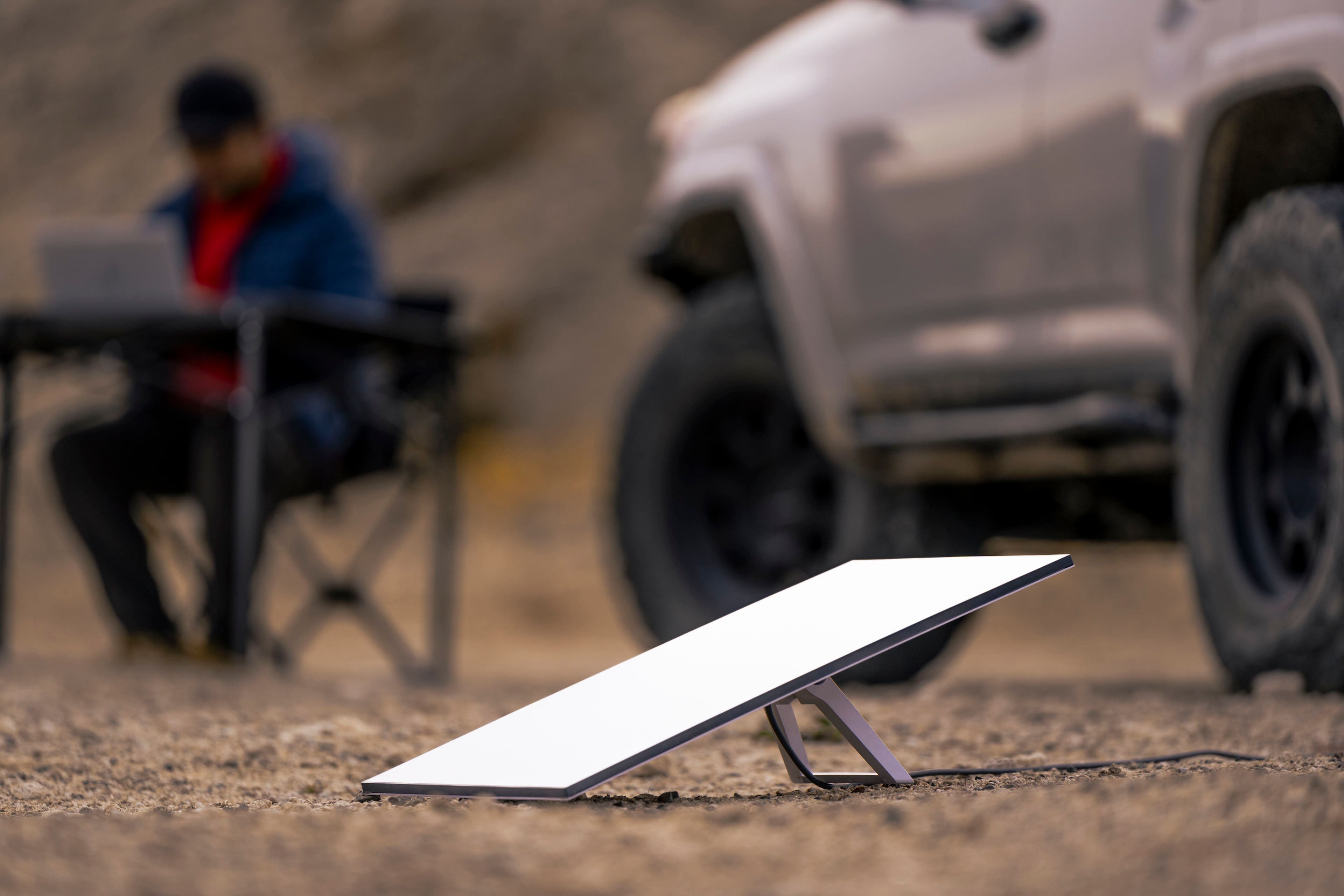
A:AnswerYes, you can do so, keep in mind that you have to set it up for the first time in Colombia, otherwise if you set it up in Seattle and then take it to Colombia, you will have to get the Global Roaming plan. You can check out our different plans and everything included here: https://www.starlink.com/service-plans
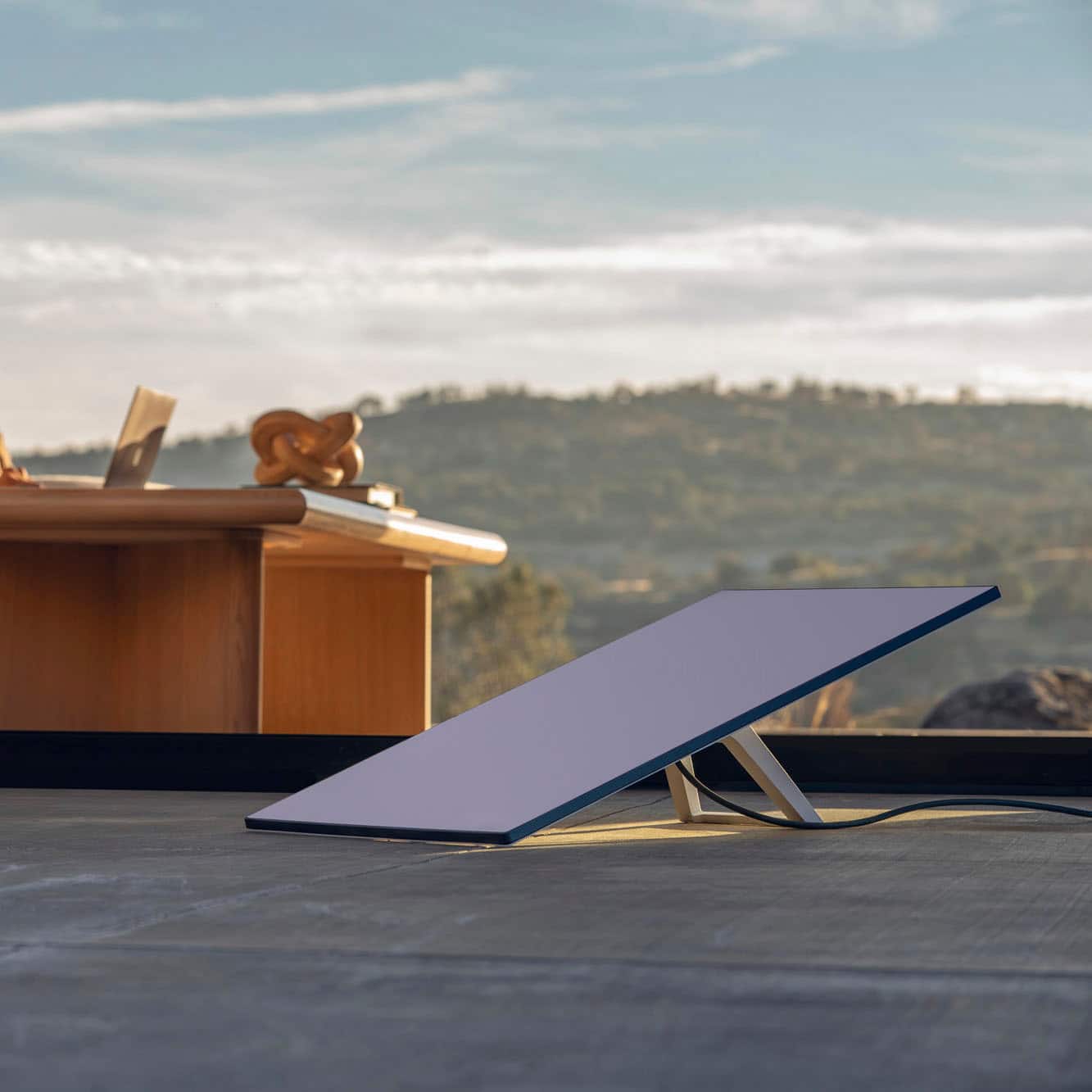
A:AnswerIf you want to use the product in a permanent location, order it for that location; it will not work elsewhere. But you can change the permanent location a few times.
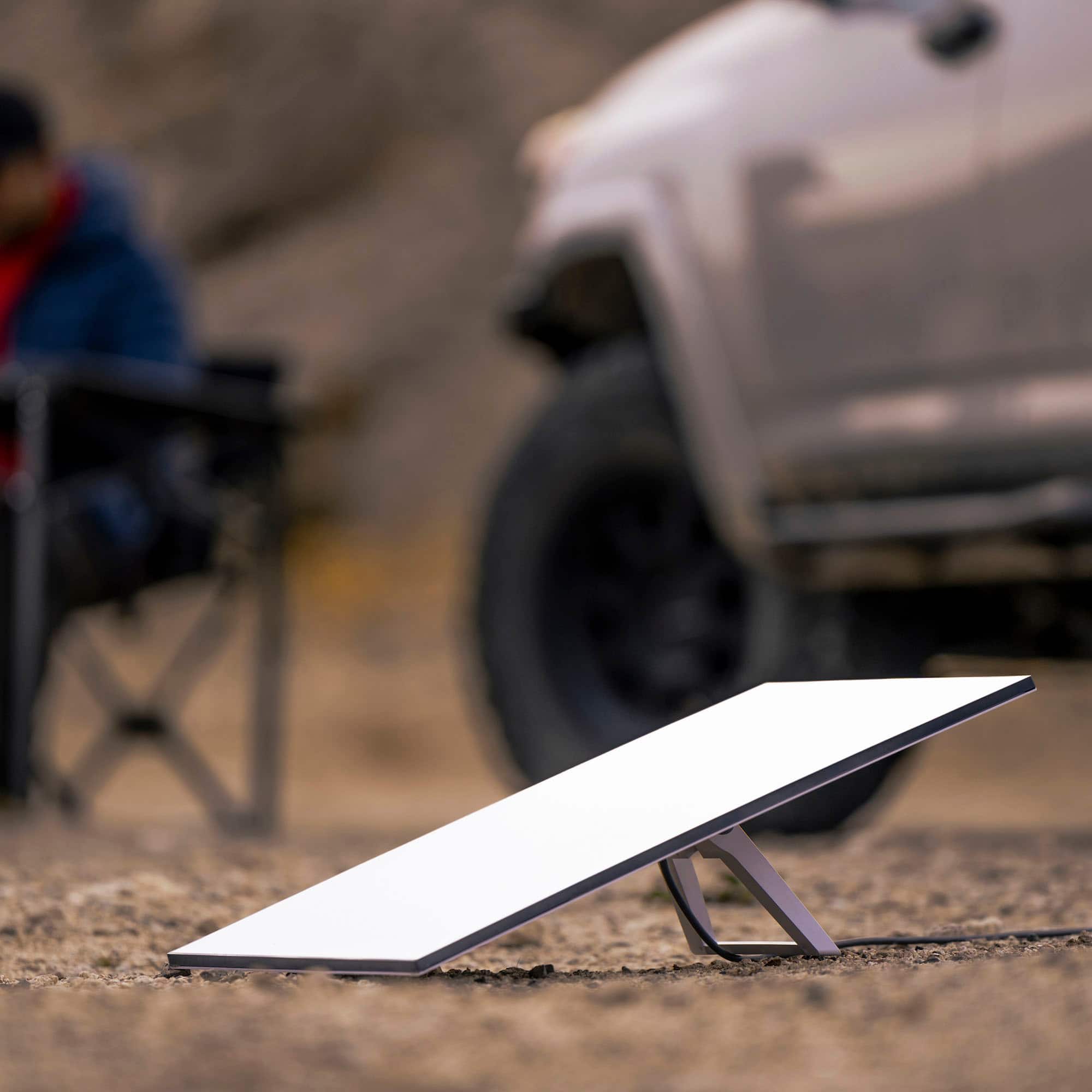
If you want to have the flexibility of using the product anywhere without notice, get the mobile plan.
Starlink has announced a new package that adds a 'mini' mobile device to a 'fixed-location' device; two different devices for two different uses on one account.
A:AnswerYou can use this kit anywhere, you can check your locations availability at anytime by going to Starlink.com/map and entering in the desired address.
A:AnswerYou would purchase the equipment in a kit form.
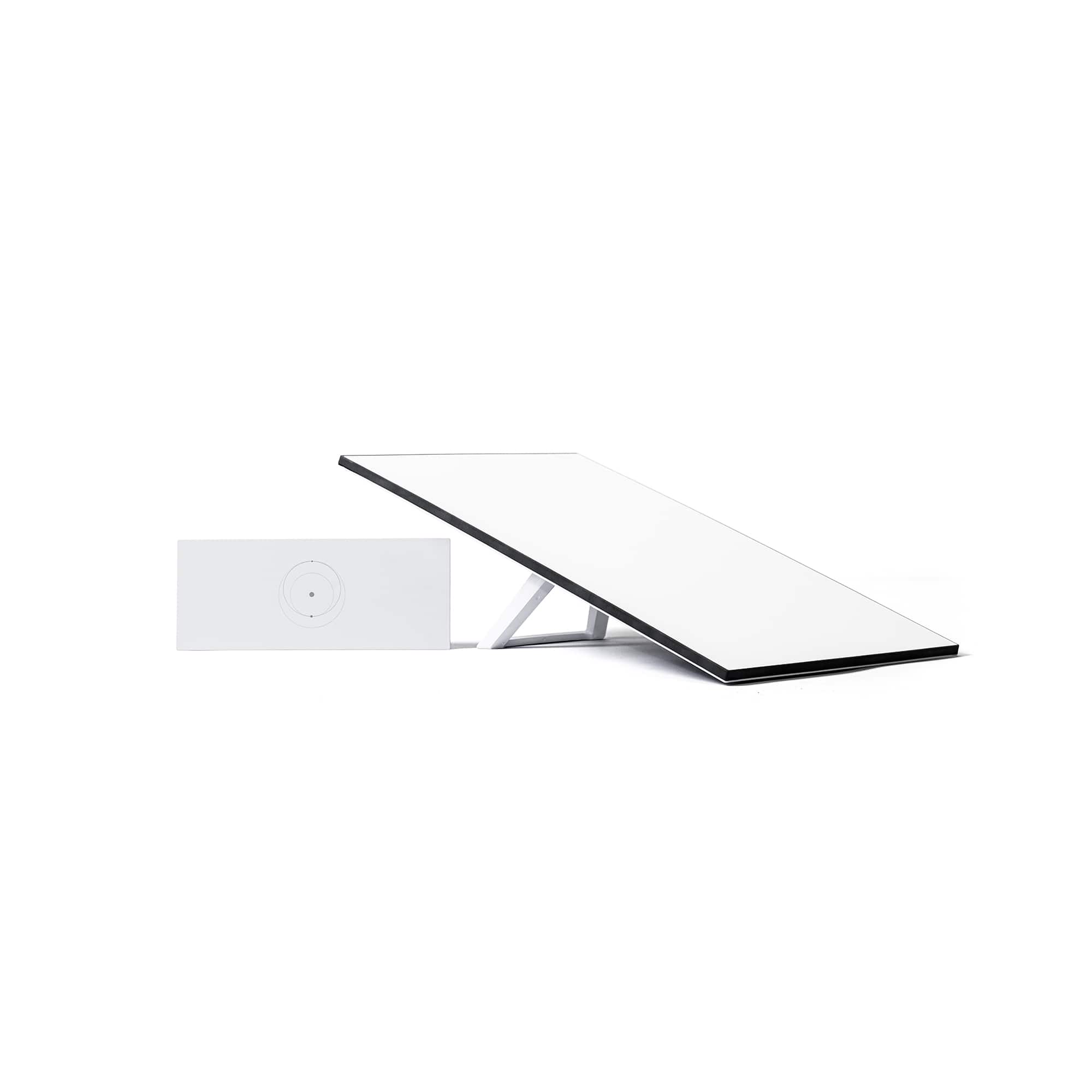
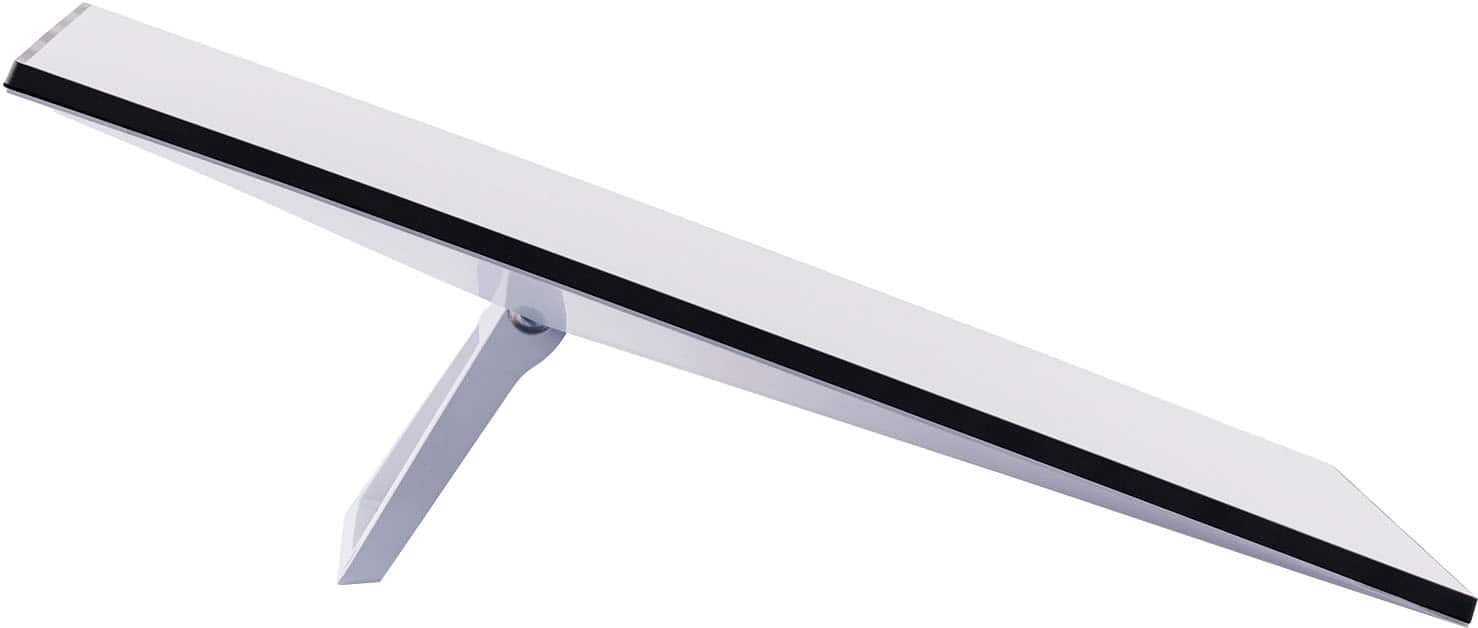
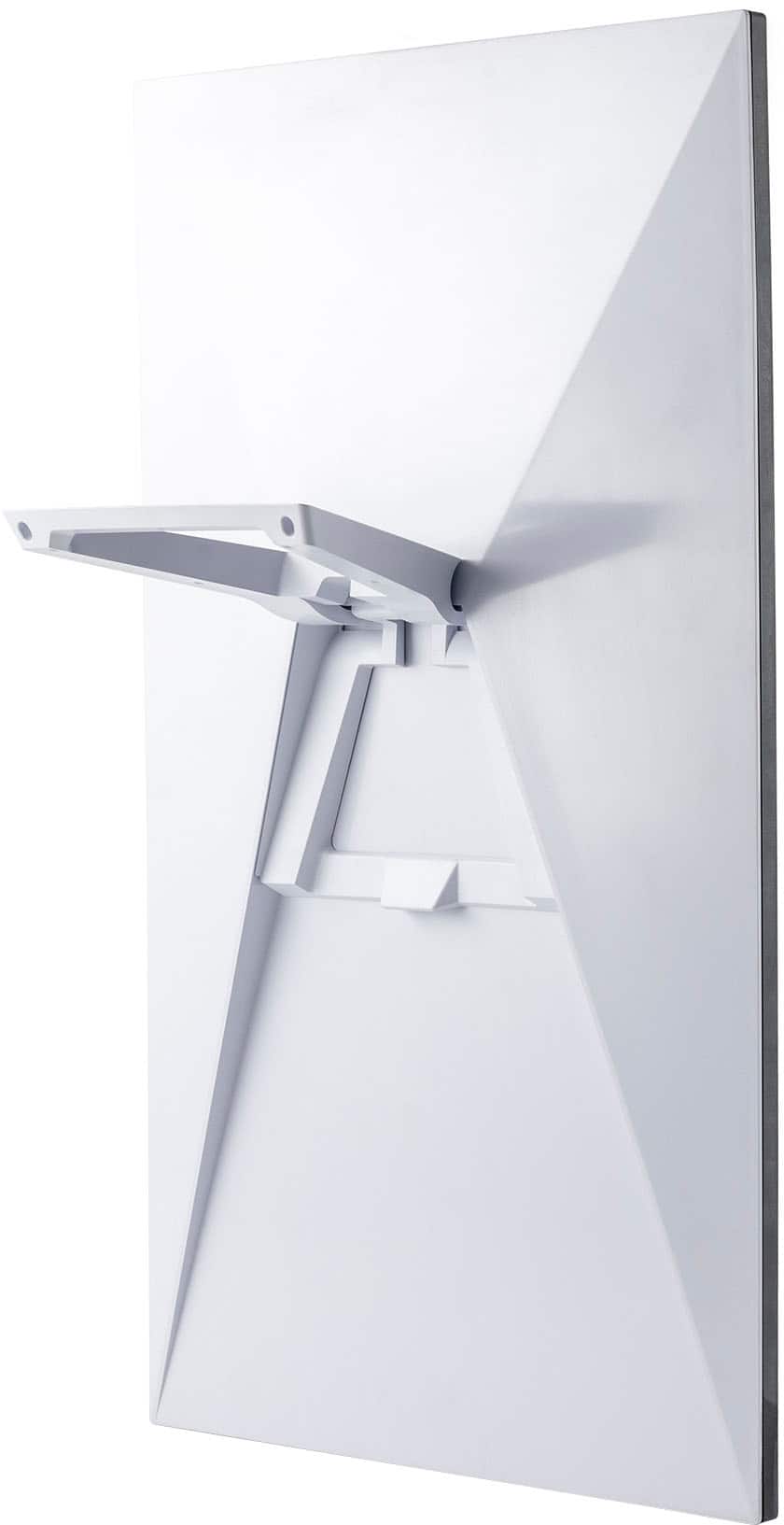
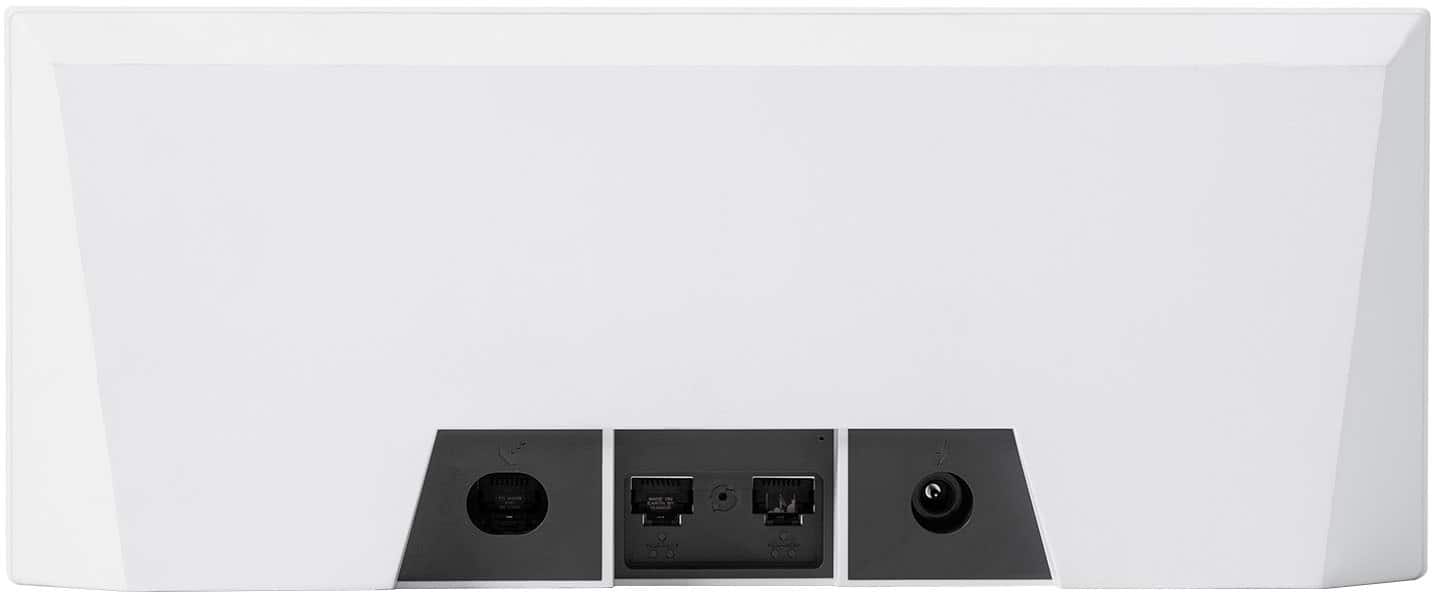
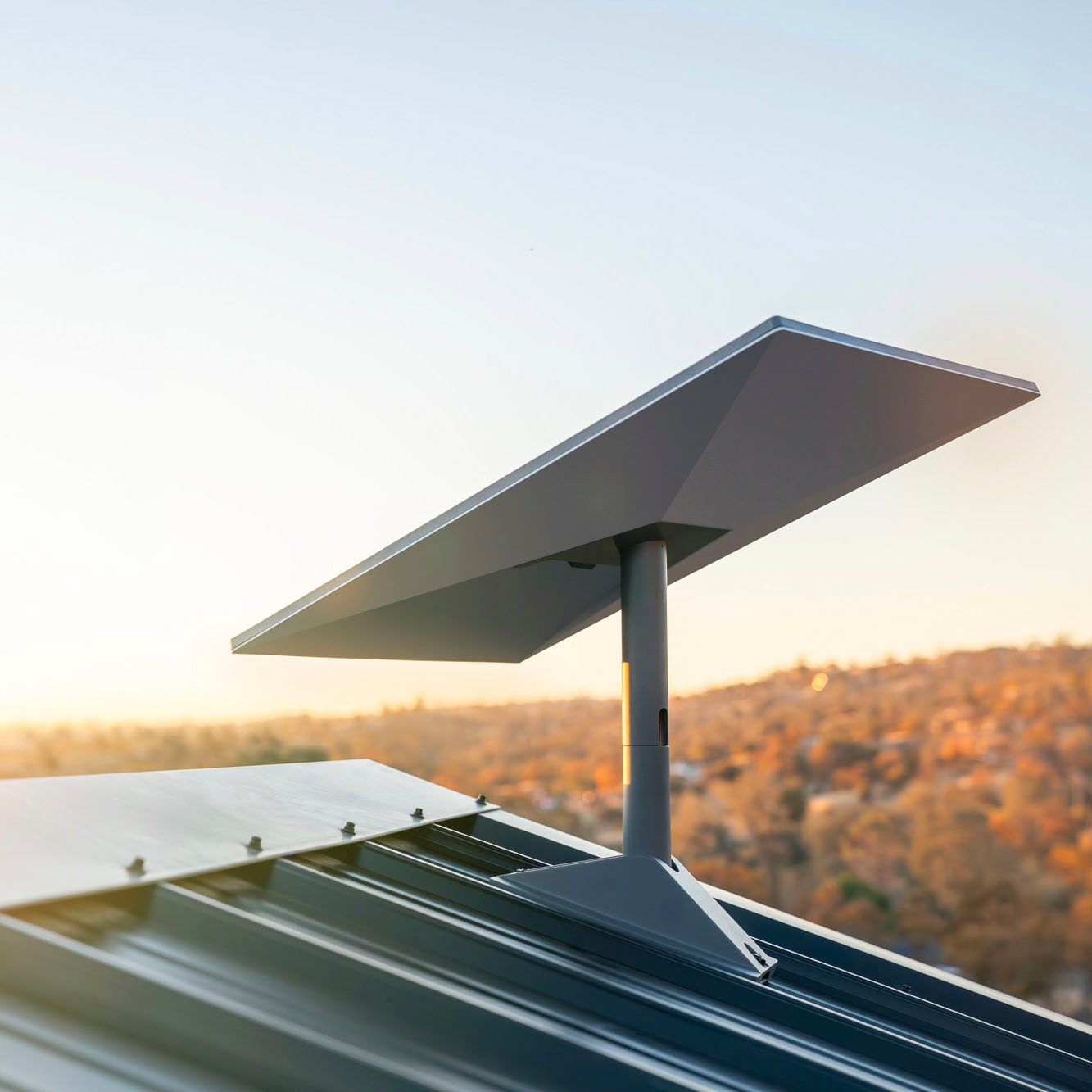
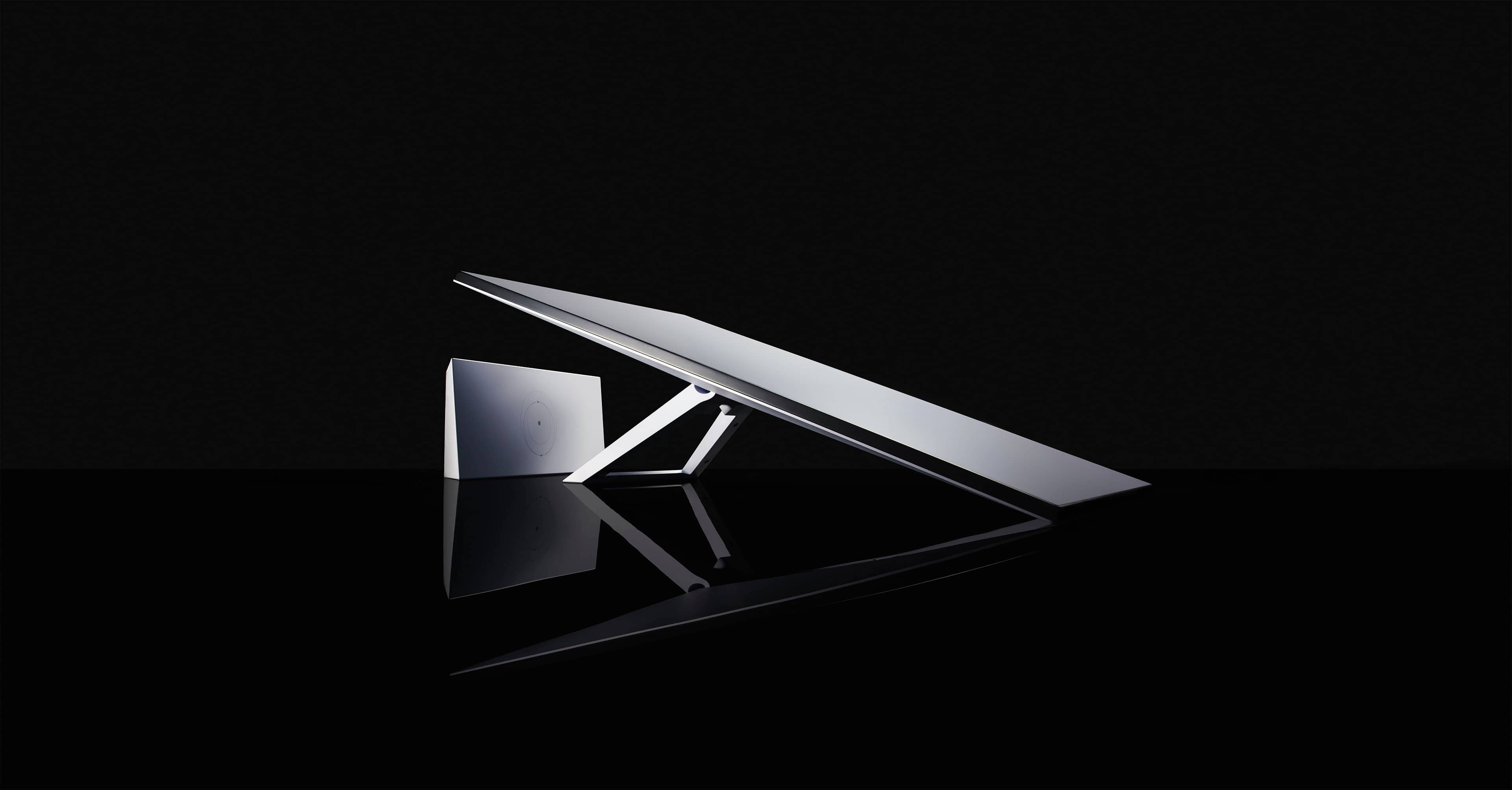
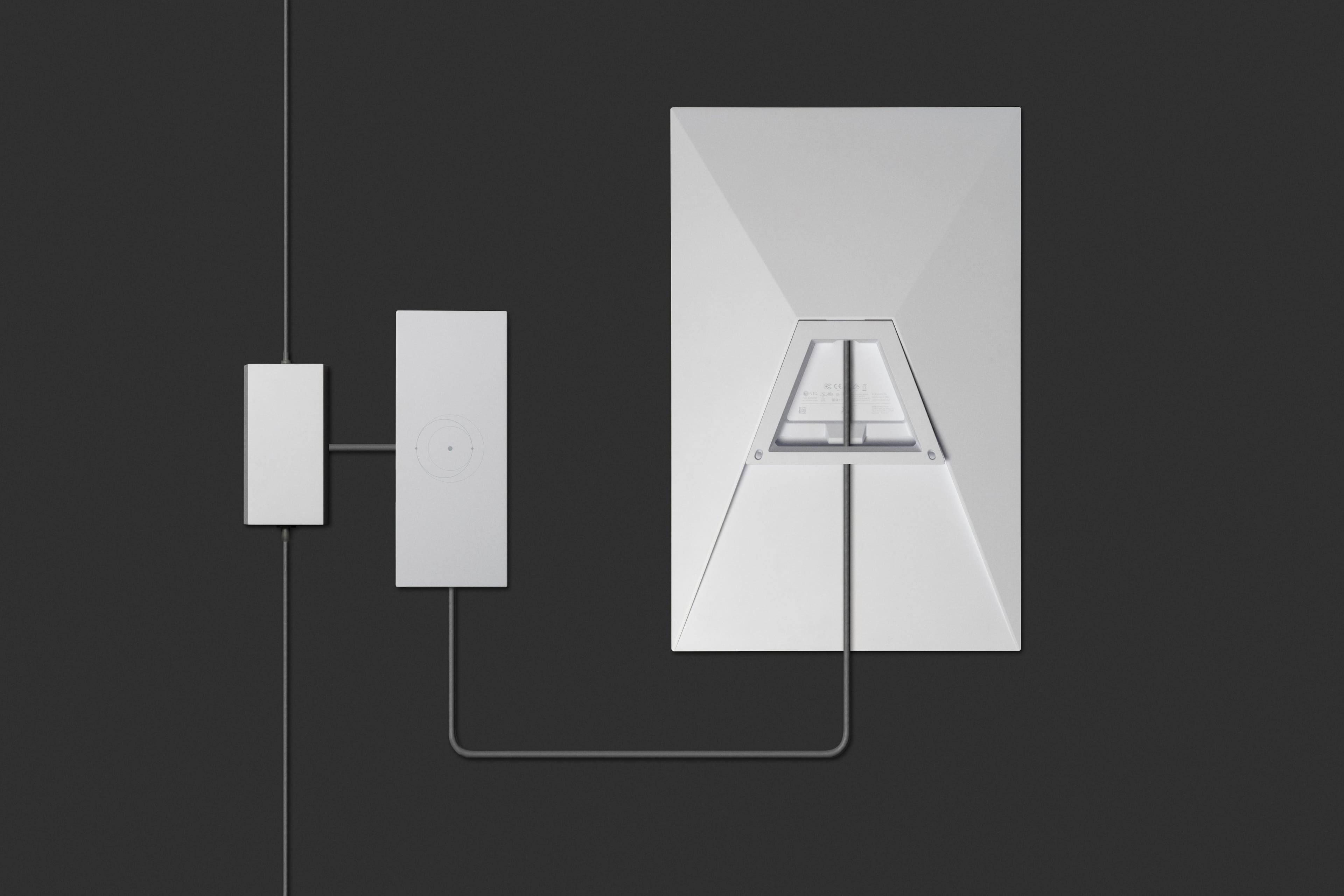
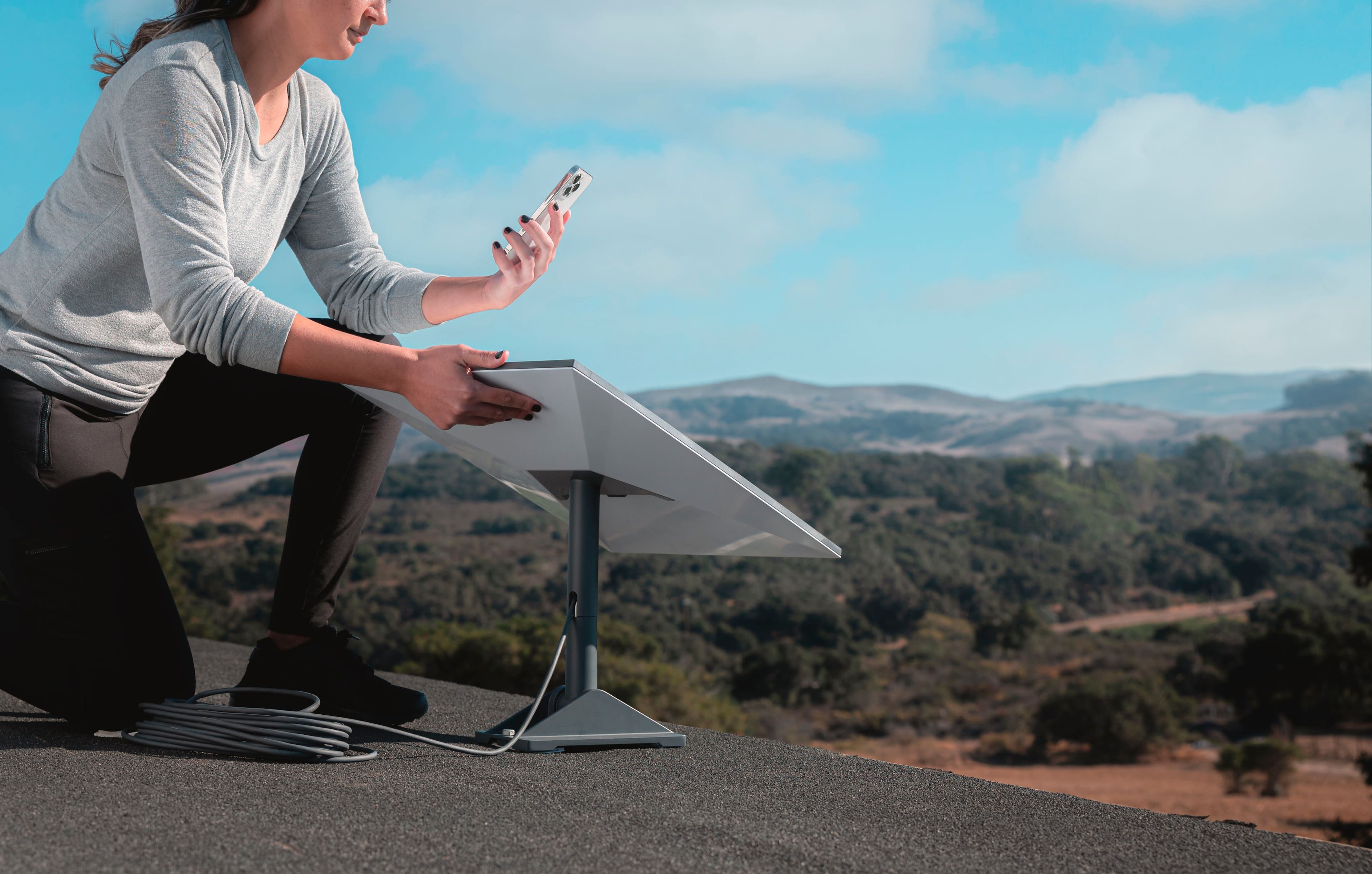
Your Starlink Kit includes everything you need to connect to the internet including your Starlink, WiFi router/power supply, cables, and base. Based on your specific installation needs, additional mounts and accessories are available for purchase on the Starlink Shop once your Starlink Kit is ready to ship.
A:AnswerIf you bought the equipment from Best Buy you need to contact them directly, they are in charge of the delivery, if you bought it directly from Starlink please create a ticket here: https://support.starlink.com/create-support-ticket?sourceType=web_link&sourceValue=support_landing
A:AnswerThe roaming plan is intended for stationary use moving from one location to another, having to set it up once you arrive at your destination, the mobile priority plan is meant to be used on the move but instead another equipment must be purchased, for more information please check this link: https://www.starlink.com/service-plans
A:AnswerStarlink's standard kit includes an ac-mains power supply with wide input range; it will work on 220Vac. If you buy it in the States, it will have a U.S. standard mains plug.
A:AnswerThere are no USB ports. if you are using NAT with ethernet, it should work fine. If your external hard drive only has USB connection, then no. Although, if you are tech savvy, you can probably rig it up