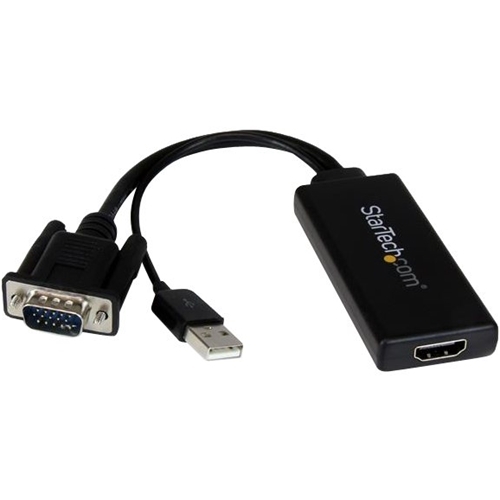
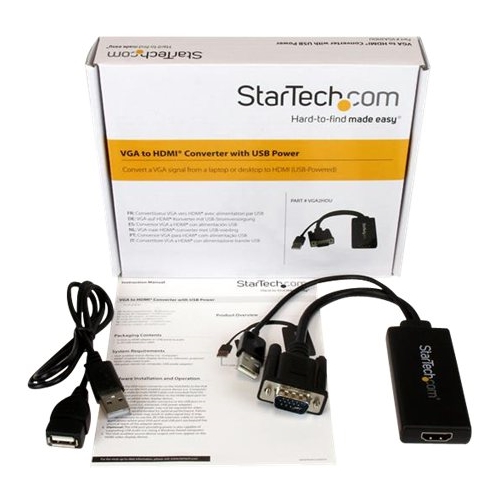
A:AnswerThis device is designed to take signal from VGA output of a computer to HDMI input of a monitor, NOT the reverse. You will need an HDMI-to-VGA adapter or cable for your setup
A:AnswerVGA2HDU is designed to convert a VGA signal from a laptop / desktop to an HDMI enabled display. As long as the desktop supports dual displays the VGA2HDU will work. Atha, StarTech.com Support
A:AnswerVGA2HDU uses an existing VGA connection on a computer and converts the signal to HDMI. It would be up to the computer's hardware and setup configuration to achieve dual monitor support.
Atha, StarTech.com Support
A:AnswerNo, VGA2HDU is plug and play and designed to convert a VGA signal from a laptop / desktop to an HDMI enabled display.
Atha, StarTech.com Support
A:AnswerI haven't tested the cable for this type of device, but this definitely handles VGA out to HDMI in. I bought this to connect an older computer to a TV. After trying a few different cables with no success, this one worked for me. It comes with a audio connector (fits 3.5 mm jack) but you may not need it, depending on how your NVR works.
A:AnswerUnfortunately we are unable to see the attachments provided. We would like to look into this with you. Please feel free to contact us at 1-800-265-1844 or www.startech.com/chat Our Technical Advisors are available 24 hours a day, 5 days a week to provide support. Atha, StarTech.com Support
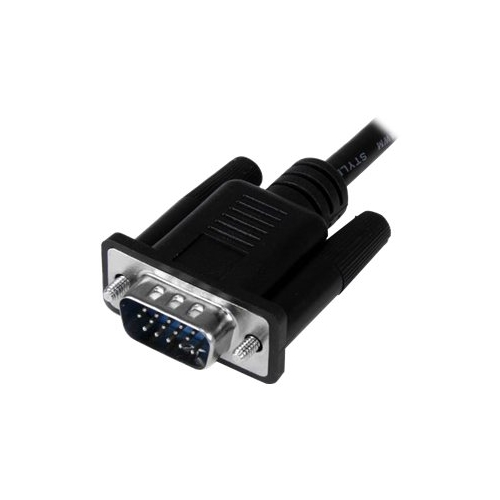
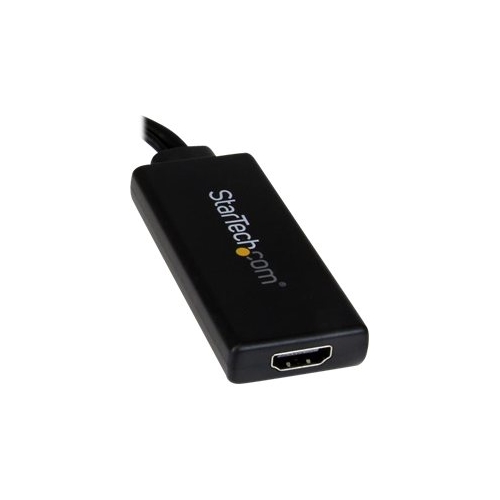
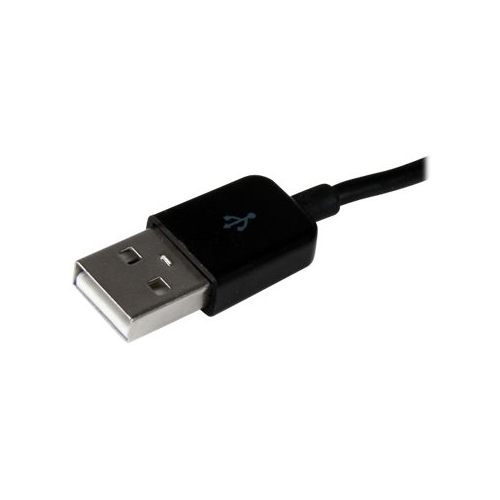
A:AnswerVGA2HDU is a VGA to HDMI adapter. The VGA port connects to the source and the HDMI port connects to the display. The USB connections is required for power and audio. As long as the source and display utilizes these connections, the VGA2HDU will work.
Atha, StarTech.com Support