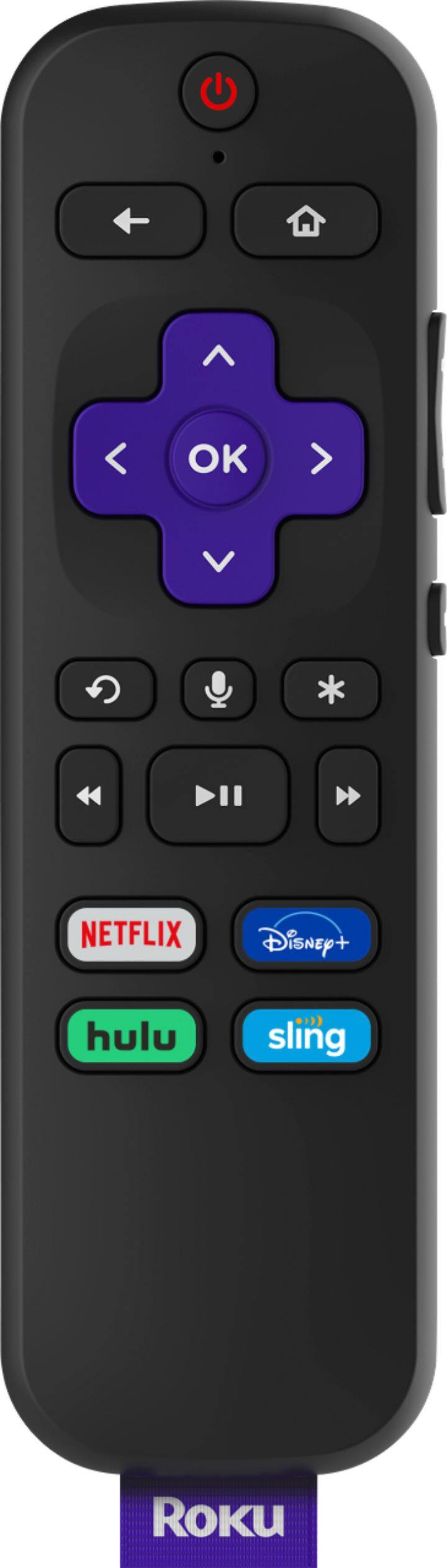
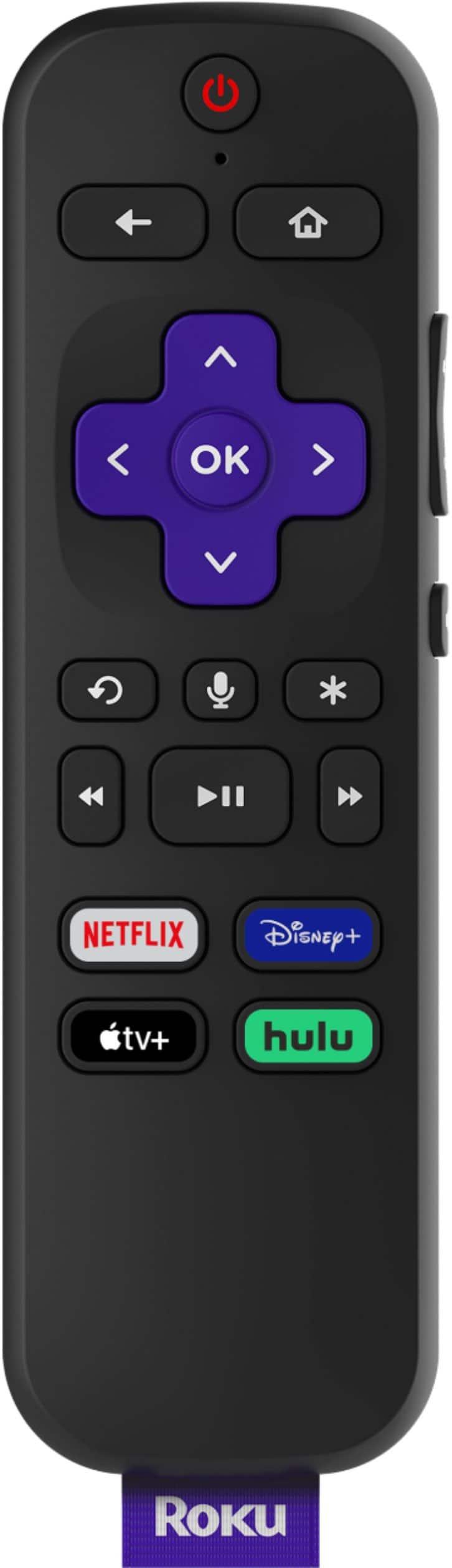
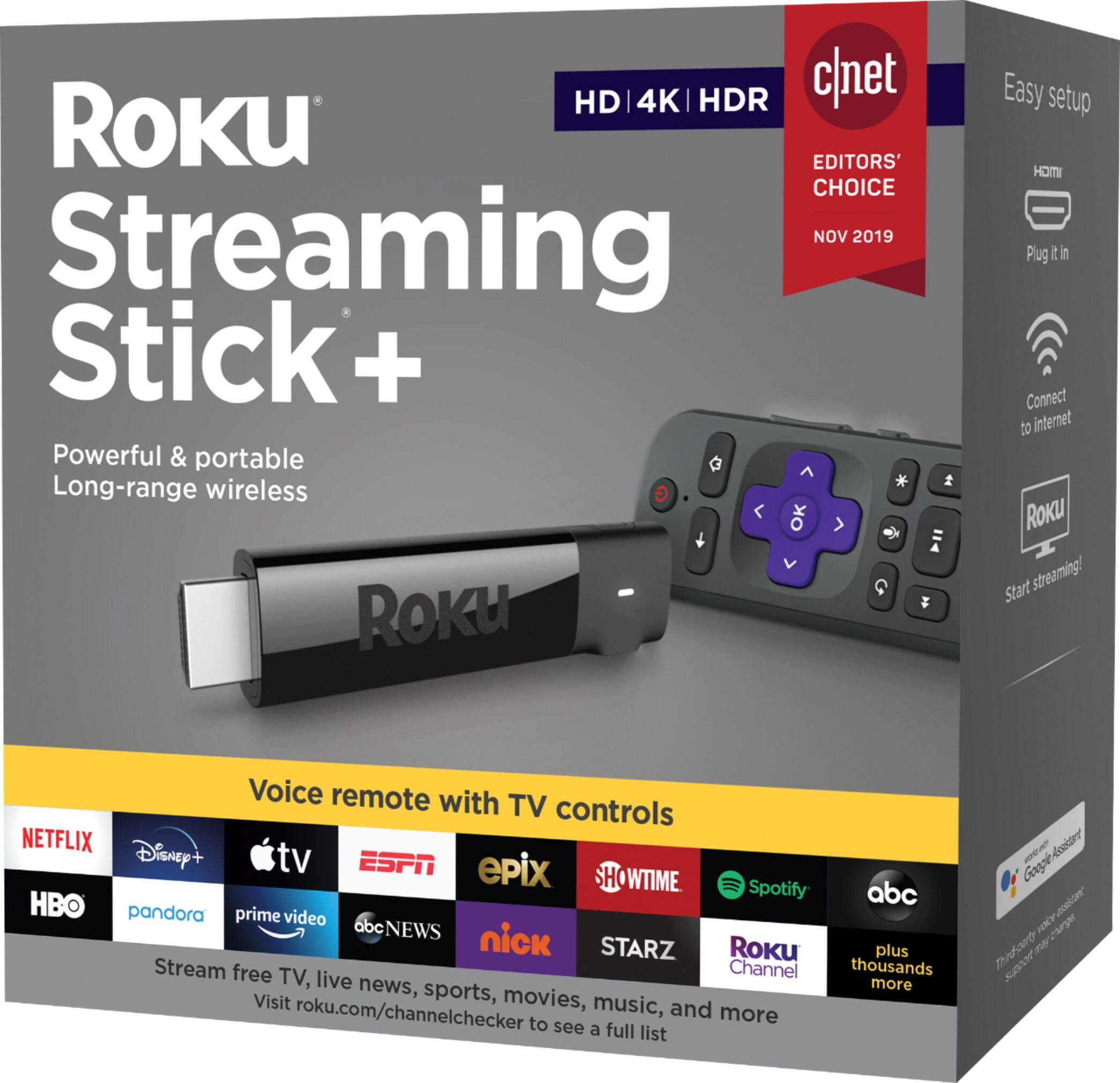
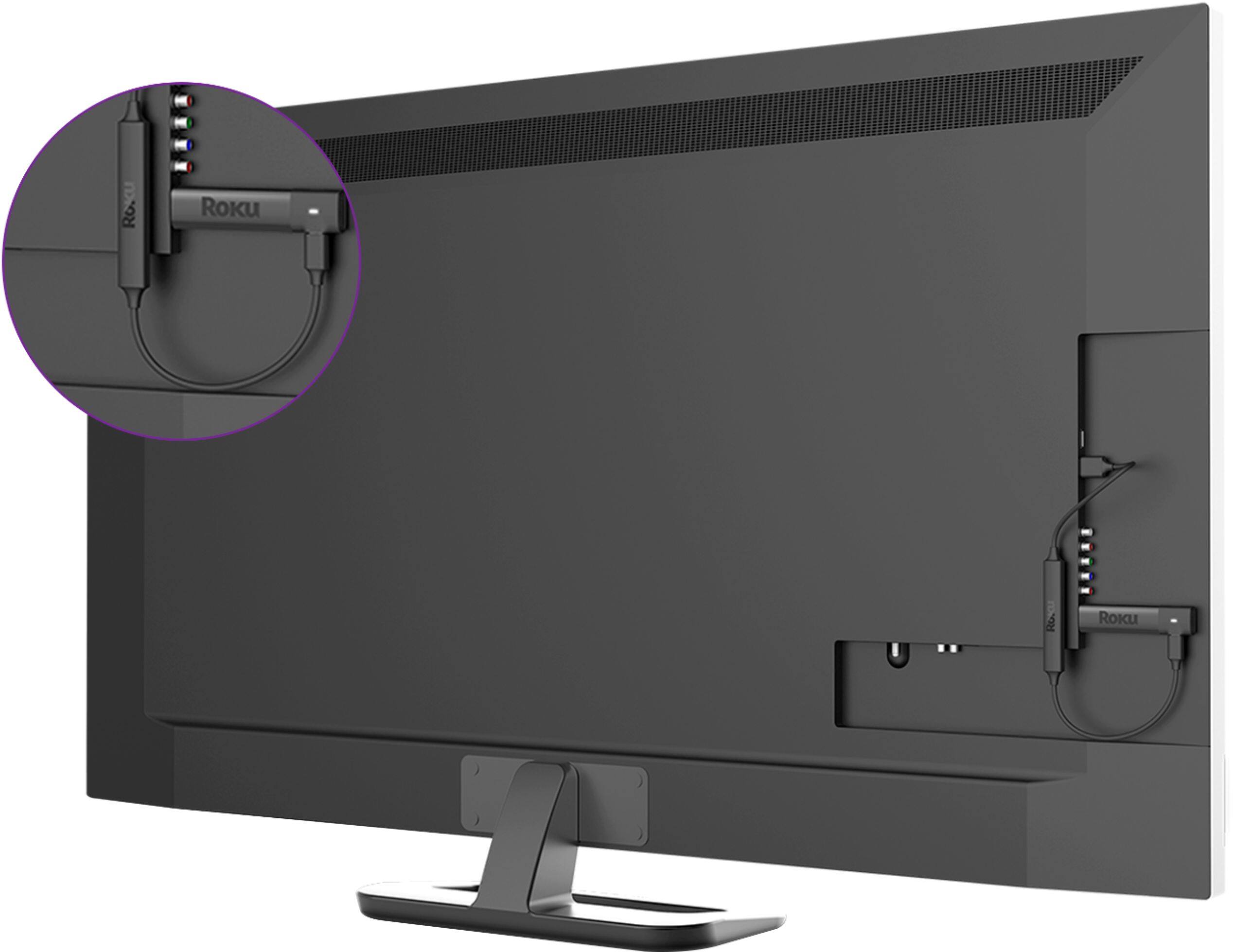
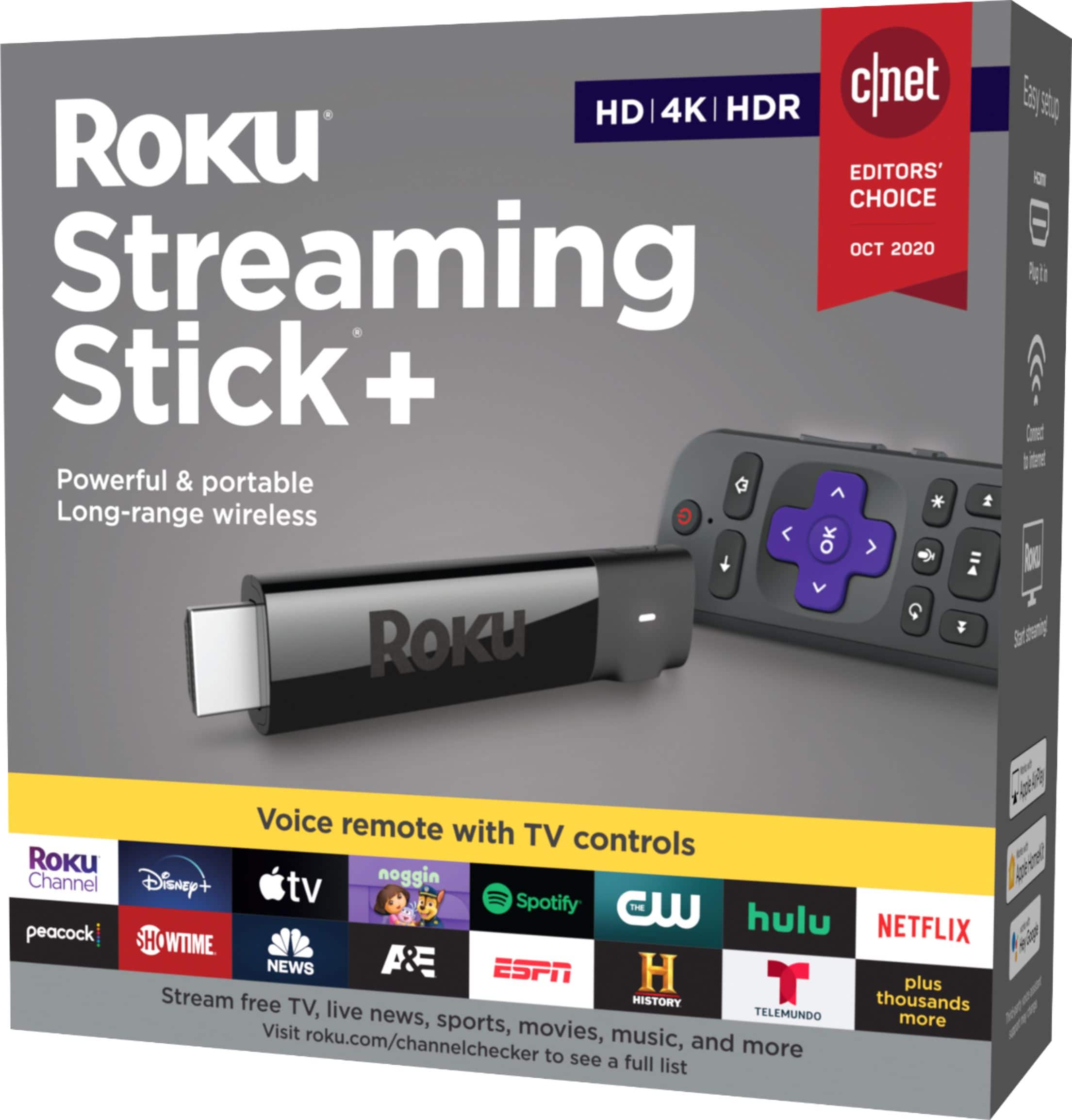
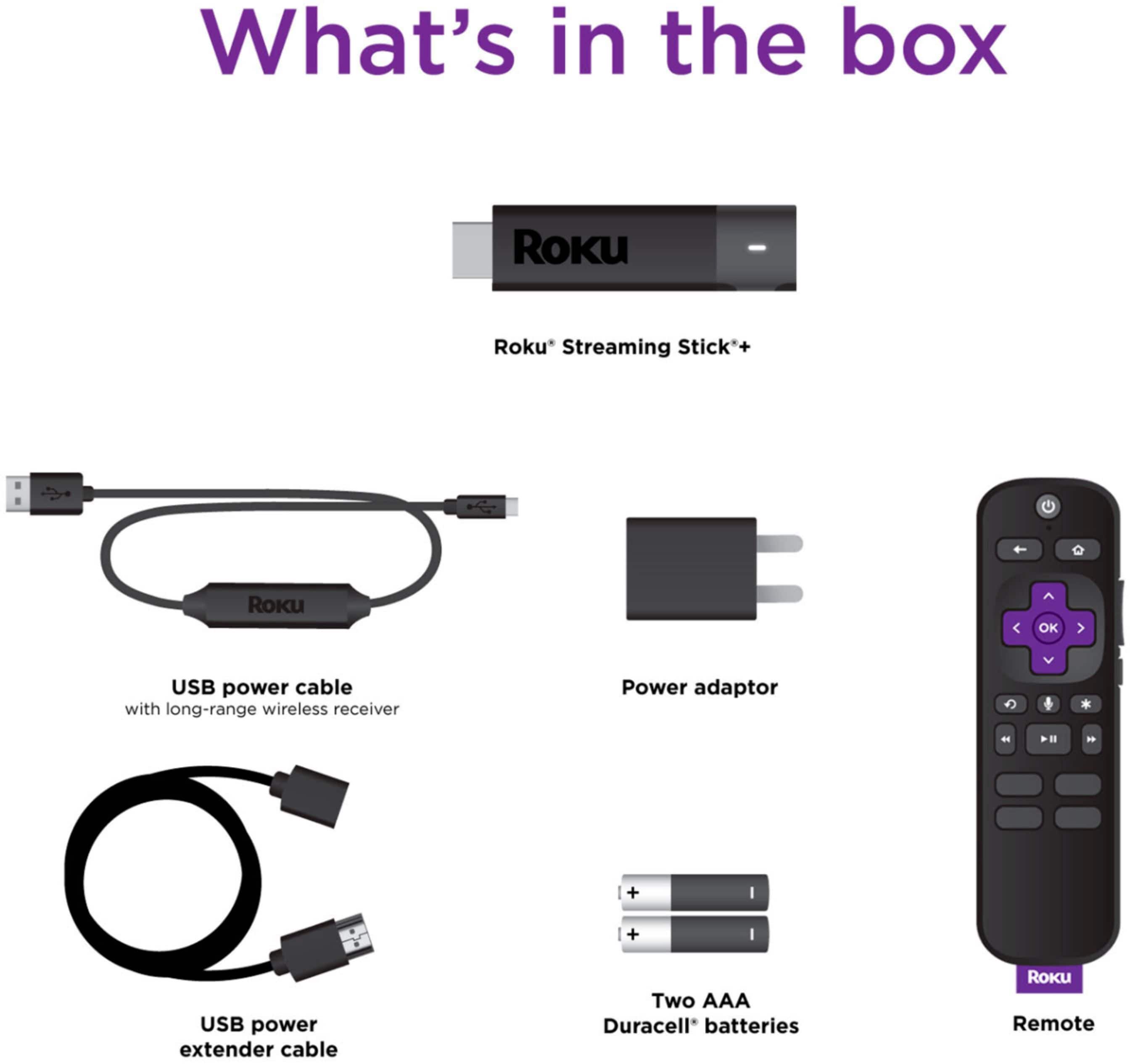
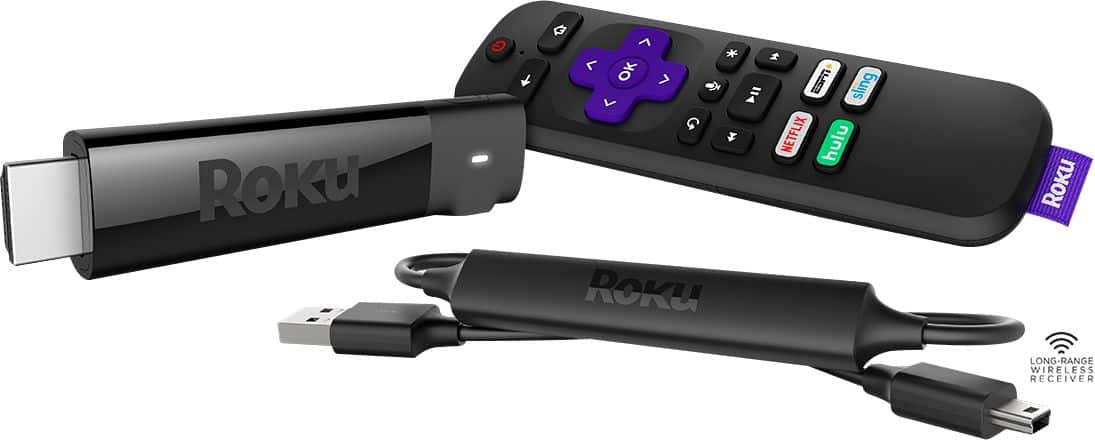
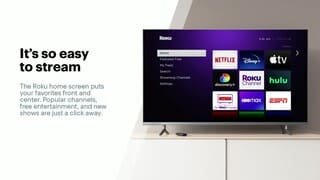
A:AnswerYou can only view this from the tv that it’s plugged into. You can easily move it to another tv but the roku remote has volume controls on it that you set up in initial set up. They won’t work on the next tv unless you have the same tv again. But you can use another remote for volume. But all of the hassle, it may be easier to just buy another stick.
A:AnswerThe expense for movies is based on whatever services you access. The Roku navigates Netflix, Hulu, Disney, Prime Video, Disney Plus and others, but you only pay what they charge already. You can watch the free content on YouTube, Tubi and Roku channels that do not charge for some content.
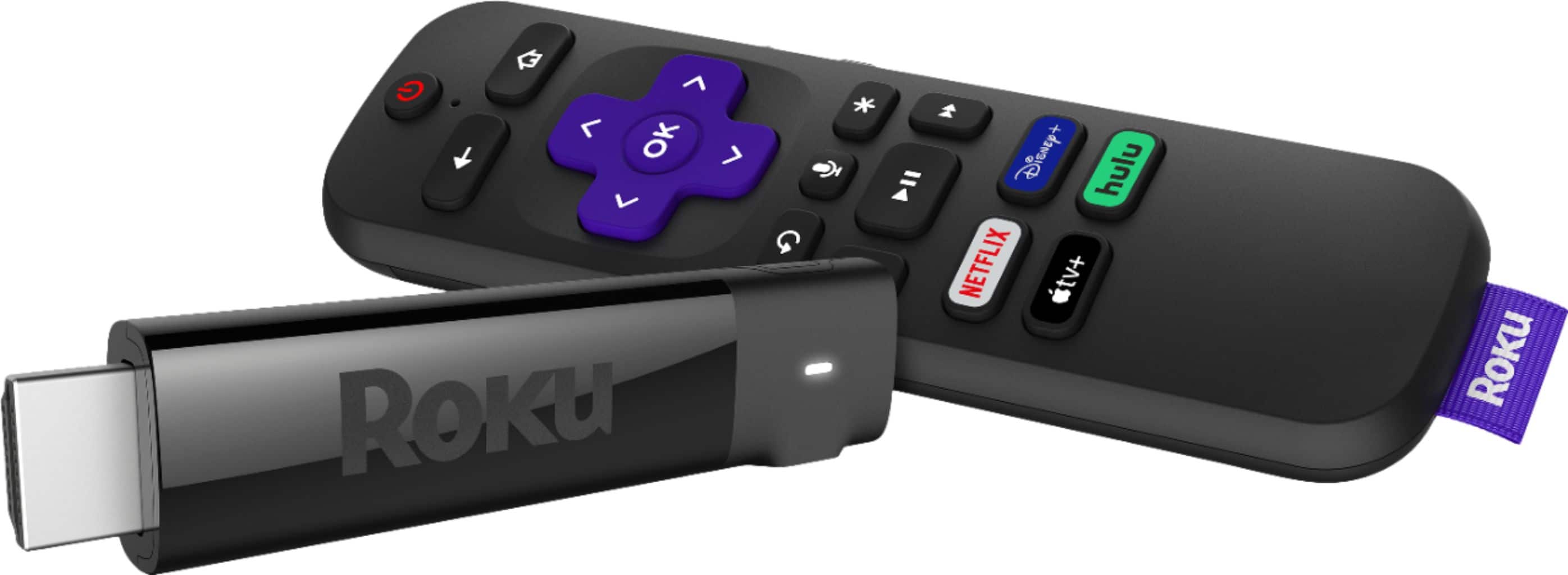
A:AnswerNot from Roku, and there is a lot of free content available to watch. If you want a premium channel such as Netflix, Disney+, etc, then you will pay a monthly fee through that channel.
A:AnswerNo. I moved into a house and there was an old LG tv, I couldn’t get Roku remote to sync/match. I was disappointed, but Roku for streaming is far superior to smart tv applications.
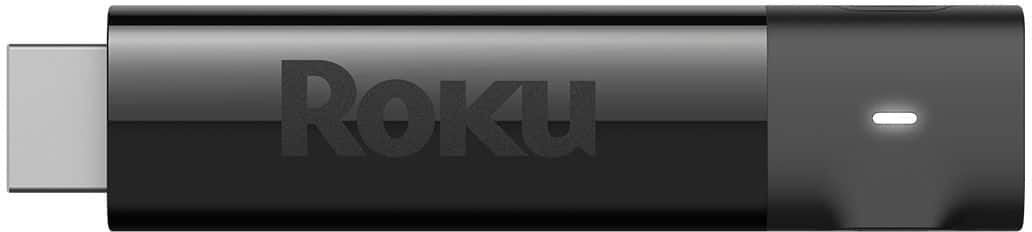
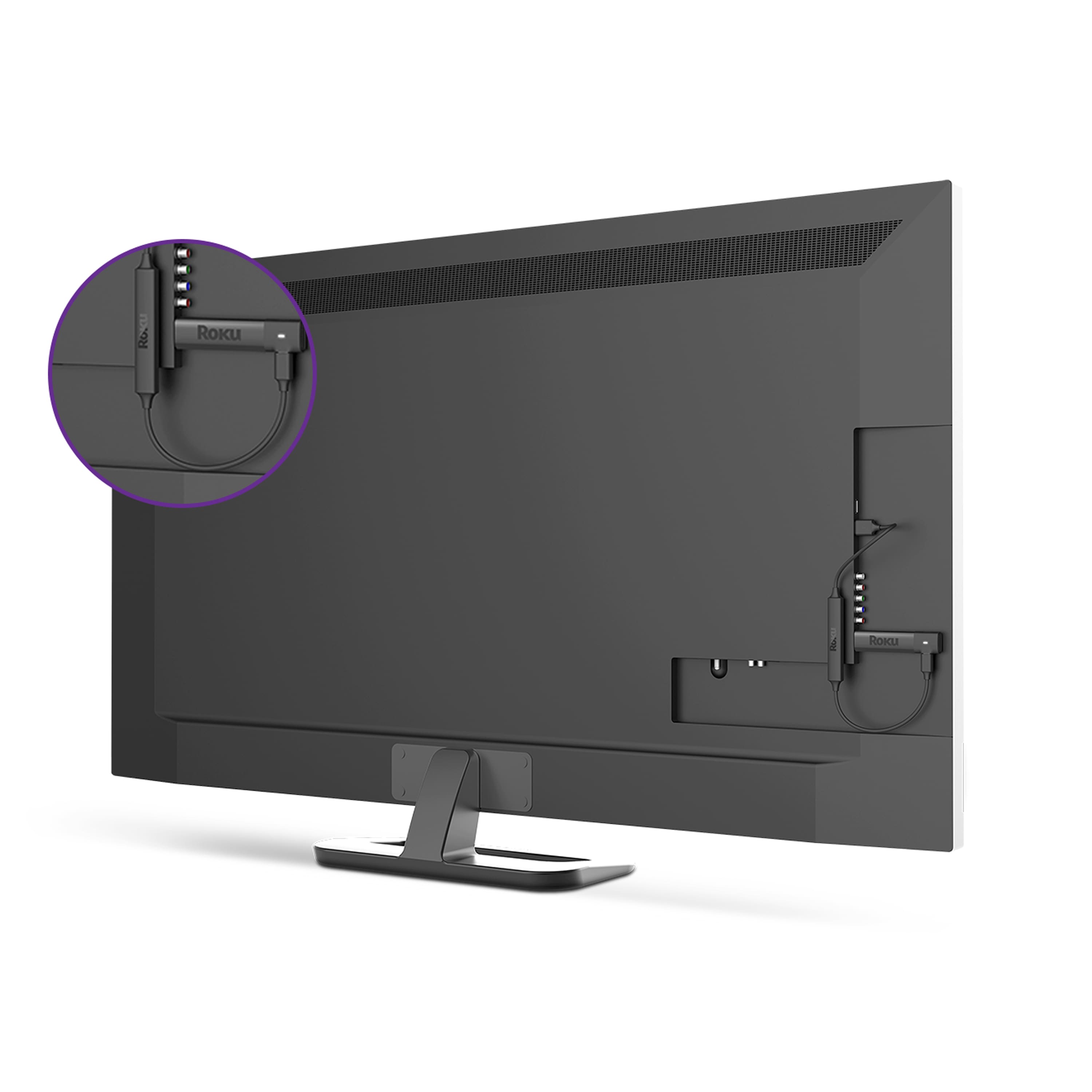
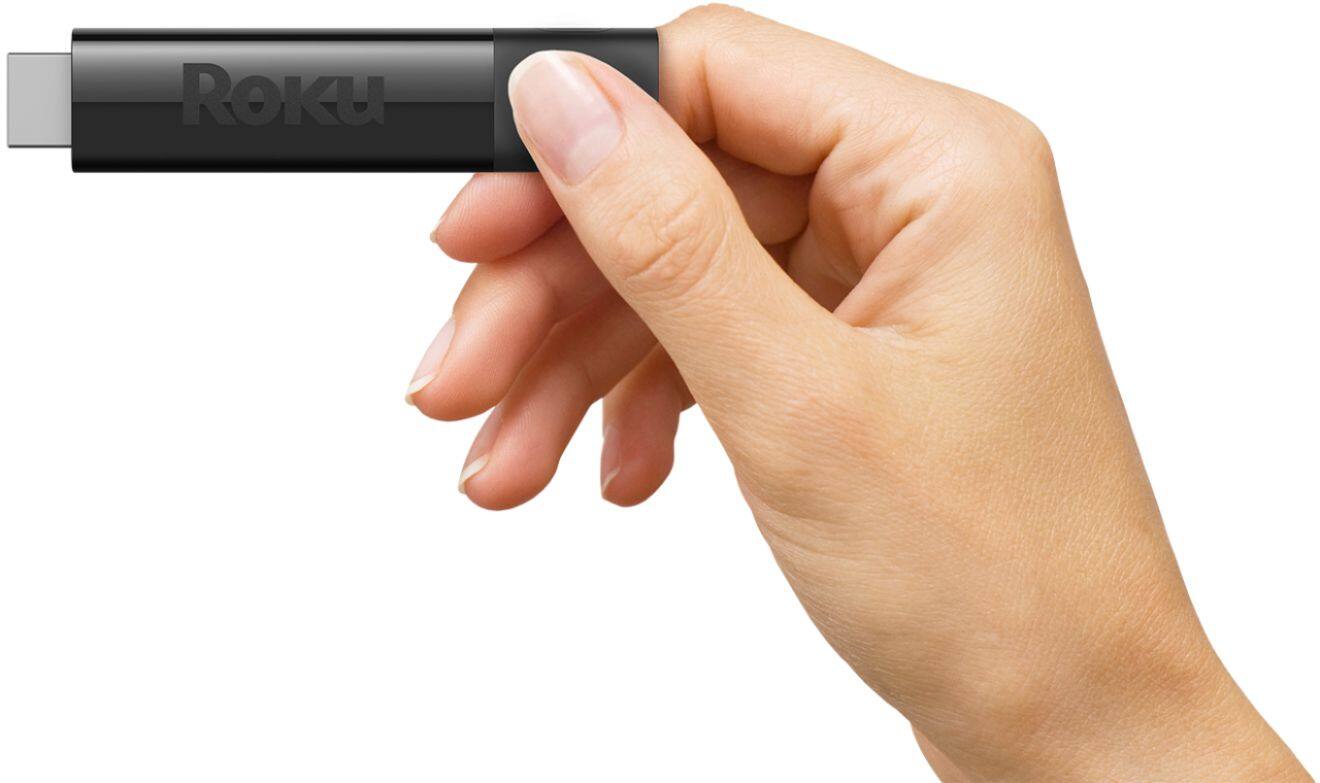
A:AnswerIf your TV is not smart, does it have an HDMI inpu? If it does, it should also have a USB port. If it has both then you can get a streaming stick. The stock plugs into HDMI and can be powered from USB. It is wireless so that room needs a good signal.
If you have access to Ethernet in that room, then a Roku box would be a better/faster option even though the box also is wireless. The box has other connection options besides HDMI if your TV doesn’t have that input.