A:AnswerHello Nana,
Thank you for reaching out to us. We are sorry to inform you that we only test compatibility with Swann products. We are unable to confirm if our cameras or recorders will work with 3rd party systems.
Please let us know how we may further assist you,
Thank you.
JV
Swann Customer Support
A:AnswerHello Footballer,
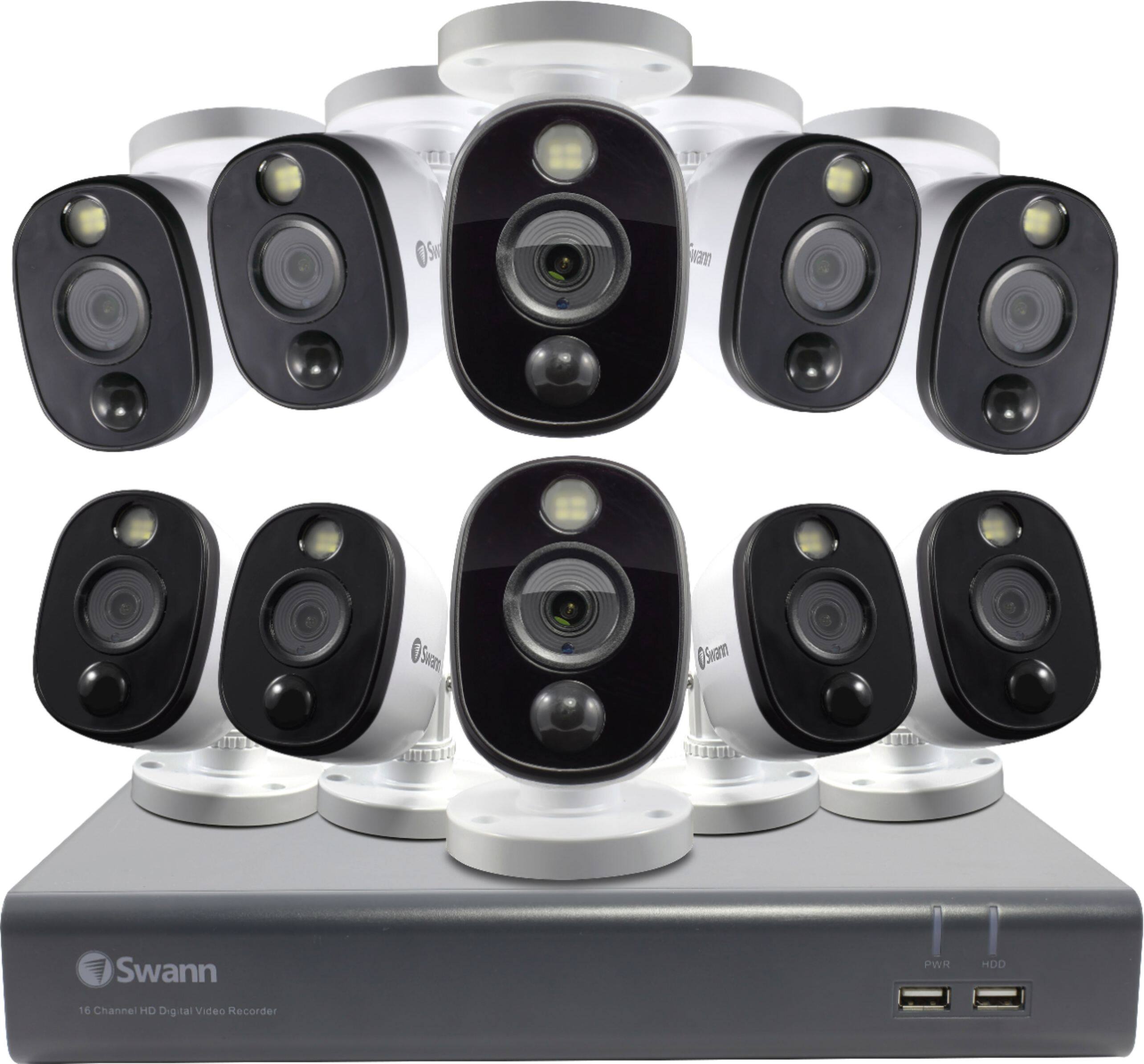
Thank you for your question. The model that best fits your needs will be the: SWDVK-1655808WL.
Please let us know how we may further assist you,
Thank you.
JV
Swann Customer Support
A:AnswerHello Jeff,
Thank you for reaching out to us with your question. The kit will include 60 feet of BNC cable per camera.
Please let us know how we may further assist you,
Thank you.
JV
Swann Customer Support
A:AnswerHello milliondollarminty,
Thank you for reaching out to us with your question. Yes, you can download the Swann Security application which is available for IOS and Android devices.
Please let us know how we may further assist you,
Thank you.
JV
Swann Customer Support
A:AnswerHello John,
Thank you for reaching out to us with your question. A monitor/keyboard/mouse is required at initial set up. Once connected your device can be remotely accessed and controlled from your mobile device. Please know due to security reasons, some settings can not be changed remotely. The recorder can only be remotely accessed if you have an internet connection to both devices.
Please let us know how we may further assist you,
Thank you,
JV
Swann Customer Support
A:AnswerHello Dave,
Thank you for reaching out to us with your question. The longest recommended run is 300 feet on BNC coaxial cables. The cameras will require their own power supply unit, which will connect to the BNC cables as well.
Please let us know how we may further assist you,
Thank you.
JV
Swann Customer Support
A:AnswerHello DJ,
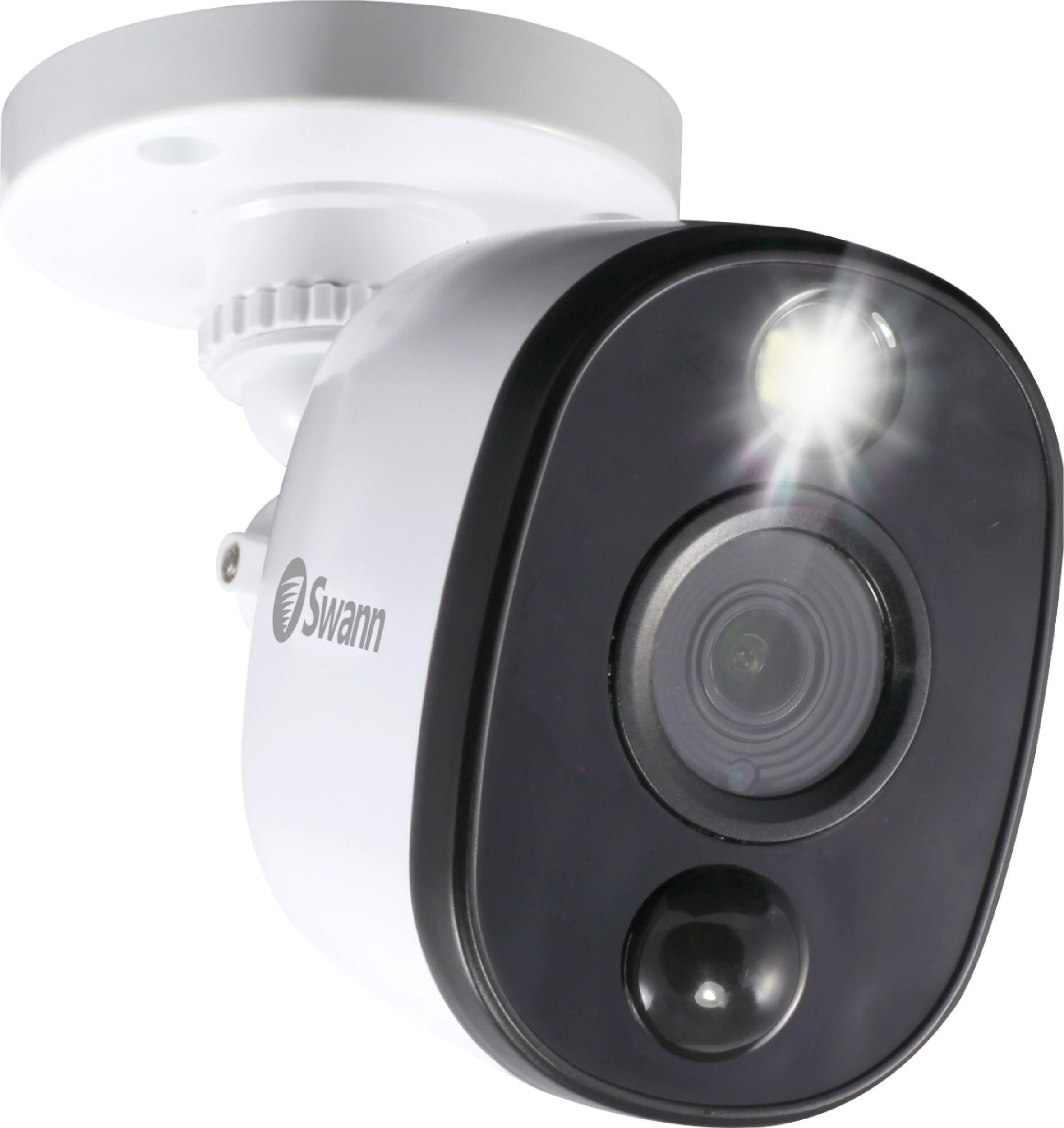
Thank you for reaching out to us. The settings for the spotlights can be adjusted to be triggered with motion or only when activated within the application. This can be set per camera, as needed.
Please let us know how we may further assist you,
Thank you.
JV
Swann Customer Support
A:AnswerHello deereguy29,
Thank you for reaching out to us with your question. Yes, you can use Swann dome cameras with this system like the SWPRO-1080MSD.
Please let us know how we may further assist you,
Thank you,
JV
Swann Customer Support
A:AnswerHello George,
Thank you for reaching out to us with your question. Your system will require a hardwired connection to your network. Once connected to the internet your unit can be remotely accessed from your mobile device.
Please let us know how we may further assist you,
Thank you.
JV
Swann Customer Support
A:AnswerHello sf2020,
Thank you for reaching out to is with your question. Yes, although this system will require you to hardwire BNC cables through out your home to the designated areas.
Please let us know how we may further assist you,
Thank you.
JV
Swann Customer Support
A:AnswerHello marathon26,
Thank you for reaching out to us with your question. This system will use BNC connectors to connect from the camera to the DVR.
Please let us know how we may further assist you,
Thank you.
JV
Swann Customer Support
A:AnswerYes, but we had to buy additional wire, and brackets to angle the cameras.
It all depends on the system you install and how far the cameras are apart.
A:AnswerHello Billy,
Thank you for reaching out to us with your question. This unit will use BNC connections. The connection to your network will be over Ethernet.
Please let us know how we may further assist you,
Thank you.
JV
Swann Customer Support
A:AnswerHello Cragl,
Thank you for reaching out to us with your questions. Yes, the recorder can be connected to a monitor using the HDMI or VGA ports on the back of the unit. You can use any monitor as long as they have the mentioned ports as well.
Please let us know how we may further assist you,
Thank you.
JV
Swann Customer Support