A:AnswerHello Dave,
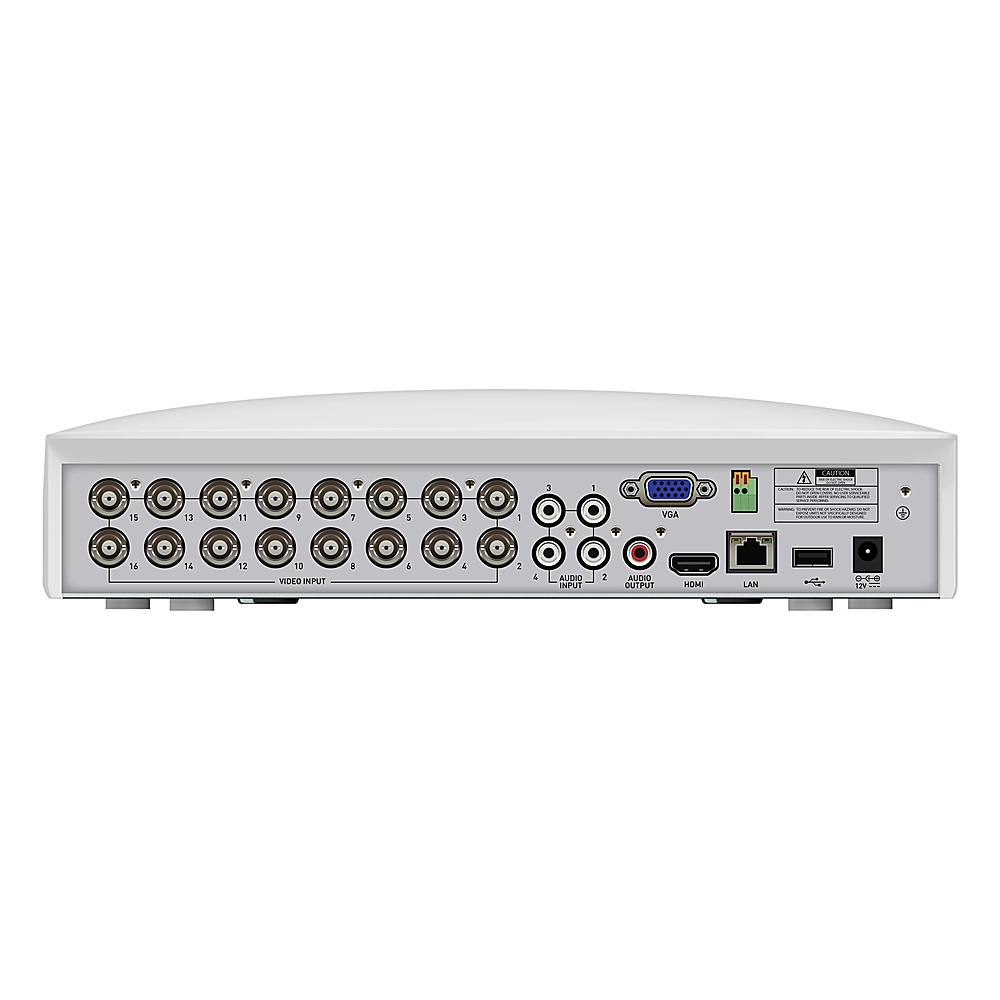
Thank you for reaching out to us with your question. Yes, this recorder kit does not need an internet connection to record directly onto its hard drive. The footage can be reviewed while connected directly to a monitor or from the Swann Security application.
Please let us know how we may further assist you,
Thank you.
JV
Swann Customer Support
A:AnswerHello Bobby,
Thank you for reaching out to us with your question. Yes, if you would like to remotely access this device an internet connection to both the mobile device and recorder is required.
Please let us know how we may further assist you,
Thank you.
JV
Swann Customer Support
A:AnswerHello Rose,
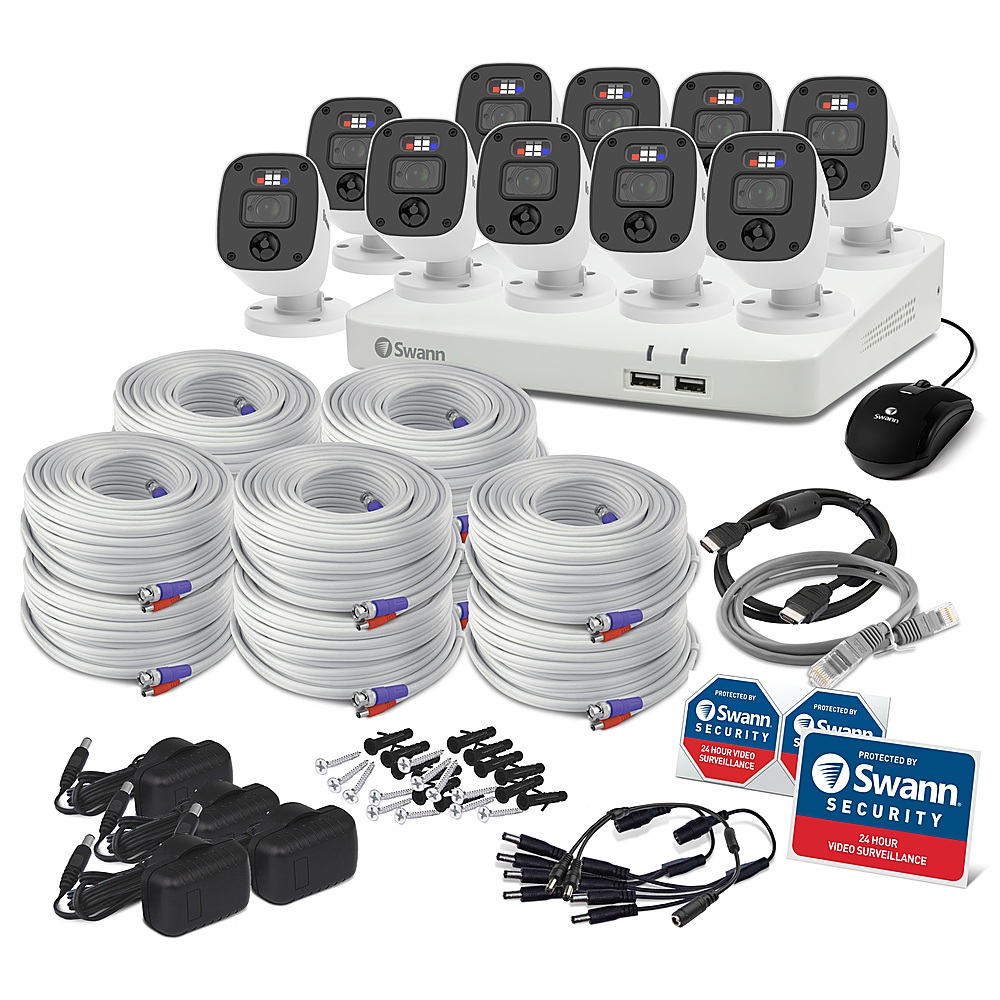
Thank you for reaching out to us with your question. This kit will include 60 feet of BNC cable per camera. The longest recommended run is 300 feet. Click on the blue box on the bottom right-hand corner to live chat with a technical support agent or contact us over the phone.
https://support.swann.com/s/
Please let us know how we may further assist you,
Thank you.
JV
Swann Customer Support
A:AnswerHello Jupiter,
Thank you for reaching out to us with your question. The cameras included in this kit do have night vision features. Although, if your question is if the cameras are equipped with IR sensors for infrared night vision, the answer is no. Swann offers alternative security solutions that may better suit your needs.
Please let us know how we may further assist you,
Thank you.
JV
Swann Customer Support
A:AnswerHi Safehaven. No, unfortunately not. 1080p DVRs are only capable of supporting cameras with up to 1080p resolution. However 4K DVRs are backwards compatible and can support 1080p or 4K Cameras. It is to do with how much processing power each DVR has. -SD, Swann team
A:AnswerHi Christina. Within the settings menu of the DVR you can choose whether you want to record based on motion detection or 24/7 continuous recording. We would normally recommend you use motion based recording as it will create more meaningful recordings rather than hours of nothing happening, but you have the option for either. Hope this helps. -SD, Swann team
A:AnswerHi Emily. Regardless of whether the system is connected to Wi-Fi or not, once the hard drive is full its default setting will start to record over the oldest data first and replace it with newer recordings. You can change this setting so that you manually clear old data yourself if you wish to. We would normally recommend using motion-based recording instead, but if you did wish to record 24/7 from 4 cameras the 1TB drive should last around 2 weeks. -SD, Swann team
A:AnswerHello Dcfan,
Thank you for reaching out to us with your question. Swann only tests compatibility with Swann products. We are not able to confirm if this will work with third-party products.
Please let us know how we may further assist you,
Thank you.
JV
Swann Customer Support
A:AnswerHello Dave,
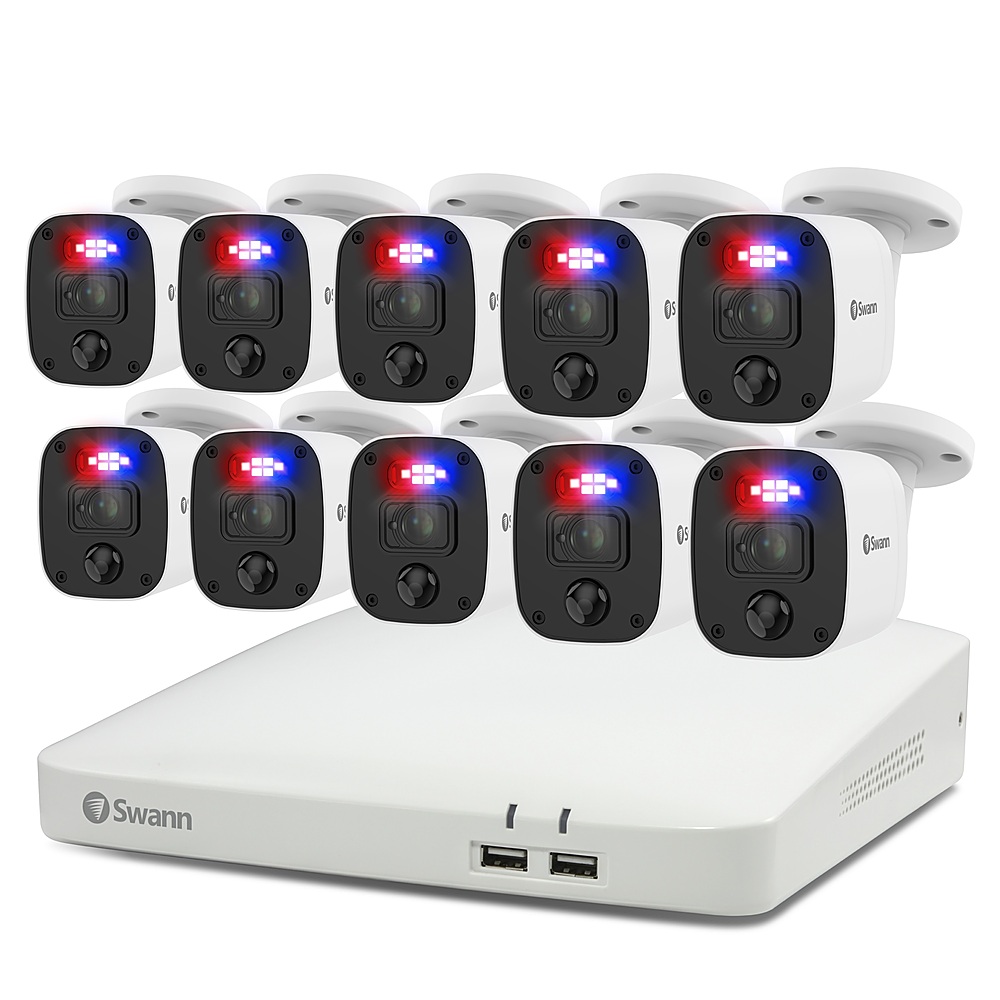
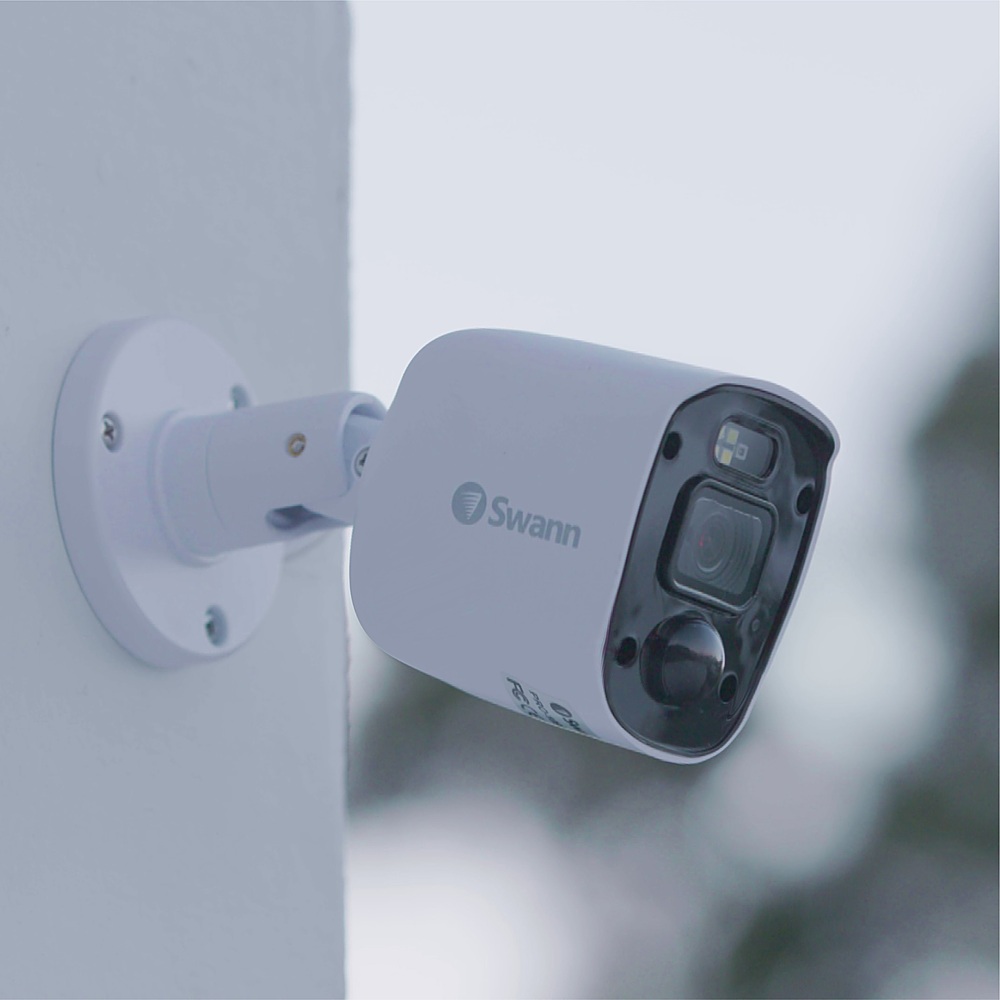
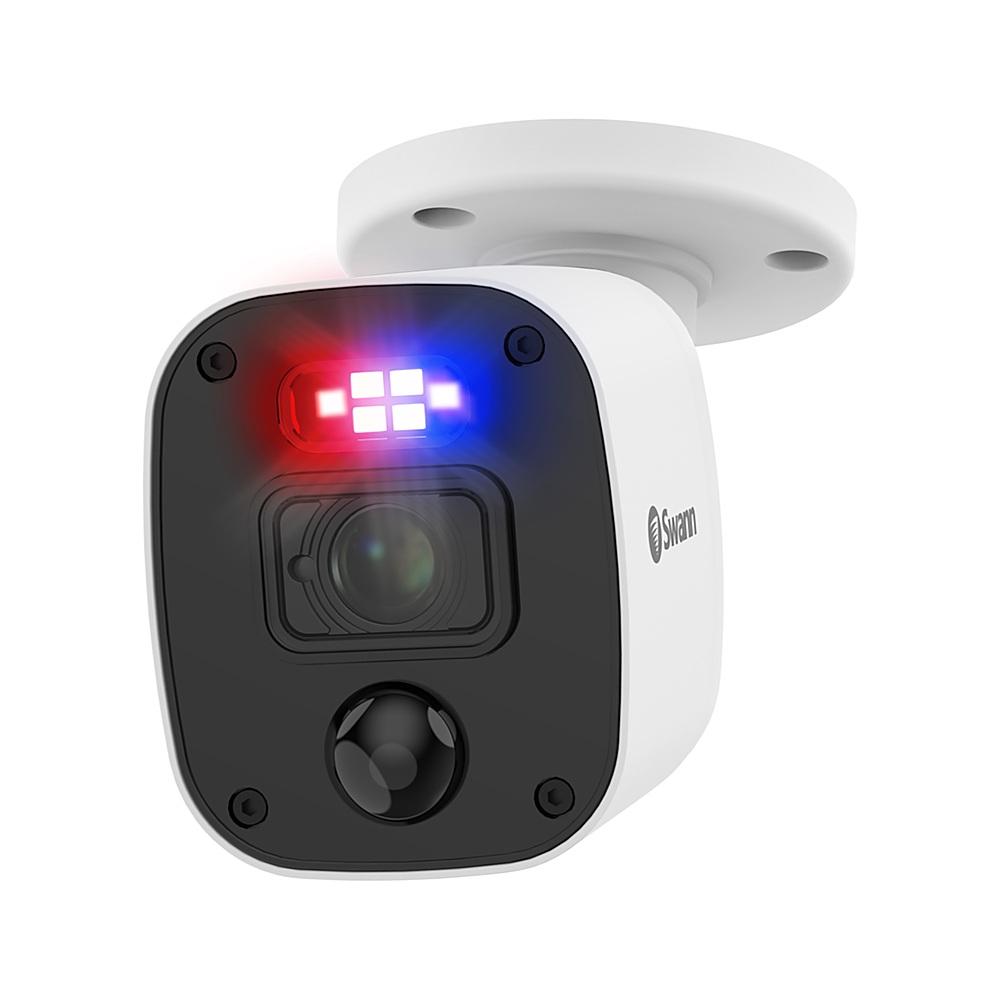
Thank you for reaching out to us and sharing your question. Yes, the cameras included in this kit detect heat and motion. With Swann's True Detect, warm objects like people & cars can trigger the lights, push notifications & recording with fewer false alarms to worry about. If you have any other questions, please contact our support team directly. Click on the blue box on the bottom right-hand corner to live chat with a technical support agent or contact us over the phone.
https://support.swann.com/s/
Please let us know how we may further assist you,
Thank you.
JV
Swann Customer Support
A:AnswerYes through the setup software. I am not near the system now but there is a screen where you can double click on each camera and set different setting for each.
A:AnswerHi Diescalpers. The SWIFI-BUDDY Video Doorbell cannot save its recordings to the hard drive of this DVR, however it can be paired to the exact same Swann Security App account as the DVR. This means you can view your entire camera & doorbell system from the same screen of a single app. The video doorbell saves its clips to the 32GB Micro SD Card and Cloud (1 day free). There are no subscription fees required to use either system.
-SD, Swann Team
A:AnswerHello Steve,
Thank you for reaching out to us with your question. Yes, these two models are compatible. Your PRO-T852 will only record in the camera's original resolution.
Please let us know how we may further assist you,
Thank you.
JV
Swann Customer Support
A:AnswerHello Mom,
Thank you for reaching out to us with your question. If you would like to take a photo while remotely accessing your device it can be done through the application. If you would like to save photos or clips, it will have to be done through your mobile device and will be saved to your gallery. We only offer DropBox for cloud backup options. Yes, you can review all cameras live at the same time when remotely accessing your device on a PC. If you have any questions or require further assistance, please know that we offer 24-hour technical support. Click on the blue box on the bottom right-hand corner to live chat with a technical support agent or contact us over the phone.
https://support.swann.com/s/
Please let us know how we may further assist you,
Thank you.
JV
Swann Customer Support
A:AnswerHello M1chael,
Thank you for reaching out to us with your question. Yes, using our Swann Wireless Adapter you can connect to your wireless network.
Please let us know how we may further assist you,
Thank you.
JV
Swann Customer Support
A:AnswerHello Fan,
Thank you for reaching out to us with your question. Since the recorder is consistantly running, the fan inside the recorder will as well. The fan serves the purpose of making sure all the electrical components remain cool. Be sure to dust clean your item ever so often as dust build-up can create a noisy fan. Please reach out to a member of our warranty department to confirm the condition of your device.
Please let us know how we may further assist you,
Thank you.
JV
Swann Customer Support
A:AnswerHi Mark. This one will be difficult for us to answer accurately without knowing what quality of cables you have. If your cables are reasonably new (for example you installed in the last 5 years) and they currently support a 1080p or higher system, then there is a good chance our DVR and Cameras will work with them. If they are older cables from a resolution that pre-dates 1080p (1080p Analog High Definition systems launched around 6 years ago), then they may not be a high enough quality to support HD resolutions & you could see interference type issues. The only real way to find out is just to try it. Swann include 60ft cables for each camera in our box so you will have the cables available in the event you do need to change them over. -SD, Swann team