A:AnswerThey already did preorders in July. I don’t like how they say “coming soon” when it’s really “preorders sold out.” On October 8th the order button may go live at a random time, but that’s only if they have stock. I would check at midnight, and if not then, 8-11AM CST. Hope that helps. If you have trouble finding one though, I know someone with an extra order.
A:AnswerYou need to watch the page constantly, or follow a Twitter account that watches for these things. Best Buy will update stock quantities and when they do it will be up for pre-order. Once those quantities are out they will update the page with either a "Sold Out" button, which means all quantities have been sold. Or they'll update with with "Coming soon".
A:AnswerYou need to be more prepared. Open the Best Buy app and keep refreshing that as well as the webpage. The app was updating stock faster than the website yesterday. Good luck.
A:AnswerTheir FAQ says the following:
Q: When will I be charged?
A: You will not be charged at the time you place the pre-order. Only when your item ships will your credit card be charged. If you order additional items along with your pre-order, you will be charged for each item as it ships.
Their email confirmation of the order says the following:
• Your credit or debit card will be charged when the item is ready for pickup or shipped
However, I can say for the pre-order I made, the charge has posted to my credit card already. I was charged immediately for the pre-order and I will be watching out just in case for a duplicate charge for the order.
A:AnswerAt this point customers are being trolled by these retailers. There’s no point in leaving listings up for items that won’t be available for sale in the foreseeable future. The OLED Switch already sold out months ago through the preorders. It’s available for sale today (10-8-2021) but to WHOM exactly? It’s all a huge joke at this point.
A:AnswerBased on my experience with existing Switch consoles (since I obviously don't have the new OLED one yet), you will need to reformat the card and redownload whatever you want on it. Of course the micro-SD card itself will be usable so you wouldn't need to buy a new card unless you wanted to keep two cards or get a larger one. But I believe the console software will say that the card was from another system and must be reformatted (i.e. erased) before you can use it on that system.
A:Answercountdown is to inform the shopping bots. there will never be individual stock of this item and youll never purchase this item unless youre willing to participate in the new retail game.
A:AnswerAccessories that are tight fitting, like grips cases for example, will most likely not work. However carrying cases that don’t have a crazy tight fit should work fine.
A:Answerif your monitor has hdmi it surely will work, the dock has a hdmi imput. if its only display port you would probably need an adaptor- which may work not sure on that one.. you may need a longer hdmi cable if your setup distance is far- i think they provide a 6ft hdmi cable for length.. and im not sure if they sell a controller bundle.. most likely they dont- you would have to check on their website.. i would get the official pro controller, and for kids the mini controller- they both have sensors and vibration for motion games
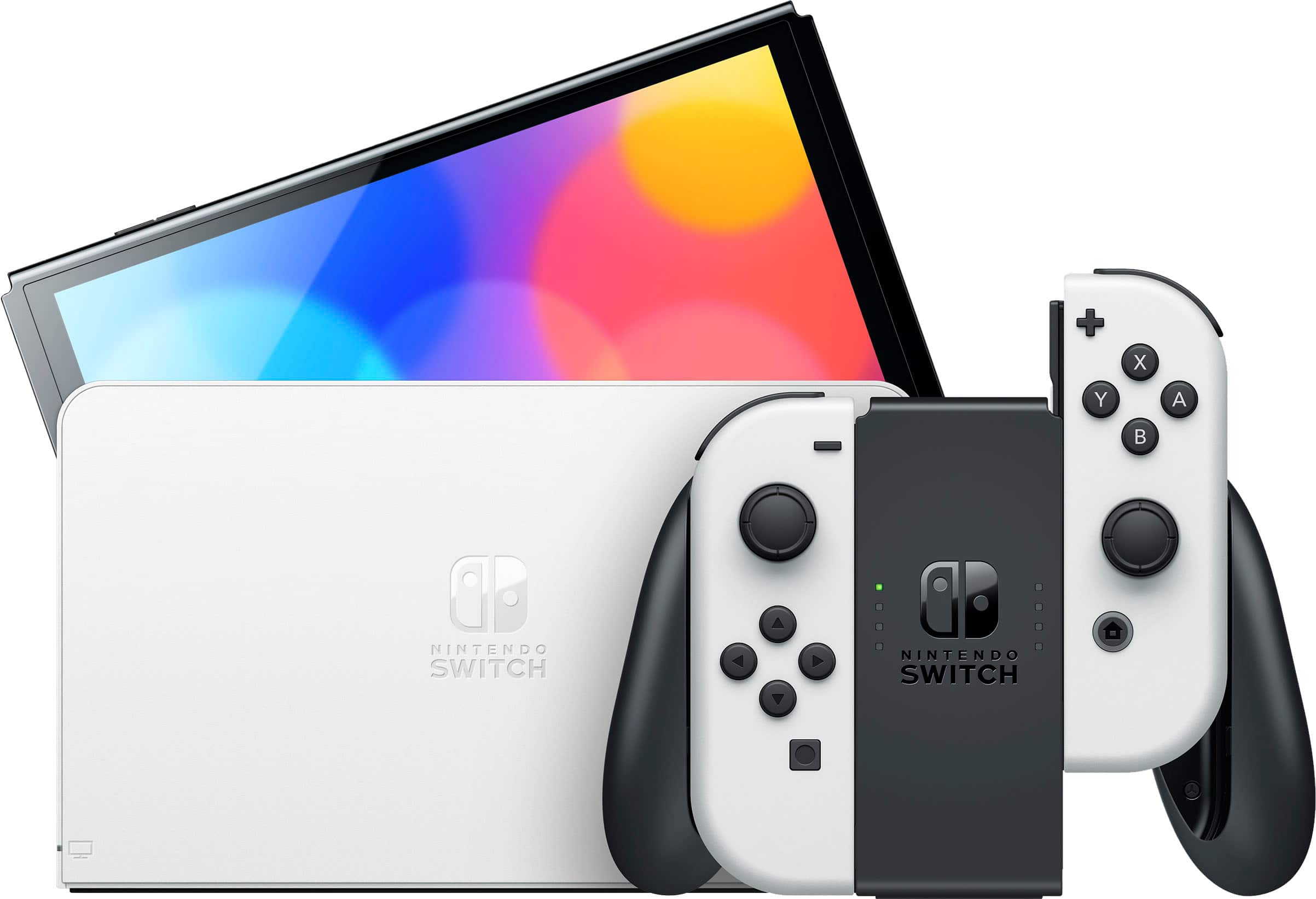
A:AnswerThe are only two potential benefits you'll see in docked mode is the OLED has an updated dock which features a built-in ethernet jack. If you don't have a use for the ethernet connection, it's not worth it. You can also buy a USB to ethernet adapter for the regular model. The other benefit is the internal storage is bumped up from 32GB to 64GB. To me, it's still worth the extra money. You might find you like using it handheld from time to time anyway, and the screen quality difference is huge.