A:AnswerThere is not a physical button for it, but there is an option for it. Simply press the asterisk (*) button on your TCL Roku TV remote while watching content, highlight the sleep time option, and choose how long you want to set it for (30minutes-3hours). Hope this helps! Thank you, TCL Customer Support

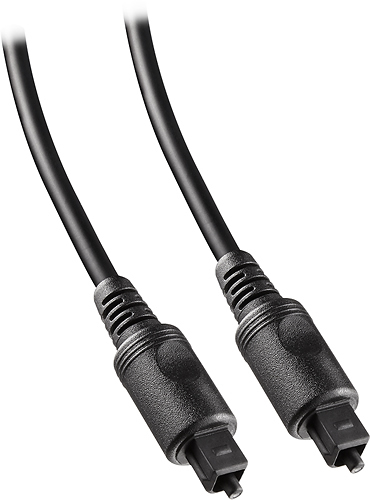
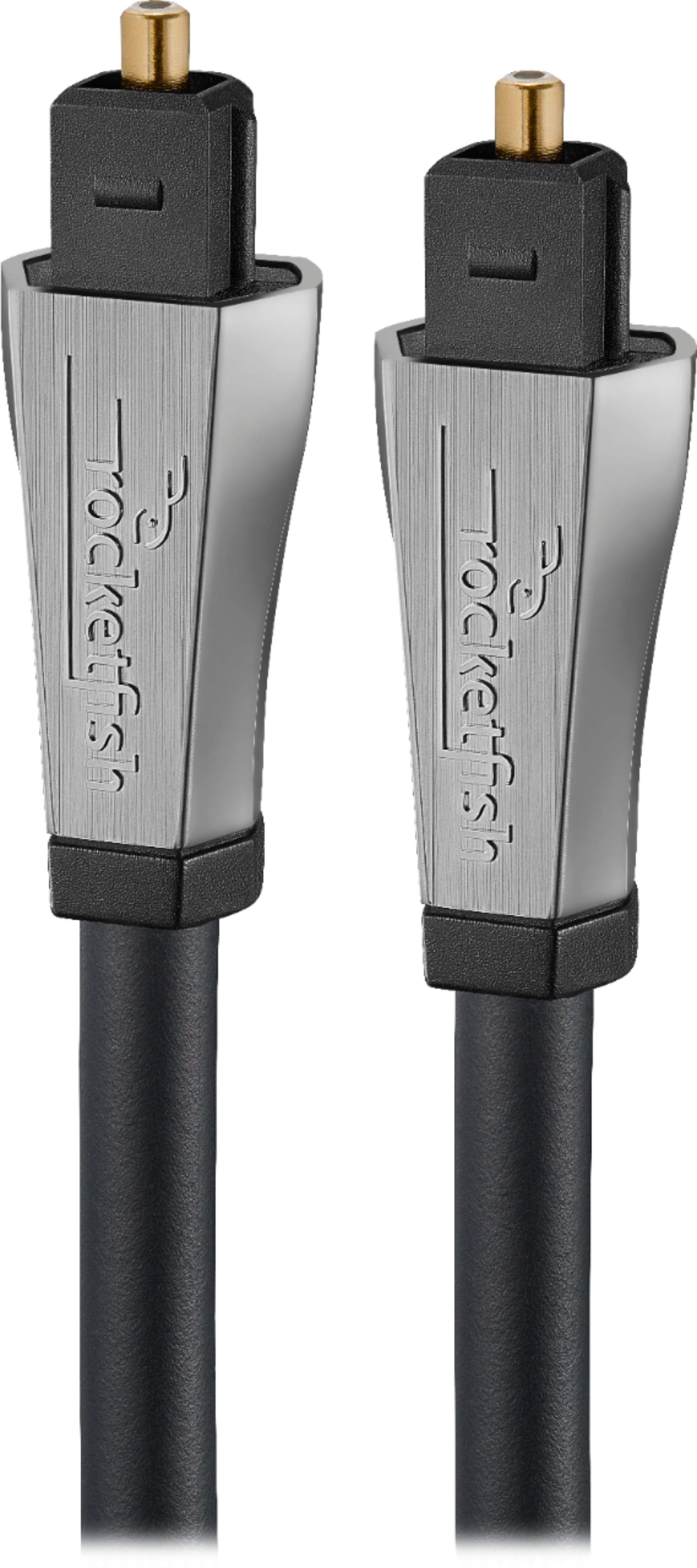
A:AnswerYes, if your amp has the "Optical Digital Audio Input" you will be able to run your TV through your amp and then ultimately the speakers. The TV has this connection and is made for what you're wanting to do. below are pics of what you will need. it's a simple cable that comes in various lengths to fit your needs. Rockfish is good but pricey. The dynex brand from Best Buy works just as well. All you will need it this dual male connection and that's it. I use it myself to enable my amp, speakers and sub to play from my TV. Hope this helps Swimhat
A:AnswerThis TCL Roku TV has a coaxial located on the back of the TV near the other inputs. By connecting an antenna you can receive over-the-air channels. However, the reception depends on the signal strength. Hope this helps! Thank you, TCL Customer Support

A:AnswerThis TCL Roku TV is now compatible with Alexa voice assistant. You can visit https://support.tclusa.com/televisions-setup-configurations/using-amazon-alexa-to-control-your-tcl-roku-tv for more information about this. Hope this helps! Thank you, TCL Customer Support

A:AnswerOur TCL Roku TVs are designed and engineered to be used within the US and Canada depending on the model. As such, they support 120V. Hope this helps! Thank you, TCL Customer Support

A:AnswerThe composite connection for this TCL Roku TV is a single input located between the coaxial input and the Headphone Jack. The TV comes with an adapter to connect the traditional red/white/yellow cables you are used to seeing. Hope this helps! Thank you, TCL Customer Support