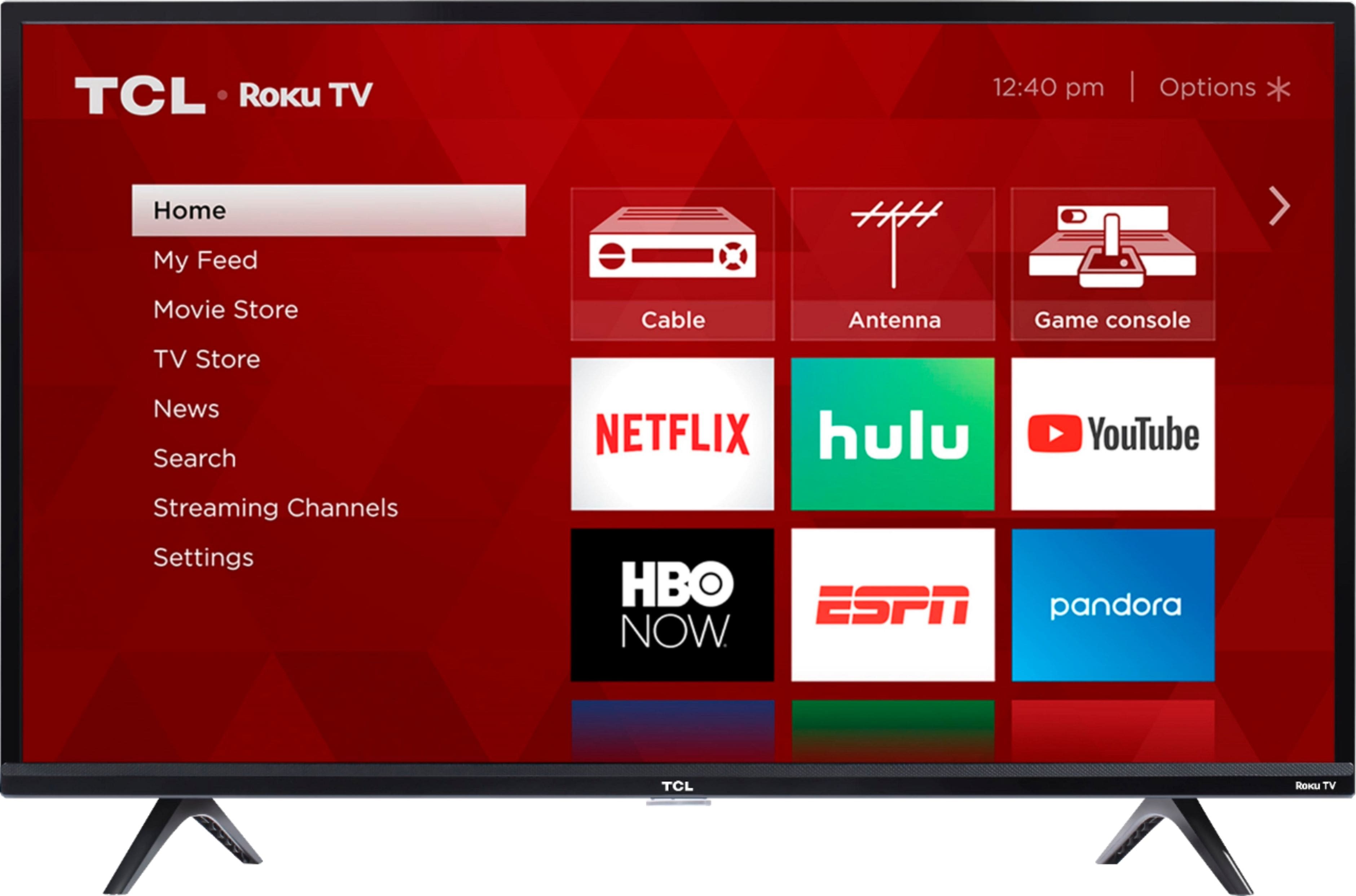
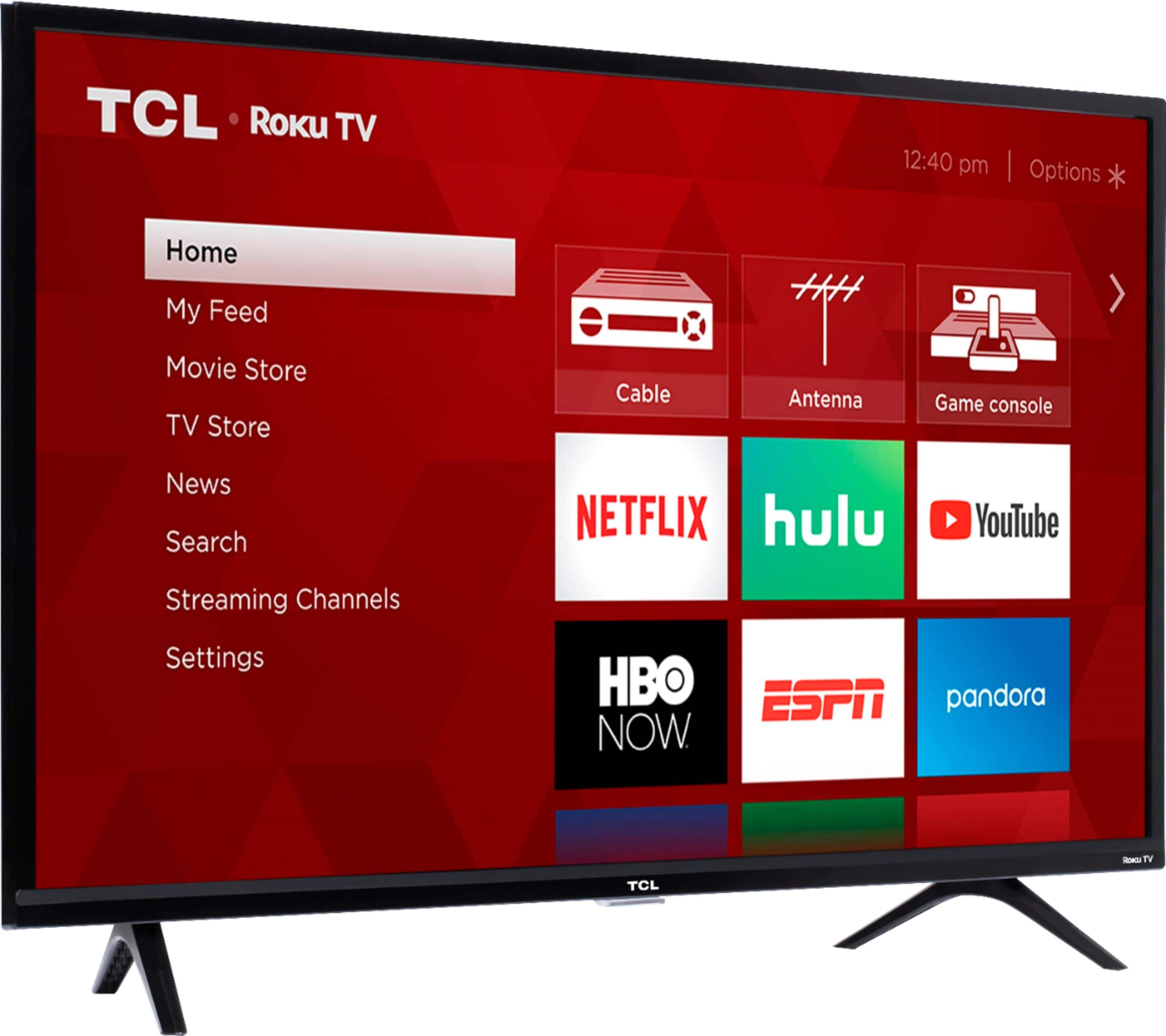
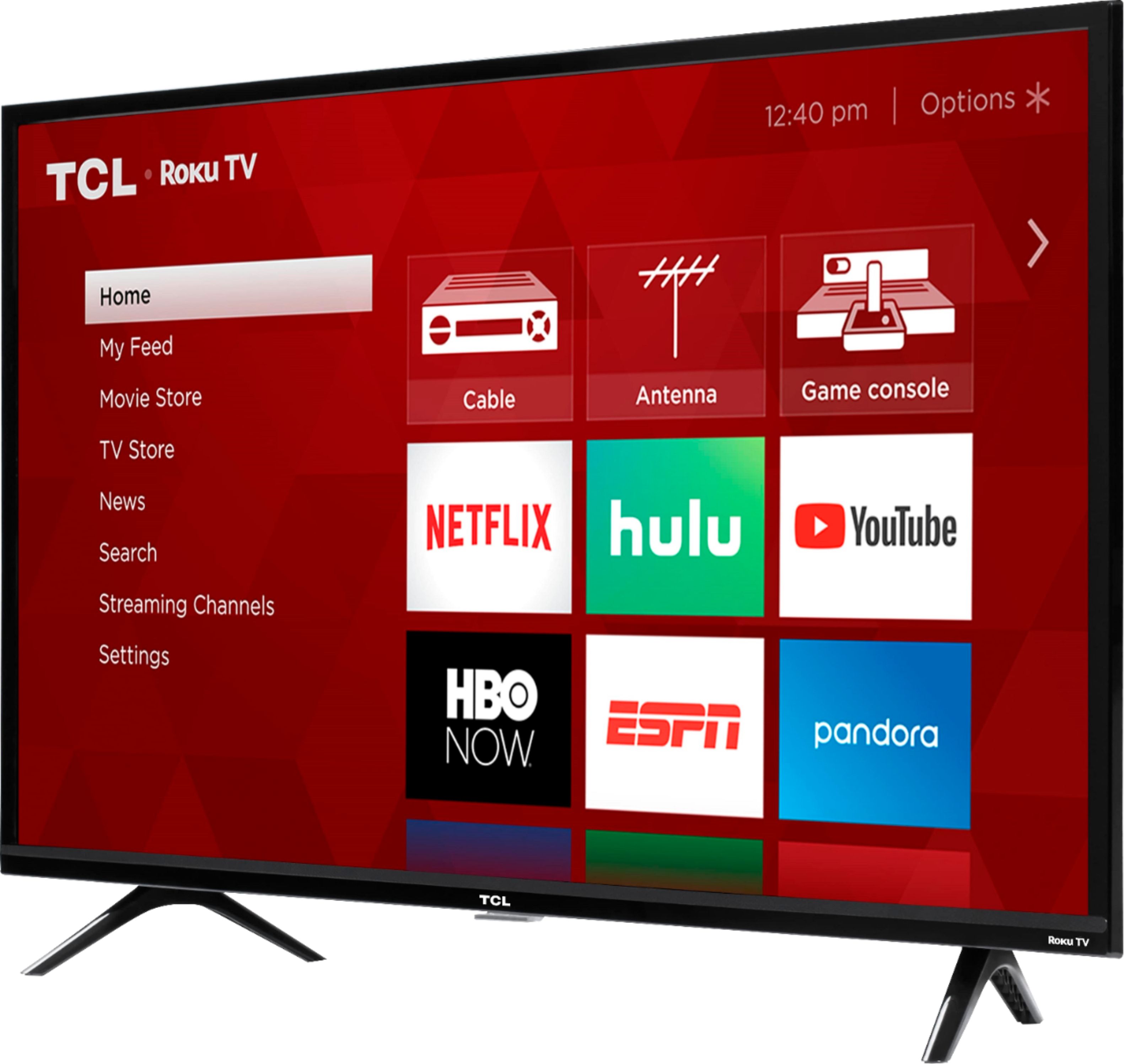
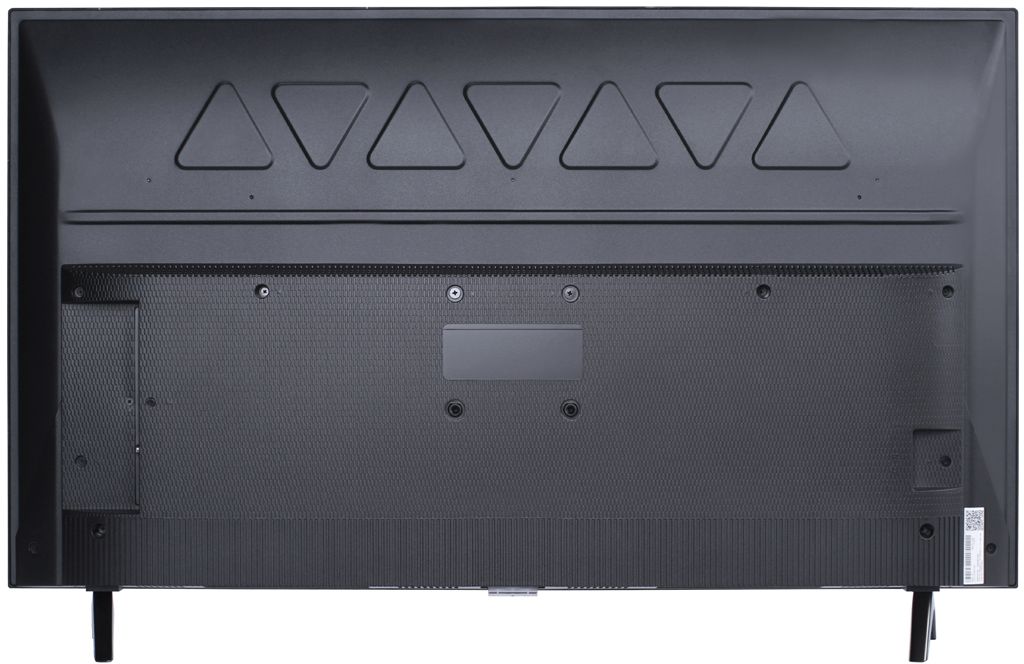
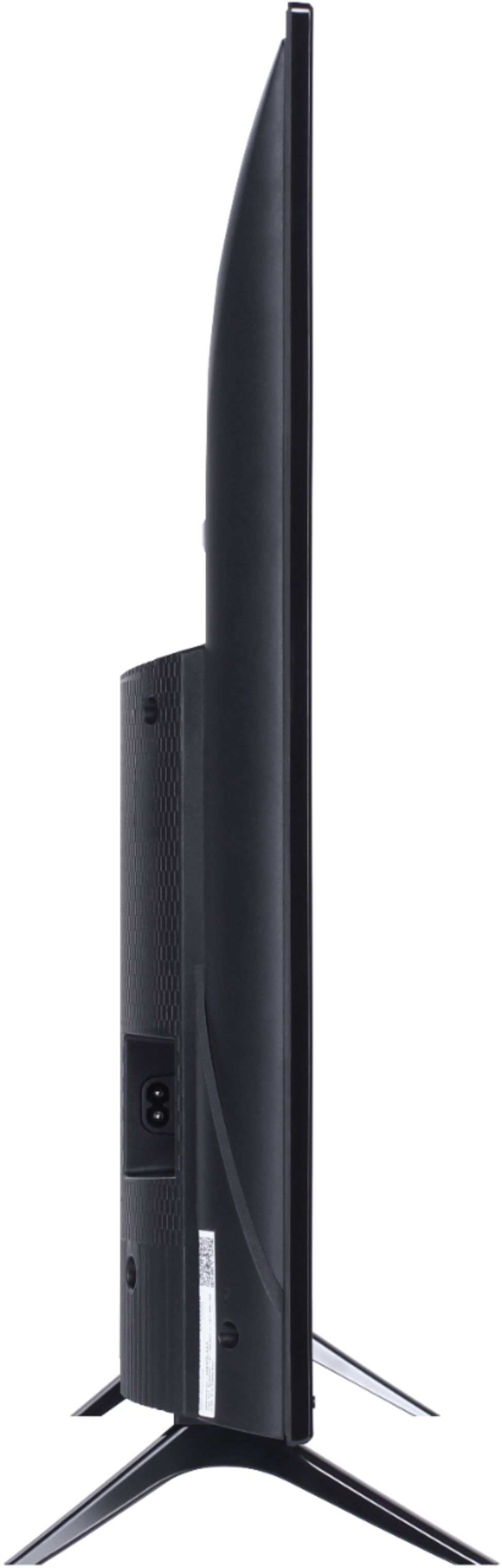
A:AnswerThis TCL Roku TV is compatible with most mounts that support a 100mm x 100mm VESA mounting pattern. The holes form a small square on the back of the TV. Thank you, TCL Customer Support
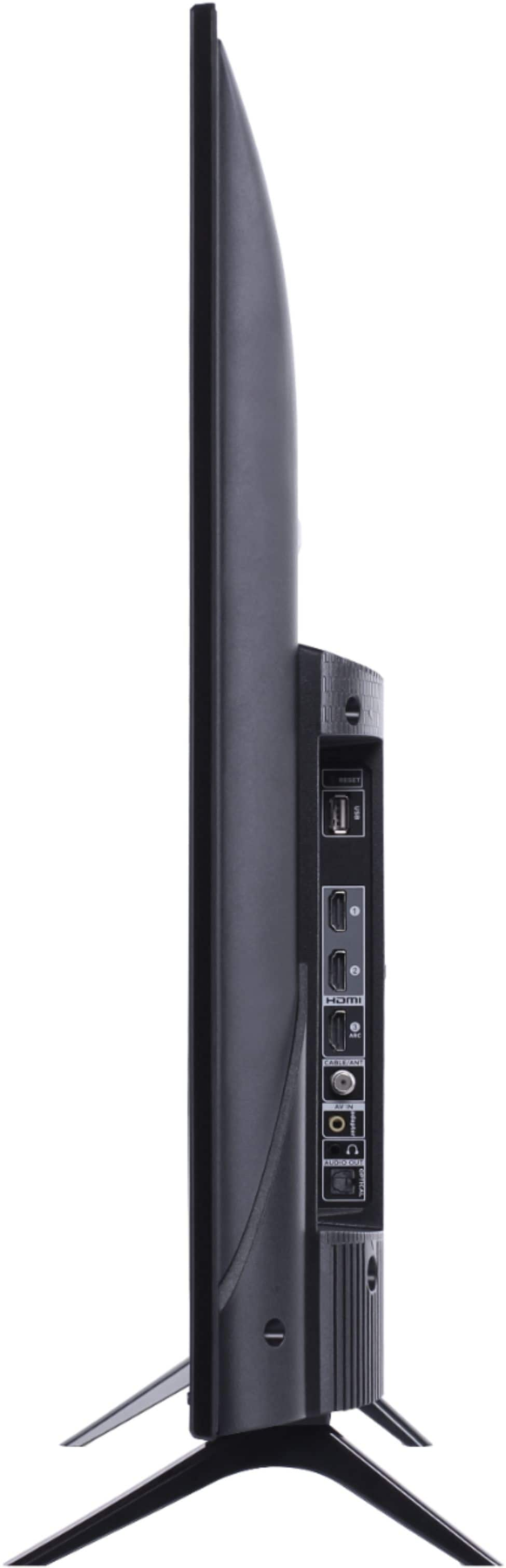
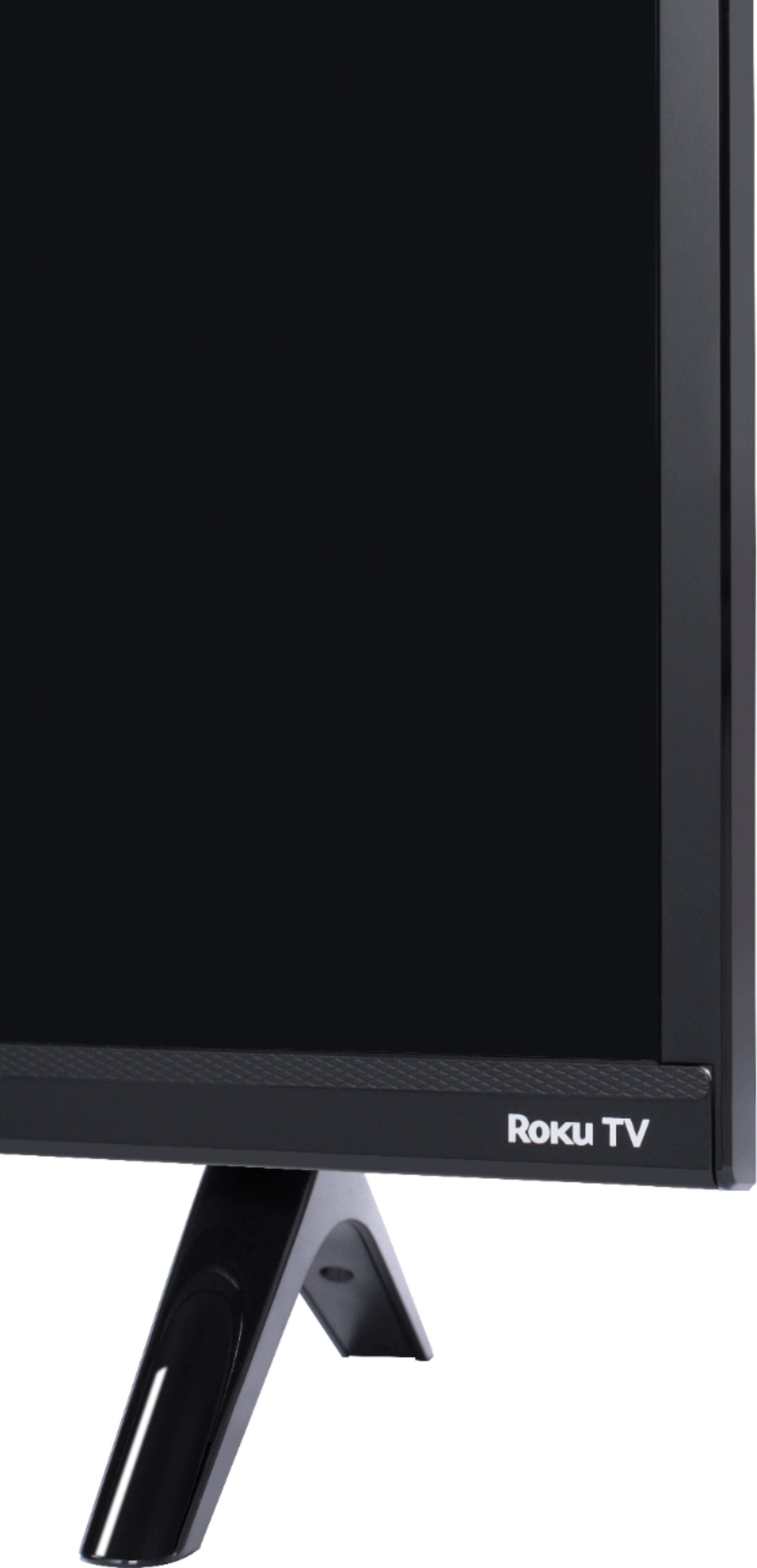
A:AnswerIt doesn't have a base, but 2 "feet" those are approximately 30 inches apart, over all tv is just under 36.5.. so any turntable over 30 but under 36 should work.
A:AnswerCurrently, our TCL Roku TVs do not offer this feature. You would need to power on the TV separately using the remote, free Roku mobile app, or the power button on the TV. Hope this helps! Thank you, TCL Customer Support
A:AnswerAbsolutely! Here are steps to accomplish this. Please go to the following: Settings>System>Power>Power On>choose which input you would like your TCL Roku TV to power on to. Also, here is a link with more information. (https://support.tclusa.com/23507-roku-tv/how-to-set-input-displayed-on-power-on) Hope this helps! Thank you, TCL Customer Support
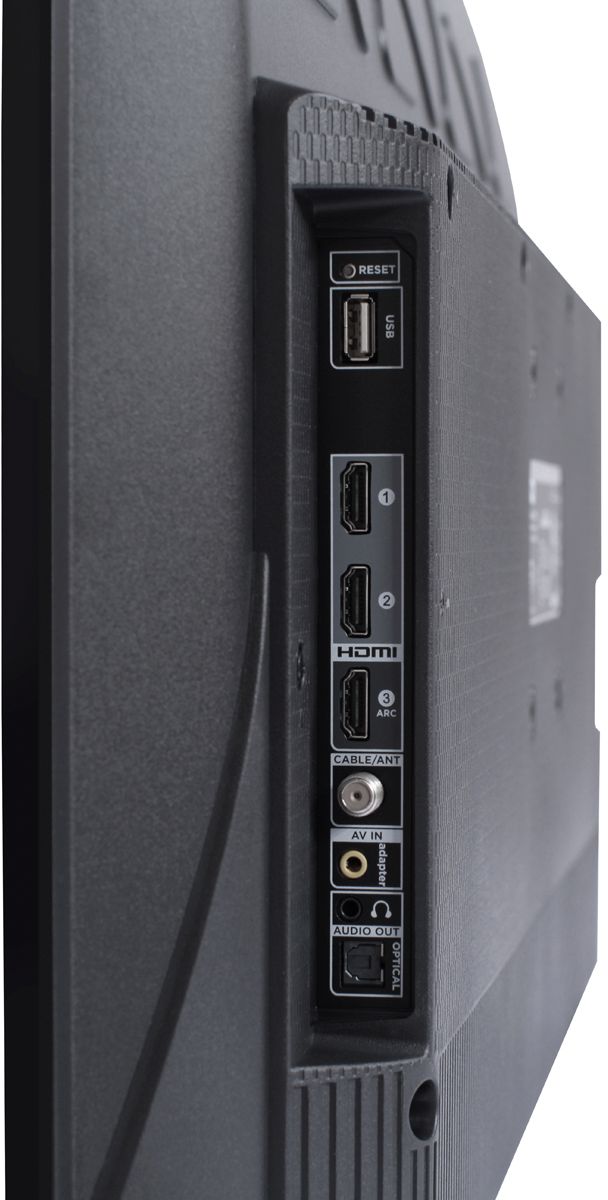
A:AnswerAbsolutely! This TCL Roku TV has both a composite input and headphone output. The composite connection for this TCL Roku TV is a single input located between the coaxial input and the Headphone Jack. The TV comes with an adapter to connect the traditional red/white/yellow cables you are used to seeing. Hope this helps! Thank you, TCL Customer Support
A:AnswerAll TCL Roku TVs support screen mirroring with any compatible windows or android device. Here is a great article with more details how: (https://support.roku.com/en-ca/article/208754928-how-to-use-screen-mirroring-with-your-android-or-windows-device). Thank you, TCL Customer Support
A:AnswerAbsolutely! The VUDU streaming channel is one of the thousands of streaming channels offered through the Roku Channel Store. In fact of the top 25 streaming channels, TCL Roku TVs offer all 25! You can also visit www.roku.com/whats-on to see other streaming channels Roku offers. Hope this helps! Thank you, TCL Customer Support