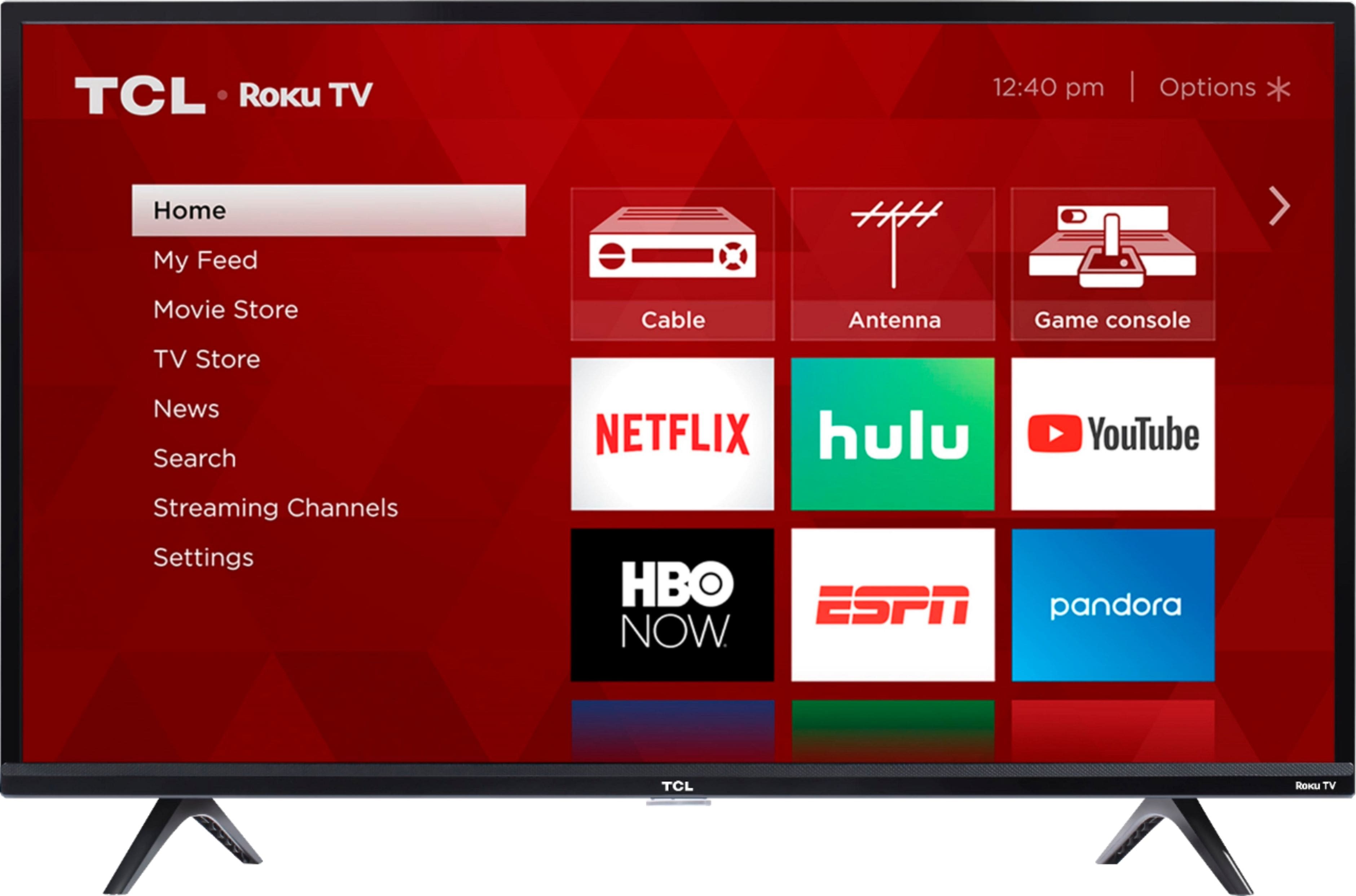
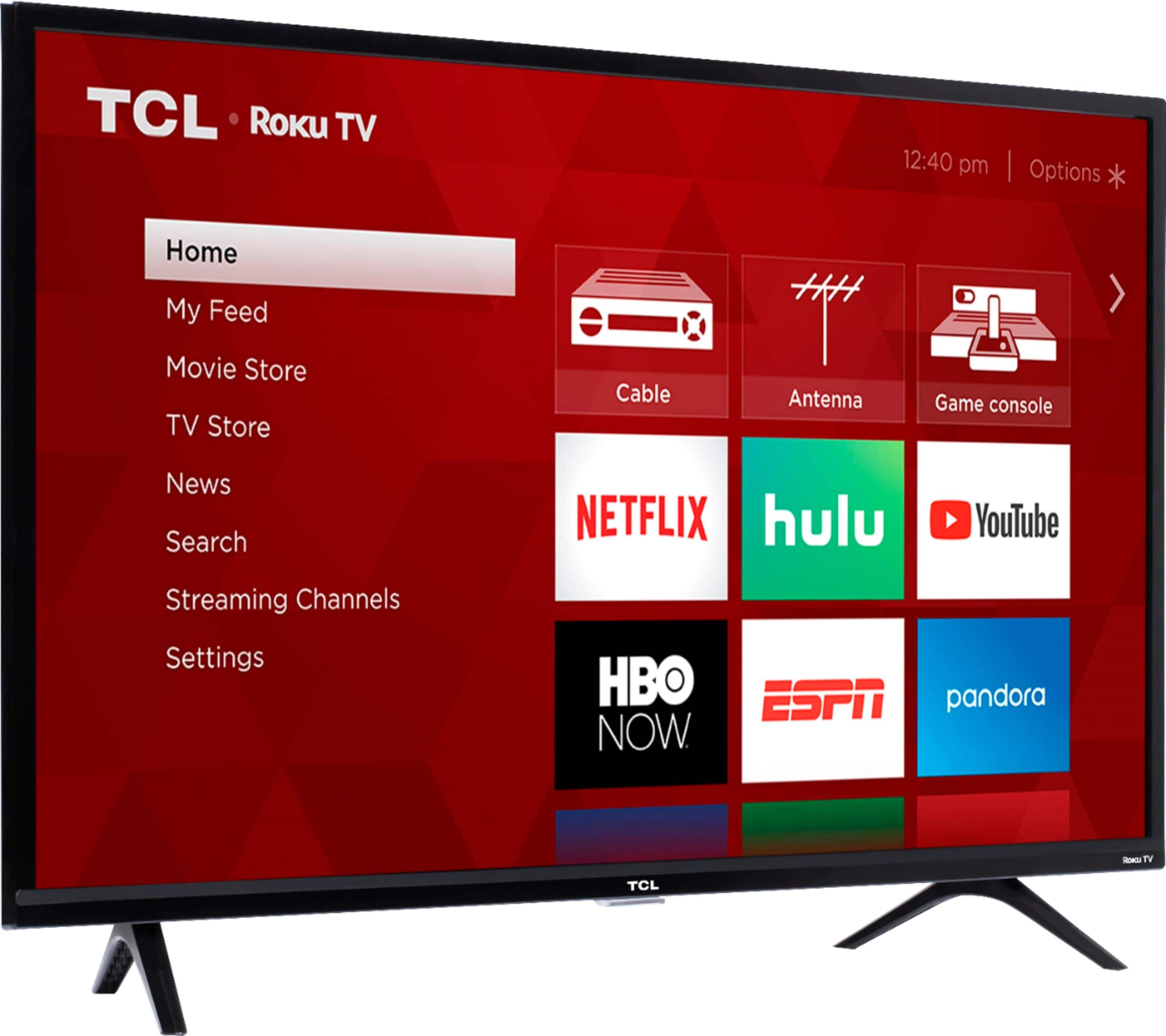
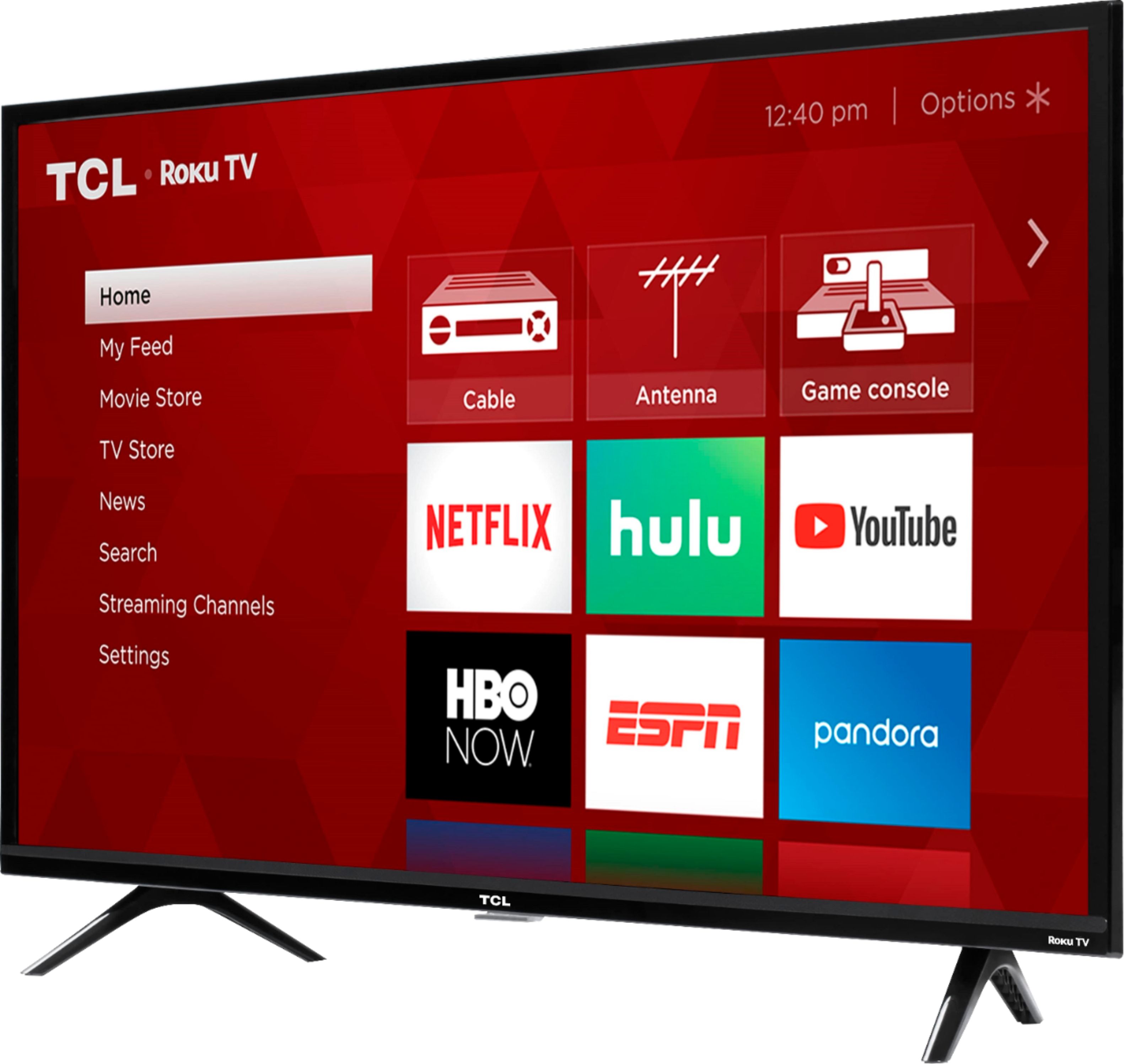
A:AnswerAll TCL Roku TVs support screen mirroring with any compatible windows or android device. Here is a great article with more details how: (https://support.roku.com/en-ca/article/208754928-how-to-use-screen-mirroring-with-your-android-or-windows-device). Thank you, TCL Customer Support
A:AnswerAbsolutely! You would simply want to go to the Roku Media Player (or select launch once the USB drive is inserted) in order to view the video. Hope this helps! Thank you, TCL Customer Support
A:AnswerFor inquiries concerning open-box items, you would want to contact your local Best Buy or Best Buy Customer Support as they would be best equipped to further assist you. Hope this helps! Thank you, TCL Customer Support
A:AnswerIn order for us to better assist, please reach out to us at tclsocial@tcl.com with your contact information and a description of what you need help with. Thank you, TCL Customer Support
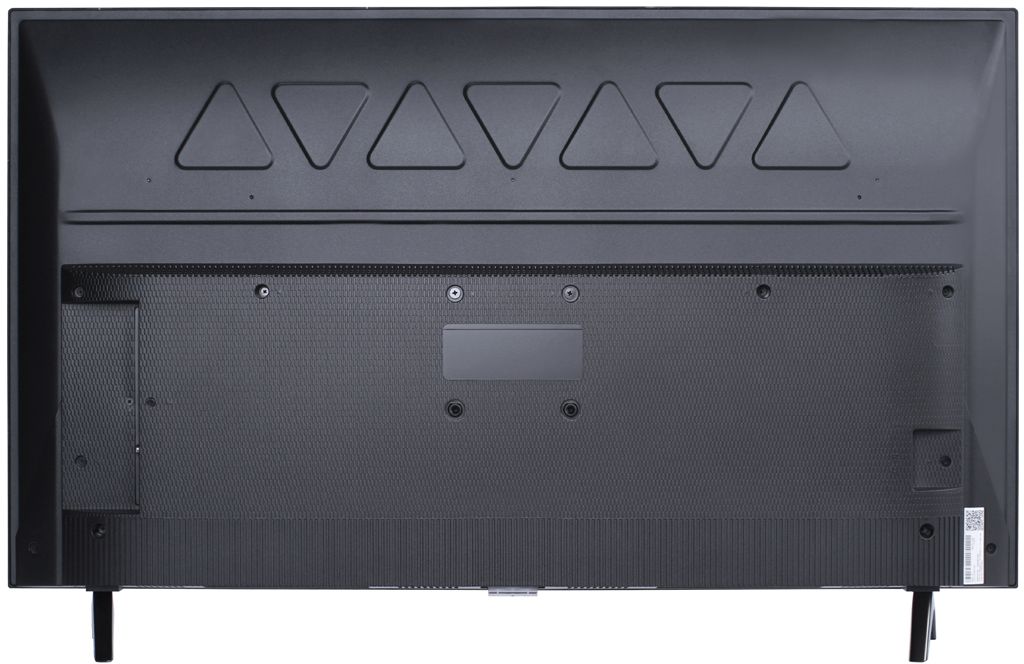
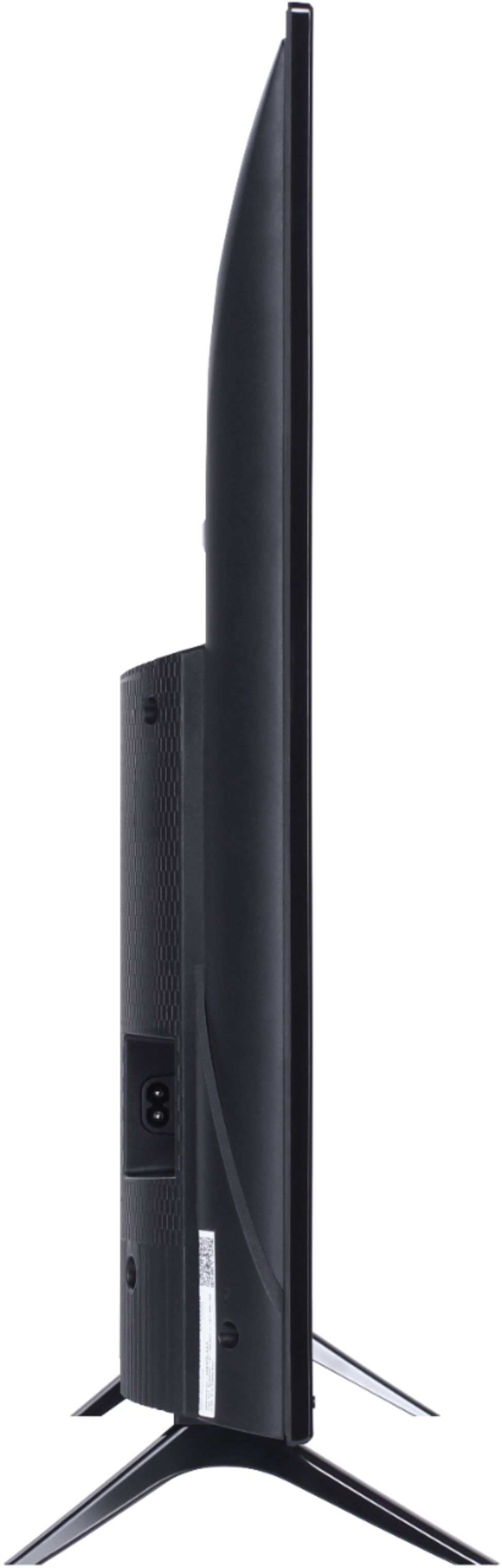
A:AnswerThis TCL Roku TV is compatible with most wall mounts that support a 100mm x 100mm VESA mounting pattern. Hope this helps! Thank you, TCL Customer Support
A:AnswerIn order for us to better assist, please reach out to us at tclsocial@tcl.com with your contact information and a description of what you need help with. Thank you, TCL Customer Support
A:AnswerHello FabFive,
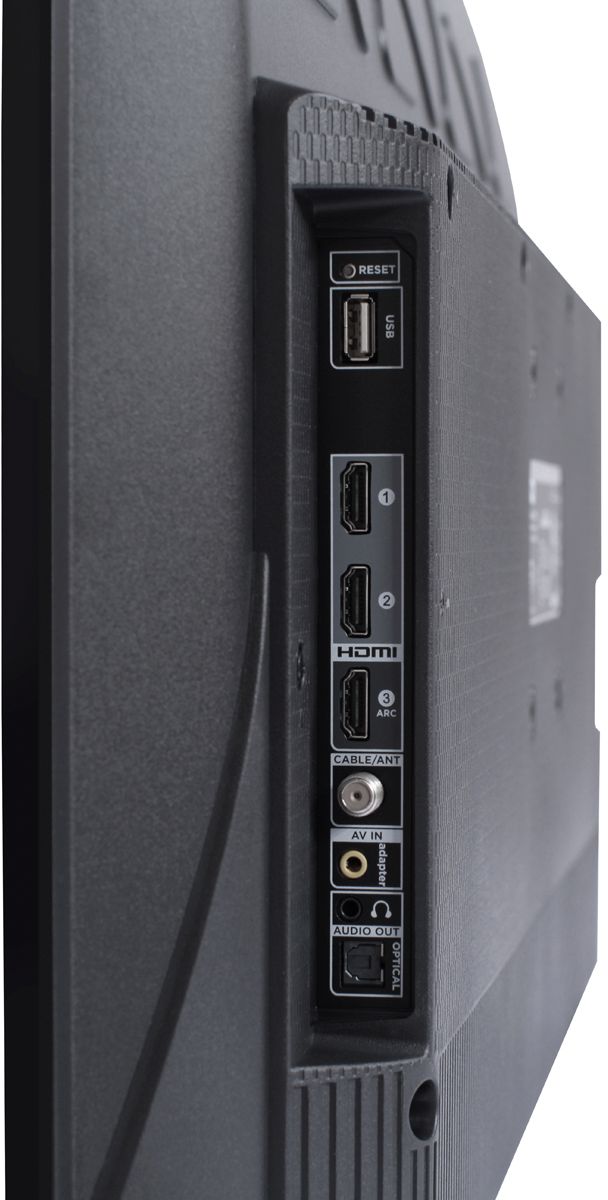
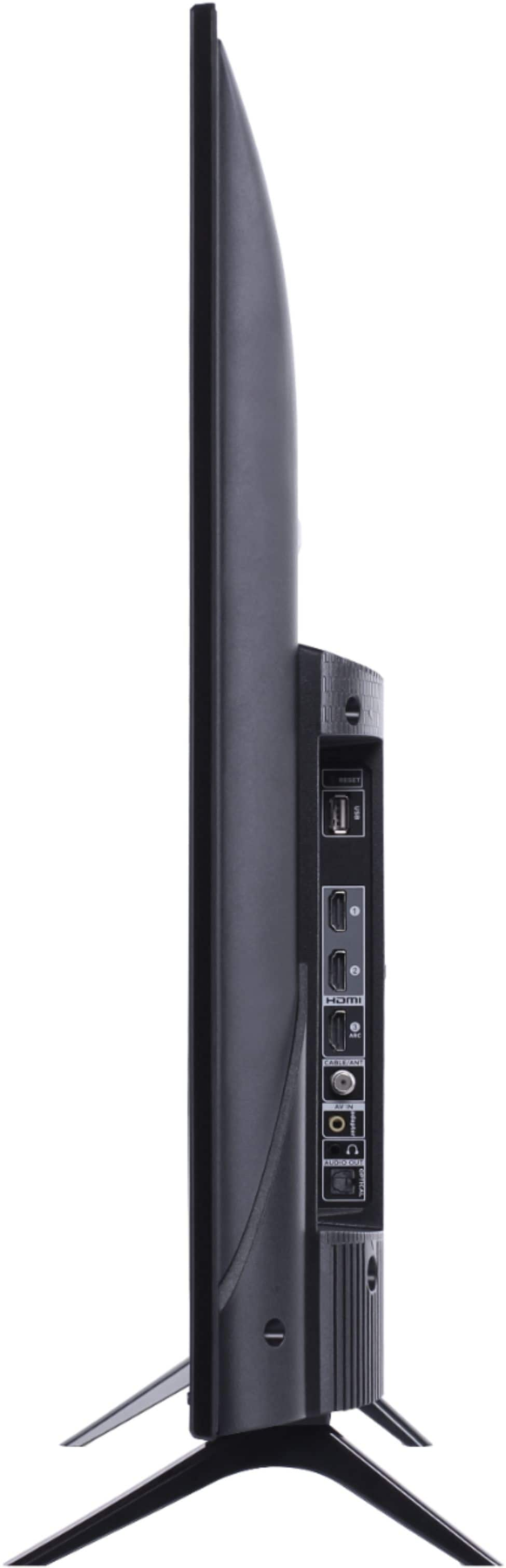
The 3 series has wireless network capability only and does not have an Ethernet port. We don't have a recommended adapter rather recommend stepping up to the 4 or 5 series which have built in Ethernet.
-TCL US Support