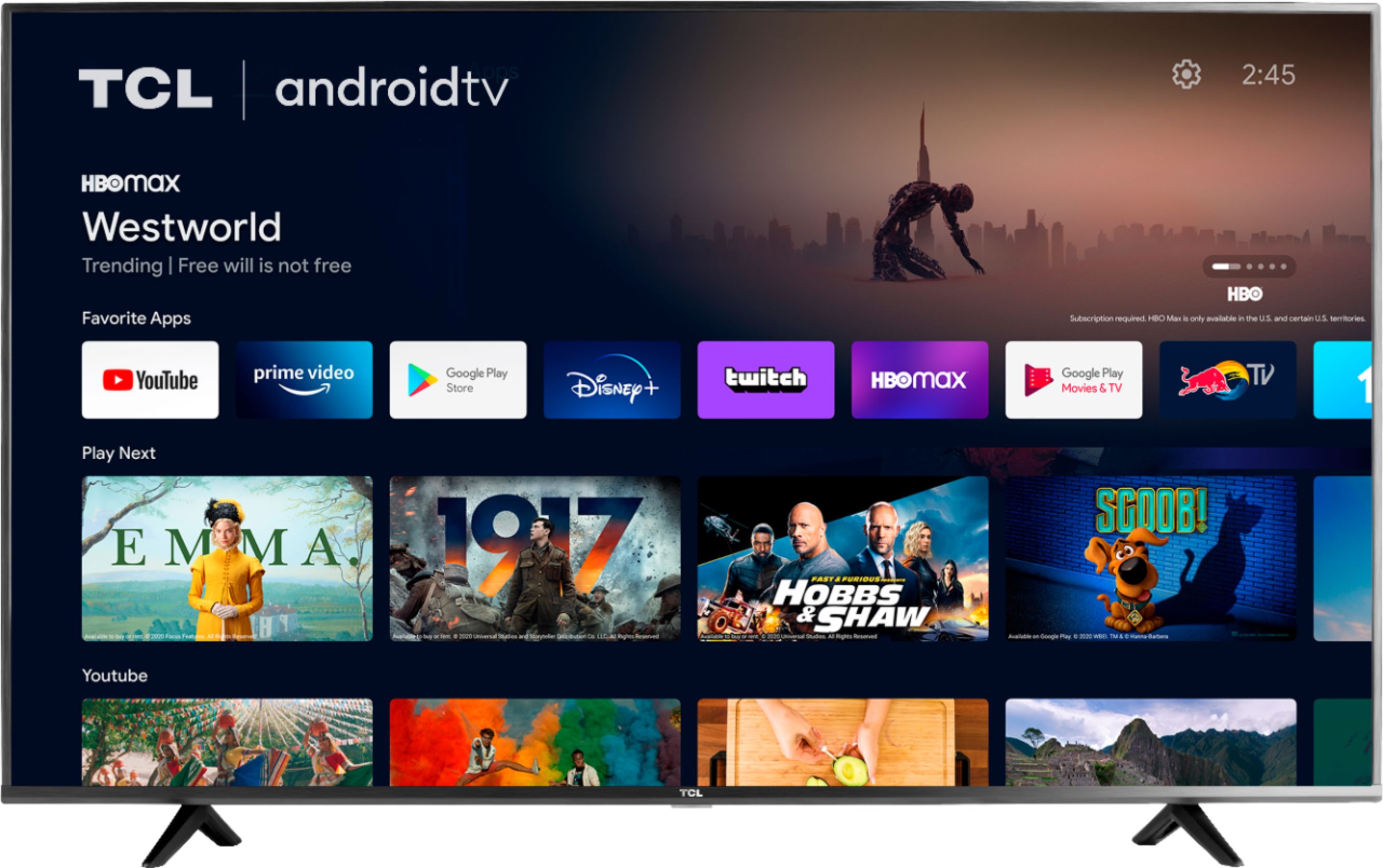
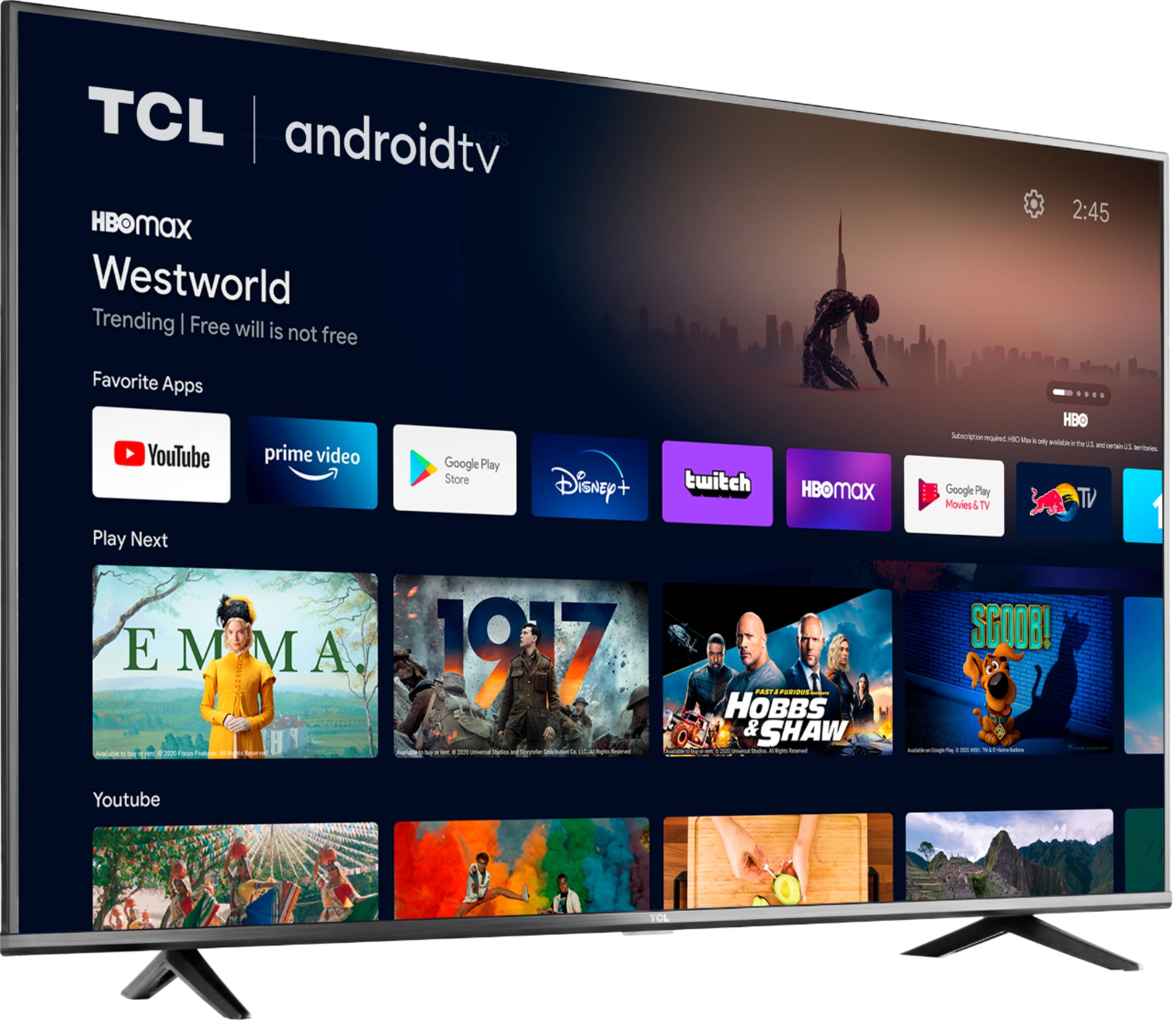
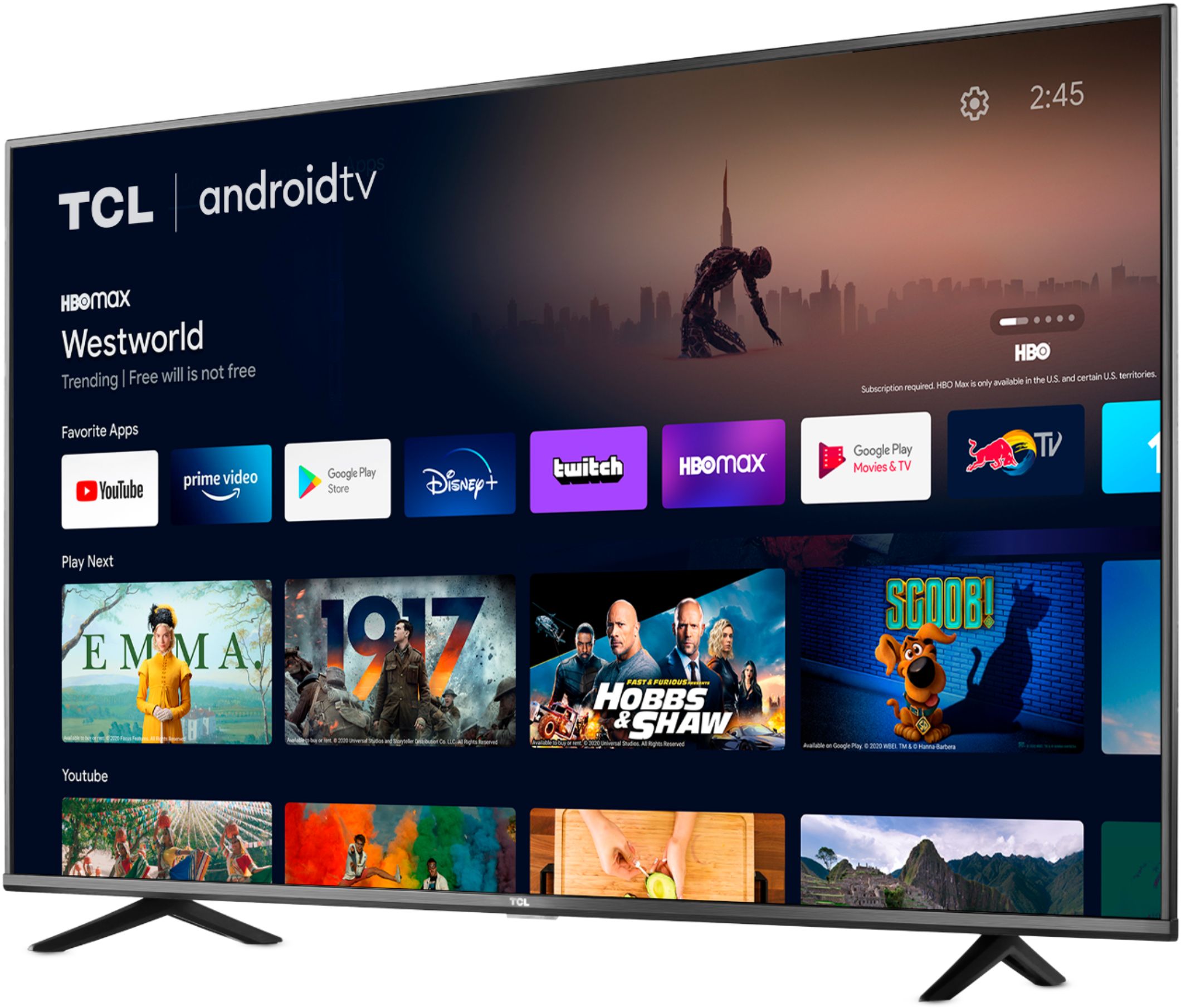
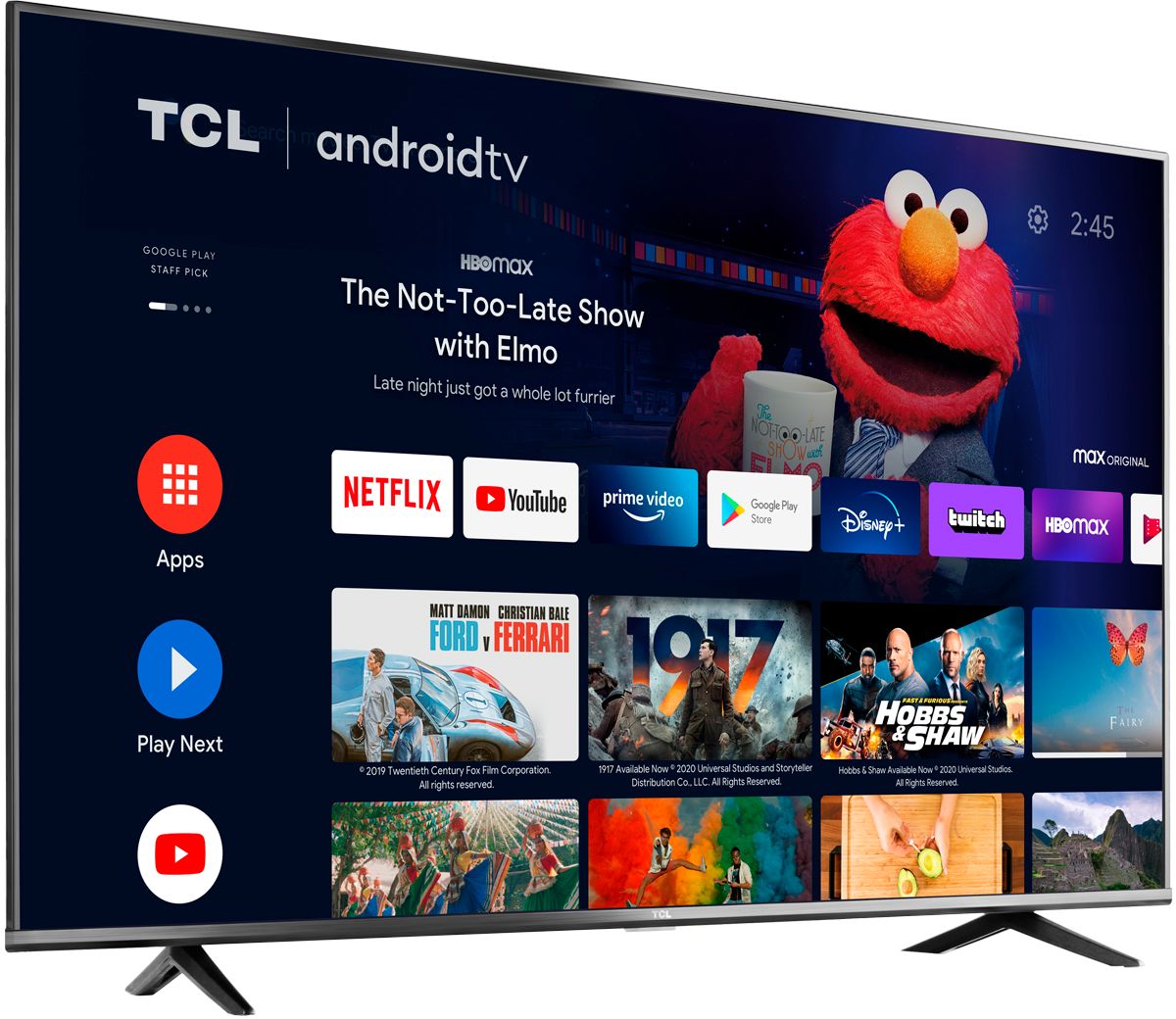
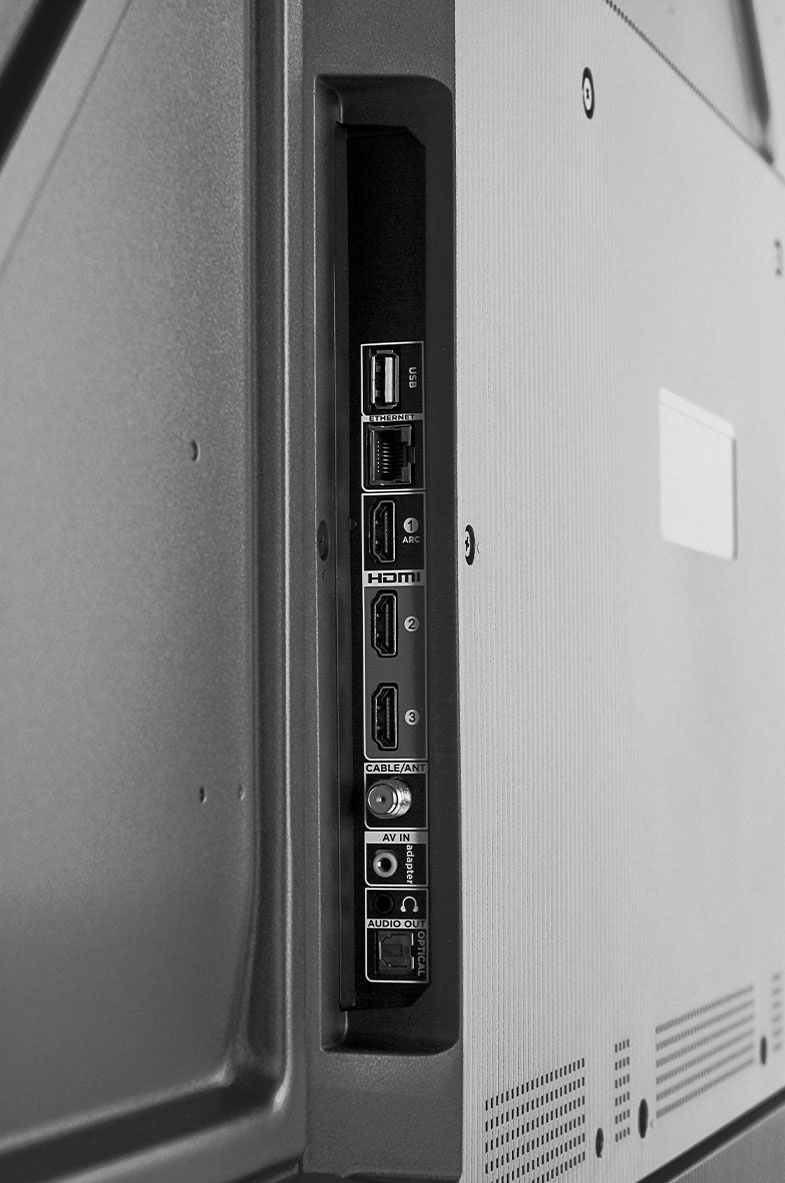
A:AnswerThis TCL TV features various inputs that can be used to connect external devices like a computer. Hope this helps! Thank you, TCL Customer Support
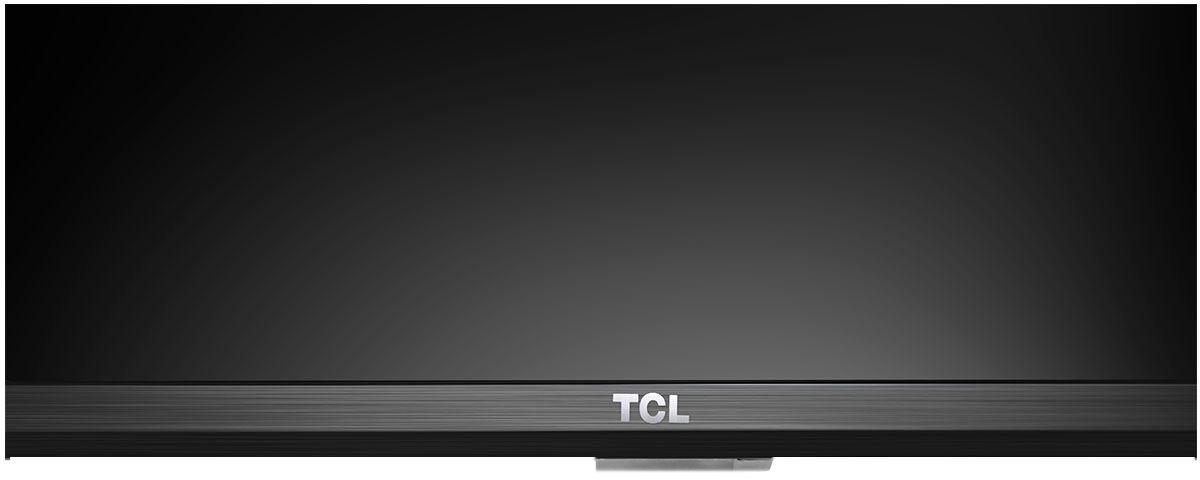
A:AnswerUnder the center logo is a white bar that is lit when the TV is off. Behind this about 2 inches is a power button. Pushing it a second time brings up a menu to change channels and sound volume.
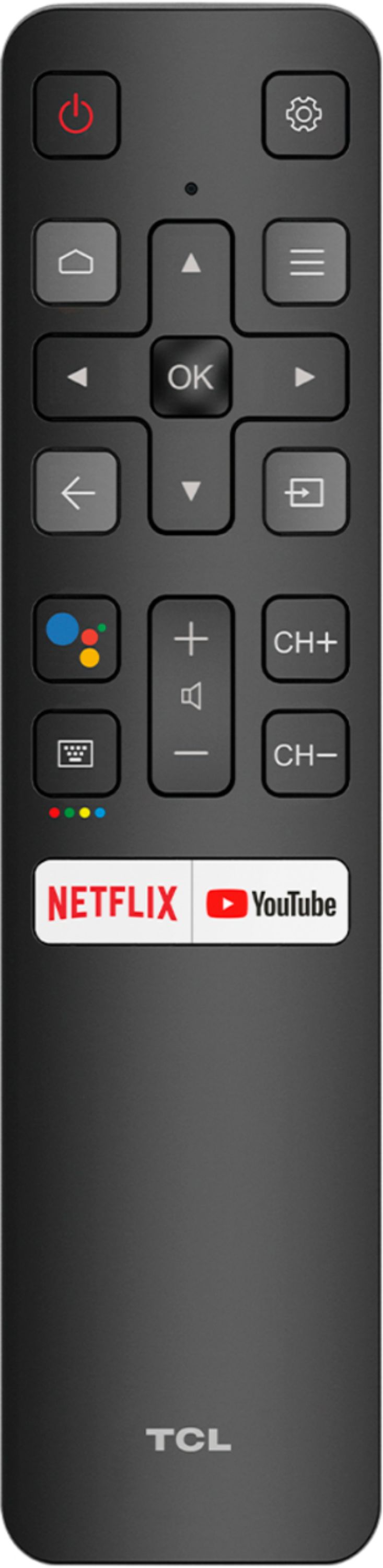
A:AnswerOurs had no issue with PS4, so perhaps it's a setting in your PS4? However, if you press the settings button on the remote, then go to Picture > Picture mode, then try out different options there, that may help. If it doesn't, try a different HDMI port. If none of those work, perhaps your HDMI cord could just be faulty.
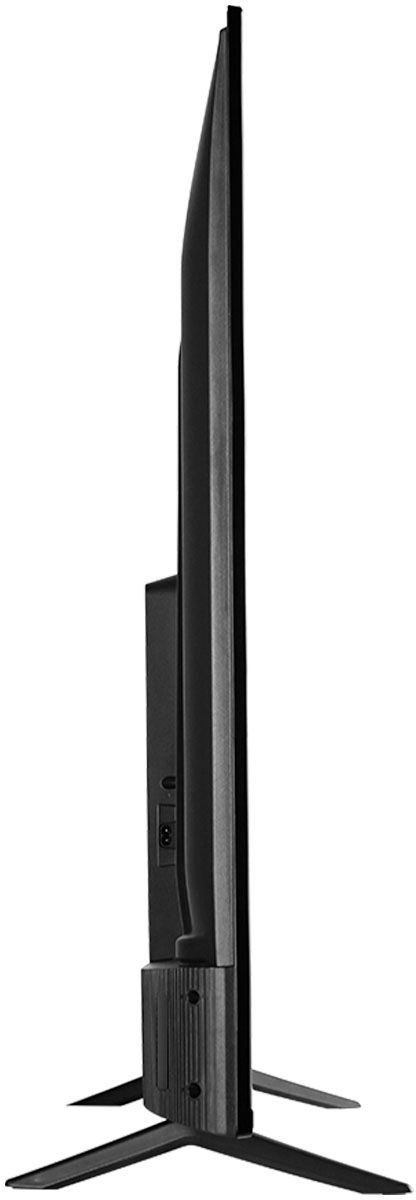
A:AnswerWithout the feet attached, the dimensions of this TV are as follows: (W x H x D) 48.7" x 28.3" x 3.3". Hope this helps! Thank you, TCL Customer Support
A:AnswerI think this TV has decent audio. If you want a cinematic feel then you should get a sound bar. For regular tv watching and occasional movies, I think is good enough.
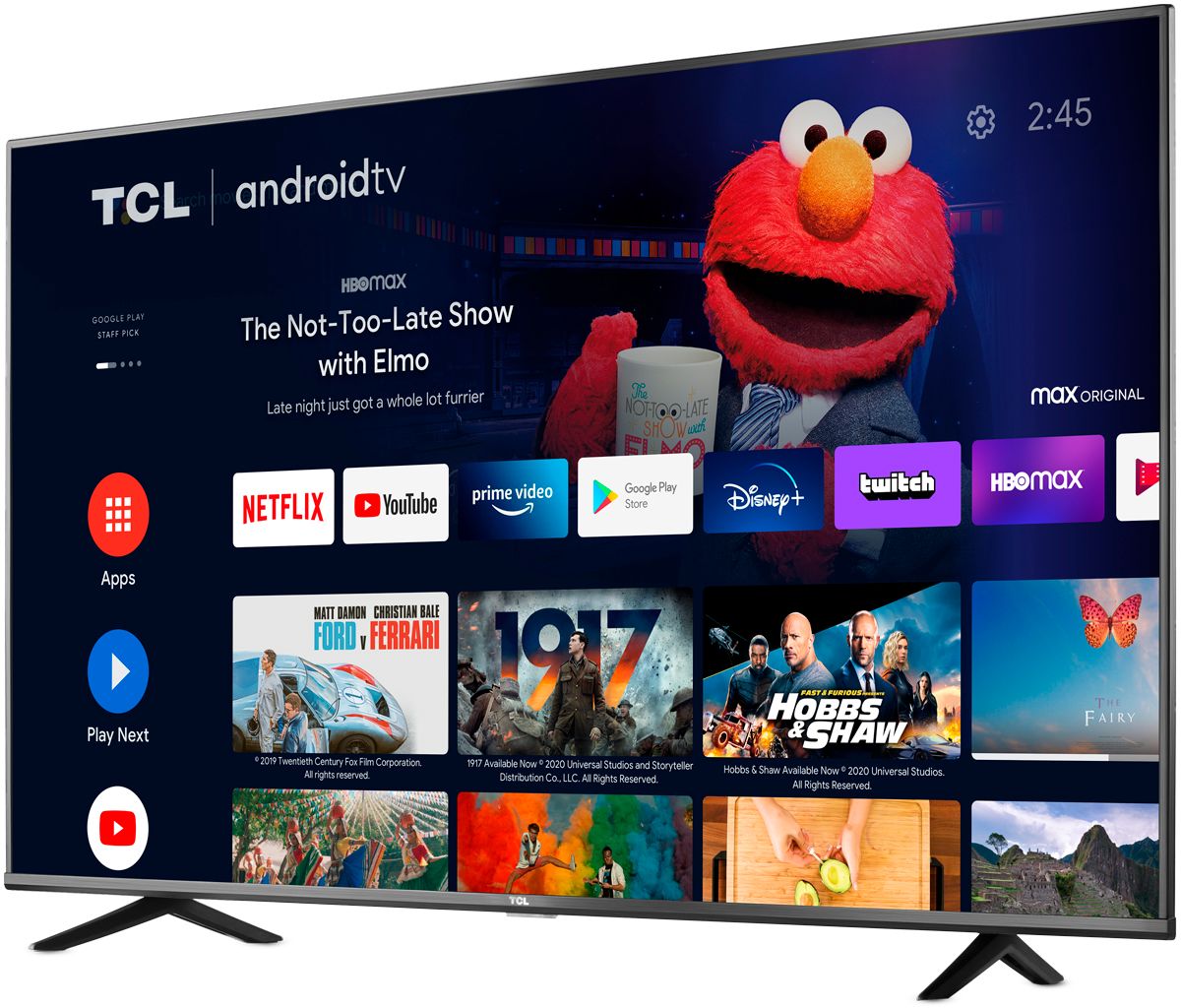
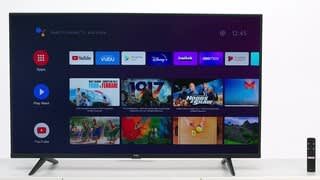
A:AnswerThis TCL Android TV features an Android operating system with access to 5,000+ apps with over 500,000 TV shows and movies available through the Google Play Store. Hope this helps! Thank you, TCL Customer Support
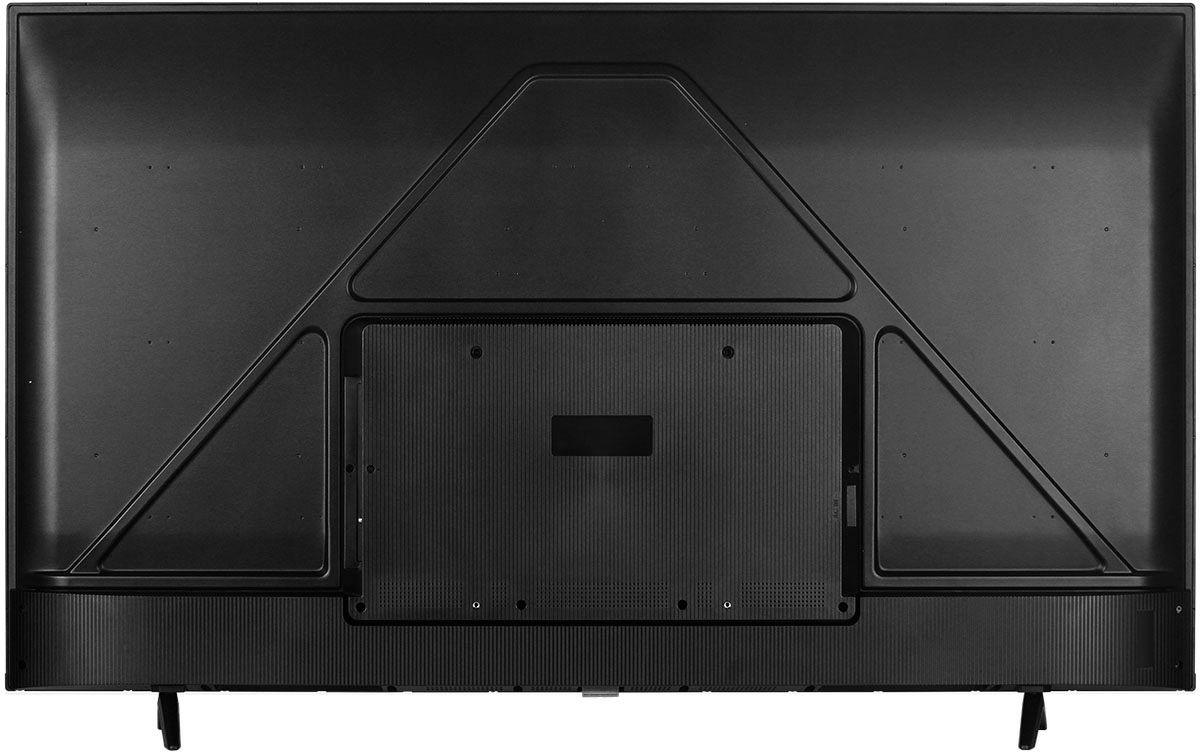
A:Answerant wall mount will work as long as it fits 55 in . your choice would be do you want it to tilt, swivel or swing out or side to side. once you decide check prices . they are all stronger than need be
A:AnswerYou can use any Android TV app that's on Google Play. If it's not on Google Play as a designated TV app, you can use Sideload Launcher to install it anyway, but stability is not guaranteed. I've done this with Mozilla Firefox - which, for whatever reason is not on Play - and it works perfectly.
A:AnswerYou can visit www.tcl.com/us/en/products/home-theater/4-series/55-class-4-series-4k-uhd-led-smart-android-tv-55s434 for all currently available information on this TV. Under the "Downloads" tab you can find the energy guide sticker. Hope this helps! Thank you, TCL Customer Support