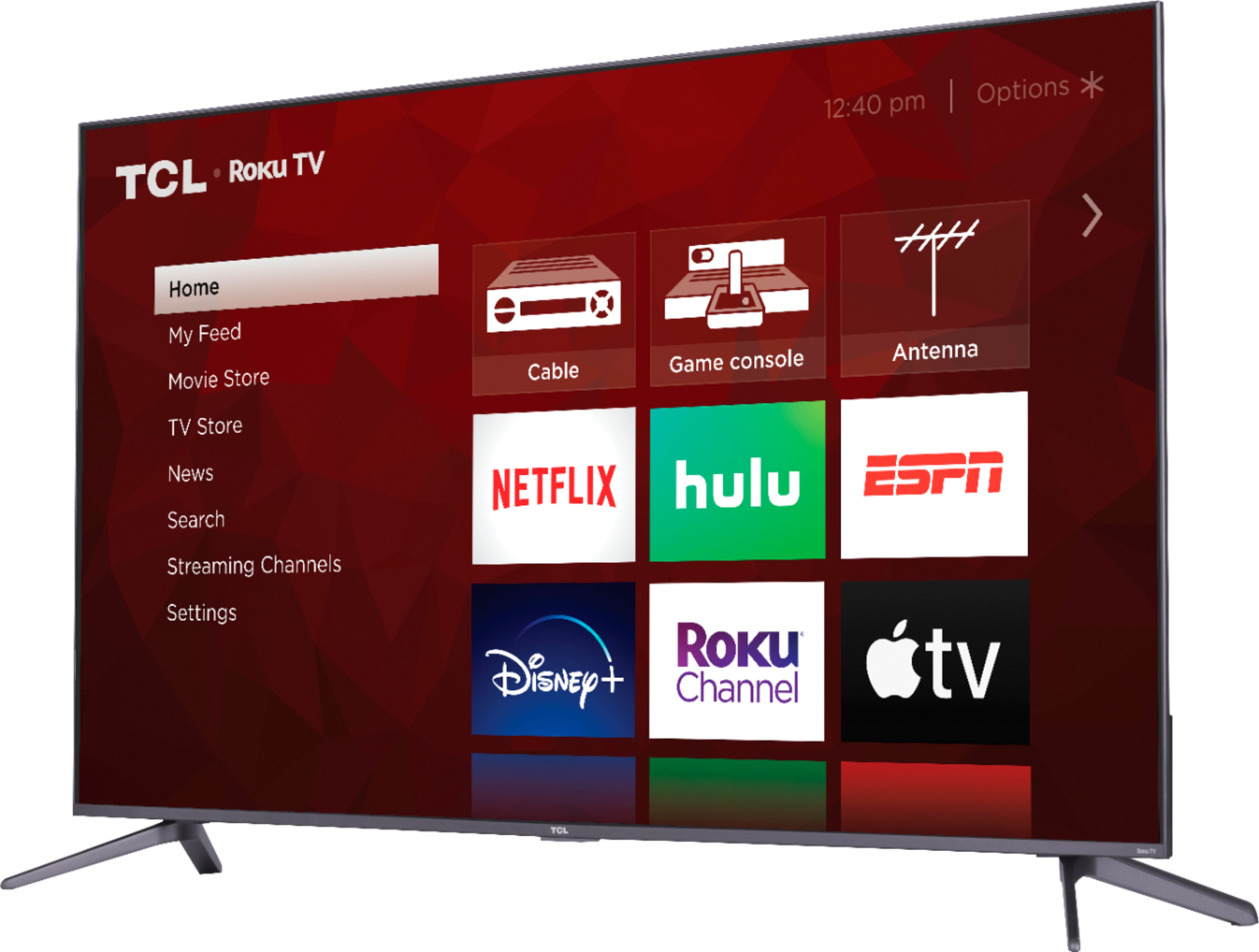
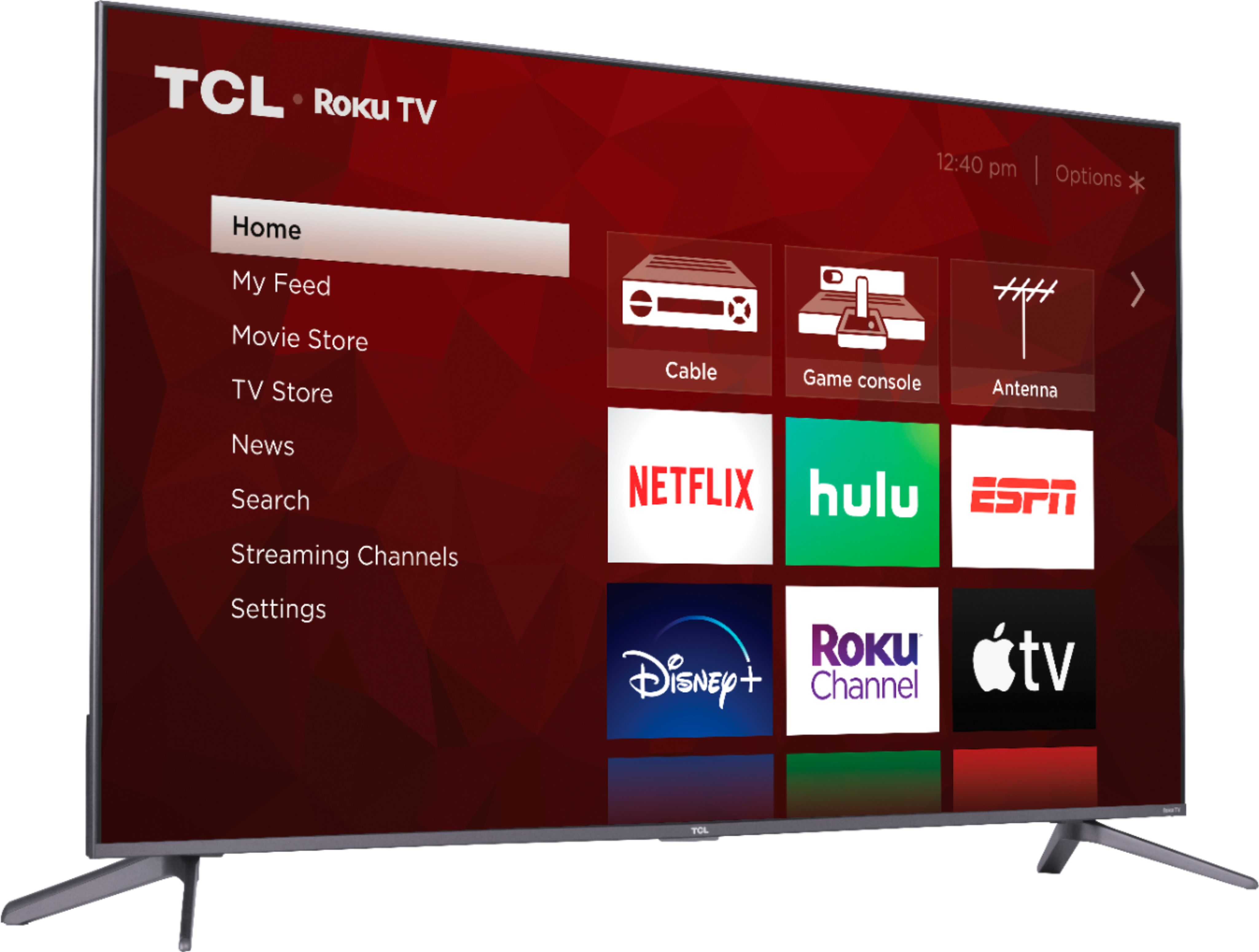
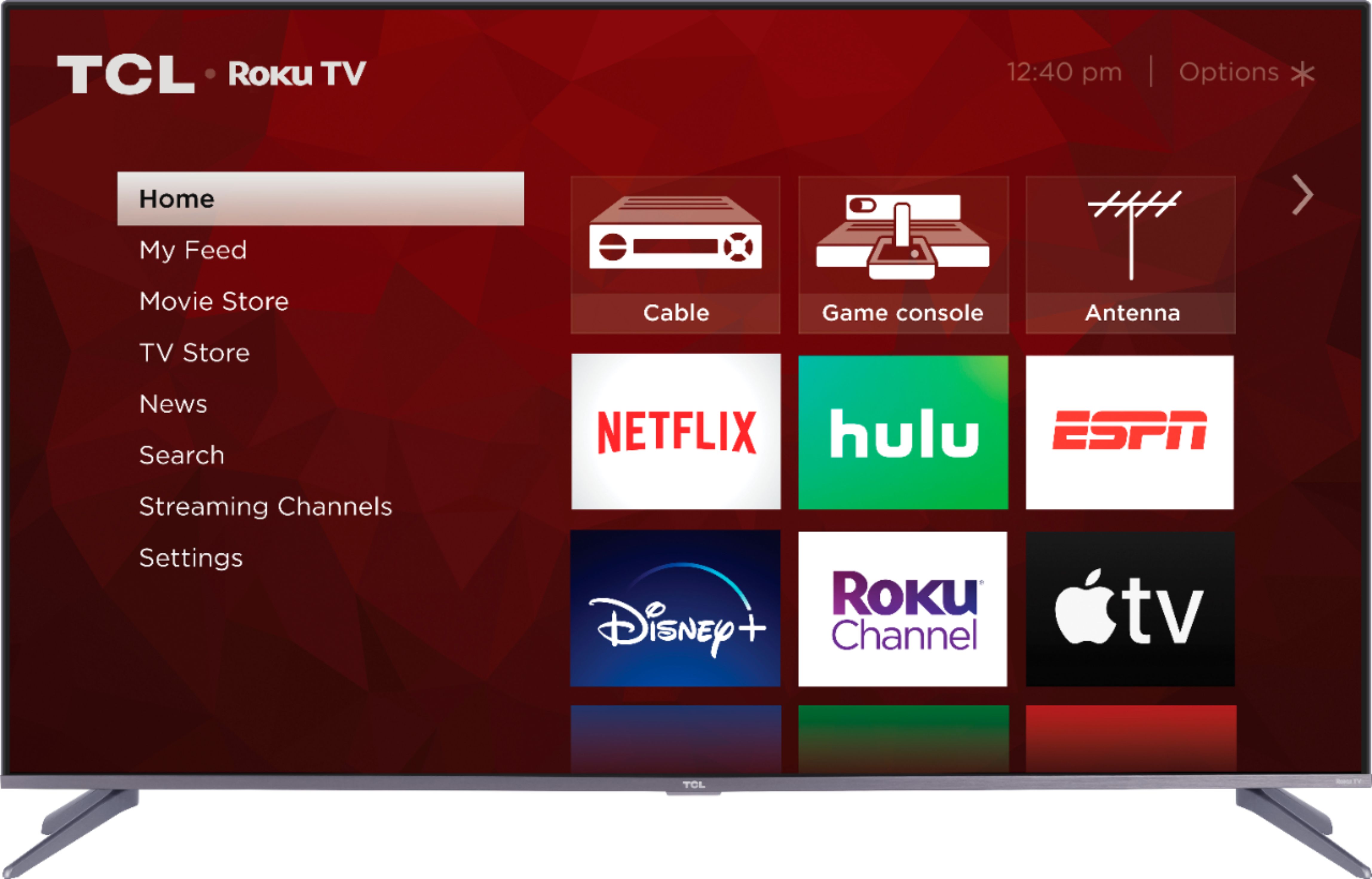
A:AnswerAbsolutely! All of our TCL Roku TVs have a Roku operating system built-in. Roku is a streaming platform that offers many features, including thousands of streaming channels (apps) and over 500,000 movies and TV episodes. Some content is free while other content is subscription based or pay-per-view. You can go to www.Roku.com/whats-on to see what streaming channels and apps are offered through the Roku Channel Store. To search for a specific channel you would simply want to enter that information into the search section. Hope this helps! Thank you, TCL Customer Support
A:AnswerYou actually won't need the Firestick. The Amazon Prime Video app is available right on the TV itself. However, you can also still use the Firestick if you want by connecting it to one of the TV's HDMI inputs.
A:AnswerDolby Atmos is only available when applicable. 5.1 audio is designed for surround sound systems not tv speakers. Additionally, Dolby digital plus is only for applicable content. Netflix only passes surround sound audio to external sound devices that accept the format. In order for us to better assist, please reach out to us at tclsocial@tcl.com with your contact information and a description of what you need help with. Thank you, TCL Customer Support
A:AnswerThe TCL 5 series google TV version has the same full array as this with a brighter screen. That being said it’s riddled with unusable bugs.
No you cannot use google play apps on this tv. You’ll need the new google TV player separately
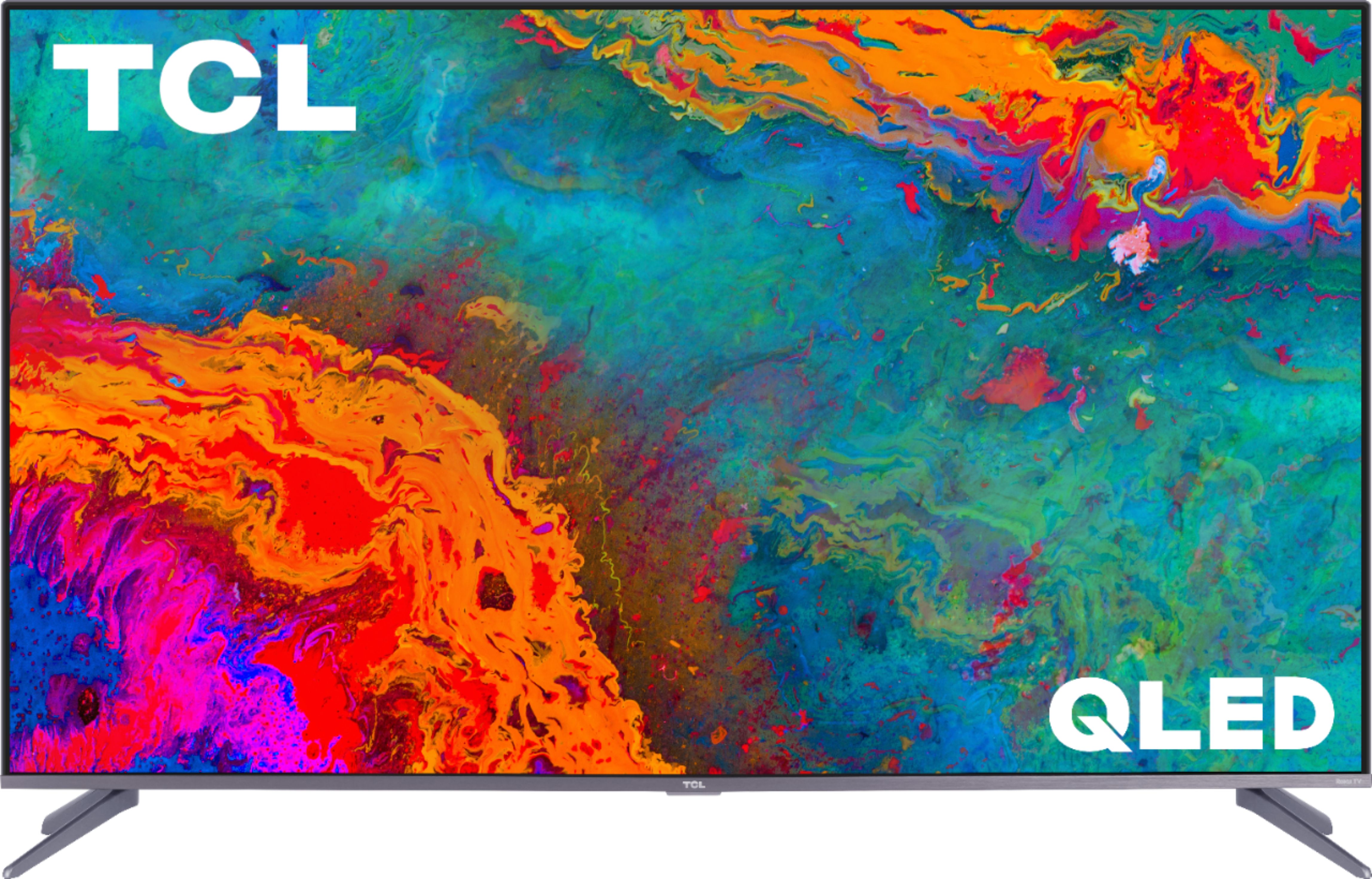
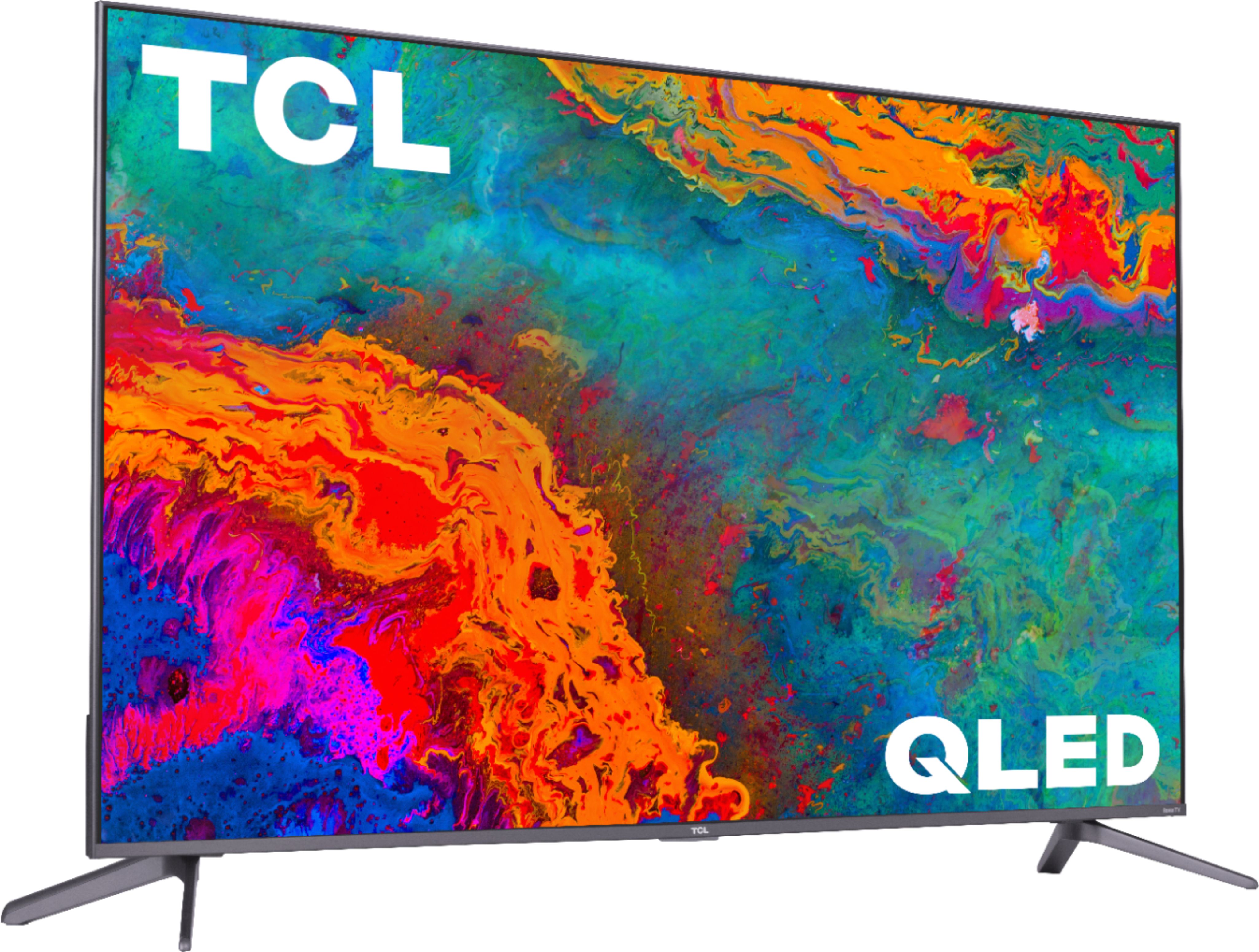
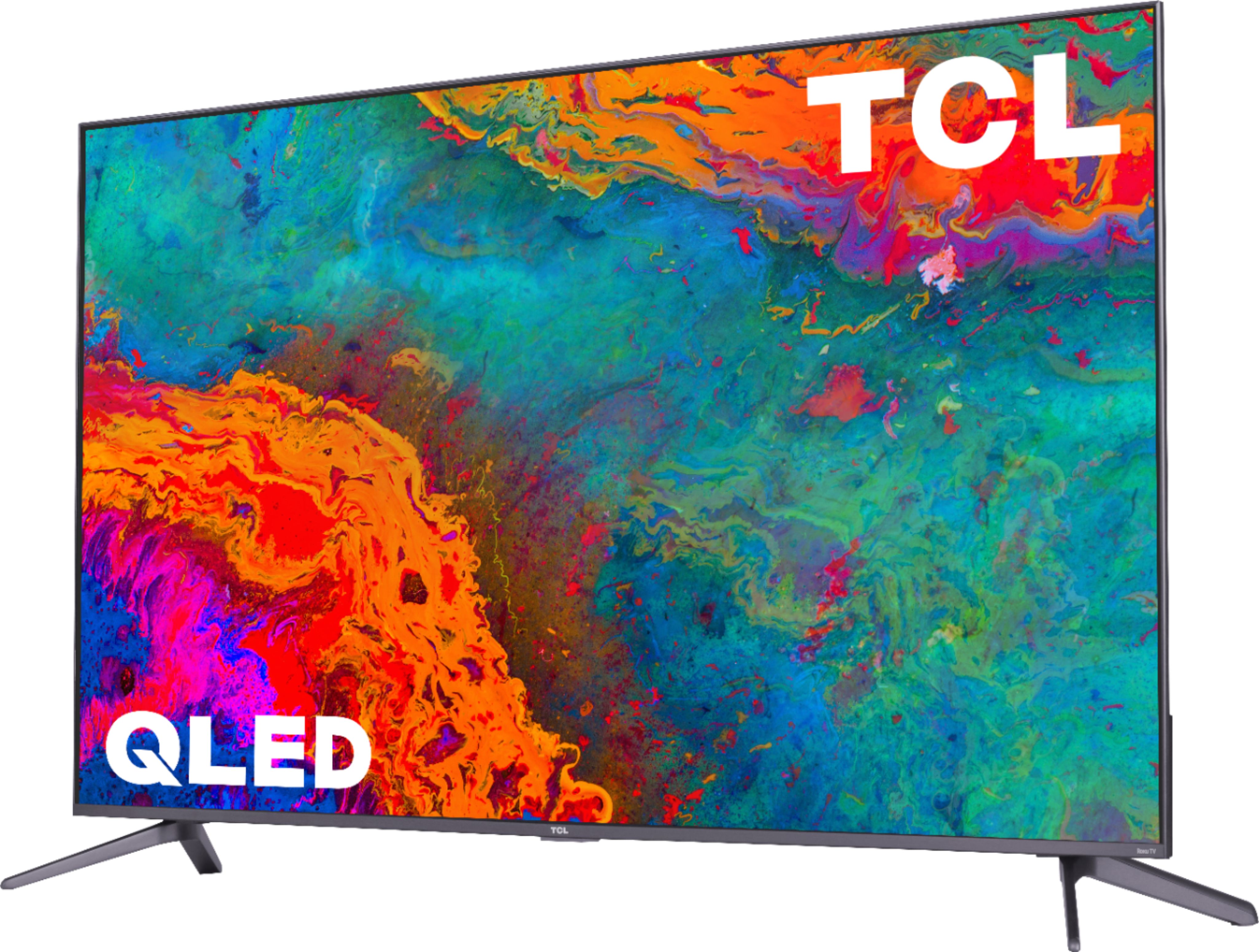
A:AnswerQLED stands for Quantum Dot Technology. QLED lets you experience lifelike picture quality with vivid wide color and striking contrast. Hope this helps! Thank you, TCL Customer Support
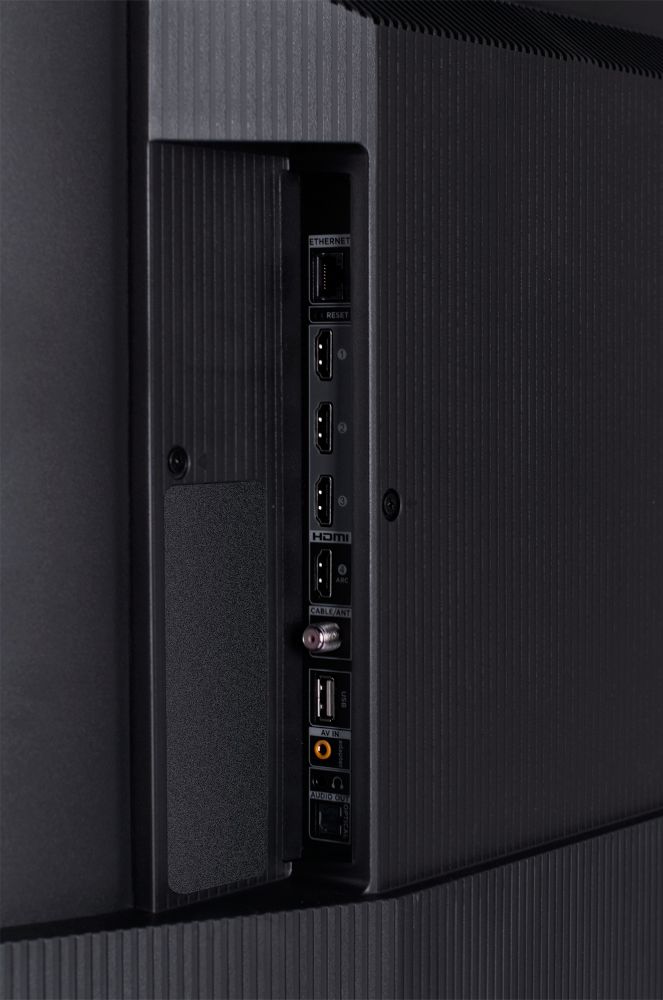
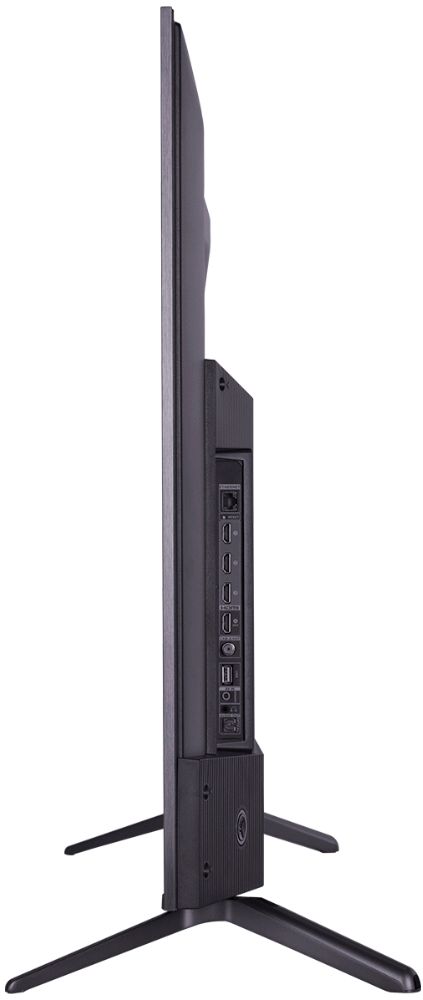
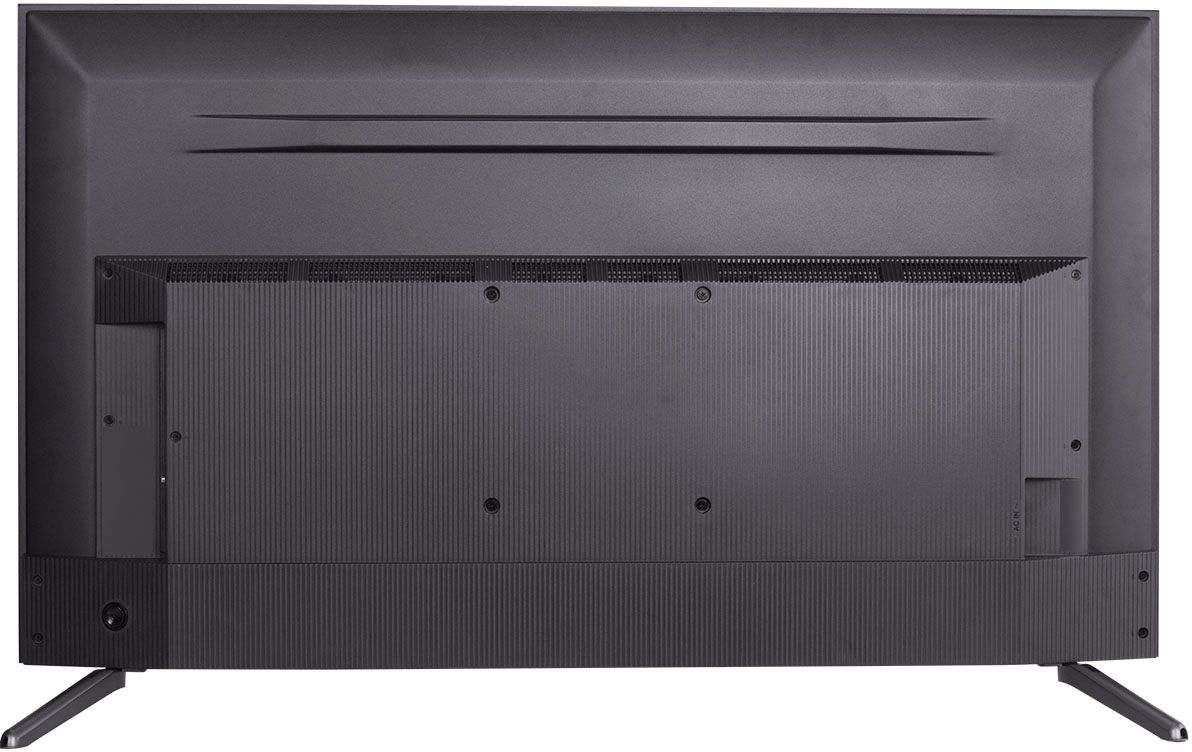
A:AnswerCurrently, our Roku based TVs do not support Bluetooth. If you are trying to connect a sound bar or speakers you can use the Optical port, or the HDMI ARC port. For Headphones, there is a Headphone jack on the back of the TV, or you can download the Free Roku app for private listening. This TV has the ability to connect to the Internet via WiFi or through Ethernet. Hope this helps! Thank you, TCL Customer Support
A:AnswerThe remote that comes with this TV does not feature a headphone jack. However, you can download the free Roku app on your smart phone or tablet to use voice search, voice control, and experience private listening. To enjoy private listening you simply click private listening in the app, and attach headphones to your smart phone or tablet. Or you can use the 3.5 mm headphone jack in the back of the TV to connect standard headphones. Hope this helps! Thank you, TCL Customer Support
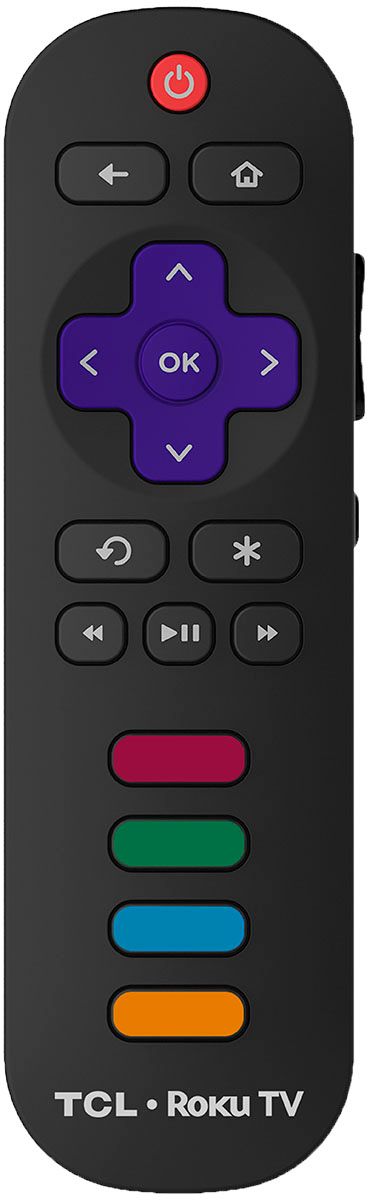
A:AnswerHDR cannot be manually turned off. If the content you are watching supports HDR, HDR will automatically enable. For other settings, you can access the Options menu on the TV by pressing the asterisk (*) button on your remote while watching content. Additionally, you can access expert picture settings by downloading the free Roku mobile app on a smartphone or tablet. The Roku mobile app works as a remote and allows you to access additional features like voice search, private listening, expert picture settings, and more. Hope this helps! Thank you, TCL Customer Support
A:AnswerThis TCL Roku TV has the ability to connect to the Internet via WiFi or through Ethernet. Additionally, this TV features 4 HDMI ports, one of which supports eARC. Hope this helps! Thank you, TCL Customer Support
A:AnswerIn order for us to better assist, please reach out to us at tclsocial@tcl.com with your contact information and a description of what you need help with. Thank you, TCL Customer Support
A:AnswerThis TCL Roku TV does a great job at handling motion for things like sports, fast-moving scenes, and gaming. Hope this helps! Thank you, TCL Customer Support
A:AnswerThis TCL Roku TV features various inputs that can be used to connect external devices like a cable box. Hope this helps! Thank you, TCL Customer Support
A:AnswerThe Prime Video and Hulu streaming channel are just a couple of the thousands of streaming channels offered through the Roku Channel Store. You can also visit www.roku.com/whats-on to see other streaming channels Roku offers. Hope this helps! Thank you, TCL Customer Support