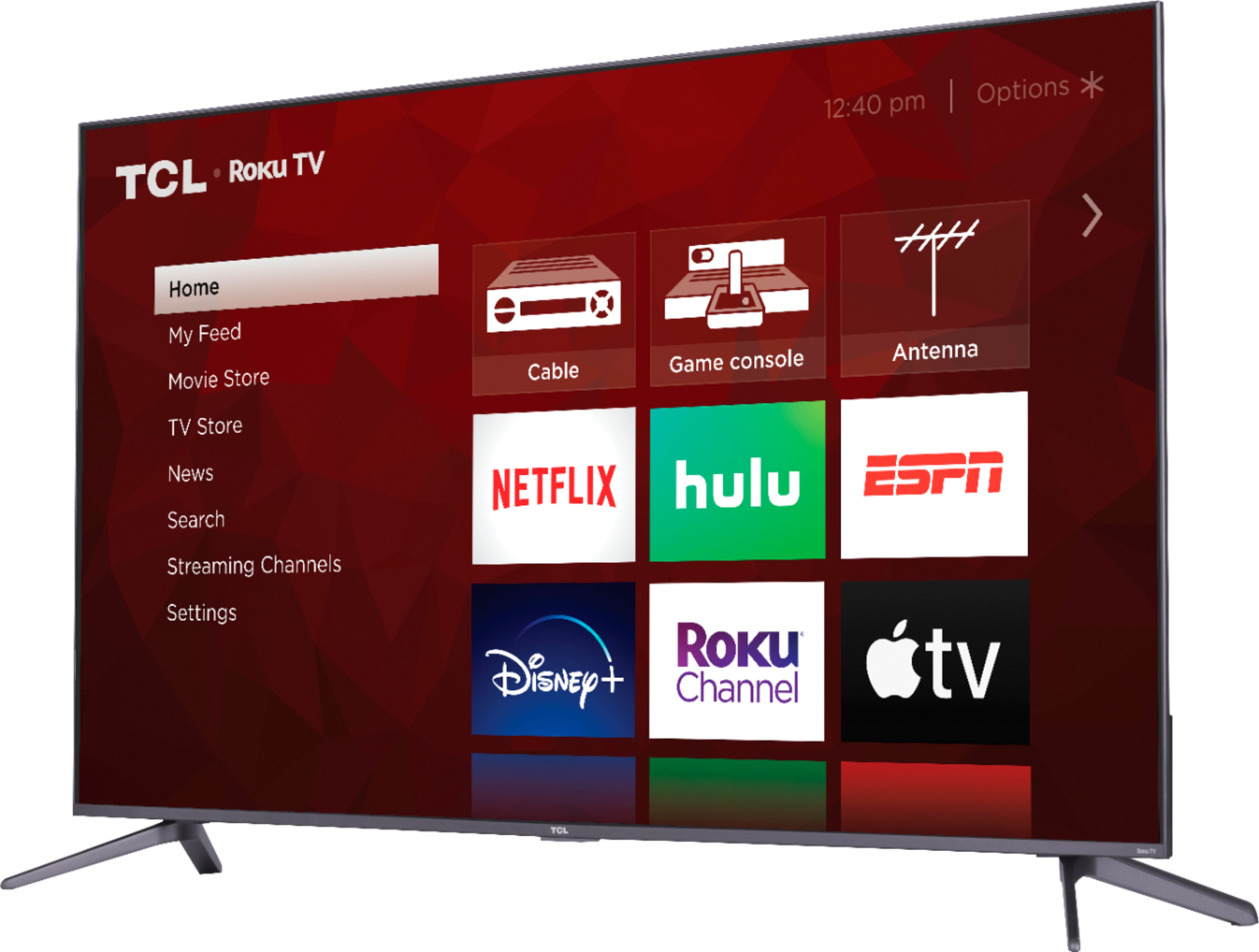
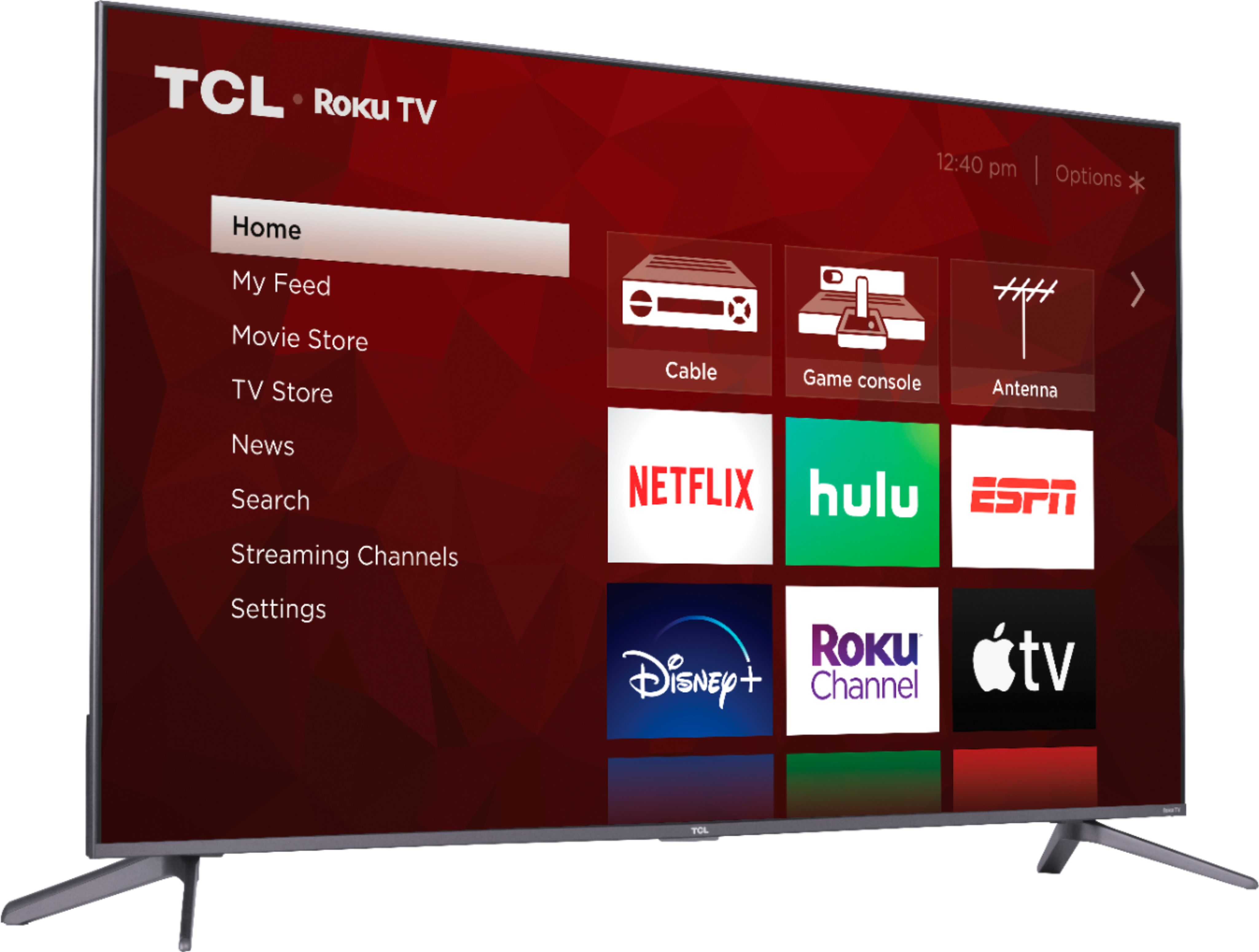
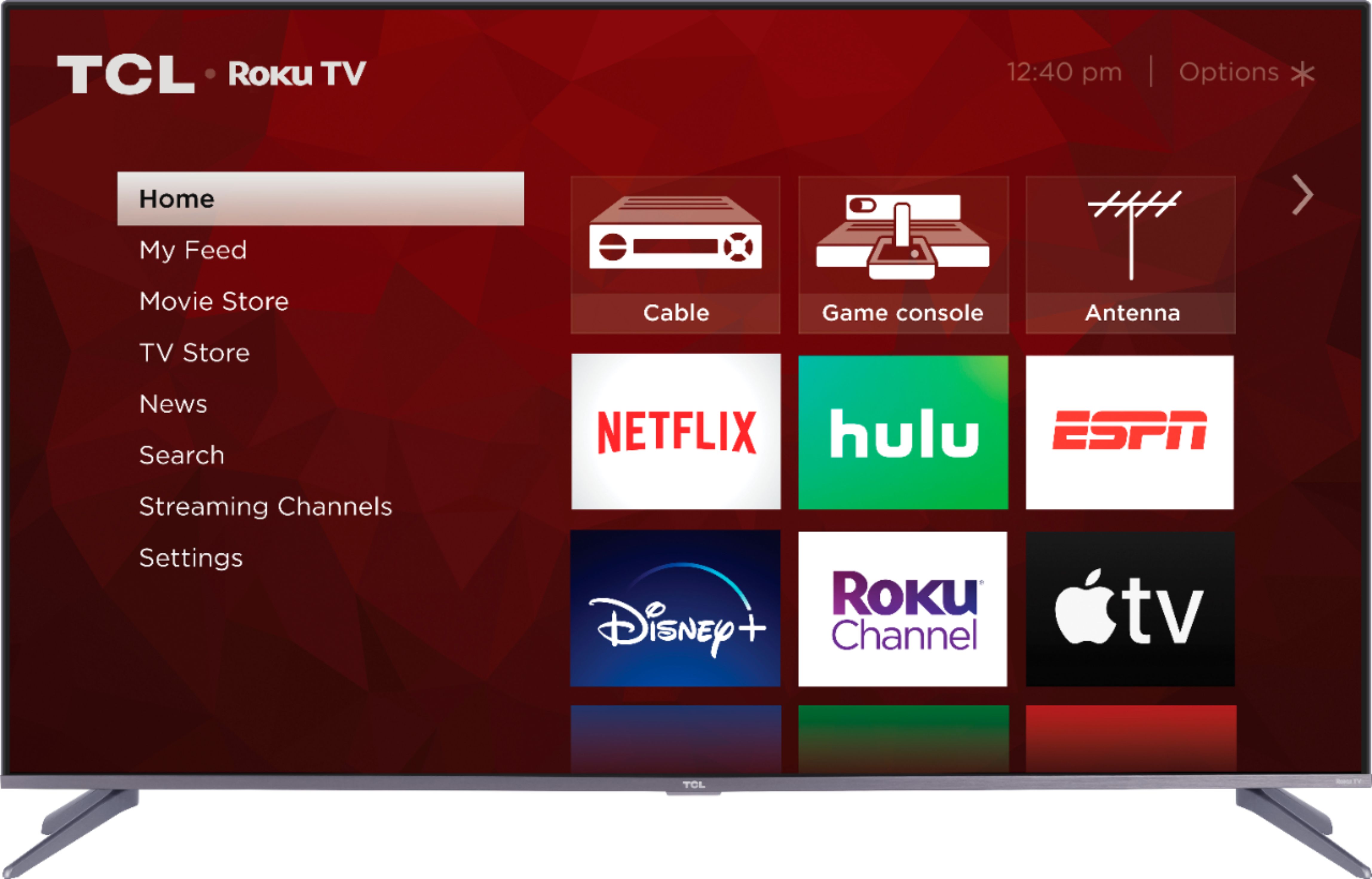
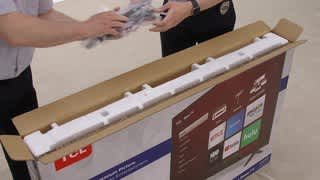
A:AnswerAll of our TCL Roku TVs have a Roku operating system built-in. Roku is a streaming platform that offers many features, including thousands of streaming channels (apps) and over 500,000 movies and TV episodes. Some content is free while other content is subscription based or pay-per-view. You can go to www.Roku.com/whats-on to see what streaming channels and apps are offered through the Roku Channel Store. To search for a specific channel you would simply want to enter that information into the search section. Hope this helps! Thank you, TCL Customer Support
A:AnswerThe new 5-Series builds on the features of the previous year’s model. Both of these models feature a 4K UHD resolution, HDR10 and Dolby Vision support, Wide Color Gamut, Auto Game Mode for a responsive gaming experience, FullView edge-to-edge glass display, and have a Roku operating system. The new 5-Series additionally features QLED technology and contrast control zones, and more! You can visit https://www.tcl.com/us/en/products/home-theater/5-series for more information about all of the amazing features our new 5-Series has to offer. Hope this helps! Thank you, TCL Customer Support
A:AnswerOur new 5-Series offers fantastic features including a 4K UHD resolution, HDR and Dolby Vision support, have a Roku operating system, wide color gamut, auto-game mode, an edge-to-edge glass display, CCZ technology and Quantum Dot Technology, and more! You can also visit www.tcl.com/us/en/products/home-theater/5-series and scroll down to "Compare All Models" to see all models compared. Hope this helps! Thank you, TCL Customer Support
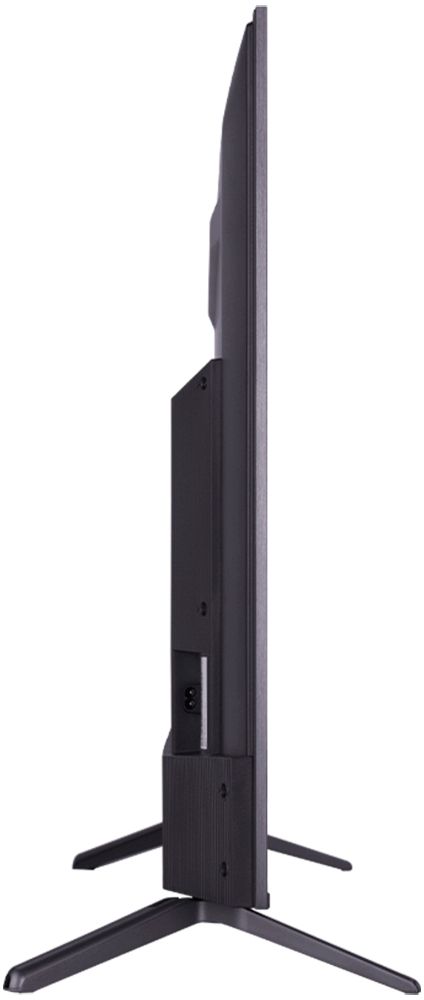
A:AnswerAbsolutely! This TCL Roku TV is compatible with most wall mounts that support a 300mm x 200mm VESA mounting pattern. Hope this helps! Thank you, TCL Customer Support
A:AnswerYes to all of the above and you can also add their wireless subwoofer, too. However, if you added all of that you’d be close to spending $500. There are any number of excellent 5.1, 5.1.2, and various other surround and Atmos enabled soundbars by Vizio, LG, and Samsung for that kind of investment.
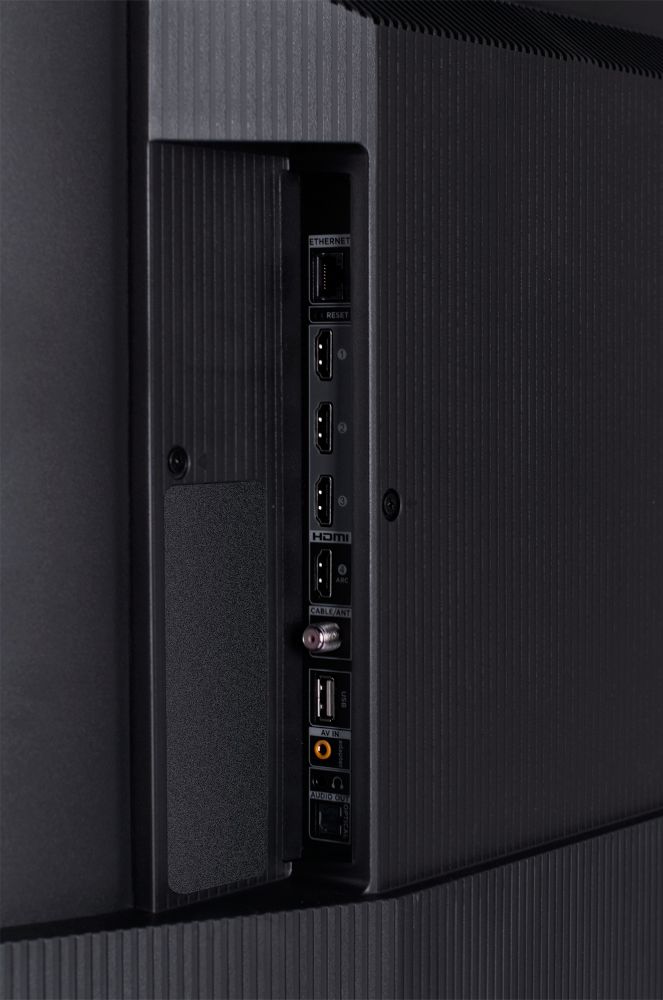
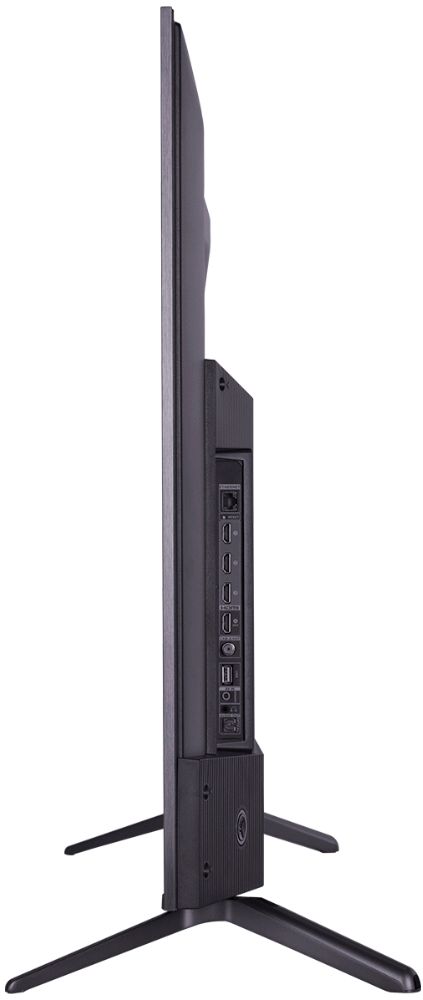
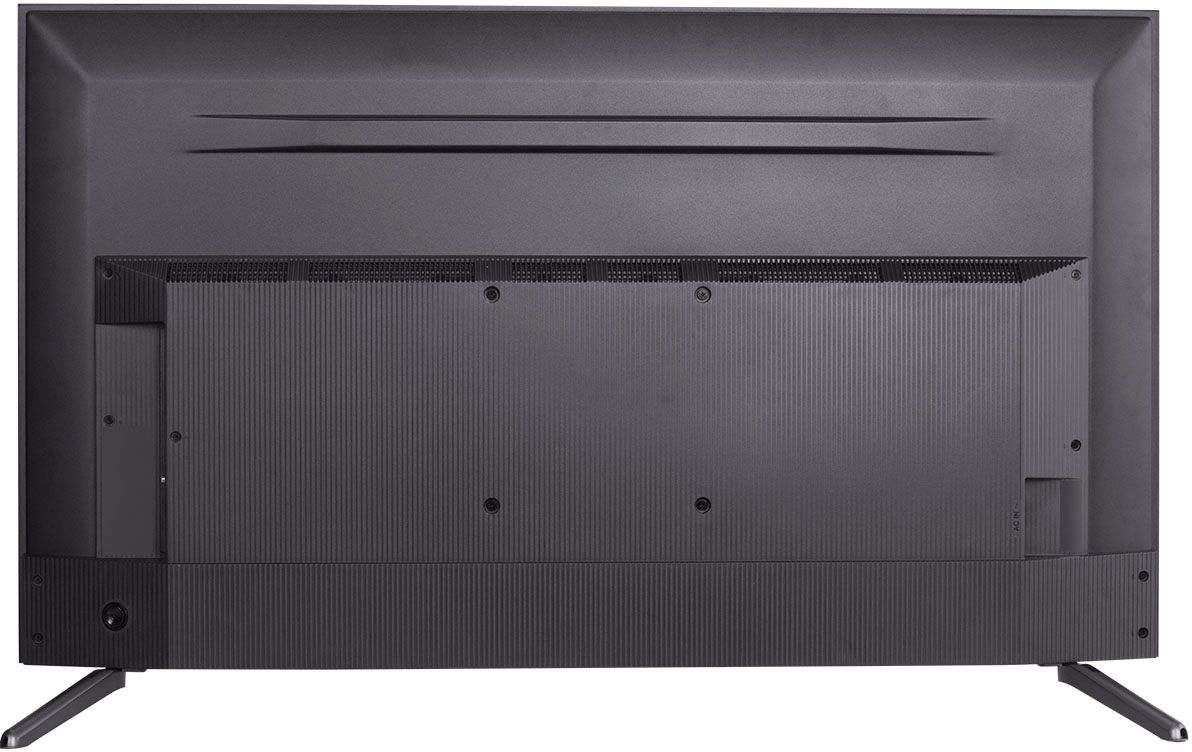
A:AnswerThe internal speakers are located towards the bottom middle of the TV. Our TCL Roku TVs do not currently support Bluetooth. However, you can download the free Roku app on your smart phone or tablet to use voice search, voice control, and experience private listening. To enjoy private listening you simply click private listening in the app, and attach headphones to your smart phone or tablet. Or you can use the 3.5 mm headphone jack in the back of the TV to connect standard headphones. Hope this helps! Thank you, TCL Customer Support
A:AnswerGo to rtings.com and search TCL s535. They have tested and listed all of the specs. Including the 7 or 8 nit ratings for this TV. in various configurations. It is not a high brightness TV by nits but having owned and used one since its release in August 2020 it is plenty bright enough to produce a clean, rich, properly contrasted and bright image with excellent deep blacks.
A:AnswerYou can go to www.Roku.com/whats-on to see what streaming channels and apps are offered through the Roku Channel Store. To search for a specific channel you would simply want to enter that information into the search section. Hope this helps! Thank you, TCL Customer Support
A:AnswerThis TCL Roku TV features Natural Motion 240 which delivers exceptionally smooth clarity during fast-action scenes. Although we do not have exact numbers, we can say that the input lag is relatively low. This TV features a dedicated gaming mode that helps to provide a low input lag. Hope this helps! Thank you, TCL Customer Support