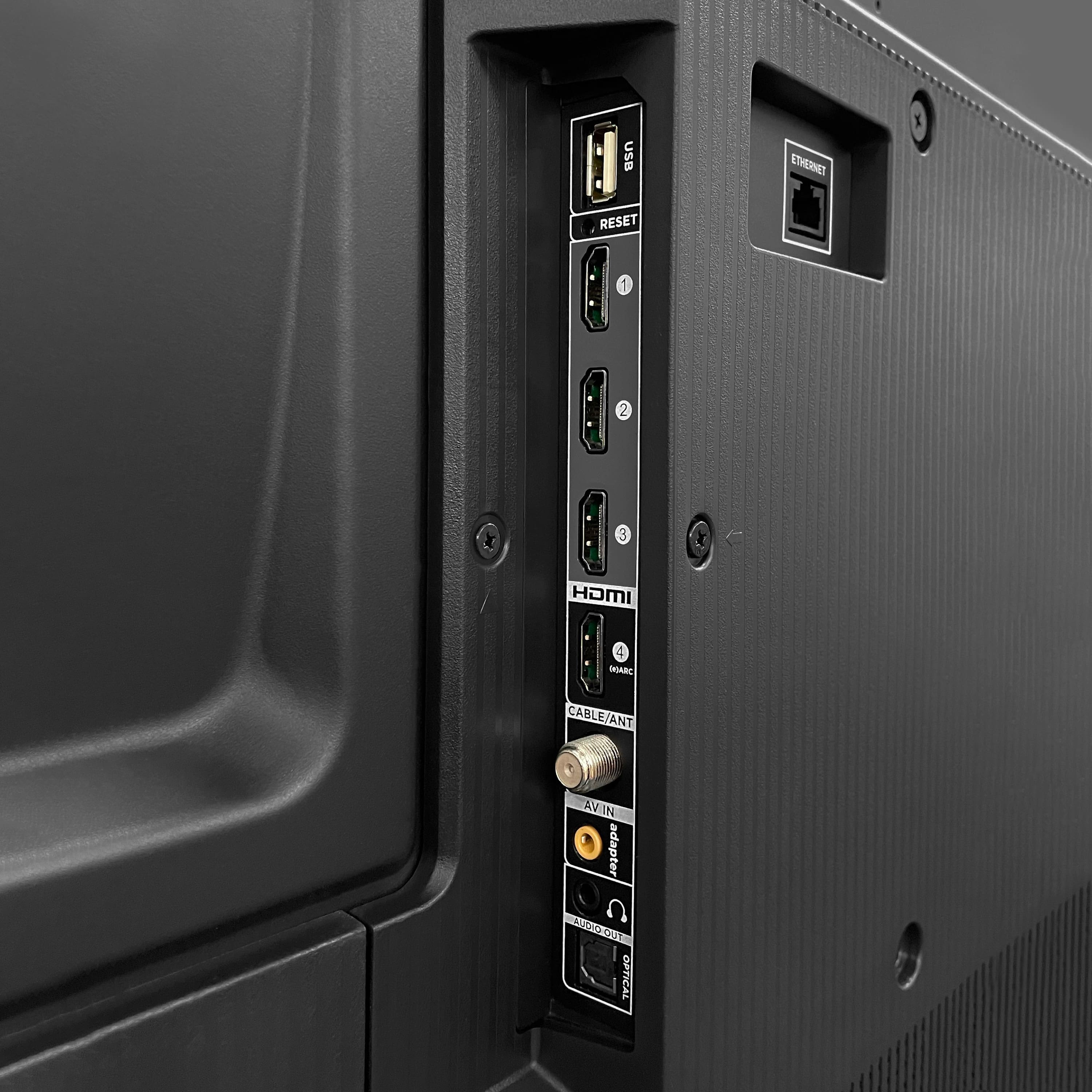
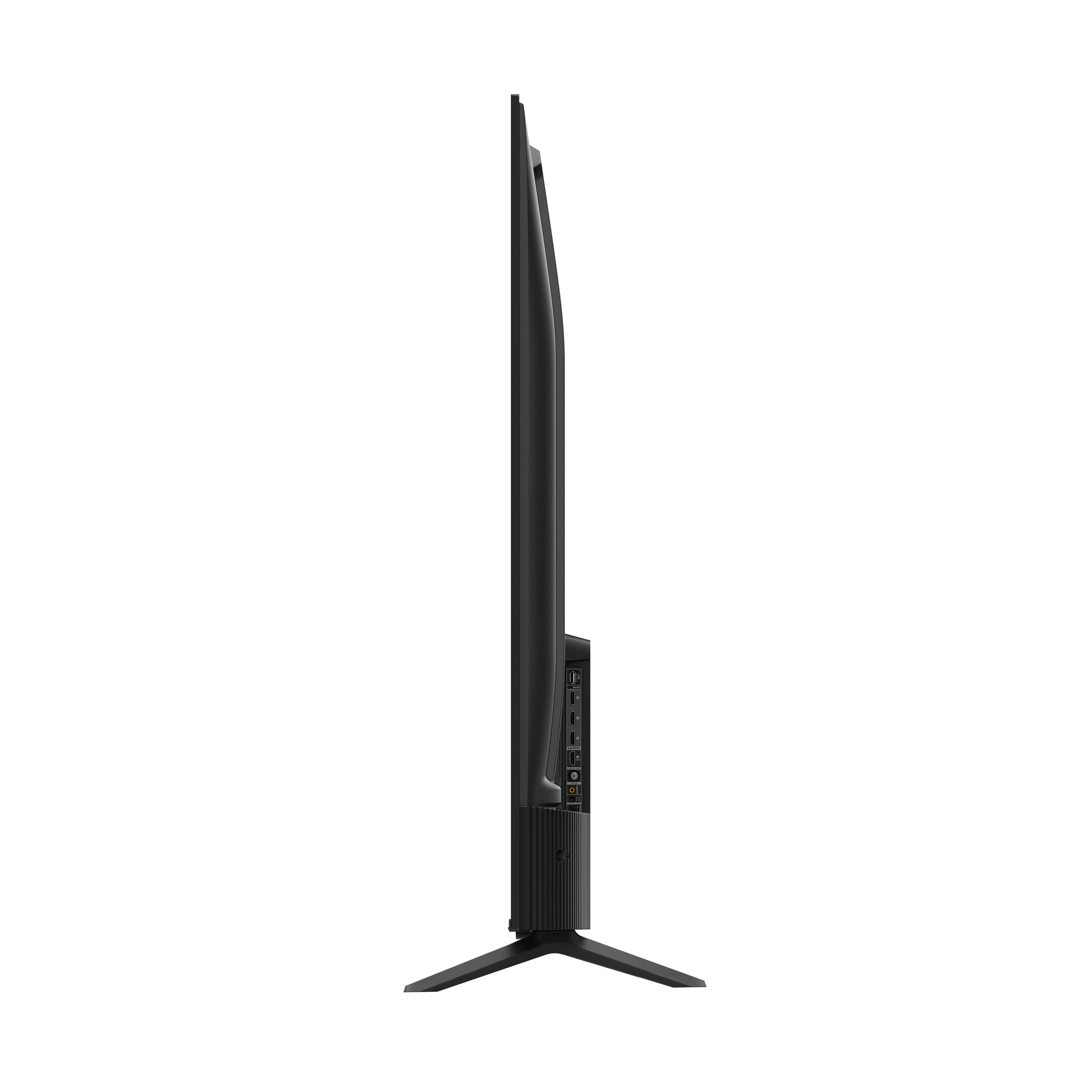
A:AnswerOur TCL Roku TVs do not currently support Bluetooth. However, you can download the free Roku app on your smart phone or tablet to use voice search, voice control, and experience private listening. To enjoy private listening you simply click private listening in the app, and attach headphones to your smart phone or tablet. Or you can use the 3.5 mm headphone jack in the back of the TV to connect standard headphones. Hope this helps! Thank you, TCL Customer Support
A:AnswerThis TV features a built-in Roku operating system. It does not require an external device to access the built-in Roku operating system and features. Hope this helps! Thank you, TCL Customer Support
A:AnswerAbsolutely! In addition to the smart features, this TCL TV features various inputs that can be used to connect external devices like a cable box. Hope this helps! Thank you, TCL Customer Support
A:AnswerPersonally, I like the general lay out of Roku. It is just easier to use. I had a Firestick before & I didn't like it at all. Even the remote for a Roku has a simple button you can use for everything from opening CC to adding or removing a channel.
Fire is set up to increase the profit for Amazon in my opinion.
A:AnswerYou can visit www.tcl.com/us/en/products/home-theater/4-series/65-class-4-series-4k-uhd-led-smart-roku-tv-65s455 to see all of the different specs and features this TV has to offer. Hope this helps! Thank you, TCL Customer Support
A:AnswerIt is recommend for the wall mount being rated for 5x the weight of the TV, however, as long as the weight of the TV is less than the max weight rating of the wall anchors, wall, and wall mount it should be ok. Hope this helps! Thank you, TCL Customer Support