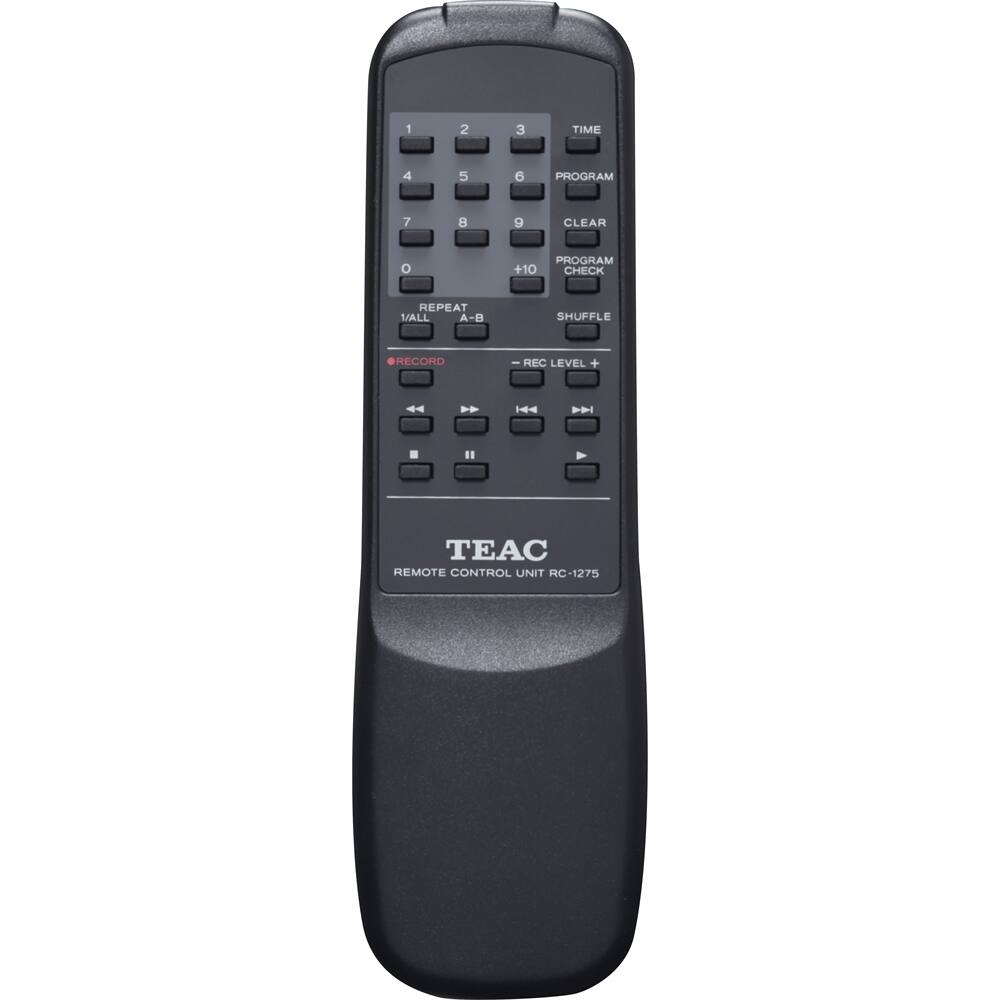
A:AnswerYes you can as long as the cd(s) you are recording from are not themselves digital copies. This recorder has the automated copy infringement protectin system so you can record using manual mode and stop whenever you like. If you are trying to record from a cd that is a copy of another original digital source it may not allow it. As long as you are recording from original you should have no problem. Yes you can use the random playback feature in playback on this and other machines with the cds you make on this machine after you "finalize" the disc. Also once you finalize the cd you can copy onto any computer hard drive and make copies of your copies that way using any of several free downloadable programs online.
A:AnswerYes, you can. I have my turntable connected to my receiver through the phono input. I also connect the cd recorder through the receiver using the tape input. Once the connections are made you can record as if you were recording through your tape deck like in the old days. This is how I do it and it works fine. I am assuming you have comparable equipment. I don't know how to record directly from a turntable to the cd recorder without using a receiver or amplifer. If you don't have tape mode, aux or video might work. Good luck.
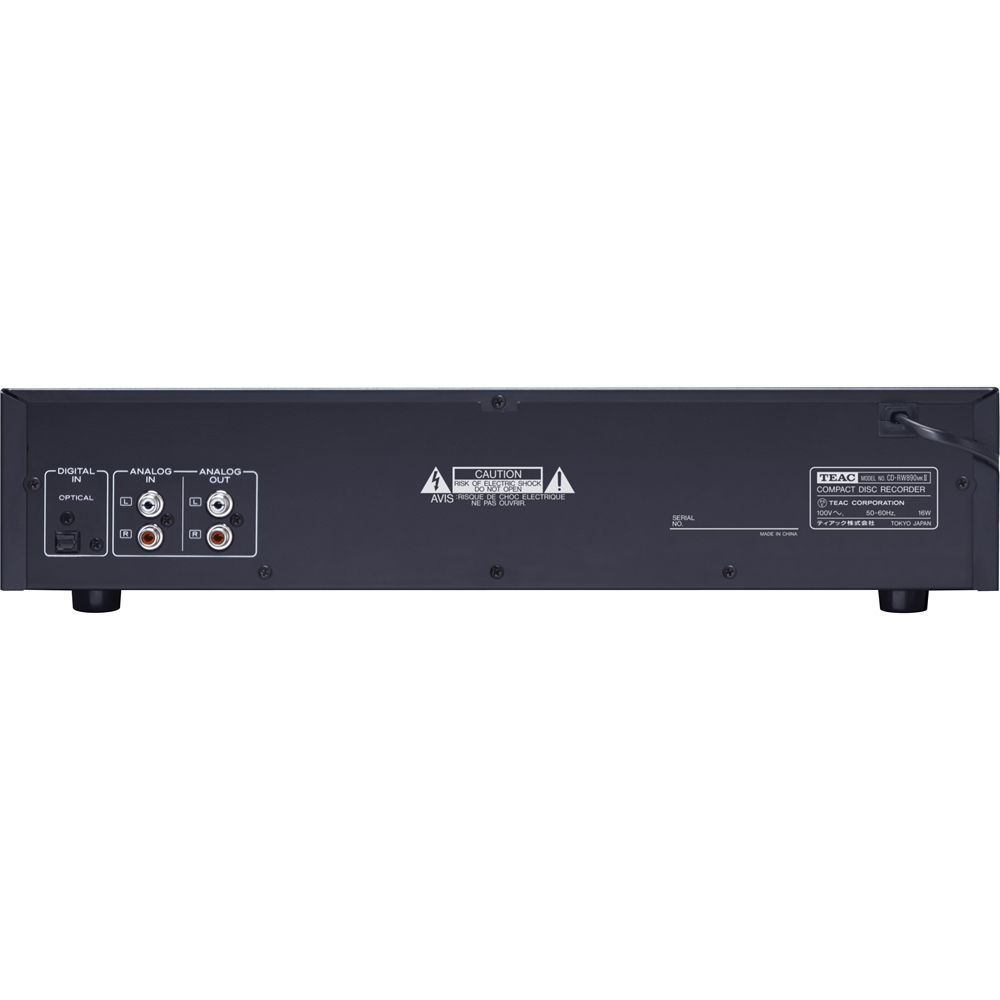
A:AnswerIt takes a left input and a right input jack that hooks into the unit. If the digital piano has an output jack you can plug that into the unit. You need CD-R (ones that you can record on ) CDs.
A:AnswerYou can copy a cassette to cd but you have to have the cassette player and cd recorder connected to a receiver or amp with proper connections. I'm not sure how to do it directly from the tape deck to recorder, but it should be possible if the input/output cables are connected correctly. I like using my receiver as the best method of making copies.
A:AnswerIt can record from a radio or tuner if you have a receiver or amp with tuner input/output. I'm not sure how to record directly from the tuner/radio to the recorder. The tuner/radio has to have input/output connections.
A:AnswerIt will identify the individual track by number if you use the pause mode between tracks. It does not identify the track by name unless you make a digital to digital copy.
A:AnswerYes, this is both a player and recorder. I know you can record from turntables, cassettes, or other CD players. Basically anything you can plug into your amplifier or receiver. I’m not sure about live recordings. Seems to me, if you had 2 microphones ( one for left channel, other for right channel) that could be plugged into one set of inputs on the back of the amp or receiver (that the CD player is hooked to) it should work. This is just theory, but would make for an interesting test.
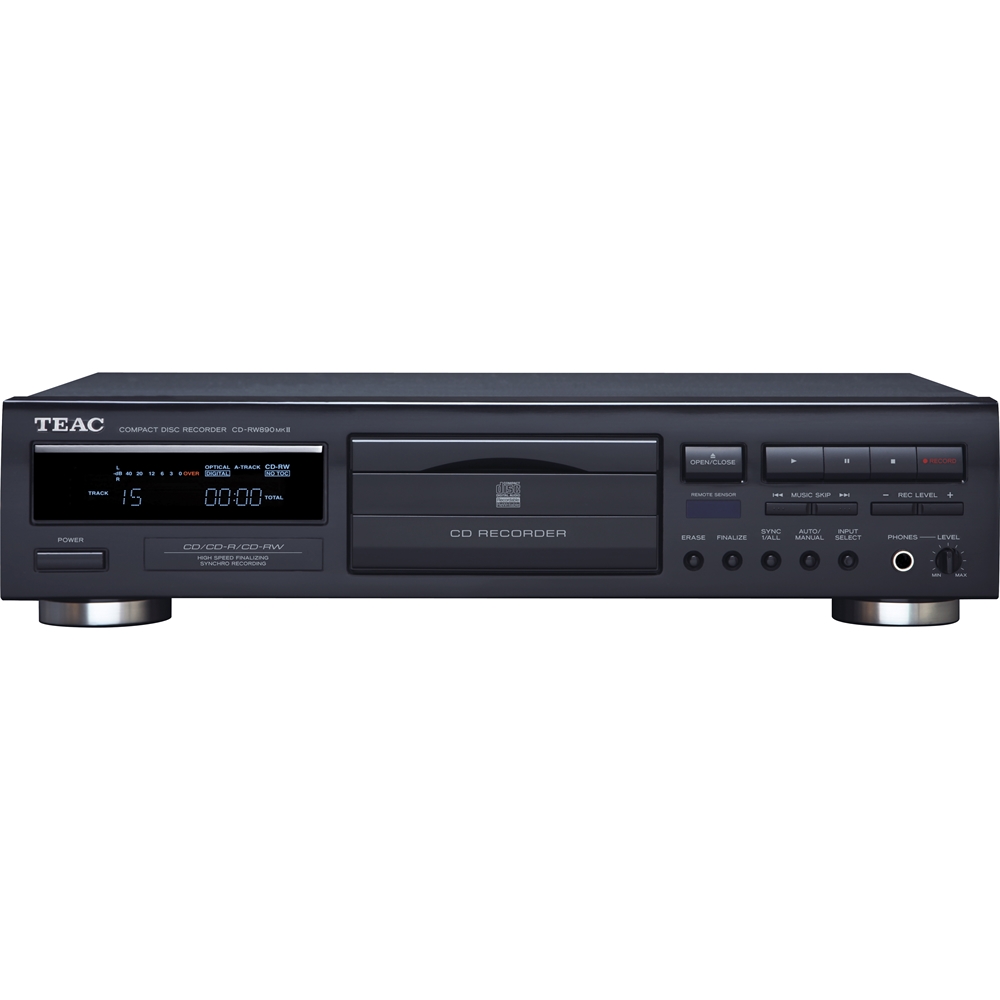
A:AnswerPush the pause button on the CD-Recorder, not the stop button / or push te record button button again whilst still recording. Only that way the track recorded will remain that number. I can imagine singing acapella takes concentration, so ask someone to push the pause button, when required, give hand signs.
A:AnswerI suppose it could. If you run the audio out of the iPod and adjusted the volume so it looked like line level I can't see why that wouldn't work. If you have the digital files to play on the ipod though, why not just burn a CD on your computer?
A:AnswerYes. On a CD-recorder even when the CD-R is not yet finalized. Not finalized discs can not be played on ordinary CD-players. By the way, it's always better to use audio CD-R,'s as they are optimized for audio.