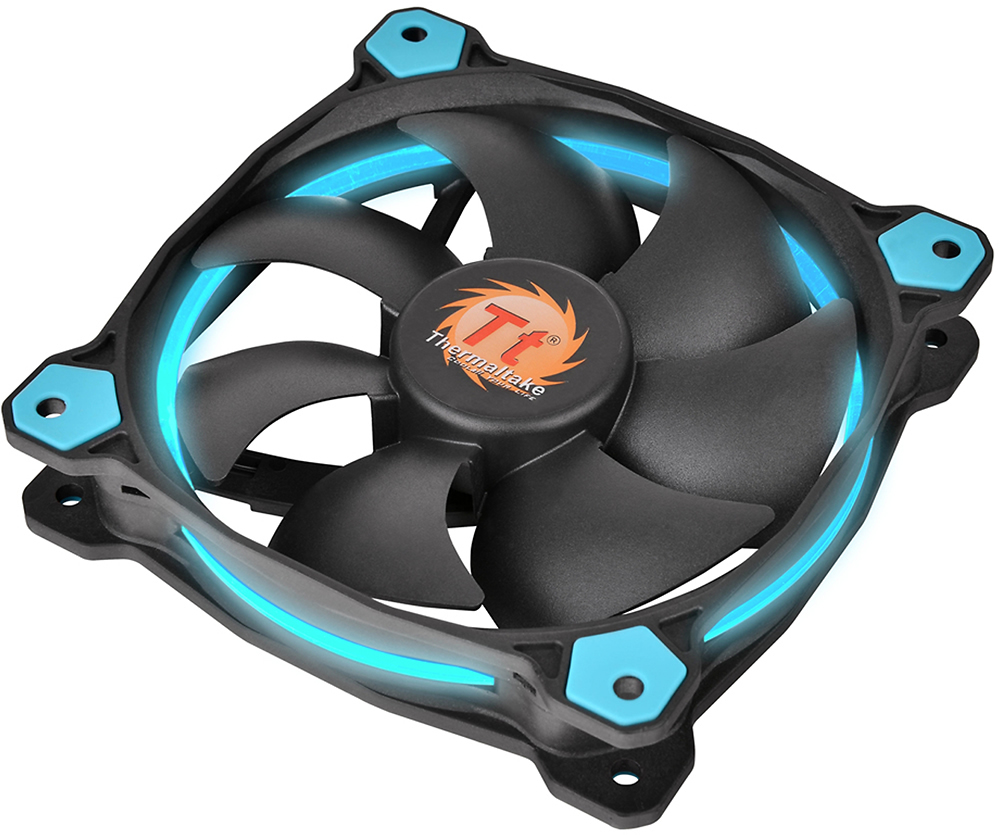
A:Answeri just used this fan to replace an older coolmaster hyper 212 4pin wire. it doesn't have the clips on the sides, so i pressed the long screws in between the fins.
A:Answerthe red wire is to be connected to close 12 volts DC, the black wire is ground, and the yellow wire is a tachometer output from the fan which tells the computer how fast the fan is turning.
A:AnswerShort answer is no. I used double sided foam tape stuff to secure in place and help reduce vibration/noise. I had it set that way for years, and it never had any problems.
Also i used this method cause Dell/Alienware products are EXTREMELY proprietal with their components. All the way down to their screws. So addind a fan with some Gorilla Foam Tape was an easy fix to not buying a bracket from Dell.
A:AnswerIt's not the quietest fan out there, but for the price it's pretty solid. I have two of these in my PC and one NZXT one that came with my case, running two of these is about as loud as one of my NZXT ones. So while it's not the most quiet it's still fairly decent and won't generate too much noise.