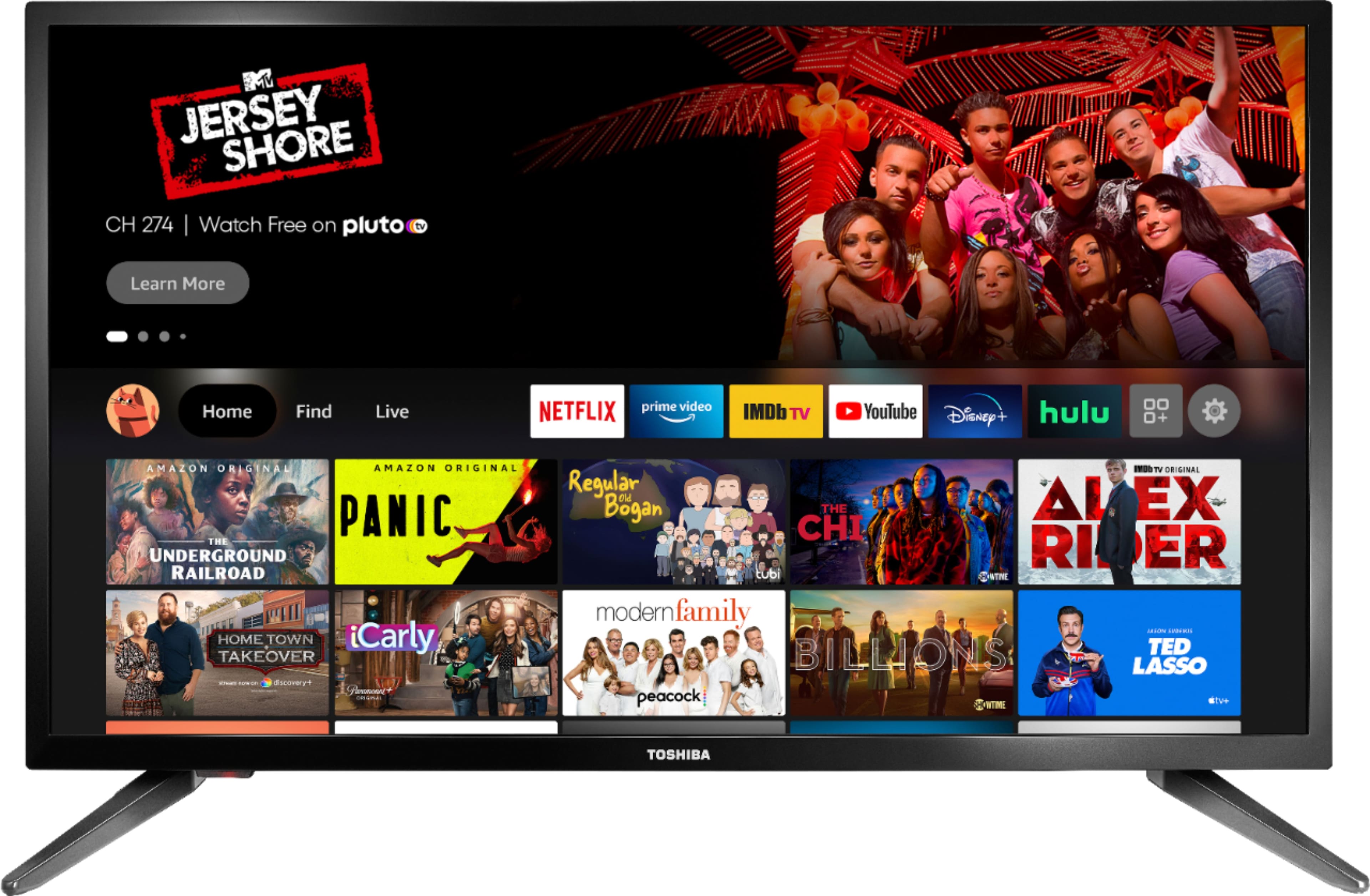
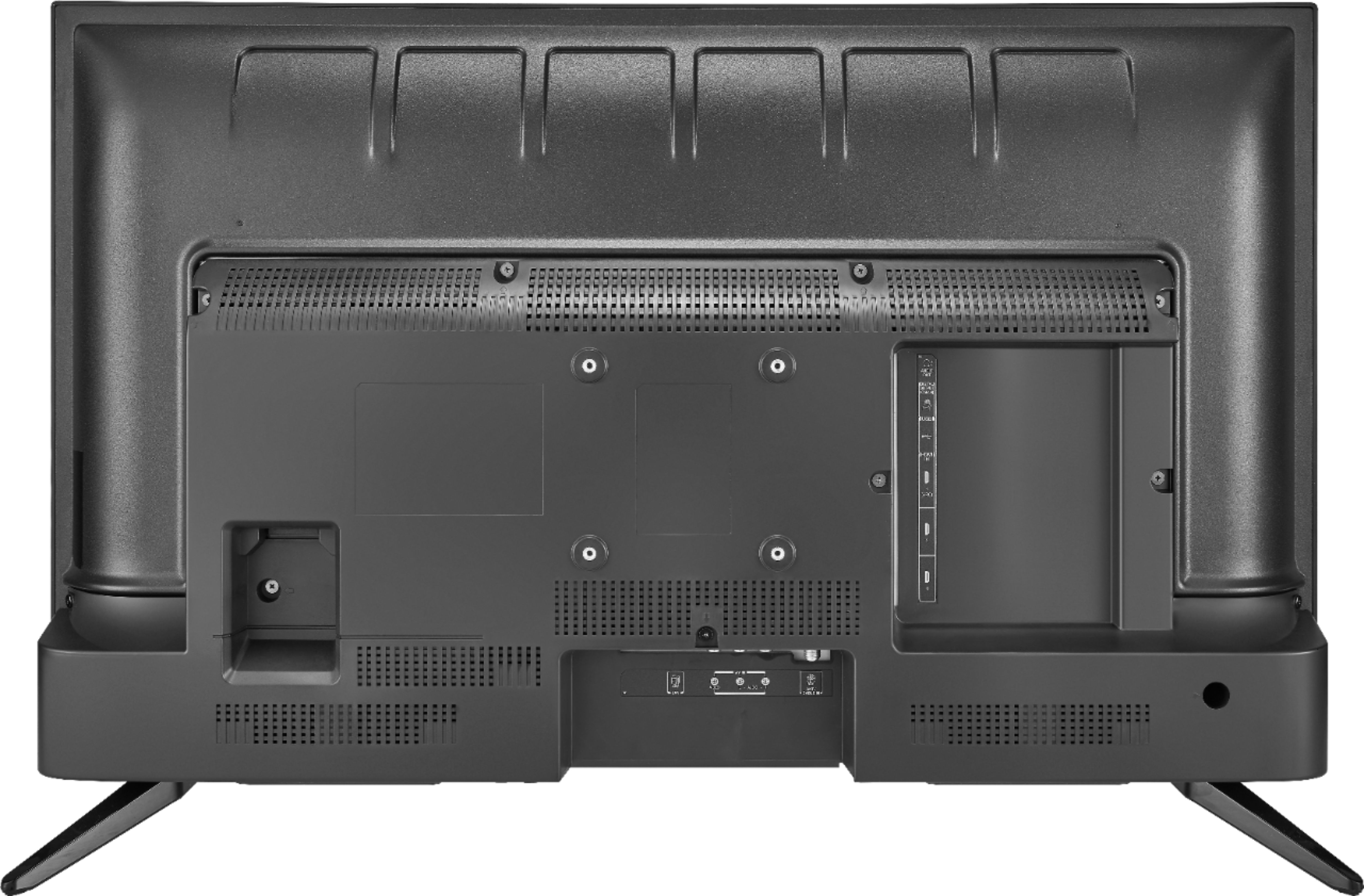
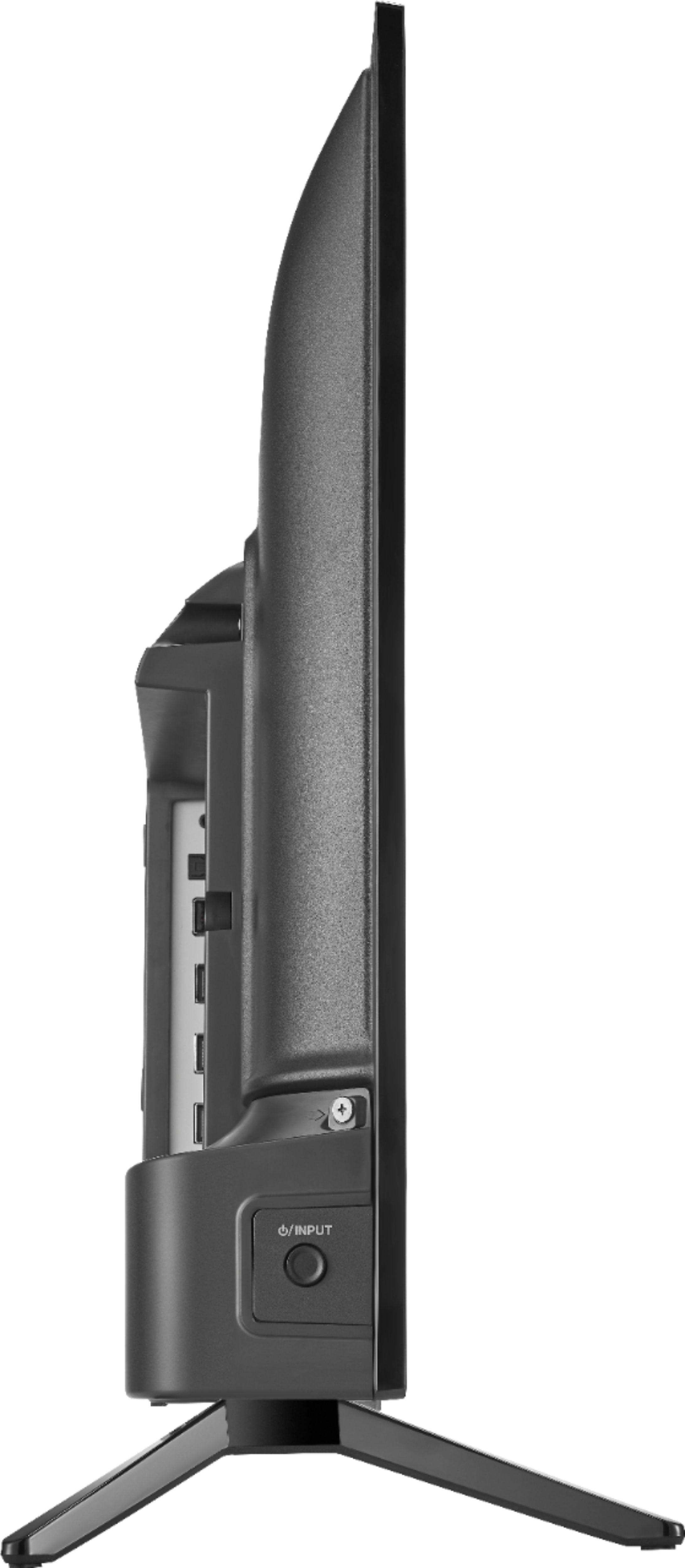
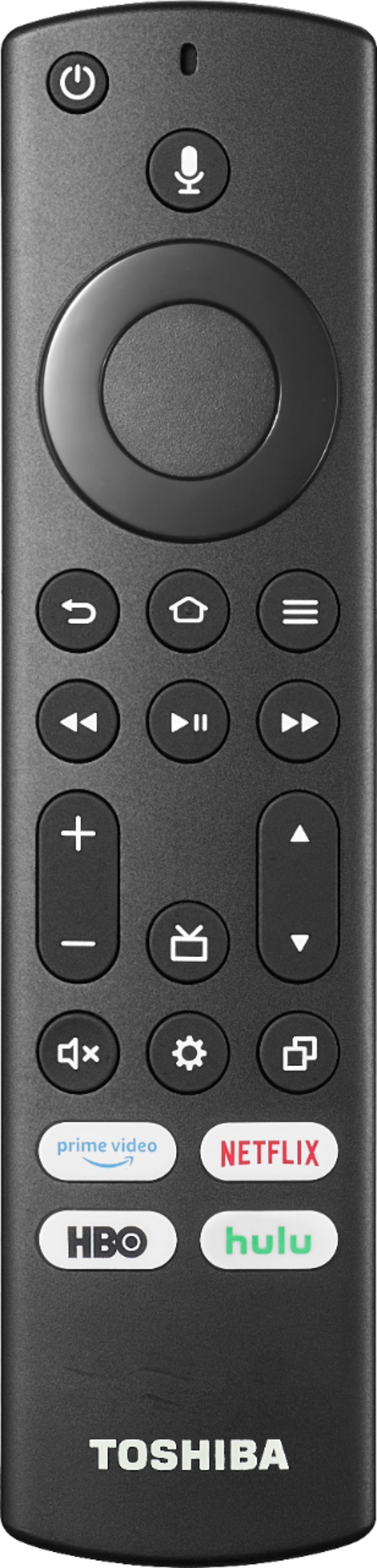
A:AnswerYes. I bought a wall bracket from HarborFreight that was inexpensive and it worked fine with this 24” TV. You leave the feet off the TV, screw the metal plate onto the back of the TV using 4 machine screws that come with the wall bracket, and attach the other component onto the wall (must hit a stud). All mounting hardware is included with the HarborFreight bracket.
A:AnswerThese are the Alexa commands to change inputs:
"Switch to [device / input]."
"Change to [device / input]."
For a list of Alexa commands to control your Fire TV Edition TVs, please visit:
https://www.amazon.com/gp/help/customer/display.html?nodeId=202174250
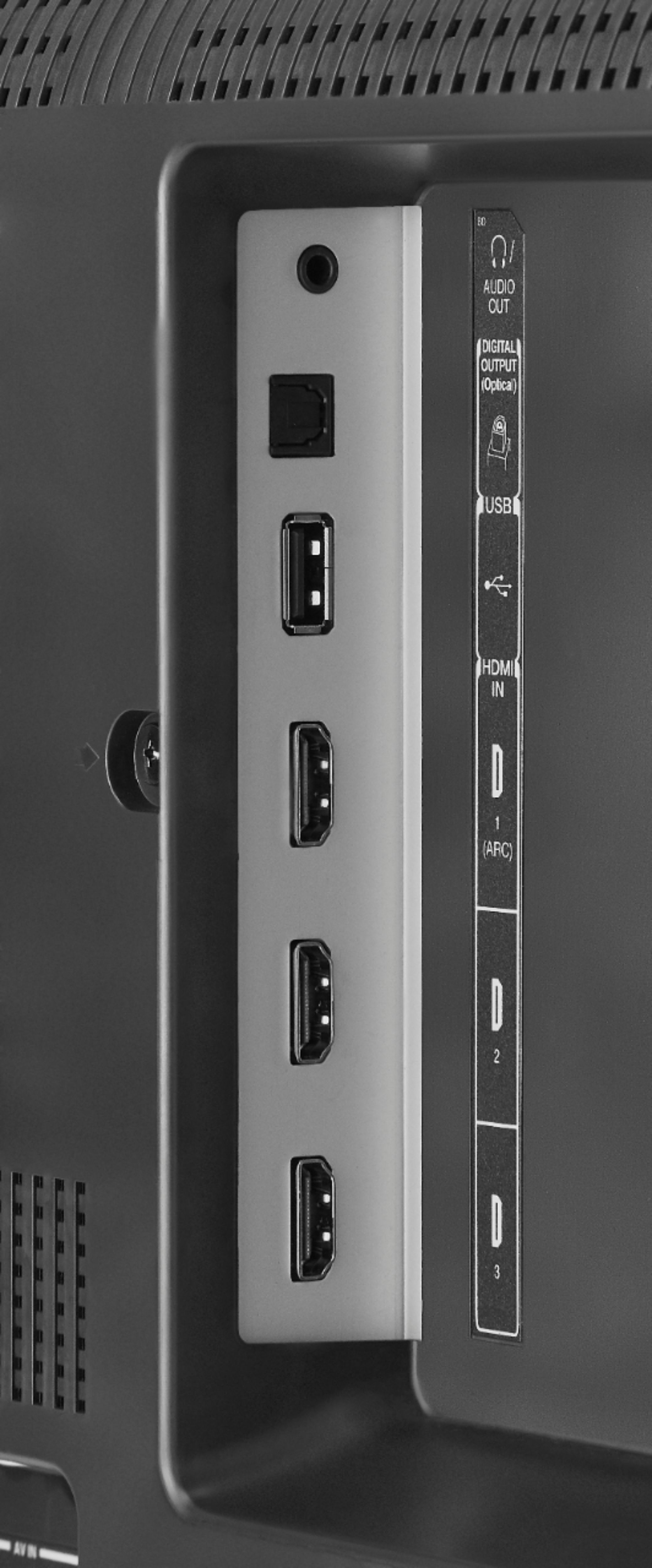
A:AnswerHook up your Cable Box to one of the HDMI inputs on the TV. Try the Power On feature, when enabled, your TV turns on displaying the last used input: go Home > Settings > Display & Sounds > Power On and select Last Input. Use the included remote to control the TV.
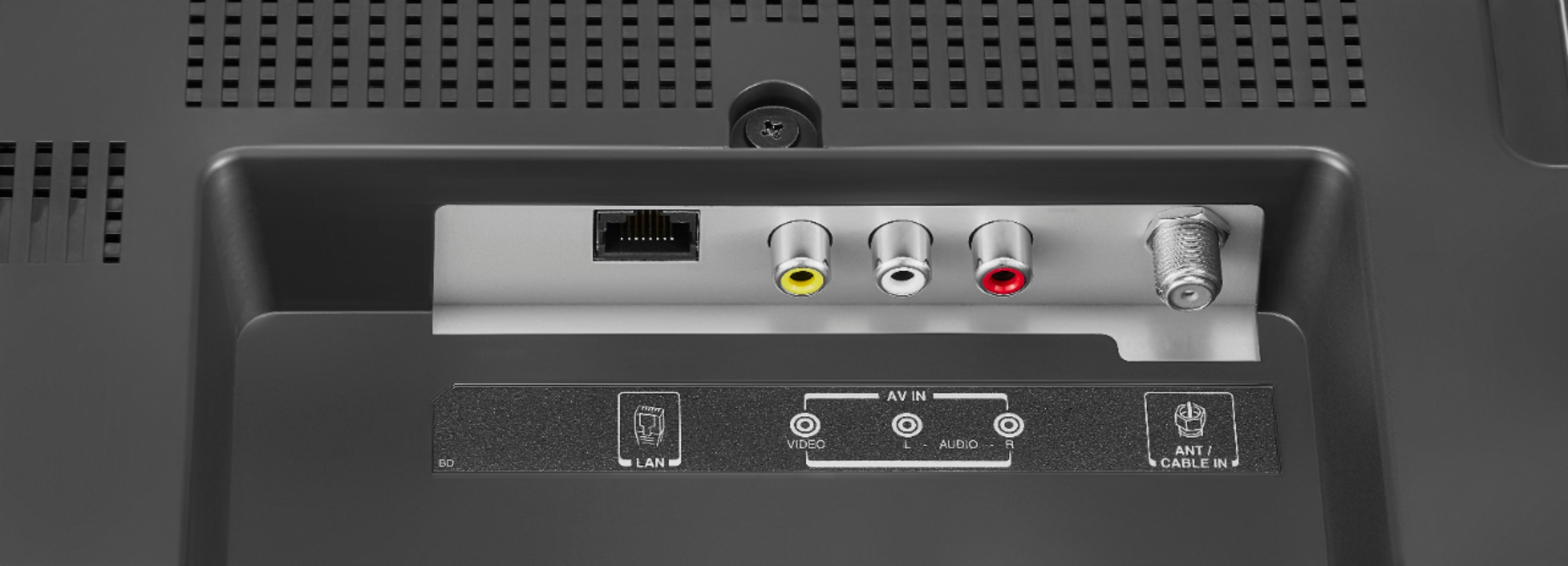
A:AnswerYou can connect an antenna (not included) to watch free over-the-air broadcasts from local channels. You can connect this TV to the internet, some apps (Pluto TV, Tubi TV, YouTube) offer free content.
A:AnswerWhile watching TV press the menu button ( ≡ ) and select Captions and Audio.
To adjust the Closed Caption settings, go to: Home > Settings > Accessibility > Closed Caption.