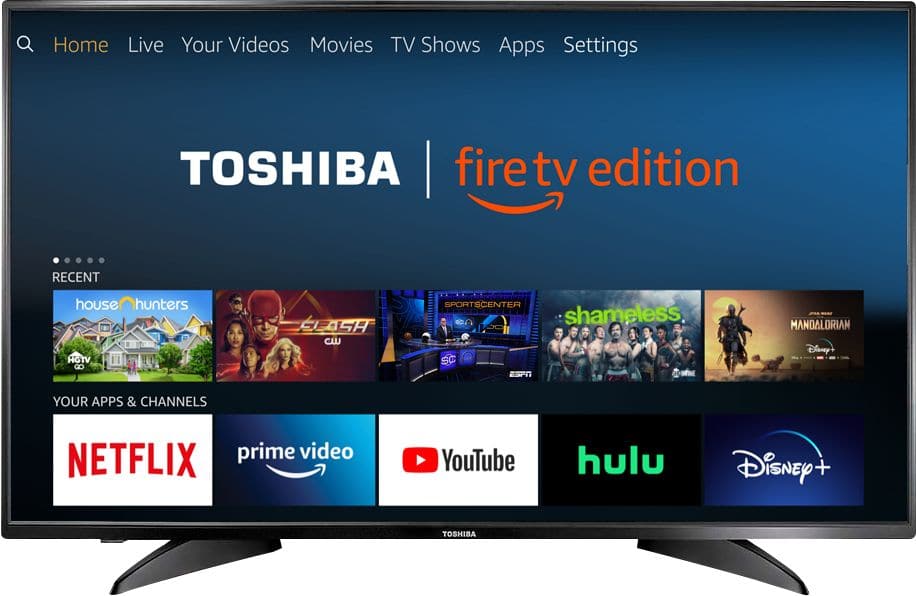
A:AnswerYou may need to just factory reset and then update. Navigate to Settings>Device & Software>Reset to Factory Defaults.
Complete that process and restart. Then make sure you are connected to internet and Return to Settings>Device & Software> About>Check for Updates. This will remove software and reinstall current OS. How this helps. Also double check that you’re signed into your Amazon account.
A:AnswerNot sure what you are doing wrong but whatever it is, it is user error not the TV. I had absolutely no problem setting up. It sounds like possibly a WiFi connection issue. If you can get your WiFi to connect then all you need is your account number to log in to Amazon. It is really simple
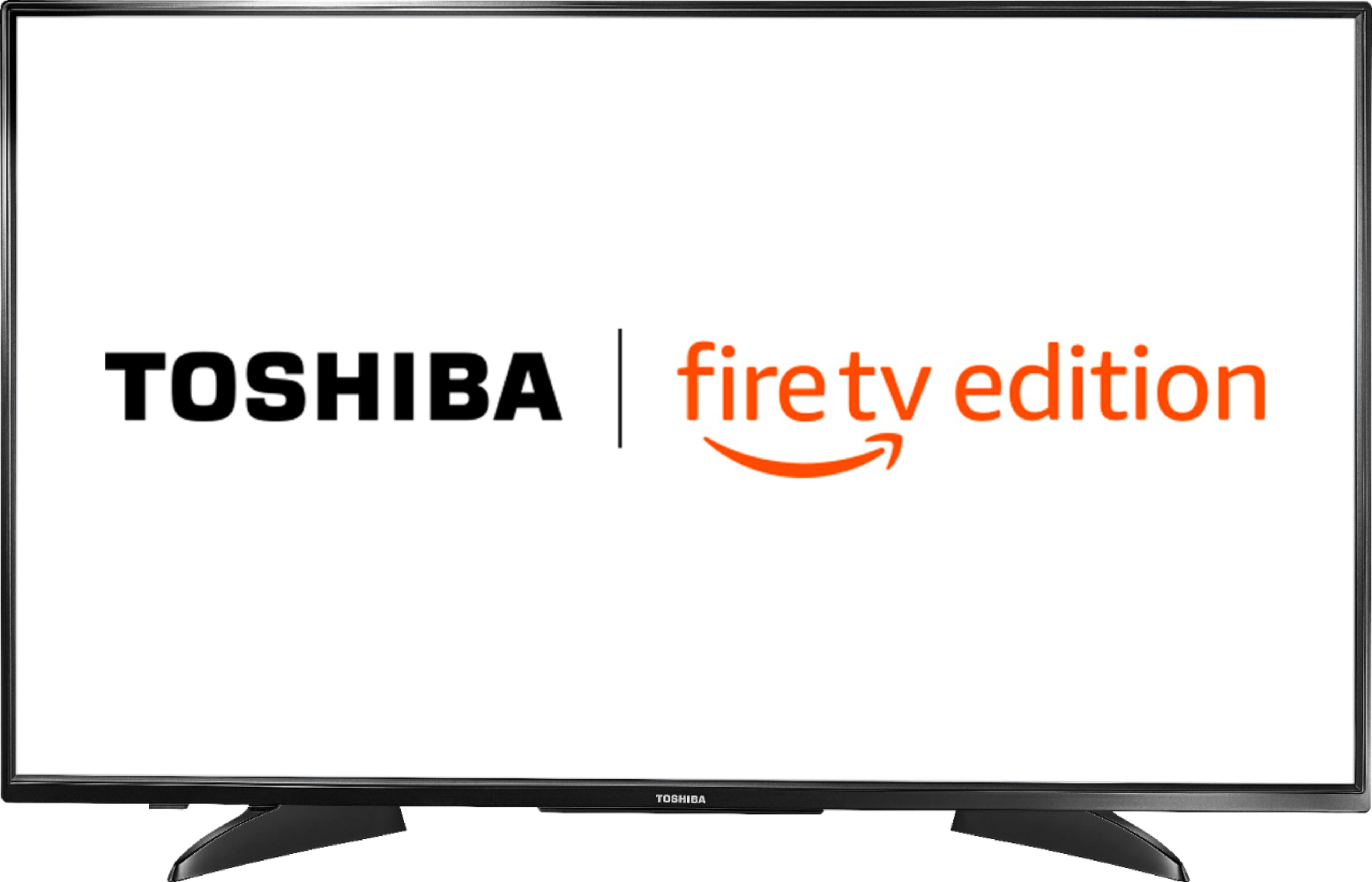
A:AnswerNo, the TV uses Fire TV instead of Roku. This will work with FIOS when it is plugged in. Google Express is a shopping App. Unfortunately, I am unable to answer your question regarding the promo code.