A:AnswerThere are a couple slight differences, but the main difference is an upgrade from a dual core to a quad-core cpu/gpu which helps keep this tv surprisingly fast when toggling between apps.
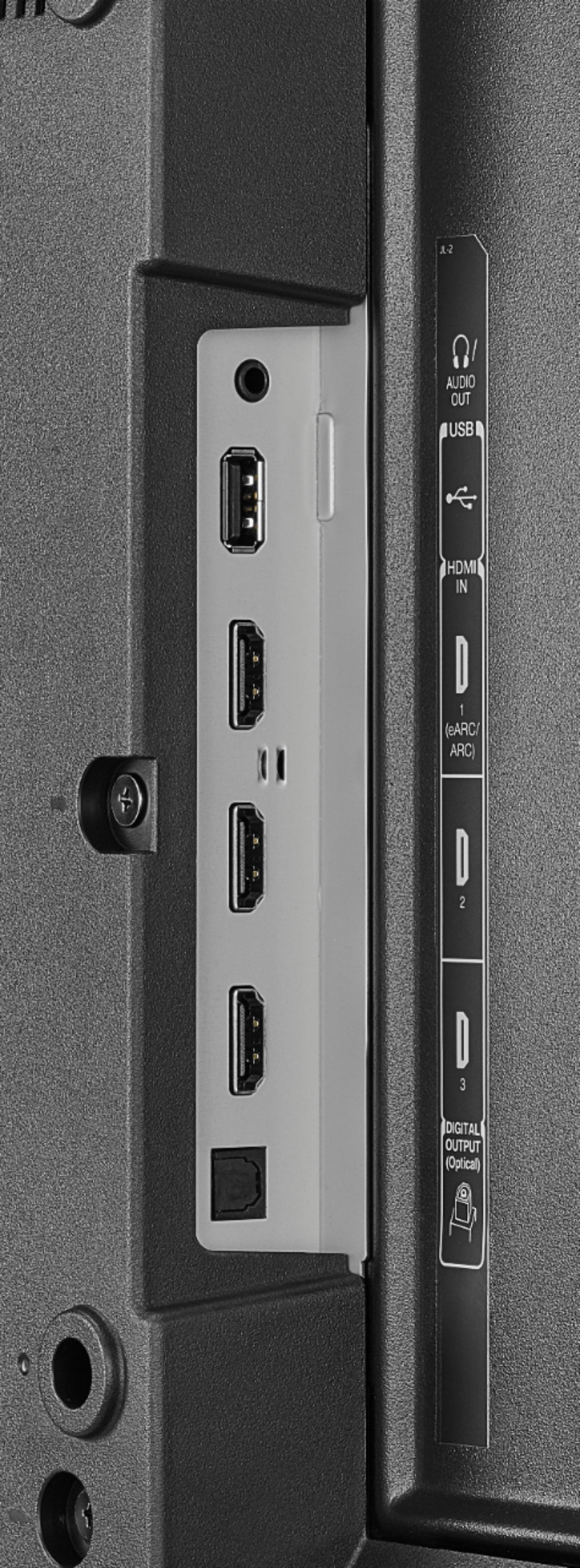
A:AnswerWhile using the analog audio out the TV speakers will automatically turn off. When using the optical audio the tv speakers don’t turn off, but I just turn the volume of the TV to zero and that does the trick.
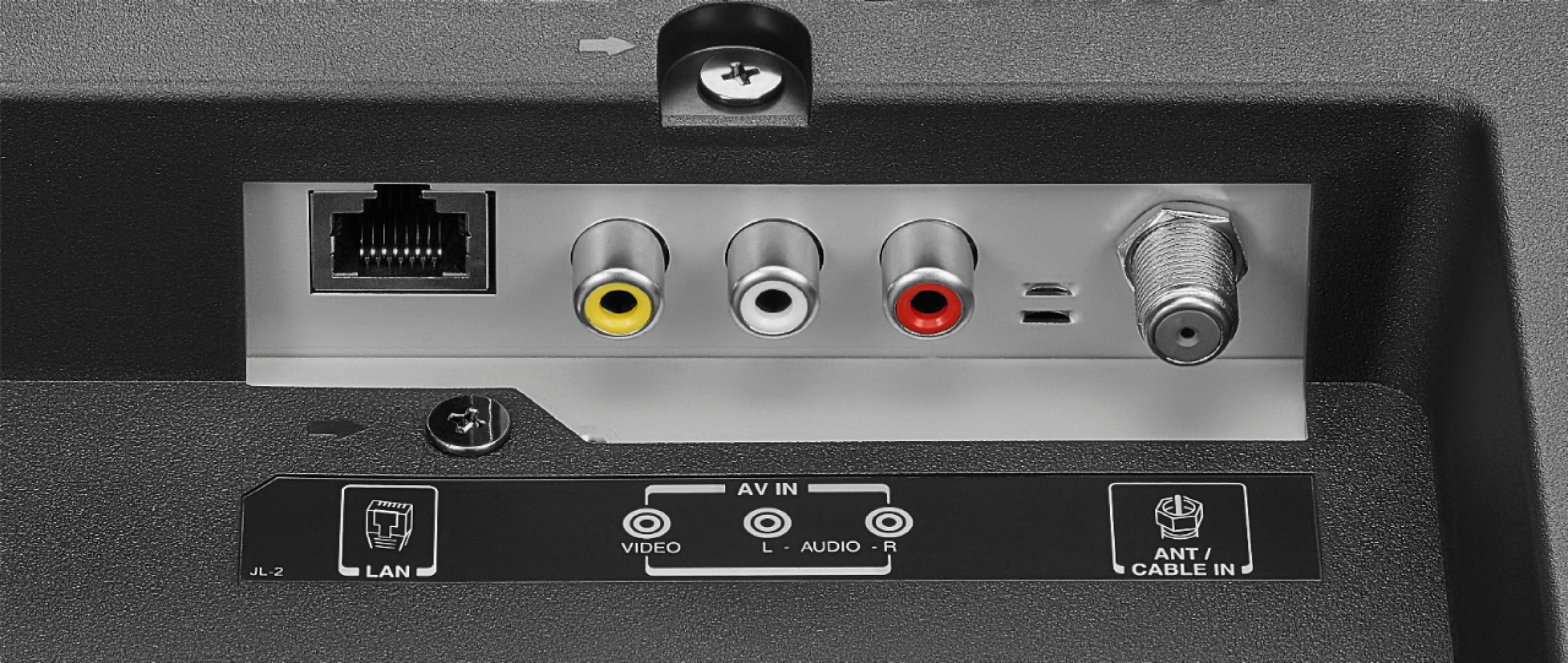
You won’t have to do anything extra to use your analog set up.
A:AnswerIt doesn’t technically have to upscale the HD content.
1440 UHD is exactly 4x the amount of pixels than 1080. Therefore when viewing 1080hd it just assigns 4 pixels per signal (all 4K TVs do this). Content still looks great. If you are inches away from the screen, you can see a slight blur.. but on the couch.. can’t even tell. It’s pretty clever. I even use a ps3 and play 720 games on it and it still looks fresh.
A:AnswerTry the Power On feature, when enabled, the TV turns on displaying the last used input. To activate it, go Home > Settings > Display & Sounds > Power On and select Last Input.
A:AnswerYou cannot change the order of the channels. To edit the channel lineup.
Go Home > Settings > Live TV > Channel Management > All.
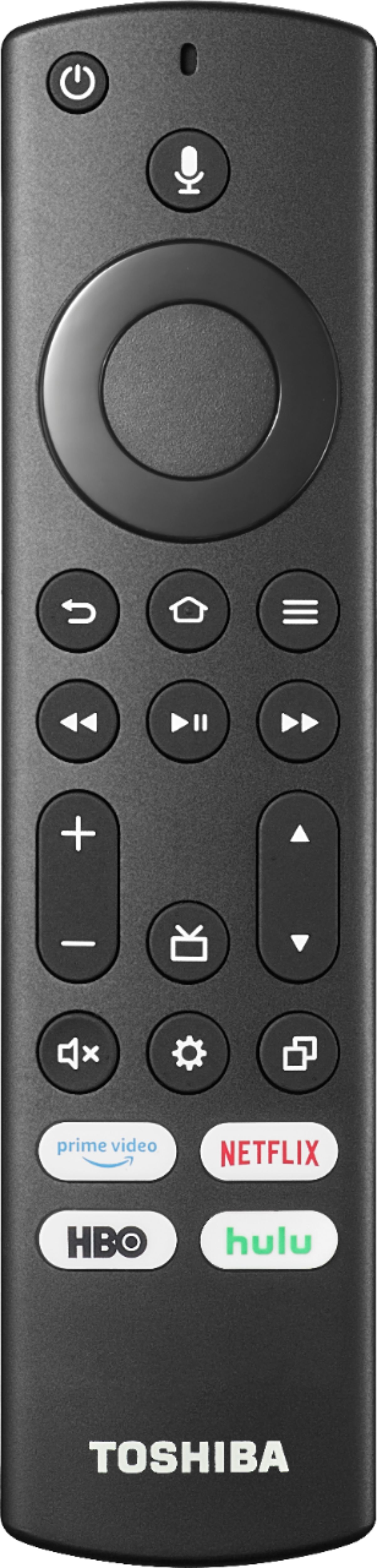
Highlight the channel you want to hide and Press the Play /Pause button to Hide the Channel.