A:AnswerI just got this and had this same problem. I spent hours on settings and i just found this by accident. When on your cablevision box input, hold the menu button down to get the settings on the side of the screen. Select Picture/Advanced Settings. The last setting on the bottom is HDMI Input Mode: It was set to Mode 2(2.0.) I changed it to Mode 1(1.4) and got sound finally through my Cablevision box!
Hope that works.
A:AnswerHey, sorry for the late response. The stands feet when assembled measured 10 inches deep x 27 inches width. So by that it would fit. I like this tv so much, I bought a second one for a friend. Set up is easy Fire TV has many capabilities. You can also mount this on a wall.
A:AnswerThat was one of my complaints about the TV in my review. There is no basic TV remote control interface which I think is a huge miss on Toshiba's part. Your best bet may be to buy a universal remote and hopefully that will work... Depending on the universal remote, perhaps you may get lucky and find one that can also operate the Fire TV functions - but I'm not sure if that exists.
A:AnswerThe width of the stand is 27" and it is very sturdy. My TV stand is only 30 inches wide and this was why I chose this TV, since most of them have stands at the end of the screen and are too large.
A:AnswerIn the settings you can select return to previous input. I use a cable box on HDMI1. When I turn on the TV it displays the Fire TV screen for a second then switches to HDMI1.The channels can be changed by vocal command. I don't know about the guide but I expect it is also a voice command. The remote just has a few buttons.
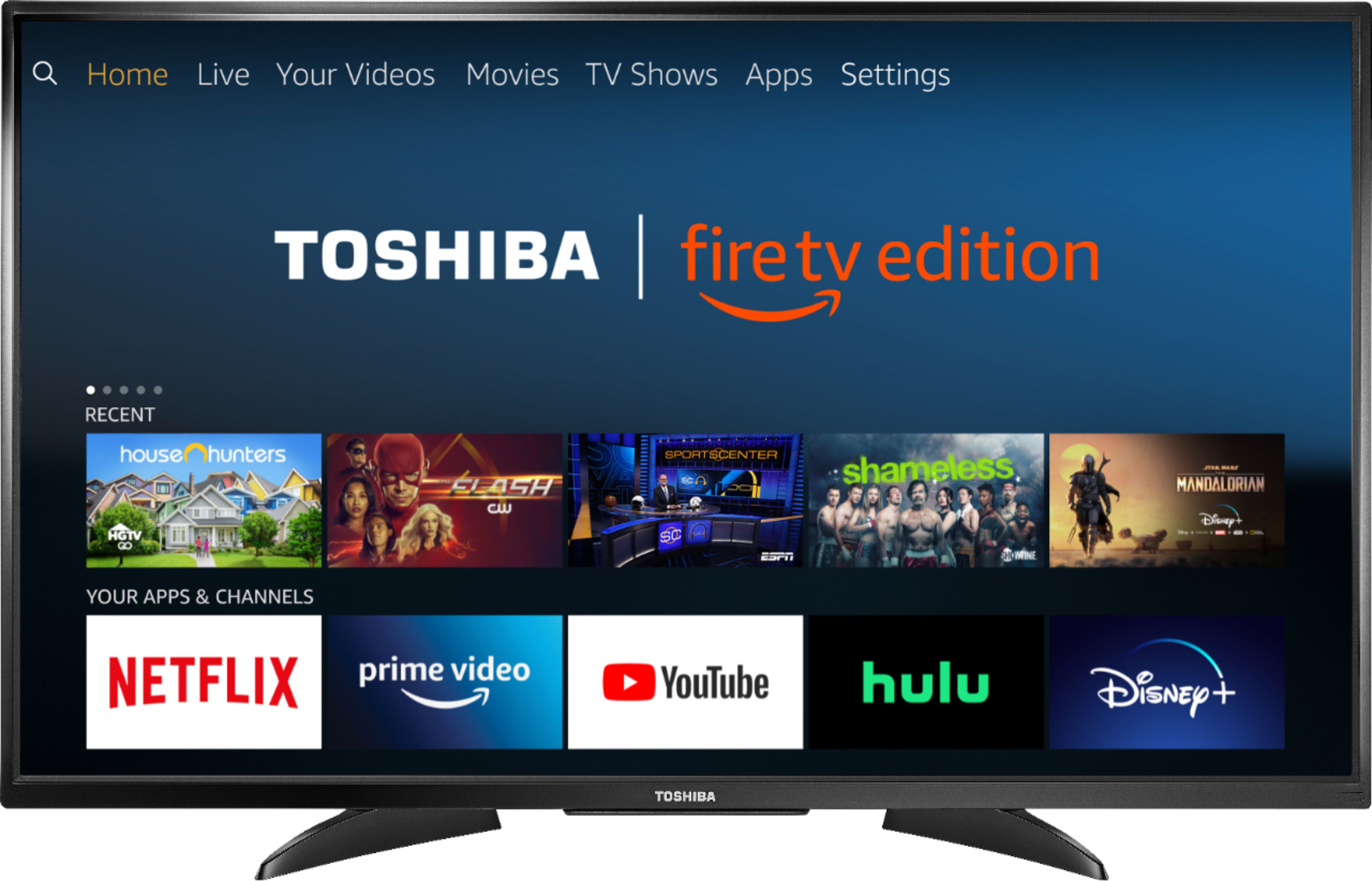
A:AnswerAs far as apps, everything seems to work that I'm signed up for, such as Amazon Prime (annual fee) and YouTube (free). Other services like Hulu are by paid subscription. All these free/paid apps should appear on the home screen. Just hit the Home button on the remote.
All this is of course after the TV was initially setup on my WiFi 5G network. If you didn't setup your network up on the TV, I don't know whether the apps will appear or not. Note that if you don't have a WiFi 5G wireless network but do have a 1000baseT LAN, that will work as well. A slower 2G (or 100baseT) network may not work very well, if at all.
A:AnswerGo to settings and select display and sounds. Go to power on selection. This will allow you to change your power on to your last input instead of home screen.
A:AnswerI use the xfinity streaming service, but I had to get boxes for each tv. It works great though, and the upside is that I don't need a separate cable connection for each box since it streams through the wifi.
A:AnswerIf you're able to just turn on and off the TV, try with this: Unplug the TV from the power outlet, press the physical power button on the TV and plug it back. Remove the batteries from the remote, press all the buttons on the remote thrice and then place the batteries back in. Turn on again the TV and when having the choose your language screen, press the home button on the remote for 15-60 seconds, even more, you gotta have sound coming from the TV that indicates that the remote has been paired
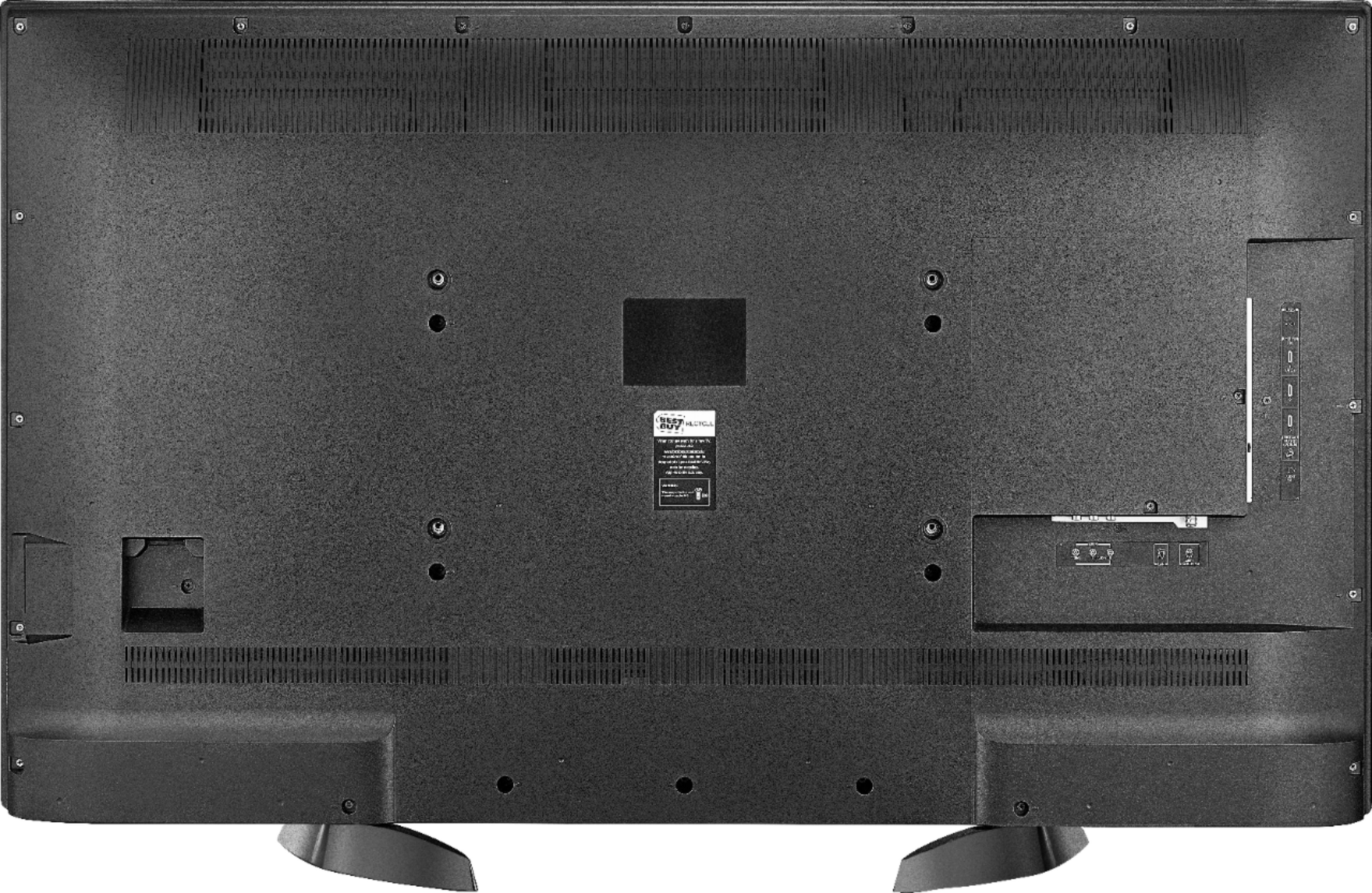
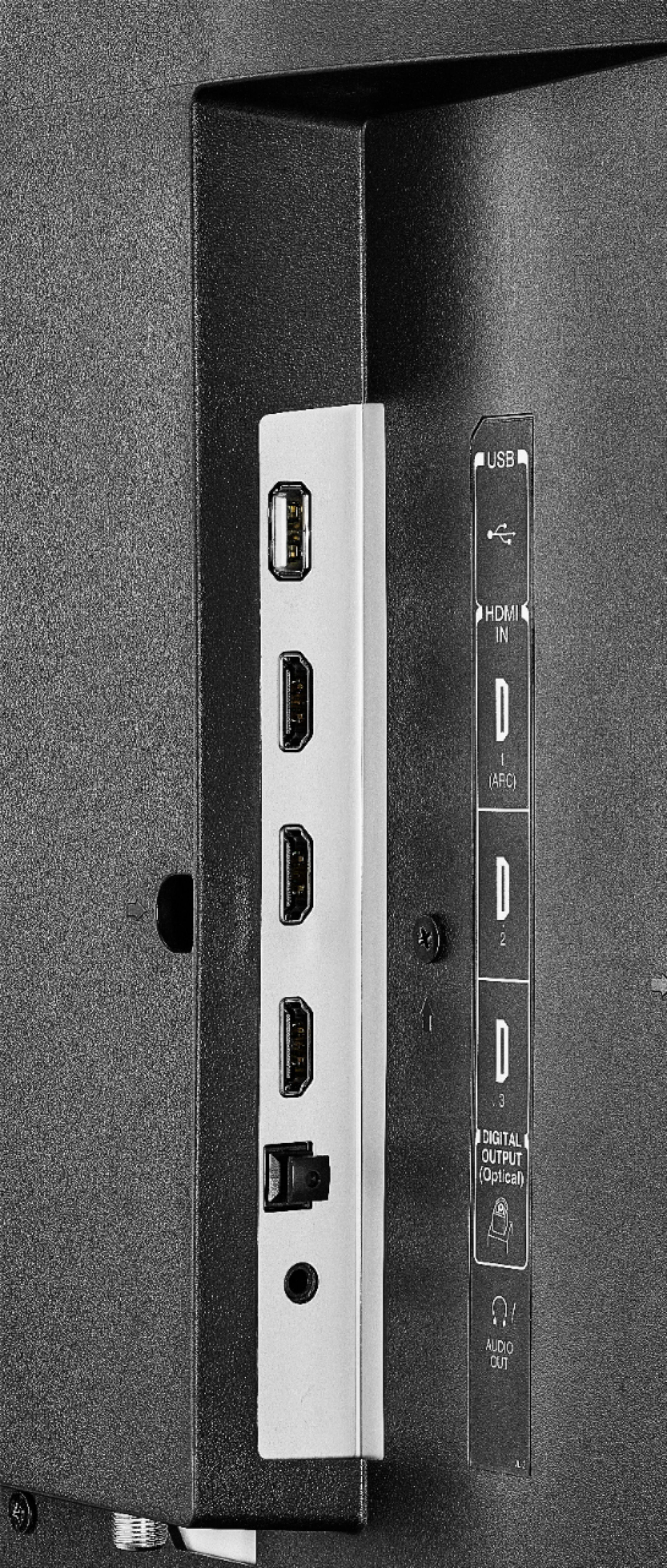
A:AnswerThe optical audio output on this TV, is located on the left side of your TV aiming towards the back, you can find it at the bottom of these ports.
A:AnswerI just recently purchased this television and it has been a wonderful addition to our home. A TV enabled with the fire stick is generally for customers who don’t have cable such as our house hold, instead we have a subscription to the apps which we find is cheaper and more effective for us. I do believe Best Buy sells TVs without the fire stick but this is the way that technology is trending.
A:AnswerI have the VIZIO S4251w-B4 and I can’t program the tv remote either. Also with the 50LF621U19 tv while watching movies on Prime video the volume increases up and down between voices and mechanical sounds.
A:AnswerThis model does not have the ability to turn the speakers on and off with headphones plugged in. You could use a Bluetooth adaptor and use wireless headphones.