A:AnswerTry the Power On feature, when enabled, the TV turns on displaying the last used input. To activate it, go Home > Settings > Display & Sounds > Power On and select Last Input.
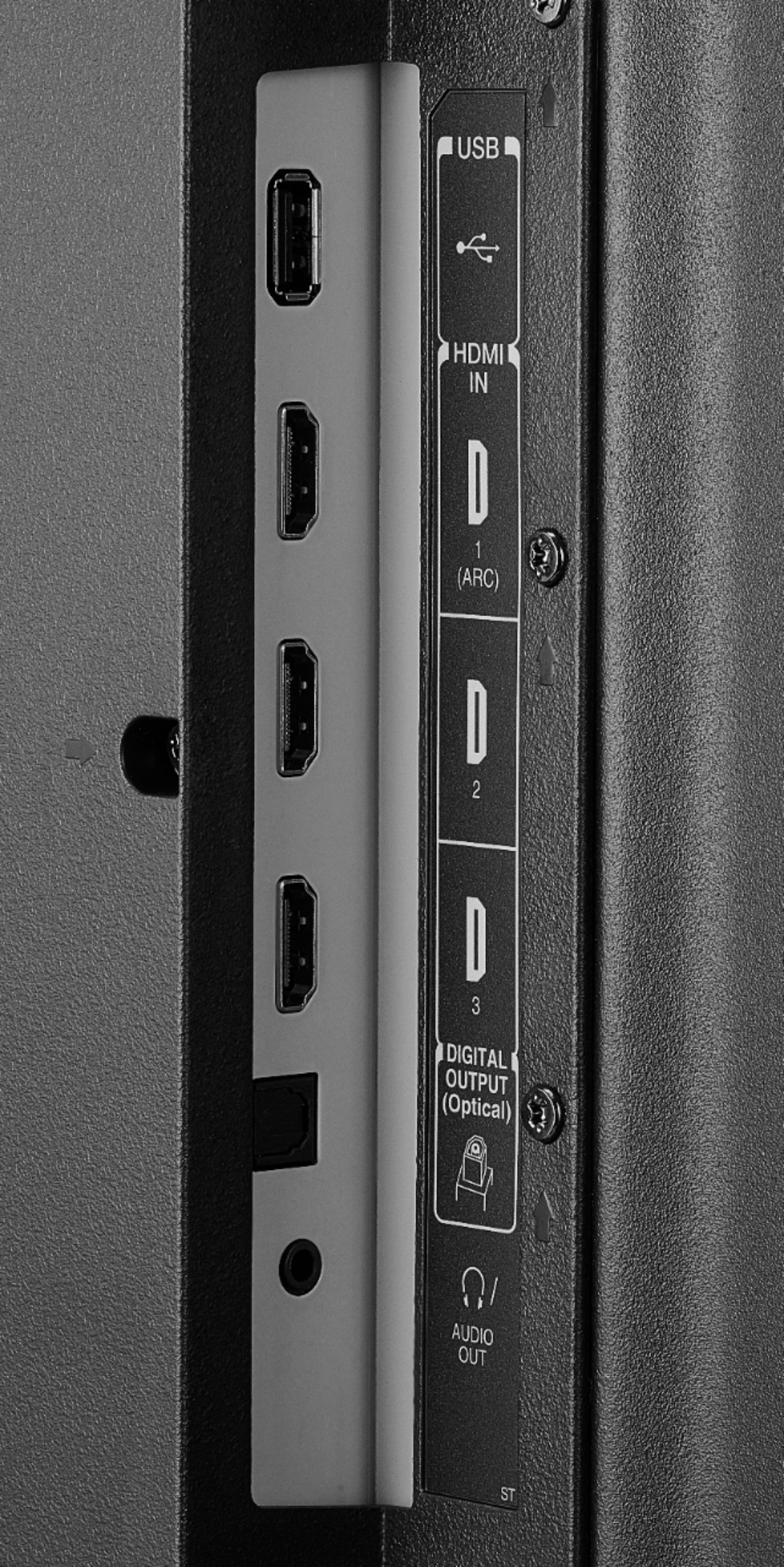
A:AnswerConnect your headphones to the Digital Optical Audio Output on the TV, then go Home > Settings > Display and Sounds > Audio Output > Select Digital Audio Format PCM. Also, try this on the TV go Home > Settings > Display & Sounds > Audio Output > TV speakers > change the setting to "ON" .
A:AnswerTry to long press the Home button > Picture > Advanced Settings > Turn off Dynamic noise reduction.
For personalized assistance with this issue, please call 1 (855) 527-2411 available from 8 am to 9 pm CT everyday.
David M. - Toshiba Support
A:AnswerYou can purchase the replacement remote Model: NS-RCFNA-19, available at Best Buy.
Also, you can download the Amazon Fire TV app on your Smartphone to control your TV over Wi-Fi.
David M. - Toshiba Support
A:AnswerThis TV does not have screen mirroring nor remote login.
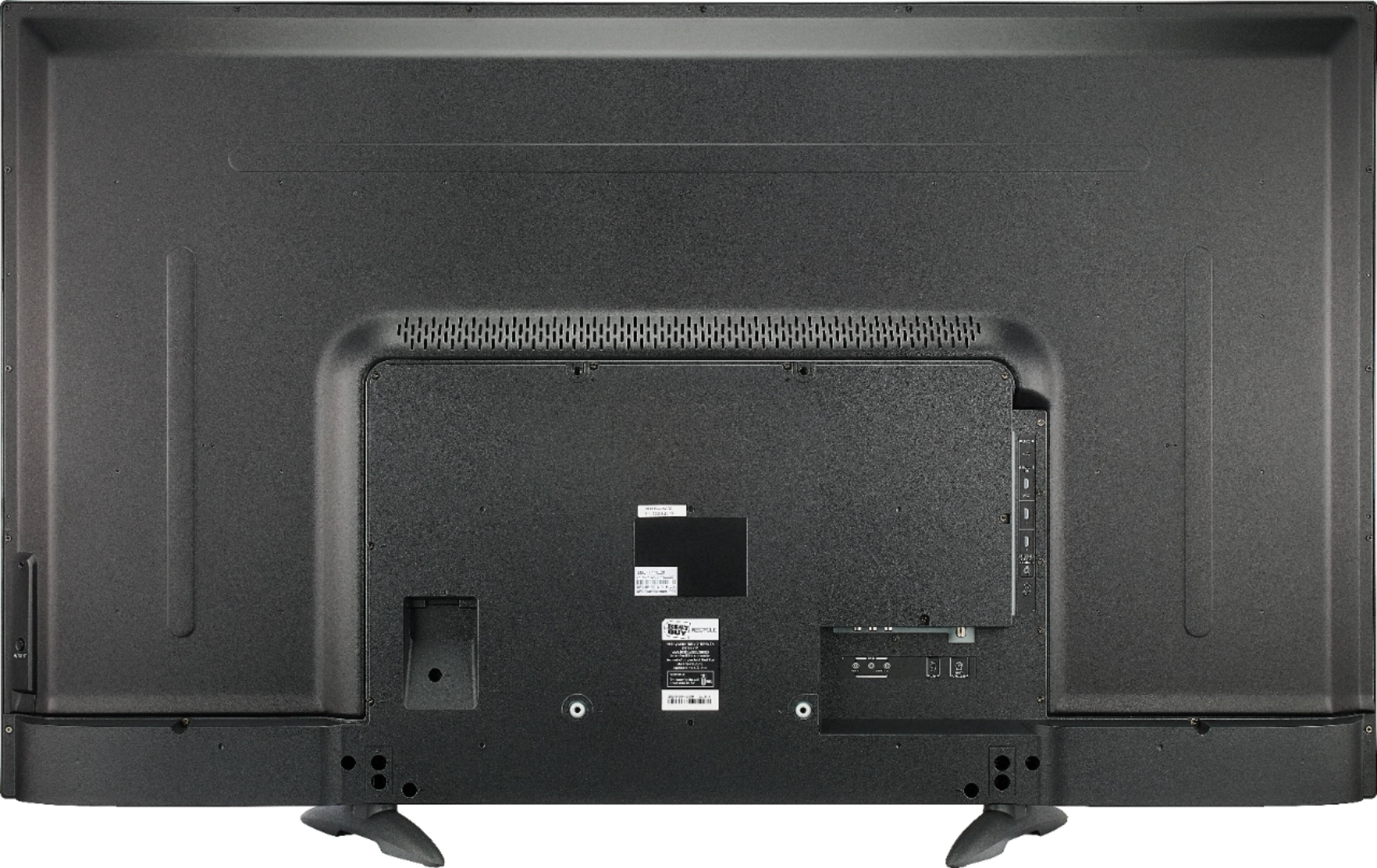
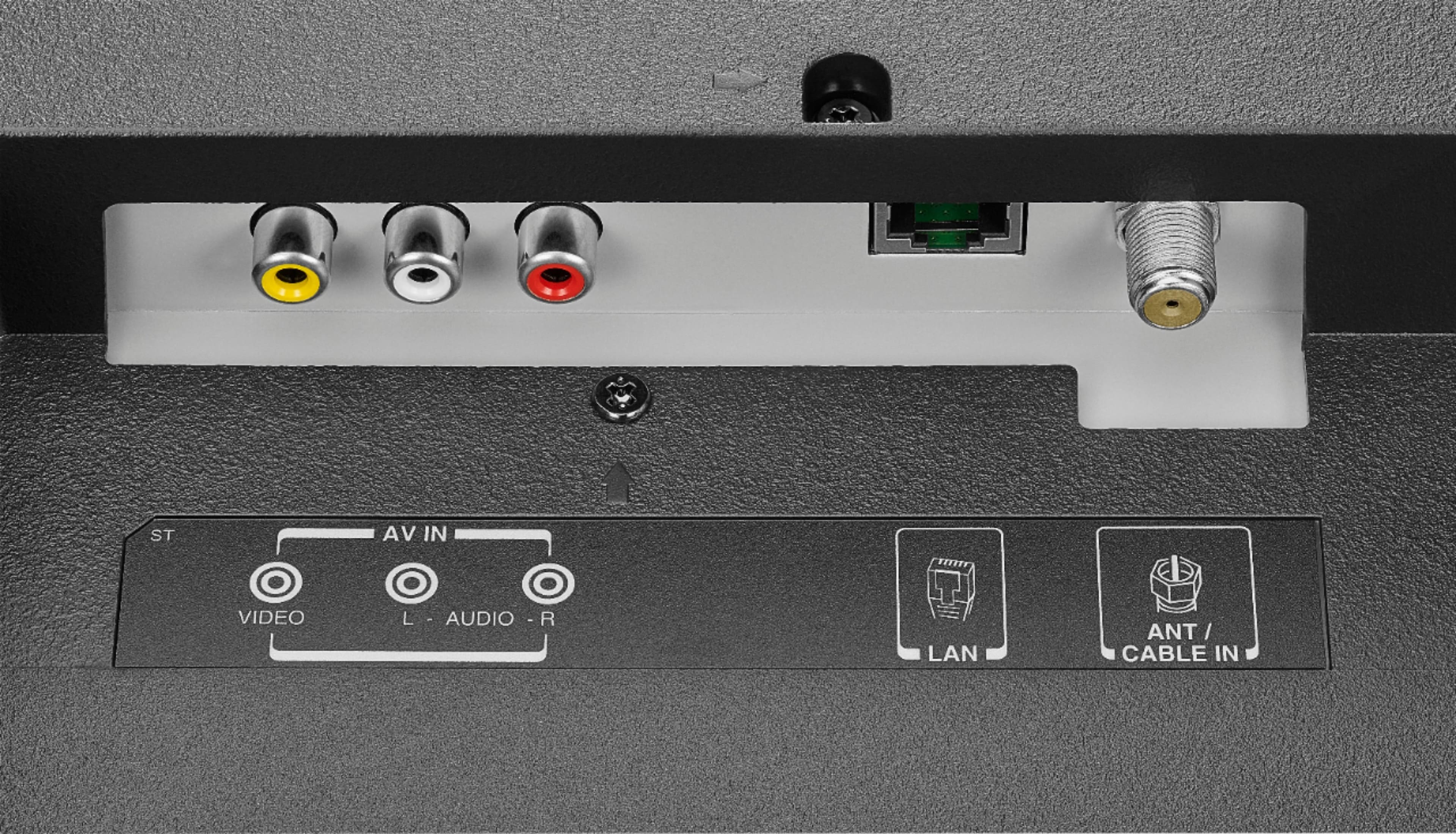
You can connect your computer to the TV using an HDMI cable.
David M. - Toshiba Support
A:AnswerThis TV is only available in the United States of America.
It is not supported nor shipped outside of the U.S.A.
This TV was not designed to be used in the European Union.
David M. - Toshiba Support
A:AnswerThe apps are free to download but they require a monthly subscription fee to watch their content. If you already have an account, just enter your credentials when prompted.