Questions & Answers
- Model:
- KP125
- |
- SKU:
- 6472520
Highly rated by customers for: Ease of use, Compatibility, Price
$8.99Your price for this item is $8.99
Clearance
Comp. Value: $17.99
The comparable value price is $17.99
Page Showing 41-54 of 54 questions
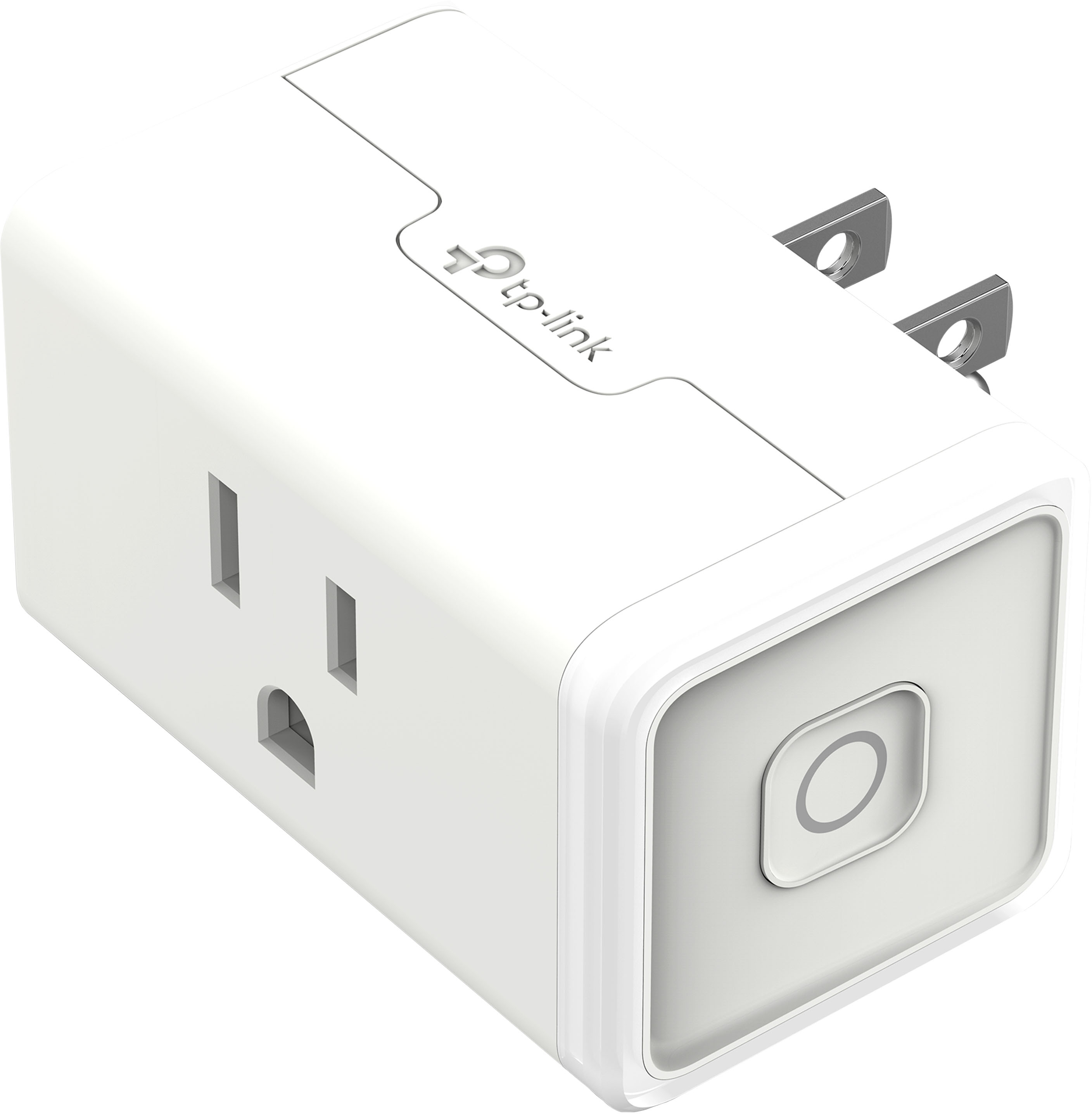
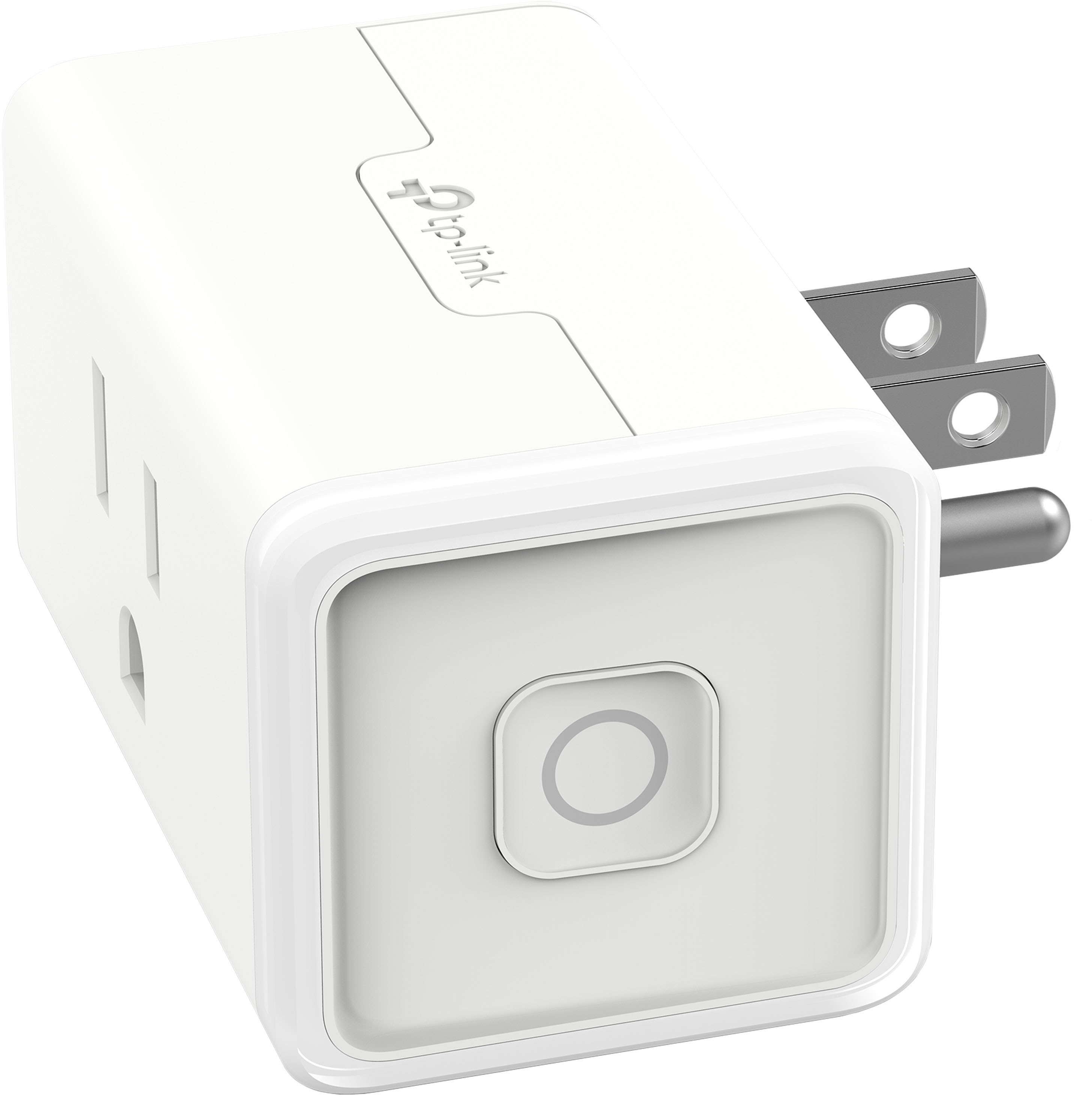
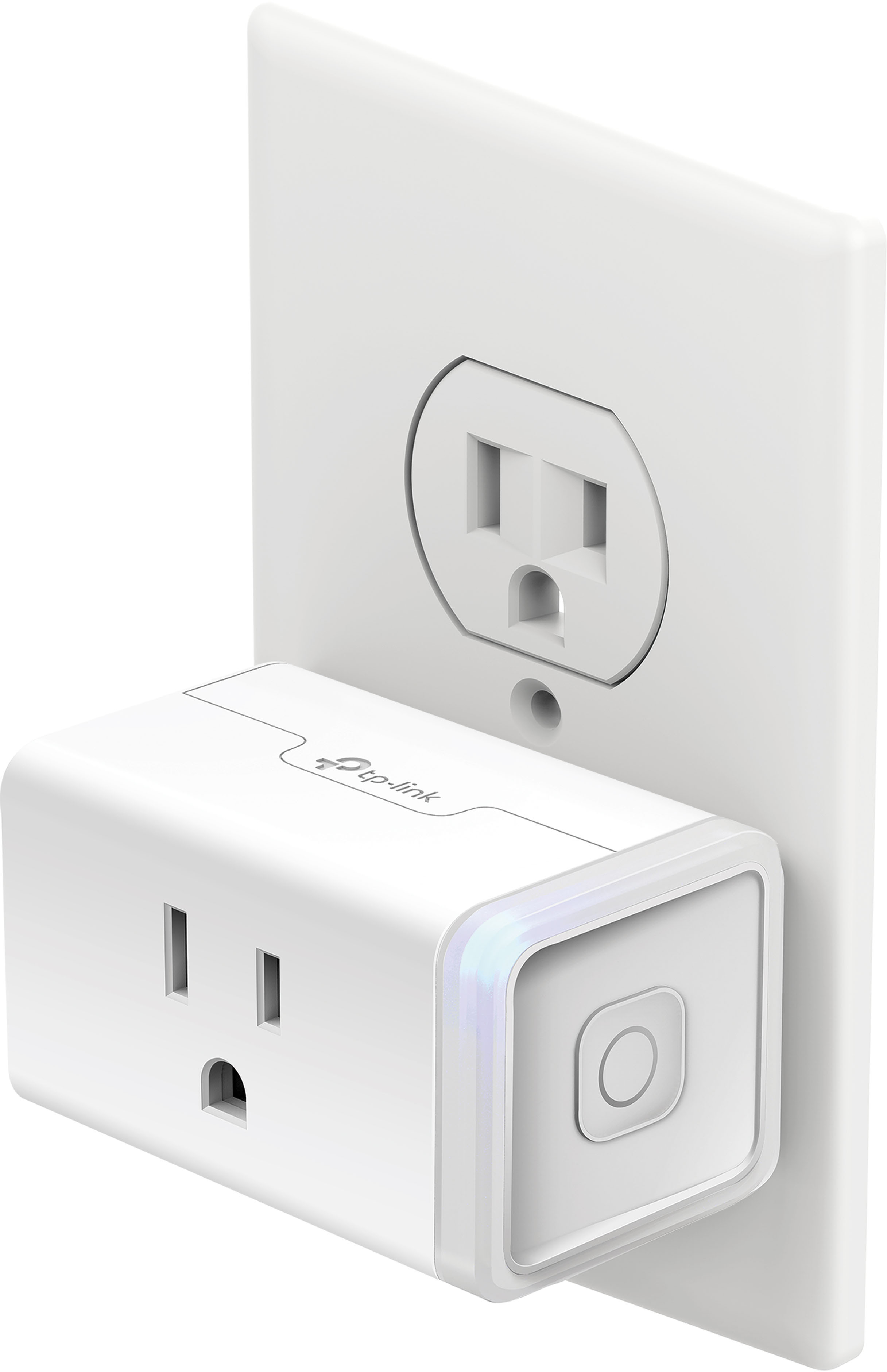
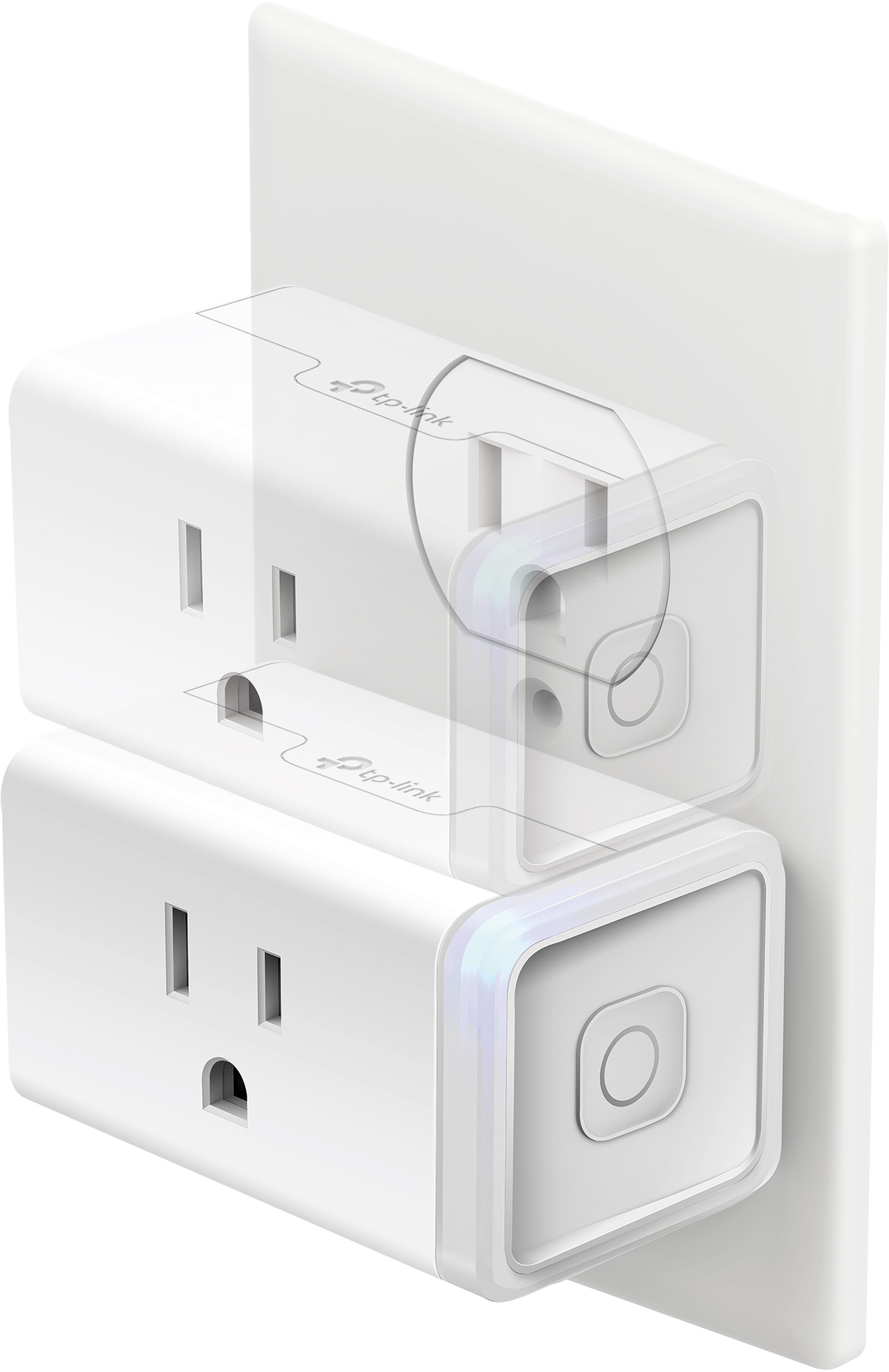
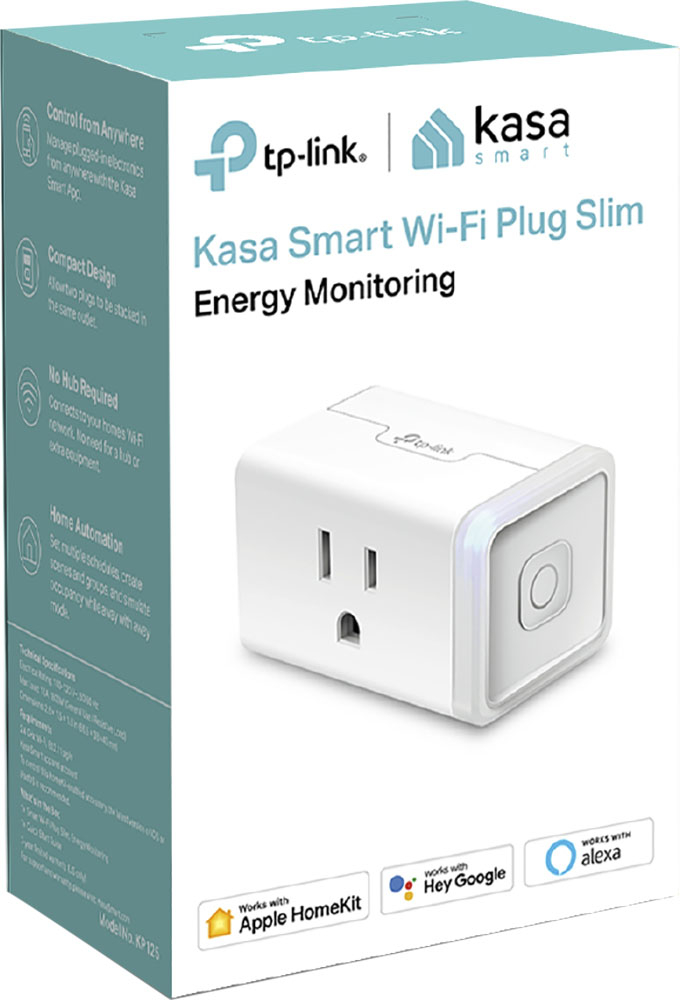
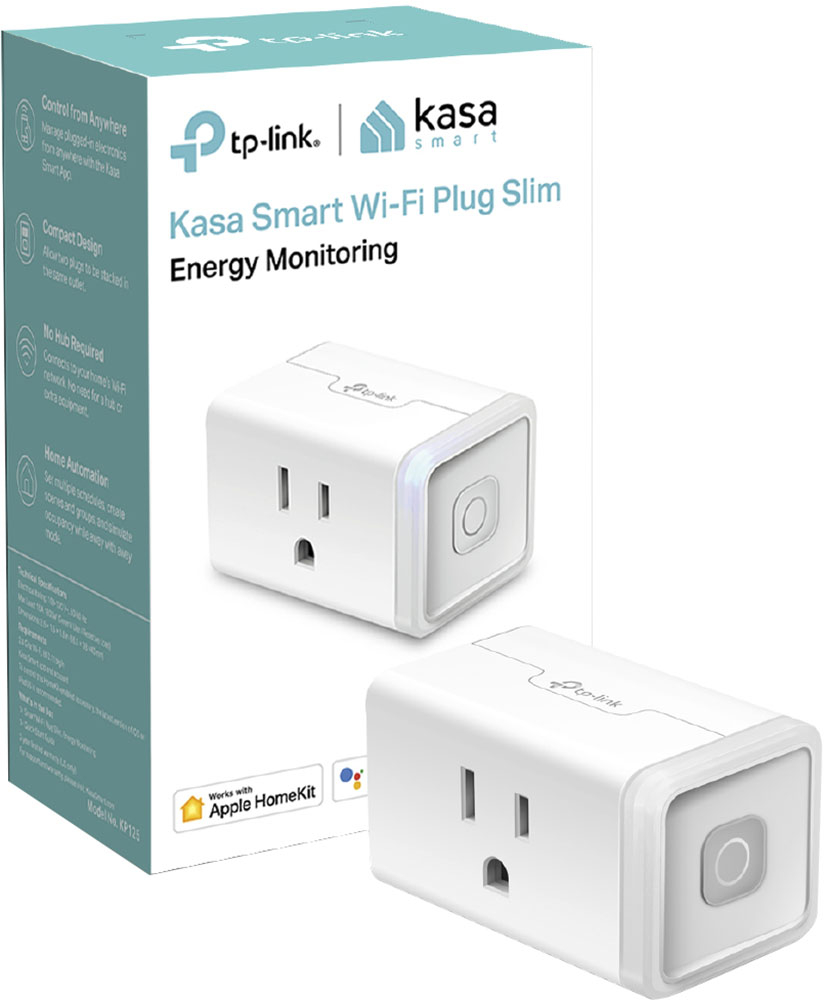
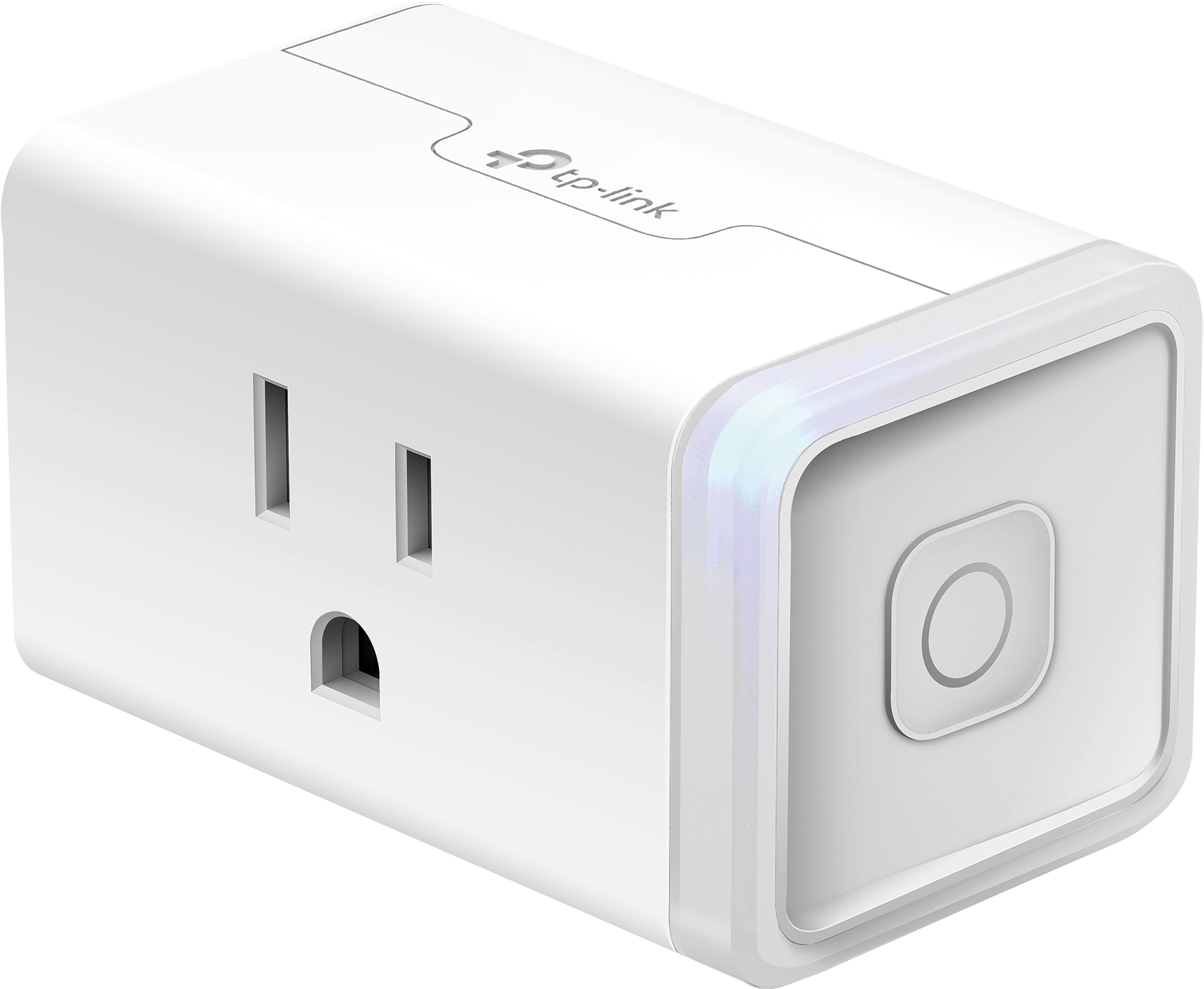
Q: QuestionHi, describe for me, please, what the Kasa Smart Wi-F- Plug Slim is, and how do I make it work? Thanks. (I have one.)
Asked by moose.
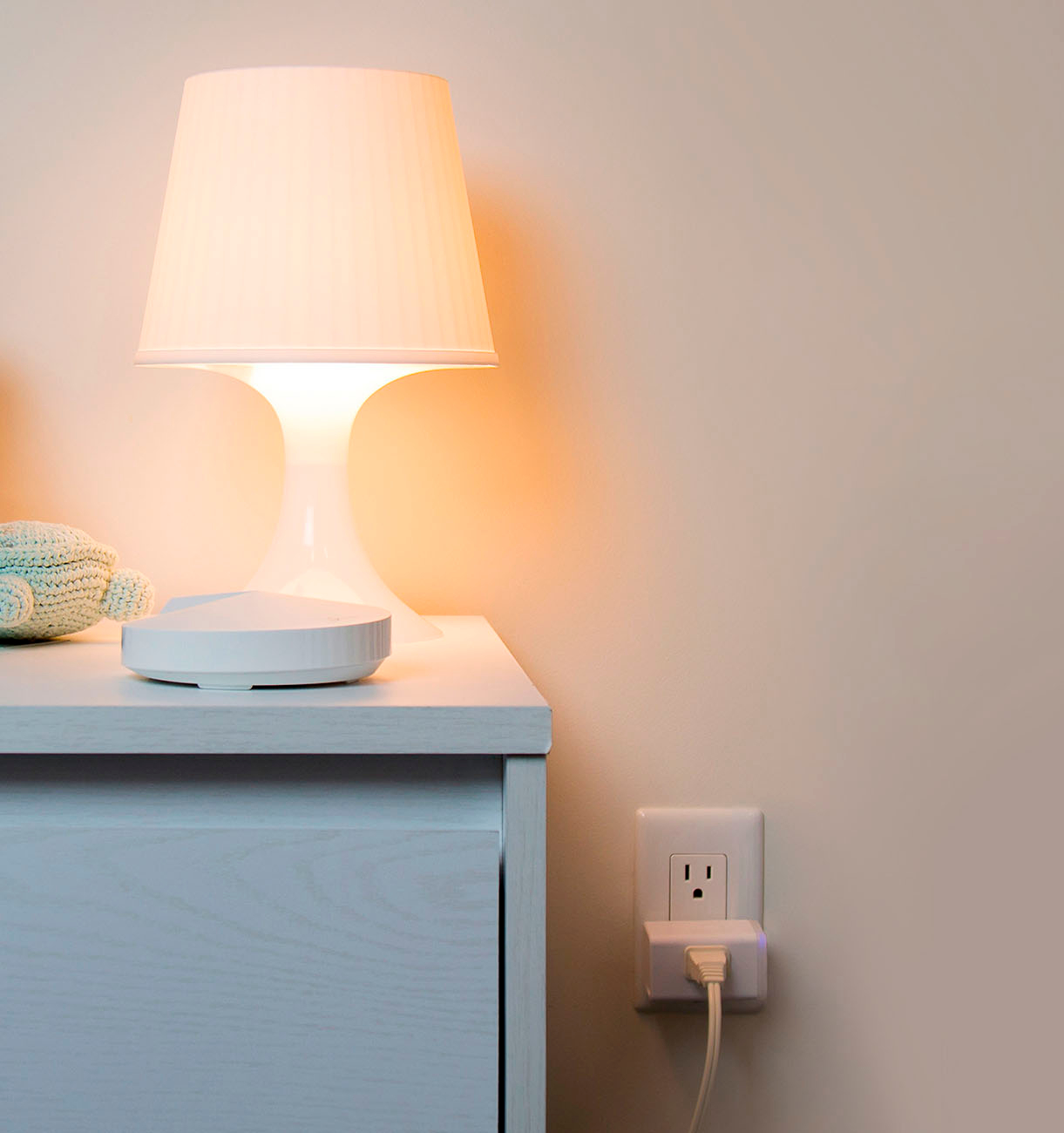
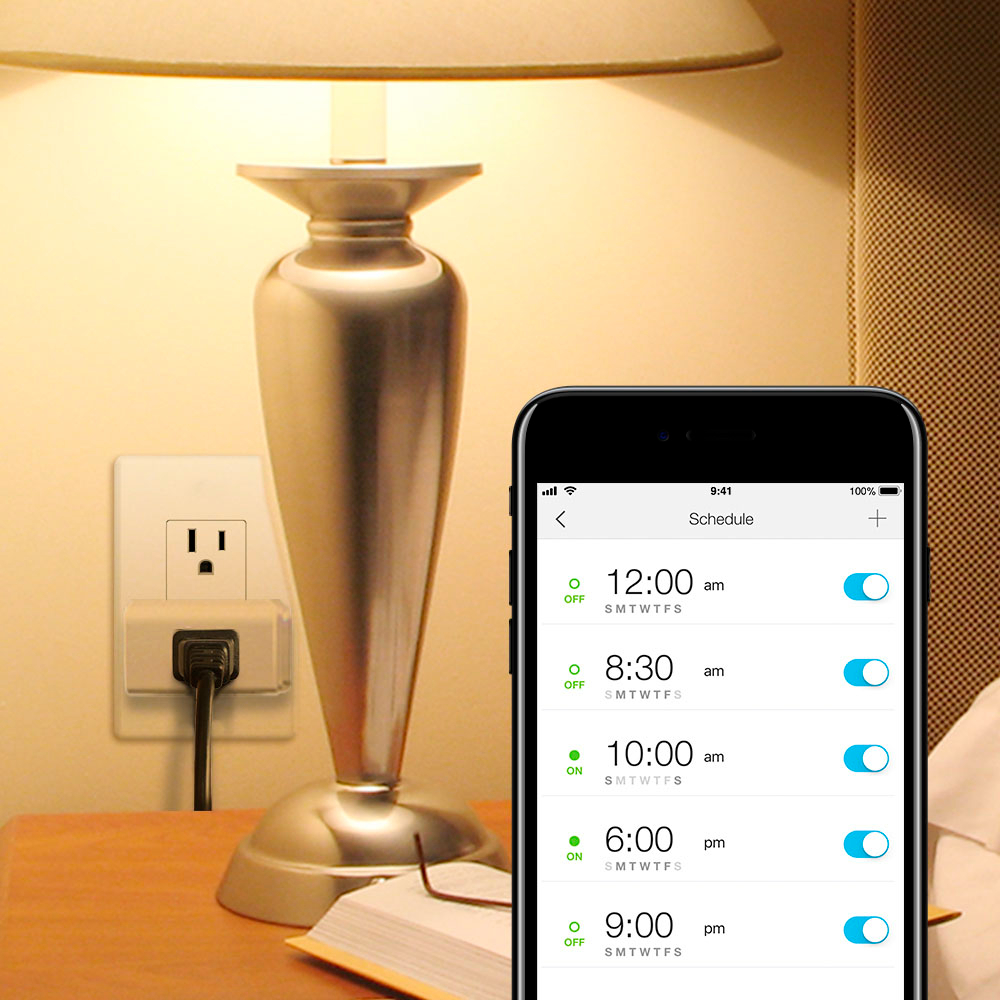
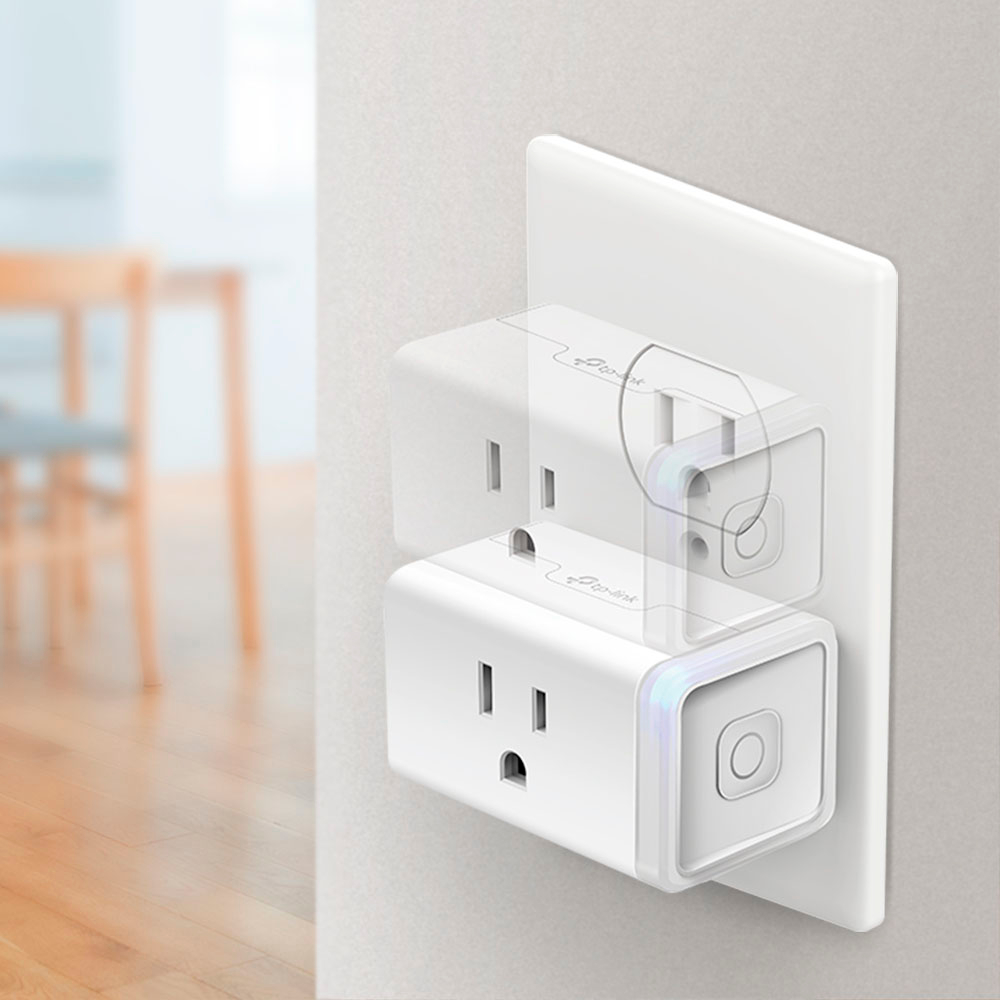
- A:Answer The smart plug is used in conjunction with the Kasa app. You plug in the smart plug and add it (per the directions -- its easy) to the Kasa app. In the Kasa app you can schedule the on/off times for the plug -- or, if you want, you can just use the app itself to turn on or off the plug. It works really well. I used it this year for some indoor Christmas decorations. I use these plugs for putting some table lamps on at night.
Answered by Claire
Q: QuestionIs it possible the remote from the TV can turn on the light? It only happened once. Is the plug safe if this happened?
Asked by EDWD.
- A:Answer The smart plug doesn't have a RF receiver, so it could not receive signals from any remote. Unless the remote is network/alexa/google home (or similar) connected. And even then this would take a fair amount configuring if the remote is 'smart'. I would say this just was a coinsidence.
Answered by SystemAdmin
Q: QuestionIs it safe to use outside? Or is it indoor only?
Asked by DaPlug.
- A:Answer I wouldn't use it in any kind of weather exposed application.
Answered by Shaman
Q: QuestionIs this Kasa device compatible with Google Home app? Will it work with a Google Nest mini?
Asked by Compatible.
- A:Answer Yes to both. I added the Kasa to my Google Home and can turn things on & off with the app and via Google Mini. To program schedules you still need to use the TP-Link app.
Answered by PeterK
Q: QuestionDo any to have internet connection to be able to use it
Asked by Honey.
- A:Answer Yes absoutely without a doubt
Answered by peggycorbet
Q: QuestionIs this compatible with Smartthings like the older smart plugs from Kasa?
Asked by KL.
- A:Answer Yes it is compatible with Smart things.
Answered by NS503
Q: QuestionDoes the dawn and dusk setting change with the seasons?
Asked by Fia1.
- A:Answer Yes, It has the auto time zone automatically syncs the time from the internet.
Answered by Goodsleeve
Q: Questioncan you explain what "homekit" means? I see it listed on many products but don't quite see it defined anywhere.....
Asked by Smartypants1.
- A:Answer HomeKit is Apple’s smart home device standard, meaning HomeKit capable devices will work well with Apple devices like iPhone and iPad and the Apple voice assistant, Siri.
Answered by Pete
Q: QuestionHow does the "Away" setting work?
Asked by HomeSafety.
- A:Answer You can set your plug to turn on/off at random intervals to give the appearance that you are home even when you are not there.
Answered by NS503
Q: QuestionI purchased a HomePod Mini. Is the Kasa Smart Wi-Fi plug with Home Kit necessary? What does the Kasa plug do?
Asked by Lisa.
- A:Answer It plugs into your outlet then you connect with your phone, after you program it " very easy" you can control appliance, lamps etc.
Answered by Gonzo
Q: QuestionDoes this smart plug have a safety shutoff for continuous use? If so what is it Thanks!
Asked by Safety.
- A:Answer I do not beleive so. You can set a schedule through the app which may work for this depending on your needs. For example, you could set it to turn off automatically at 1:00am every night so it would not run all night.
Answered by SystemAdmin
Q: QuestionIs this device working with 5g Wi-Fi?
Asked by Carlos.
- A:Answer I found the solution. The router needs to have 2 bandwidth. So to configure it, it needs to be set up with the phone running in the 2.4 mhz. After that the phone can return to 5 mhz
Answered by Carlos
Q: QuestionDoes this have the energy monitoring feature ?
Asked by ChazM.
- A:Answer Yes, it shows the power consumption
Answered by Neil
Q: Questionwhat is operational frequency on this device? we need 5 mhz comparable device
Asked by mike.
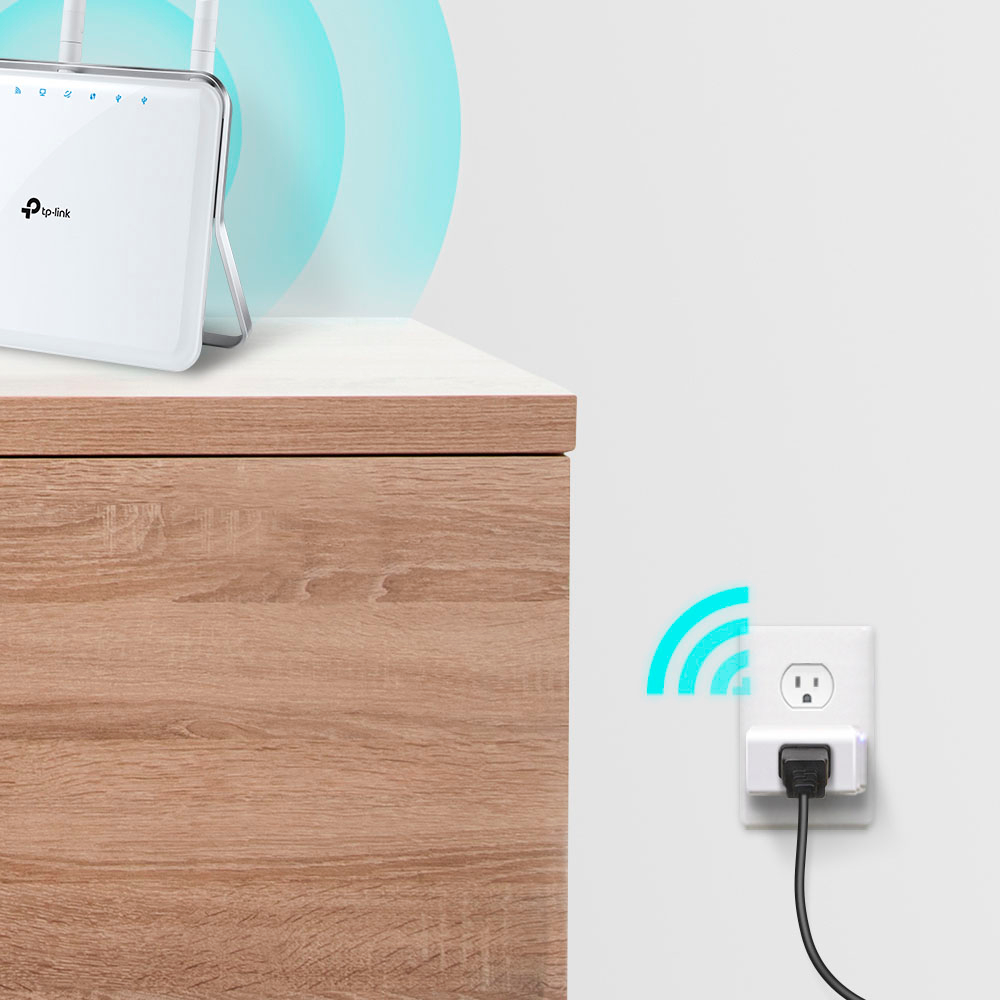
- A:Answer The frequency for the WiFi in this device is running on 2.4 GHz. If your wireless router will allow 2.4 GHz for a dual frequency then the 2.4 GHz will be sufficient for these plugs. The main reason to use 5 GHz is for speed and less congestion with other devices in the lower frequency channel spectrums. Normally, 2.4 GHz allows for a longer distance for connectivity. This the the URL to the main page for the vendor in regards to this plug. https://www.kasasmart.com/us/products/smart-plugs/kasa-smart-plug-slim-energy-monitoring-kp125
Answered by Mazrkoth
Page 3, Showing 41-54 of 54 questions
Best-selling Smart Plugs
- $49.99Your price for this item is $49.99
- $37.99Your price for this item is $37.99
- $13.99Your price for this item is $13.99$19.99The comparable value for this item is $19.99
- $19.97Your price for this item is $19.97$24.99The comparable value for this item is $24.99
- $14.99Your price for this item is $14.99
- $19.99Your price for this item is $19.99$29.99The comparable value for this item is $29.99
- $29.99Your price for this item is $29.99
- $39.99Your price for this item is $39.99
- $25.99Your price for this item is $25.99
- $35.99Your price for this item is $35.99
- $25.99Your price for this item is $25.99
- $84.95Your price for this item is $84.95
- $29.99Your price for this item is $29.99
- $39.95Your price for this item is $39.95
- $44.42Your price for this item is $44.42$50.56The comparable value for this item is $50.56
- $48.53Your price for this item is $48.53$53.53The comparable value for this item is $53.53
- $29.99Your price for this item is $29.99
- $45.99Your price for this item is $45.99
- $50.03Your price for this item is $50.03$60.03The comparable value for this item is $60.03