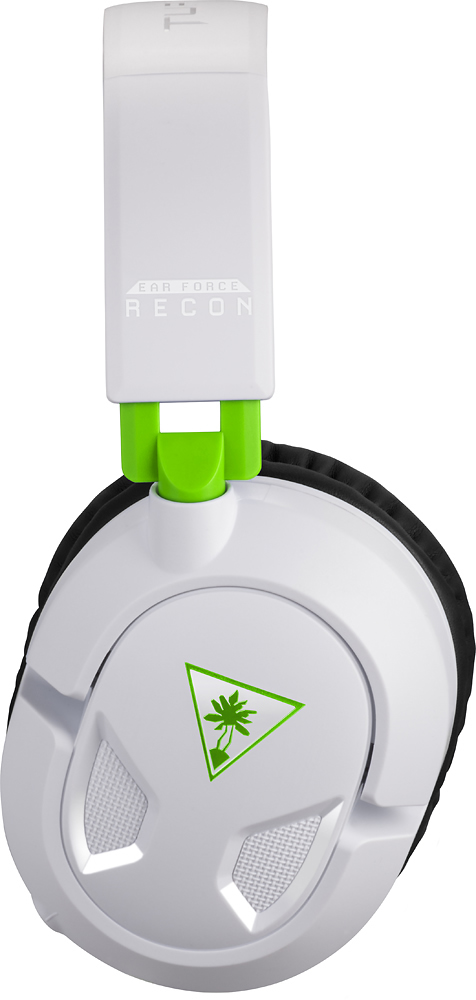
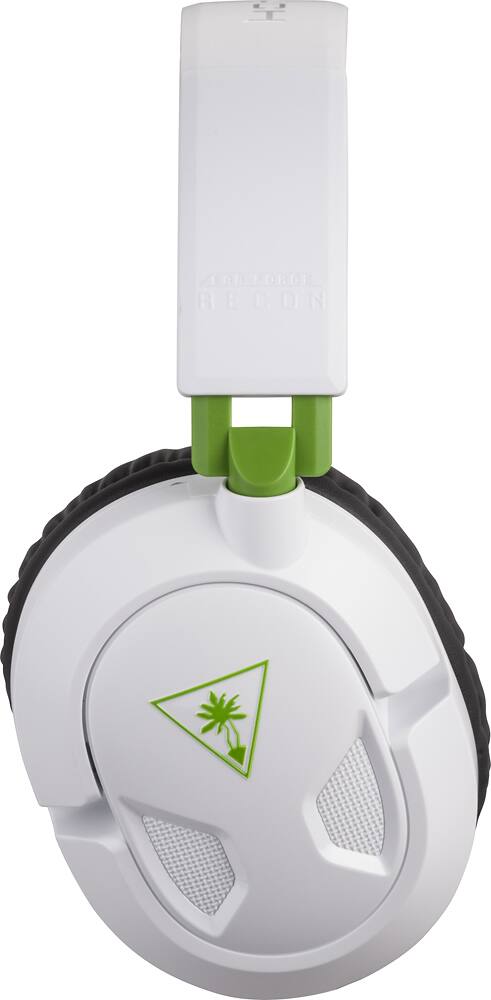
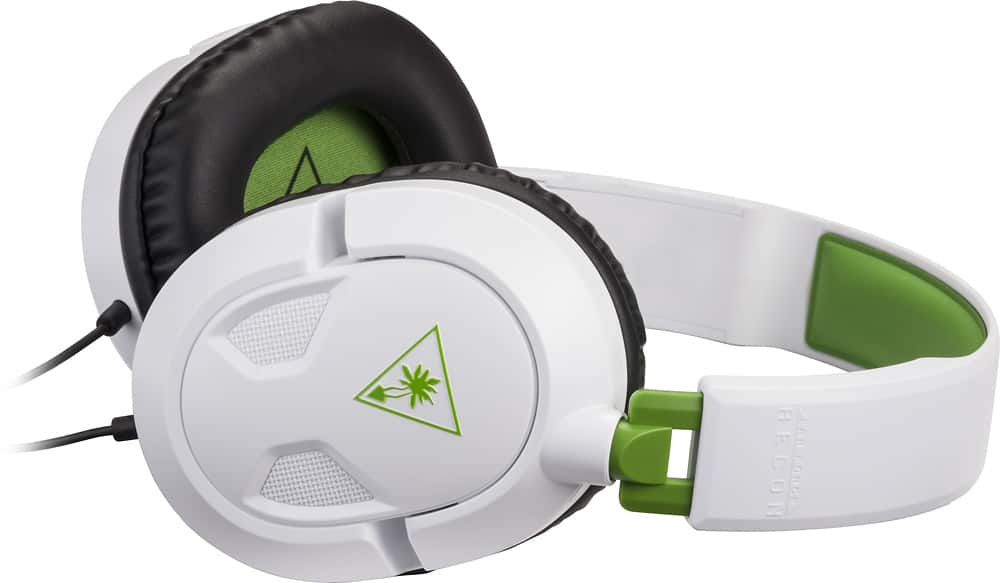
A:AnswerBoth. I use it for all the game audio on my PC, but I only use it for chat on my PS4 (although I can set it to put out game audio from my PS4 in the system settings)
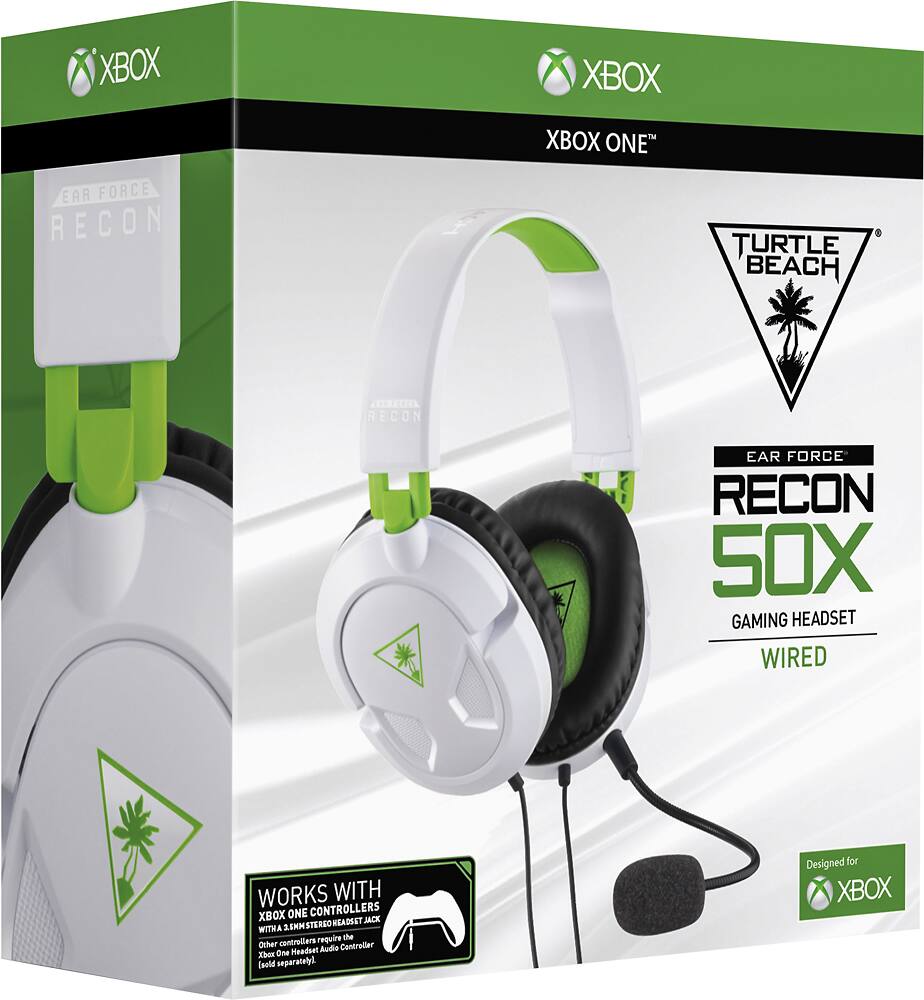
A:Answer.. no, you cannot use these on a PC.
.. i initially made the same mistake and ended up having to return the pair I bought in exchange for a model that worked with my PC. i am running windows 10. . the model You need comes with 2 cords, 1 that goes into the headphone port and one that goes into the Mic port. . This headset only comes with 1 standard headphone jack . Again do not purchase these for your PC.. hope this was helpful . good luck
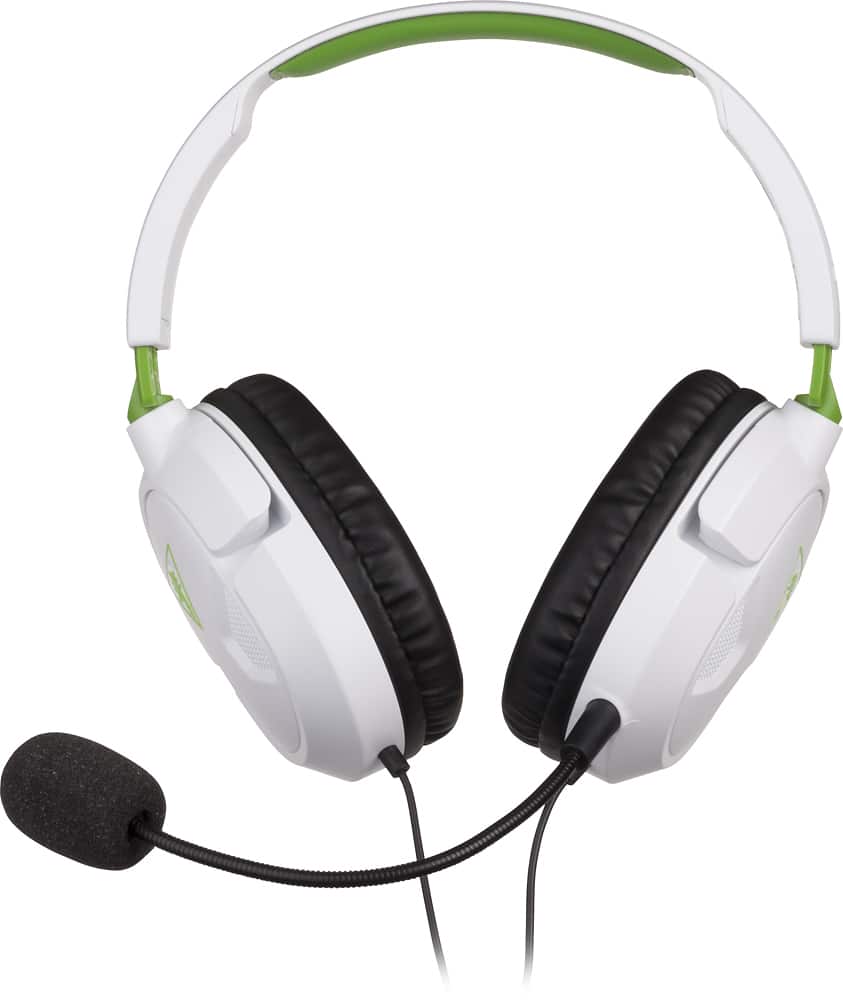
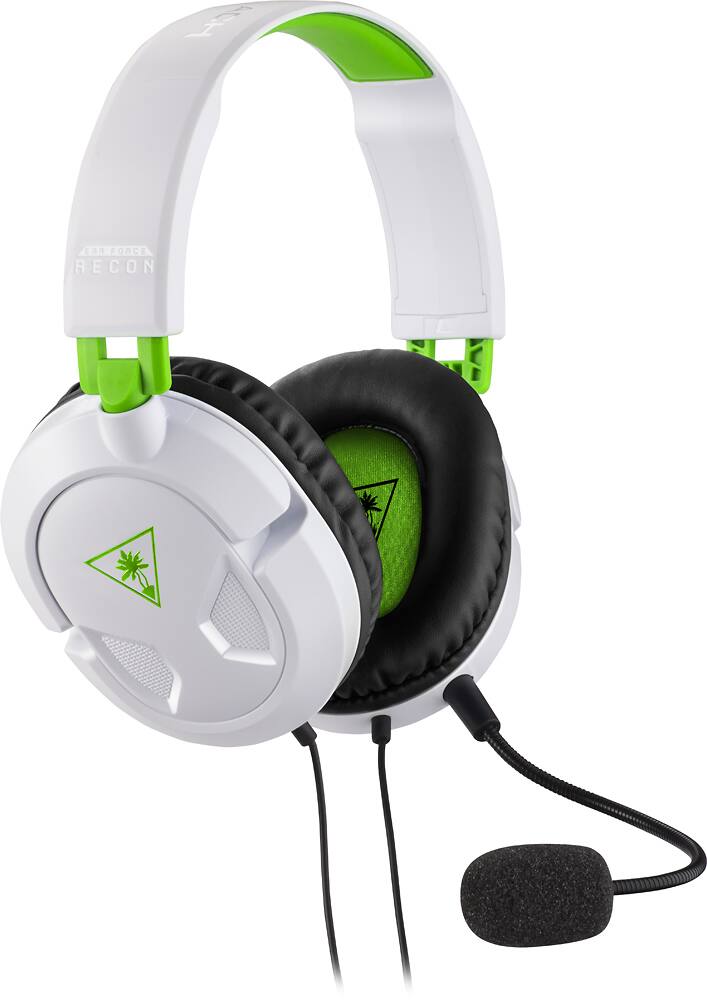
A:AnswerThe mic is included; it plugs into the left side of the headset and can be removed for situations where you don't want a microphone.
To use this with a 360, you would need an adapter. It's probably better to just get a mobile phone headset with a 2.5mm plug or a dedicated XBox 360 headset.
A:AnswerHonestly, the mike is flexible and easy to put into position but it is staticky. I can't say all headsets will be staticky but I exchanged the same item twice before I switched over to a different headset that works so much better. It can be sturdy but I've had sturdier headsets that work way better. This is good for the price but I can't say it will last you for a long time. It does have a tendency to fall off your head if you move around often and the mike flexibility does seem to be a problem at times.
A:AnswerCouple of solutions here. If you are on an Xbox One or Xbox 360 it could be either the female insert on the bottom of the controller or a bad headset (headset adapter as well for the Xbox one) hard to tell from your question. I hope this helps you! I work at GameStop and I personally have had this situation numerous times