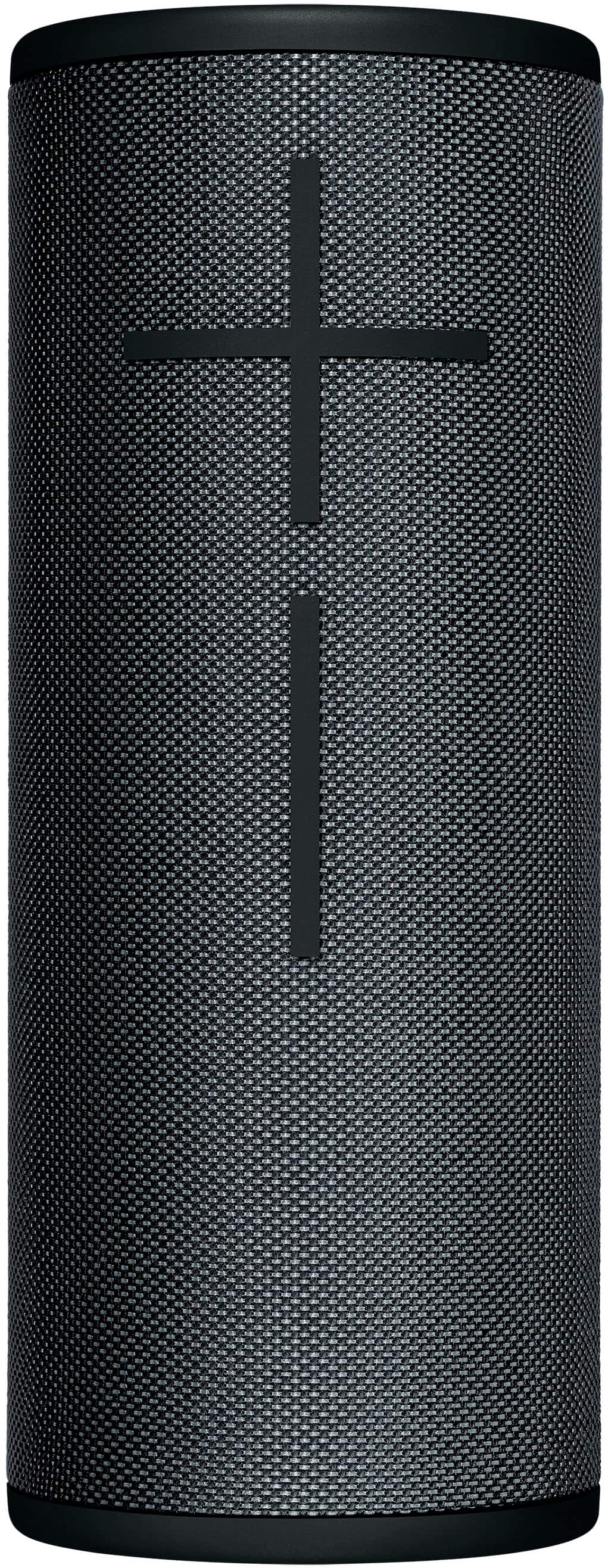
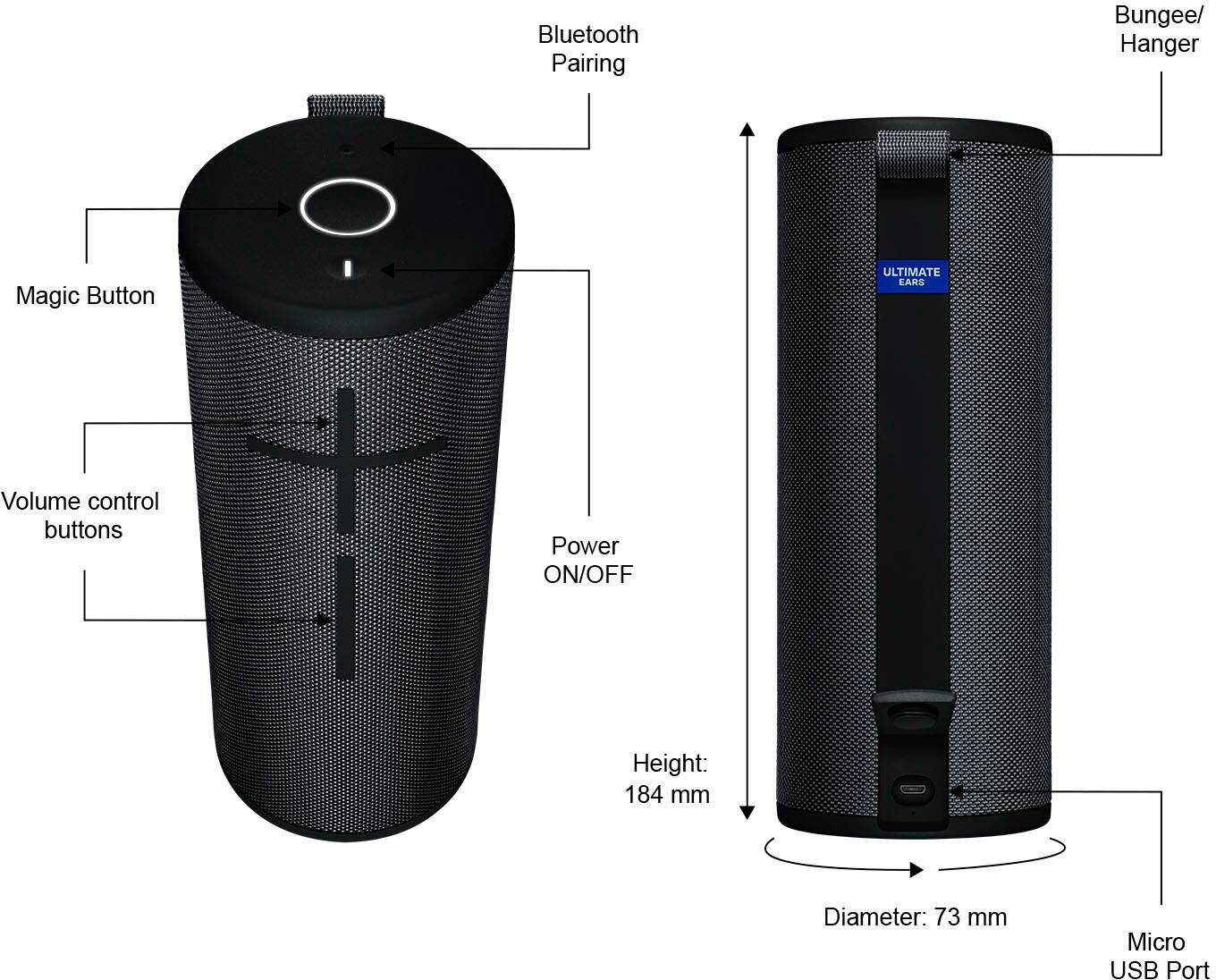
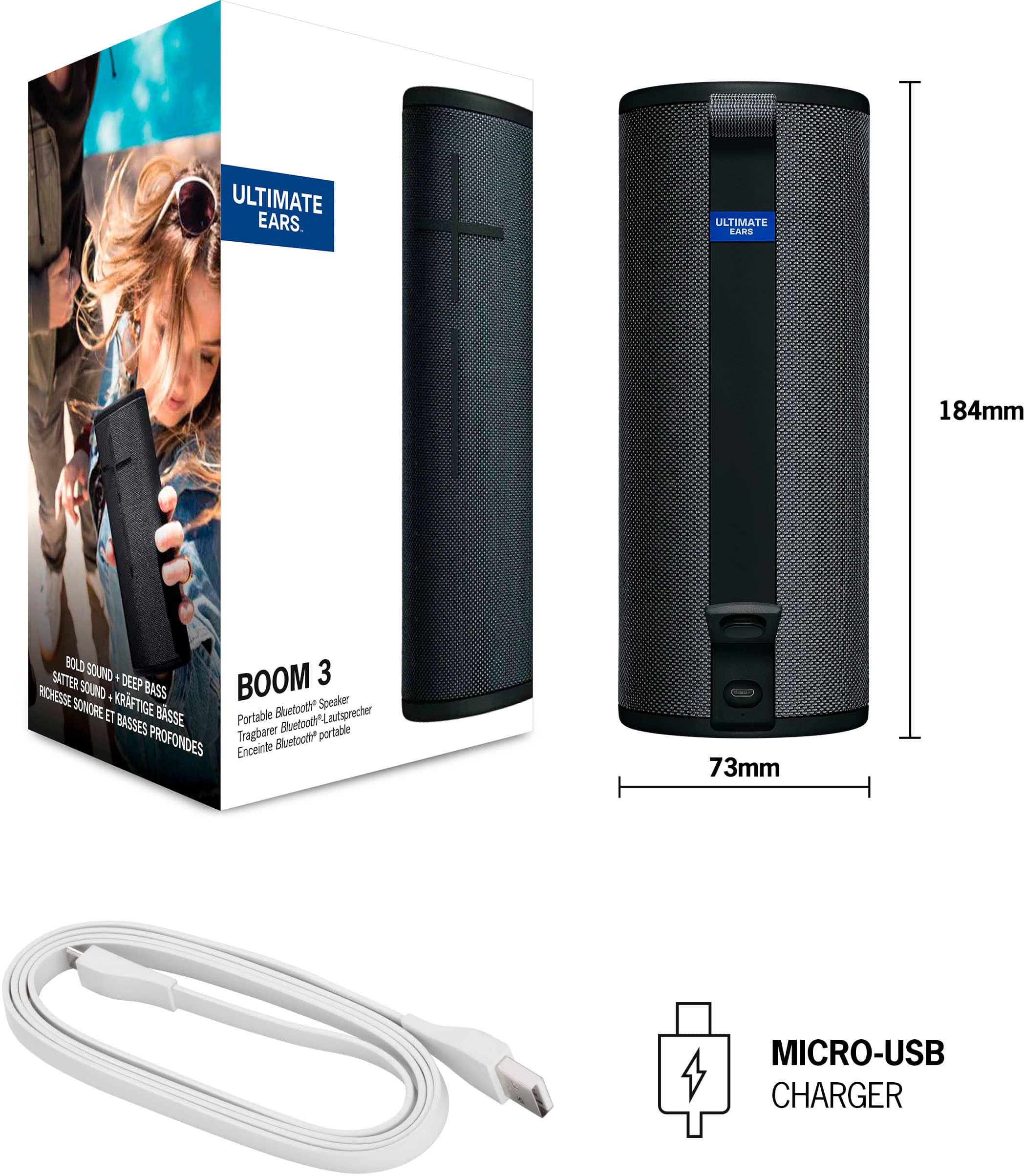
A:AnswerThe charging cables are micro USB. Best Buy does not sell the OEM cables for it, but any fast charger block with a micro usb will work just find.
A:AnswerDownload the ultimate wars app and then press the small button until the blue light starts blinking and then go to the bluetooth settings on your phone look for boom( whichever one you have) click on it and then the speaker will say either beep or say the device is paired.
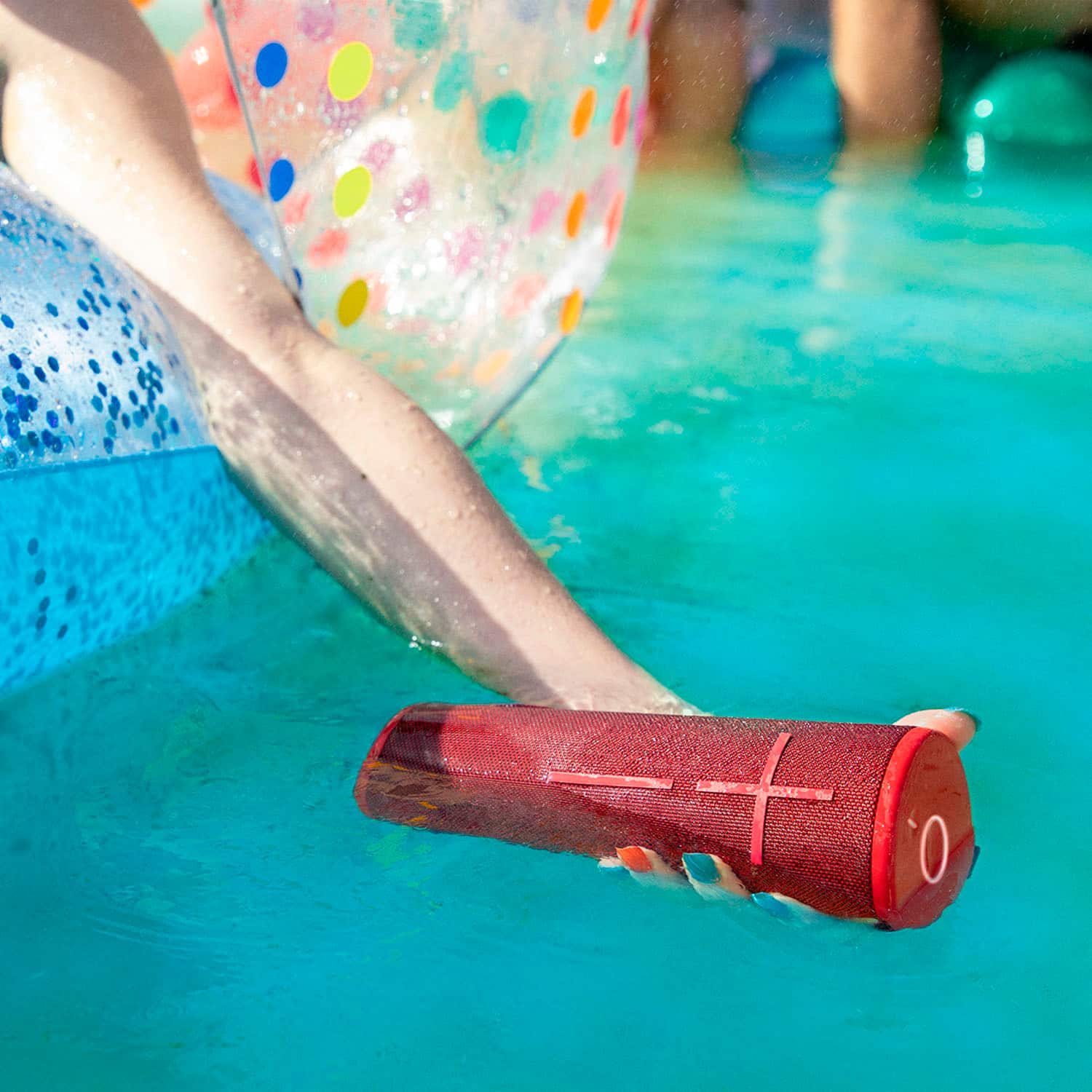
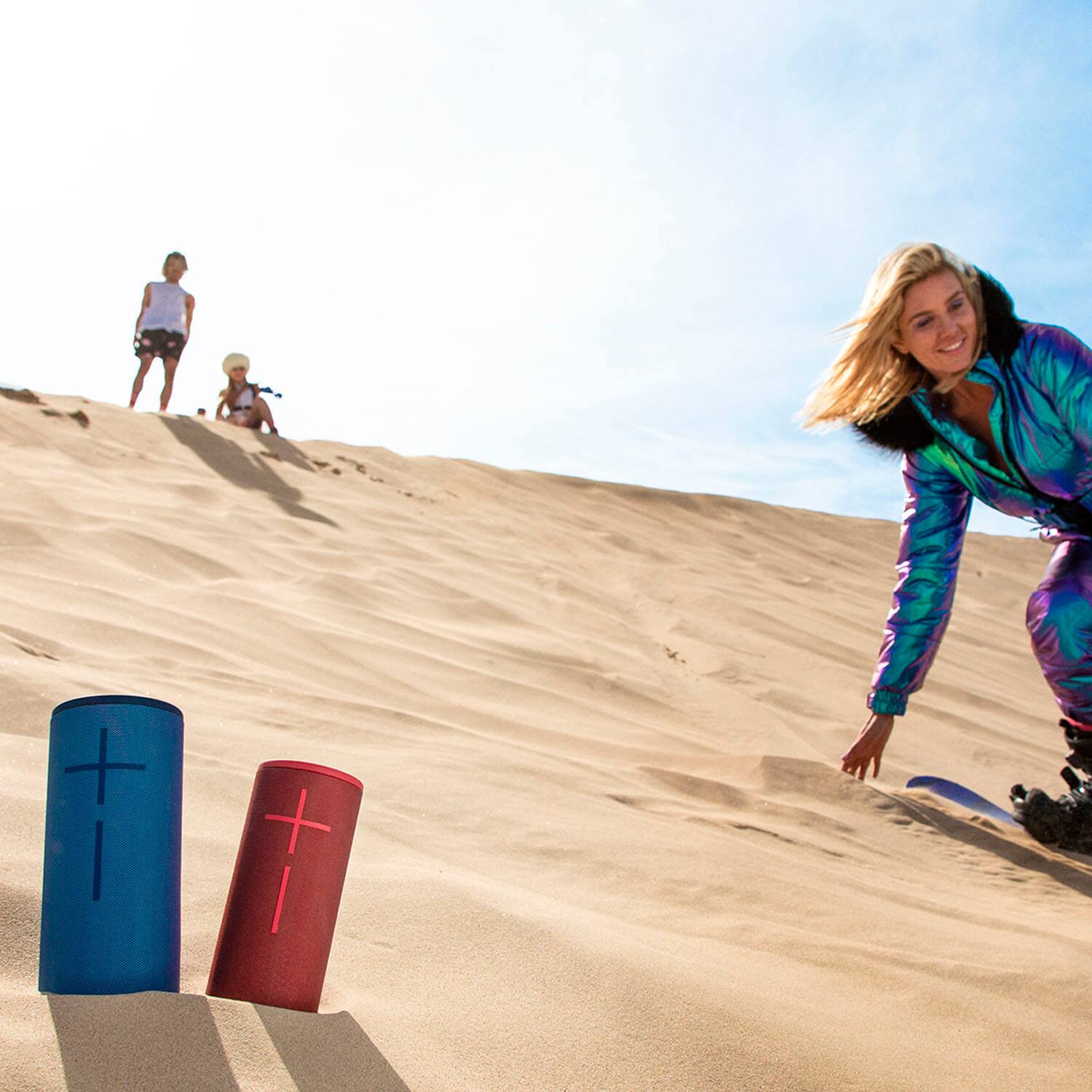
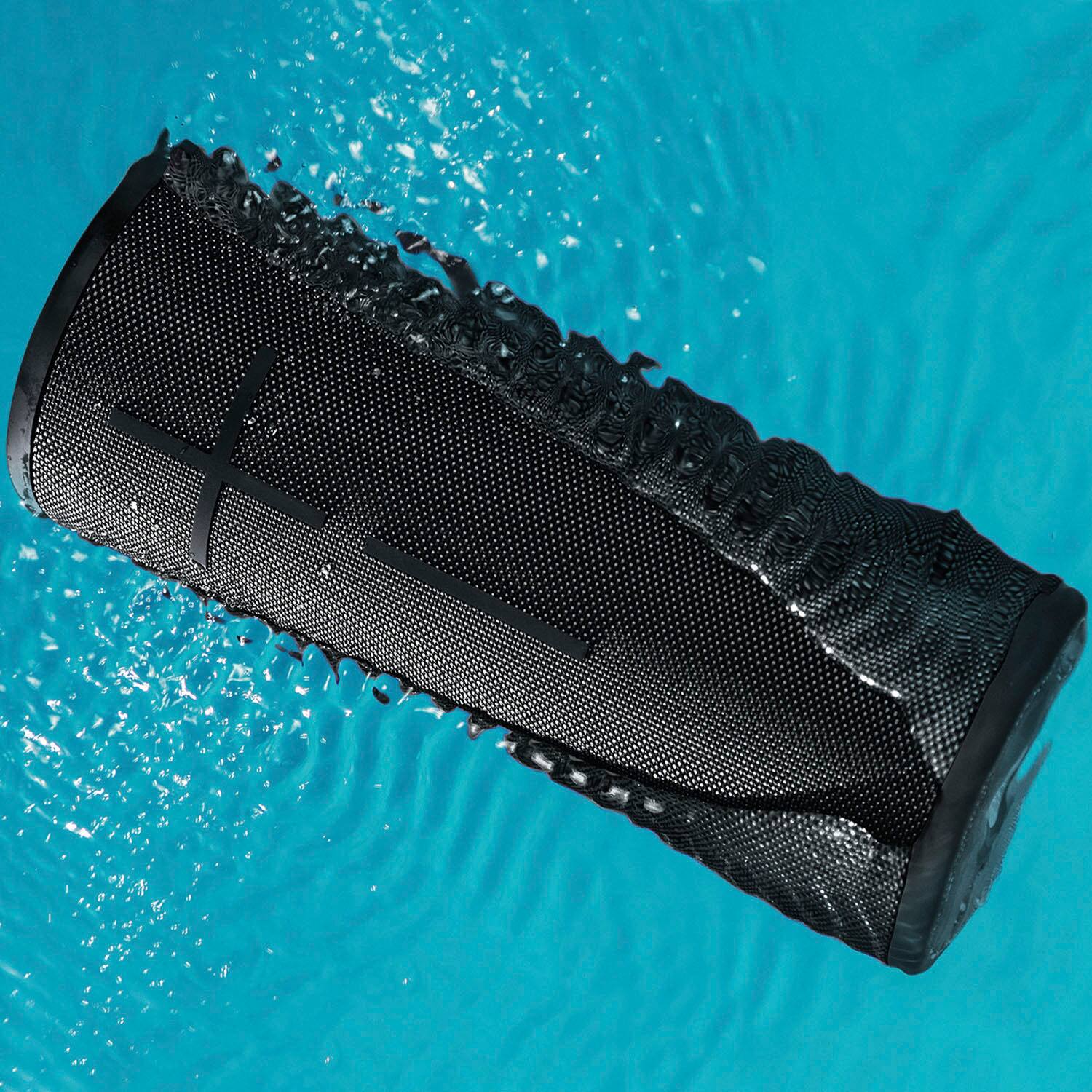
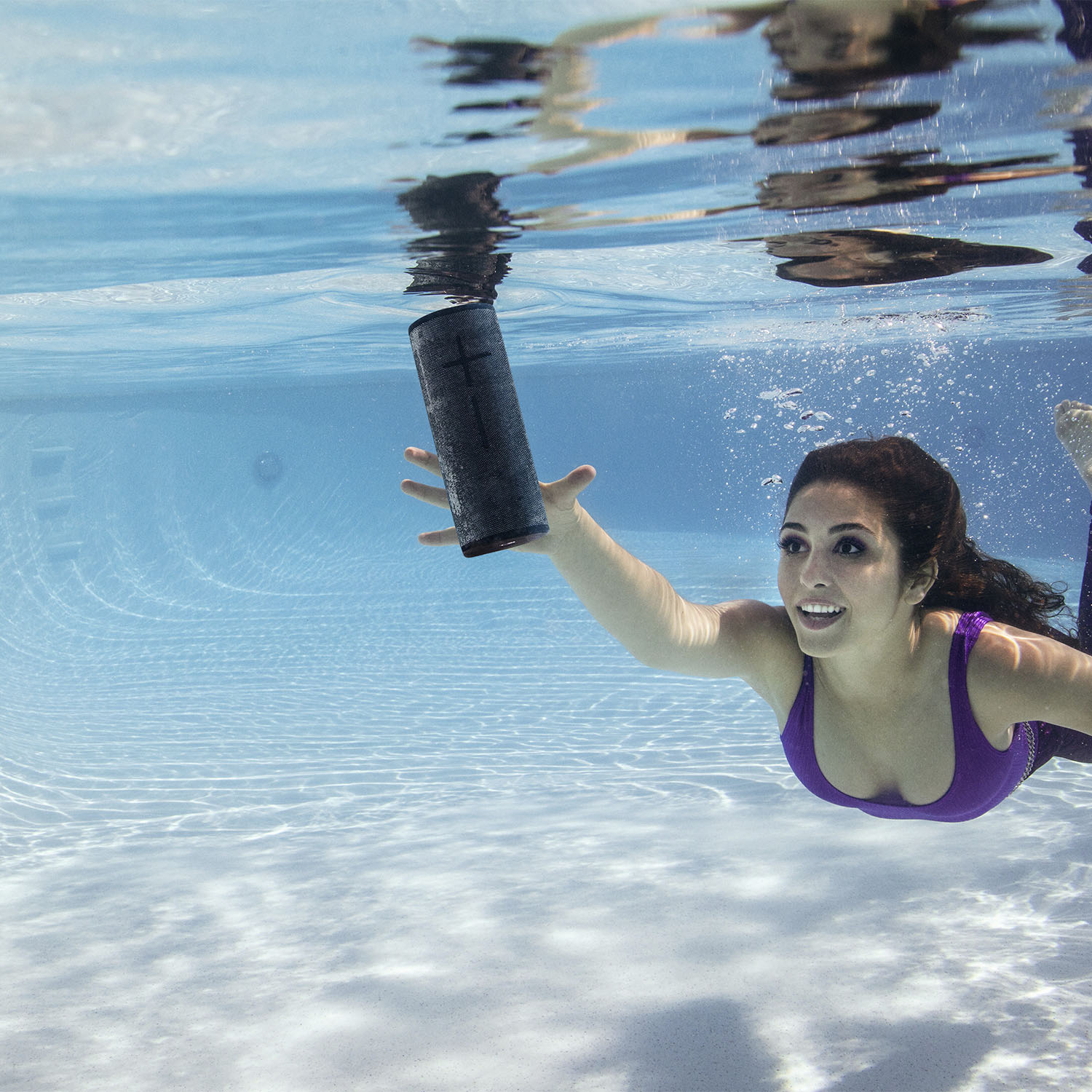
A:AnswerHello, Waterproof! The Boom 3 is rated for a IP67 water and dust proof rating. Meaning it can be submerged up to 1m (about 3 feet) for 30 minutes at a time and is completely dust and sand proof. - Maggie from Ultimate Ears
A:AnswerHi Carlos, the Boom 3 speaker will connect to many different devices using Bluetooth connection. It is most commonly used with Smartphones and Tablets. How it would connect to your record player would be different and may not work smoothly. Please read the instructions with our record player on how to connect to Bluetooth speakers for additional assistance. Kristi from Logitech
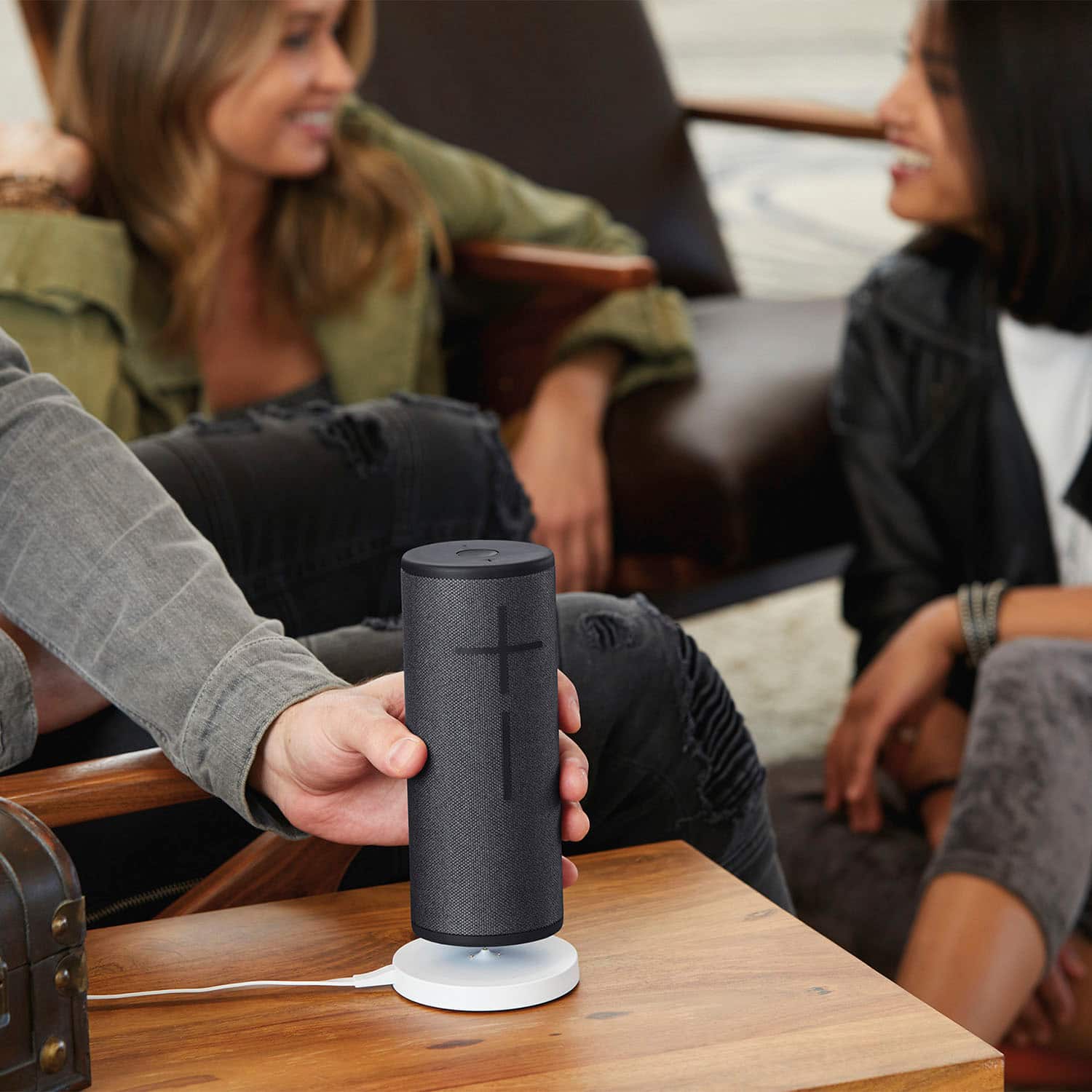
A:AnswerHi Mike, the Boom 3 has a rechargeable battery, so there is no need to change the battery. You can charge the speaker with a micro usb cable or purchase the Power Up charging dock and charge the speaker by setting it on the charging dock. Kristi from Logitech