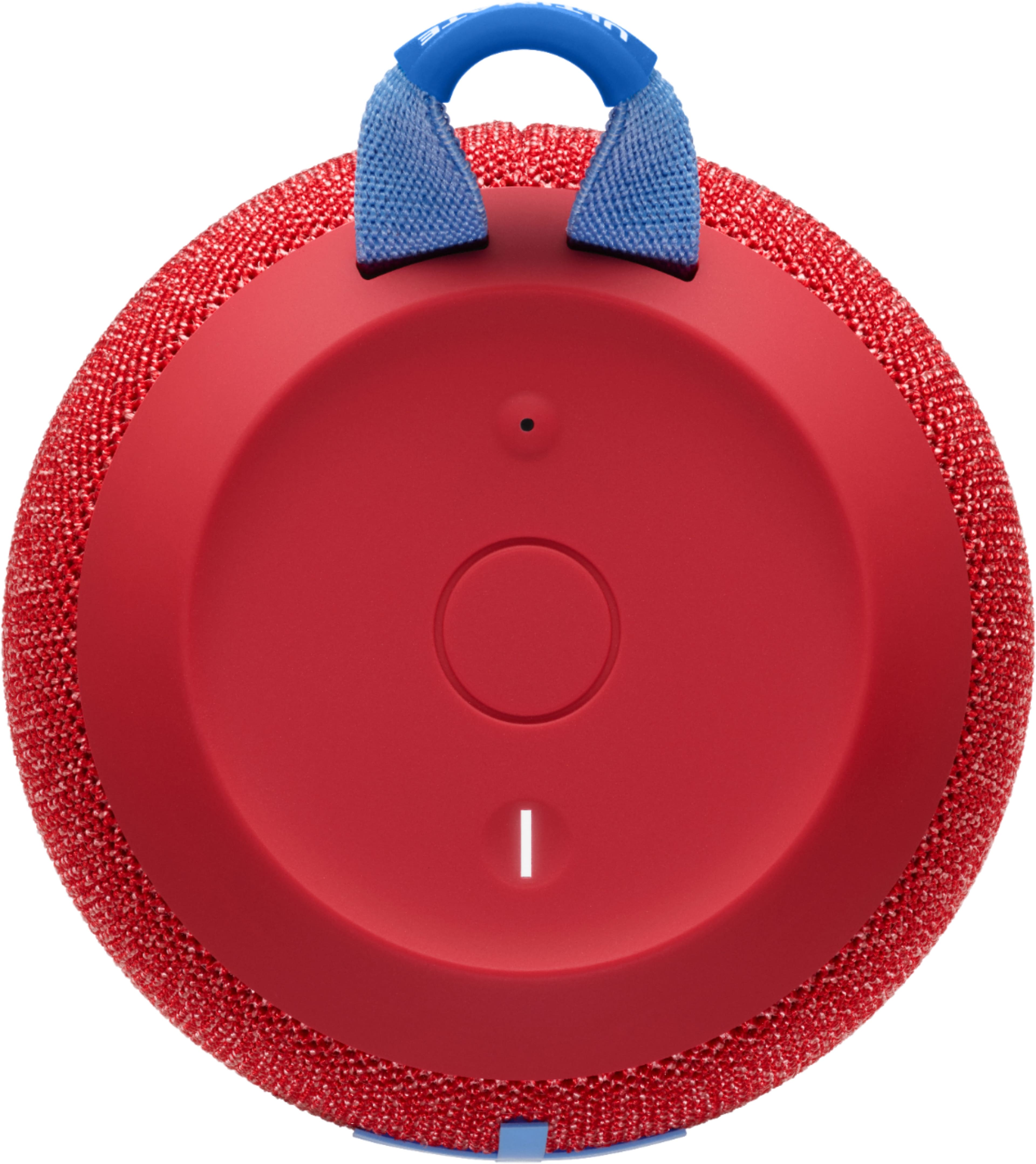
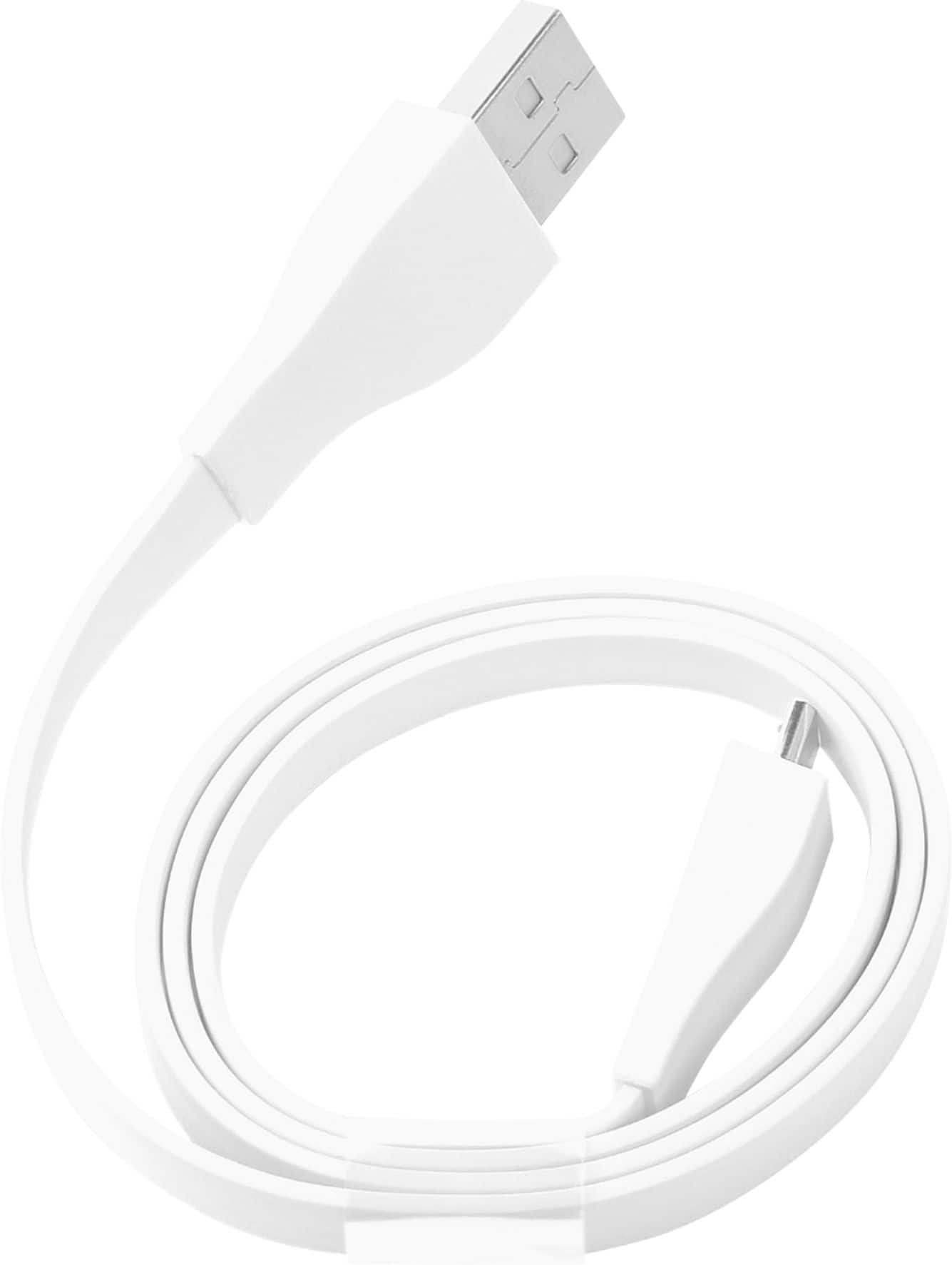
A:AnswerHello! While charging your Wonderboom 2 Portable Bluetooth Speaker, you'll notice that the LED light on top of the speaker will flash. When charging is complete, the light should turn of or stop blinking. You can also check the battery life of your speaker on the go by powering it on, and pressing the + and - buttons at the front of the speaker at the same time; 3 tones will indicate the speaker is fully charged, 2 tones means it's about halfway, and a descending tone means you should charge your speaker.
A:AnswerThere are three tones for the battery volume. An ascending tone means the battery is above 65%, a dual tone of the same pitch means the battery is between 20-65%, and a descending tone means the battery is below 20%. Below 20%, the power button on top should turn a red color as well to let you know it needs charged soon.
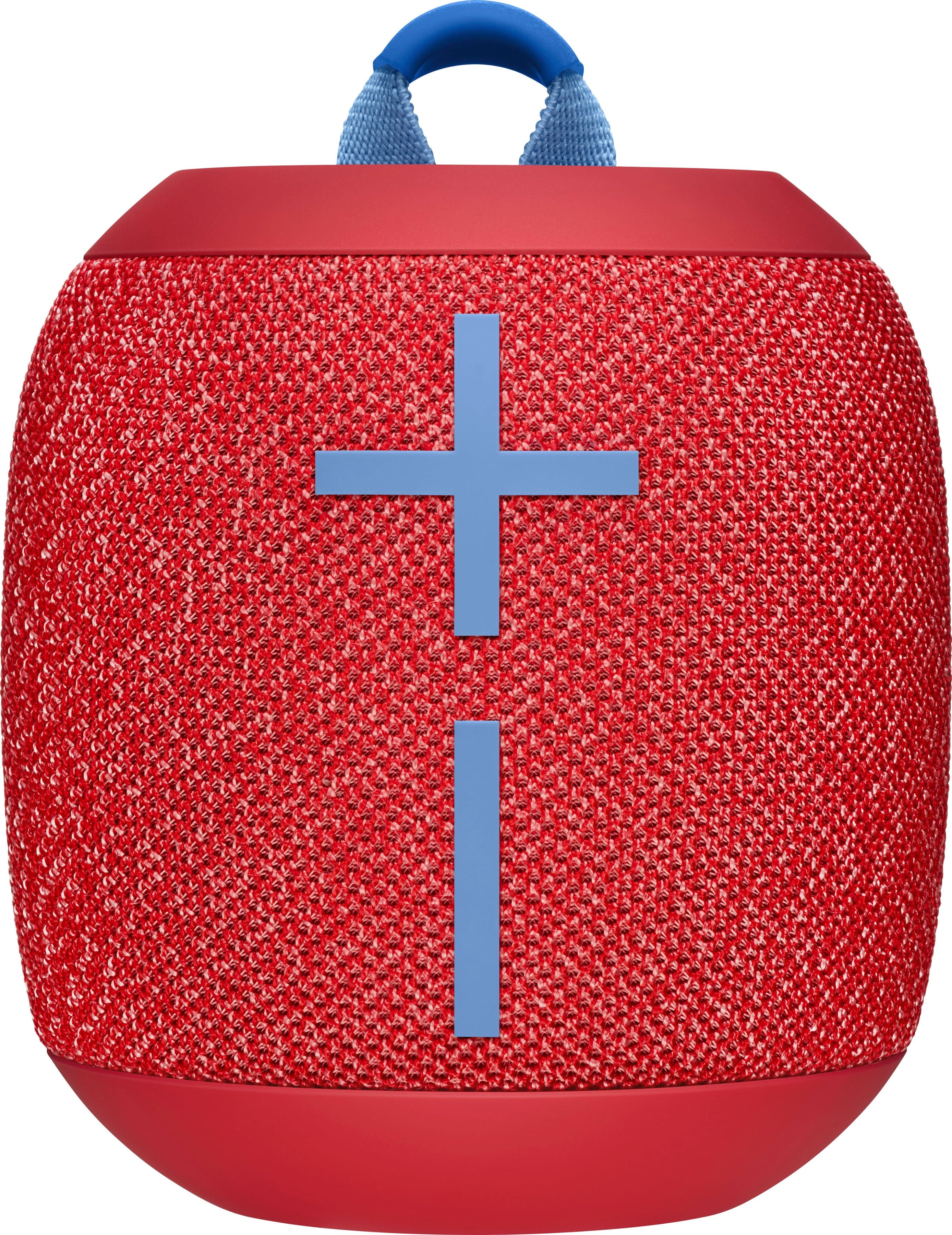
A:AnswerGreat questions! The Wonderboom 2 has a 100-foot wireless range from the device it is connected to, but this may be shortened by other things in your home like appliances and wall insulation. Your daughter will be able to change the music with the play/pause/skip button on the top of the Wonderboom 2 without having to touch her phone.
A:AnswerNo this is just one speaker it is the second version of it . You can get a second speaker and link them together. we did this and it sounds amazing.
A:AnswerUnfortunately no, the power port on Wonderboom 2 only supports power and not audio. Most portable speakers will not have USB audio input, but several in the same price range do offer Aux audio input if your record player has an Aux output. It's a competitor, but for the same price I'd recommend the Sony XB32 as a solution.
A:AnswerHello! Yes, the Wonderboom 2 has a 2-year limited hardware warranty. For more information, please visit https://www.help.ultimateears.com/speaker-warranty. - Maggie from Ultimate Ears
A:AnswerJust know that the frequency range of 75-20,000 HZ allows for a VERY broad spectrum of sounds allowing for the inclusion of FLAC files to sound great. Not to mention you can pair 2 of these to create a stereo sound, as you would a 2 channel system for wired reference, or set them to dual mono so double the sound from one unit and that’s an amazing advantage in sound of these systems; all the while running on BT 3.0!
A:AnswerHello TJC1952, There are several differences between the original Wonderboom and the Wonderboom 2---upgrades, if you will. The first upgrade is found on the underside of the Wonderboom 2 and the Outdoor Boost button which enhances the sound for when you're outside. Next, the battery life is 30% longer from 10 hours to 13 hours. The durability rating is now IP67 which means that the Wonderboom 2 isn't only waterproof, but is now also dust-proof. With the Wonderboom 2, you can now not only double up with other Wonderbooms, but when you pair with another Wonderboom 2 you can now do so with a true wireless experience. For more on the features of the Wonderboom 2, here's a link to the product page: https://www.ultimateears.com/en-us/wireless-speakers/wonderboom-2.html.
A:AnswerHi Lynn, You may need to factory reset your Wonderboom 2. Here’s how: Turn on your WONDERBOOM 2. Press and hold the Volume “-” and the Power button together for about 10-15 seconds. You will hear a tone to confirm the reset has completed. The WONDERBOOM 2 will turn off. When you turn it on again, it will be ready to pair. If the problem persists, it could very well be a hardware issuse which could be covered by the Ultimate Ears Limited Hardware Warranty. Here's the information on how to file a warranty claim: https://support.ultimateears.com/en/limited-hardware-warranty/. Hope that this helped and that all is going well. - Richard from Ultimate Ears/Logitech
A:AnswerHi Adiam,
Unfortunately, there is no way to tell the battery of your speaker on your cell phone. However, if you push the plus and the minus button at the same time you will hear beeps. 4 beeps mean 100% charge, 3 beeps 75%, 2 beeps 50%, and 1 beep 25% battery life remaining and will need to be charged. I hope this help. Have a great day.
A:AnswerI've been able to fit the Wonderboom 2 in a golf cart cup holder with no problem. It sits at about the middle of the speaker. You can also use the loop on the top of the speaker to tie it to the top frame of the golf cart, I've gotten better sound results with this solution.