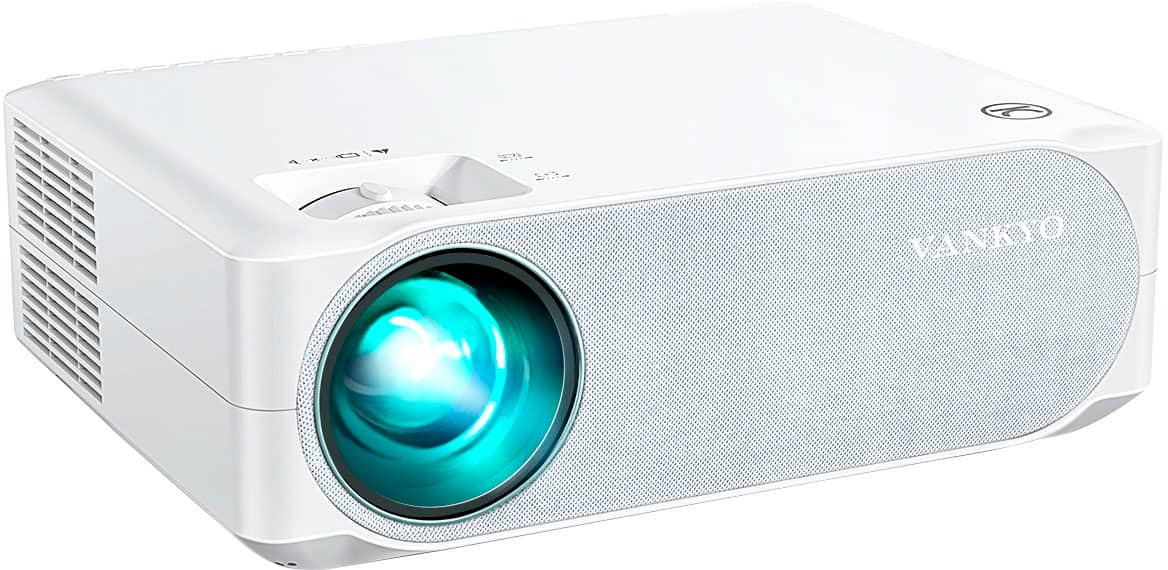
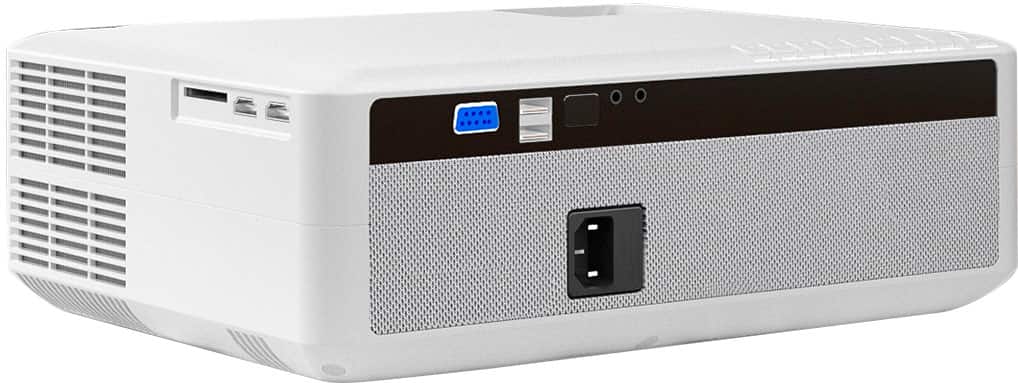
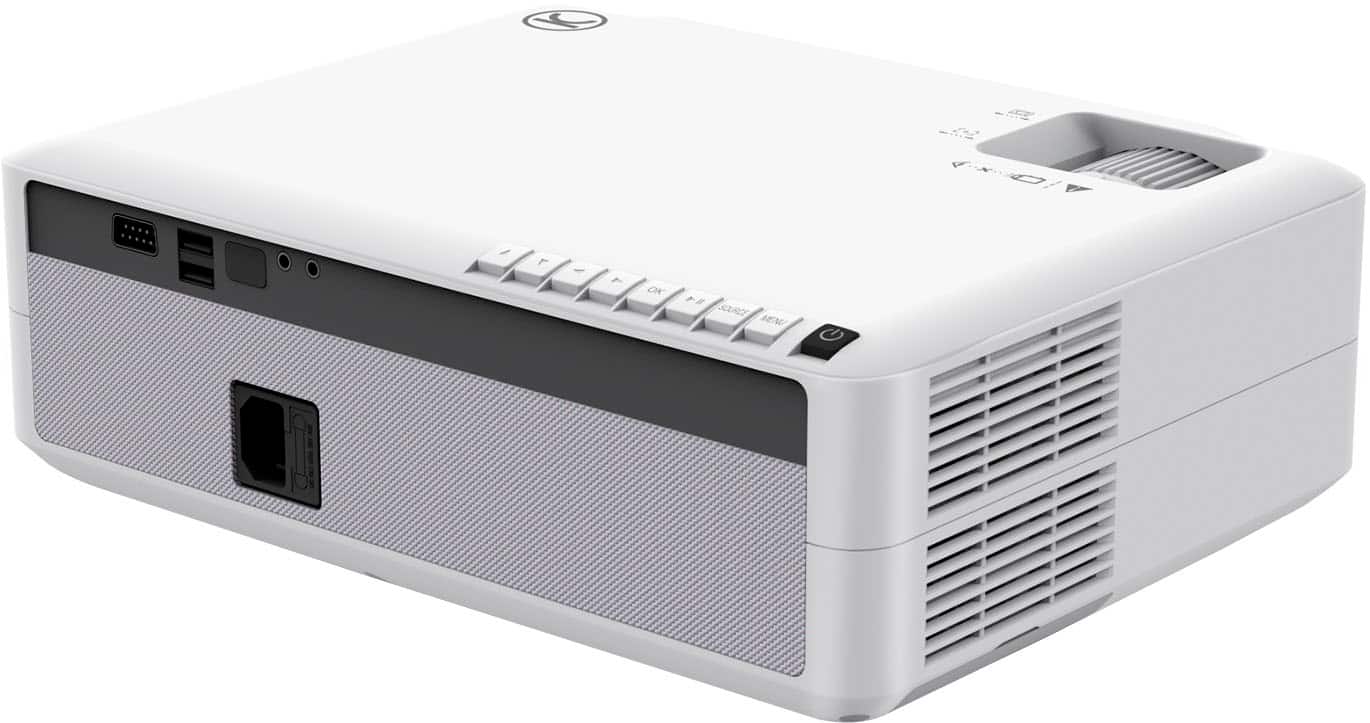
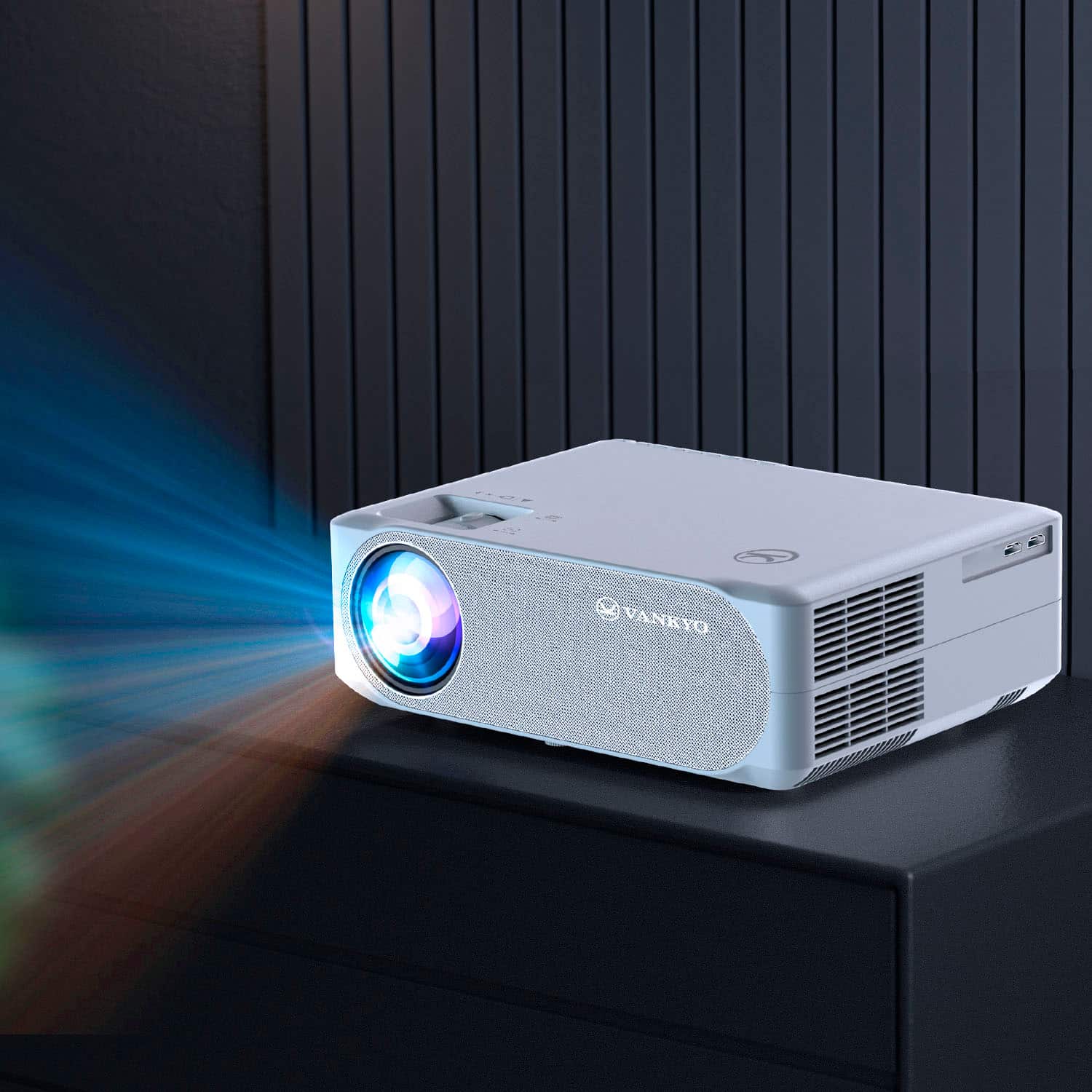
A:AnswerHi there, Thanks for asking. You can mount this projector on a ceiling with the ceiling mount with 4 adjustable mounts. And here is the video to install the mount:
https://www.youtube.com/watch?v=oz1y1uYys2w
Hope this could help you. --Vankyo Service Team
A:AnswerHi there,
Thanks for asking. Sorry to tell you that there is no separate power cord for sale at the moment. Could you please check the package carefully to see if the remote and cord are hidden in the projector case? If you still cannot find it, please feel free to contact our customer service with a copy of the receipt at [email protected].
- Vankyo Support Team
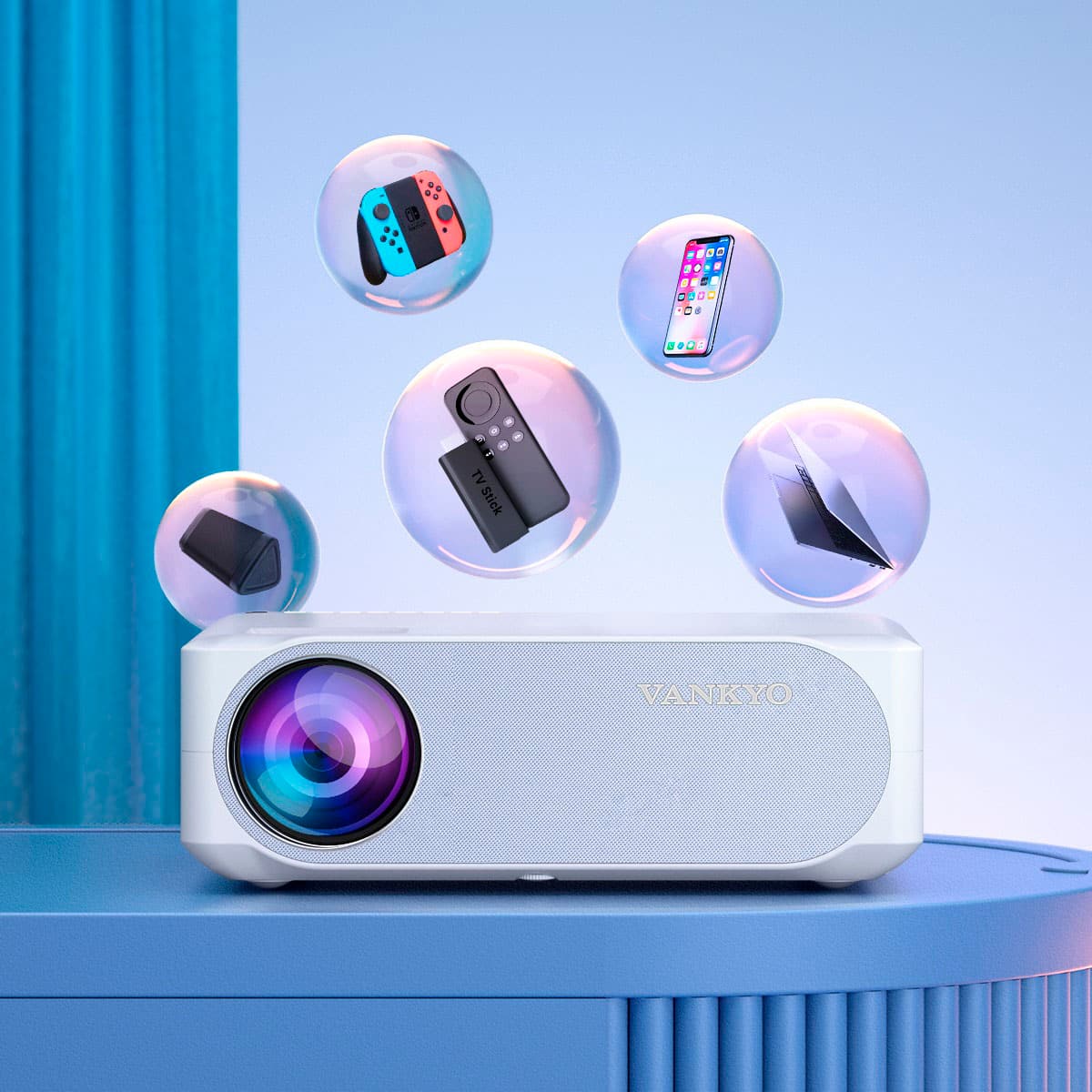
A:AnswerHi there, Thanks for asking. May I know if you cast the streaming services from your phone? Due to the copyright issues, some streaming services like Netflix, Hulu, Disney +, HBO and Prime Video from mobile devices to the projector will be banned or restricted. It’s recommended to plug a TV stick or Roku stick into the projector or connect a laptop, Chromecast or wireless dongle to it via HDMI port to stream these services. Hope this helps. VANKYO provides customers with a three-year warranty and professional customer service and technical support. If you have any questions, please feel free to contact our customer service at [email protected]. - Vankyo Support Team
A:Answerwith proper ventilation/air flow I do not see why not.
We tend to have ours running roughly 8 hours a day. average use I would say would be 3 hours straights, We have not had any issues so far.
A:AnswerAny speakers that use AV inputs/outputs.
any speaker can be connected via HDMI.
I personally use a splitter for the AV input (like headphone jack), that turns into the old style Yellow/white inputs.
but if you can get a splitter for the av input as long as you use the av jack it should work.
A:AnswerThere is no direct Bluetooth function — but we were able to connect our Apple TV and then link the Apple TV to connect audio through our Bluetooth speaker.
A:AnswerVankyo sells a wall or ceiling mount that fits this projector. And the image can flipped upside down and also reversed (if you were back-projecting a screen or similar).
A:AnswerIf you are concerns about lumens this is not the projector for you. This projector will give you a clear enjoyable picture , but if you are too picky , you wont like it
A:AnswerHi there,
Thanks for asking. The V630W has 250 lumens and a contrast ratio of 600:1. While the 510PW has 280 lumens and a contrast ratio of 500:1.
A:AnswerHi Sam,
Thanks for asking. The V630W and E30TB projector will work in a not completely dark areas. But to get the best image quality, it's recommended to close the curtains down when using it.
To display PowerPoints on the big screen, you will need to connect a computer to the projector.
A:AnswerYes it will work with a wireless cable box. The wireless portion of the cable box is only the signal from the provider. The box still hooks up to the projector via HDMI.