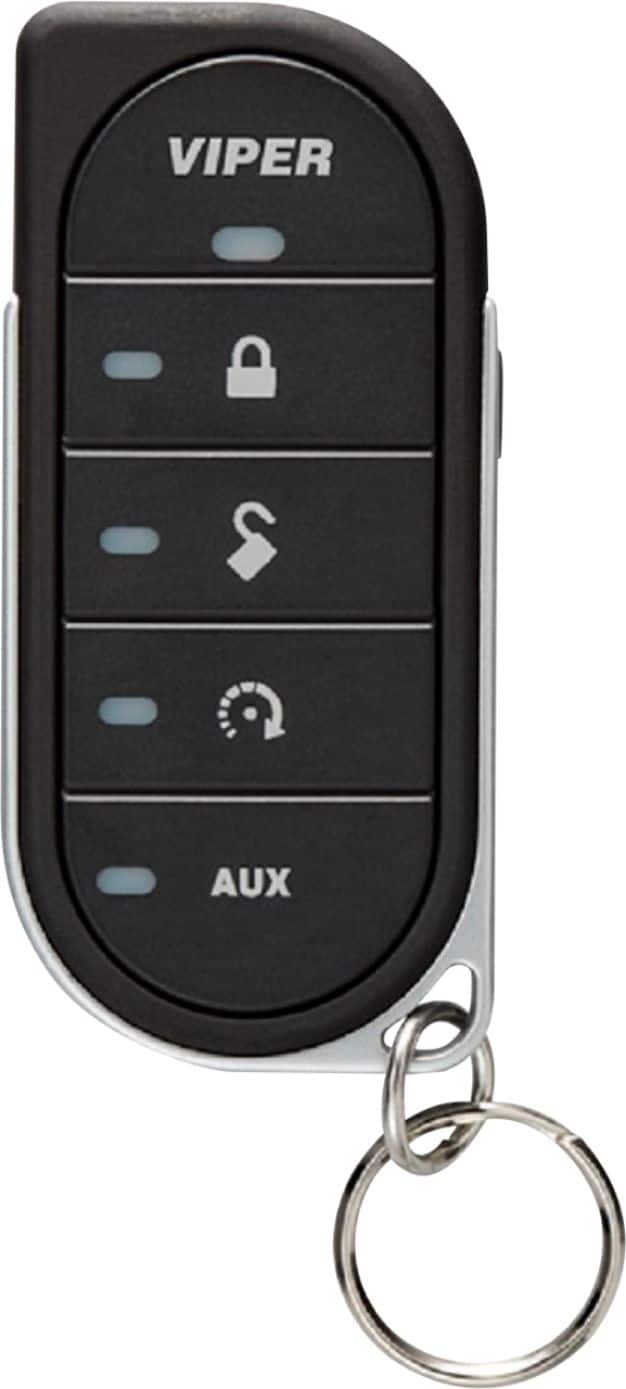
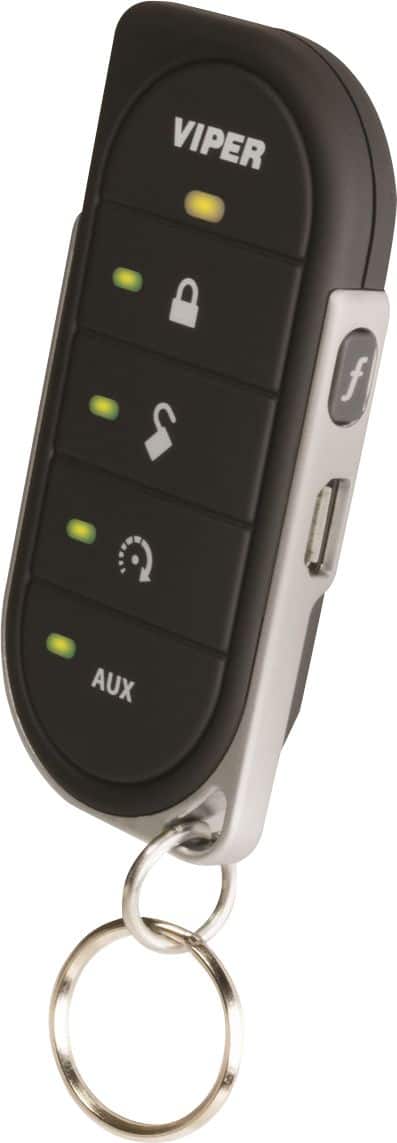
A:AnswerWhen I Charge my Remote the light on the Remote flashes Green From Bottom to Top and When it is Fully Charged it Goes To Solid Red or Orange Color At The Top
A:AnswerI’m not sure! I have TTS (Total Tech Support), which is really wonderful to have. For $199/year you receive many free services and discounts. If you ask me, that’s the best way to go!
A:AnswerAux can be whatever the installer hooks it up to - pop the trunk? Hit F button 5 times and it tells the “charge” status of the fob battery. There’s an owners manual online.
A:AnswerThis remote is an accessory for compatible VIPER remote start and security systems. It is NOT an OEM replacement so the make and model of the car is not relevant. I use this remote with my van which has a Viper - DS4+ Remote Start System installed.
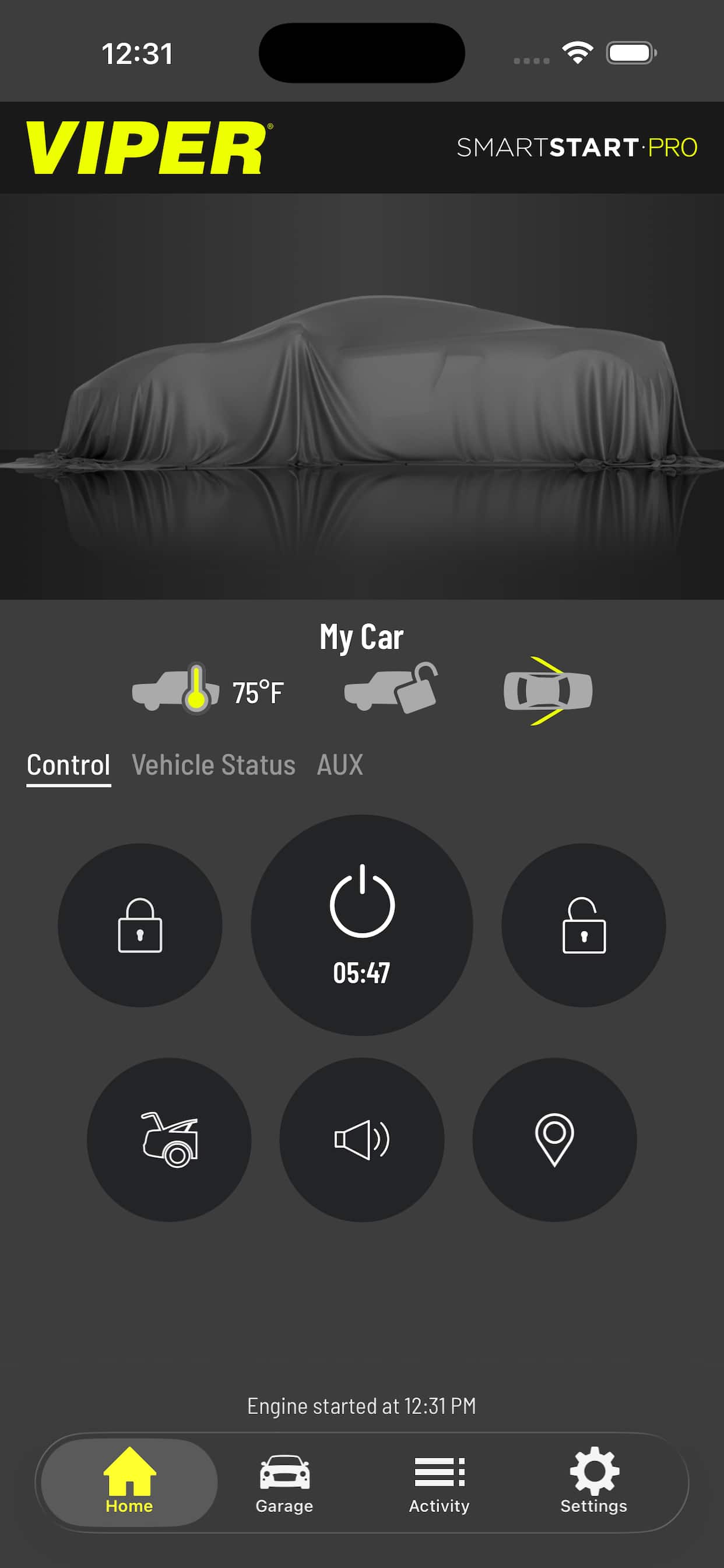
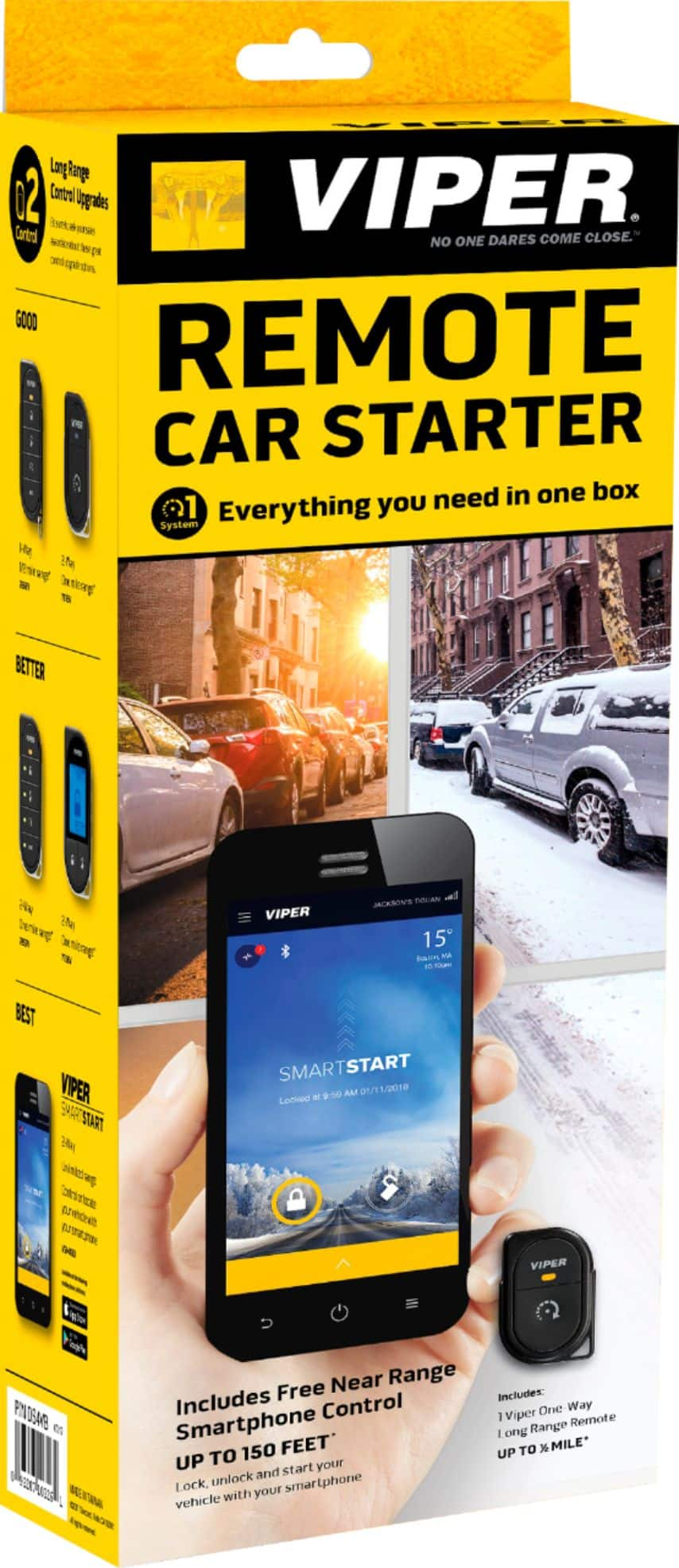
A:AnswerThe 4 buttons on the face of the remote from top to bottom are Lock, Unlock, Start/Stop engine, Pop Trunk/Tailgate (if hooked up). When your vehicle is running, you’ll see a green light that blinks - letting you know vehicle is running. The remotes don’t come with manuals. You have to download them from viper.com Here’s you remote. Hope it helps. https://www.directeddealers.com/manuals/OG/Viper/G7857V_EN_LT20180212_%20web.pdf