Questions & Answers
No content

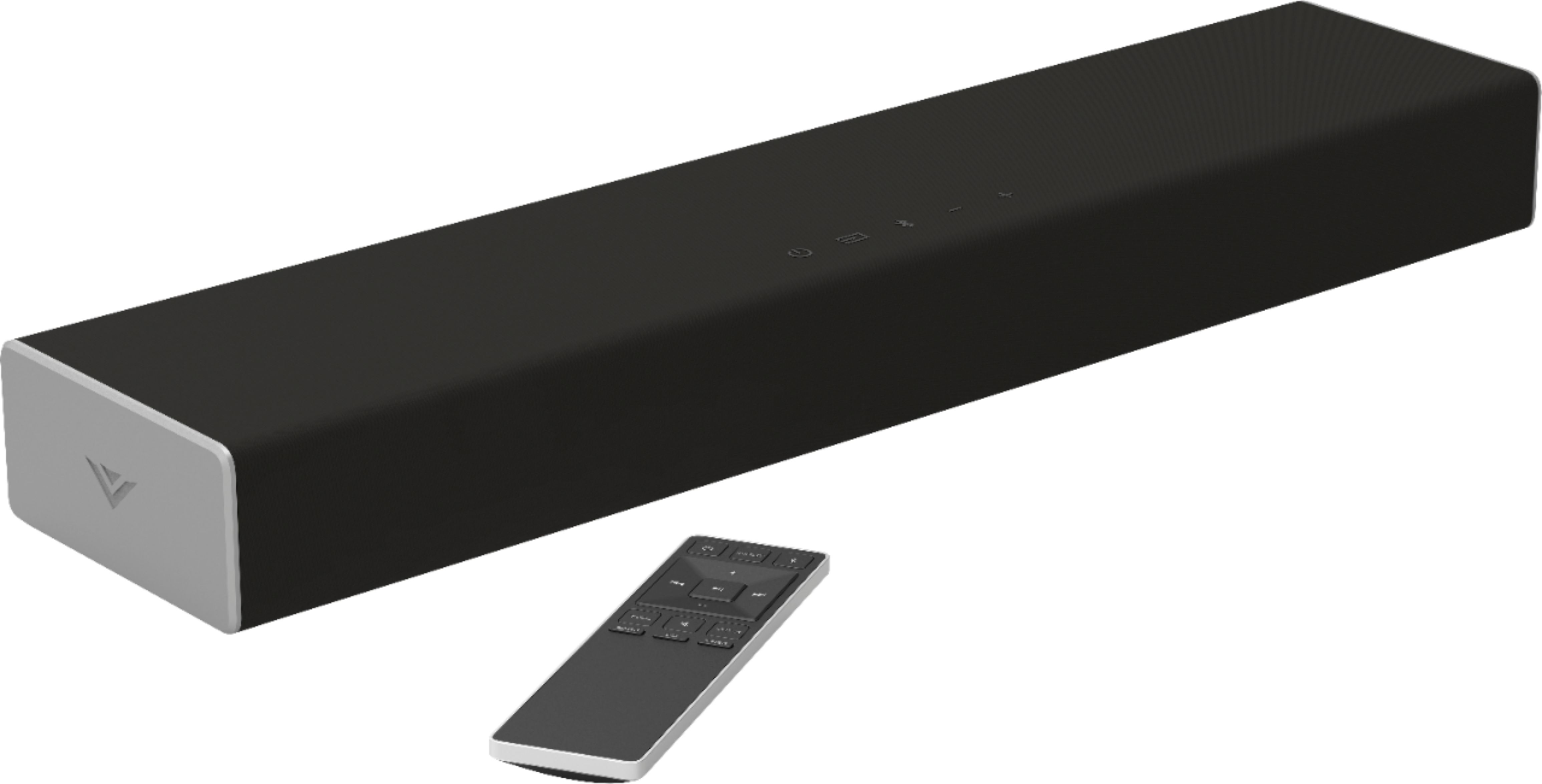
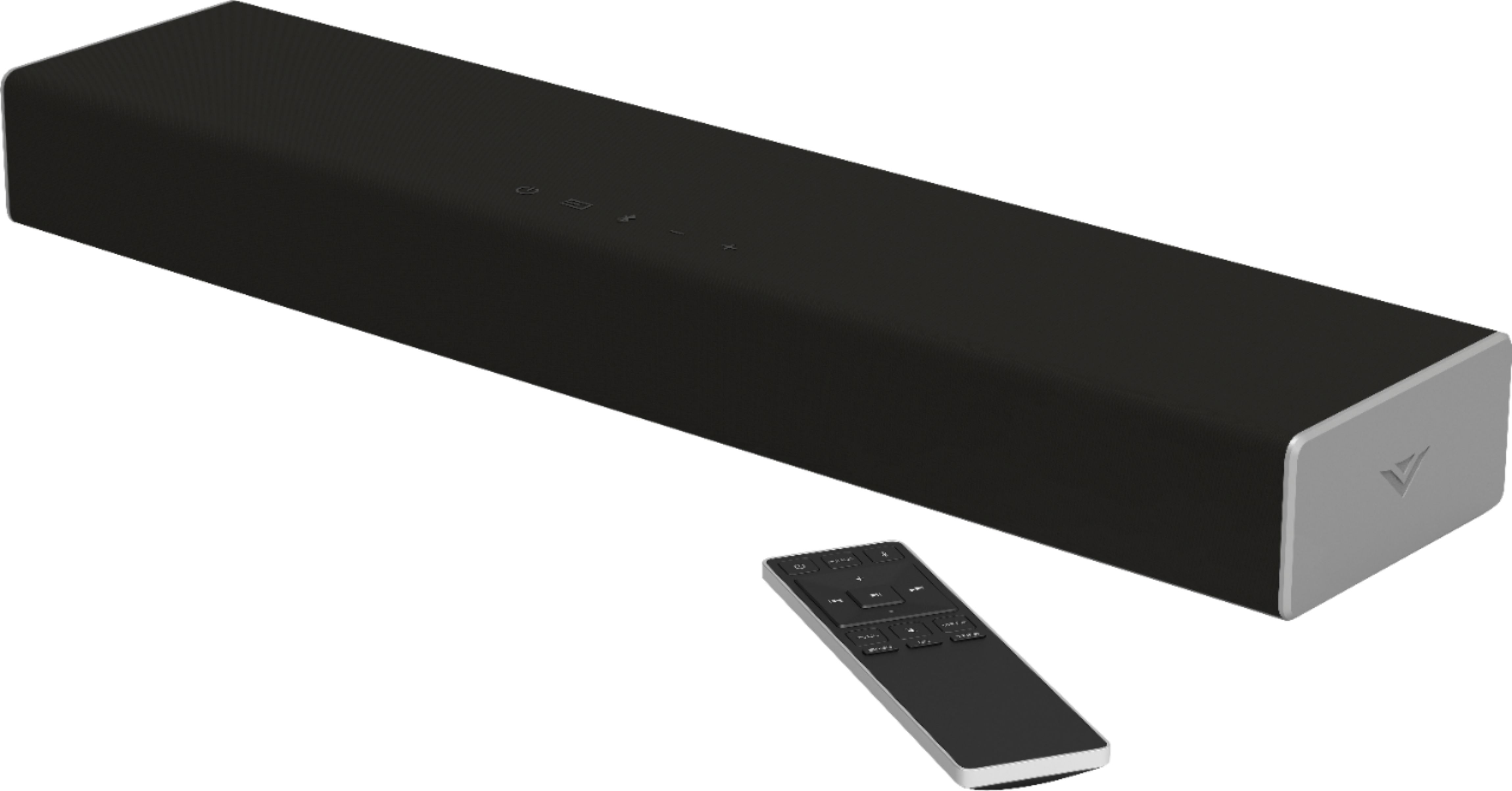

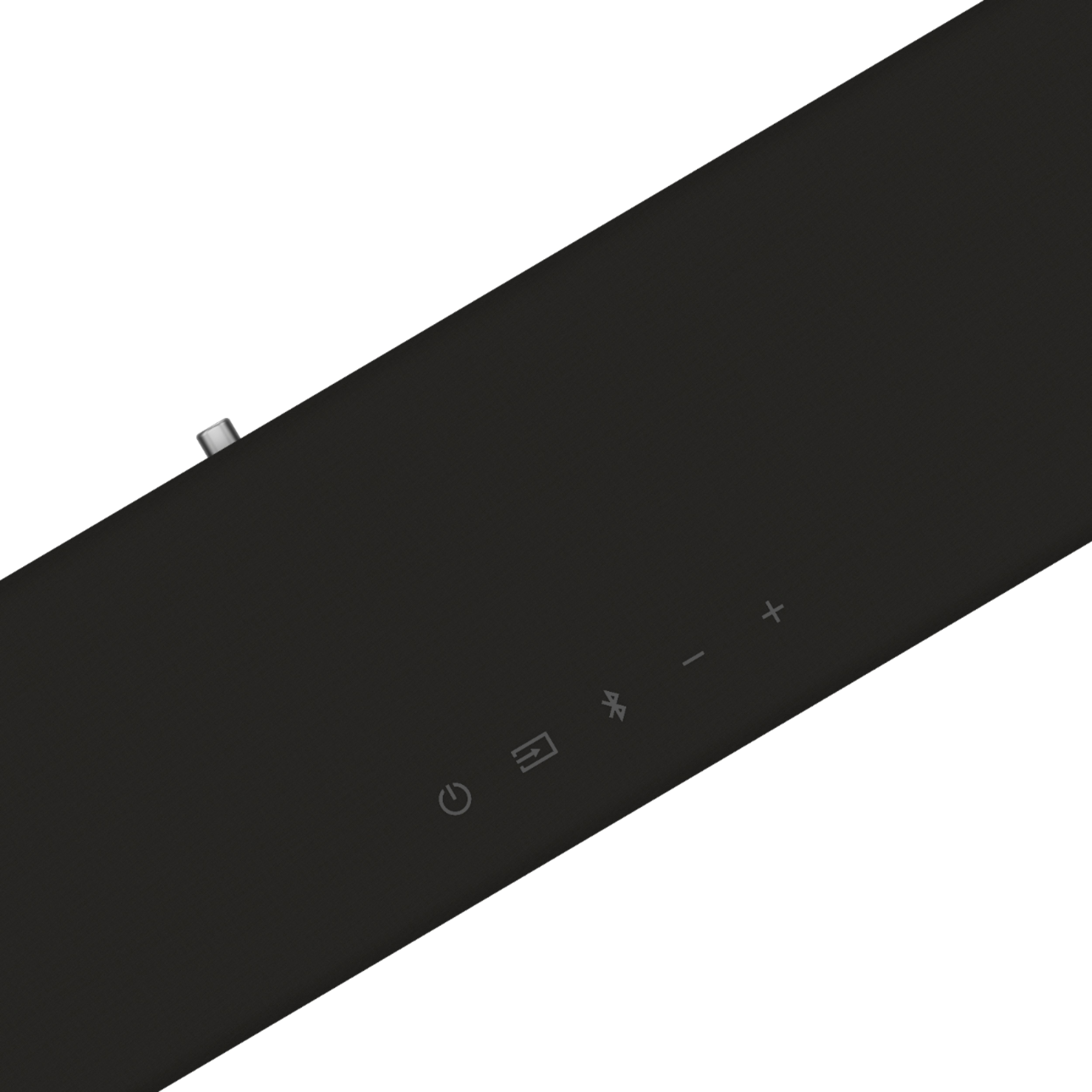

- Model:
- SB2020N-G6M
- |
- SKU:
- 6344253
Highly rated by customers for: Sound quality, Easy setup, Compact size
Page Showing 141-145 of 145 questions
Q: QuestionCan headphones be used with this Vizio soundbar? Thanks
Asked by Mazzie52.
- A:Answer yes
Answered by curlypixmadms
Q: QuestionCan I connect wireless headphones to tv through this sound bar so I will not disturb others?
Asked by Alex.
- A:Answer This sound bar is designed for audio input only and does not support audio output.
Answered by VIZIO

Q: QuestionDO I NEED TO USE THE SOUNDBAR REMOTE TO TURN ON OR WILL IT COME ON WHEN I TURN TV ON
Asked by Chey.
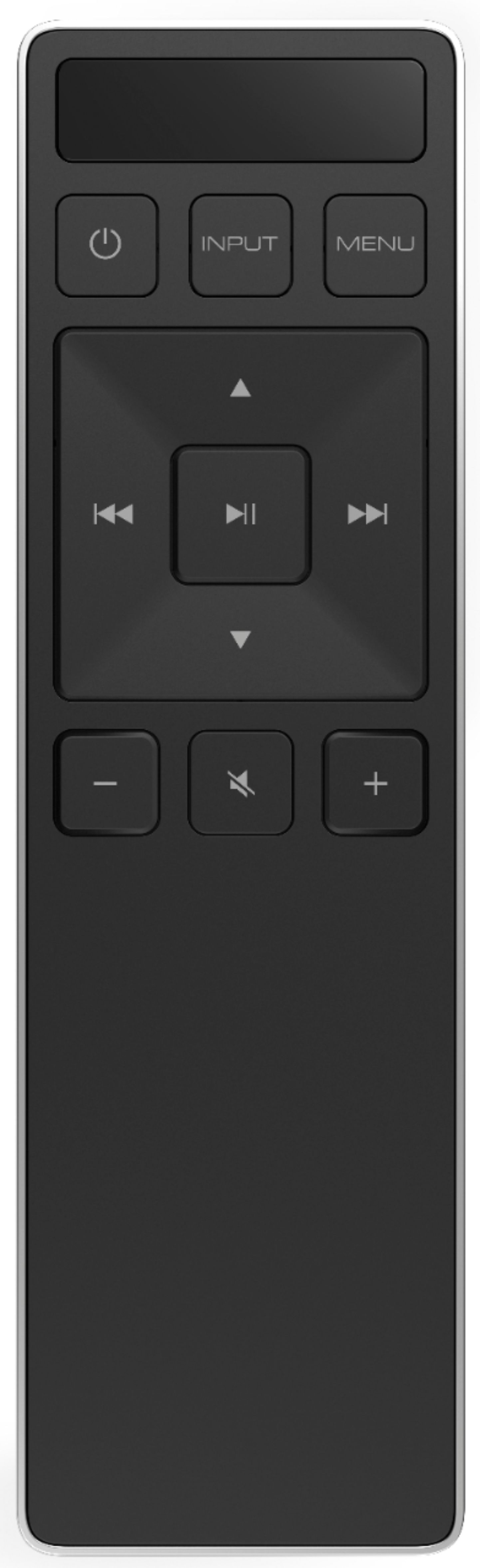
- A:Answer There is a way to control your sound bar on/off function with your TV remote, if your TV remote (or, universal remote) has that capability (mine does not - it's an older TV and I do not use a universal remote with it). The instructions for how to get the remotes 'paired' (so that you can control the sound bar using the TV remote) is in the small instruction manual that comes with the sound bar. If your TV remote has an 'ALL ON' function it is possible to turn on the TV and sound bar at the same time. Otherwise, you do have to turn them on separately. My sound bar does not go on with the TV. I do have to use the sound bar remote to turn on the bar and did not find anything in the instruction manual that indicates whether it is possible for this sound bar to go on when the TV is turned on (unless you 'pair them' as indicated in the manual and have an ALL ON option). One thing that I overlooked when unboxing and setting up the sound bar is the DISPLAY SCREEN of the sound bar remote control. It is at the top of the sound bar and is NOT backlit so, for a few minutes, I didn't realize that the display was showing me the names of the different functions as I was pressing the buttons on the remote. I was looking for the remote's menu items to appear on my TV screen. The sound bar remote control screen blends into the color of the remote. I'm sure that others are more observant (or experienced) than I am so this may not be an issue (for most people) but it took me a while to remember to use the display on the remote to take advantage of all of the functions that the remote has. I did notice one other 'thing' that occurred when I set up the sound bar that I had to figure out how to solve on my own. I'm adding this for anyone who ran into/or, will run into a similar situation: I had muted the TV speakers because I thought that they would interfere with the sound bar (or, not respond when turning the sound bar down). The sound from the sound bar would drop out for a few seconds occasionally, randomly, but usually at the beginning of someone's spoken sentence. ANNOYING! I solved this by keeping my TV speakers ON with the volume on the TV (controlled using the TV remote) turned up to about 1/3 to 1/2 volume and used the sound bar remote to control the sound coming from the sound bar. I don't know how/why it works but the TV volume responds in tandem with the sound bar and I have no dropouts in sound. The TV speakers (which are not very loud to begin with) are not noticeable and are not heard even at the lowest volume on the sound bar. I am using the auxiliary (AUX) input on the sound bar because my TV doesn't not have an optical cable input. I use a stereo mini-plug adapter and cable from the TV headphone jack 'out' (on the TV) connected to the stereo mini-plug input on the back of the sound bar. It's likely that - if your TV has bluetooth capability - pairing the sound bar using bluetooth (or, using an optical cable) avoids the dropouts. I paired my iPhone with the sound bar (using bluetooth) and did not experience any dropouts. I'm guessing that the dropouts are occurring in the sound processing of the TV headphone jack (possibly some kind of noise reduction feature) that is turning down the 'background' noise when there is no dialogue and then lagging in its response when there is. I hope that this was/is helpful!
Answered by Storyman53
Q: QuestionHow many watts is it?
Asked by Anonymous.
- A:Answer In some home theater setups, users purchase components separately. So, a user would need to purchase a receiver, an amplifier, and individual speakers. When piecing together a home theater system in this fashion it’s important to balance the system. Measuring the wattage each device is capable of transmitting & receiving and the impedance of each device (measured in OHMs) was balanced to achieve the maximum sound pressure level (or volume measured in decibels). Typically, a speaker that can receive a higher wattage are also capable of creating a higher Sound Pressure Level (decibels). It’s important to note that watts is a measure of power, but sound pressure level, (The measure of volume), is the end result. In VIZIO Sound Bar Systems the components are self-contained and balanced, so the wattage transmitted between each internal component is already configured to give you the maximum Sound Pressure Level, which for this Sound Bar is 91 dB.
Answered by VIZIO
Q: QuestionHow many watts is this?
Asked by Anonymous.
- A:Answer Owners Manual doesn’t list how many watts. I looked on Best Buy website before purchasing and it did not say how many watts either
Answered by Bear