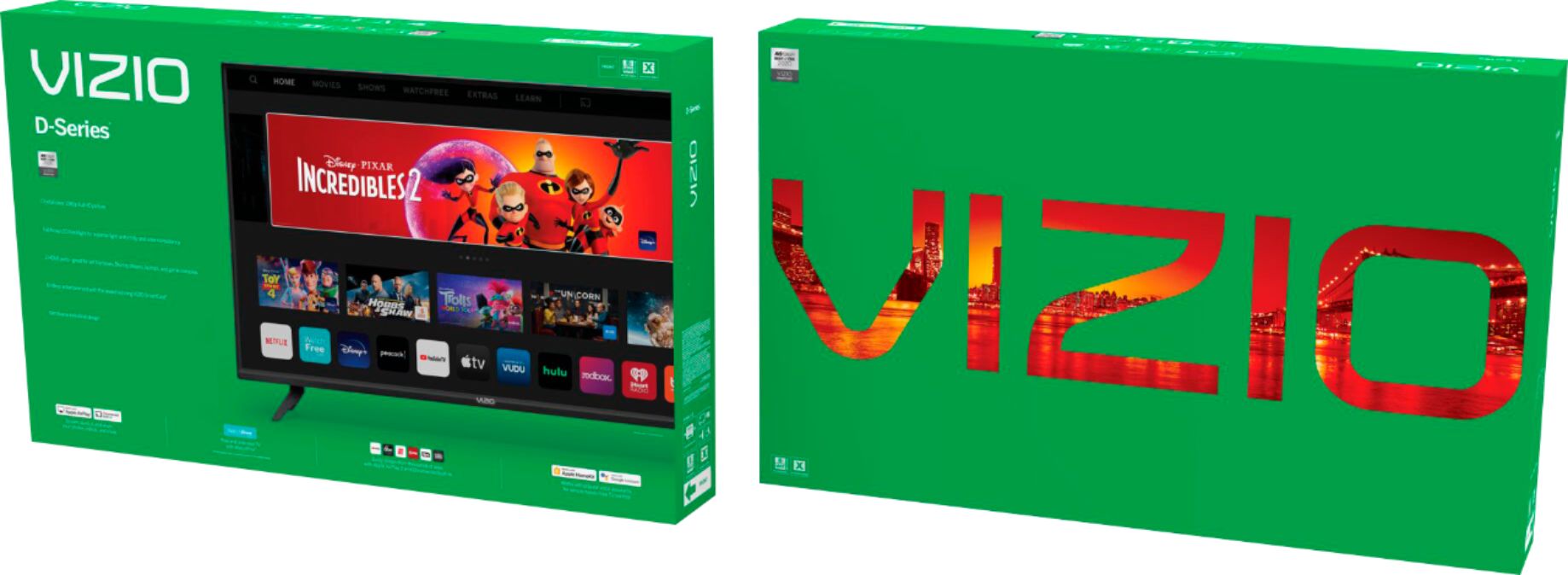
A:AnswerHello Toolmaker, Unfortunately will not be able to download the Tablo app on the smart cast input, But you can Cast or Airplay to the TV wirelessly.
A:AnswerThere are two ways to get an application on you display. You can use the built-in Google Cast features, or access the 'SmartCast TV' input, and use built in applications. The spectrum app isn't currently available through SmartCast TV, but you can get it by 'Casting'. Simply open the Spectrum TV app on a smartphone or tablet, and press the 'Cast' icon. This will allow the app to begin playing on your display.
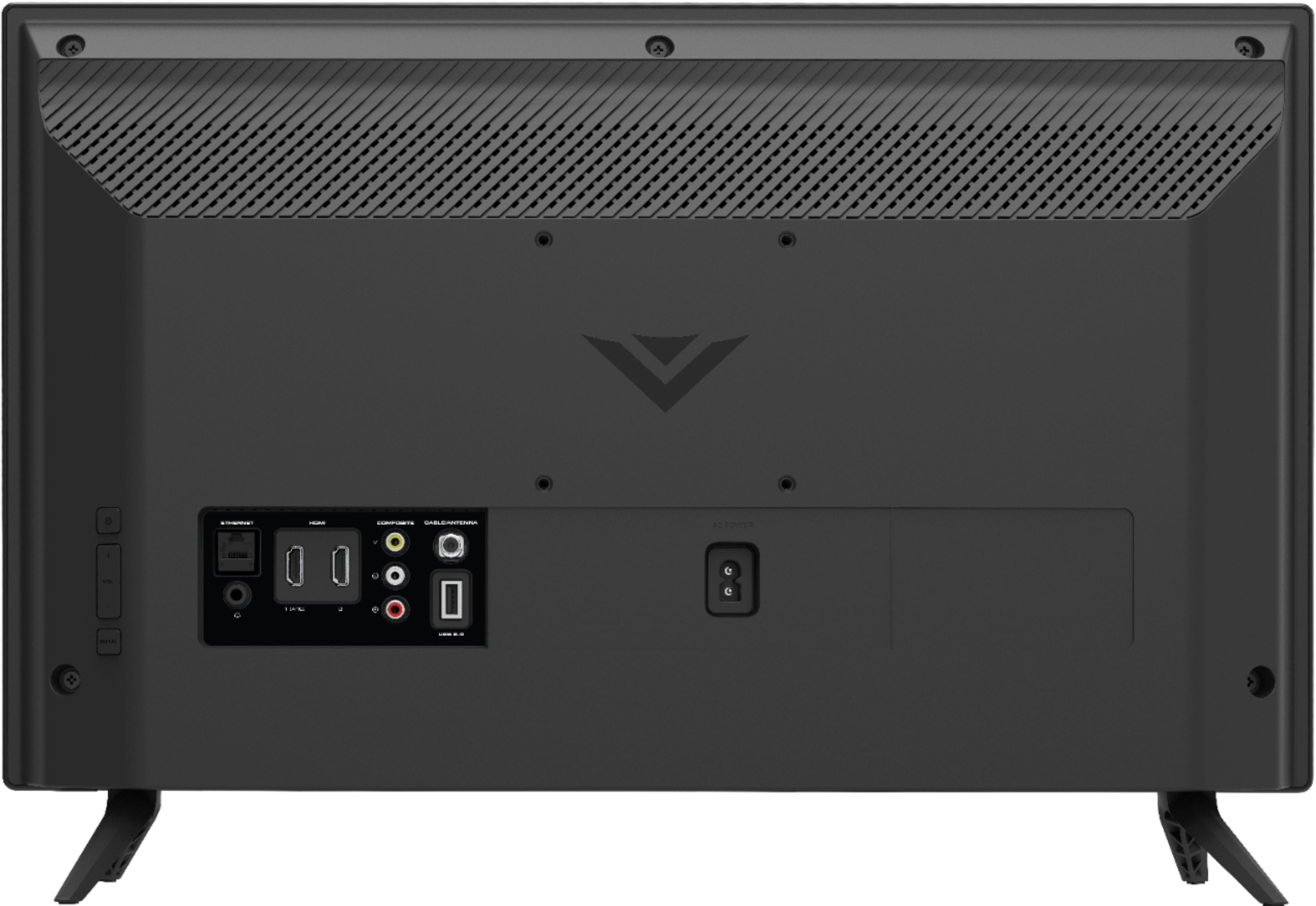
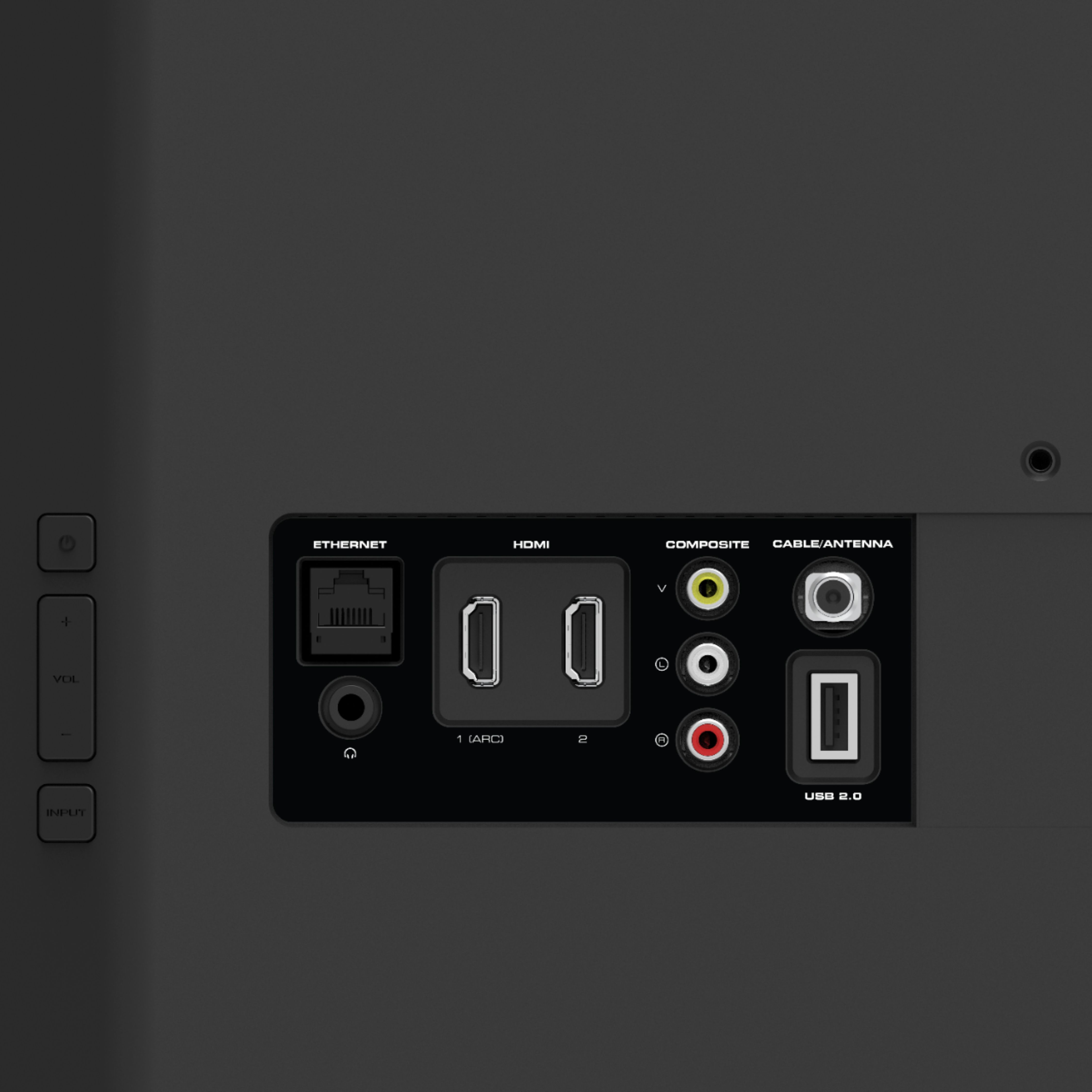
A:AnswerYou will need a DVD player, as well as the cords to connect it to the TV. But that should be it. If you need any help connecting it, we have support agents ready to help. Just head to support.VIZIO.com and click on 'Contact Us'.