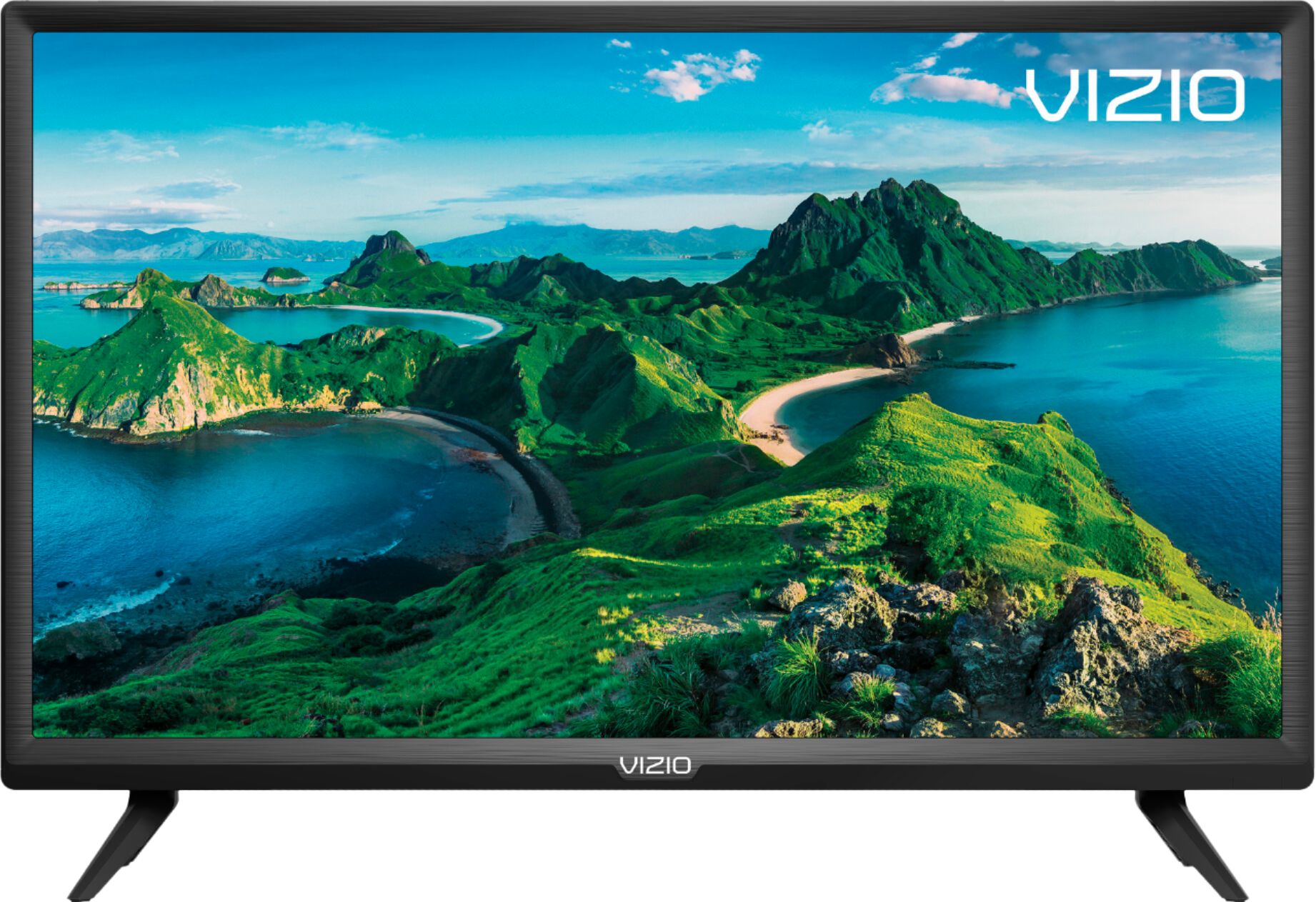
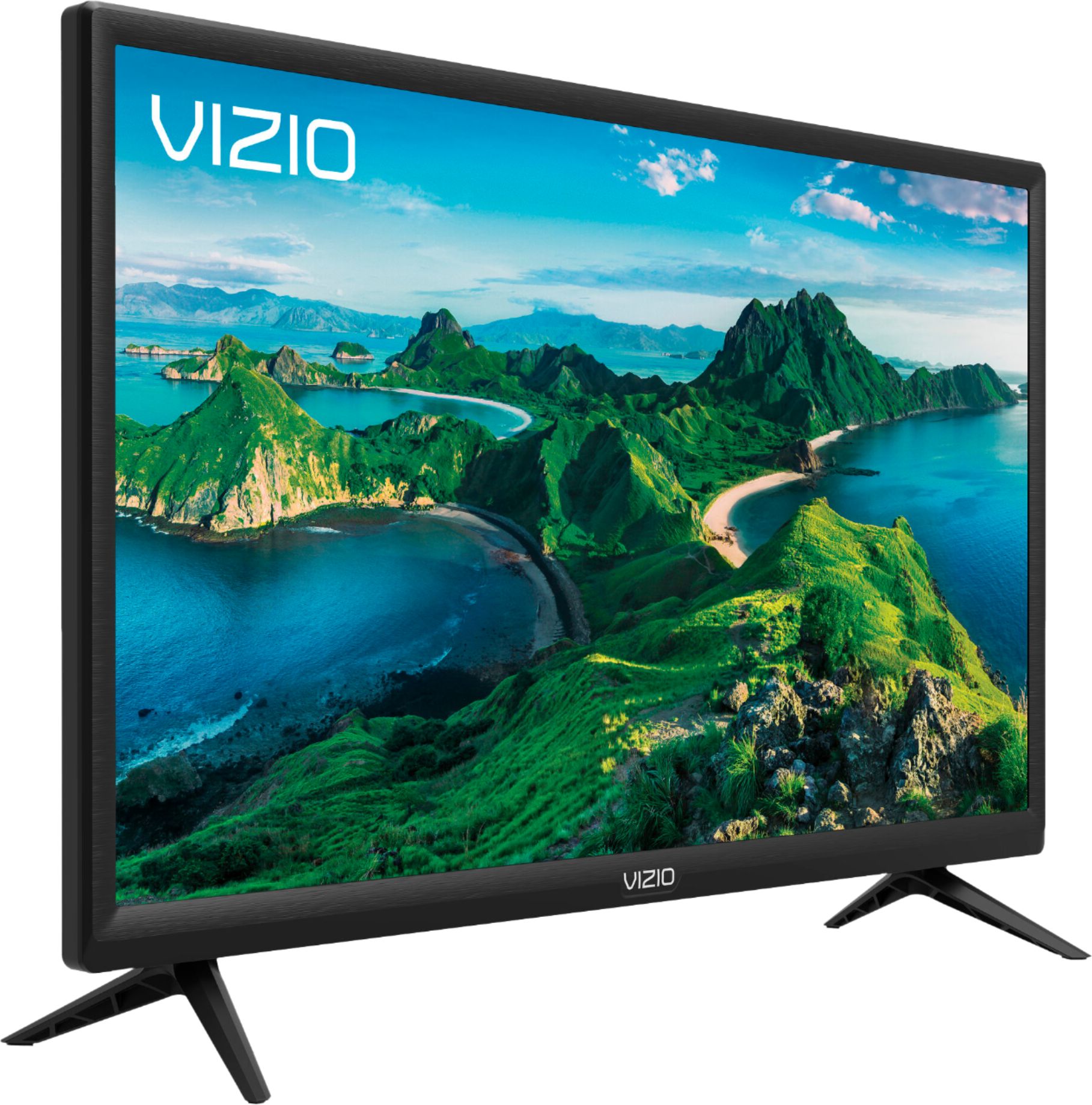
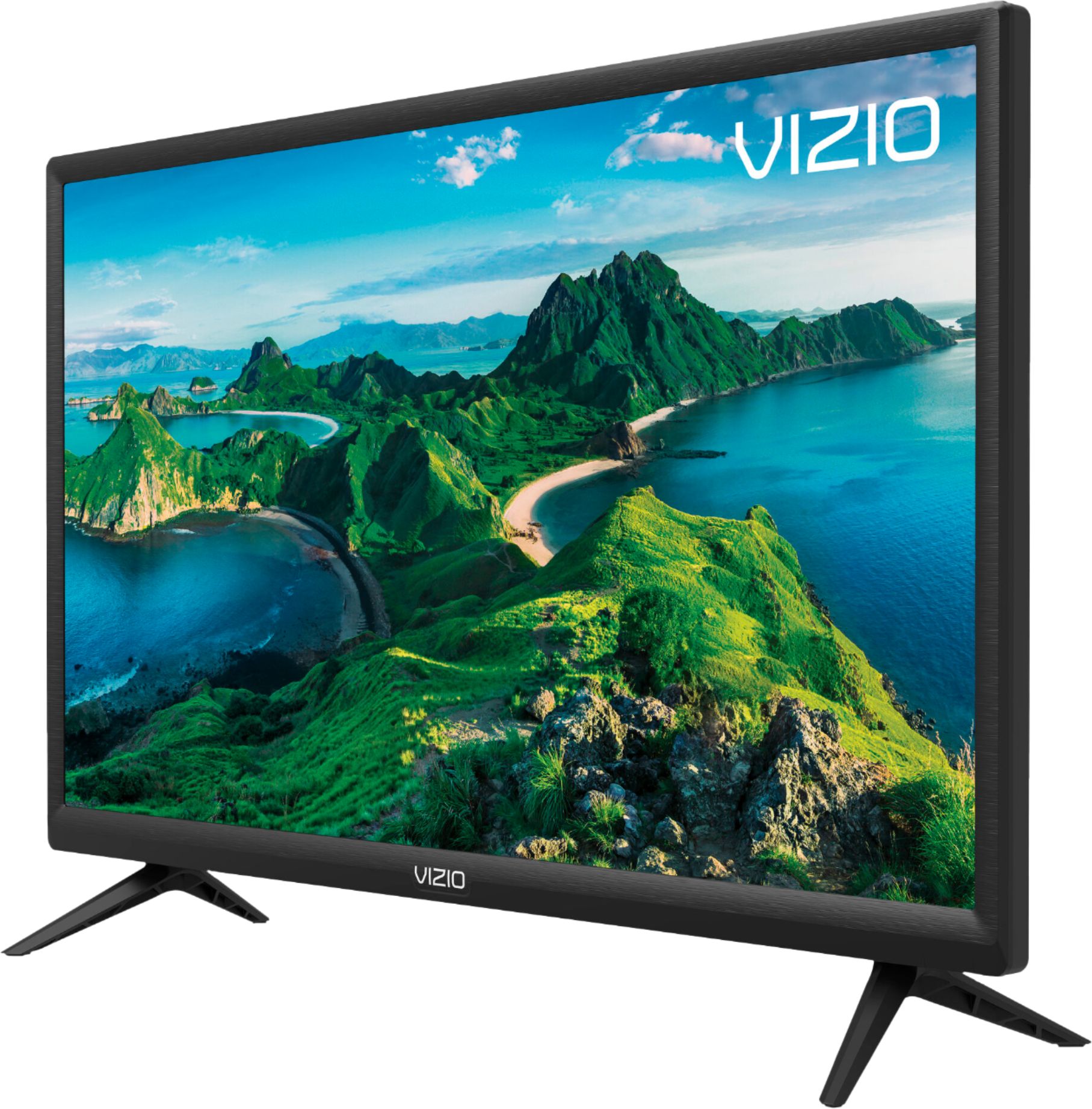
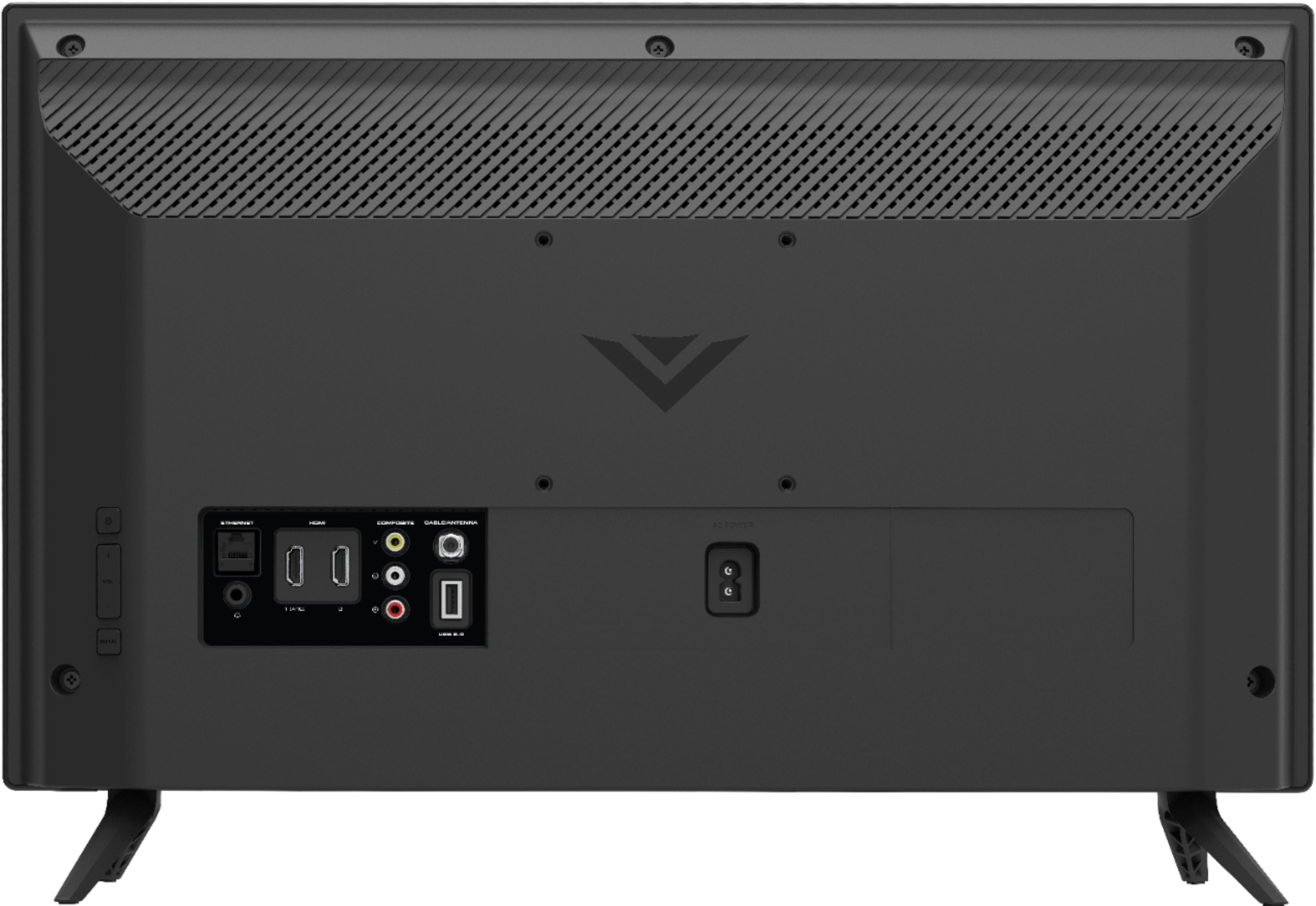
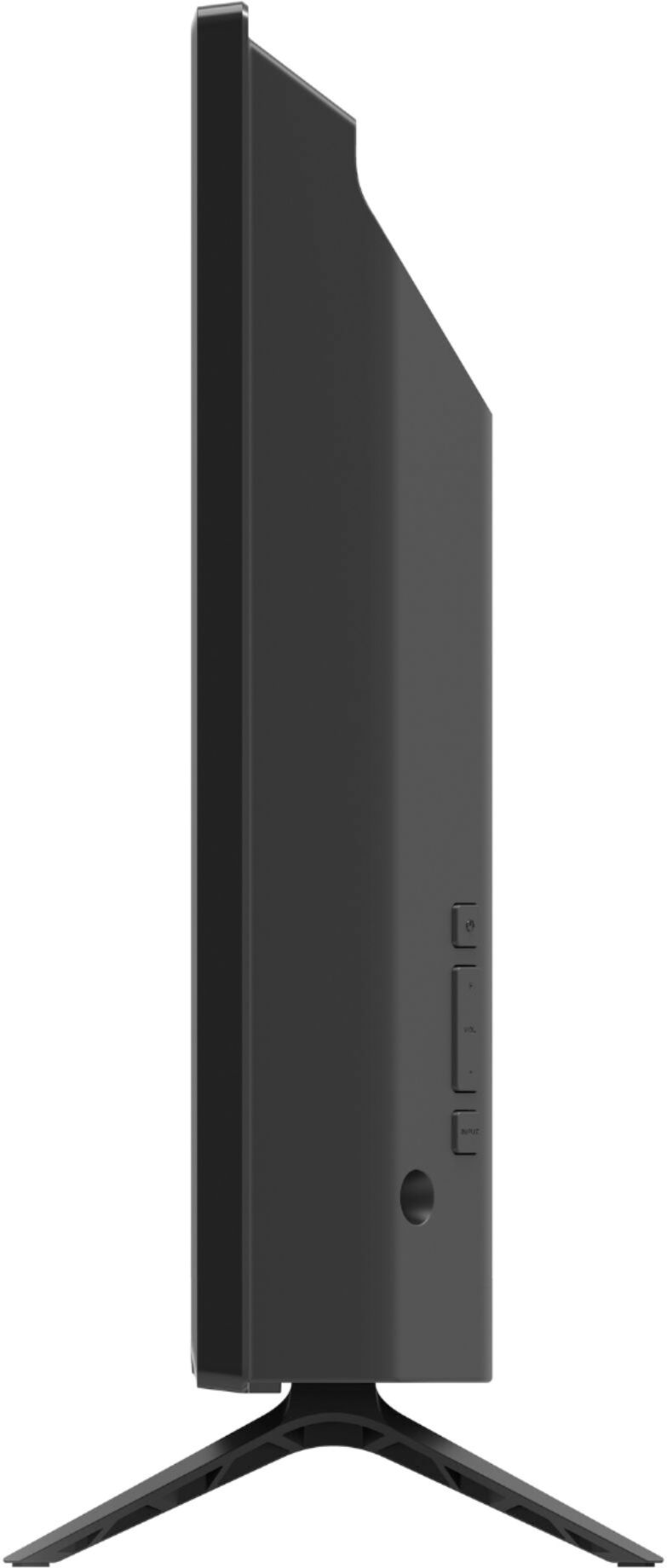
A:AnswerThe dimensions of this TV with the stand attached are 22.13" x 14.91" x 6.3", so the height is 14.91".The speakers are on the back of the unit.
A:AnswerYou will need to contact Spectrum to see what devices their app supports. To access Spectrum on this TV you'll need a cable box or streaming device.
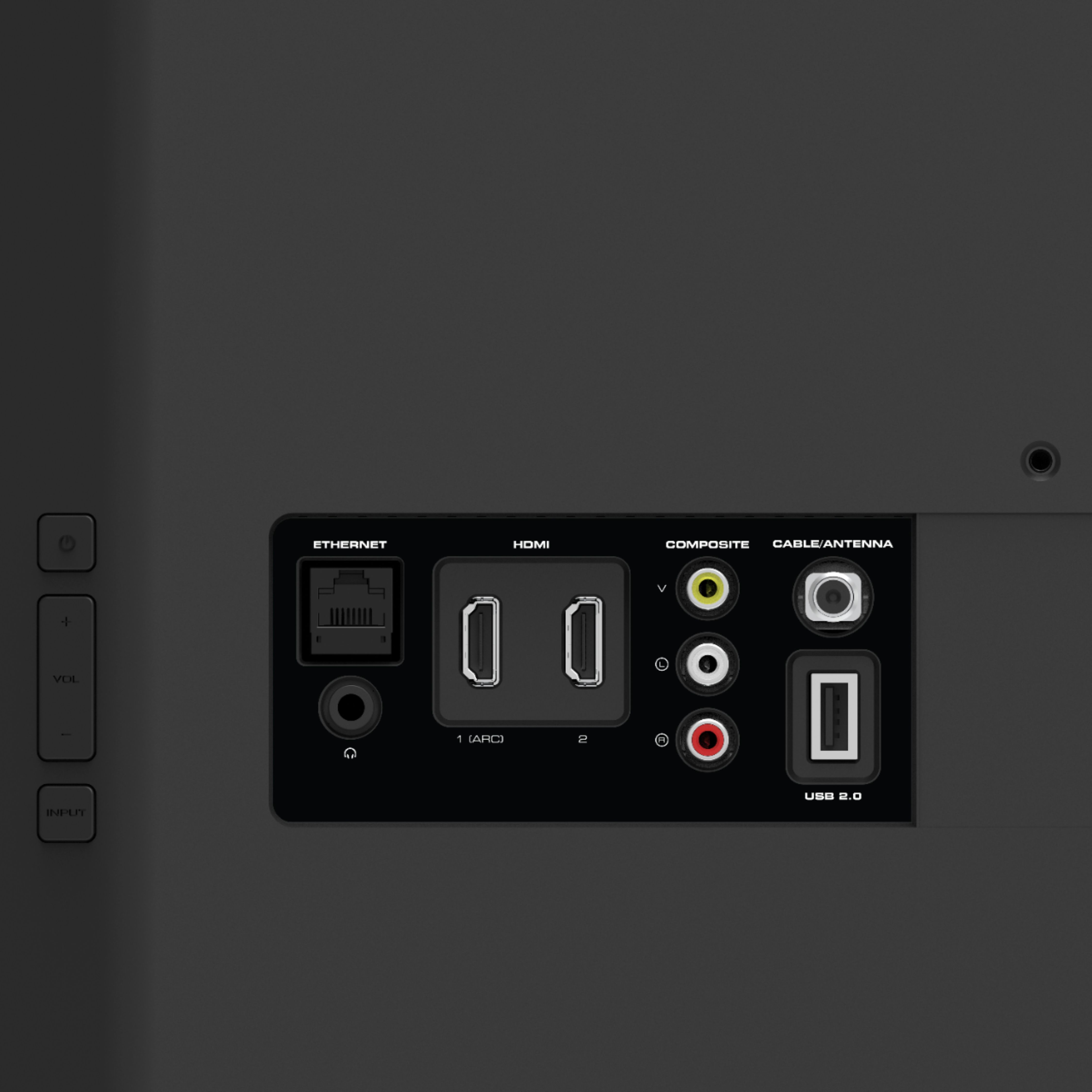
A:AnswerYou can connect cable and a PS4 to this TV. You would just need a cable box from Comcast. The PS4 and Comcast box would connect to the HDMI port on the TV.
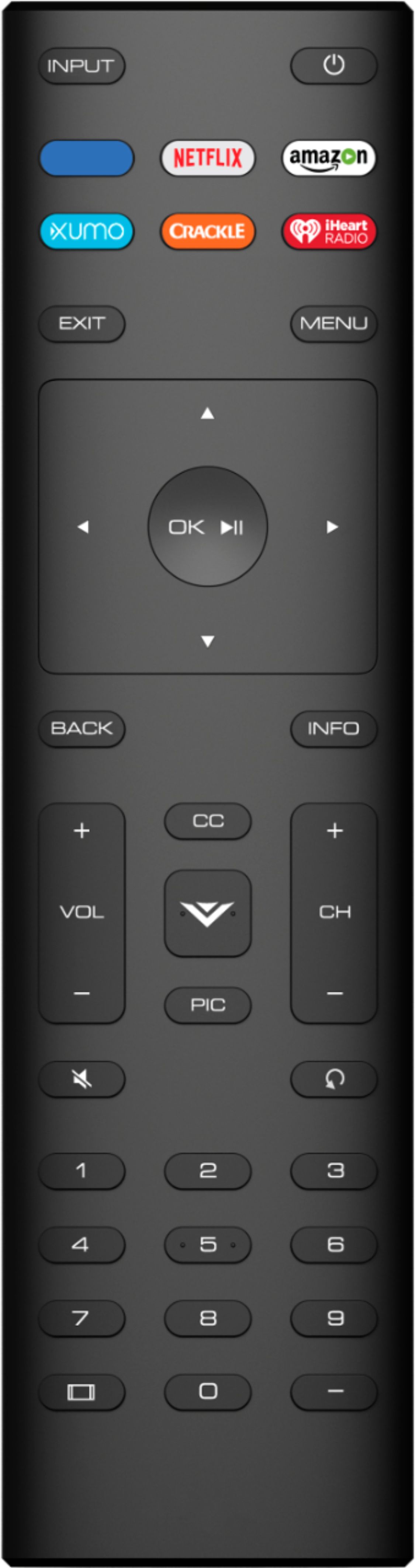
A:AnswerYou should be able to use one remote for this. You might have to program that cable remote to send the TV the correct signal to control it though. You won't be able to access the menu and Smartcast features with that cable remote though.
A:AnswerIt does! Also, it has several built in apps as well as a built in Chromecast that you can cast thousands of apps to from your phone. This isn't a 4K TV, so you won't need a 4K Fire stick though.
A:AnswerThe Spectrum TV app can be shared using the 'ScreenShare' function in either Apple AirPlay or Google Chromecast. For assistance on how to do ths- head over to support.VIZIO.com. We've got articles to help, or you can click on 'Contact Us' to speak with an agent.
A:AnswerThe TV doesn't currently have those applications, but you may be able to use built in Google Chromecast to stream share content from those apps to the TV.