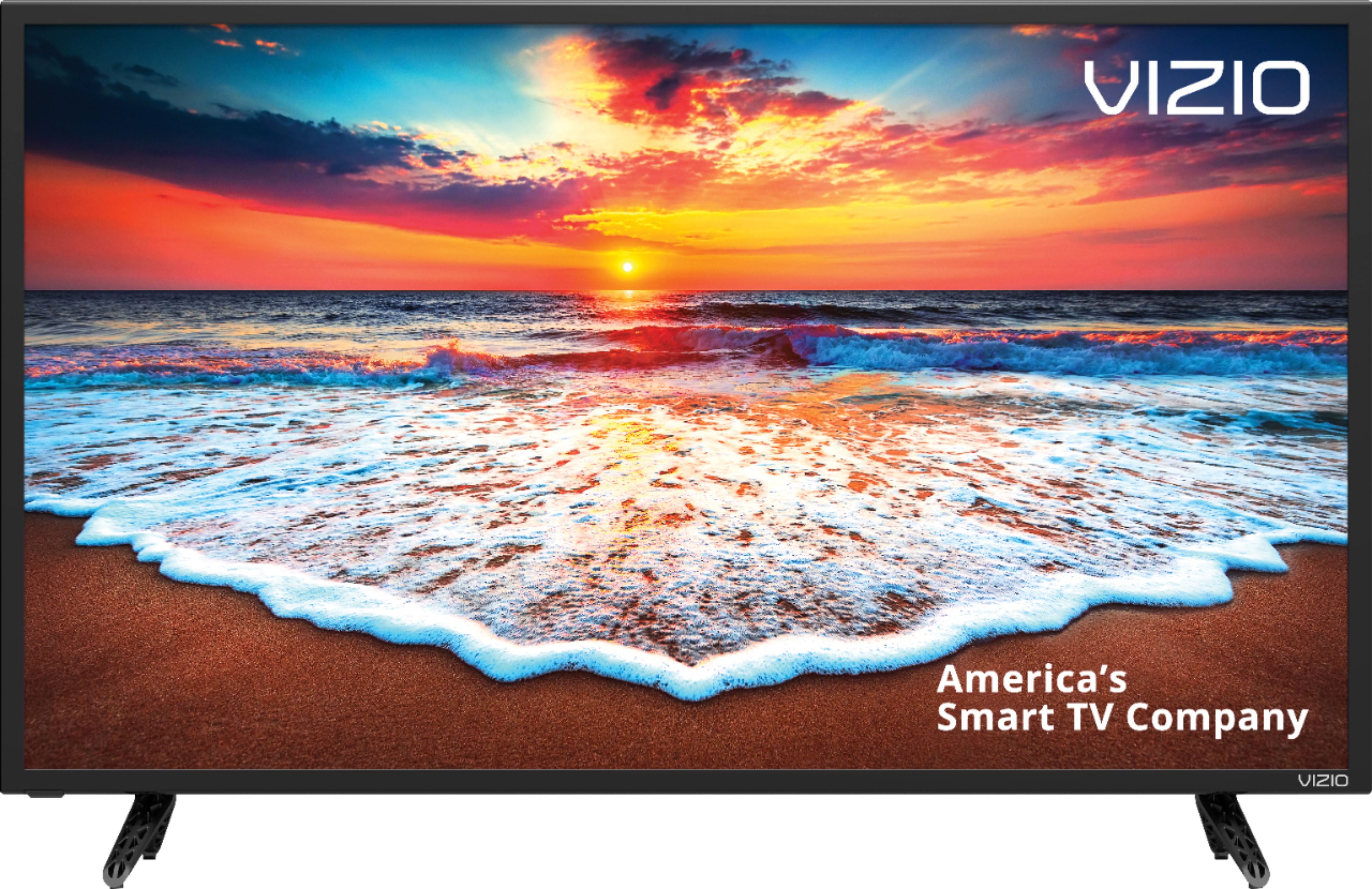
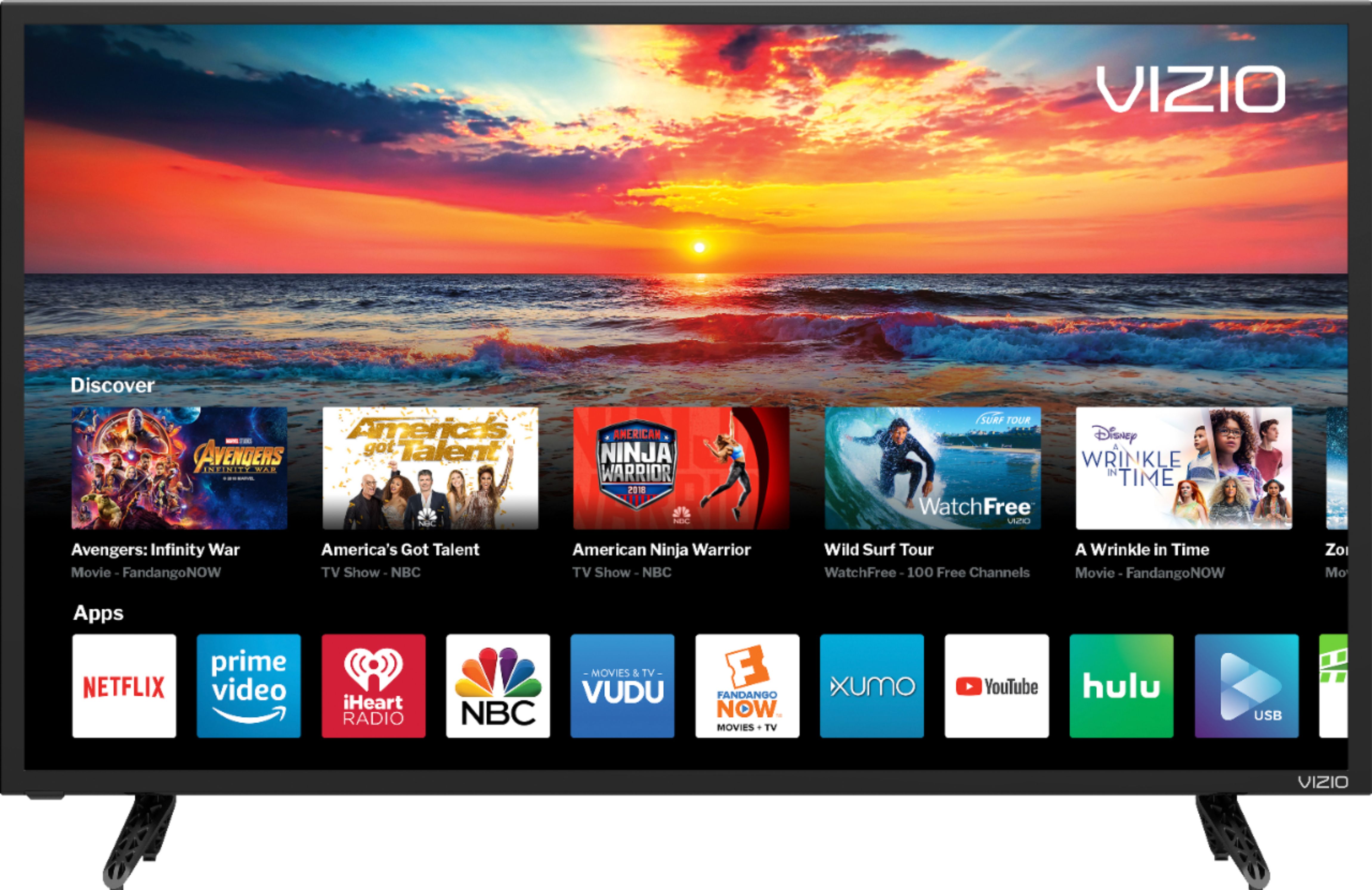
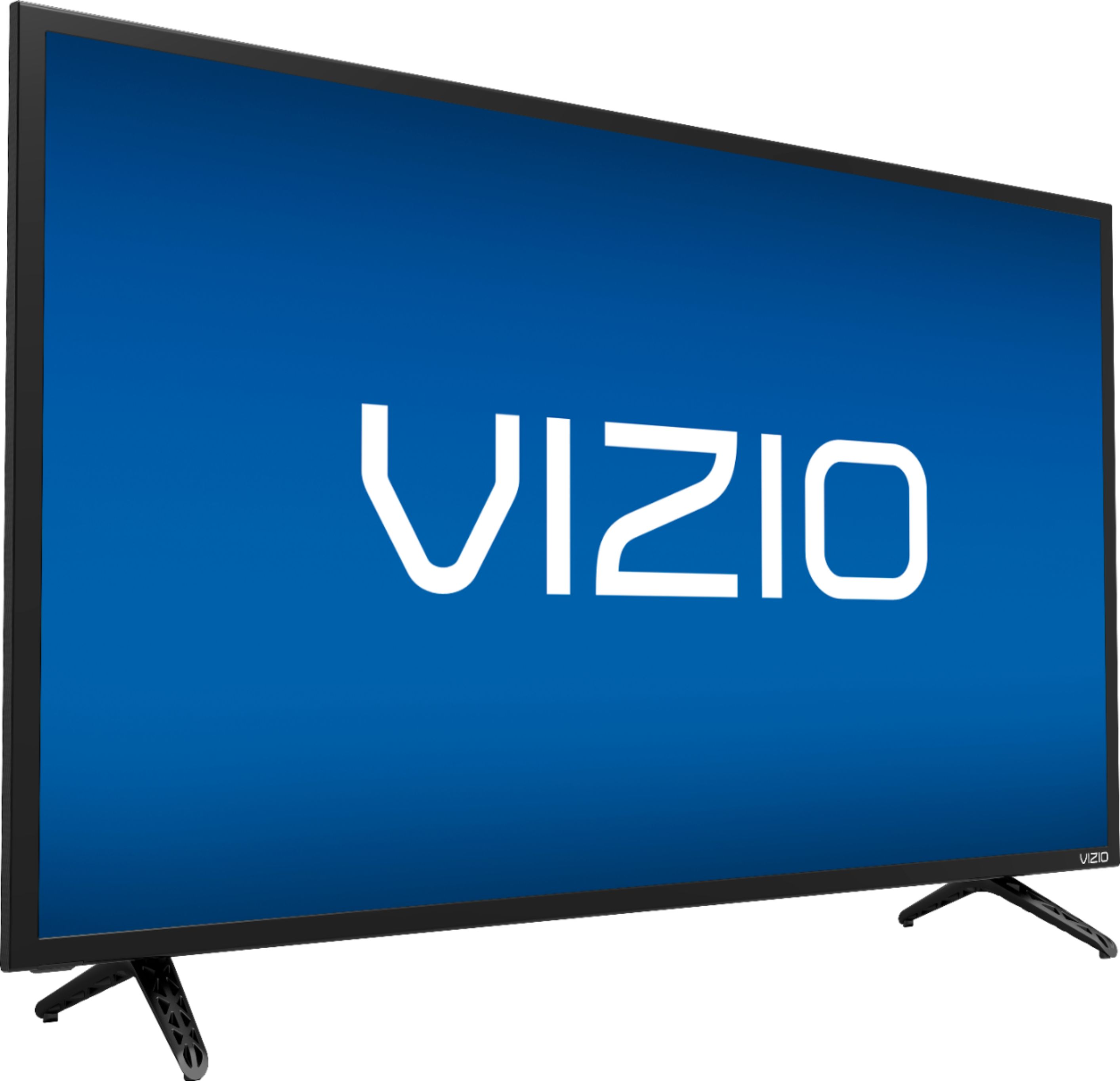
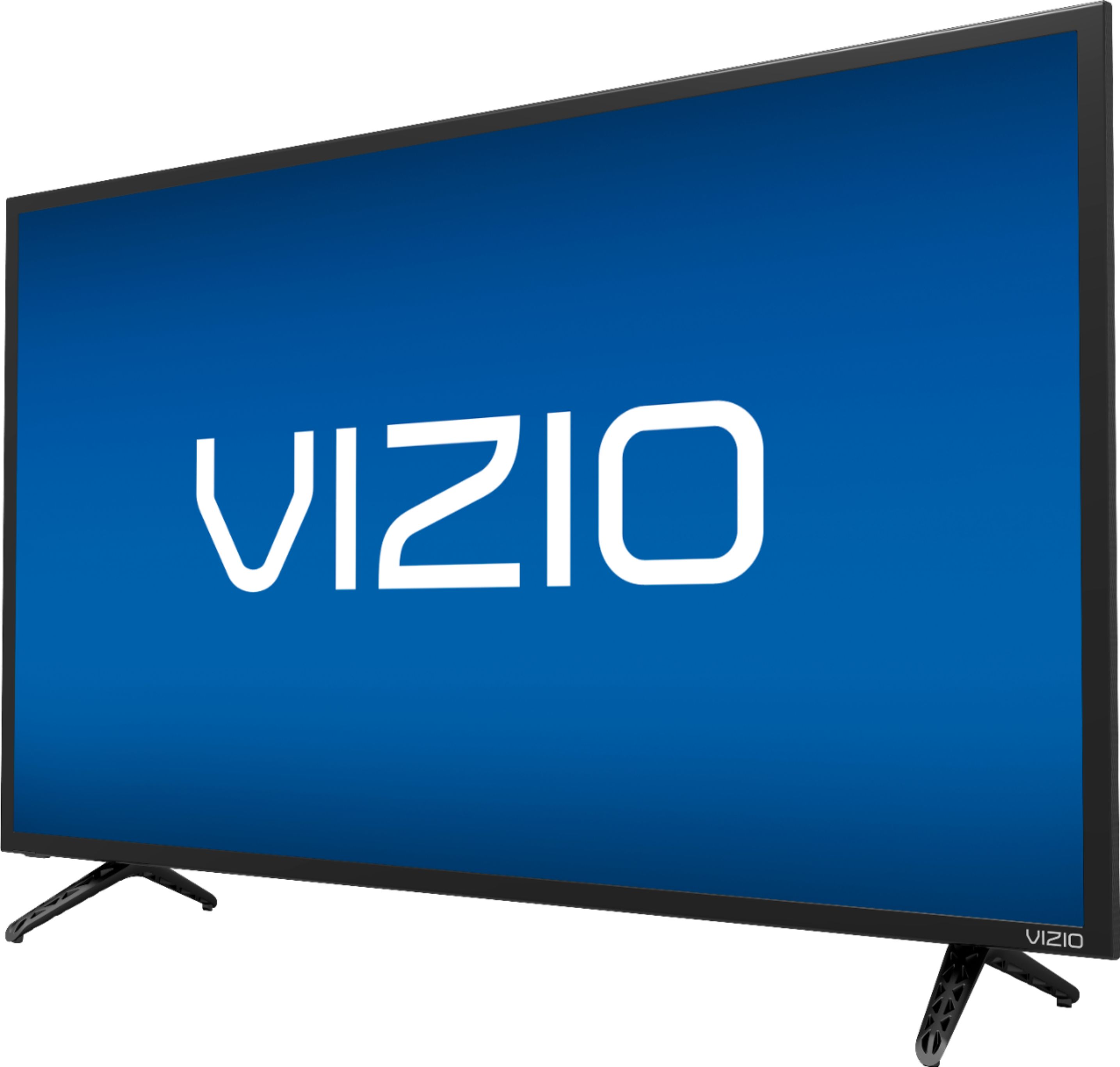
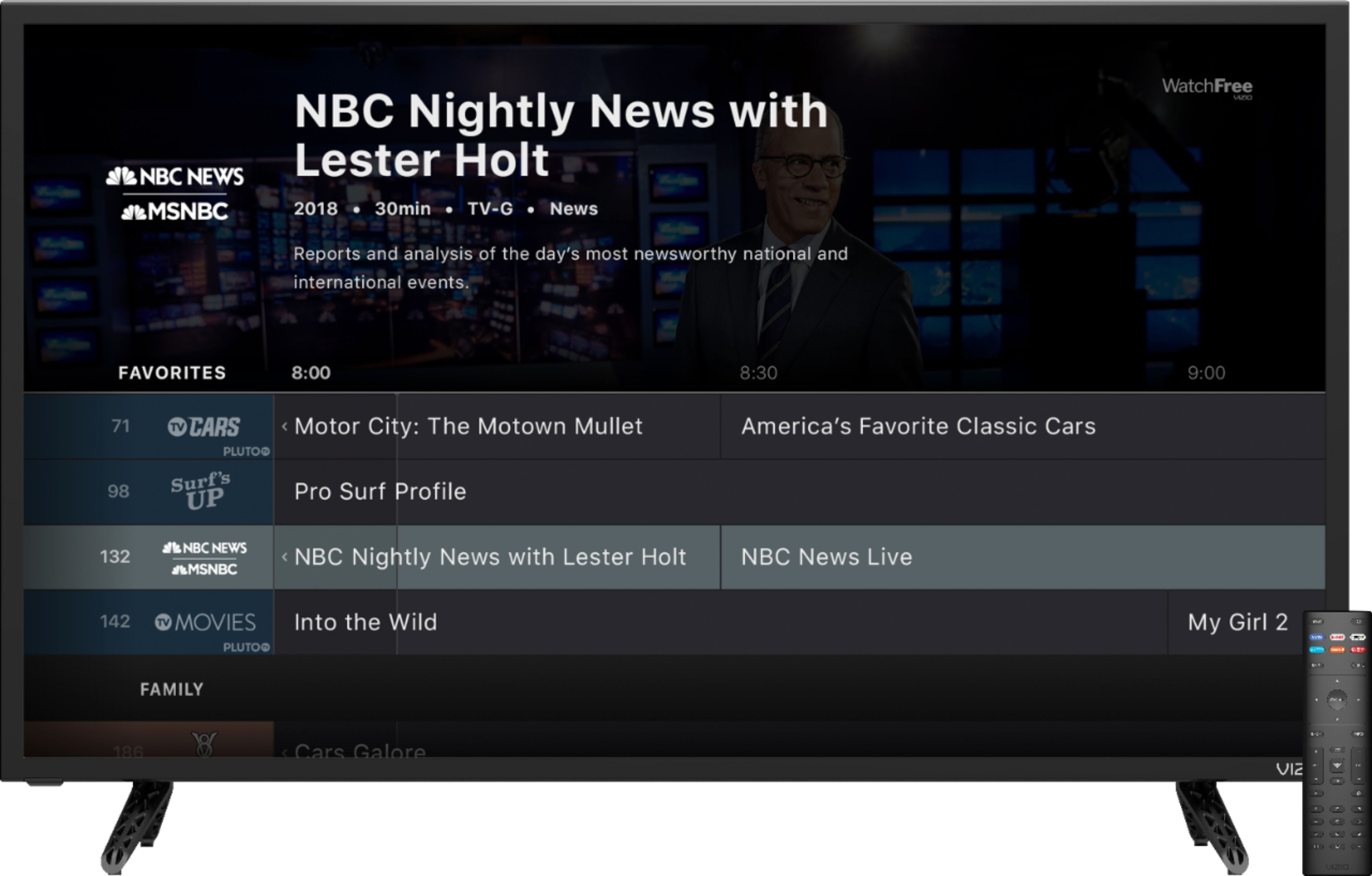
A:AnswerIt's a smart tv. Via the remote, and if you already have an ESPN account, just log in and you're good to go. No Amazon Fire Stick Needed. It's already installed into the tv.
A:AnswerI've never heard of ARLO PRO APP......There's a LIST of the apps it works with....And one way you could FIND OUT ...is to go to a screen where you see a magnifying glass and type it in...That way, you can see whether it's featured on your app and/or with VIZIO or not.... If you go to an APP ( say HULU?) There's a SEARCH BOX with a MAGNIFYING glass in the UPPER RIGHT-HAND CORNER...….Take your REMOTE and move the ARROW, HIT the OK button and it will show a KEYBOARD, from which you can TYPE IN what you're looking for......
A:AnswerI have this tv and have not experienced this issue.So far no issues with this tv ,I retuned my first model because the remote didn't work snd the input button on the tv didn't
work ,but so far this unit is working ok.
A:AnswerThe tv speakers sound ok but I use the Visio sound bar mounted to the tv via the wall mounts. Plays seamlessly and turns on/off with the tv remote.
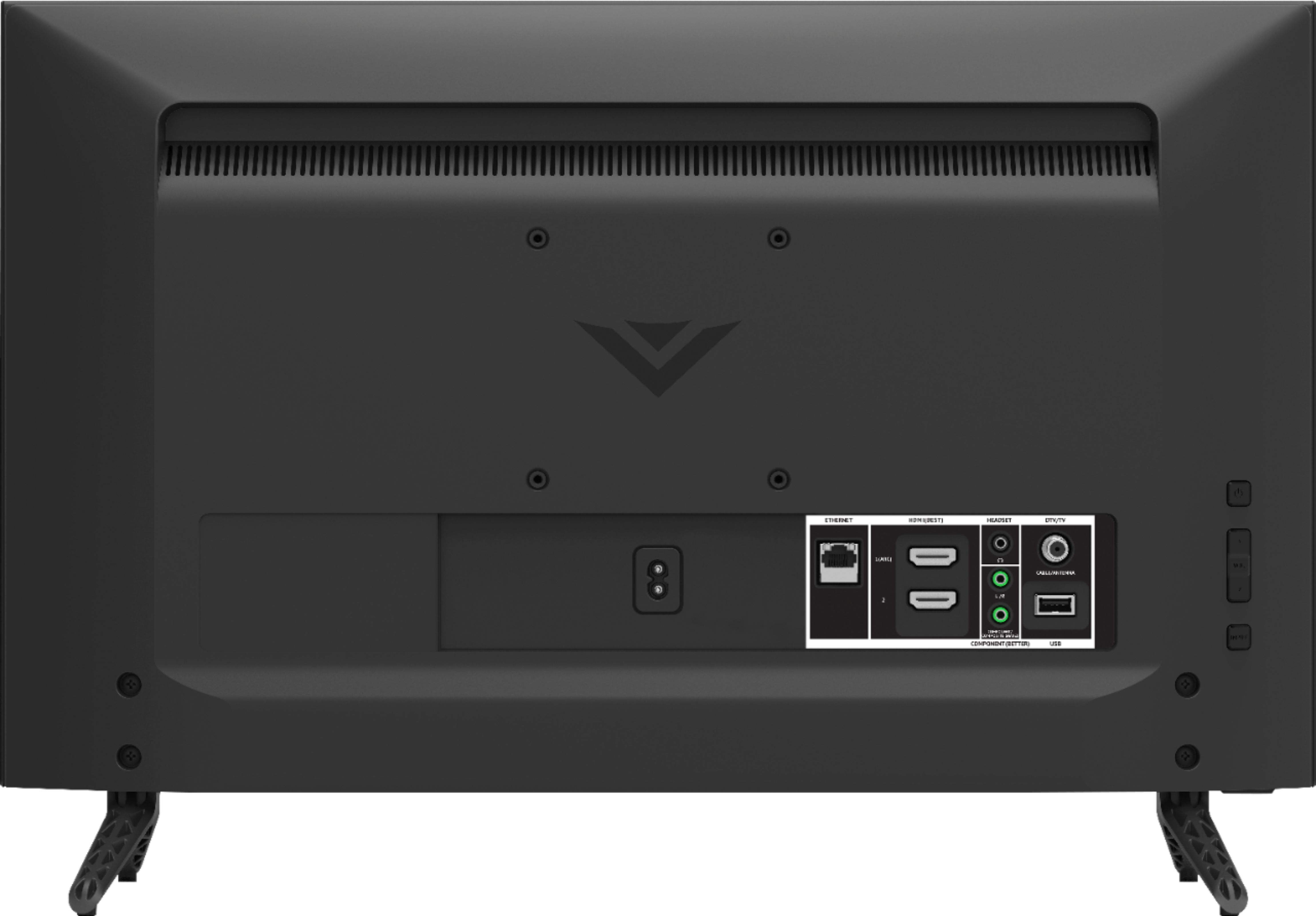
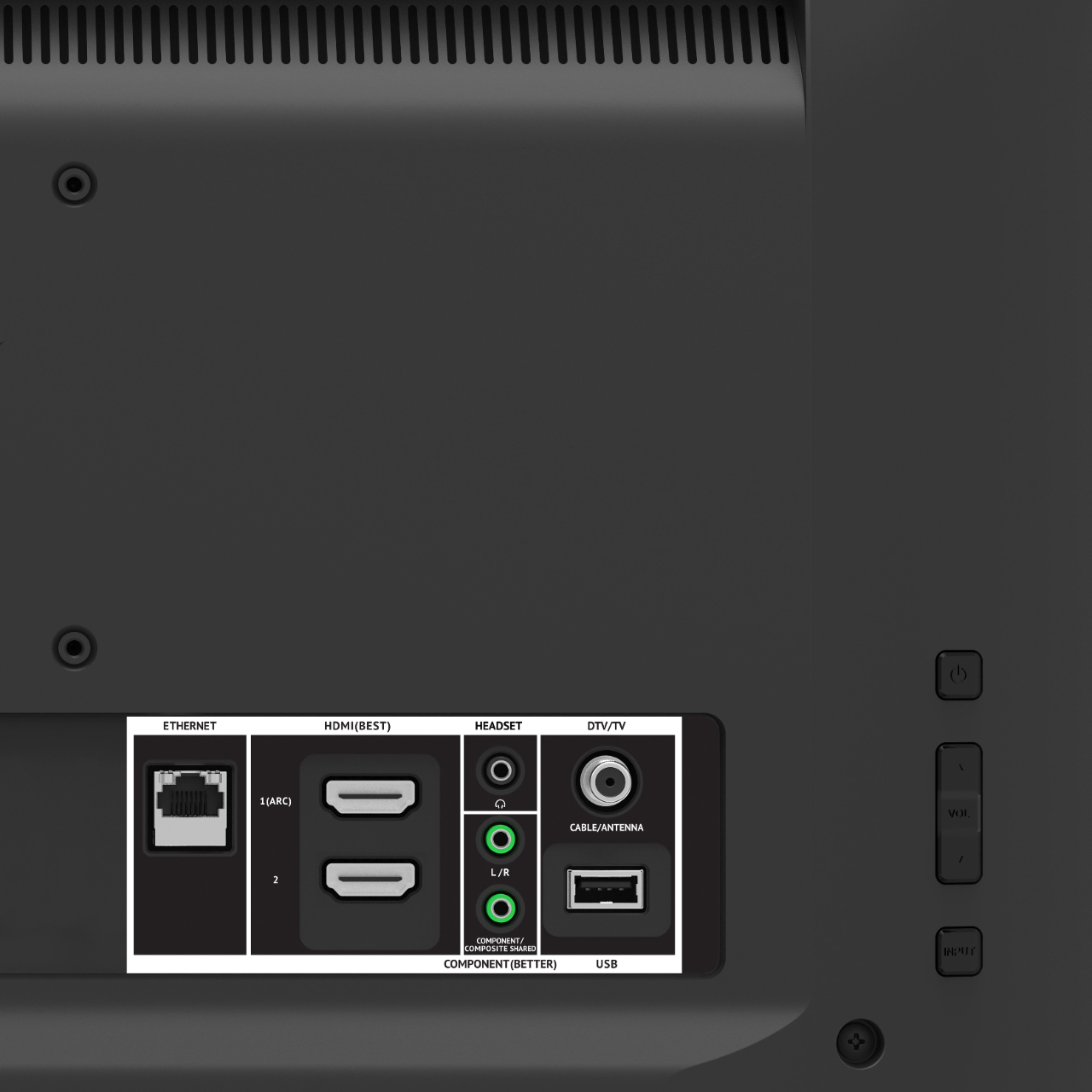
A:AnswerI doubt it. The USB port will be looking for compatible video files (like mpeg4) on something like a USB stick. If you could find an iPhone app that emulates a USB stick you might have some luck.
A:AnswerWe'd love to speak with you directly about your question to see if we can help in any way. Please contact our customer support team at 877-878-4946
A:AnswerIt does not come with Plex and cannot be installed. I have never heard of plex, but if it is a streaming service and has the google casting symbol then it can be cast to the tv.