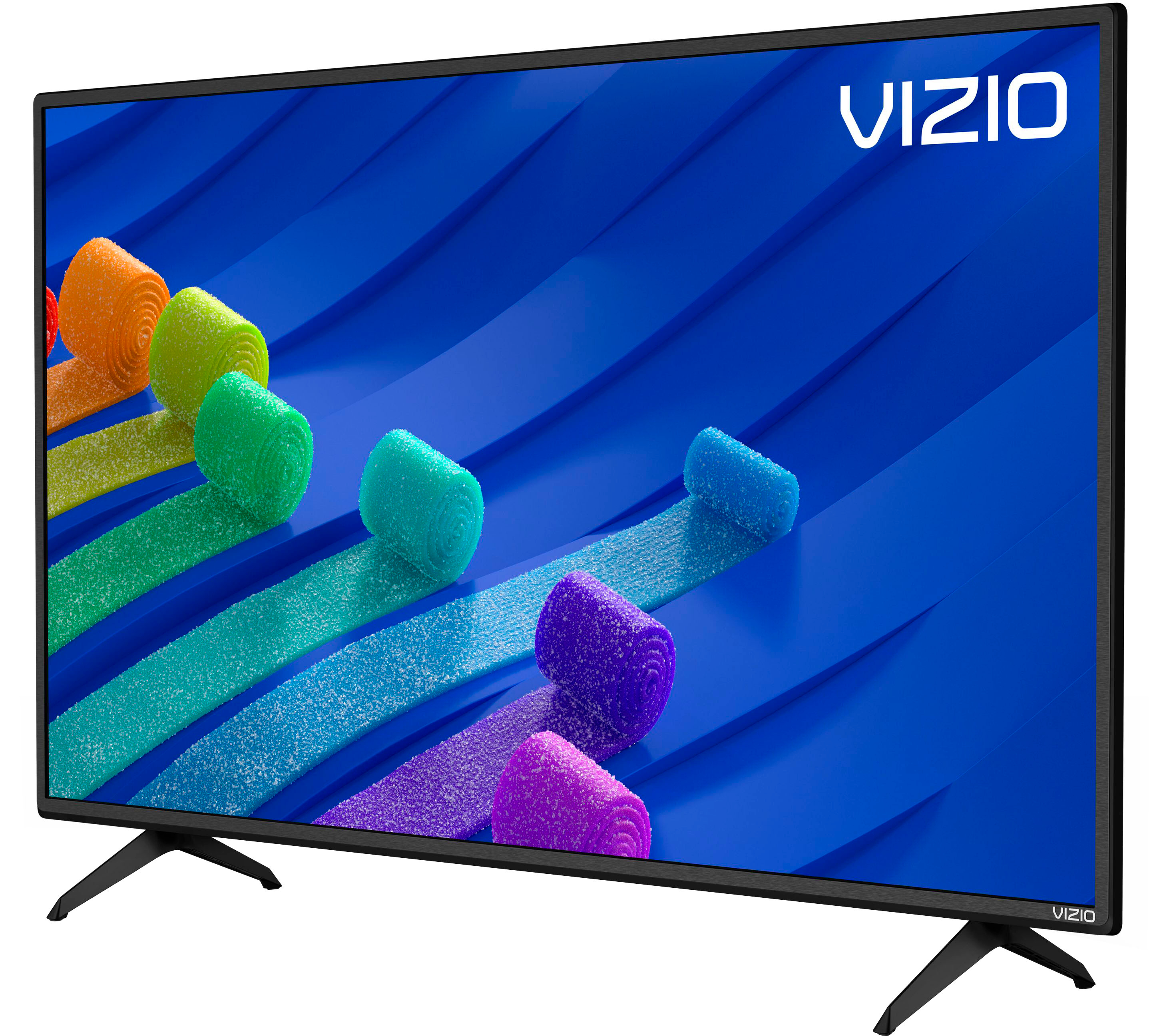
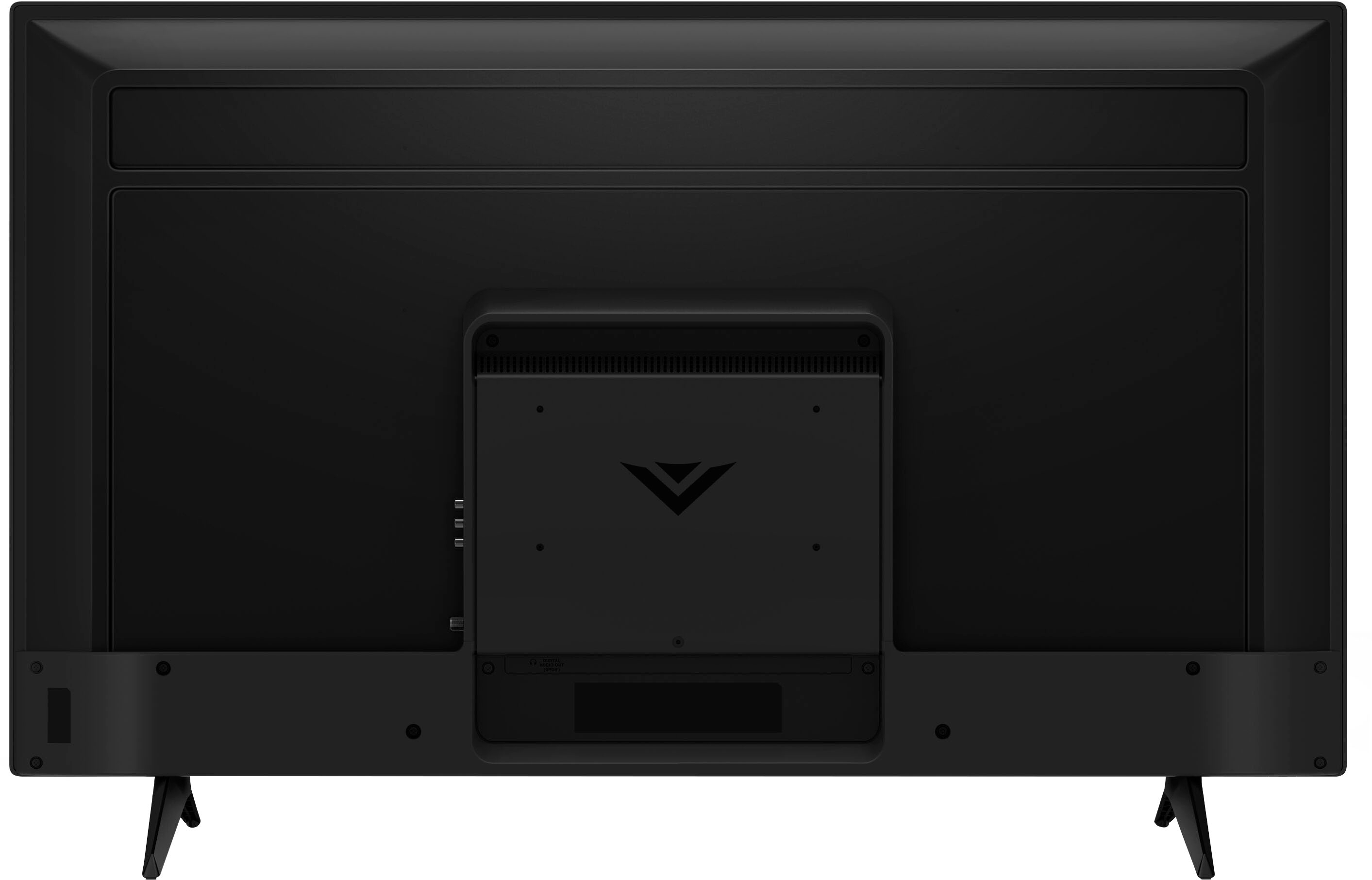
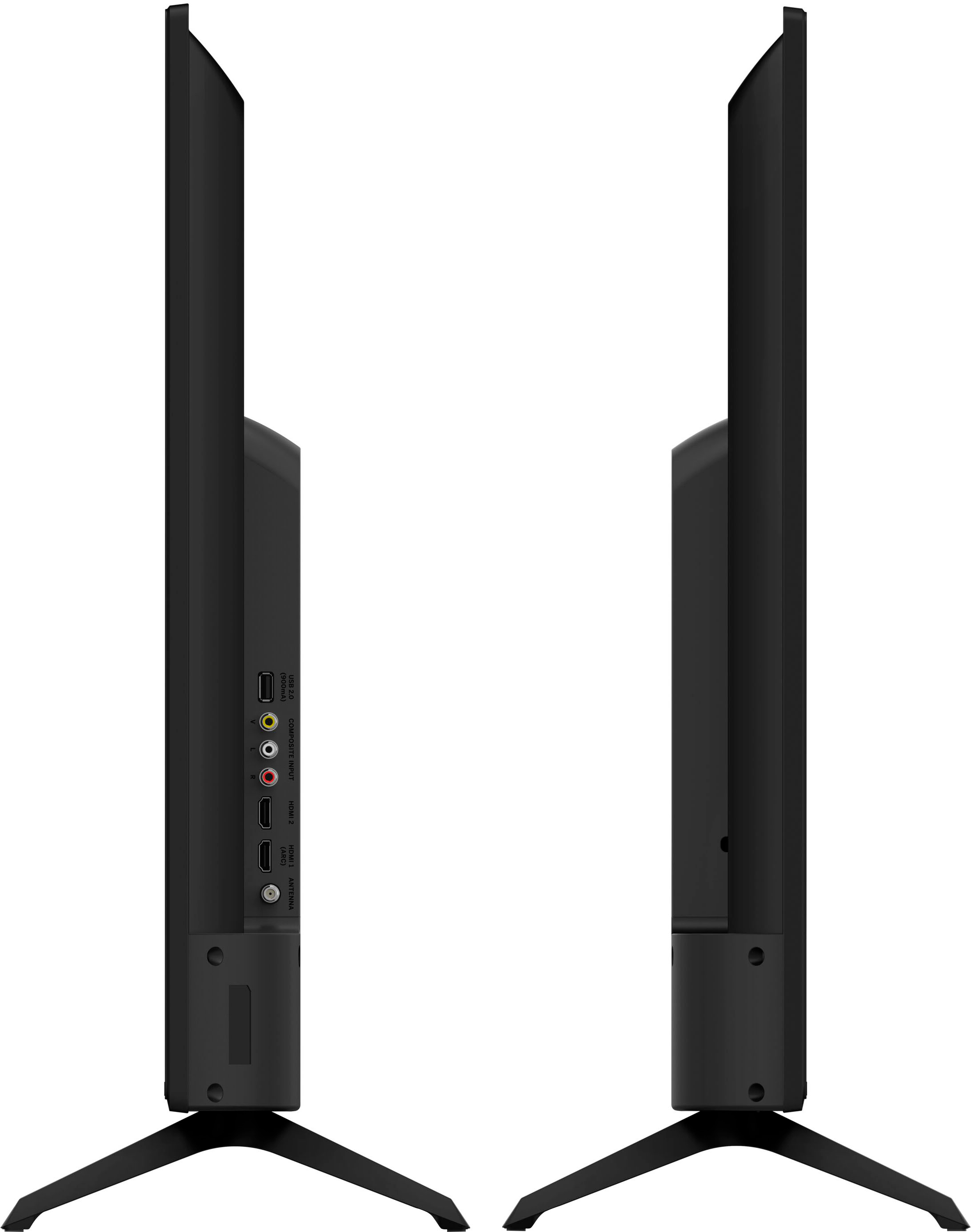
A:AnswerYes leg stands are removable. I purchased a separate universal TV stand using a center base instead of legs supplied with TV. The distance between the legs exceed the length of the table I was using. Vizio supplies screws to use with most universal stands
A:AnswerThis model supports Bluetooth LE, which is a low energy form of bluetooth used to assist in pairing the VIZIO SmartCast Mobile application to use devices like smart phones and tablets as a remote for the TV. This TV is not designed to output audio over Bluetooth. You could purchase a Bluetooth transmitter and connect it to this TV to listen over Bluetooth.
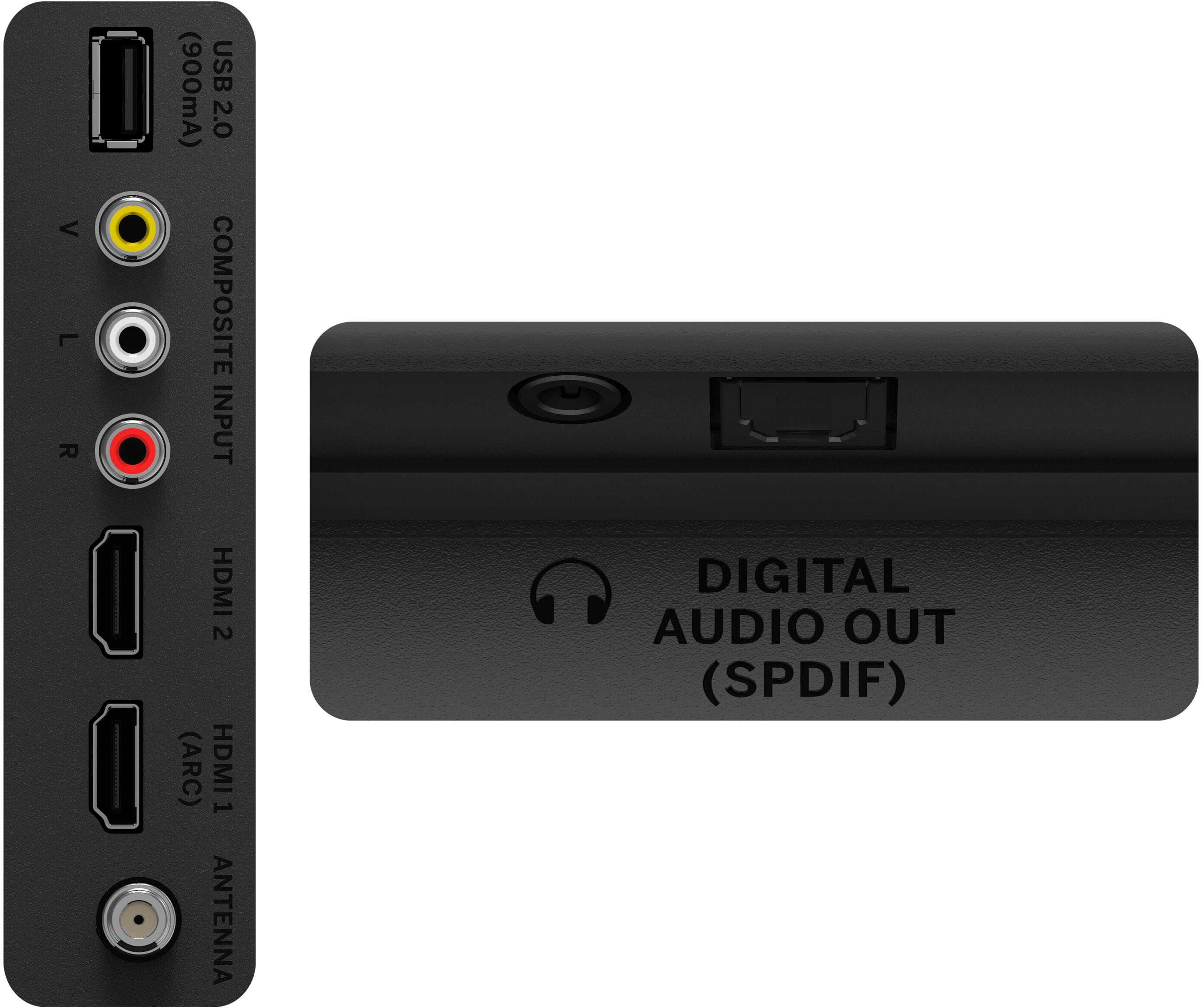
A:AnswerLooking at the back of the TV, you will see HDMI and RCA connections on the left of the rear center panel. The 3.5mm AUX and Digital Optical outputs will be found at the bottom of the same center panel.
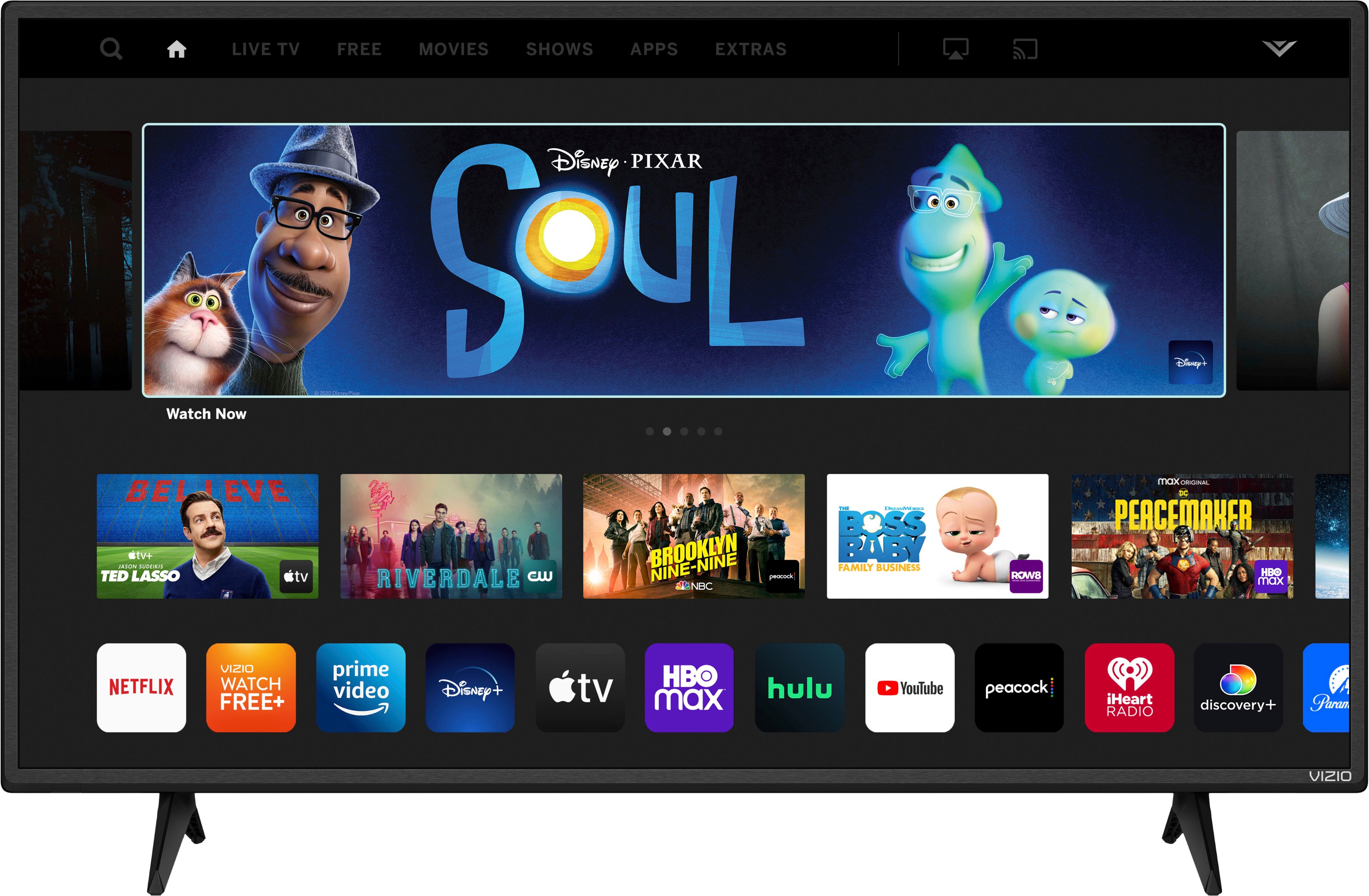
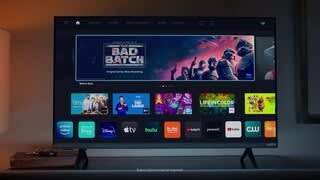
A:AnswerThis TV uses our SmartCast Platform which offers a host of built in apps, as well as support for Google Chromecast, Apple AirPlay 2, and voice support for SIRI, Google Home, and Alexa. If you find there is an app you want to watch that is not on SmartCast you may be able to cast it using Chromecast or Apple AirPlay from your phone or mobile device.
A:AnswerTo answer your question, I want to gather a bit more information. When you have a free moment, we are available through text message, chat, or over the phone. Just go to support.VIZIO.com and click on ‘Contact Us’.
A:AnswerYes, this TV does have a coax connection in the rear for an antenna and your local channels. The VIZIO remote control that comes with the TV will be able to change antenna channels.
A:AnswerCable and satellite boxes can be used with all VIZIO TVs. We would recommend using an HDMI connection between the box and TV for best audio and video quality.