A:AnswerNo Internet browser and no ability to download other apps.
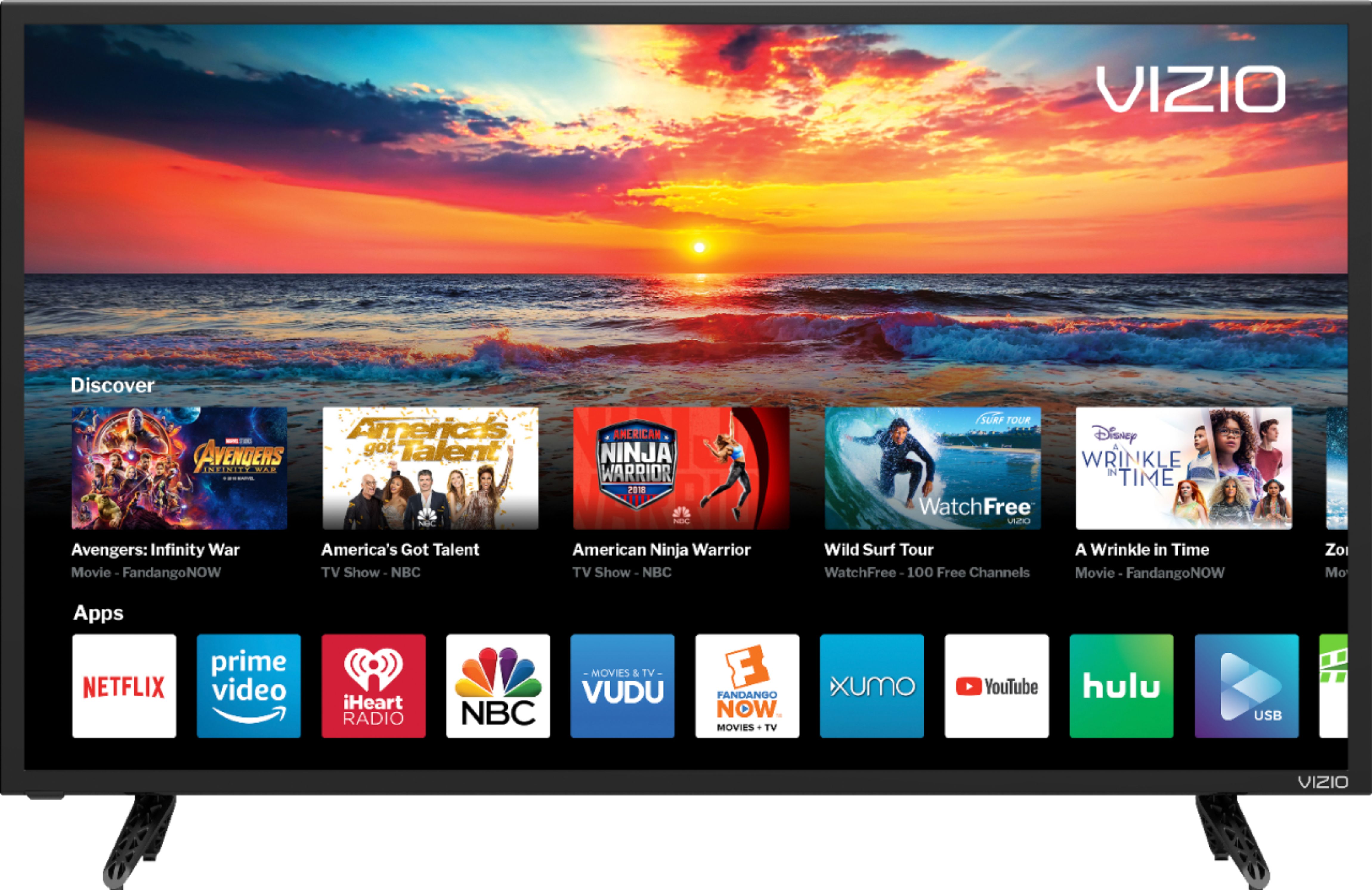
Built in apps are:
Netflix
Amazon Video
Hulu
Vudu
iHeart Radio
Xumo
YouTube
NBC
Sony - Crackle
Fandango Now
Newsy
Dove Channel
Curiosity Stream
CON TV
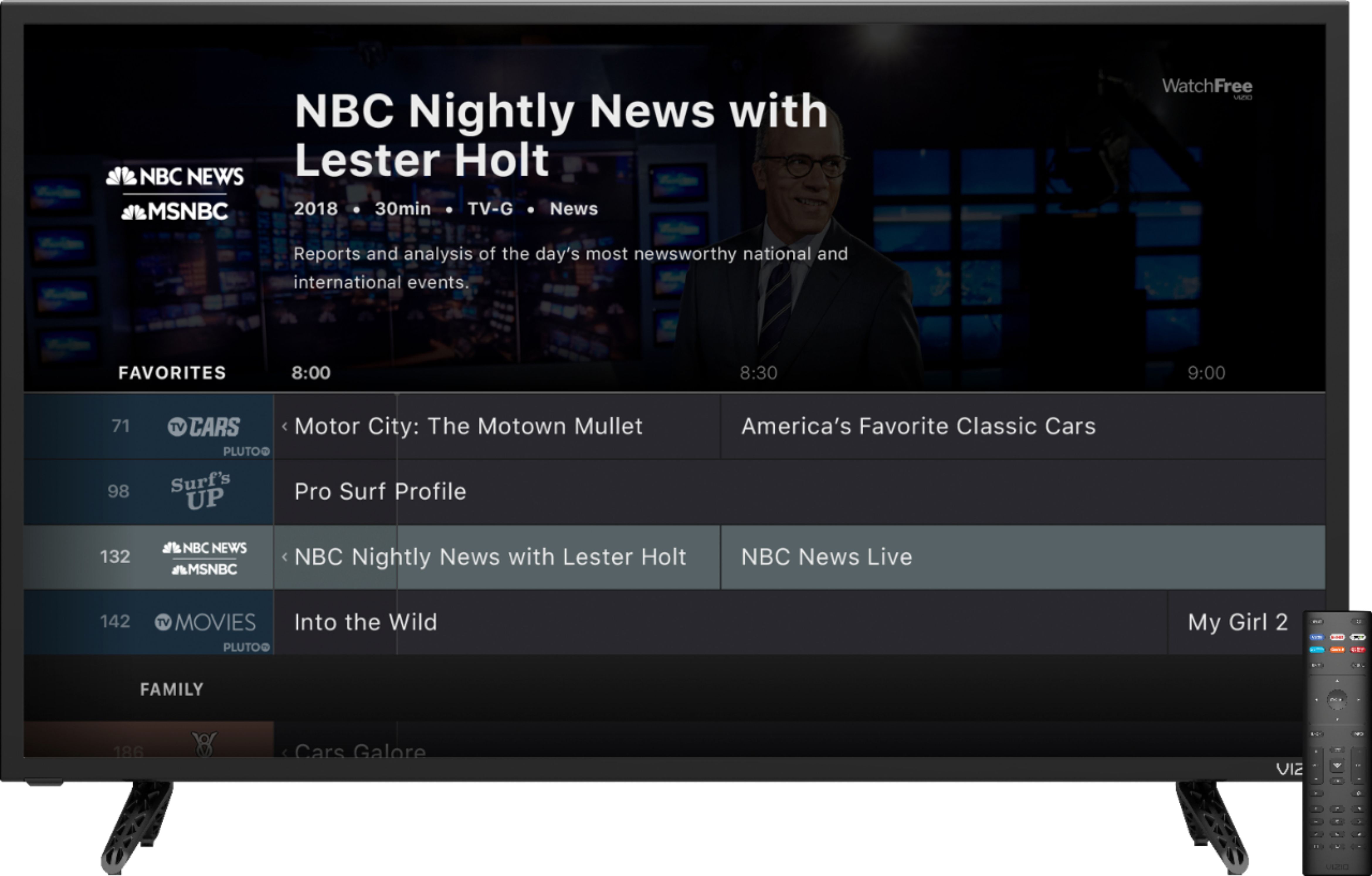
Pluto
Haystack TV
Plex
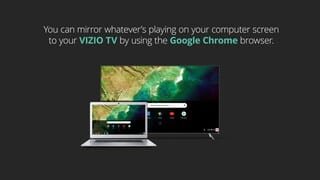
There is also an app for USB (if you stick in a USB device), and an app to SmartCast (to display phone wirelessly to the TV).
A:AnswerHello,
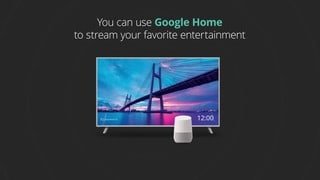
This TV does not have Roku. This TV uses our SmartCast Platform which offers a host of built in apps, as well as support for Google's Chromecast, Apple's AirPlay 2, and voice support for SIRI, Google Home, and Alexa. You could plug in a Roku device if that is what you prefer.
A:AnswerTo use the equalizer you would need to turn off the advance audio setting such as Surround Sound and Volume leveling. With these off you will get an option for an audio equalizer.
A:AnswerHello,
You can find the instructions and a ton of other information on this TV at this site: https://support.vizio.com/s/article/D32f-F1-Model-Information-1?language=en_US
A:AnswerHello Robert,
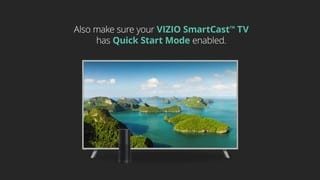
Yes this TV is compatible with Alexa! For a quick guide to get this set up as well as some examples of uses check out this article: https://support.vizio.com/s/article/Alexa-SmartCast-Display?language=en_US
A:AnswerHello Joseph,
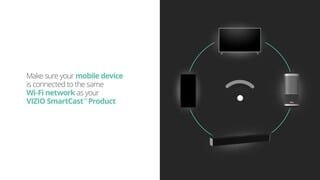
SmartCast comes with a selection of the most popular apps and also supports Chromecast and Apple AirPlay2. Currently the XFinity app is not available on SmartCast but you can cast the app to the TV from your mobile device. For more information on Casting you might enjoy this article: https://support.vizio.com/s/article/How-to-Cast-to-your-VIZIO-SmartCast-Device?language=en_US
A:AnswerHello,
There are built in speakers so you do not require additional equipment. This TV does pair great with a VIZIO Sound Bar for even better audio.