A:AnswerOperating temp is between 40-95 degrees Fahrenheit. Storage temp is between -5 and 120 degrees Fahrenheit. The TV is not sealed to prevent moisture, so weather could affect it.
A:AnswerLike others have answered, the panel is capable of 60Hz native refresh rate. The 120Hz "effective" refresh that they advertise is the Vizio magic that they apply with motion smoothing and other video processing technology. You'll have to buy a higher-end TV series to get 4K @ 120Hz native refresh rate with HDMI 2.1.
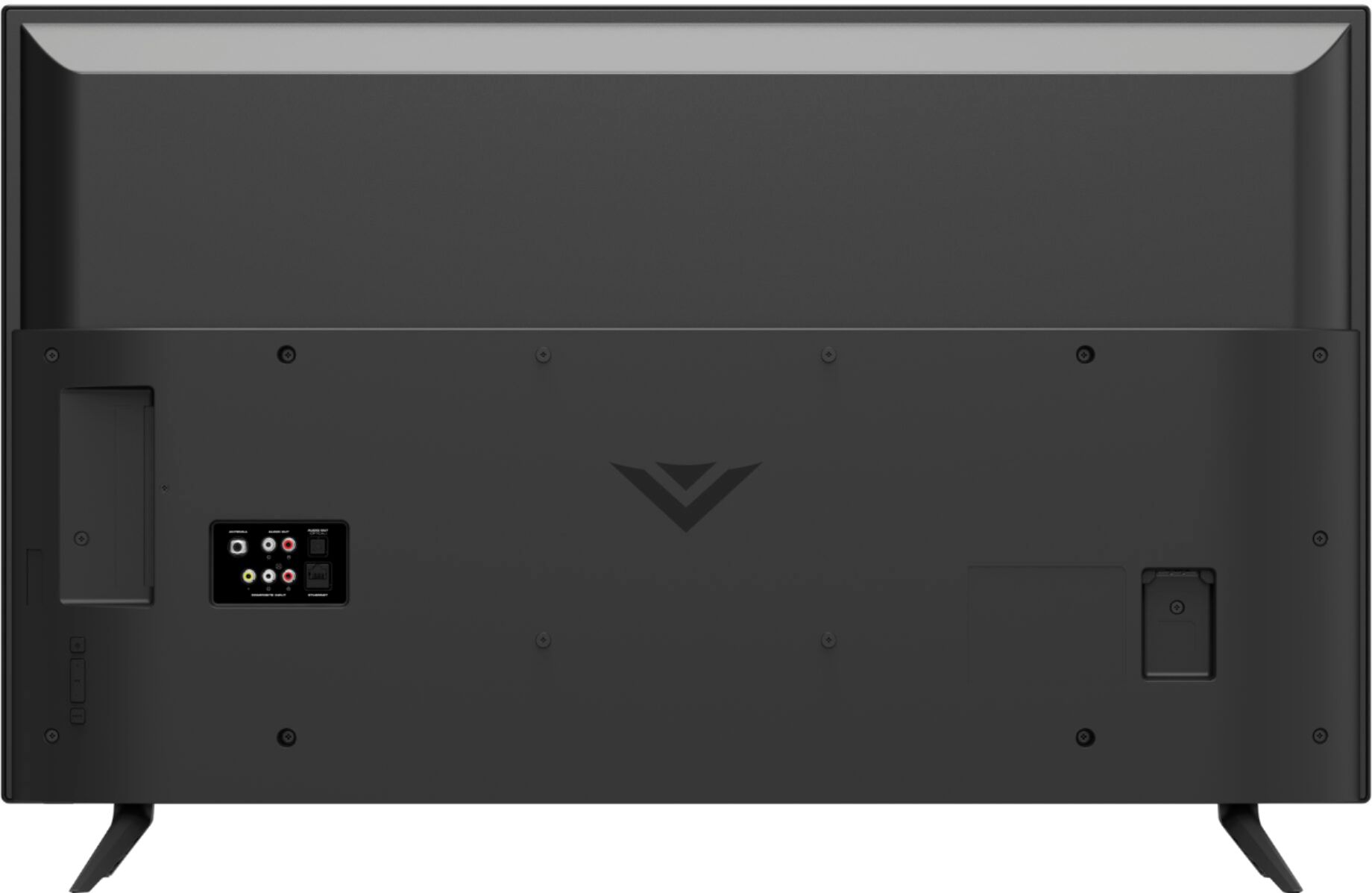
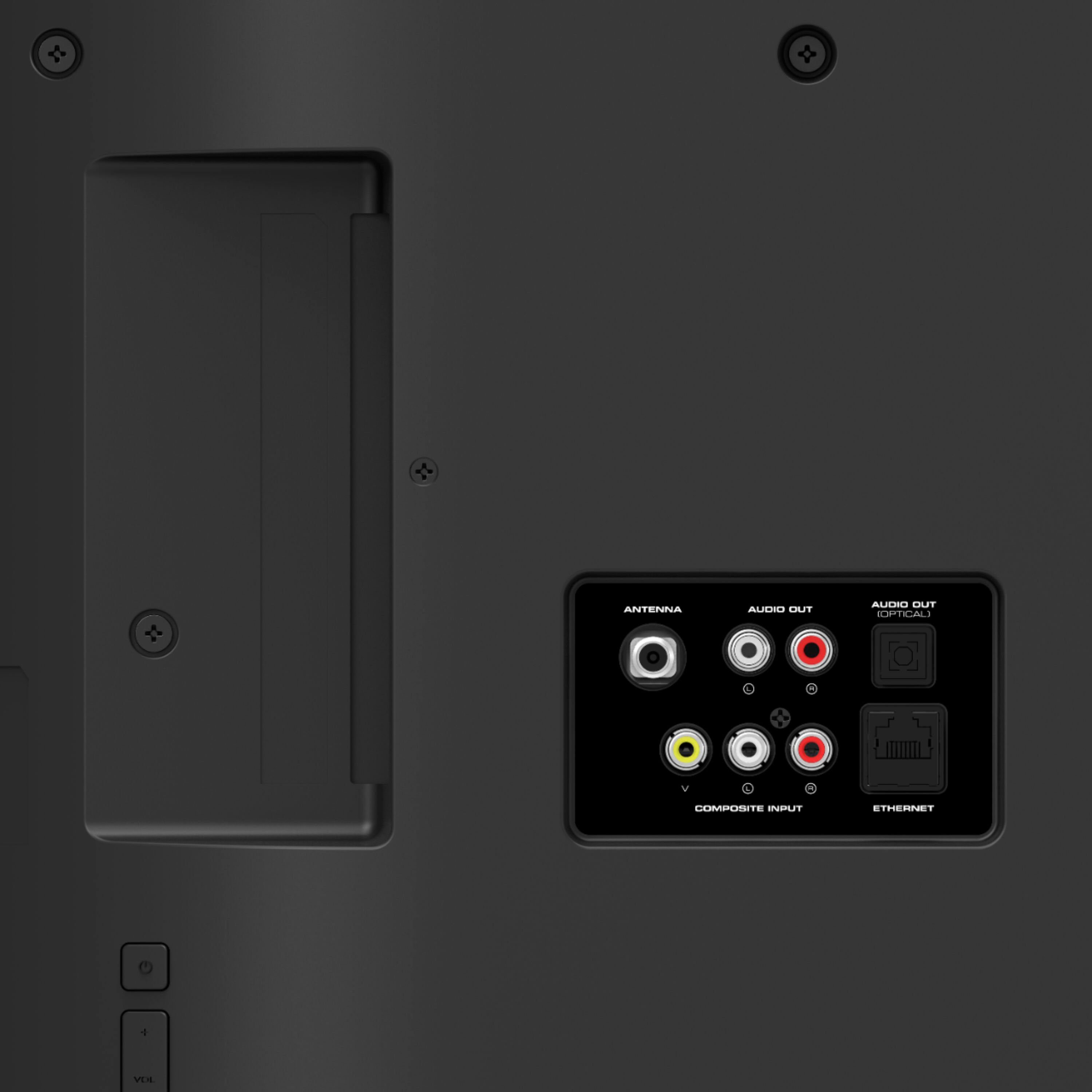
A:AnswerIt depends what you are trying to access. If you are looking for OTA channels , you would need an antenna. If you are looking for Smart apps, you would need WiFi.
A:AnswerIt is possible to attach a computer to the TV using an HDMI cord. You will then need to adjust the input on the TV screen to match the HDMI input used on the back of the TV. There is also a possibility that you may need to adjust some computer settings as well.
A:AnswerThis TV uses our SmartCast Platform which offers a host of built in apps, as well as support for Google's Chromecast, Apple's AirPlay 2, and voice support for SIRI, Google Home, and Alexa. You are not able to manually download additional apps, however new apps are added to the platform often. If you find there is an app you want to watch that is not on SmartCast you may be able to cast it using Chromecast or Apple AirPlay from your phone or mobile device.
A:AnswerThis model supports Bluetooth LE, which is a low energy form of bluetooth used to assist in pairing the VIZIO SmartCast Mobile application to use devices like smart phones and tablets as a remote for the TV. It is not designed to output audio over Bluetooth. You could purchase a Bluetooth transmitter and connect it to this TV to listen over Bluetooth.
A:AnswerThe native refresh rate does NOT fully describe the TV’s motion clarity technology. The “open cell” or “native” refresh rate describes only the glass panel’s ability to refresh the image on the screen, without taking into account the benefit of the scanning backlight. The “native” refresh rate for this TV is 60. VIZIO’s TVs have a Dynamic Motion Rate, which better describes the TV’s ability to achieve motion clarity through the use of its glass panel and scanning backlight. The Dynamic Motion Rate for this TV is 120.
A:AnswerThis TV is not designed to output audio over Bluetooth. You could purchase a Bluetooth transmitter and connect it to this TV to listen over Bluetooth.
A:AnswerWell, I guess you could say they are non-slip because they have rubber bottoms. But the four little feet, less than one-half inch around, seem pretty small for a TV of that size. I wouldn't feel comfortable, so I anchored them to what they are sitting on so the TV can't move. I don't know what you intend to put the TV on, so its hard to say how secure it would be if it is on a cart that is movable.
A:AnswerHello,
Yes this TV comes with SmartCast which features multiple apps that offer 4k HDR content. I watch a lot of 4k HDR content on Netflix as well as Amazon Prime Video, both of which are installed on this TV.
A:AnswerHello ChiefsFan,
Those specific apps are currently not directly supported on SmartCast but most apps can be cast to the TV using Chromecast. This allows you to stream the app on your VIZIO SmartCast TV. For more information on how to cast you can refer to this link: https://support.vizio.com/s/article/How-to-Cast-to-your-VIZIO-SmartCast-Device?language=en_US