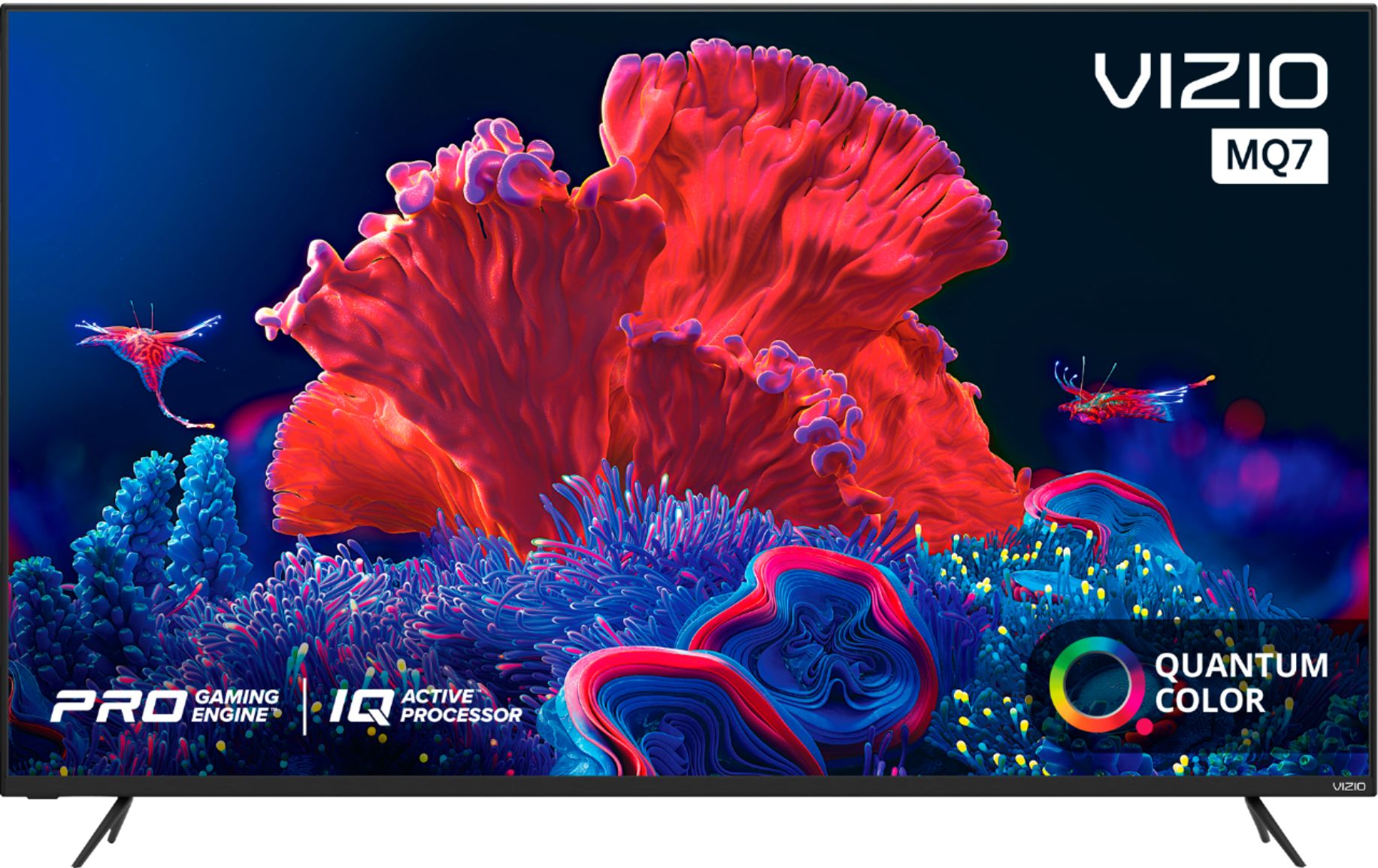
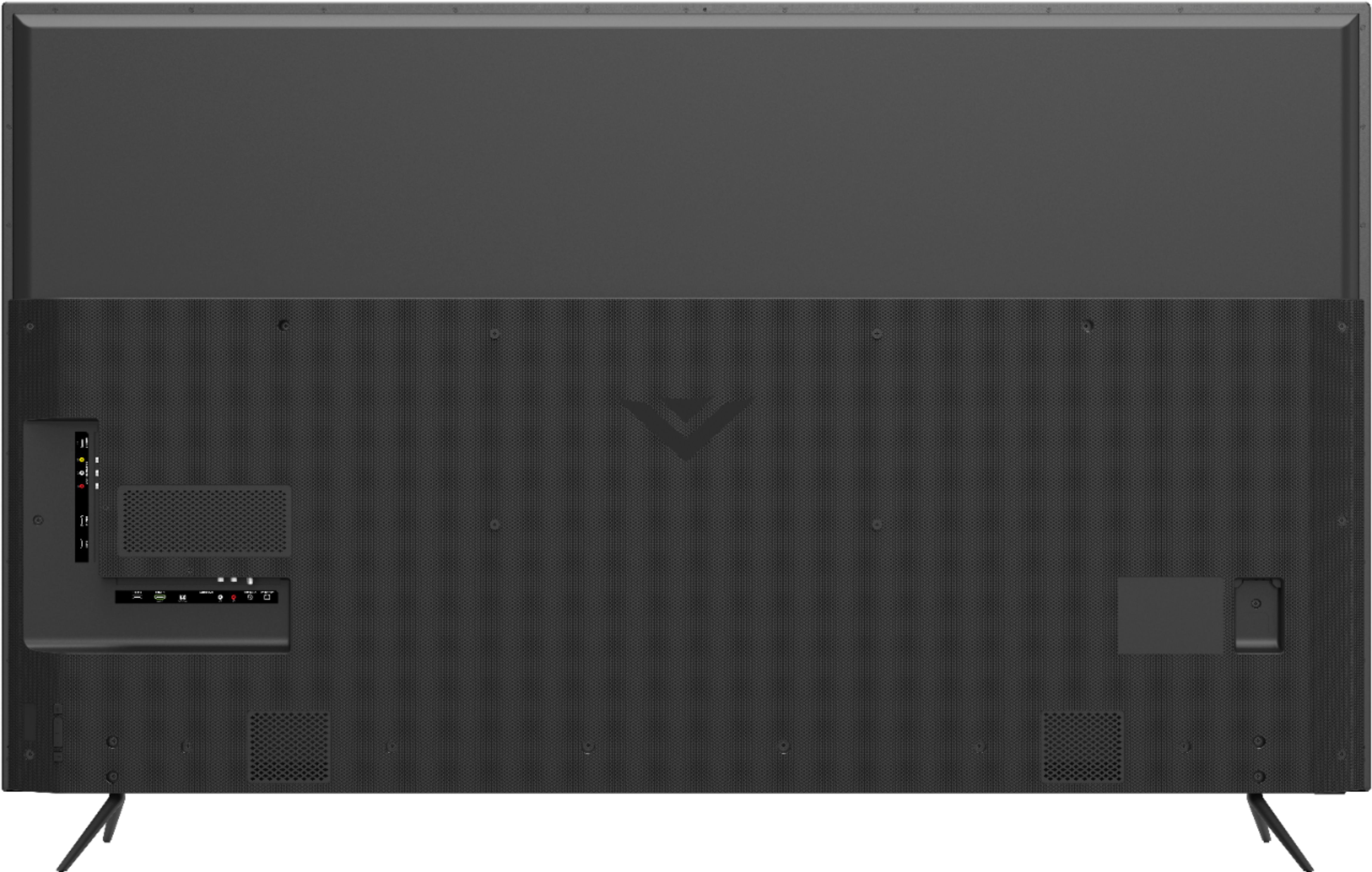
A:AnswerTo answer your question, I want to gather a bit more information. When you have a free moment, we are available through text message, chat, or over the phone. Just go to support.VIZIO.com and click on ‘Contact Us’.
A:AnswerAs televisions continue to have larger screens with thinner profiles and sleeker bezels, there is less room for large speakers. To help get the best audio quality out of your VIZIO televisions speakers, we’ve included settings like DTS Studio Sound to provide the highest performance possible, while maintaining the thin, sleek, bezel-less profile of your television. For top of the line audio performance, you may also look into purchasing a VIZIO Sound Bar, there are several models available with wireless subwoofers for enhanced bass, rear speakers for true surround sound, and our new line of Atmos Sound Bars.
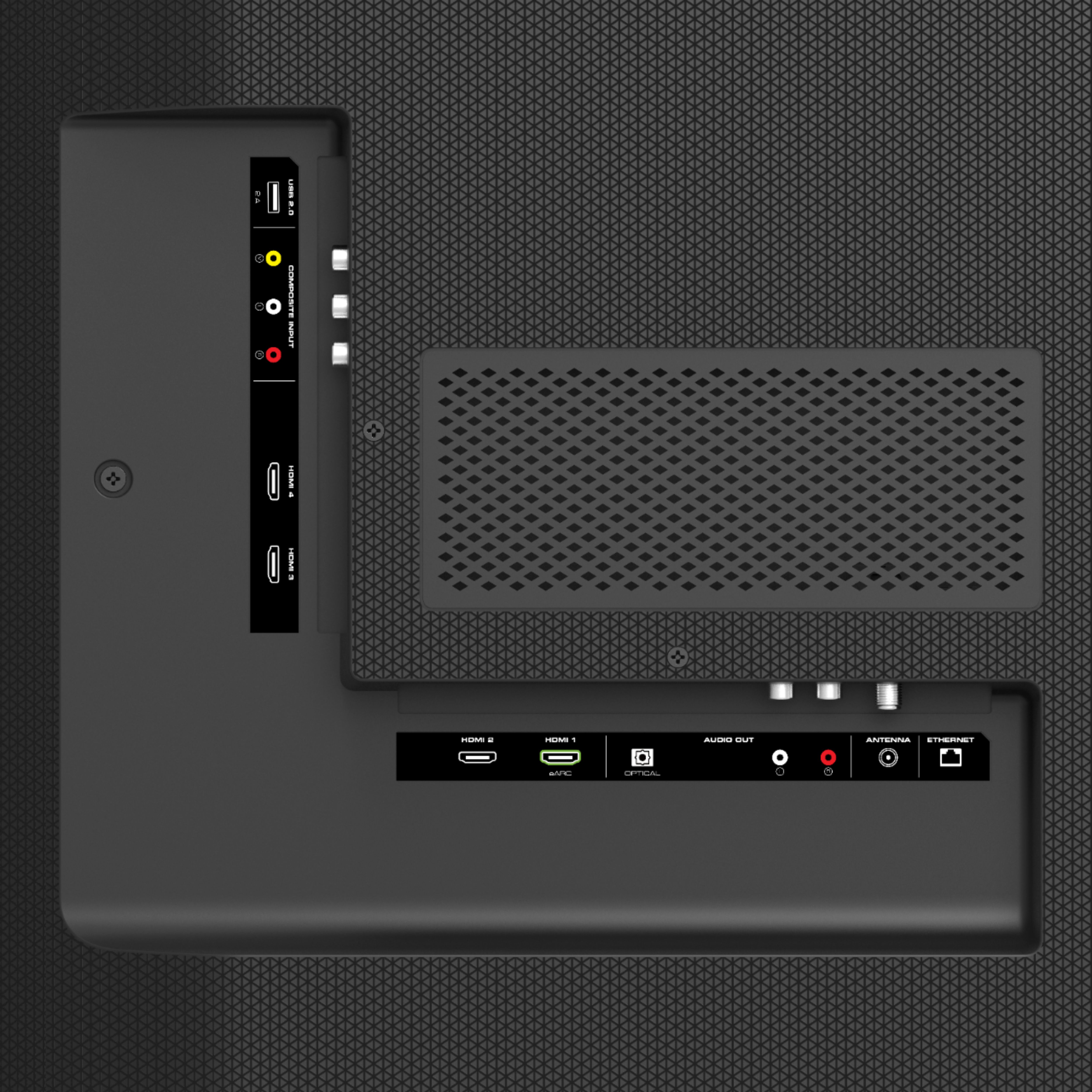
A:AnswerIt is possible to attach a computer to the TV using an HDMI cord. You will then need to adjust the input on the TV screen to match the HDMI input used on the back of the TV. There is also a possibility that you may need to adjust some computer settings as well.
A:AnswerThe features and smart capabilities might be limited when used outside of the USA. VIZIO recommends to only use the power cord supplied in the box when purchased with the TV. Add-on devices can be added to the TV with one of the inputs on back of the TV. You will then want to adjust the input on the TV screen as well to the same input you plug the device in to.
A:AnswerProbably 2.0b
2.1 specs allow 4k hdr 120hz. But this is only a 60hz panel. So some features of 2.1 can work because there's less data hogging from higher refresh rate data. That's my guess anyways. Same boat you're in although I purchased it and fell into problems on 16th day (screen burning on a VA panel!!!) And disappointed along with future proofing. Even if it wasn't 2.1 everything else wrong with it doesn't help. Return if you got time
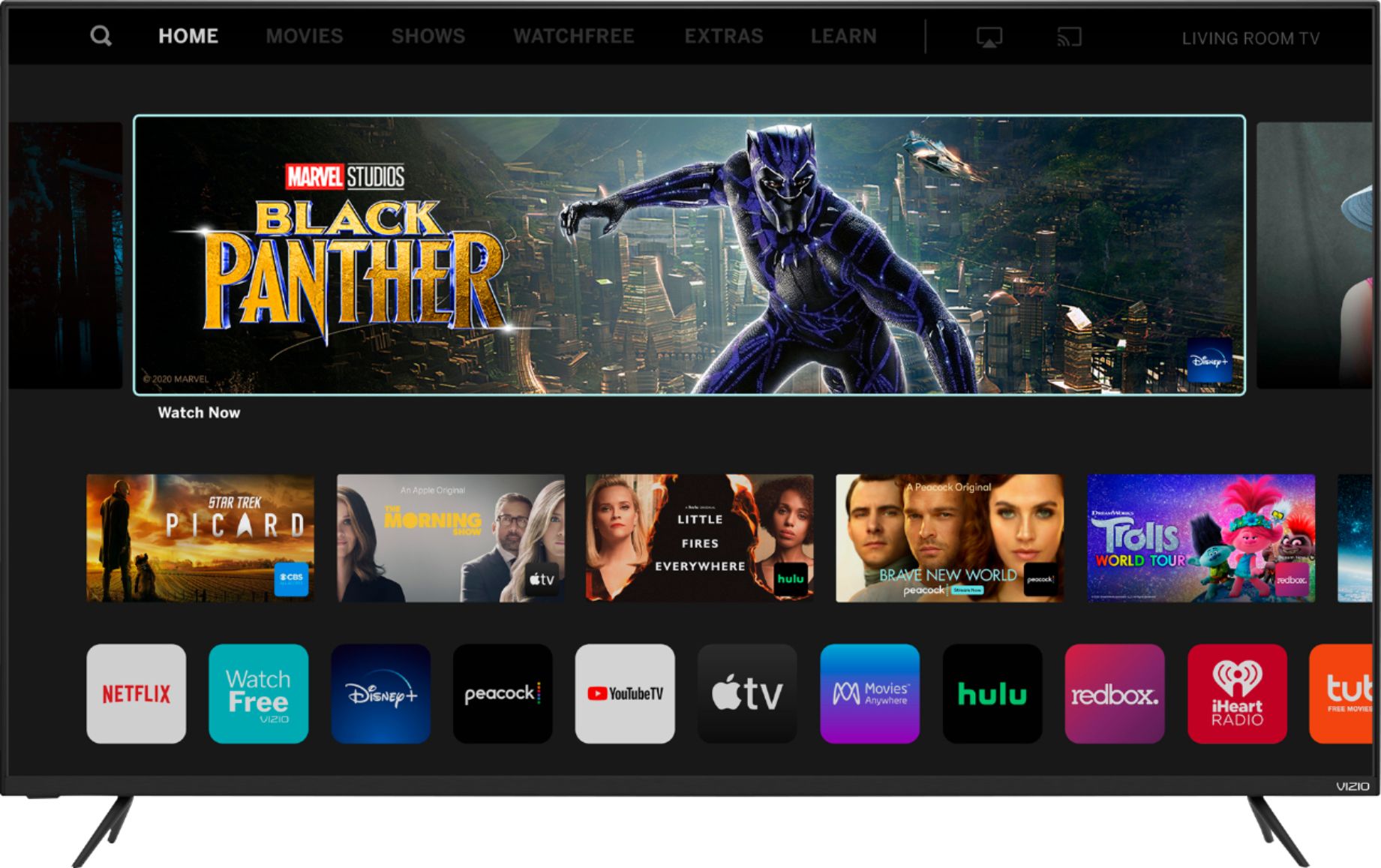
A:AnswerYes. You can cast to this tv with the built in SmartCast feature. From your Apple and Android phone. You don’t need a separate Apple TV device connected to the hdmi. Swipe up from the bottom home button on your phone and select Screen Mirroring, then select the Vizio TV from the name you give it during setup.
A:AnswerVIZIO is committed to bringing you a pro gaming experience on your next generation console. With VIZIO & console developers frequently releasing new updates, features, and patches, we'd recommend you go to support.VIZIO.com & click on 'Xbox Series X|S FAQs' for the most up to date tips on how to get the most out of your console.
A:AnswerThe Dish Anywhere App is not currently available on this TV, but if you contact Dish, they would be able to tell you which of the many supported devices has that app available that you may connect to this TV.