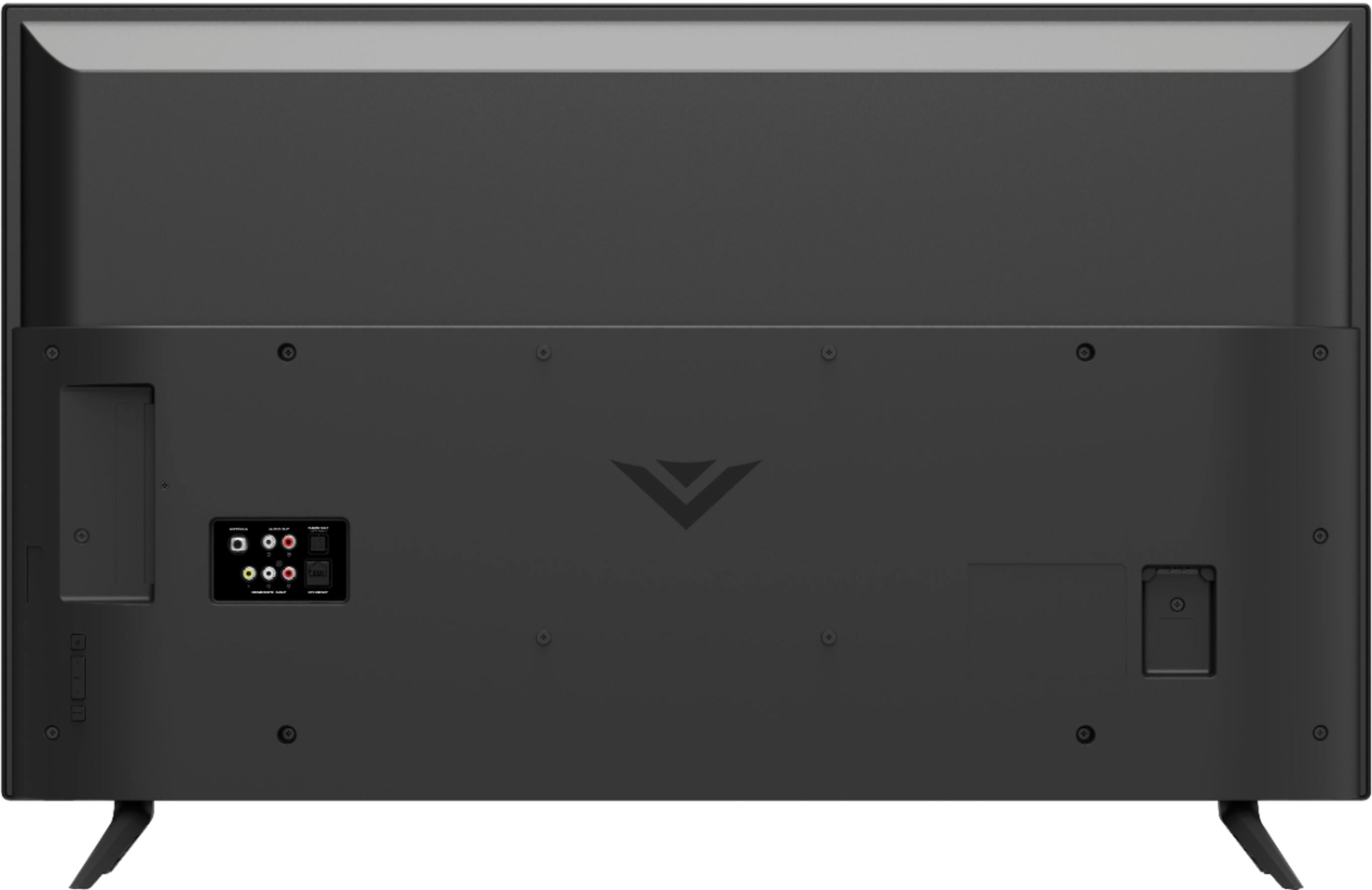
A:AnswerThe hardware is included with the mount. I recommend installing into wood studs in the wall. I used a stud finder to locate them and marked the spots.
This will make it secure. Hope I answered your question.
A:AnswerYes it does it supports all of those so if you are looking to get this TV for the new XBOX or PS5 it would be a great choice for the price. It also has Vizios own Game Engine which reduces input lag and ping.
A:AnswerThe native refresh rate does NOT fully describe the TV’s motion clarity technology. The “open cell” or “native” refresh rate describes only the glass panel’s ability to refresh the image on the screen, without taking into account the benefit of the scanning backlight. The “native” refresh rate for this TV is 60. VIZIO’s TVs have a Dynamic Motion Rate, which better describes the TV’s ability to achieve motion clarity through the use of its glass panel and scanning backlight. The Dynamic Motion Rate for this TV is 120.
A:AnswerHello,
The native refresh rate does NOT fully describe the TV’s motion clarity technology. The “open cell” or “native” refresh rate describes only the glass panel’s ability to refresh the image on the screen, without taking into account the benefit of the scanning backlight. The “native” refresh rate for this TV is 60. VIZIO’s TVs have a Dynamic Motion Rate, which better describes the TV’s ability to achieve motion clarity through the use of its glass panel and scanning backlight. The Dynamic Motion Rate for this TV is 120.
A:AnswerThe native refresh rate does NOT fully describe the TV’s motion clarity technology. The “open cell” or “native” refresh rate describes only the glass panel’s ability to refresh the image on the screen, without taking into account the benefit of the scanning backlight. The “native” refresh rate for this TV is 60. VIZIO’s TVs have a Dynamic Motion Rate, which better describes the TV’s ability to achieve motion clarity through the use of its glass panel and scanning backlight. The Dynamic Motion Rate for this TV is 120.
A:AnswerHello
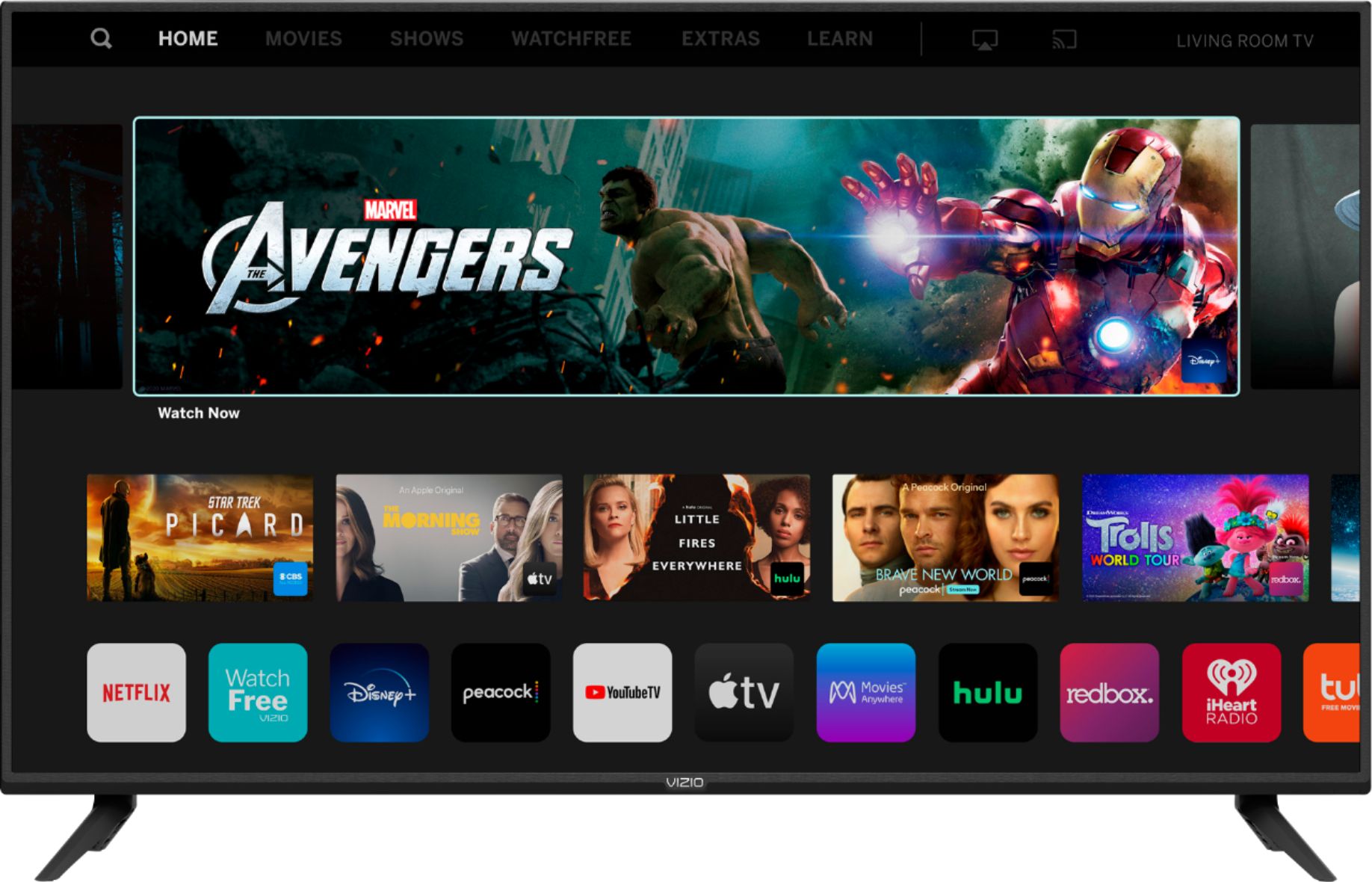
This TV uses our SmartCast Platform which offers a host of built-in apps, as well as support for Google's Chromecast, Apple's AirPlay 2, and voice support for SIRI, Google Home, and Alexa.
A:AnswerThere is something in settings to turn speakers ON, and we went 4 months wondering why the sound was so quiet and my nine year old found this speaker adjustment. Try that?
A:AnswerHello Polo,
This video will walk you through the steps to connect your TV to your home's internet https://www.youtube.com/watch?v=OAqxy889Ndo If you have any other questions or would like more help you can reach us by going to support.vizio.com and clicking 'contact us'.
A:AnswerHello Soccer,
This TV uses our SmartCast Platform which offers a host of built in apps, as well as support for Google's Chromecast, Apple's AirPlay 2, and voice support for SIRI, Google Home, and Alexa. You are not able to manually download additional apps, however new apps are added to the platform often. Currently Sling TV is not on SmartCast but you would be able to cast it using Chromecast or Apple AirPlay from your phone or mobile device.
A:AnswerHello Fredo,
This TV uses our SmartCast Platform which offers a host of built in apps, as well as support for Google's Chromecast, Apple's AirPlay 2, and voice support for SIRI, Google Home, and Alexa. You are not able to manually download additional apps, however new apps are added to the platform often. If you find there is an app you want to watch that is not on SmartCast you may be able to cast it using Chromecast or Apple AirPlay from your phone or mobile device.
A:AnswerHello Toby,
This is not typical, to answer your question, I want to gather a bit more information. When you have a free moment, we are available through text message, chat, or over the phone. Just go to support.VIZIO.com and click on ‘Contact Us’.