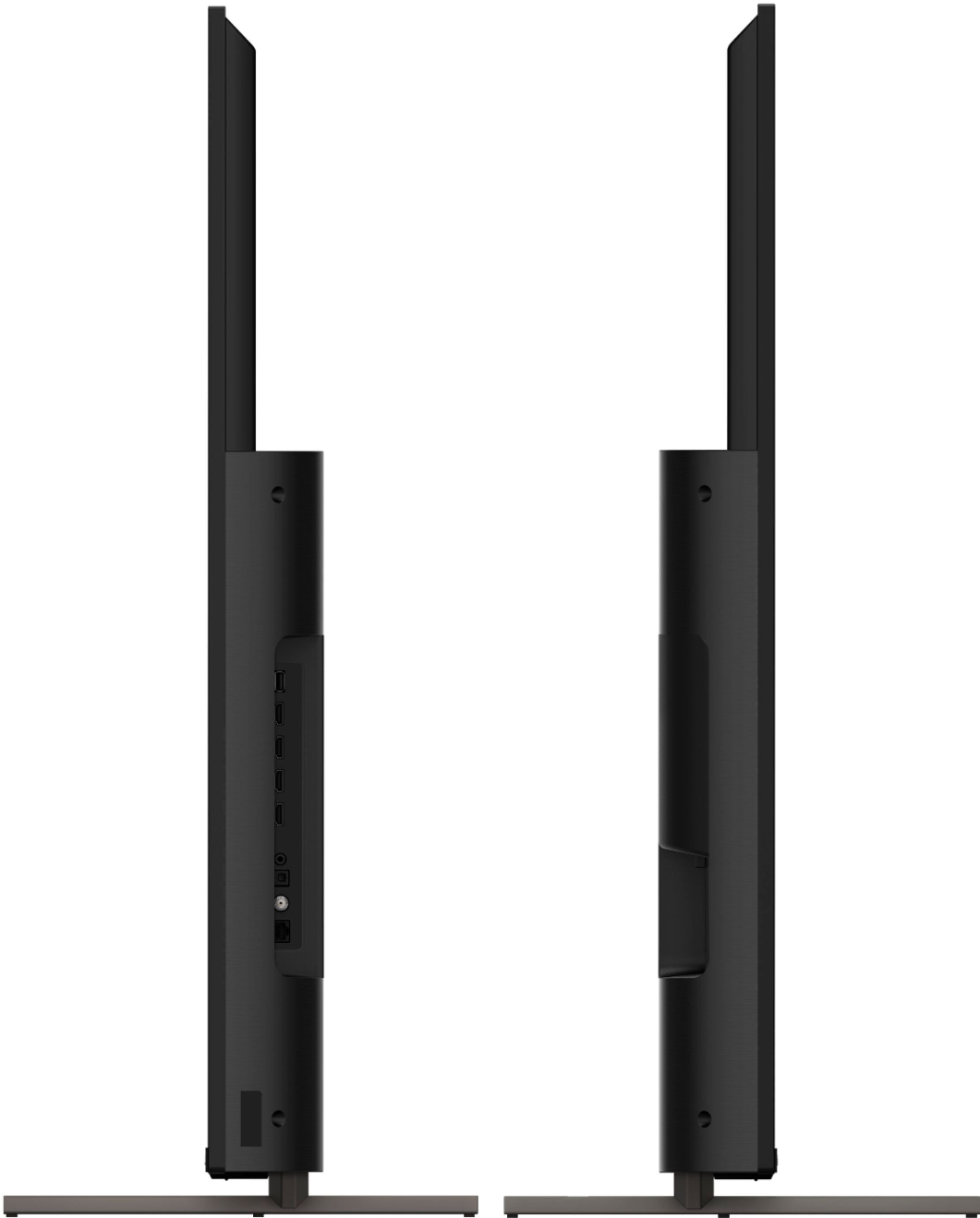
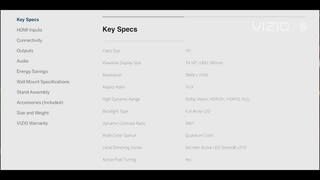
A:AnswerVizio had gamers in mind when building the P-series. Features four HDMI 2.1 ports and a ProGaming Engine that supports Variable Refresh Rate (VRR) and 4K at 120 frames per second (fps).
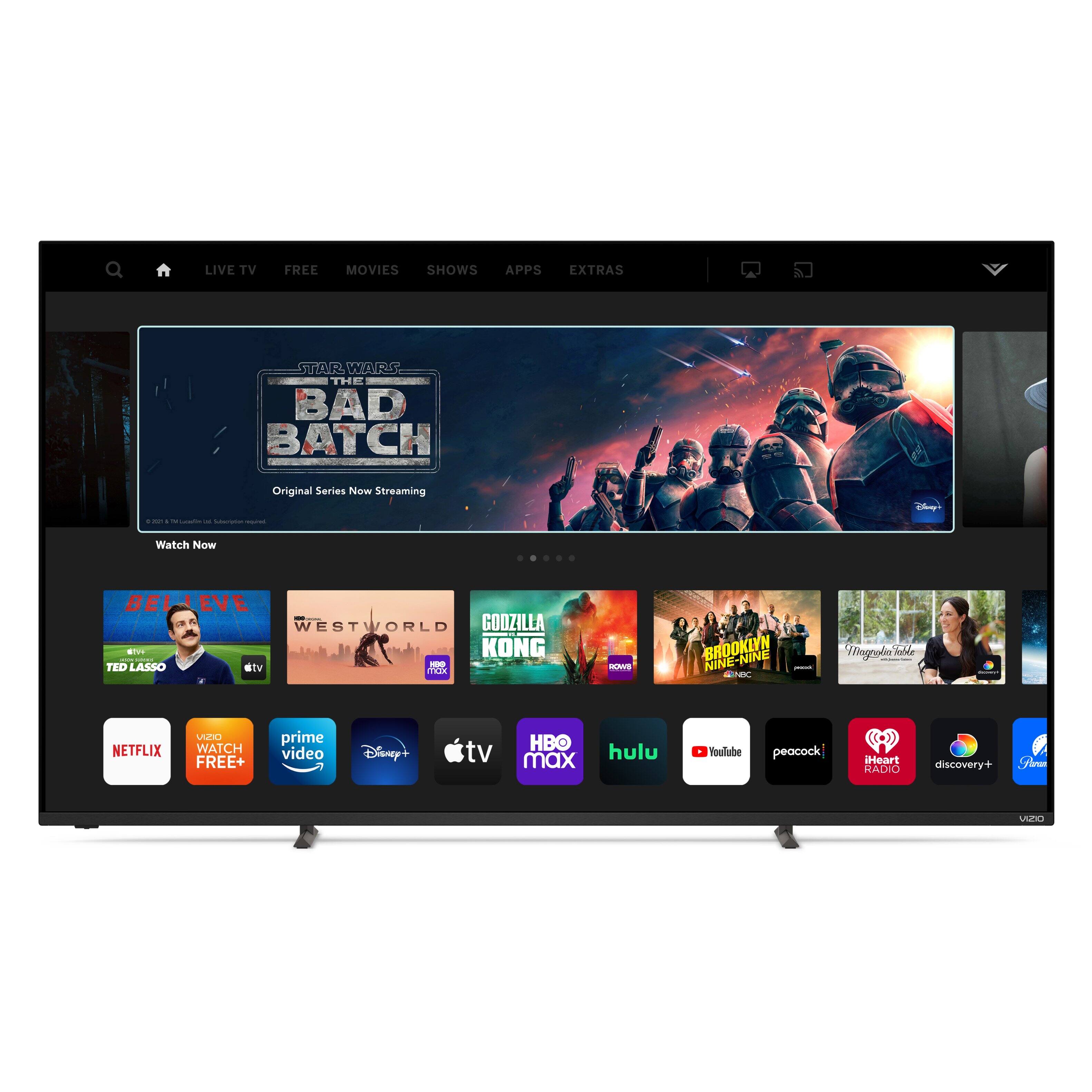
A:AnswerThis TV does not have a web browser but does use our SmartCast Platform which offers a host of built in apps, as well as support for Google's Chromecast, Apple's AirPlay 2, and voice support for SIRI, Google Home, and Alexa. You are not able to manually download additional apps, however new apps are added to the platform often. If you find there is an app you want to watch that is not on SmartCast you may be able to cast it using Chromecast or Apple AirPlay from your phone or mobile device.
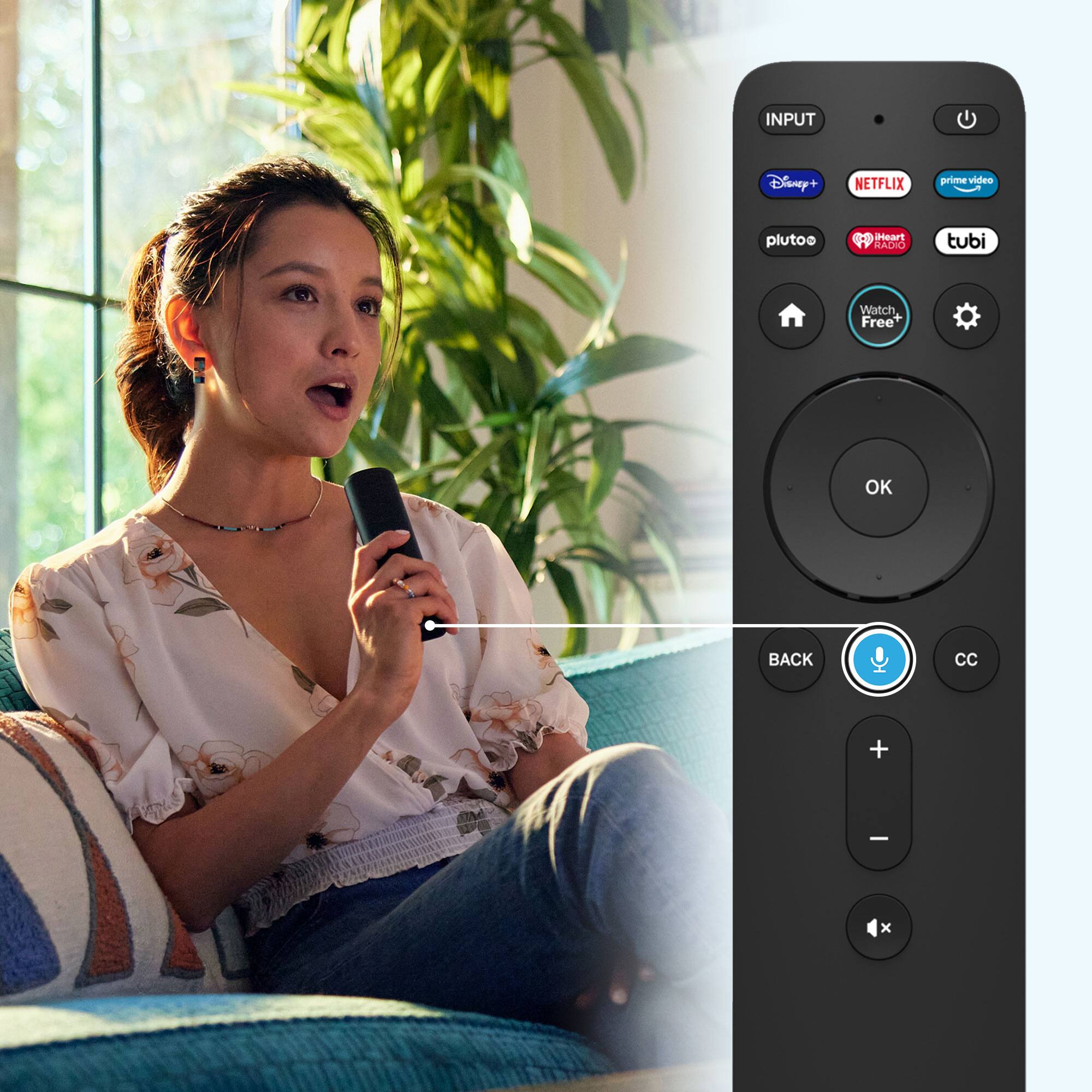
A:AnswerGo to Menu on the TV remote click once
go down to System then click the OK button
go down to accessability then click th ok button once
go down to the voice remote then pick off or on as you like
A:AnswerThis TV is not designed to output audio over Bluetooth. You could purchase a Bluetooth transmitter and connect it to this TV to listen over Bluetooth.
A:AnswerI apologize for the confusion that this has caused! The model P65Q9-J01 does not have a set of component or composite inputs. Thank you for bringing this to our attention, we will be working with Best Buy to get this updated as soon as possible!
A:AnswerCurrently, the Spectrum app is not a part of SmartCast. VIZIO is committed to giving consumers access to as much streaming content as possible. We appreciate your feedback and will make sure to continue adding features and applications in the future. You are not able to manually download additional apps, however new apps are added to the platform often. If you find there is an app you want to watch that is not on SmartCast you may be able to cast it using Chromecast or Apple AirPlay from your phone or mobile device.
A:AnswerTo answer your question, I want to gather a bit more information. When you have a free moment, we are available through text message, chat, or over the phone. Just go to support.VIZIO.com and click on ‘Contact Us’.